Editorials · Reviewer Insight
iPhone Duo: Here's how iOS is different on the foldable phone
iOS is iOS, but it's a bit different on the iPhone Duo.

This article may contain personal views and opinion from the author.
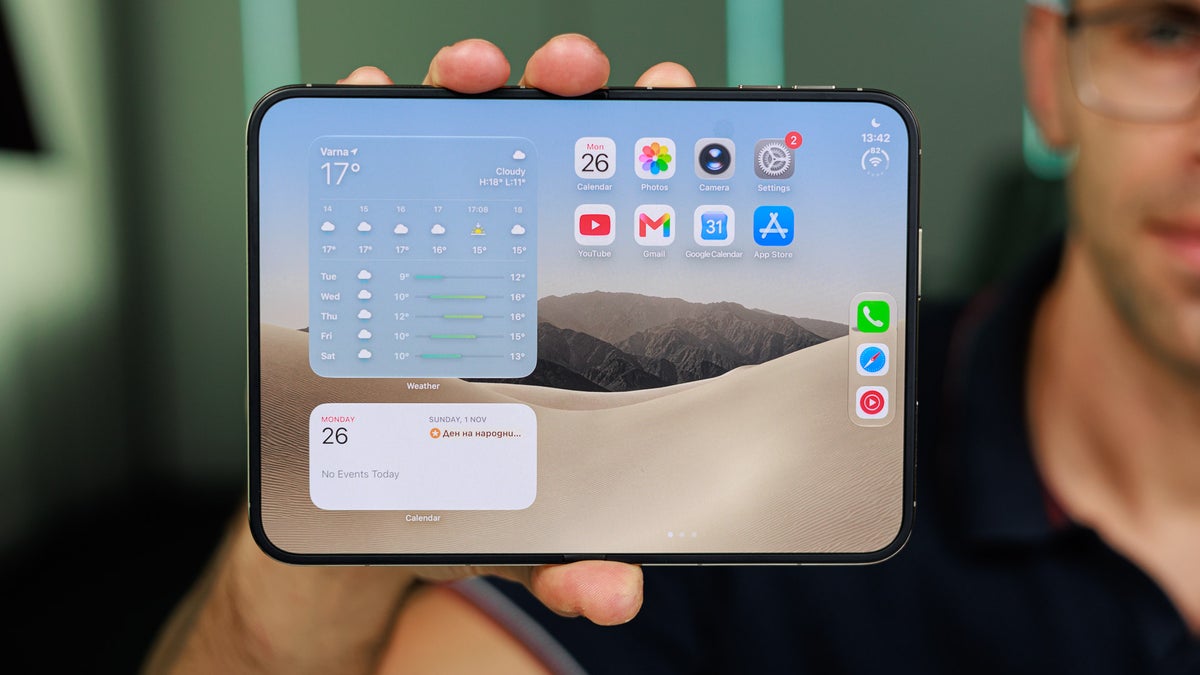
How is iOS different on the iPhone Duo?
Because of the new form factor for Apple, iOS 27 on the Duo is quite different from what you'd get on an iPhone 18 Pro or a Pro Max. At the same time, it's the same familiar iOS that's found on any iPhone. That's a pretty nice balance that Apple has struck between familiarity and innovation that will have a very low ceiling of entry for seasoned iOS users.
While the Duo was a rocky launch for Apple due to the quality-control issues on some units, it's still among the best foldables available in the US right now, delivering superb performance and battery life to the foldable market.
Let's explore how iOS on the Duo is setting the stage for the future of Apple's foldable phones.
Read more:
The home screen
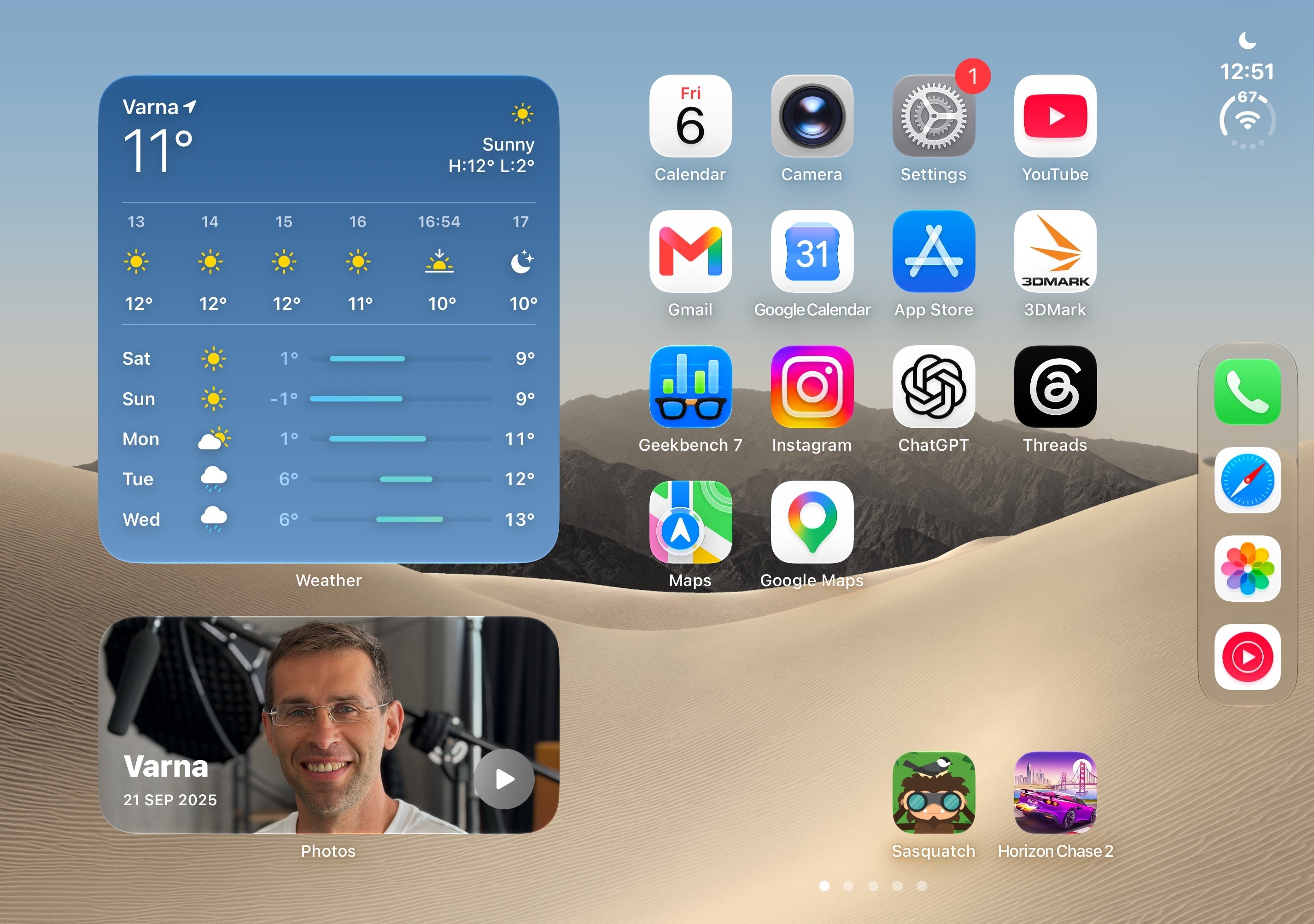
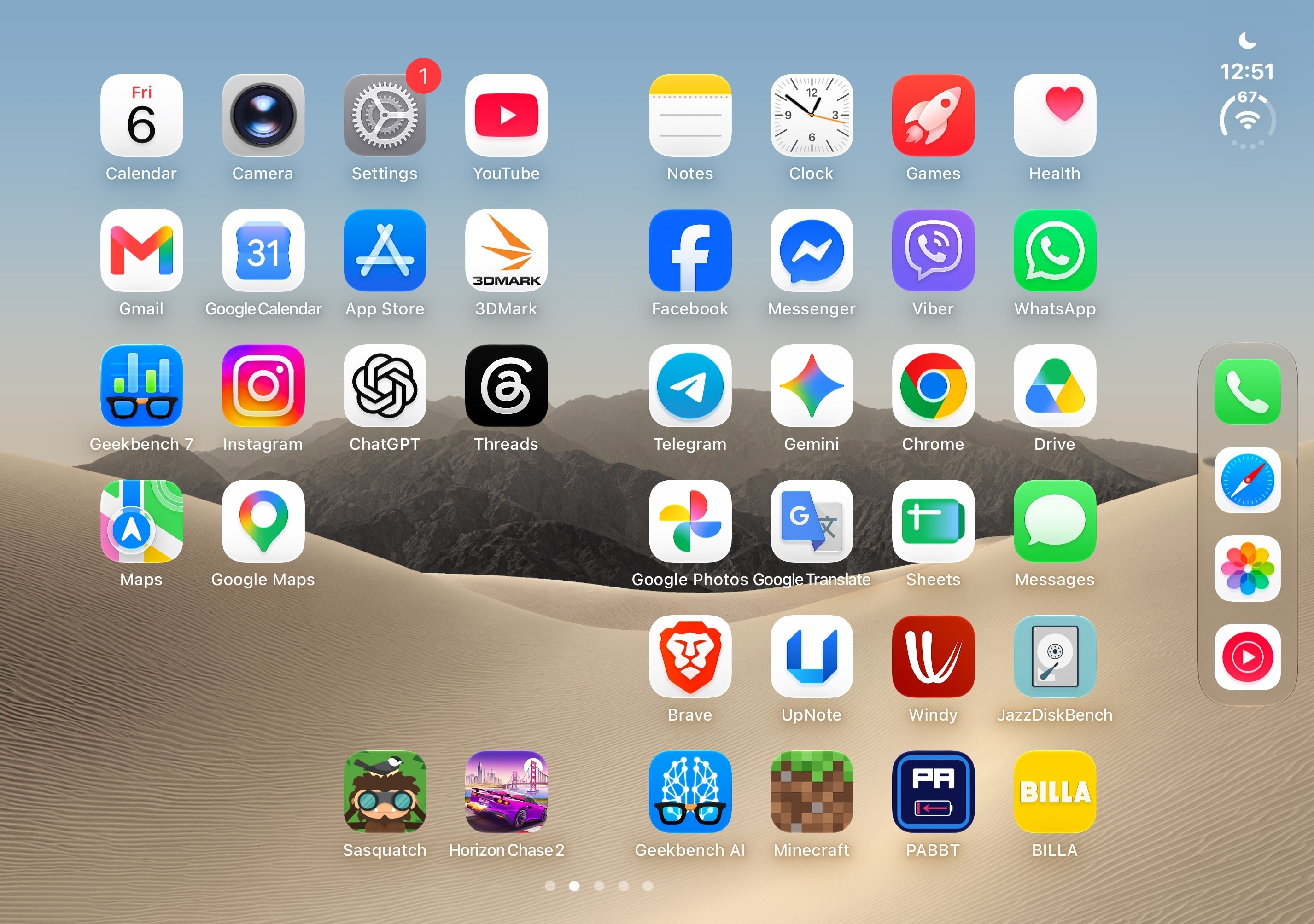
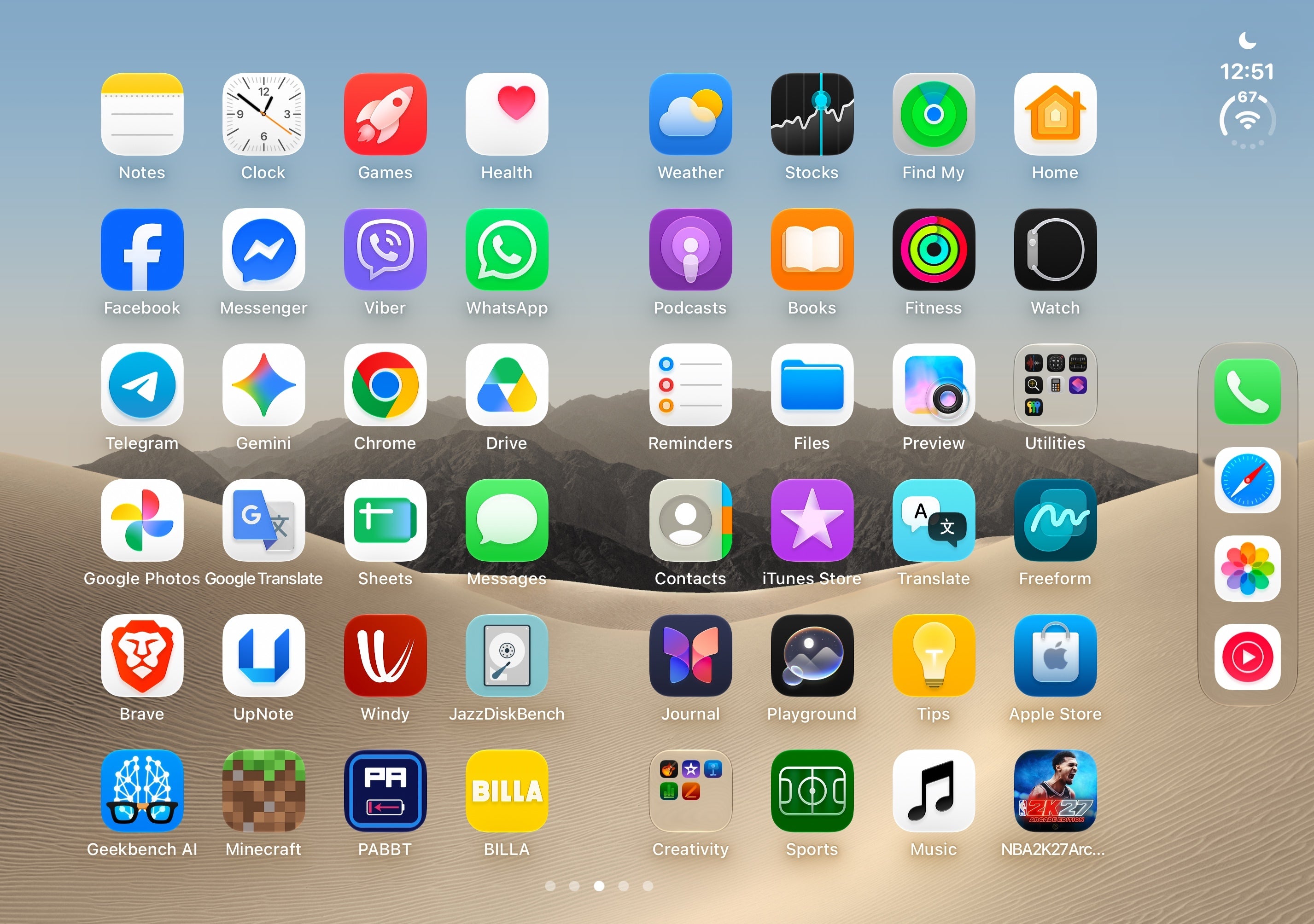
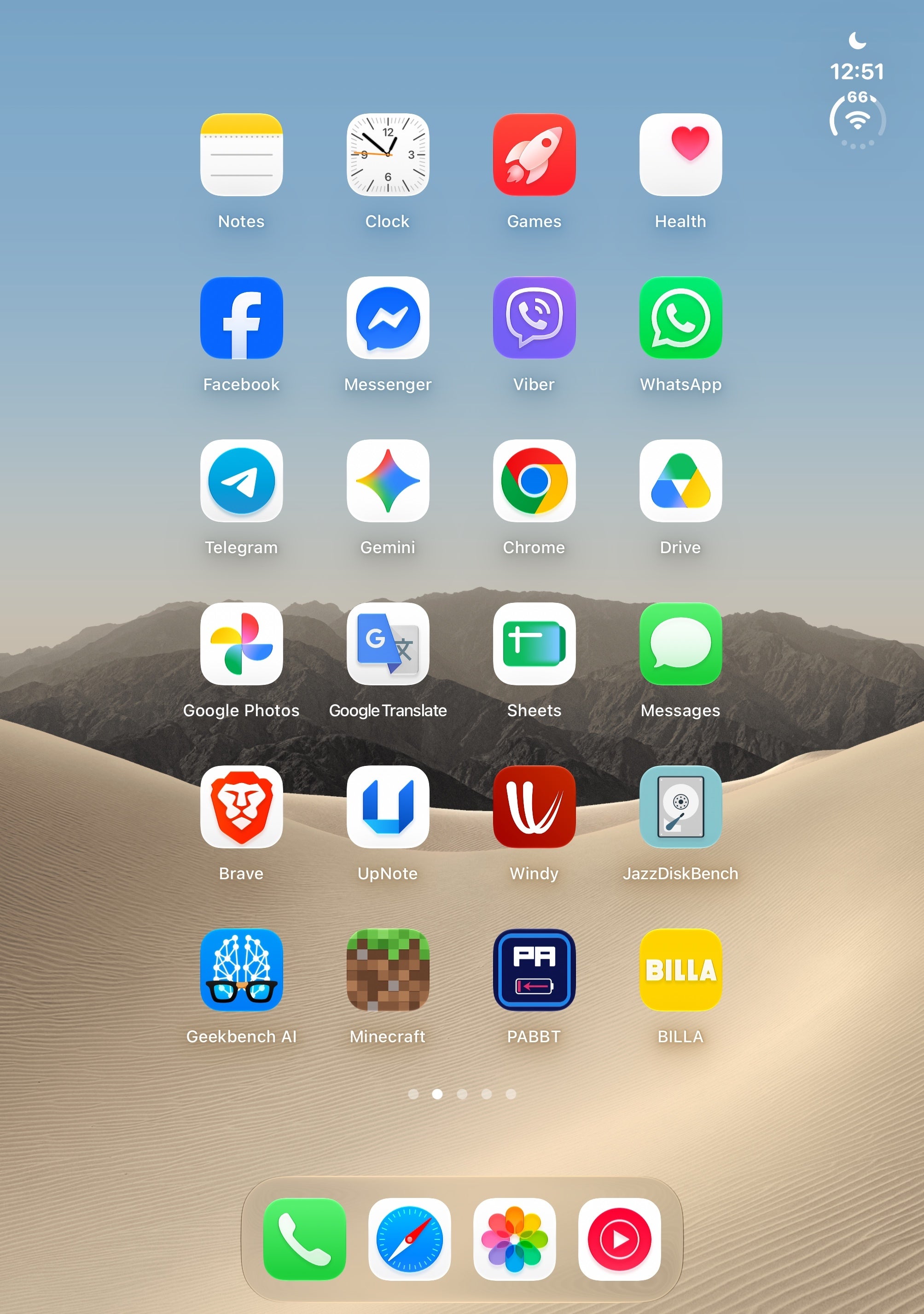
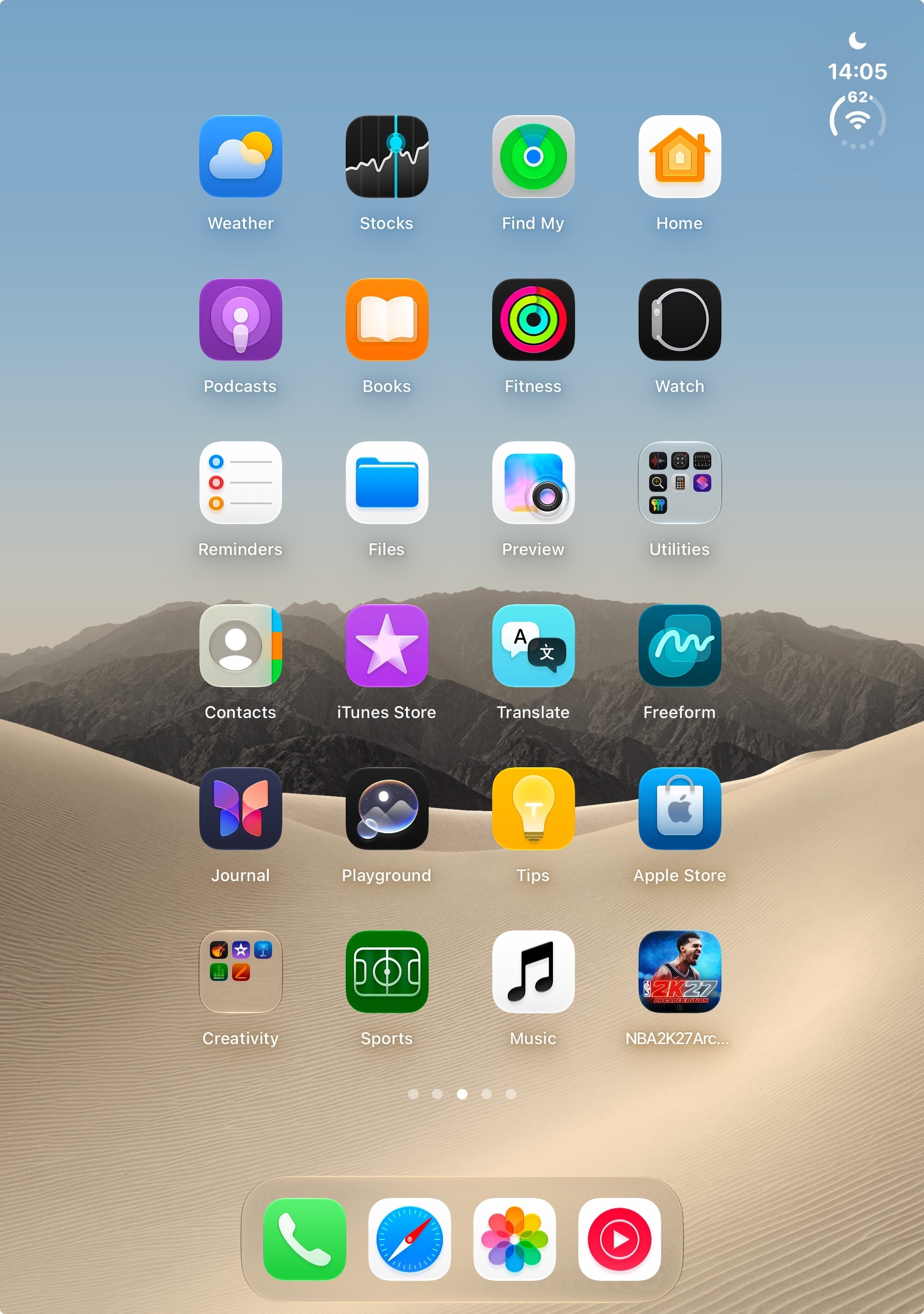
Here's what the Duo's home screen looks like in landscape mode. It's basically similar to iOS on a regular iPhone, but when swiping to the left or right, instead of getting to a new homescreen, the next one gets opened in the same pane, providing a more consistent and visually alluring experience.
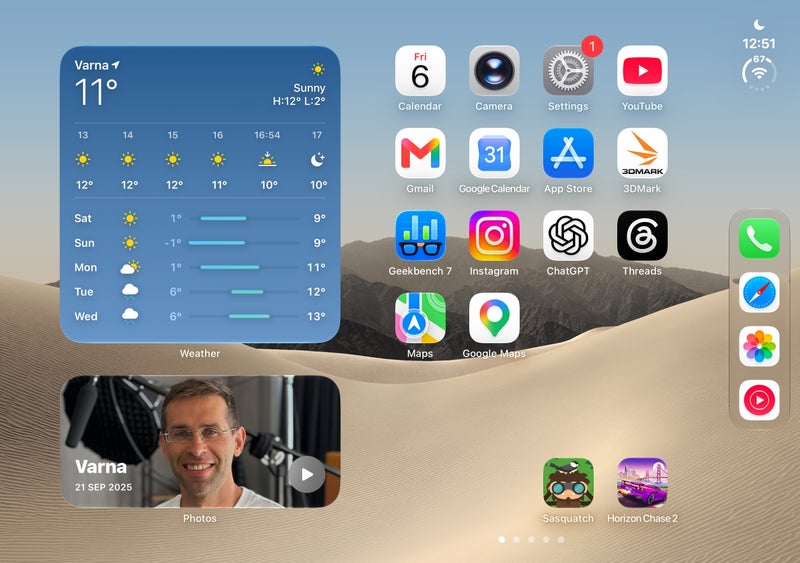
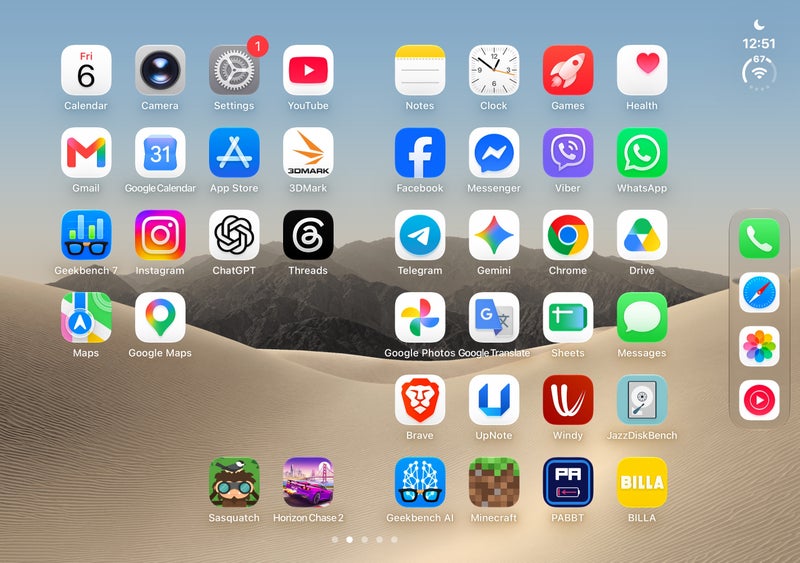
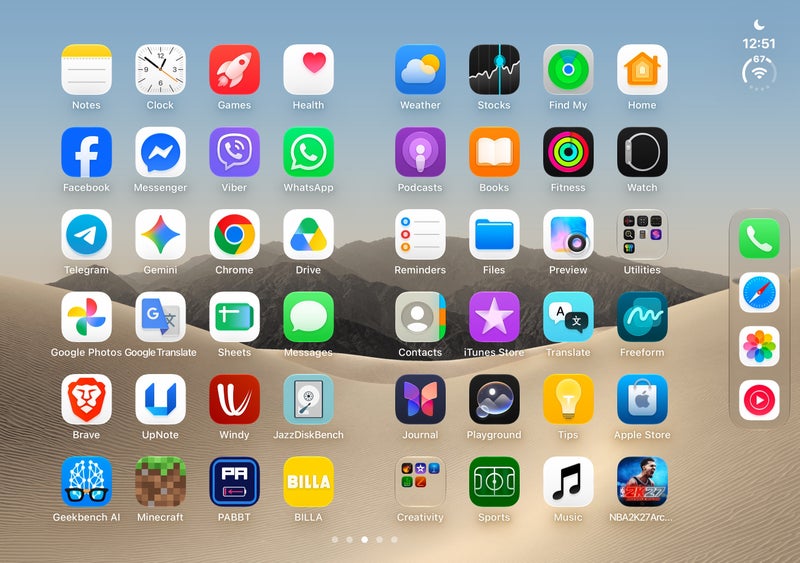
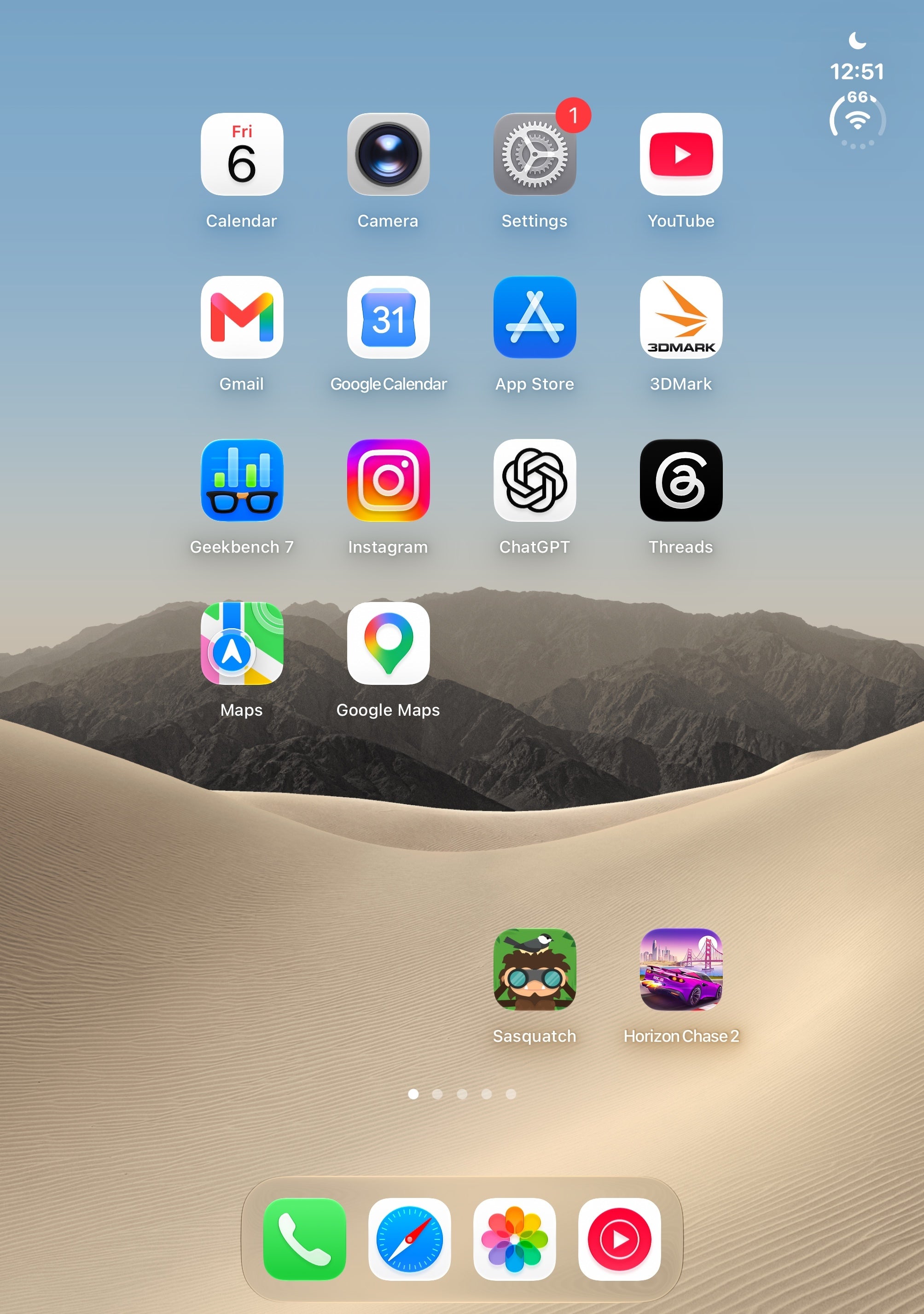
When you flip the Duo into portrait mode, the familiar iPhone experience kicks in: swipe left or right, and the home screens change as they do on any regular iPhone.
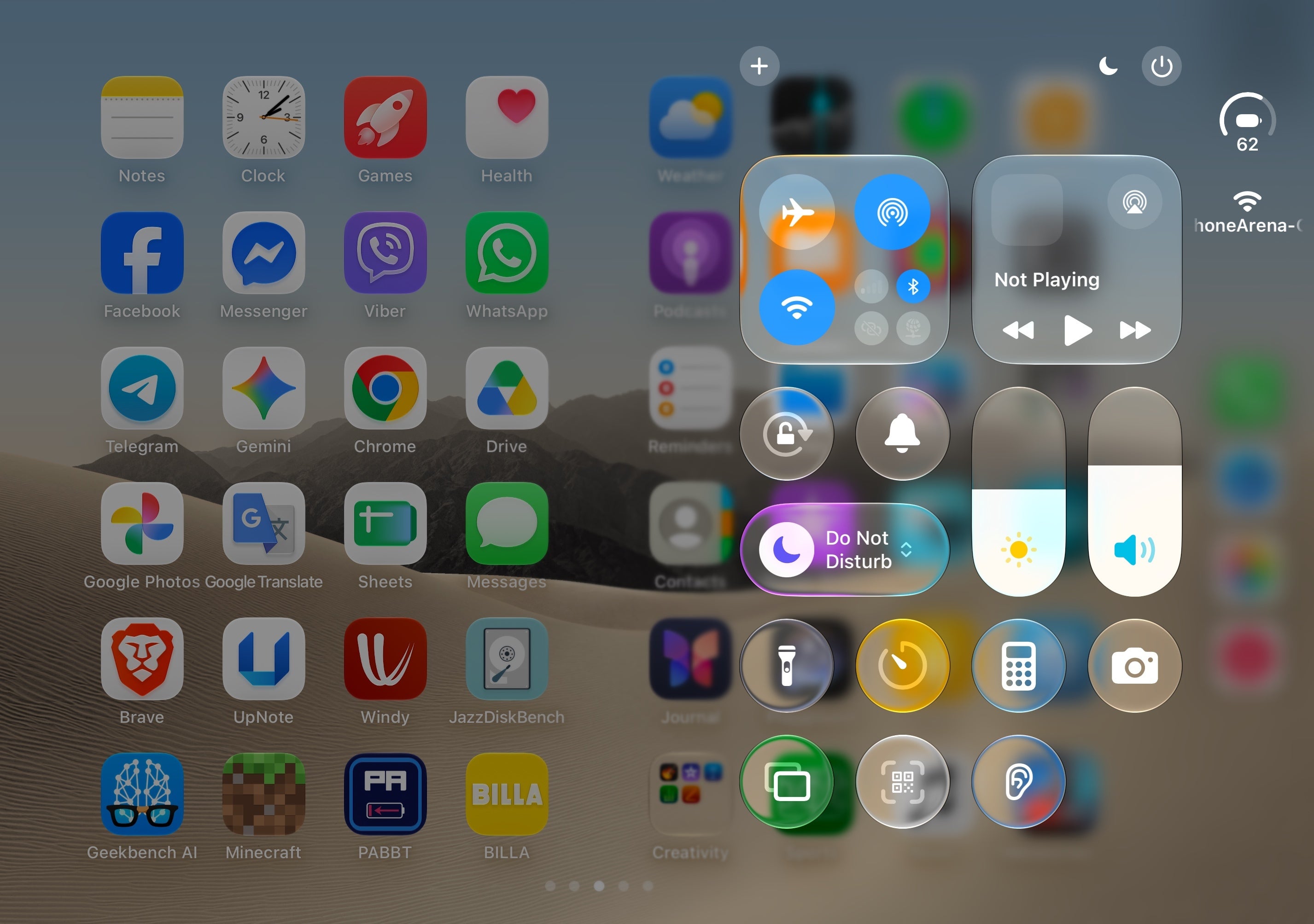
To access the iOS Control Center on the Duo, you can swipe down from the rightmost corner like you'd do on any other iPhone, but a more convenient shortcut for me is to simply tap on the clock or the combined Wi-Fi/cellular icon in the status bar to summon the panel immediately.
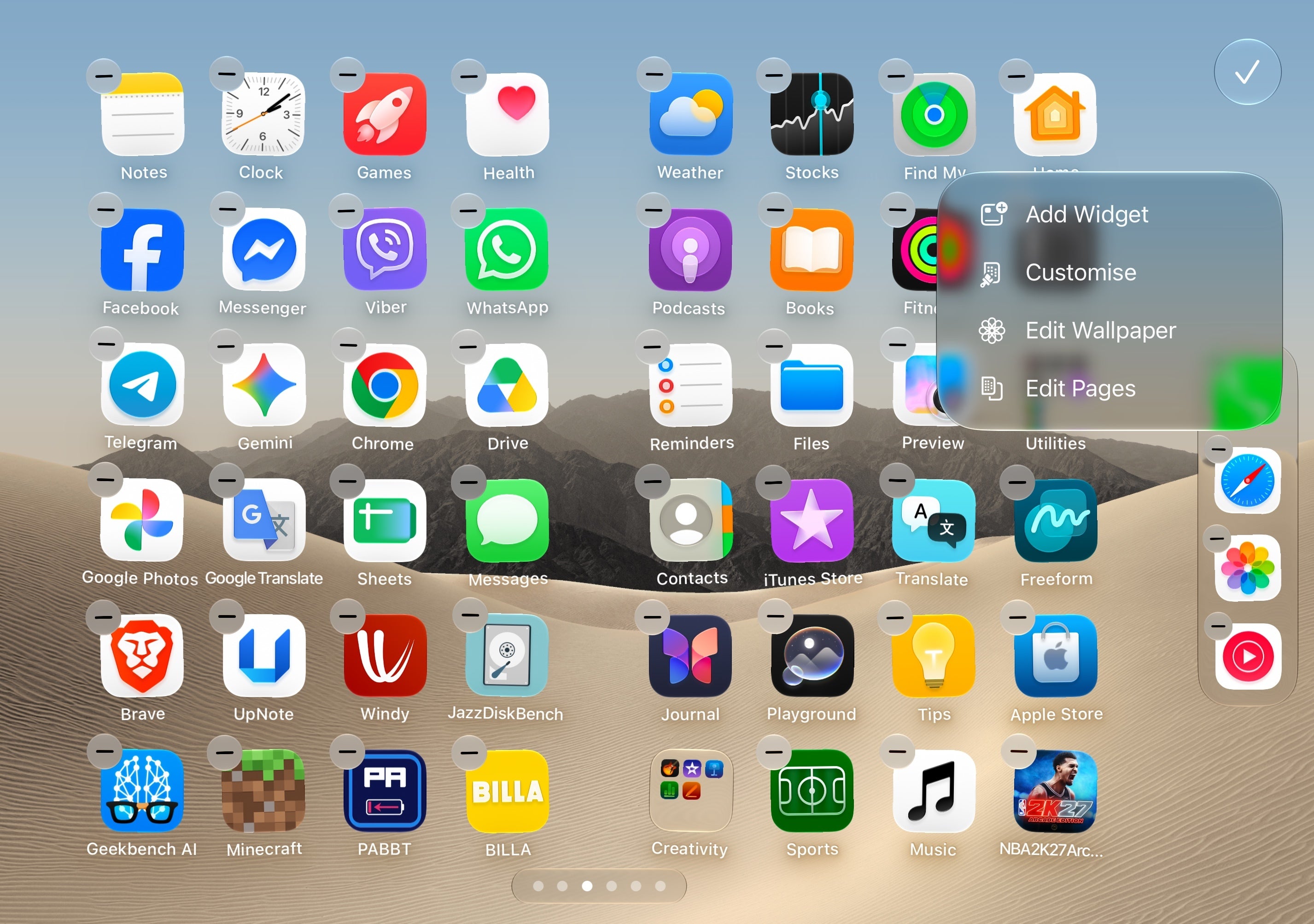
Conversely, when you press and hold on an empty space, the homescreen customization menu pops up.
The keyboard
The iOS keyboard on the iPhone Duo is another key interface element that changes depending on the device's orientation.
When the Duo is used in landscape mode, and the keyboard gets split for a more comfortable typing experience with dual thumbs. In this mode, you don't get swipe-to-type, which is a logical limitation to expect.
Apple doesn't confine you in this mode, though: you can opt to have a fullscreen keyboard with swipe-to-type in landscape mode as well. To achieve that, simply hit the three-dot menu in the upper-left corner of the keyboard when in landscape mode.
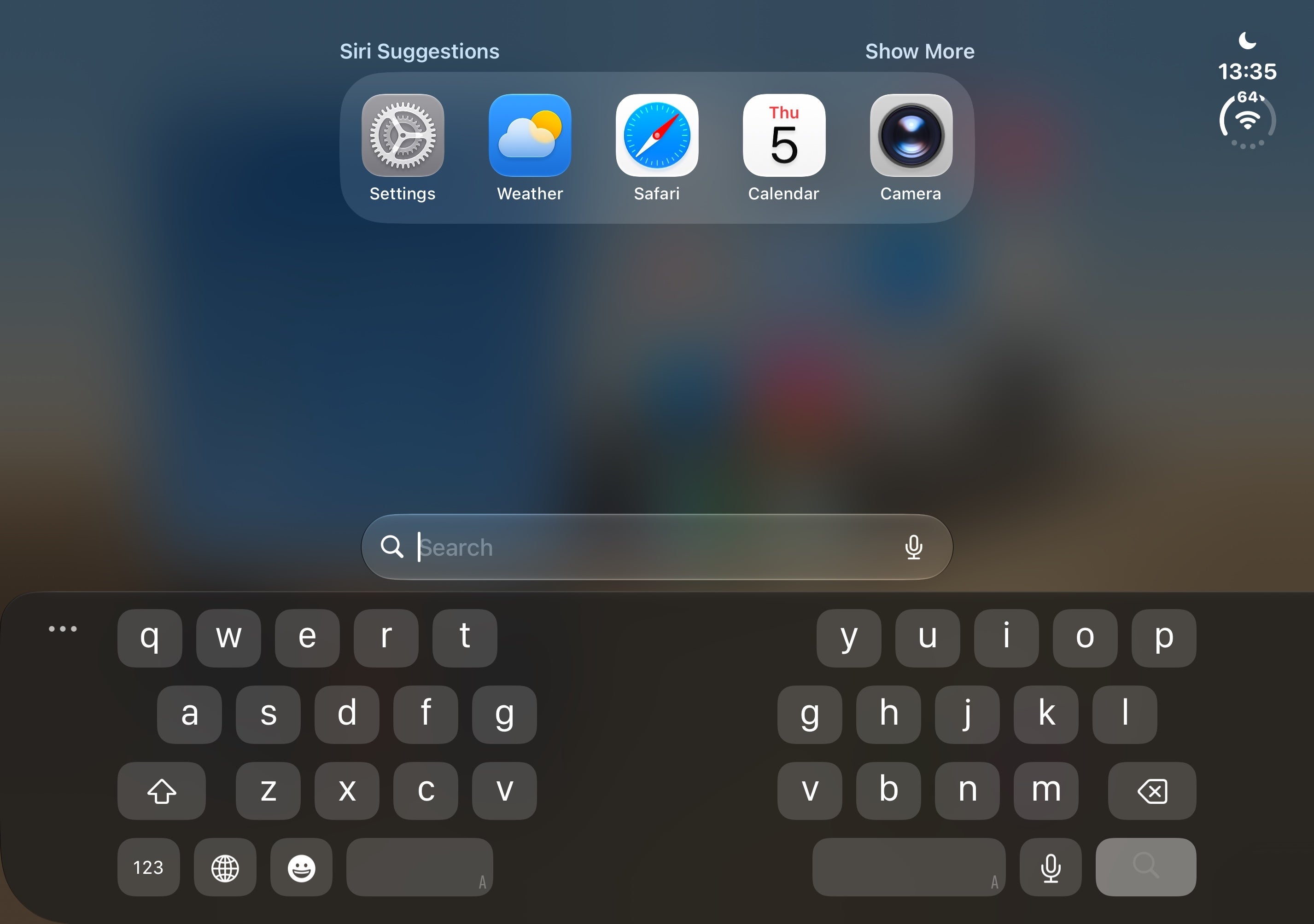
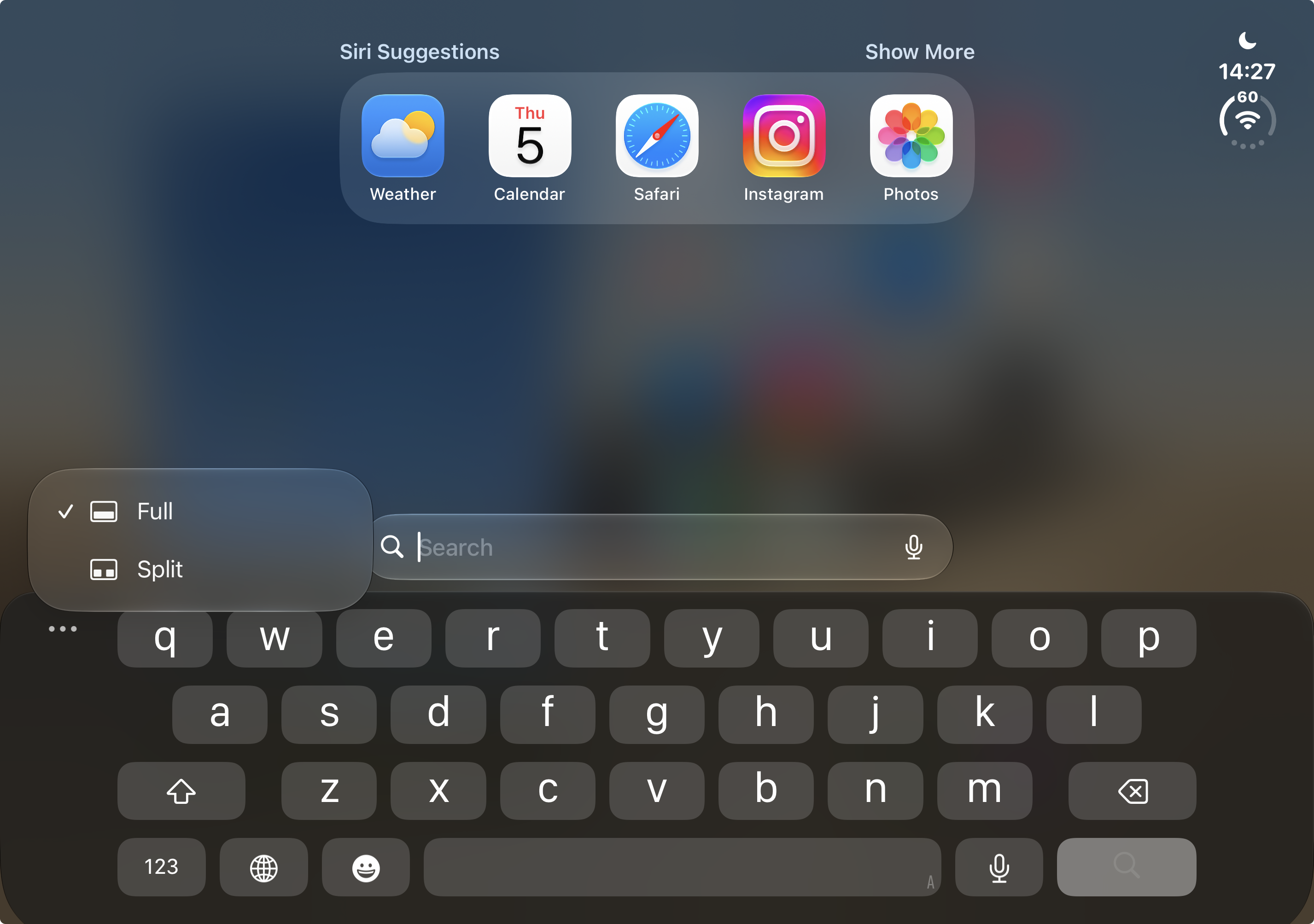
In portrait mode, you get a large and comfortable, but standard iOS keyboard.
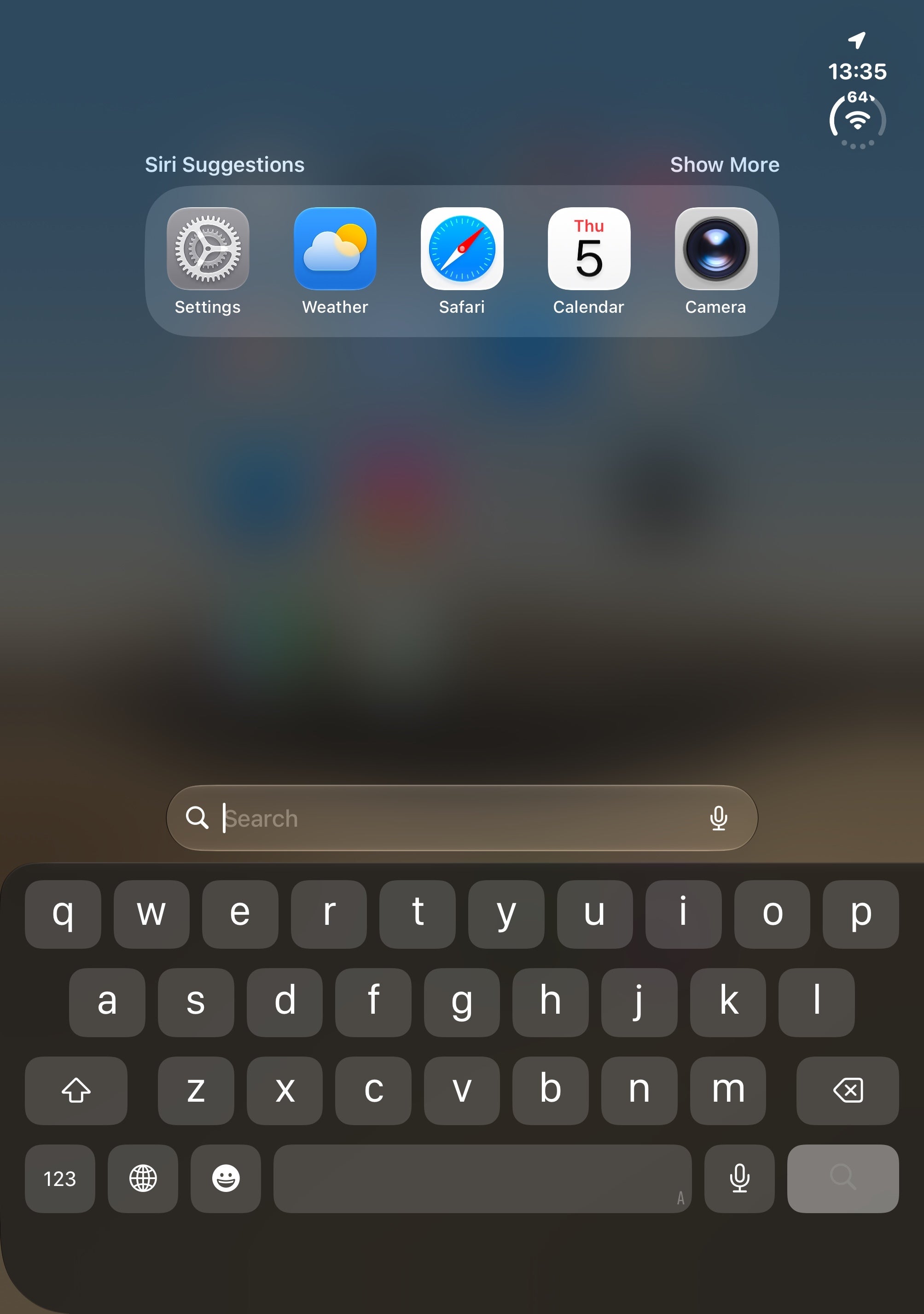
Unfortunately, this one is still quite erroneous: it still lags, often misses your keystrokes, and usually has a very aggressive and mistake-prone auto-correct. These issues have been plaguing the iOS keyboard for a while now, and the iPhone Duo isn't the magical savior of the iOS keyboard.
Multitasking and dual-app mode
Obviously, the big thing about the iPhone Duo's inner screen is the ability to use two apps side-by-side.
You do that by opening an app, grabbing the handle at the bottom, and lifting it up until you see the hints to open the app in the left or the right part of the screen. Once you make your choice and confine the app into a select pane, the other one will immediately show you your home screen, allowing you to open another app.
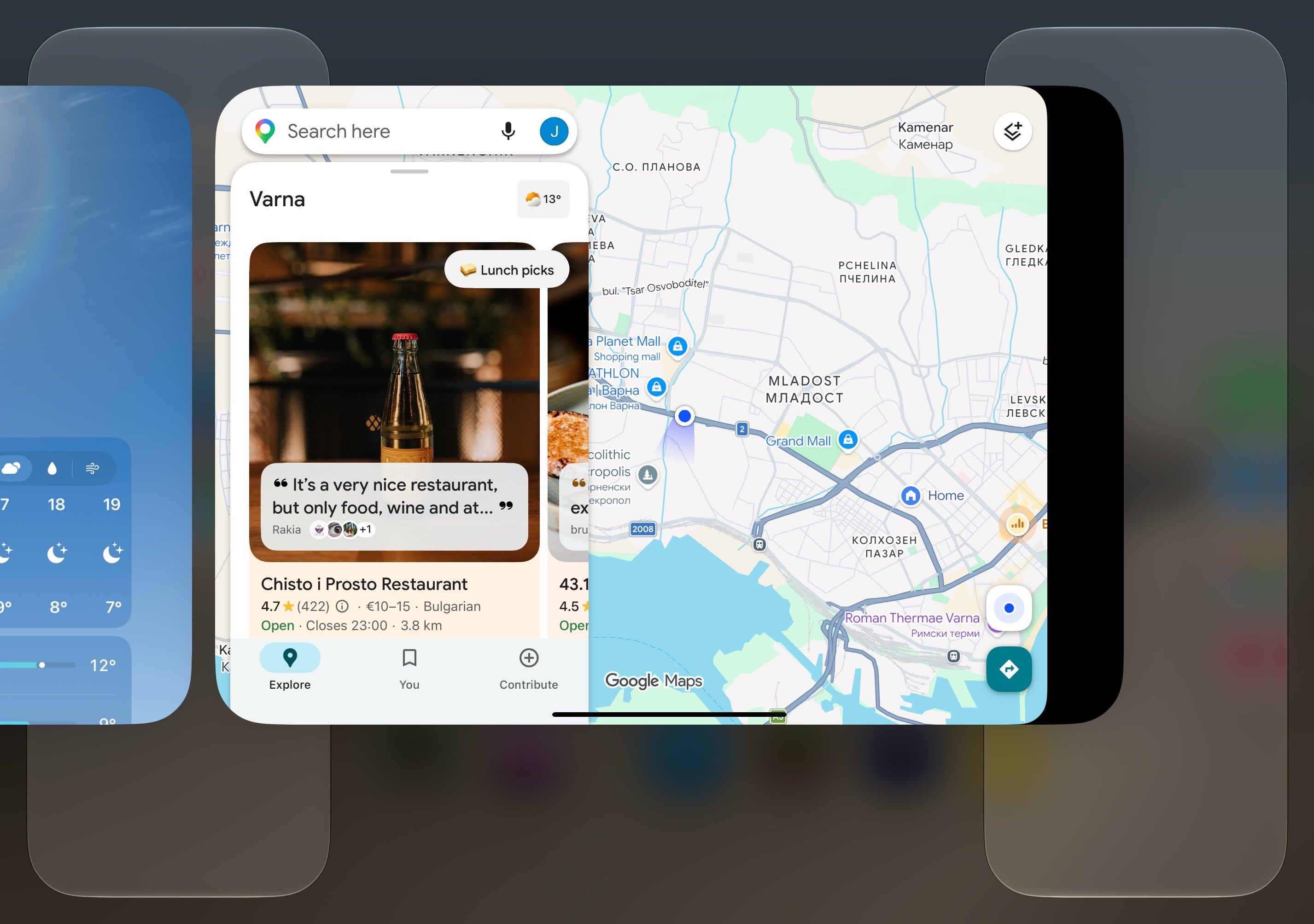
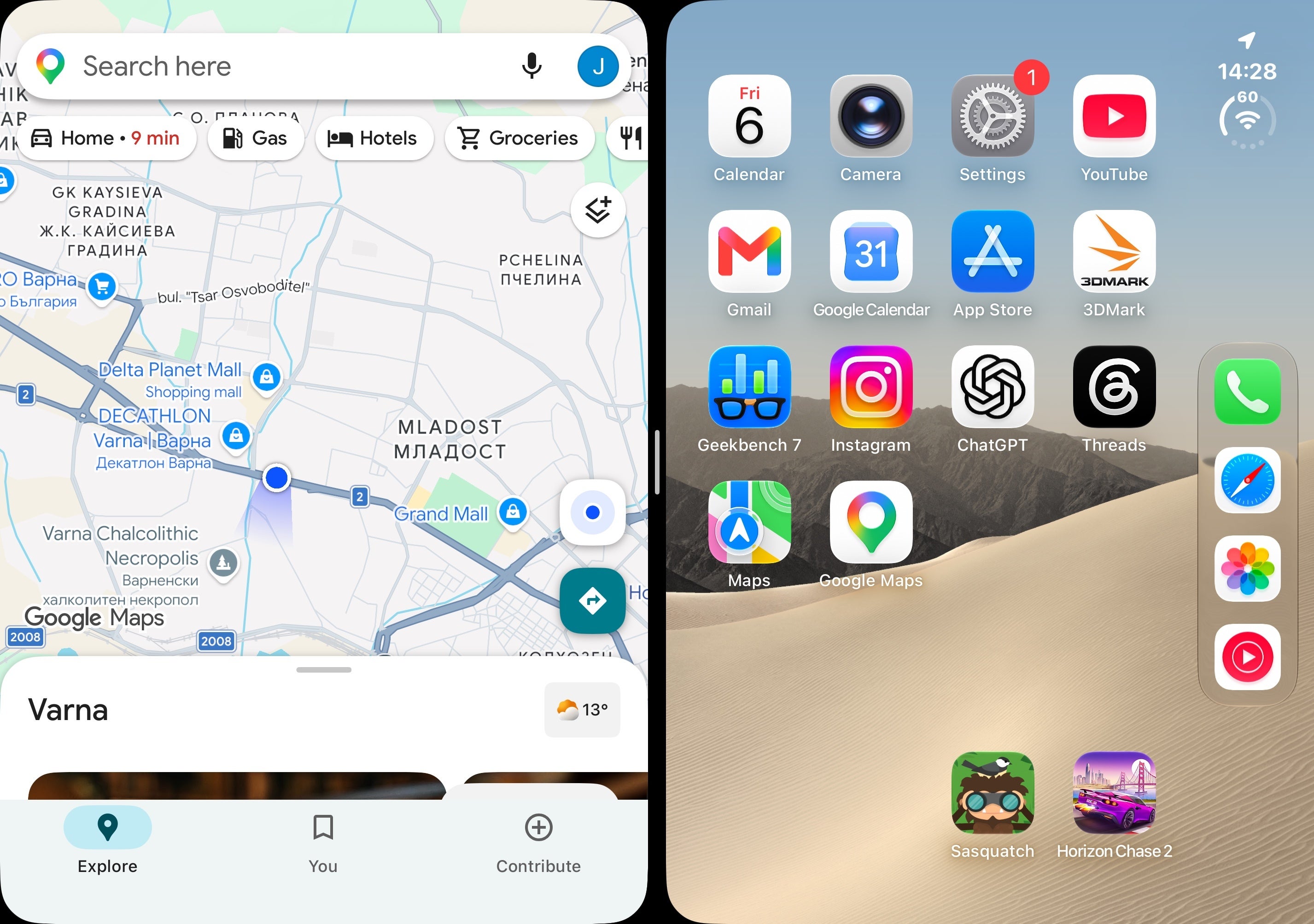
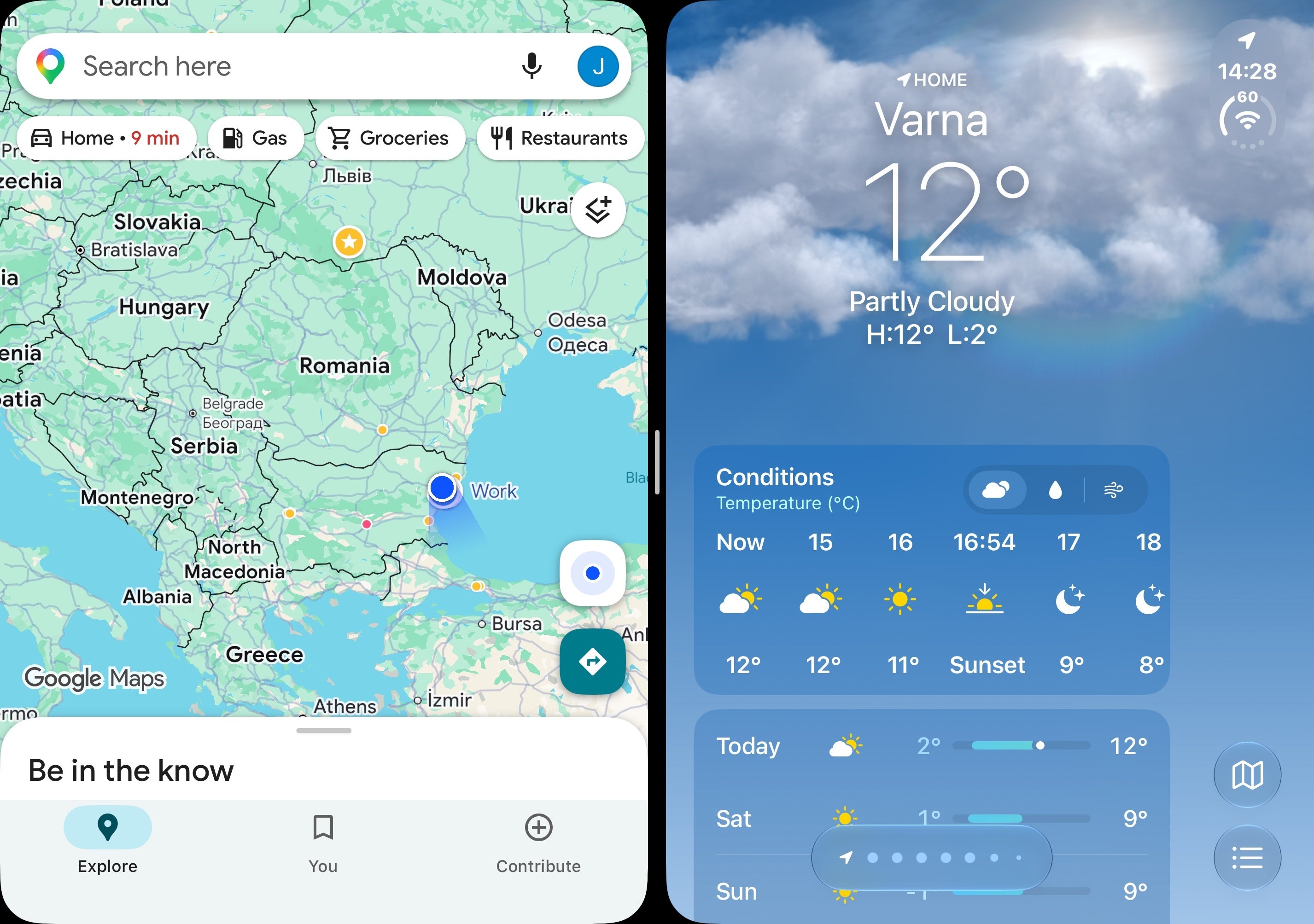
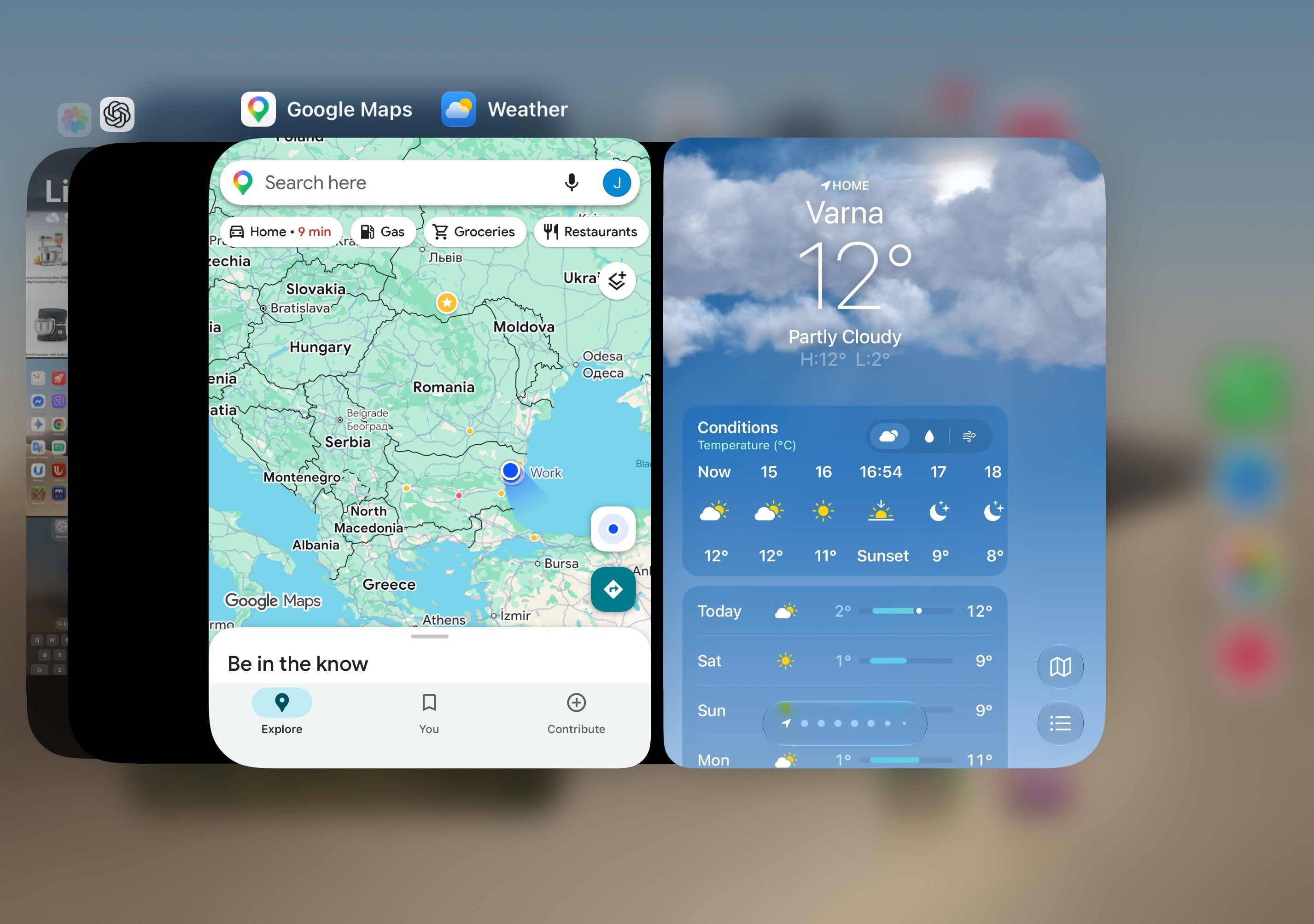
If you then open your recent apps, the app pair will remain saved for the time being. What's more, if you get back to your home screen and tap on any of the apps that have been previously open in such an app pair, the app pair will open again. That's great because it essentially saves your progress.
However, I don't like that you can't save your app pair permanently, like you can do with Samsung's foldables. You also can't freely resize each app in an app pair, and these also lack the mighty useful 90/10 split that Android foldables have been enjoying.
Widgets
With the iPhone Duo, you can put large widgets on your home screen. This feature actually isn't Duo-exclusive, as it arrived on all iPhones with iOS 27, but I'd argue it's way more useful on the foldable phone and not on conventional iPhones.
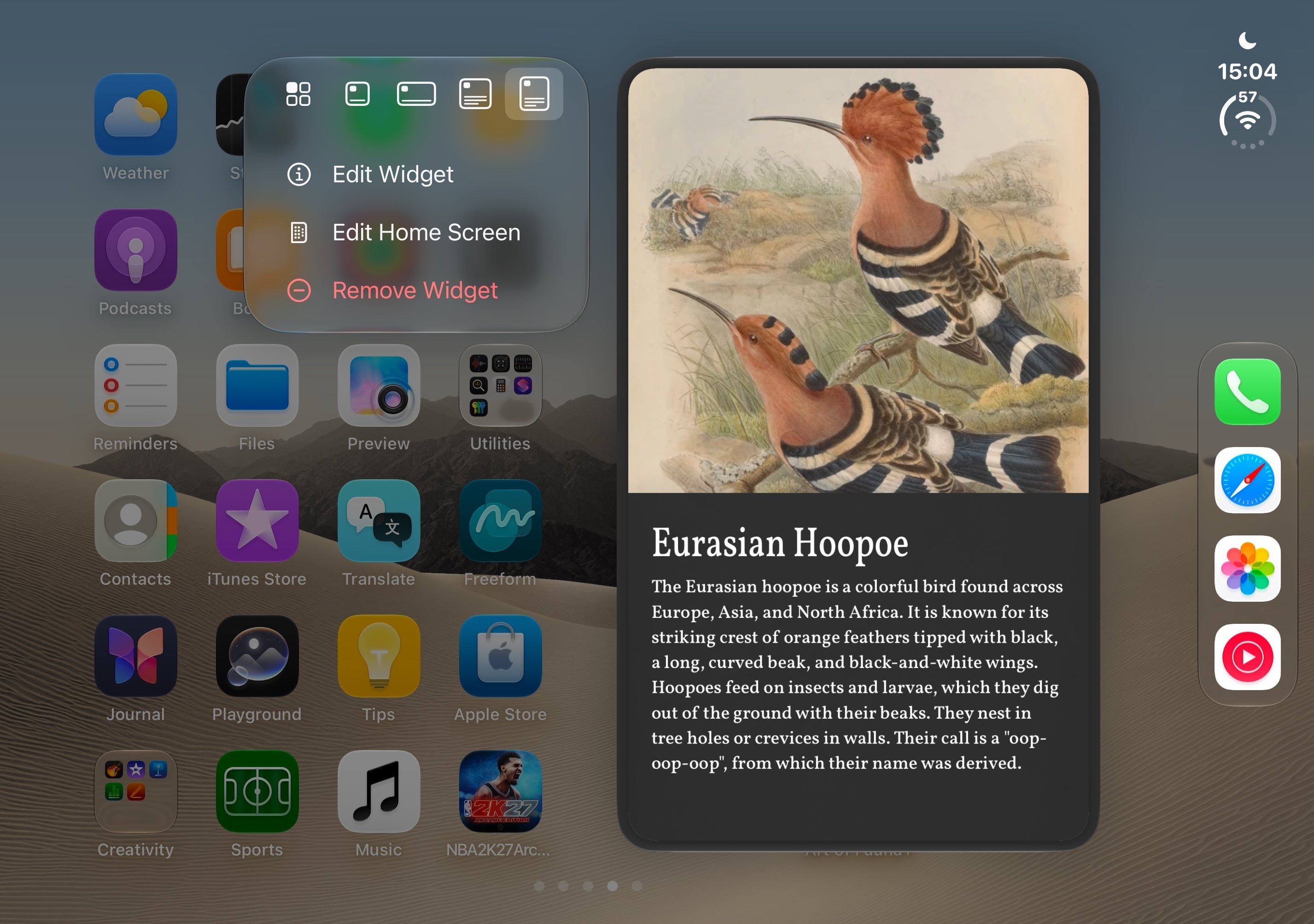
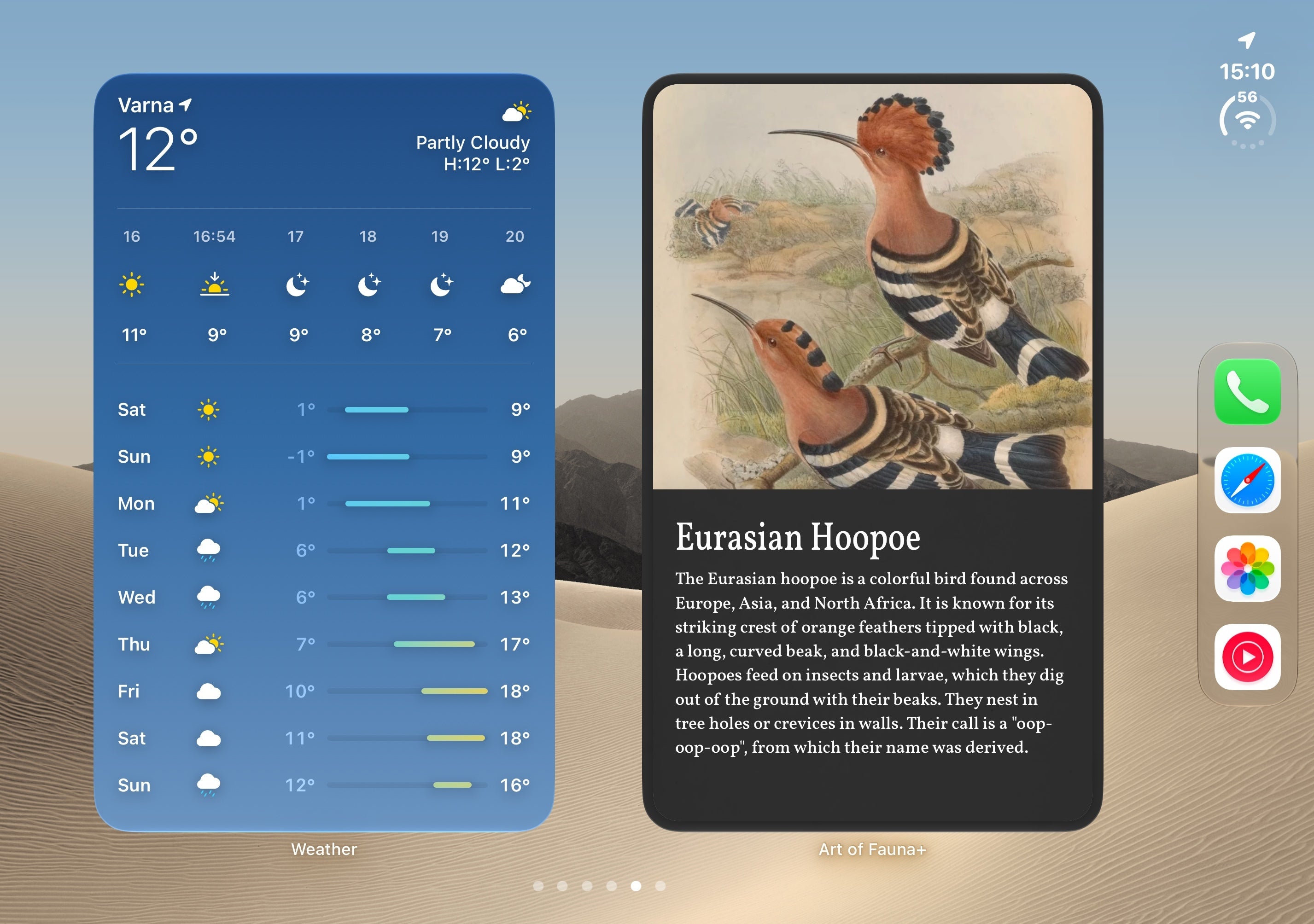
However, when you flip the phone in portrait mode, the widgets get smaller and don't fill the whole screen.
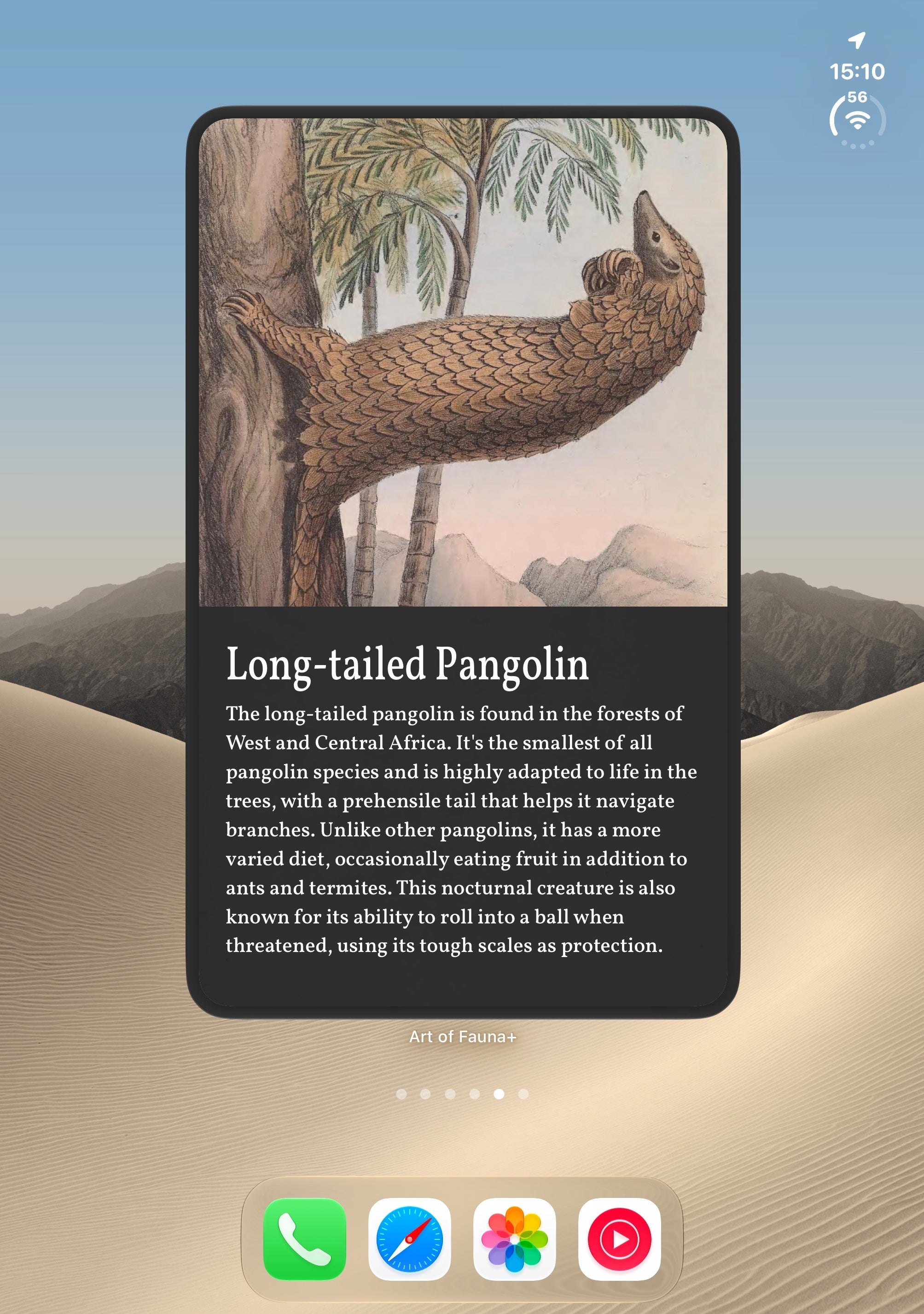
I get why Apple did this––there's simply not enough space to comfortably fit two large widgets side-by-side here, but I'd have loved if we could have gotten an even larger widget size in portrait mode. Otherwise, all that screen real estate is wasted.
Stock iOS apps
How do iOS stock apps look like on the iPhone Duo?
While largely similar to their conventional counterparts, the stock apps on the Duo nicely leverages the extra screen real estate of the inner screen.
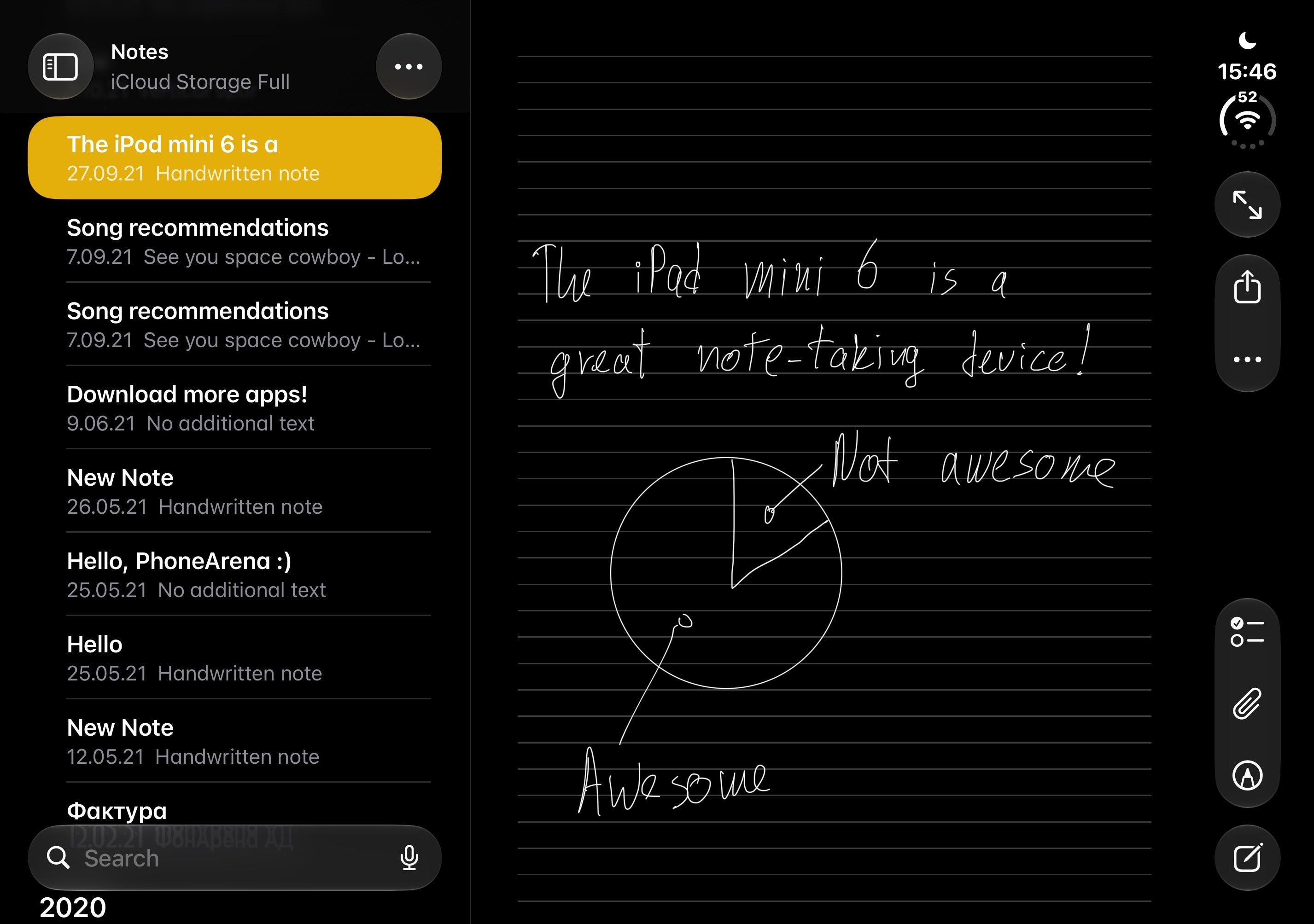
Apple Notes
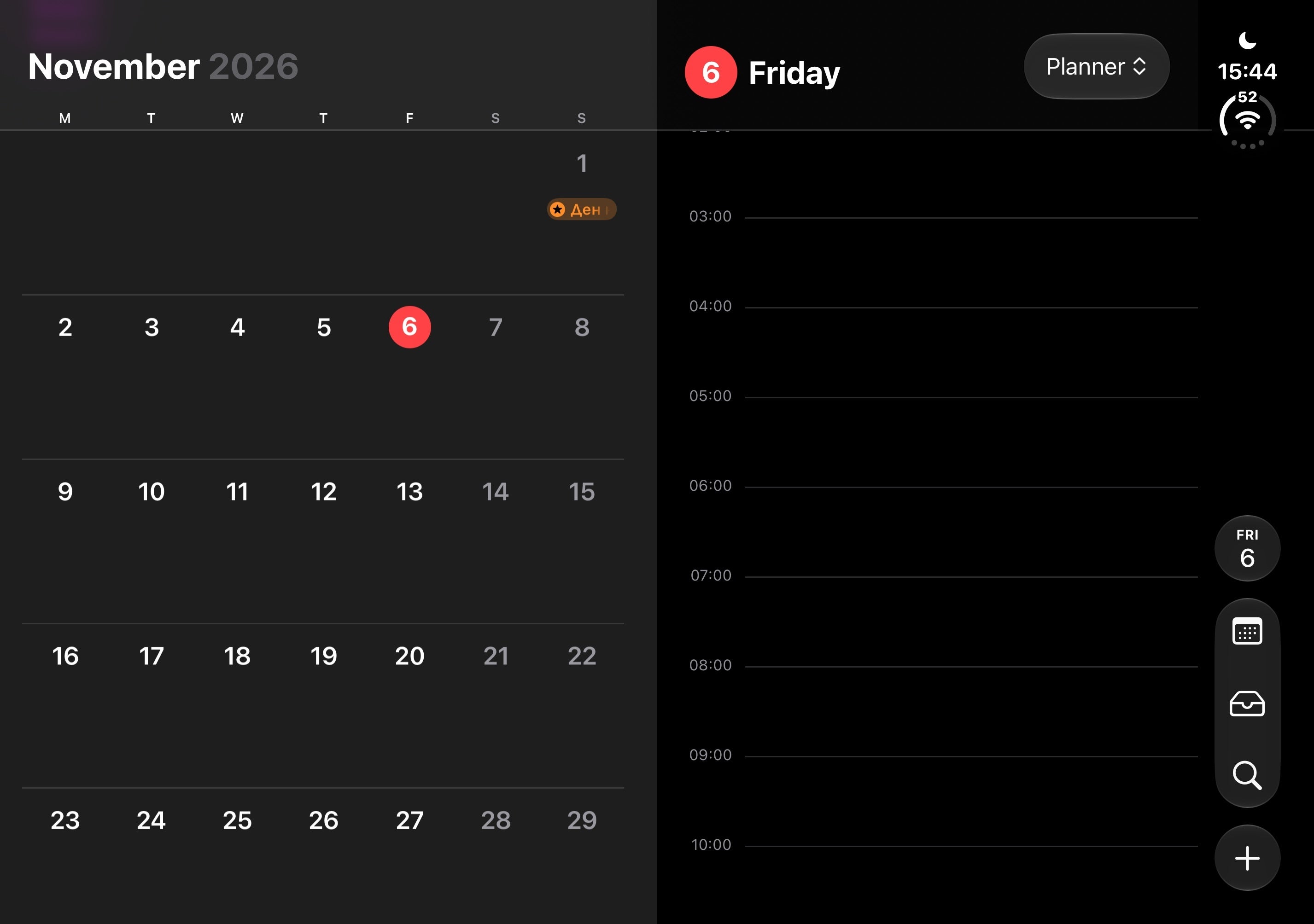
Apple Calendar
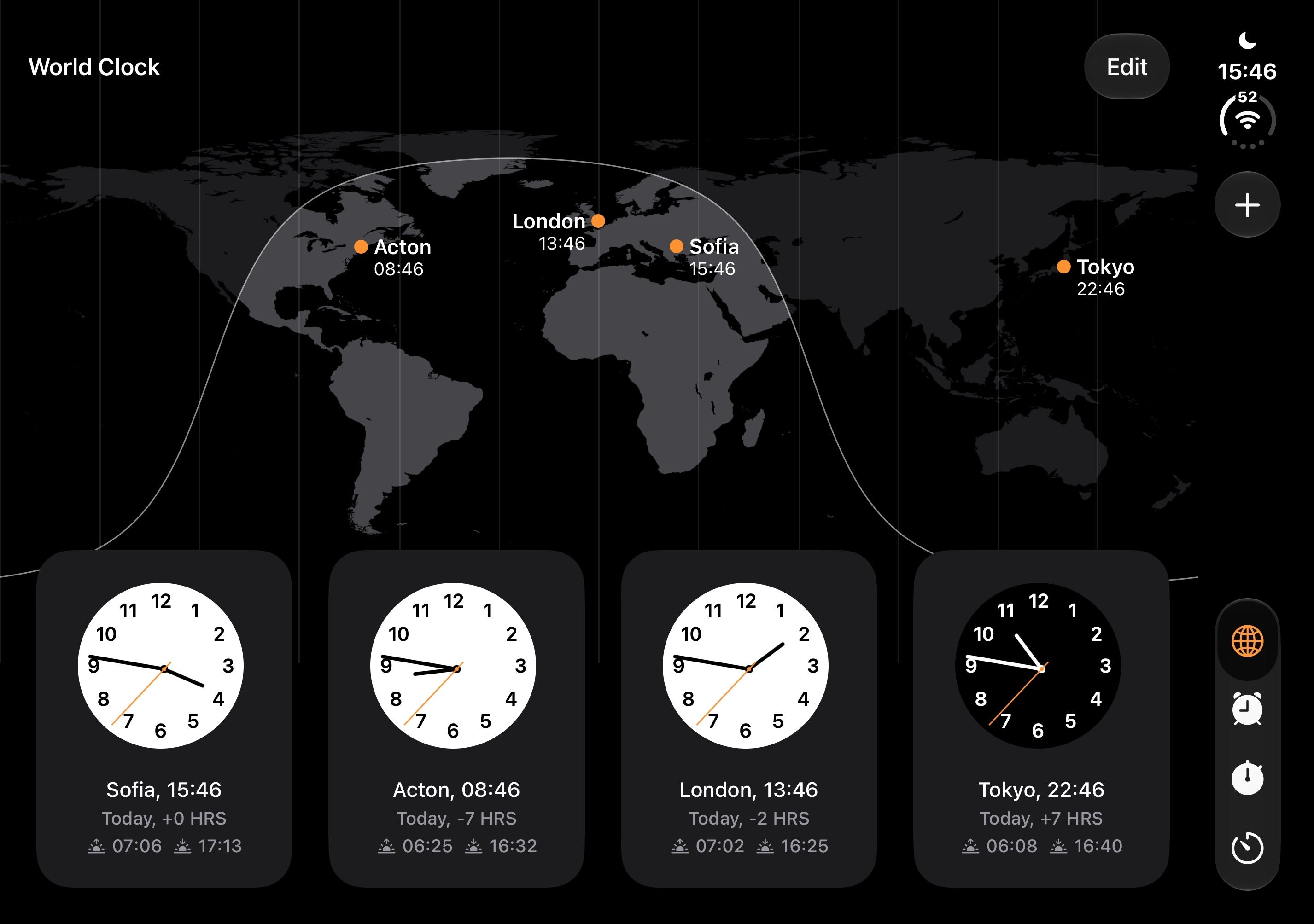
Clock
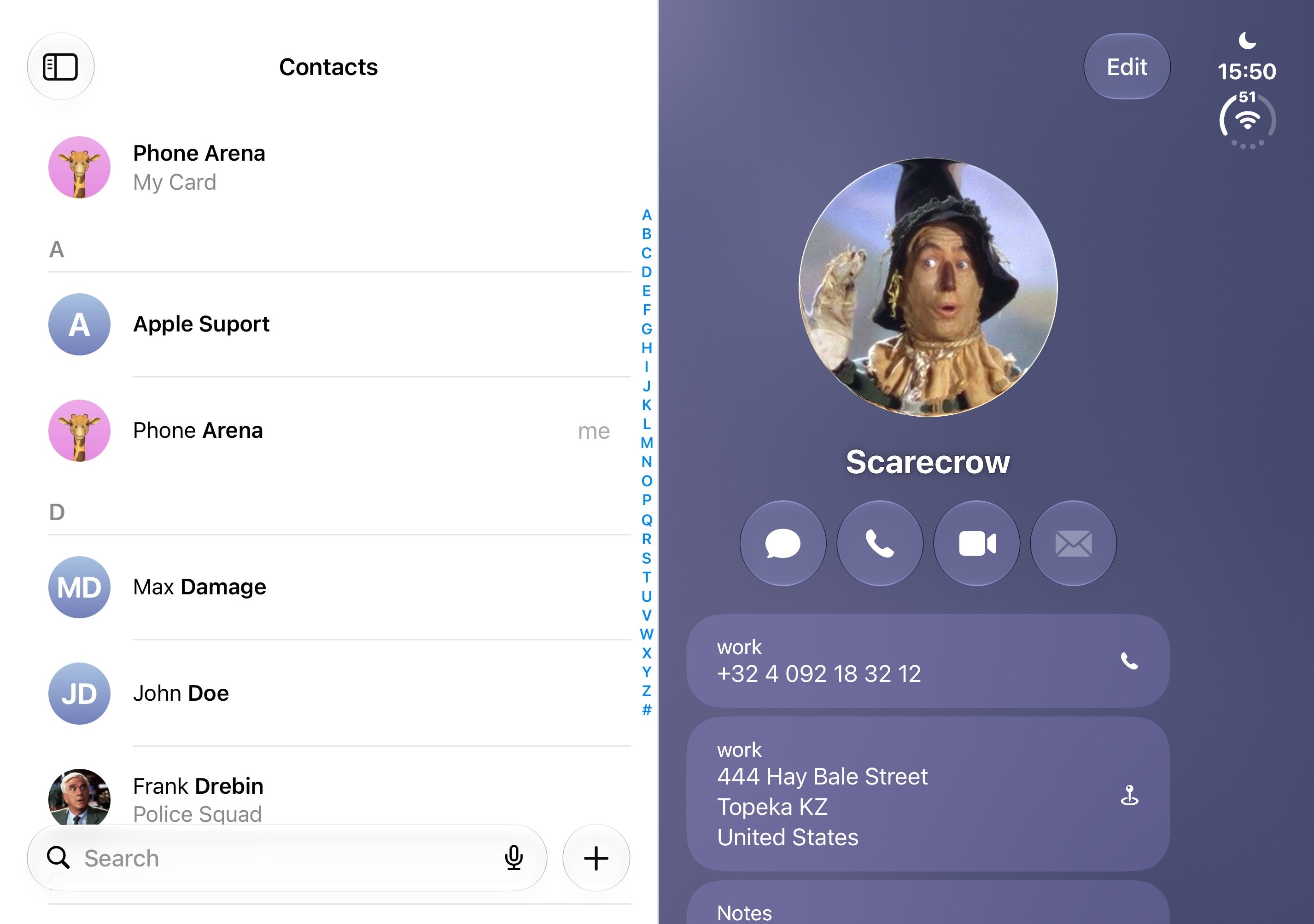
Apple Contacts
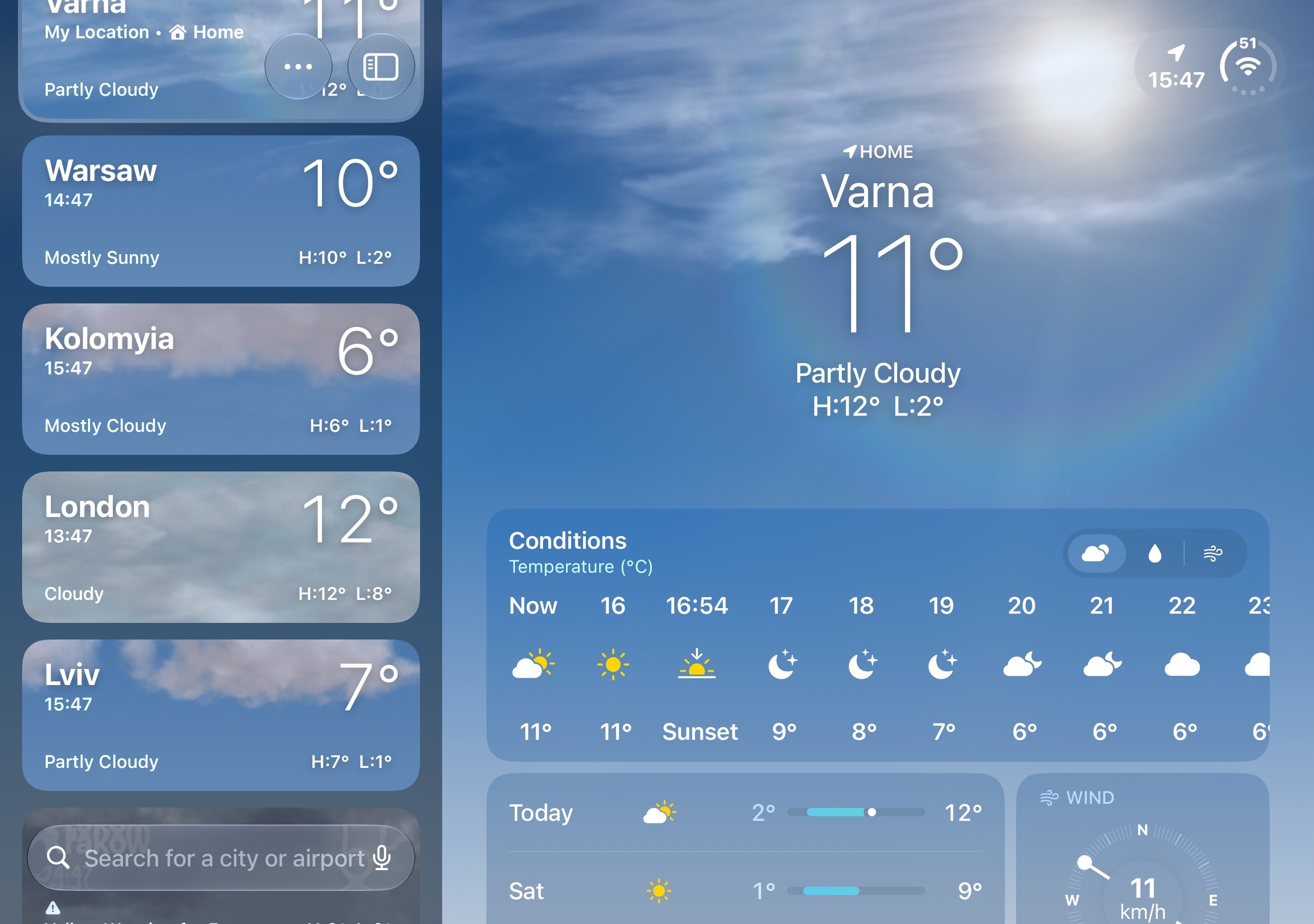
Weather
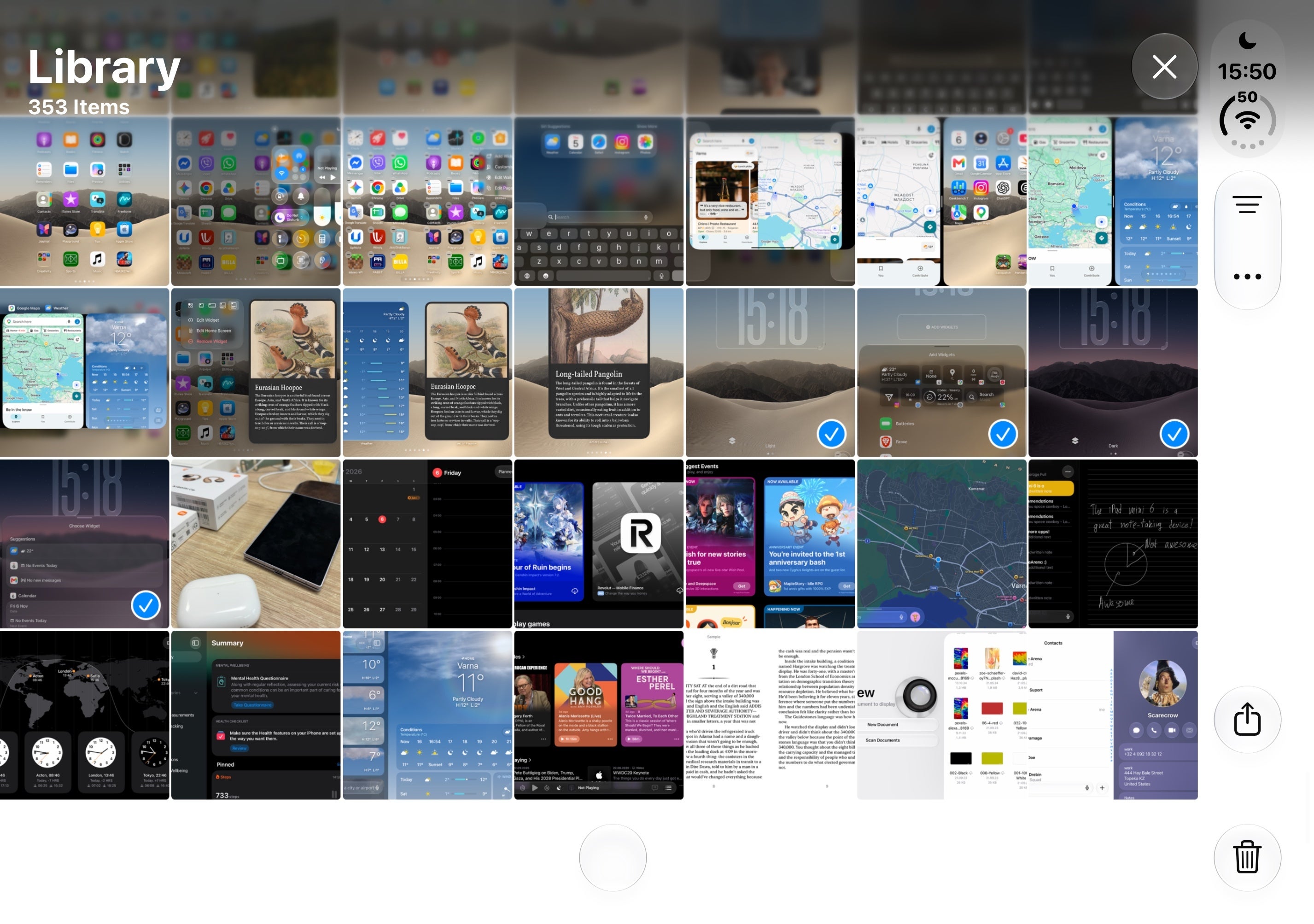
Apple Photos

Apple Maps
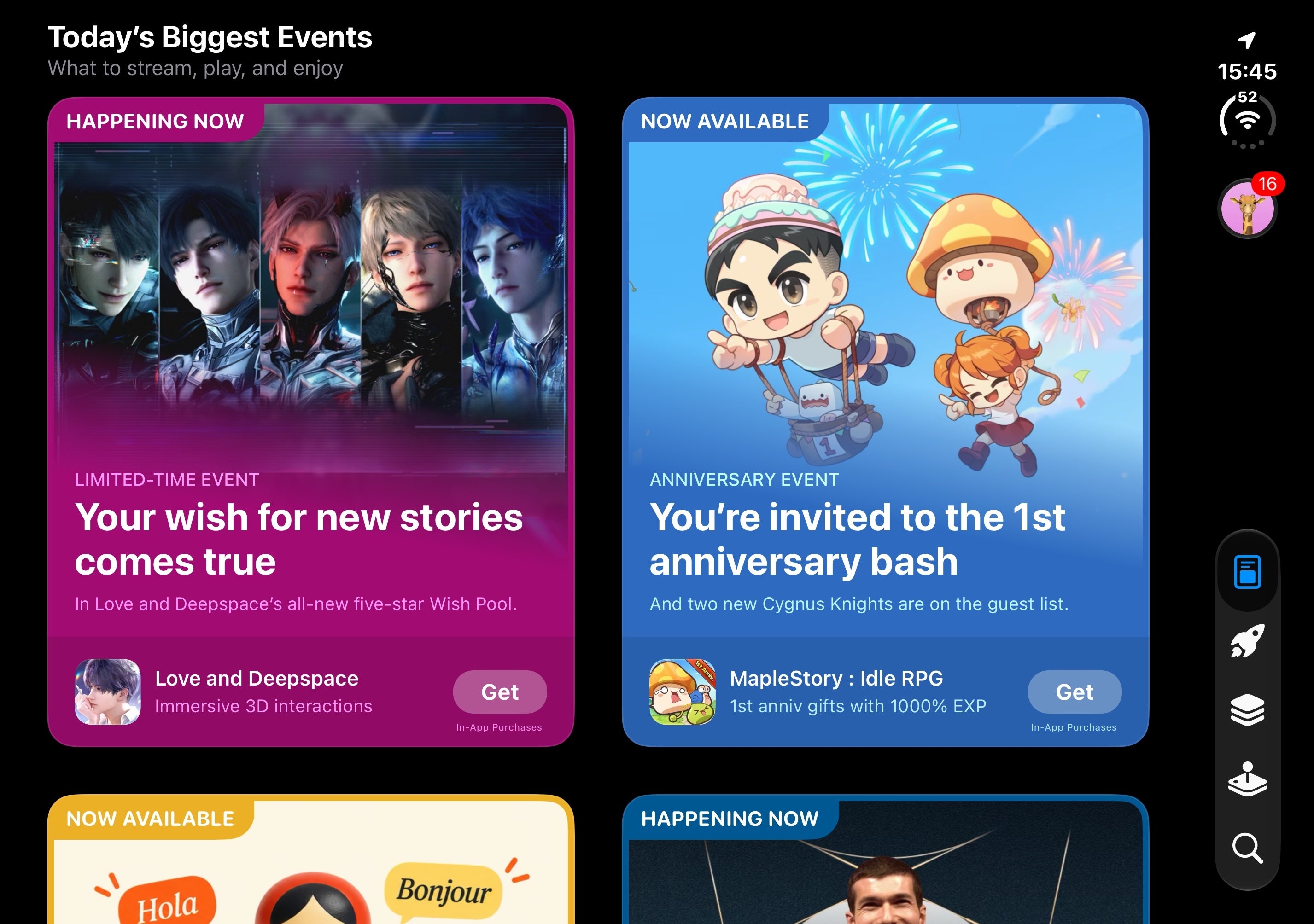
App Store
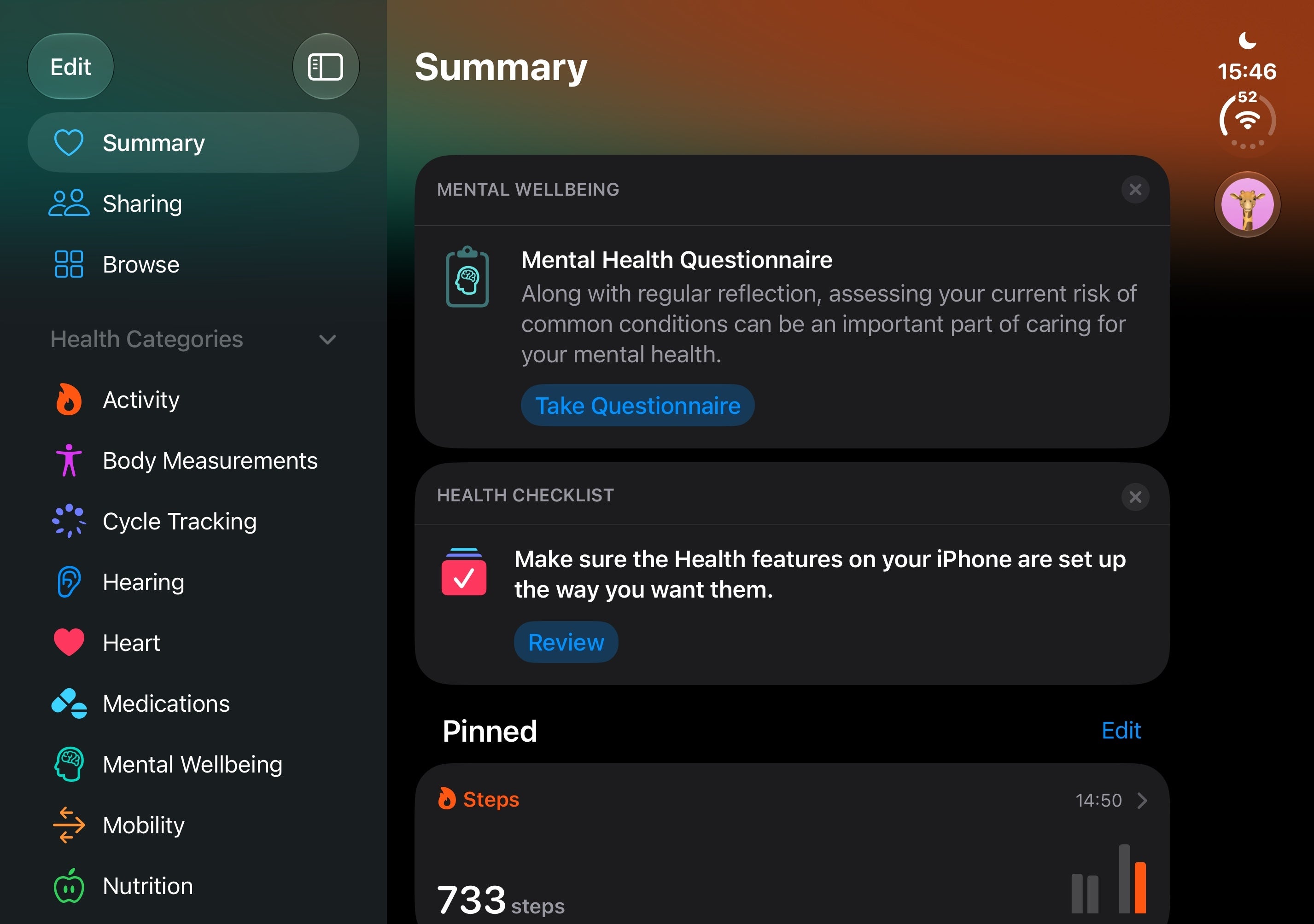
Apple Health
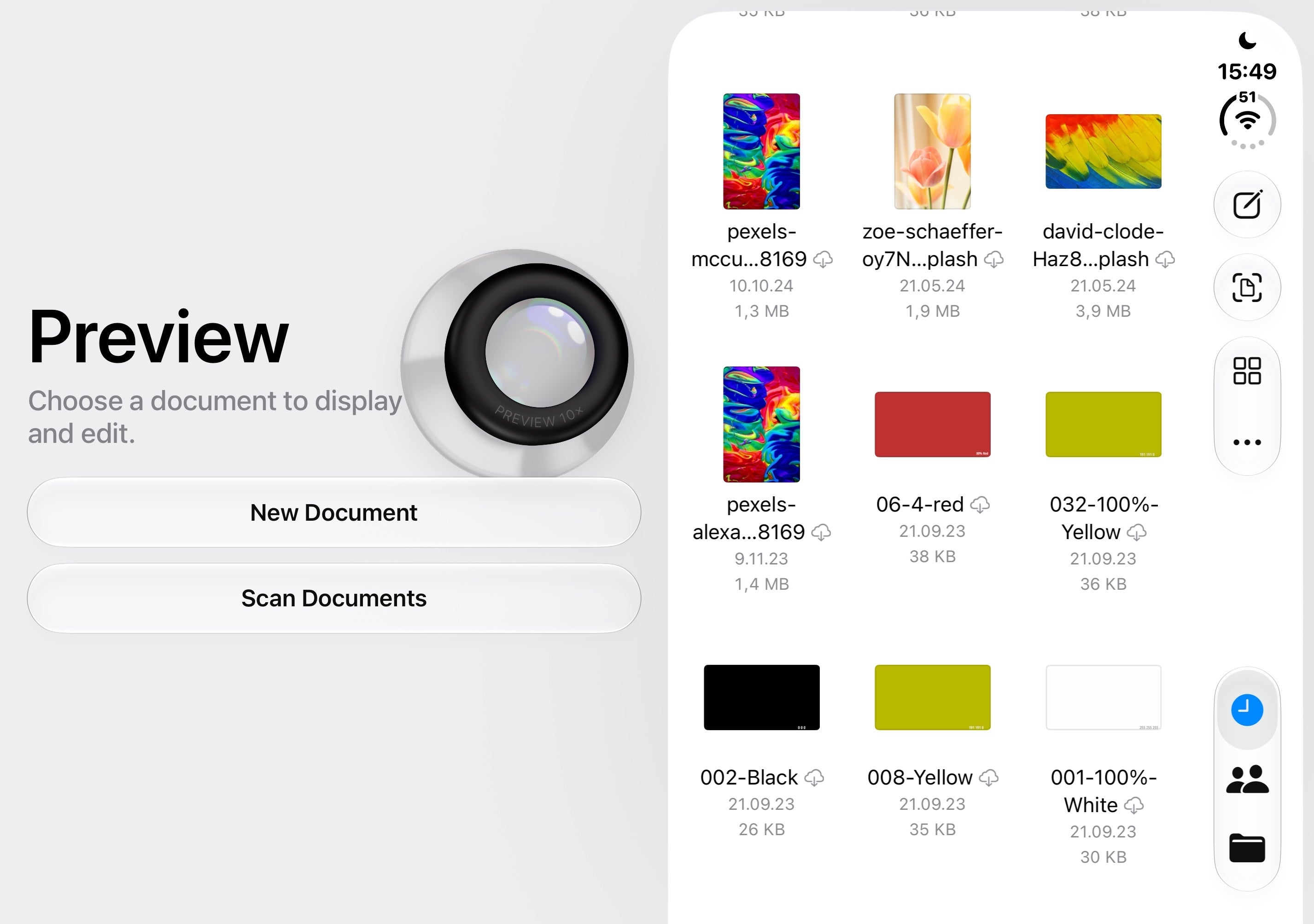
Preview
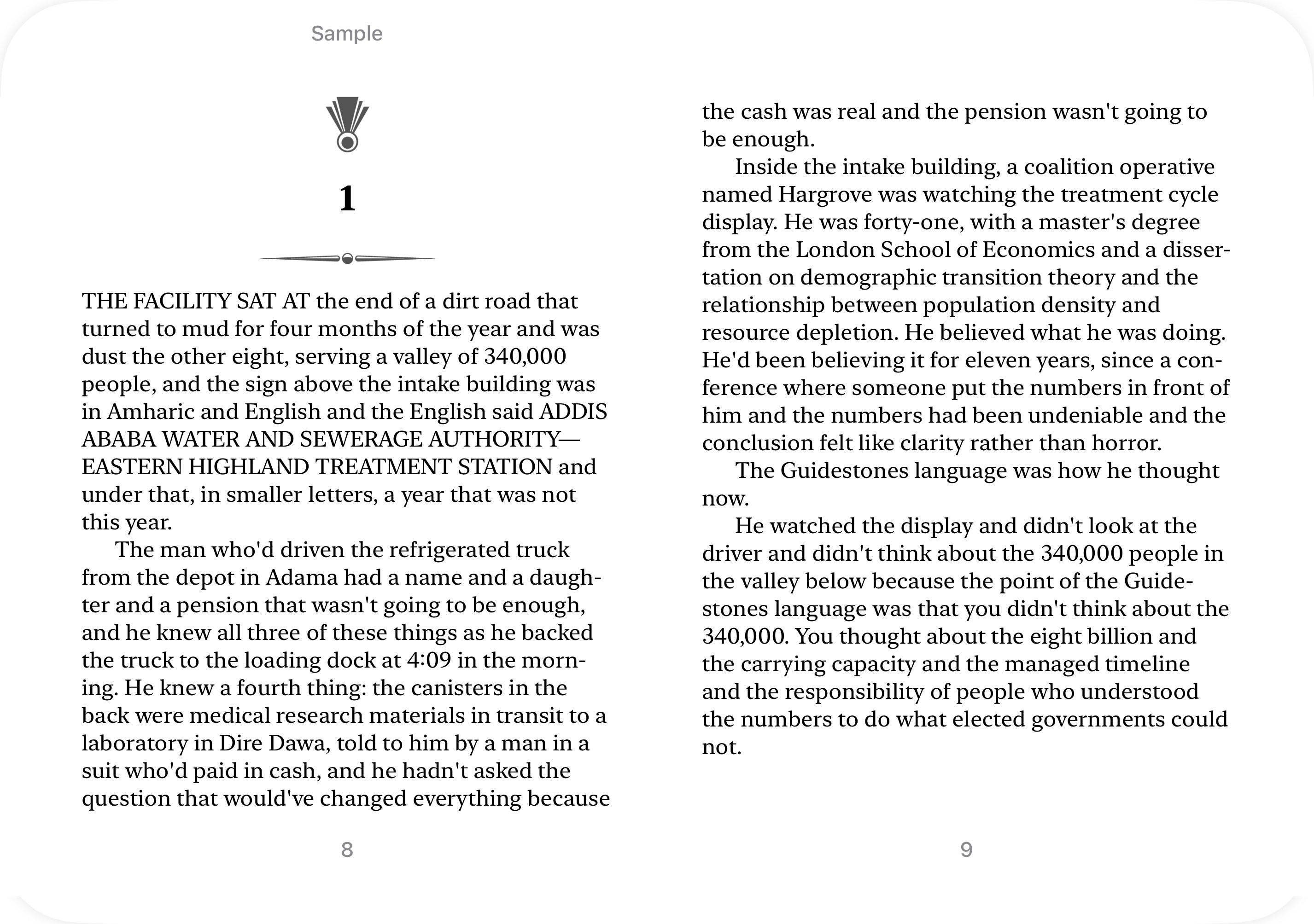
Apple Books
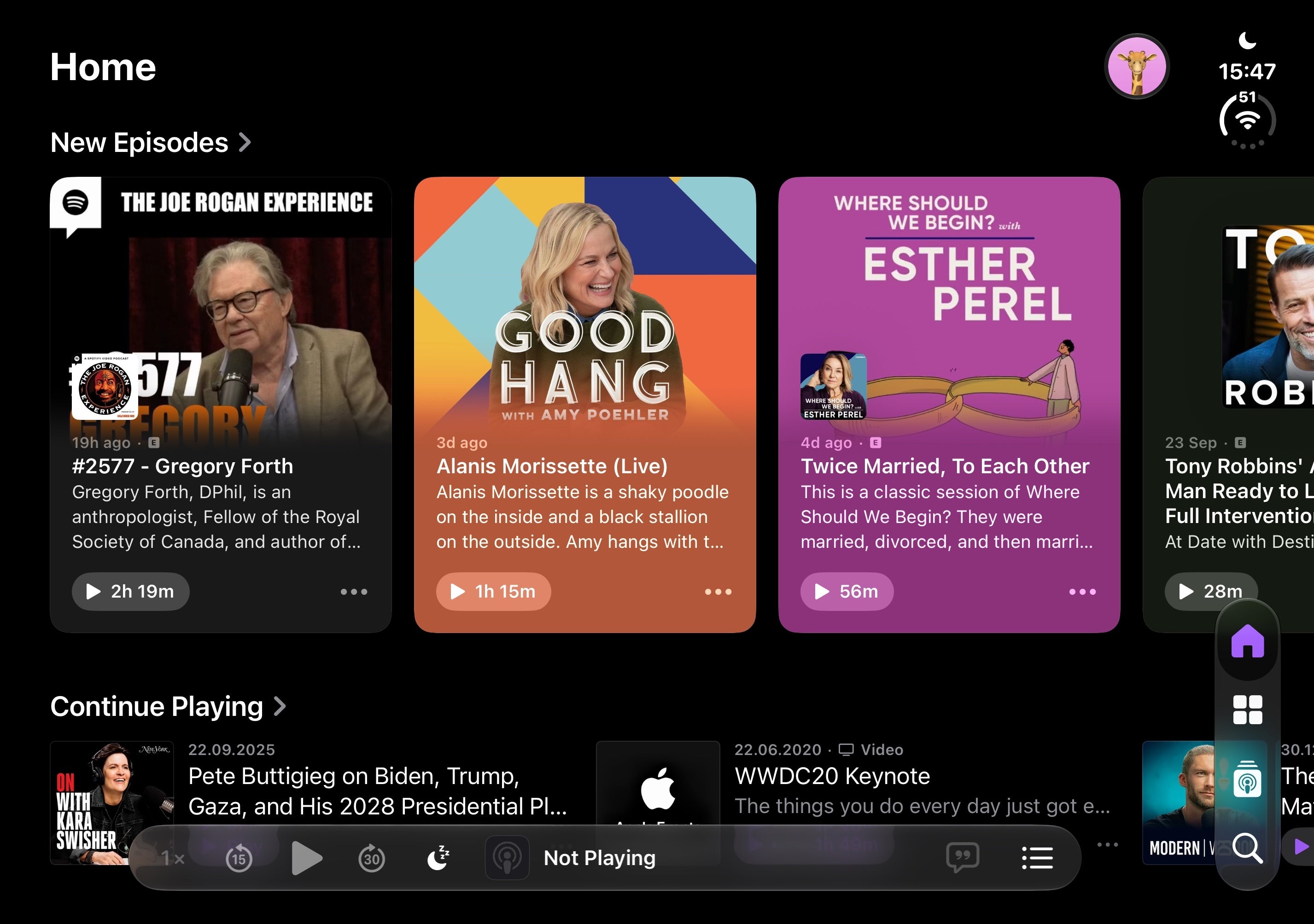
Apple Podcasts
It's the same familiar iOS experience, just larger and more convenient to use.
Overall, using iOS on the iPhone Duo is great if you're into the iOS ecosystem and are used to iOS on regular candybar phones. However, for seasoned Android users, the experience could definitely feel a bit constrained and limited, though I admit, that multitasking gesture is a piece of art. Android manufacturers, take heed.

Popular stories

Latest News
Things that are NOT allowed:
To help keep our community safe and free from spam, we apply temporary limits to newly created accounts: