Samsung just upgraded two popular Galaxy A-series phones to Android 17
Samsung continues to roll out out OneUI 9 to more phones in the Galaxy A-series and the users are enjoying the update.

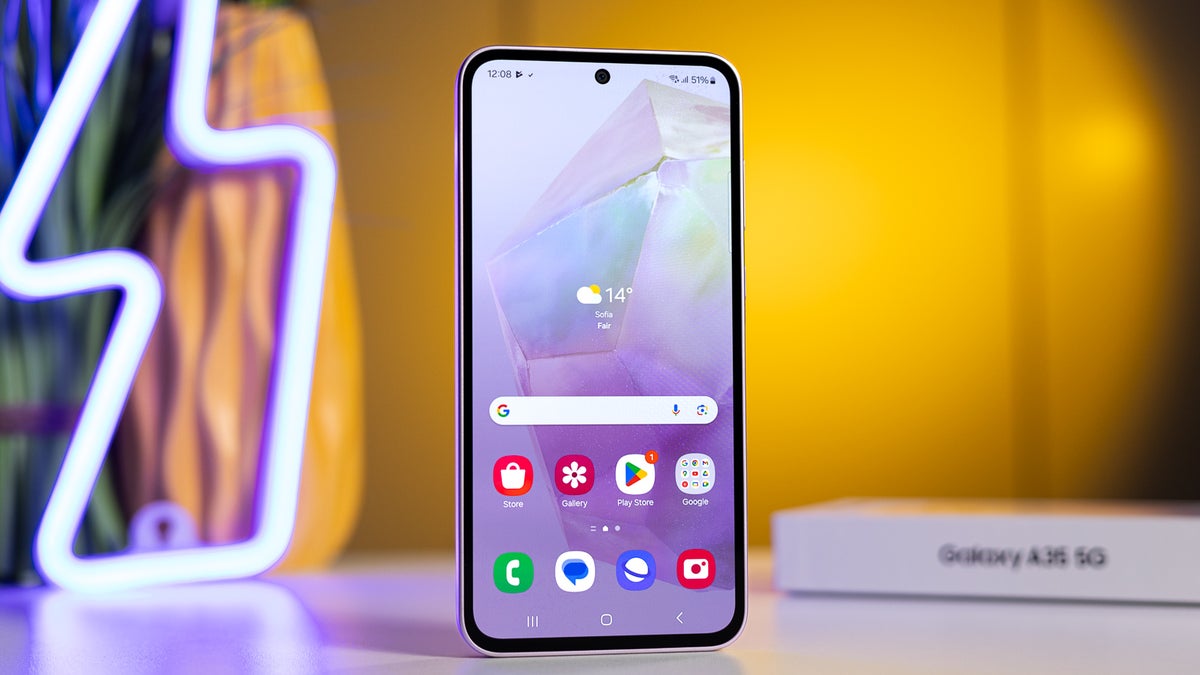
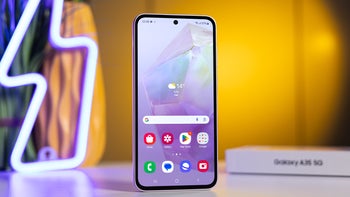
Samsung Galaxy A35 home screen. | Image by PhoneArena
Samsung just released a major system update for two phones from its Galaxy A-series: the Samsung Galaxy A35 and the Galaxy A16. The two phones are being upgraded to the latest OneUI 9, based on Android 17. The updates make the phones smoother and faster while introducing some nifty features.
Samsung began the rollout a few days ago
Last week, Samsung started rolling out the two OTA (over-the-air) updates and they should be ready to install on most phones.
The two updates weigh somewhere around 3GB each. Once they're installed, the Galaxy A35 and Galaxy A16 are upgraded to Android 17 from OneUI 8.5, which was based on Android 16.
The Galaxy A16 is one of our favorite budget phones. Samsung pledged at least 6 generations of major software updates like this for the Galaxy A16. It originally launched with Android 14, and will get at least three more OS upgrades after Android 17. Eventually, this will take the Galaxy A16 all the way to Android 20.
How is your OneUI 9 experience so far?
4 Votes
Early adopters say OneUI 9 is great so far
Behind the scenes, OneUI 9 is much more optimized to make these phones faster. Users on r/GalaxyA16 and r/GalaxyA35, who have spent some time with the updates agree that both phones feel smoother after the update.
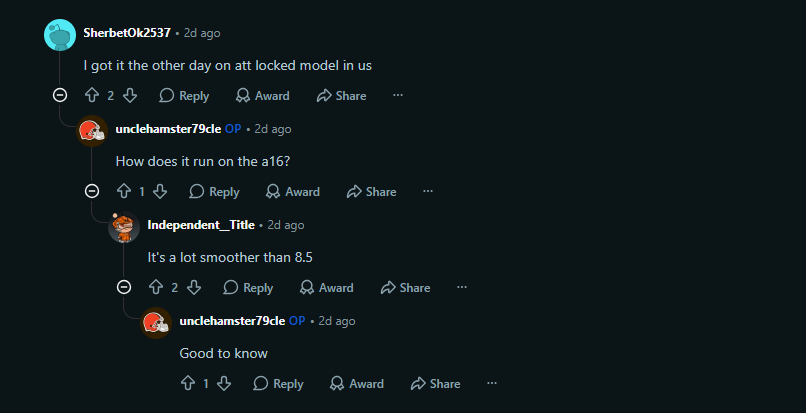
Reddit users discuss the OS update. | Image by Reddit
The Home Finder will let you search through photos with natural language words just like in Google Photos The quick panel is more polished and customizable with its new layout. You'll also note there's a shiny new Warranty Care dashboard in the settings, likely limited to supported regions.
You will also be able to enter “Lockdown Mode” in a new way. Once the power key is long-pressed, it will open the power menu (as always) but also enter “Lockdown mode”. A phone in lockdown only opens if you manually enter the password or pattern.
Checking your Galaxy A35 or A16 for updates
To see if the OS update is available for your phone:
- Open the settings app.
- Go to Software update.
- Tap “Check for updates”.
Make sure your phone has at least 30% charge. If the update isn't available yet, you might have to wait a while and check back later because the rollout happens in stages.
I was trying to figure out how stable these updates are in the wild, which led me to some discussions on Reddit and Samsung Forums. Most people report a smooth and reliable experience with OneUI 9.
The update is (mostly) stable
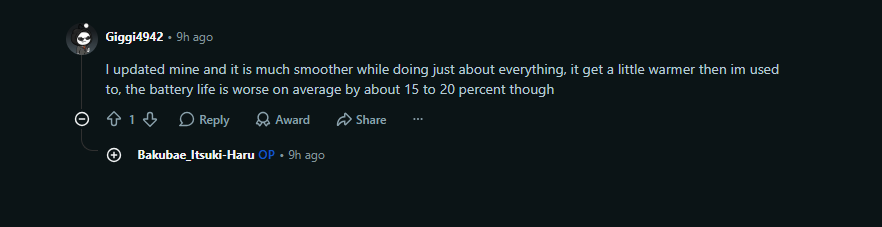
Reddit user complaining about battery troubles. | Image by Reddit
I did run into a few complaints about battery optimization. Presumably, the battery might drain a little faster after the update for some users. The battery stats take a short while to recalibrate after an update, so some of the complaints might simply reflect that lag. At any rate, these complaints don't mean you should worry before installing this update.

Popular stories





Latest News




Things that are NOT allowed:
To help keep our community safe and free from spam, we apply temporary limits to newly created accounts: