OnePlus Pad Go 2: Decent battery life, average everything else
OnePlus has come up with an affordable, but quite uninspiring Android tablet.
We may earn a commission if you make a purchase from the links on this page.
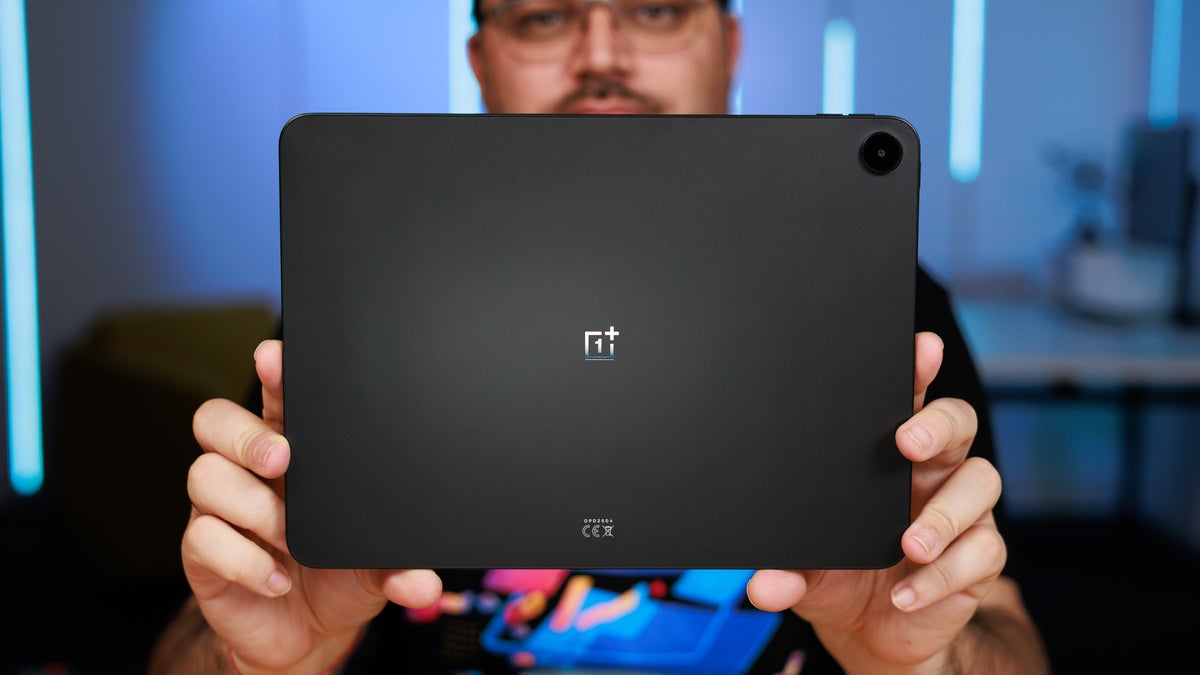
OnePlus has a new tablet on sale, and this one is a very budget option aimed at OnePlus fans who want the familiar OxygenOS experience on a larger screen without breaking the bank.
As the name implies, this one is an entry-level version of the OnePlus Pad 2 with some key corners cut in the name of affordability. Usually, this does harm the overall user experience, so a compromise needs to be made.
At $400, this tablet is one of the most affordable slates available in the US right now. Is it a hidden gem or a device you should stay away from?
Table of Contents:
OnePlus Pad Go 2 Specs
Humble beginnings
Here's what's ticking inside the OnePlus Pad Go 2:
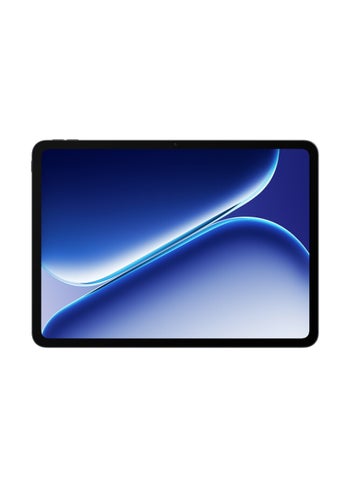
|
| OnePlus Pad Go 2 |
| Dimensions |
|---|
| 266 x 192.8 x 6.8 mm |
| Weight |
| 599.0 g |
| Size |
|---|
| 12.1-inch |
| Type |
| IPS LCD, 120Hz |
| System chip |
|---|
| MediaTek Dimensity 7300 Ultra (4 nm) |
| Memory |
| 8GB/128GB (UFS 3.1) 8GB/256GB |
| Type |
|---|
| 10050 mAh |
| Charge speed |
| Wired: 33.0W |
| Main camera |
|---|
| 8 MP |
| Front |
| 8 MP |
See the full
OnePlus Pad Go 2 specs comparison
or compare them to other phones using our
Phone Comparison tool
OnePlus Pad Go 2 Design and Display
A plastic iPad lookalike
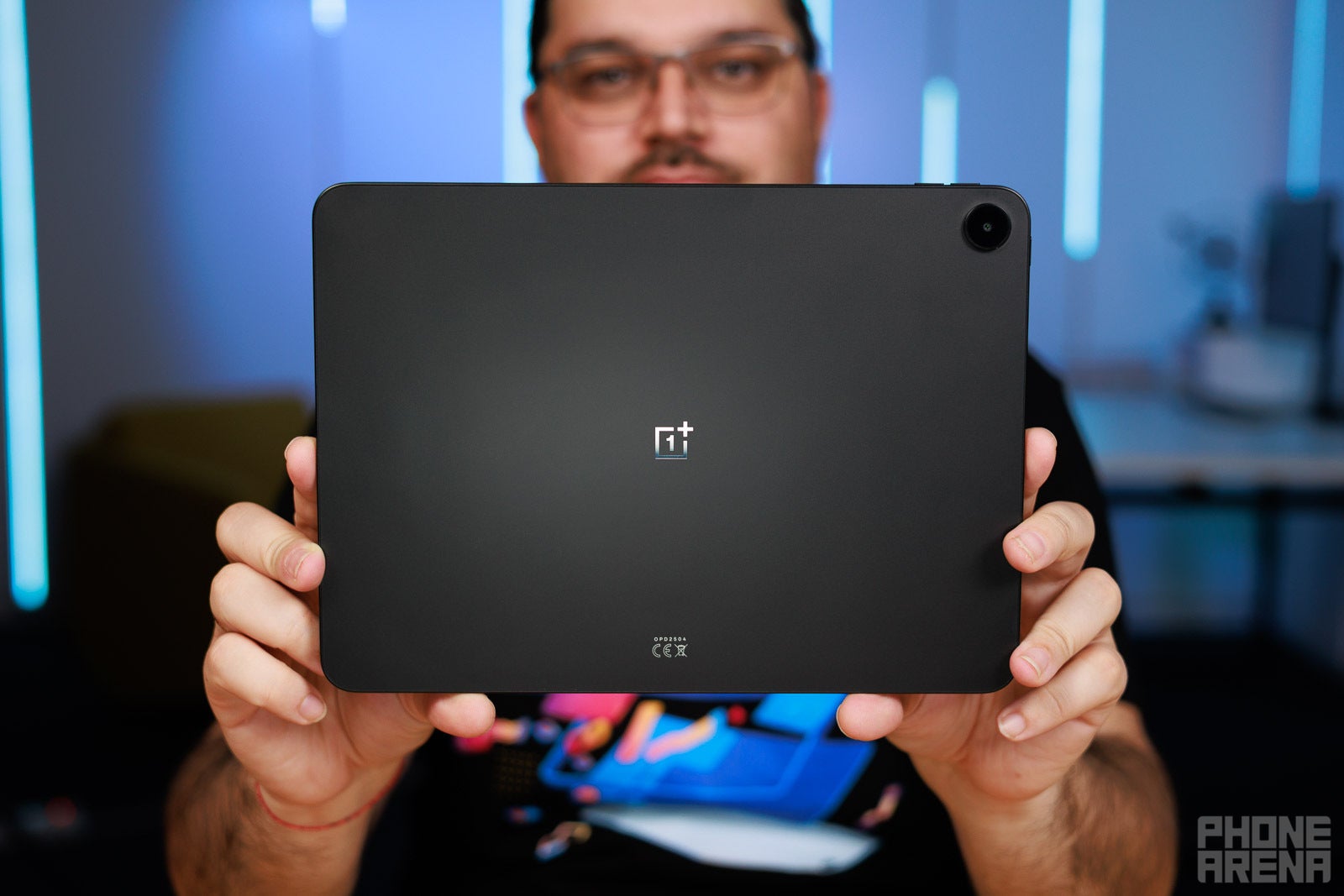
The OnePlus Pad Go 2 is one fairly large and imposing tablet that sits somewhere between an 11-inch and a 13-inch iPad in terms of overall size. At 599 grams, this one is on the heavier side and isn't what I'd call comfortable to lug around.
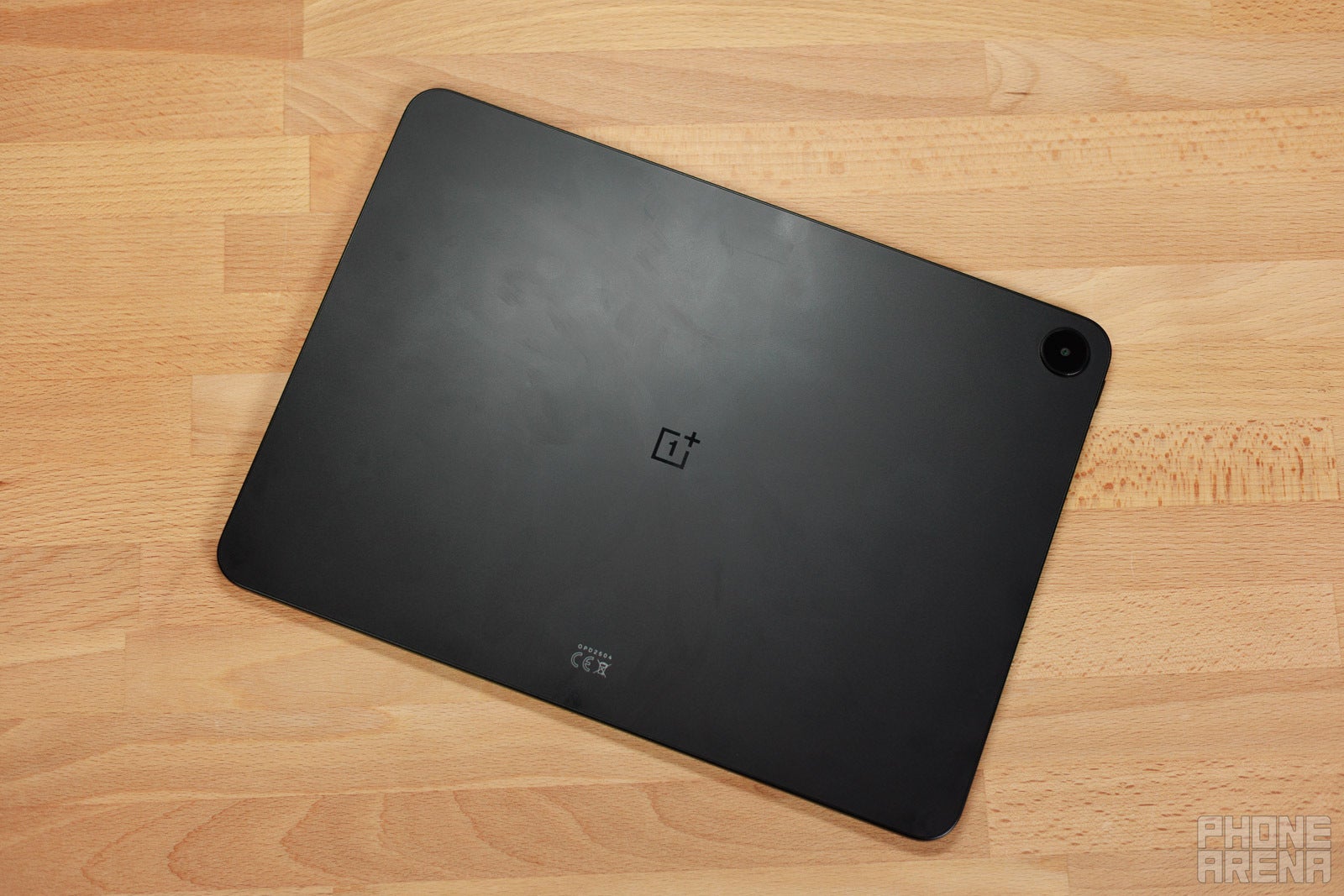
In terms of design language, the OnePlus Pad Go 2 doesn't take a lot of design liberties––swap the logo at the back and you'd be able to fool a large number of users that this is an iPad. With a mostly plastic build and flat sides, it looks and feels okay; however, there's nothing here that screams—or even whispers—that this is a OnePlus device and not yet another iPad clone.
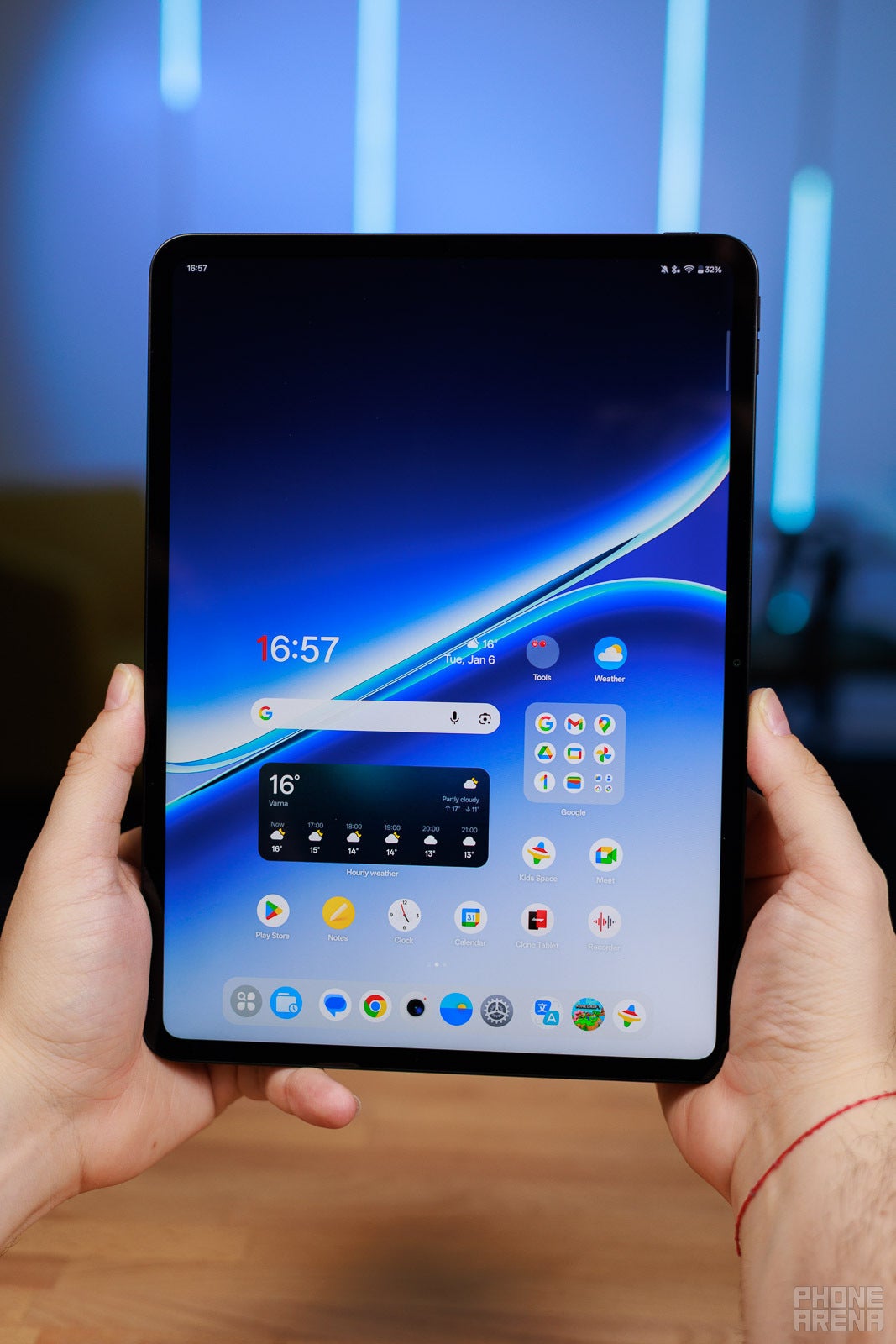
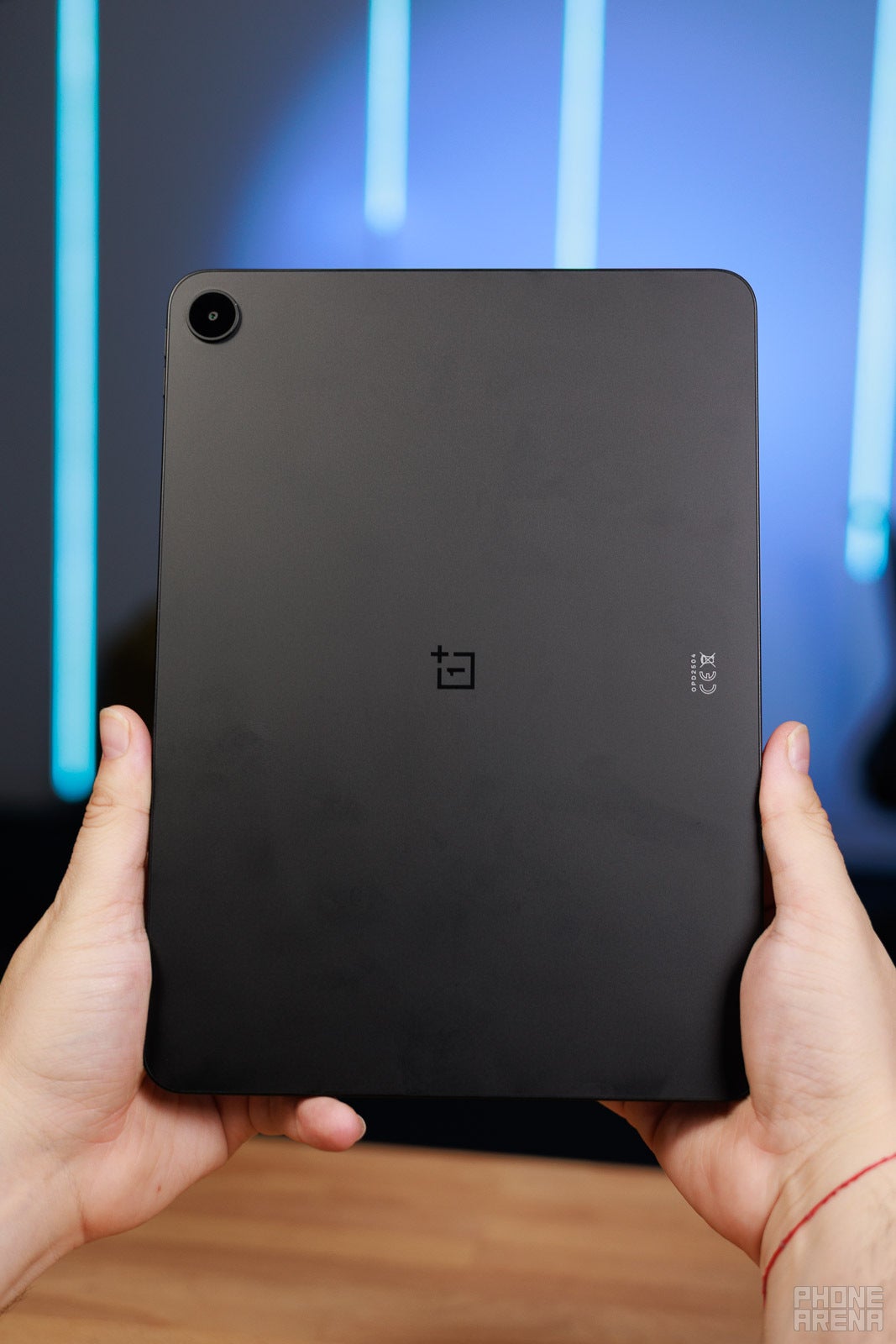
The device is available in a single Shadow Black color, which is as understated as it gets, but alas, due to the plastic build, the OnePlus Pad Go 2 attracts fingerprint smudges both at the front and at the back. Unfortunately, this is just how good ol' matte plastic is.
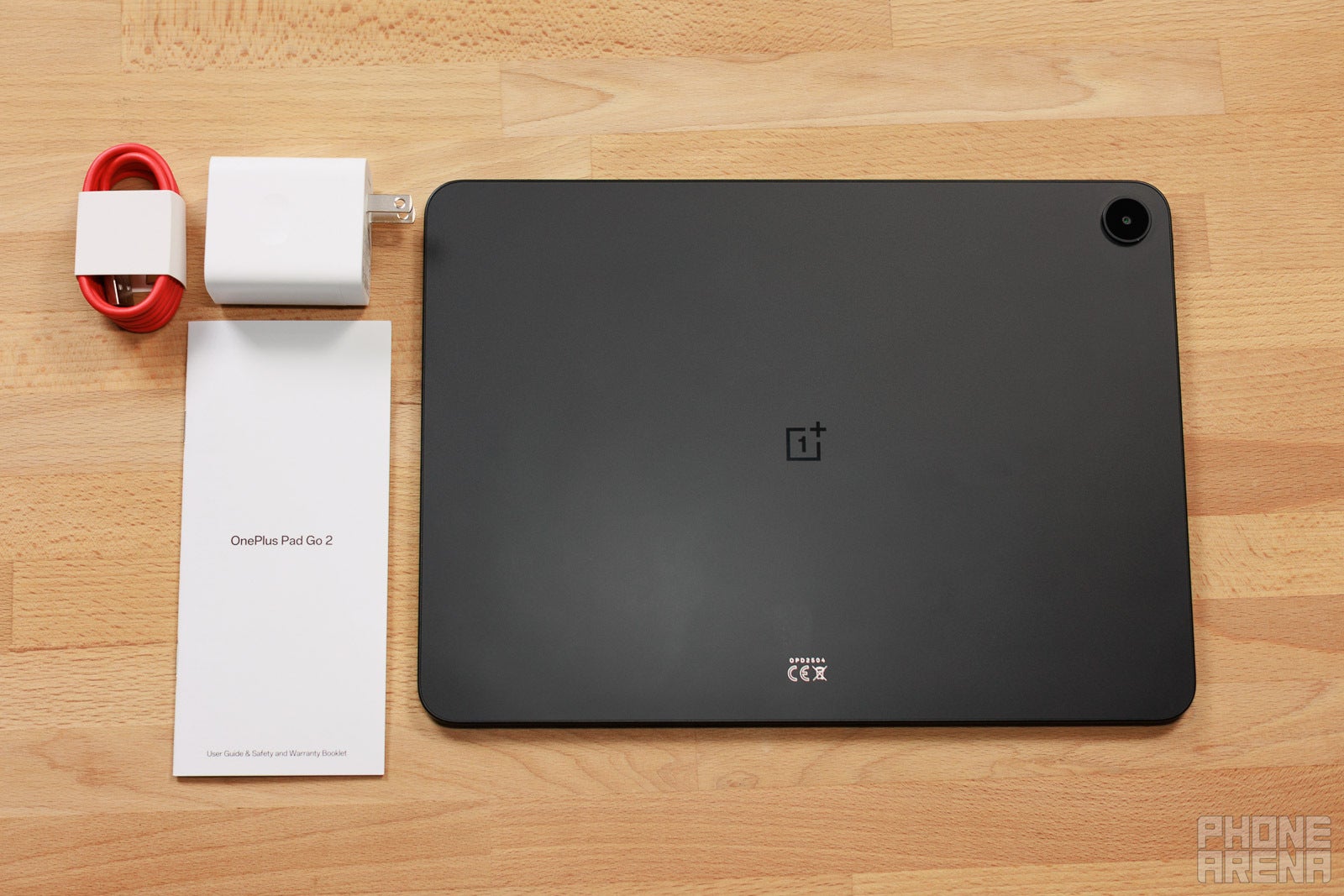
Inside the box of the OnePlus Pad Go 2, you'd find:
- OnePlus Go Pad 2
- 45W SuperVOOC charger
- USB-C charging cable
Unlike most mainstream Android tablets, which lean toward a more rectangular shape, this one here utilizes an iPad-like 7:5 aspect ratio, ensuring more than a decent amount of screen real estate for activities, especially when using the OnePlus Pad Go 2 Stylo accessory to draw or jot down notes. The downside of such an aspect ratio is that you may get some black bars while watching videos or shows on the tablet.
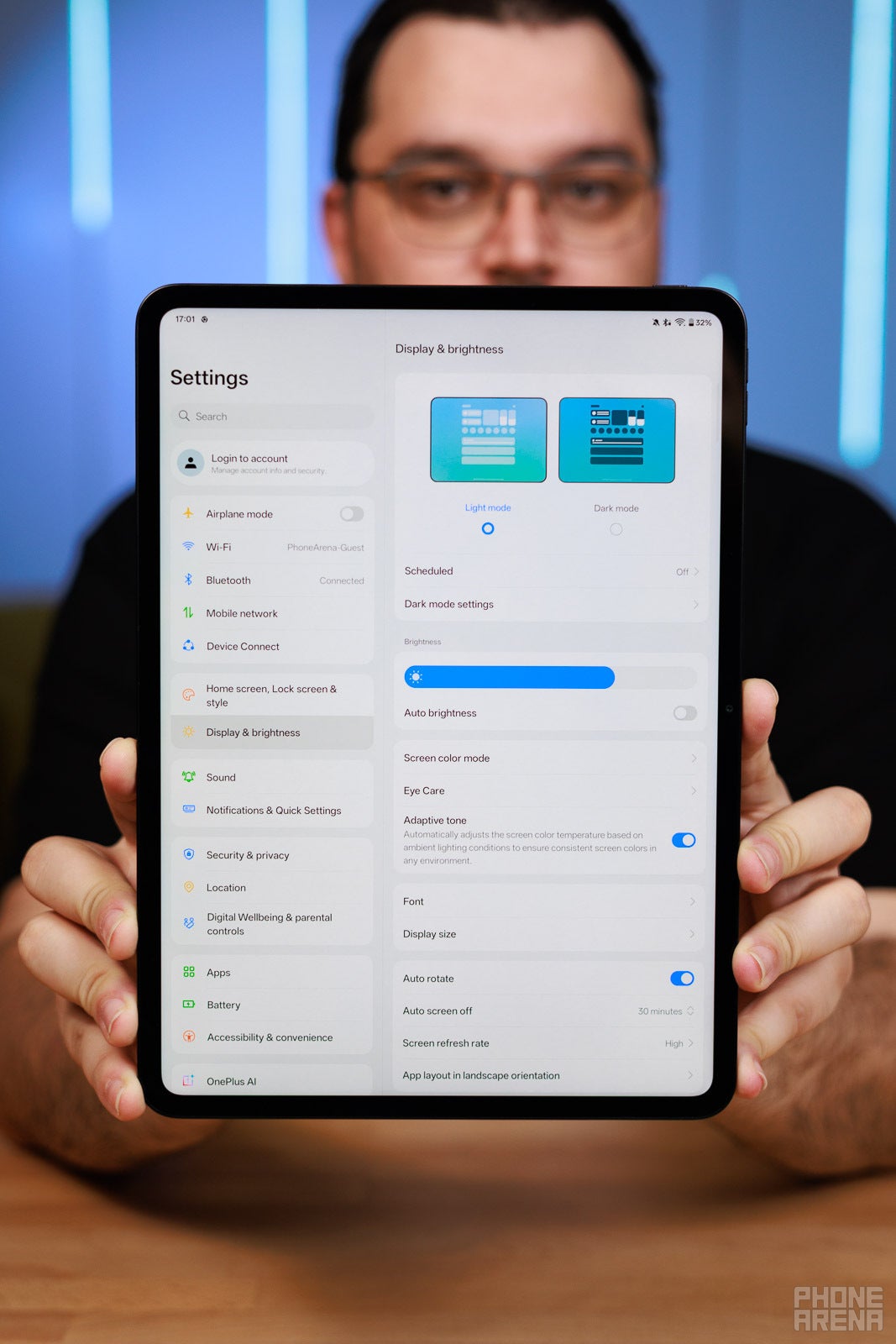
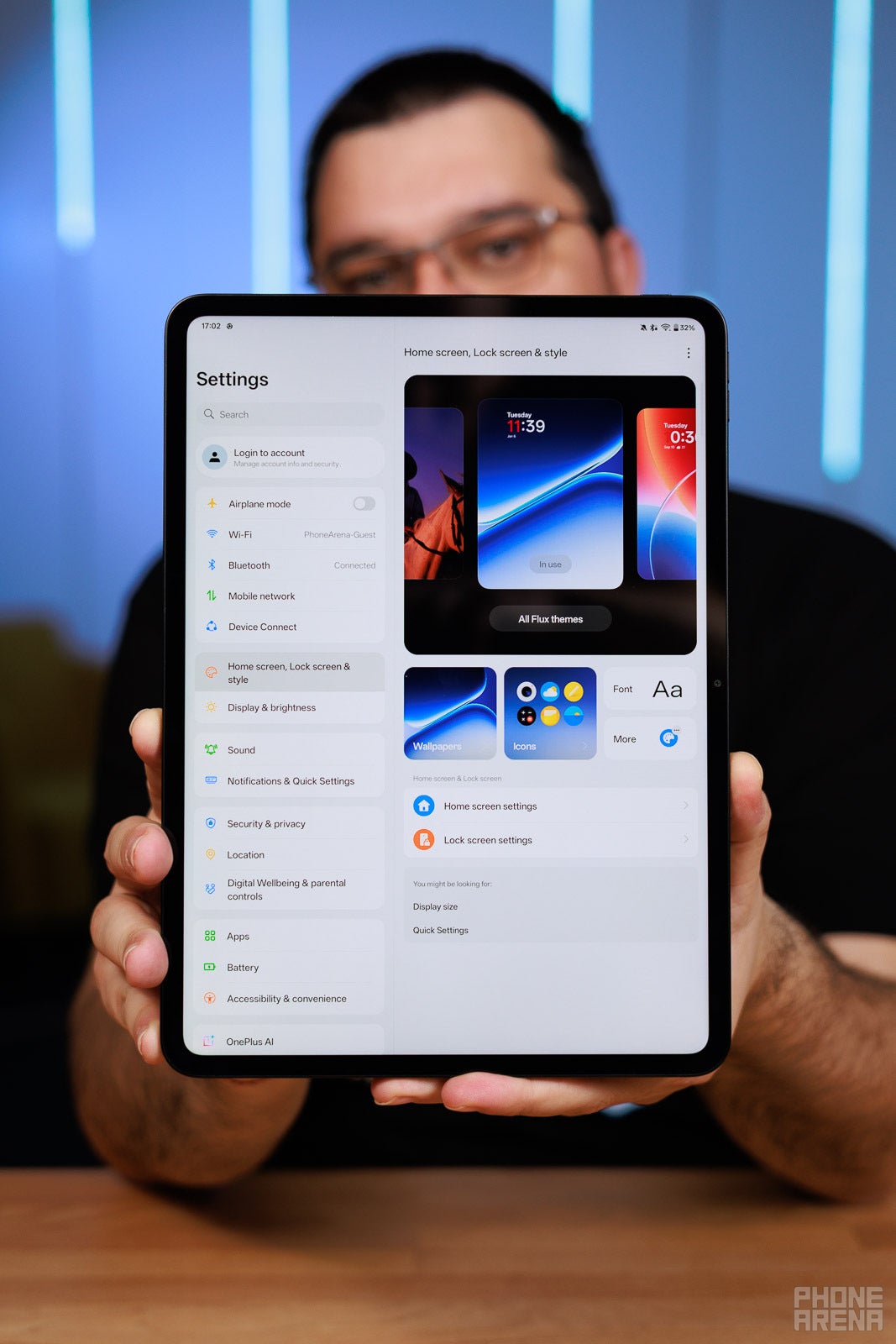
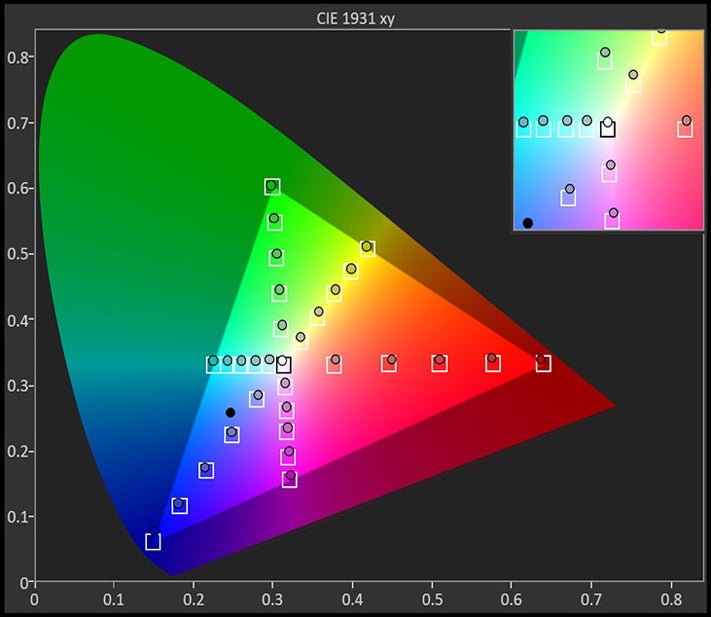
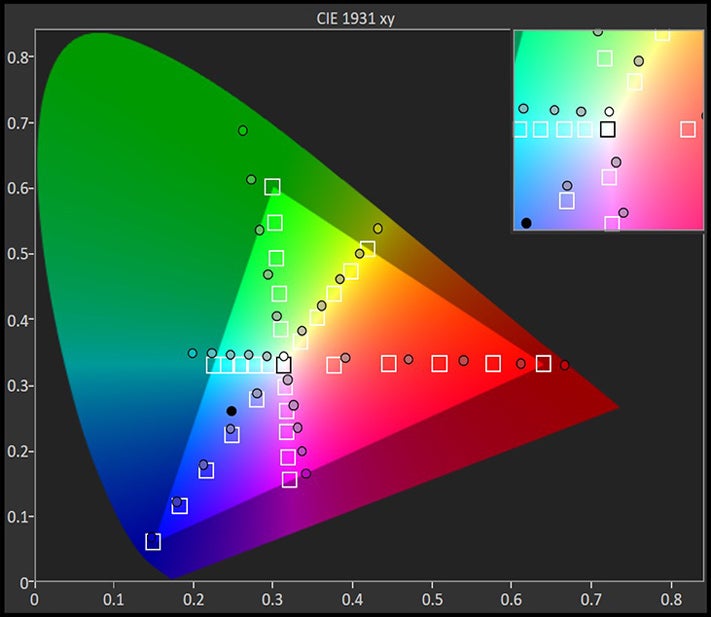
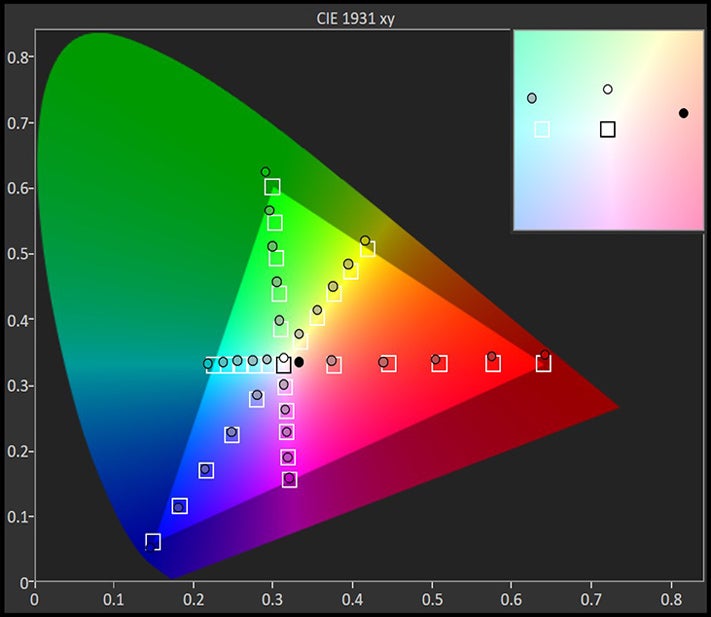
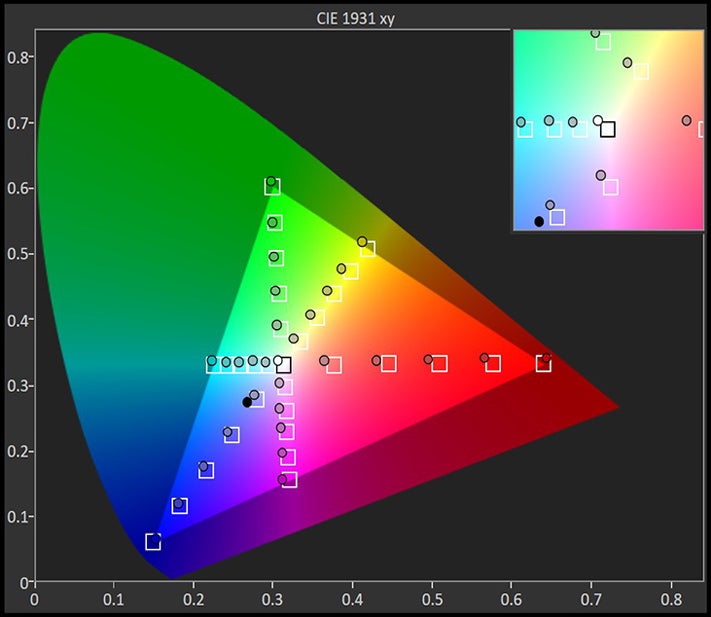
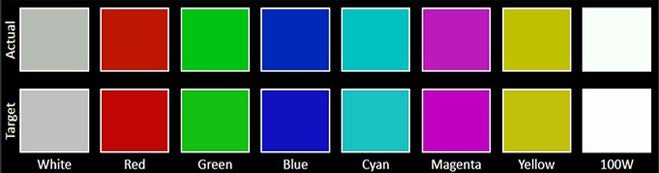
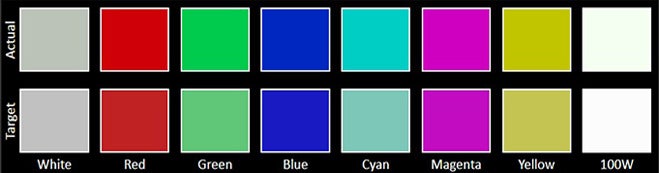
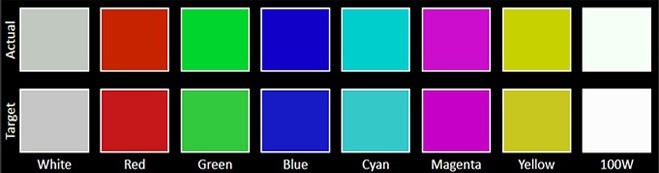
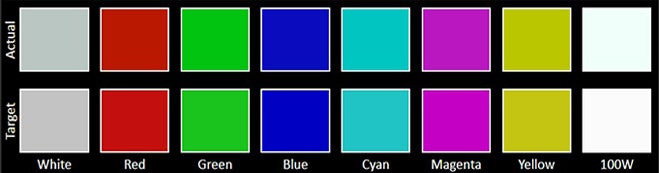
Sadly, the display isn't an OLED one but an IPS LCD, which means less lively colors, worse viewing angles, and fairly low brightness. Indeed, OnePlus promises 600 nits in regular use and up to 900 nits of brightness in high-brightness mode. Color temperature, gamma, and contrast are fine, but still a step beneath OLED.
The bezels are also a bit thick, but that's to be expected of an entry-level tablet like this one.
Display Measurements:




No fingerprint sensor here, just picture-based facial recognition. While convenient, that one isn't very secure; you're better off using a regular PIN code.
OnePlus Pad Go 2 Keyboard and Stylus
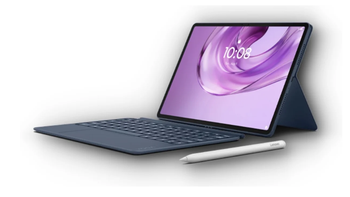
OnePlus also sells two new accessories specifically for the OnePlus Pad Go 2. As with most tablets out there, those are the OnePlus Pad Go 2 Stylo stylus, priced at $80, and the Folio Case, going for $45.
The stylus is Bluetooth-enabled and features 4096 pressure levels, which sounds pretty decent. The exposed USB-C charging port at the top is a bit of an eyesore, but using the stylus is pretty comfortable and convenient. Surprisingly to me, the stylus isn't rigid but flexible.
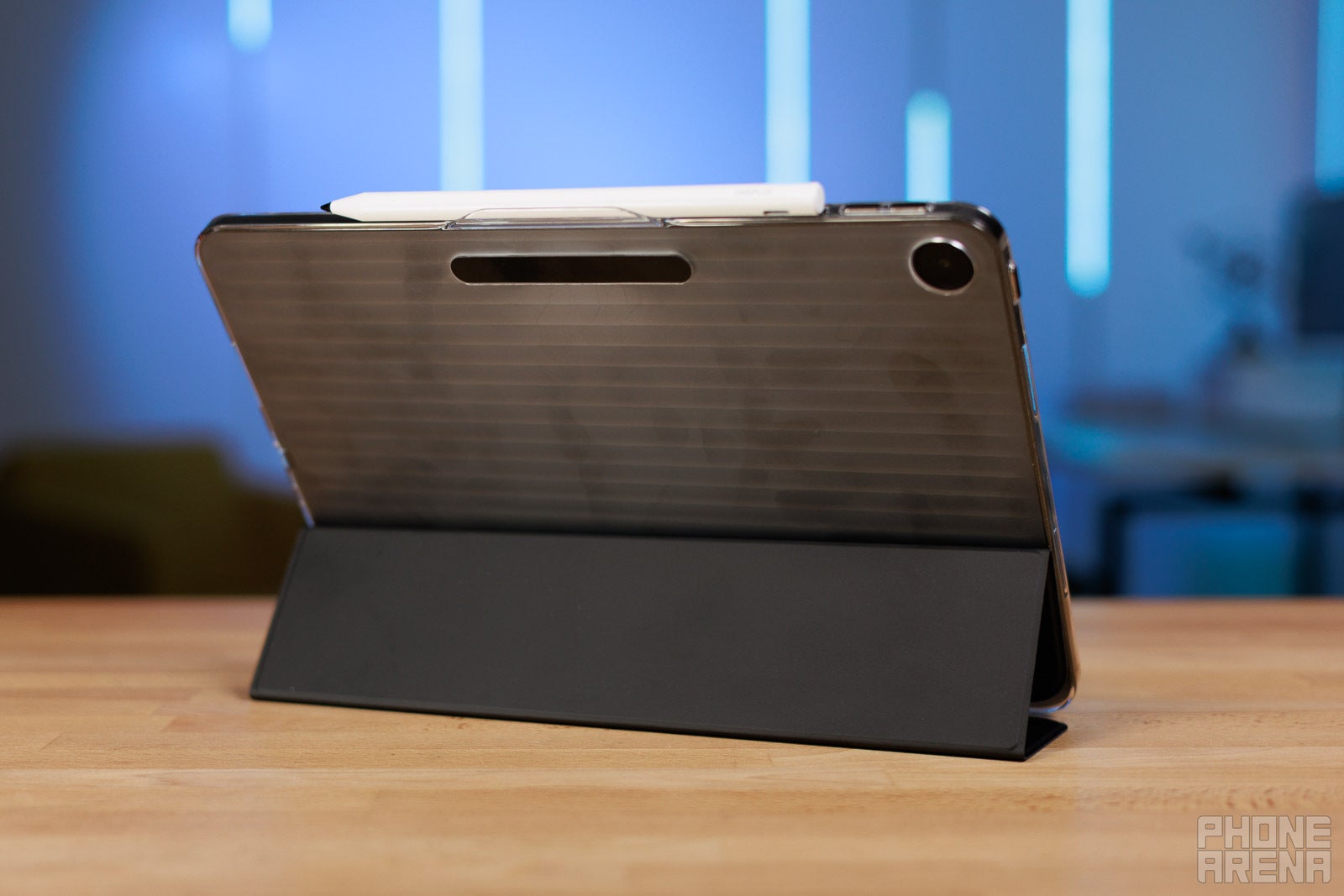
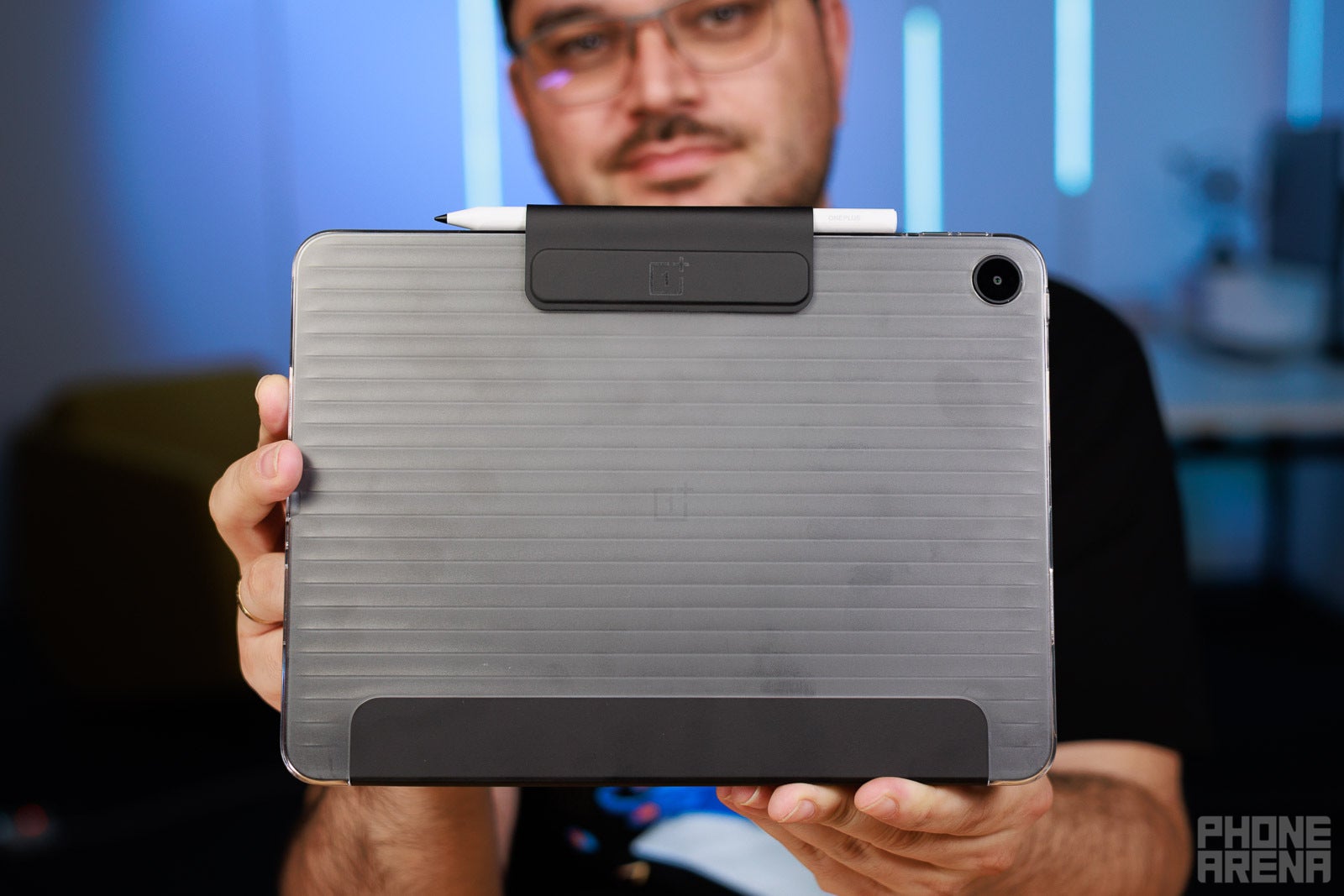
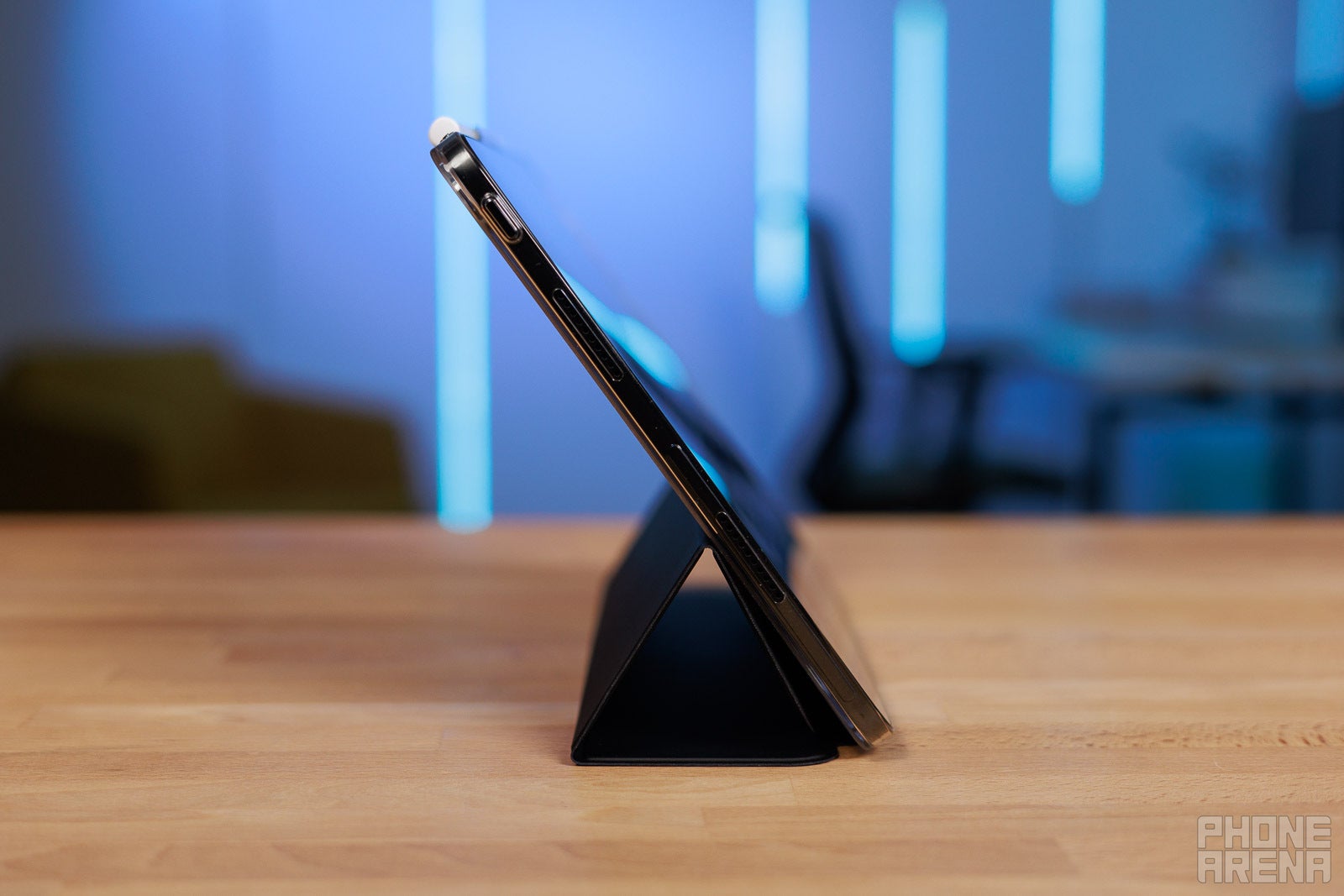
The Folio Case combines a hard TPU shell and a faux leather flap that doubles as a kickstand and also features a dedicated slot for the stylus. Overall, I'm not exactly a fan of the design language that feels cheap. The vegan leather strap is also a fingerprint magnet, complementing the tablet itself.
Should you buy either of those? I guess the stylus is worth it, but I'm not really a fan of the case itself.
OnePlus Pad Go 2 Performance & Benchmarks
Aggressively humble
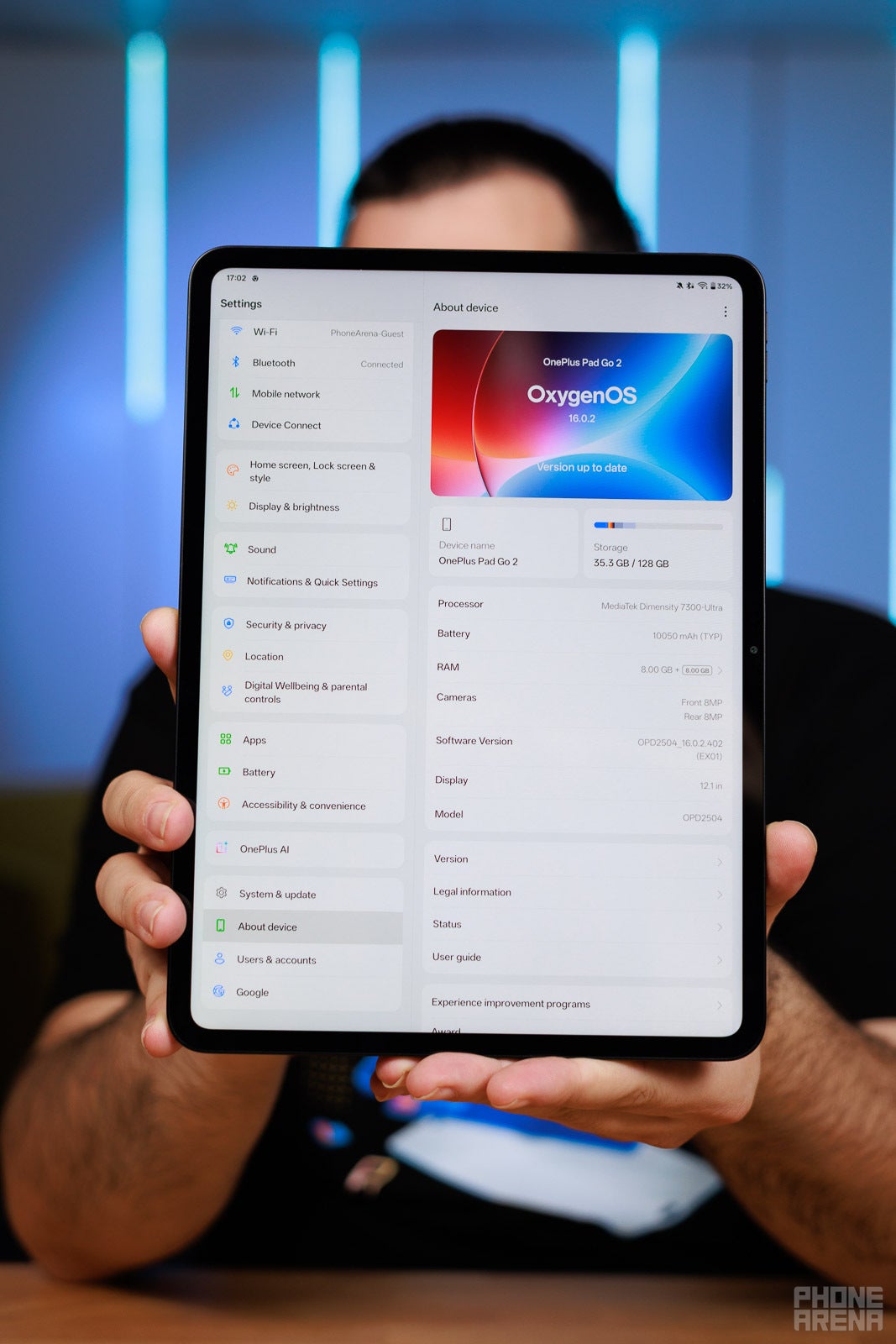
Inside the OnePlus Pad Go 2, the MediaTek Dimensity 7300 Ultra clicks and ticks. It's a very humble chip that gets the job done in most regular everyday tasks, but will struggle a bit if you push it too much or intend to game seriously on this device.
In our CPU benchmarks, it barely beats the slightly more premium OnePlus Pad 2 in the Geekbench 6 single-core test, but loses in the multi-core one. Devices like the Galaxy Tab S11 and the iPad Air M3 are much further ahead in performance here.
CPU Performance Benchmarks:
The graphics performance is simply average. The OnePlus Pad Go 2 struggles with heavier games and would throttle after a while. Not a gaming tablet, this one.
GPU Performance
In terms of memory, we get 8GB of LPDDR5X RAM, but you can use part of your storage as a swap file and essentially double the available memory. Still, expect apps to reload after you open too many at a time. There's also just a single 128GB UFS 3.1 storage version.
The tablet doesn't offer a cellular version.
OnePlus Pad Go 2 Software
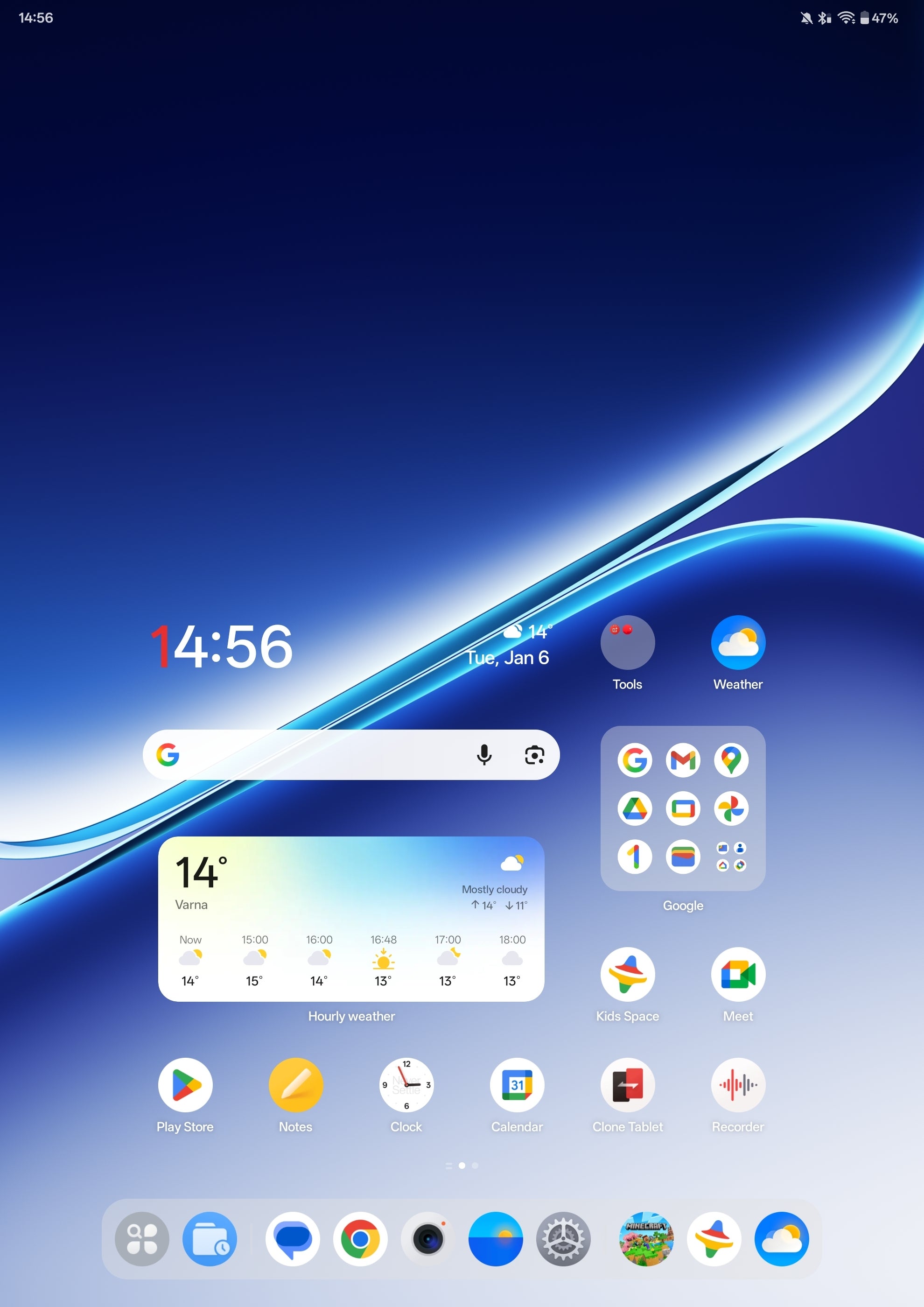
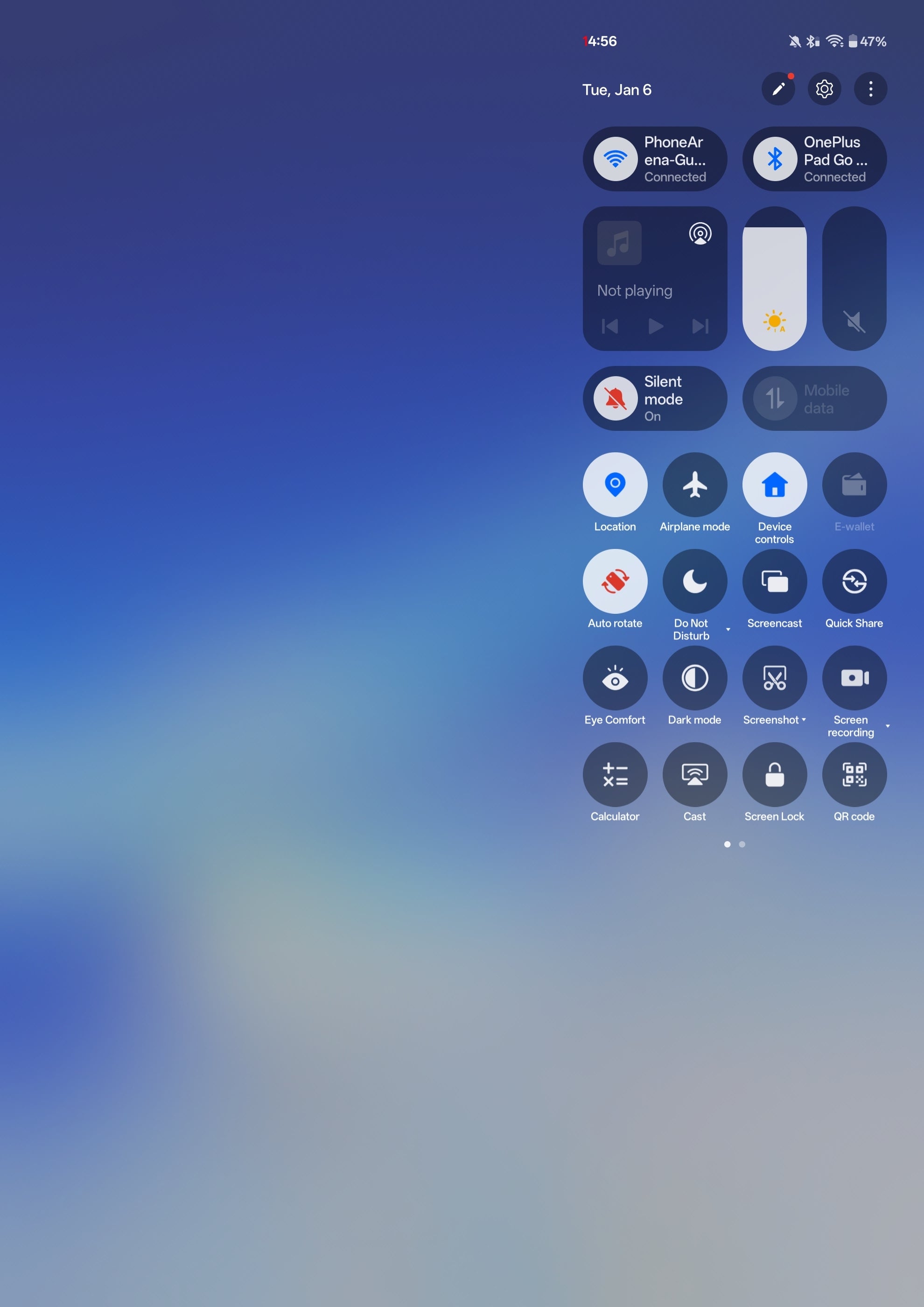
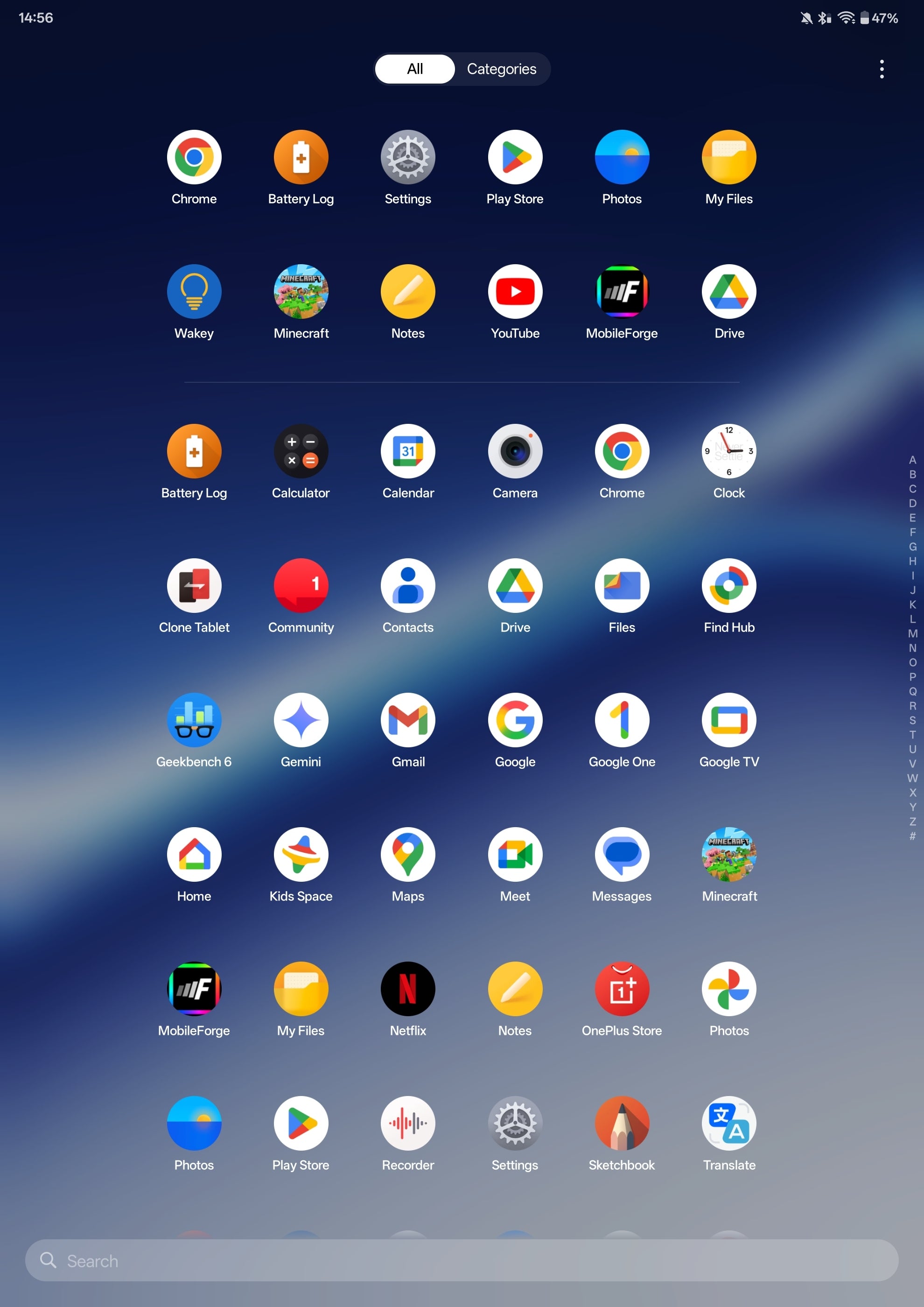
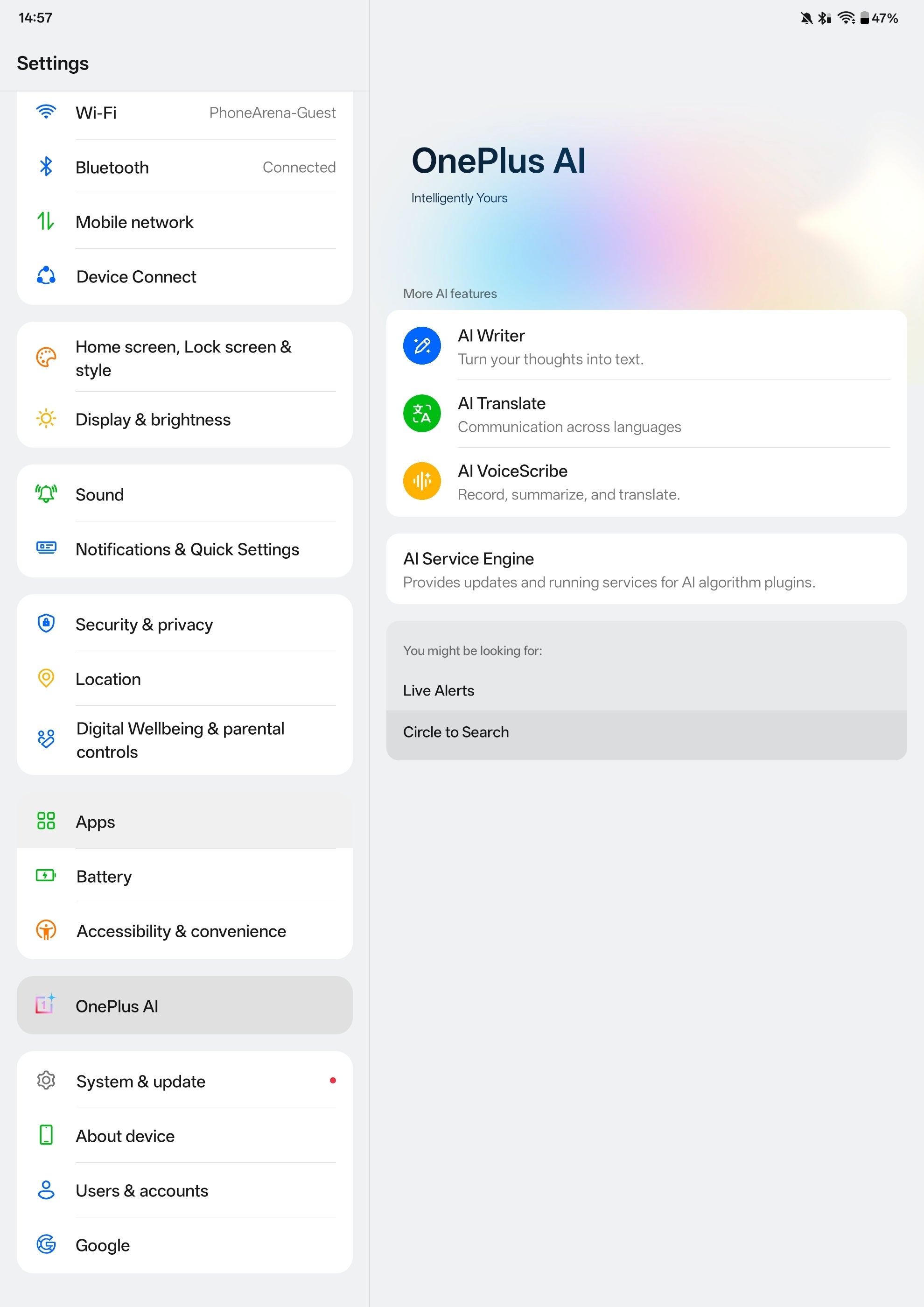
Like all OnePlus devices, the OnePlus Pad Go 2 comes with the company's OxygenOS 16 software built on top of Android 16. It's a very snappy and customizable Android skin that feels very nice to use daily.
There's no escaping AI here, too, as you get a trio of AI-assisted features. There's AI Writer for text generation, AI Translate for smarter communication, and AI VoiceScribe, which lets you summarize content.
Of these, AI Translate seems to be the most useful one to keep around. Of course, accessing ChatGPT or Perplexity is as easy as installing an app, and using Gemini is even faster than that.
OnePlus Pad Go 2 Audio Quality
This latest OnePlus tablet has a quad speaker setup, and it sounds surprisingly good. It's likely due to the ample amount of internal space for reverberation, as music sounds great, with decent bass, good mids, and okay-ish highs. The sound stage is decent, and the audio is probably the biggest surprise here.
No haptic feedback here as the OnePlus Pad Go 2 lacks a haptic motor.
OnePlus Pad Go 2 Battery and Charging

You'd find a respectable 10,050 mAh battery inside the OnePlus Pad Go 2, which is larger than what you'd get from a 13-inch iPad Pro or iPad Air, and just slightly smaller than what the massive 14.6-inch Galaxy Tab S11 Ultra offers on hand.
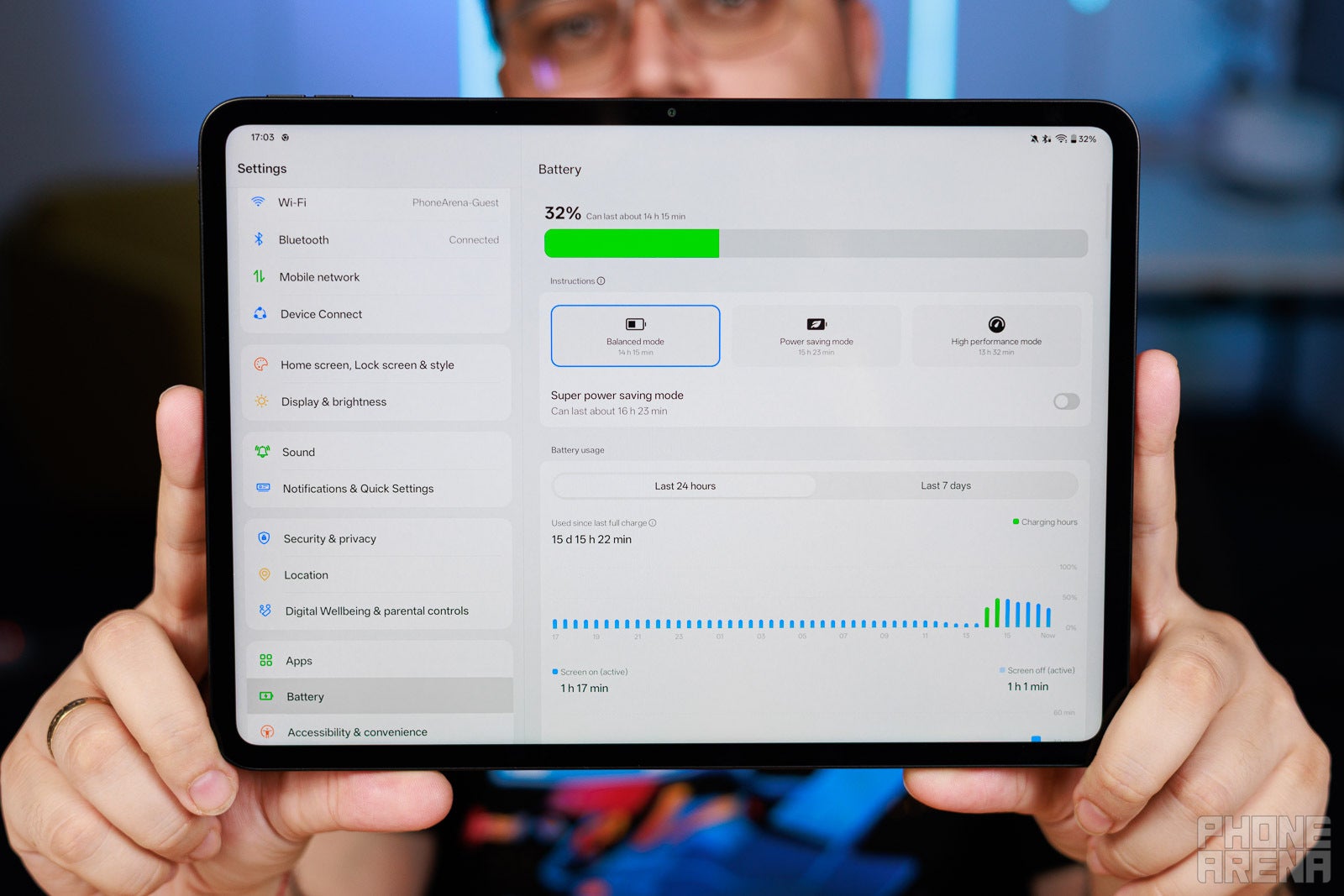
Thanks to this, the tablet delivers fairly good battery life and actually ranks as the sixth-best tablet in terms of battery endurance we've tested in the past two years. It scores 13 hours and 45 minutes in our web browsing test, which emulates a standard browsing experience; 7 hours and 24 minutes in our video playback test, and finally, a very decent 9 hours and 19 minutes in our 3D gaming test. All our battery tests were conducted with the display manually set at 200 nits of brightness.
PhoneArena Battery Test Results:
Charging-wise, the tablet supports up to 33 W of wired charging, which is enough to fully top it up in two hours and six minutes. There's no wireless charging here, but hey, at least we get a charger in the box!
OnePlus Pad Go 2 Camera
What more could you possibly need?
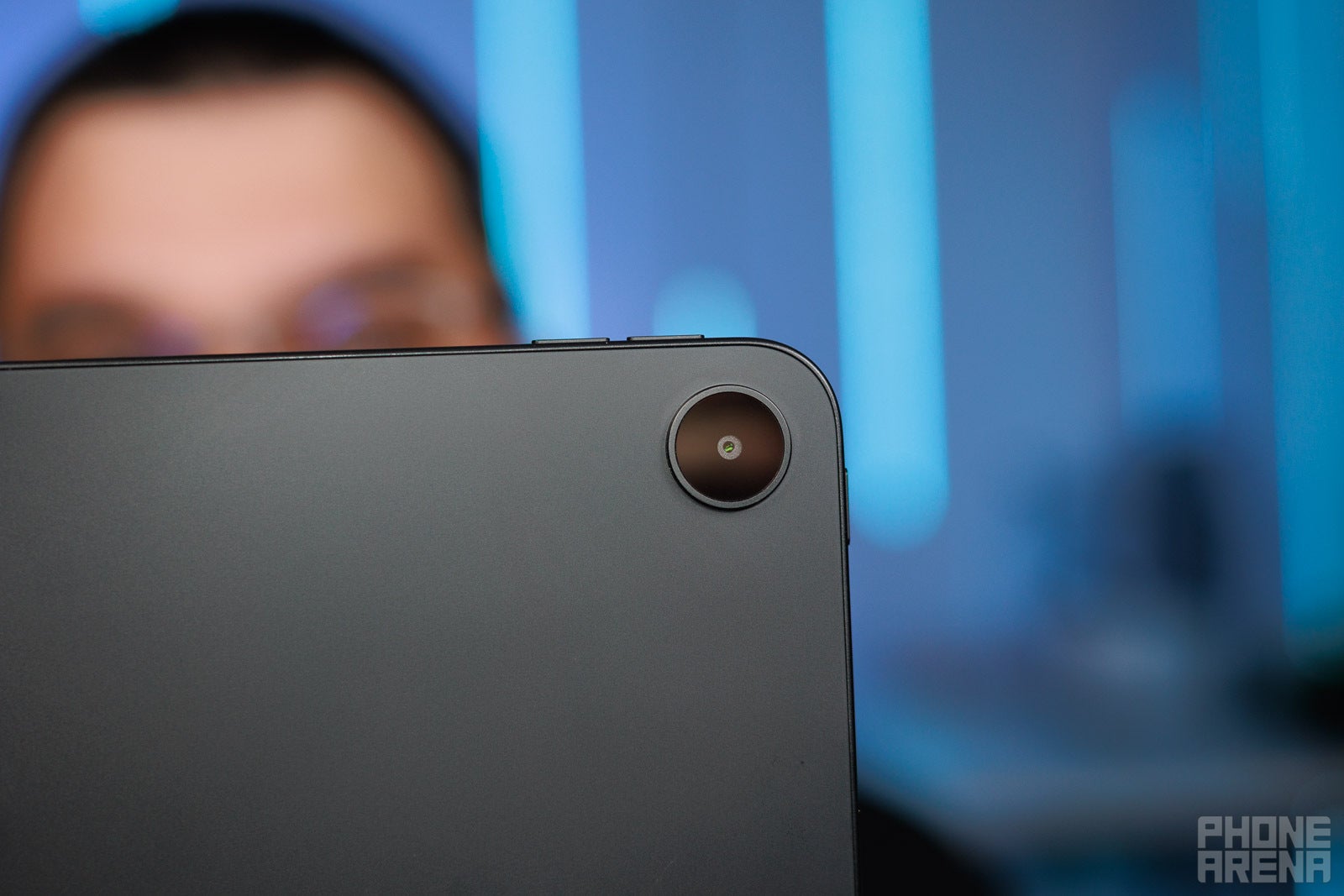
Like most other tablets out there, this one has a humble camera package at the back, consisting of a single 8MP rear and an 8MP front camera. The quality with either one of those is average at best, but then again, this is a $500 tablet, so you shouldn't even have high expectations of its camera performance in the first place.
The same applies to the video––the recording size maxes out at 1080p30fps, which is terribly outdated but good enough for video calls.


Photo Quality
Should you buy it?
All in all and despite most of its shortcomings, the OnePlus Pad Go 2 is a decent value.
While it doesn't have the best design or the best display and not even the best performance in the $500 price bracket, it delivers very good battery life and a ton of screen real estate at hand. It's positioned as a complementary device to OnePlus' phones, and as such, it fulfills its purpose beautifully.
However, it's challenging to ignore all the shortcomings I mentioned. Having either an OLED panel or a faster chip would have been very nice here, but instead we get corner-cutting on both fronts, so we are left with a fairly lackluster tablet that doesn't feel like it has a singular strong aspect to outweigh all the budget negatives.
Should you buy it? Do consider it if you're invested in the OnePlus ecosystem, but please take a look at other more capable Android tablets before you commit.


Popular stories


Latest News
Things that are NOT allowed:
To help keep our community safe and free from spam, we apply temporary limits to newly created accounts: