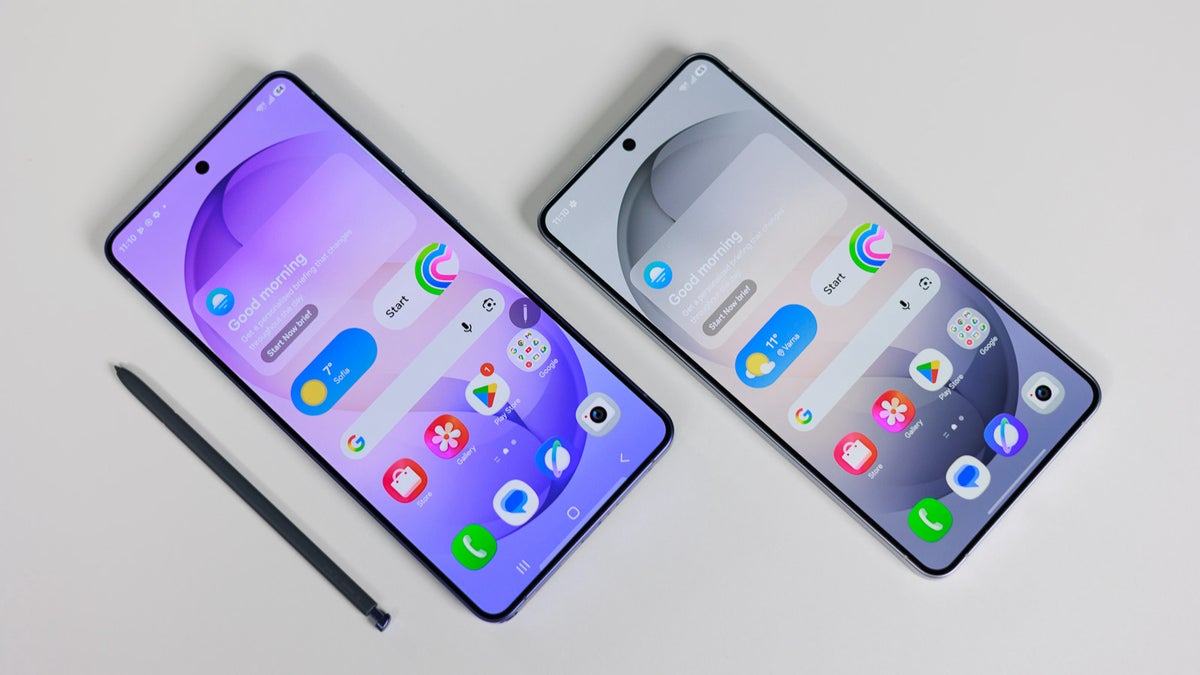
Google quietly pushed new versions of three system apps to Galaxy phones, Android System SafetyCore, Android System WebView and Google Play Services, and they skip the normal Play Store update list, so you install each one by hand. Galaxy S26 Ultra owners and folks on older Samsung phones get the same routine, and even Pixel 10 Pro users are not exempt.
What Google just slipped onto Galaxy phones
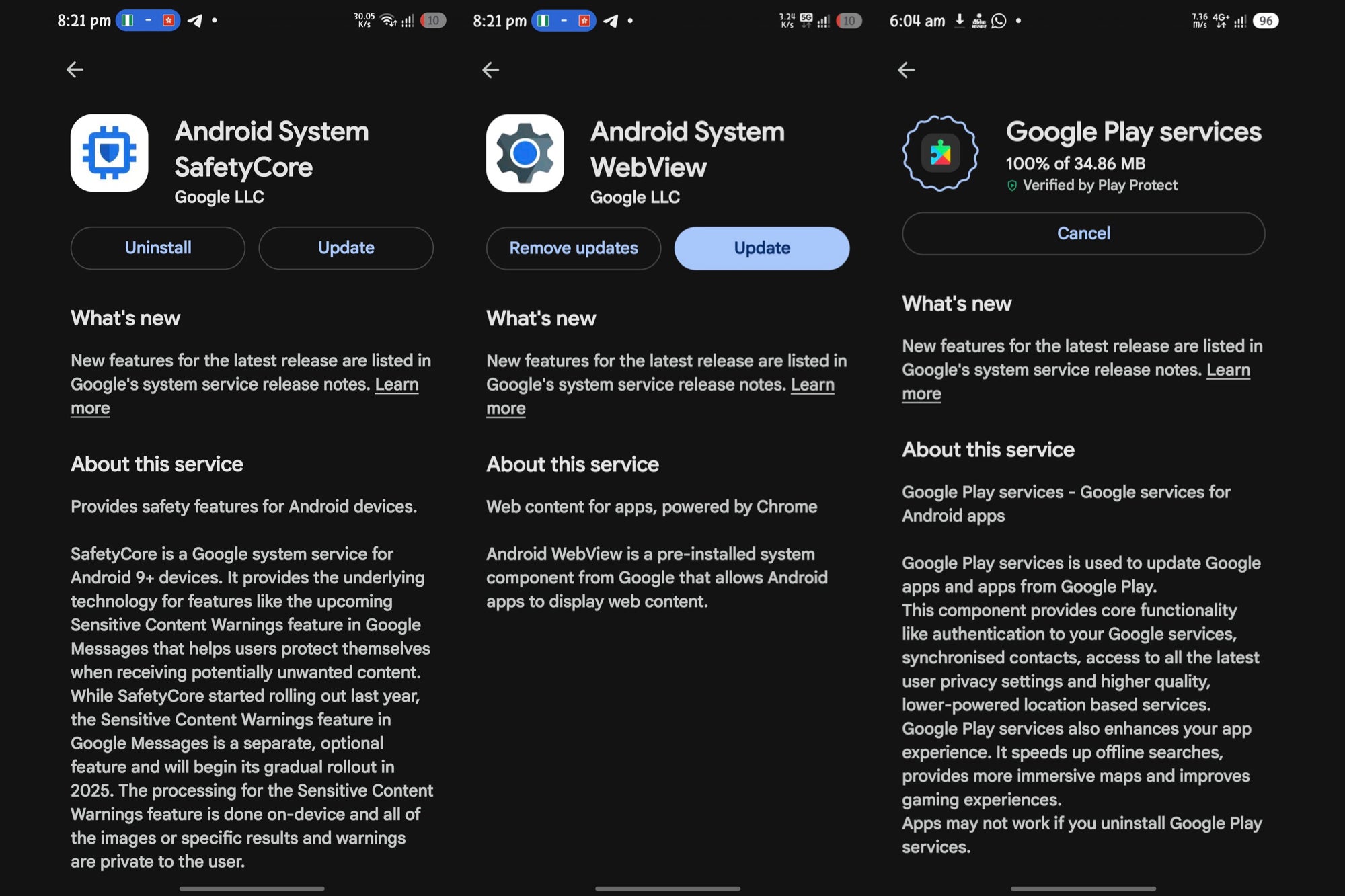
Three Google system apps on Galaxy phones have new versions waiting that you might not be aware of: Android System SafetyCore (1.0.925574157), Android System WebView (149.0.7827.91) and Google Play Services (26.22.33). However, Google posted no changelog for any of them, which is normal for these three.
The rollout was first flagged by Galaxy Alerts, a Samsung-focused tipster account on X. It is not a household name, though, and a single tip is not an official changelog, so treat the details as a reported claim. As of now, the updates are confirmed only on Galaxy phones running One UI 8.5 or One UI 9 in India.
It should be noted that Google rolls these out in waves, so wider availability usually follows within days.
How do you keep up with Android's invisible system updates?
99 Votes
I dig through Settings and update them by hand
28.28%
Auto-update is on, I never think about it
27.27%
SafetyCore updating in silence is what worries me
15.15%
Wait, these need updating separately?
29.29%
Why these three matter more than your average app
These are not apps you can shrug off, though. Android System WebView renders web pages inside other apps, so when your banking app opens a link without a full browser, WebView is doing the work behind the scenes. It should be noted that a stale version here has long been a security weak spot.
Recommended For You
The three Google apps with updates waiting, SafetyCore, WebView and Google Play Services, each showing the manual Update button. | Image by Galaxy Alerts via X
Google Play Services, meanwhile, is the plumbing behind logins, notifications and core features, while SafetyCore is the on-device piece behind the sensitive-content warnings in Google Messages. Skip them, then, and you risk a less secure in-app browser plus the odd crash in other apps.
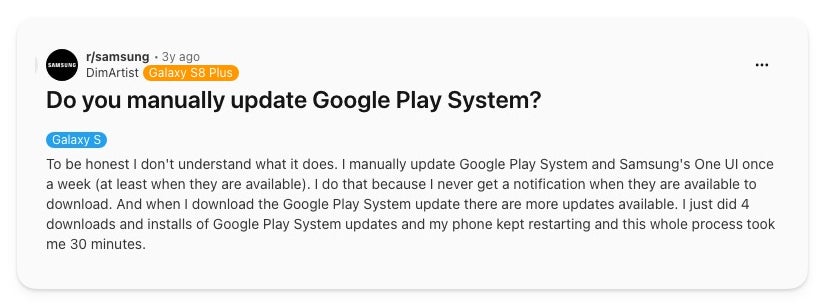
Galaxy owners have grumbled about this for years, and the frustration is easy to find. One r/samsung poster, for instance, said they update Google Play System by hand every week without knowing what it does, and that one round of four updates kept restarting their phone for 30 minutes.
Galaxy owners have been manually updating Google Play System for years, often without knowing why. | Image by DimArtist via Reddit
Here is the part Samsung catches unfair blame for, though. These three are Project Mainline modules that Google ships through Play system updates, so they move on their own quiet schedule across Android. We have covered before how Galaxy phones stumble with Google's system updates, and if you are on a Pixel feeling smug, the same opaque treatment applies to you, just with a different Settings path to dig through.
Who needs to act right now
If Play Store auto-updates are on, these will reach you on their own, just slowly. The people who should check today, however, are security-minded users, anyone who sideloads apps and people who have not updated in a couple of months.
The catch is that none of the three show up under the Play Store's Manage apps and device list, so the Update all button does nothing for them. Instead, you go to each app's store page directly.
Here's how to update them manually
Open Settings, then tap Apps.
Search for the app, Android System SafetyCore, Android System WebView or Google Play Services, and open its listing.
Scroll down, tap App details in store, then tap Update on the Play Store page.
Repeat for the other two.
The one update worth the hassle
Out of the three, then, WebView is the one I would not sit on. It renders web content inside other apps and has a track record as an attack surface, so a stale version is the gap worth closing fast.
Google Play Services matters too, but it tends to catch up on its own, so I would not race to it. SafetyCore, on the other hand, I would treat as optional. It runs on-device and does not phone home, though Google's silent-install record with it earned plenty of side-eye.
So if you only do one of these today, make it WebView. The other two can find you on their own.
On the Visible+ Pro plan, you get access to 5G Ultra Wideband data on Verizon's fastest network. Along with unlimited roaming across Mexico and Canada, 2 days of Global Pass per month, 3x hotspot speeds, 4K streaming, and Smartwatch service.
Johanna Romero is a Senior News Writer at PhoneArena, covering mobile technology news across Android, iOS, wearables, and the Google ecosystem she knows best. Drawing on 15 years in IT and tech support from 2007 to 2022, she brings a user-friendly eye for the practical features and lesser-known tricks readers care about. Google named her an official #TeamPixel member in 2022, and she also reviews the latest devices on her YouTube channel, JoJo the Techie.
A discussion is a place, where people can voice their opinion, no matter if it
is positive, neutral or negative. However, when posting, one must stay true to the topic, and not just share some
random thoughts, which are not directly related to the matter.
Things that are NOT allowed:
Off-topic talk - you must stick to the subject of discussion
Offensive, hate speech - if you want to say something, say it politely
Spam/Advertisements - these posts are deleted
Multiple accounts - one person can have only one account
Impersonations and offensive nicknames - these accounts get banned
To help keep our community safe and free from spam, we apply temporary limits to newly created accounts:
New accounts created within the last 24 hours may experience restrictions on how frequently they can
post or comment.
These limits are in place as a precaution and will automatically lift.
Moderation is done by humans. We try to be as objective as possible and moderate with zero bias. If you think a
post should be moderated - please, report it.
Have a question about the rules or why you have been moderated/limited/banned? Please,
contact us.









Things that are NOT allowed:
To help keep our community safe and free from spam, we apply temporary limits to newly created accounts: