Streaming 4K content even on an iPhone 17 Pro or a Galaxy S26 Ultra may not be necessary, but many laptops and desktop computers could benefit from the higher quality. Getting Netflix at its best quality in a browser has always been a bit of a struggle, but now it gets a tiny bit easier.
Netflix now supports 4K streaming on Chrome, but not on every device
Netflix has added 4K playback support through Google’s Chrome browser. However, even after the update, the option is available only on select devices, with whole operating systems left without it.
In a recently updated support page, first noticed by FlatPanelsHD, Netflix confirmed that some Windows and Chromebook devices will support up to Ultra HD streaming. Chrome users on other operating systems won’t get the same option, with the macOS version being limited to Full HD and Linux maxing at HD (720p) resolution.
Poll
25 Votes
How do you usually watch Netflix?
On my mobile device
8.00%
On my laptop or desktop computer
24.00%
On my TV
64.00%
I don't watch Netflix
4.00%
How to watch Netflix in 4K on Chrome?
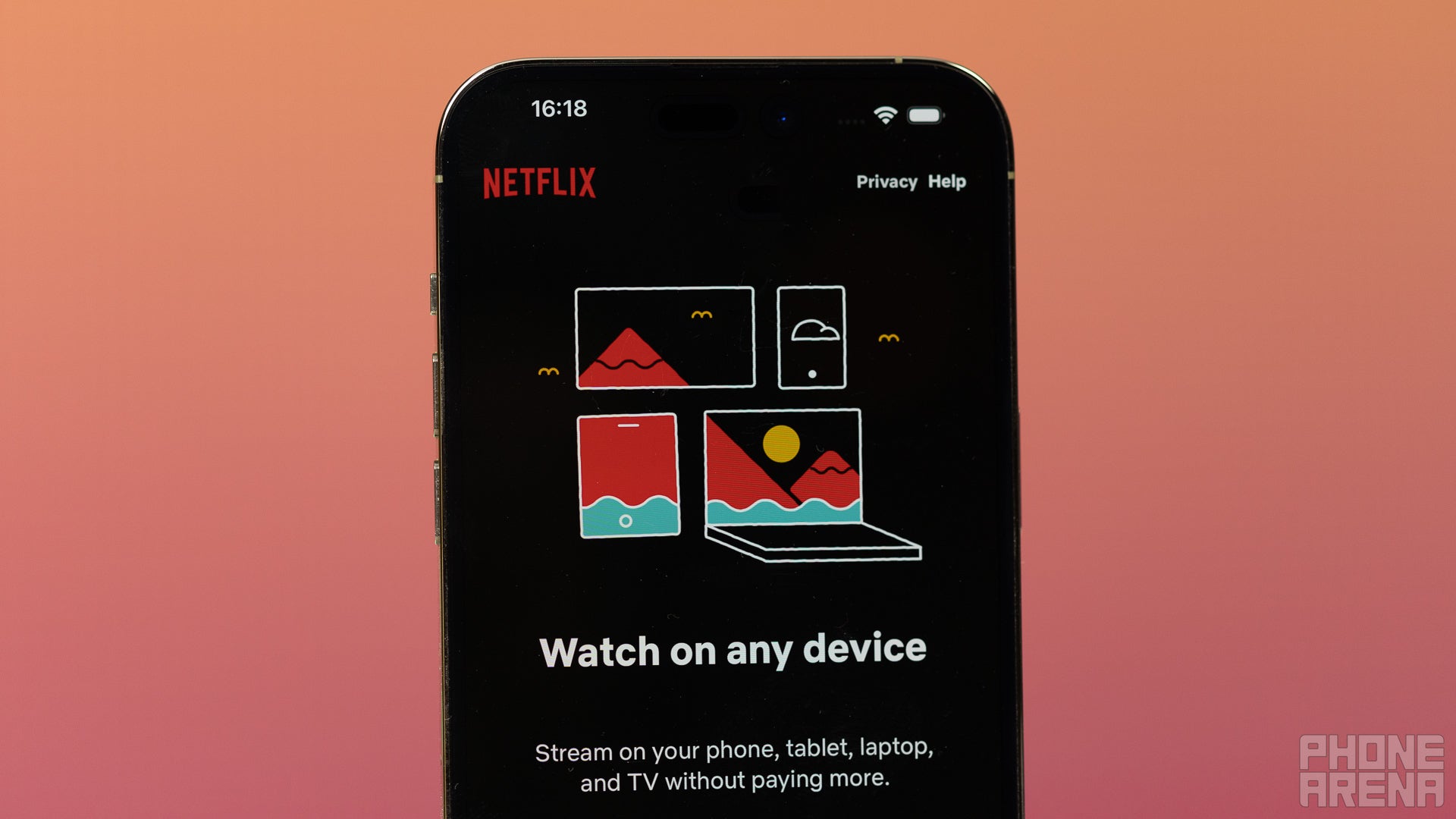
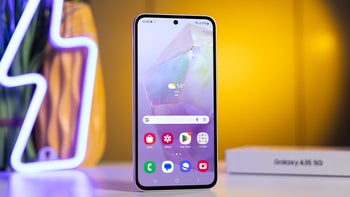
Netflix says you can stream its content on any device. | Image by PhoneArena
To watch Netflix in 4K or Ultra HD with Chrome on a PC, you need to have a device with Windows 11 and an Intel 7th Gen Core CPU or newer, or an AMD Ryzen CPU. You’ll also need an Nvidia GeForce GTX 1050 or AMD Radeon RX 400 series or newer GPU. On top of this, you’ll need HEVC support and updated drivers.
Watching Netflix in 4K on a Chromebook requires a Chromebook Plus laptop with the latest ChromeOS updates installed.
Recommended For You
In both cases, you’ll also need a 4K 60Hz built-in screen or a 4K 60Hz external display, which has an HDCP 2.2 compatible connection. Even then, you won't get features like Dolby Vision, HDR10+ and Dolby Atmos outside the Netflix app.
Of course, you can also choose a different browser to stream Netflix to get 4K support. On macOS, this option is available only on Safari, while Windows users can also use Edge to get the highest quality stream.
This shouldn’t be so difficult
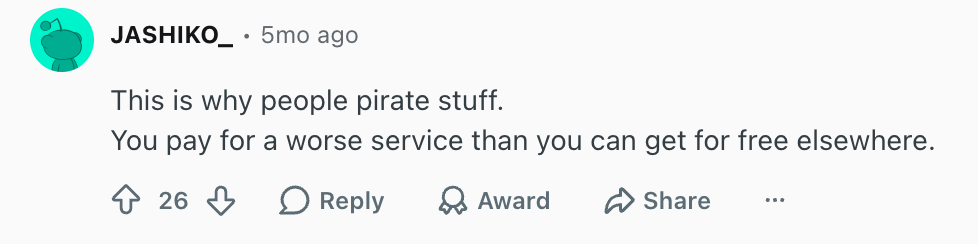
I’ve always struggled to understand how the most popular streaming service could put so many barriers for streaming its content in the best available quality. There are numerousposts on Reddit with people trying to figure out how to get the 4K quality they’re paying a continuously growing price for on their devices, which often end up with recommendations for illegal streaming.
Users don't like how difficult 4K streaming can be sometimes. | Image by Reddit (screenshot
While I understand the copyright protection concerns, it’s been proven time and time again that users tend to pick the easiest way to consume content. If that’s a premium service, people will gladly pay for it, but many won’t shy from sailing the darker corners of the internet if it feels easier.
On the other hand, I rarely watch anything different from YouTube on a desktop computer, and most TVs and set-top boxes don’t have such limitations with Netflix. I’d still urge Netflix and all its competitors to figure out how to address this issue, though.
While you're here, you can check out the latest news:
Get a free Galaxy A17 with Straight Talk. To claim this deal, you need to pair the phone with activation on a Silver Unlimited Plan or higher. This tier costs $45 per month. Offer valid through 01/10/27 while supplies last online.
Ilia, a tech journalist at PhoneArena, has been covering the mobile industry since 2011, with experience at outlets like Forbes Bulgaria. Passionate about smartphones, tablets, and consumer tech, he blends deep industry knowledge with a personal fascination that began with his first Nokia and Sony Ericsson devices. Originally from Bulgaria and now based in Lima, Peru, Ilia balances his tech obsessions with walking his dog, training at the gym, and slowly mastering Spanish.
A discussion is a place, where people can voice their opinion, no matter if it
is positive, neutral or negative. However, when posting, one must stay true to the topic, and not just share some
random thoughts, which are not directly related to the matter.
Things that are NOT allowed:
Off-topic talk - you must stick to the subject of discussion
Offensive, hate speech - if you want to say something, say it politely
Spam/Advertisements - these posts are deleted
Multiple accounts - one person can have only one account
Impersonations and offensive nicknames - these accounts get banned
To help keep our community safe and free from spam, we apply temporary limits to newly created accounts:
New accounts created within the last 24 hours may experience restrictions on how frequently they can
post or comment.
These limits are in place as a precaution and will automatically lift.
Moderation is done by humans. We try to be as objective as possible and moderate with zero bias. If you think a
post should be moderated - please, report it.
Have a question about the rules or why you have been moderated/limited/banned? Please,
contact us.











Things that are NOT allowed:
To help keep our community safe and free from spam, we apply temporary limits to newly created accounts: