Samsung has started notifying Samsung Messages users of the exact shutdown date: July 6, 2026, this coming Monday. The company announced the discontinuation back in April without a firm date, and now everyone still on the app is being pushed toward Google Messages on devices like the Galaxy S26 Ultra.
Samsung confirms the exact shutdown date
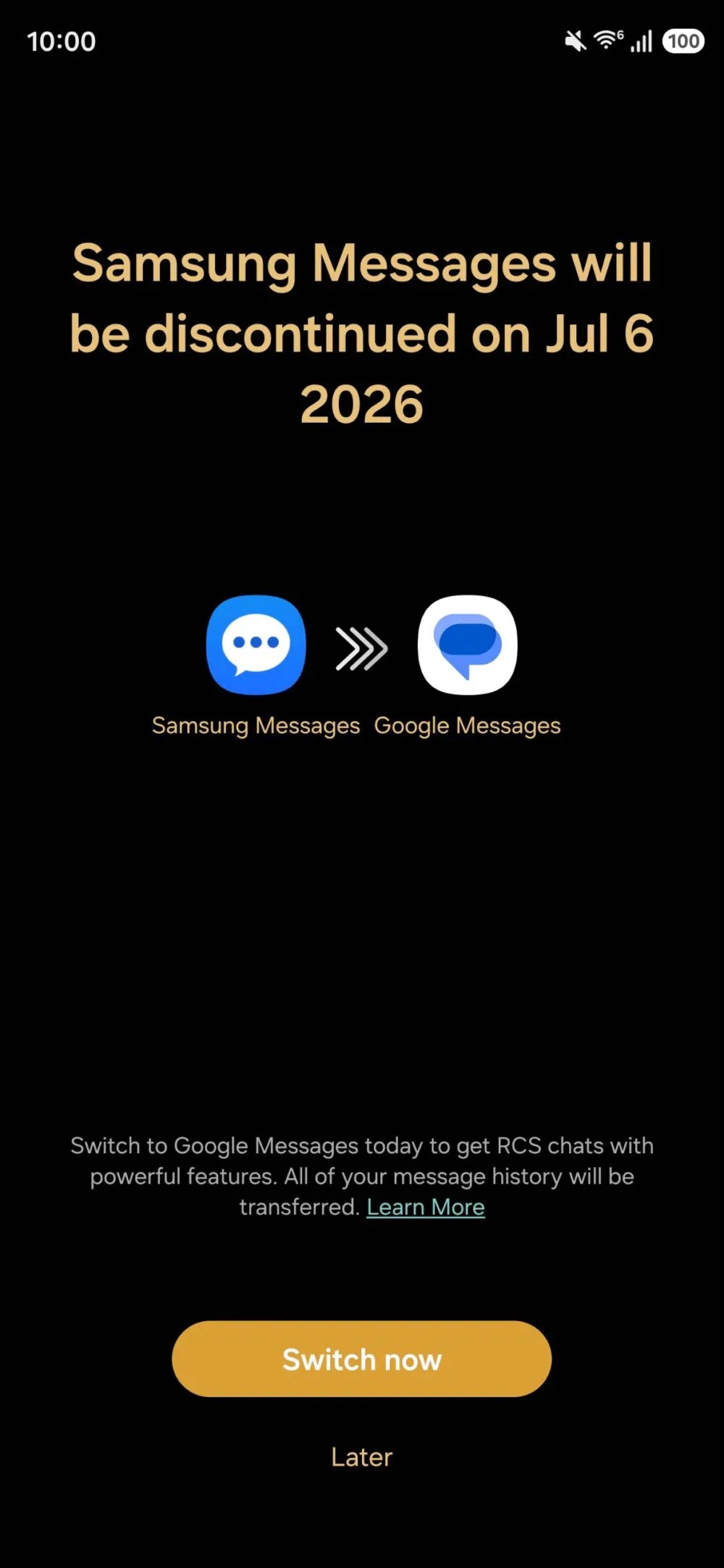
Samsung has started pushing an in-app notice spelling out the shutdown date: July 6, 2026, this Monday. A new report notes the notice has been arriving on devices since Samsung's April announcement.
We reported this exact date last month from Samsung's own support page. However, seeing it arrive as a notice within the app hits differently for anyone who put this off.
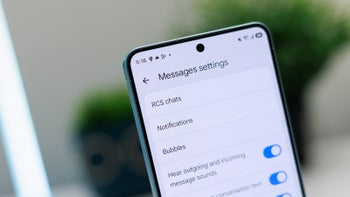
Samsung's in-app notice spells out the exact shutdown date, July 6, 2026. | Image by Samsung
The Samsung Messages application will be discontinued in July 2026. Upgrade to Google Messages as your default messaging app today to maintain a consistent messaging experience on Android.
Samsung, official End of Service notice, Samsung US support page
After the cutoff, the app will only handle emergency contacts, and it's gone from the Galaxy Store on any Galaxy S26 or newer device.
How have you prepared for the upcoming shutdown of Samsung Messages?
48 Votes
Made the switch already, no complaints
25%
Still delaying it, but I'll get to it
16.67%
Didn't realize it was even happening
22.92%
Sticking with a third-party app instead
35.42%
What the switch actually costs you
For Galaxy owners still on Samsung Messages, the switch is now mandatory. The app only handles emergencies after Monday, and Google Messages brings the reliable RCS Samsung's app could only offer when a carrier cooperated.
Recommended For You
One real loss is customization. Samsung Messages let you set a photo background and adjust bubble opacity, where Google Messages stuck to a plain color toggle for years. That's changing, though, as Google's Chat themes feature rolls out with its own wallpapers and palettes.
If you're on an iPhone, none of this touches you, though Apple's RCS support in iOS 18 already means richer cross-platform chats either way. The shift here is entirely on Samsung's side.
Who needs to act, and how
Anyone on a US Galaxy phone running Android 12 or higher and still on Samsung Messages needs to act. Android 11 or older means Samsung Messages continues to work as it always has.
How to switch to Google Messages before Monday
Open Google Messages, downloading it from the Play Store if needed.
Tap "Set default SMS app," select Google Messages, then tap "Set as default."
History transfers automatically, though it can take a day.
My take on Samsung finally pulling the plug
Three days isn't much runway, but this isn't exactly a surprise. Samsung's been stepping away from its own messaging app since 2021, and July 6 is just the last domino in a sequence anyone paying attention could see coming.
Google Messages isn't perfect (that folder system was genuinely useful, and I hope it gets copied over eventually), but reliable RCS across the board is worth it. If you've been putting this off, Monday's as good a deadline as any, and I'll admit I'm a little relieved to see this one finally wrap up.
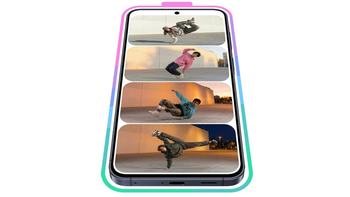
And if you're ready to see what your Galaxy can do:
Johanna Romero is a Senior News Writer at PhoneArena, covering mobile technology news across Android, iOS, wearables, and the Google ecosystem she knows best. Drawing on 15 years in IT and tech support from 2007 to 2022, she brings a user-friendly eye for the practical features and lesser-known tricks readers care about. Google named her an official #TeamPixel member in 2022, and she also reviews the latest devices on her YouTube channel, JoJo the Techie.
A discussion is a place, where people can voice their opinion, no matter if it
is positive, neutral or negative. However, when posting, one must stay true to the topic, and not just share some
random thoughts, which are not directly related to the matter.
Things that are NOT allowed:
Off-topic talk - you must stick to the subject of discussion
Offensive, hate speech - if you want to say something, say it politely
Spam/Advertisements - these posts are deleted
Multiple accounts - one person can have only one account
Impersonations and offensive nicknames - these accounts get banned
To help keep our community safe and free from spam, we apply temporary limits to newly created accounts:
New accounts created within the last 24 hours may experience restrictions on how frequently they can
post or comment.
These limits are in place as a precaution and will automatically lift.
Moderation is done by humans. We try to be as objective as possible and moderate with zero bias. If you think a
post should be moderated - please, report it.
Have a question about the rules or why you have been moderated/limited/banned? Please,
contact us.





Things that are NOT allowed:
To help keep our community safe and free from spam, we apply temporary limits to newly created accounts: