Samsung streamlines One UI beta enrollment, but still ignores the real problem
it's now easier to join or leave One UI;s beta program, but the main issue with Samsung beta software persists.
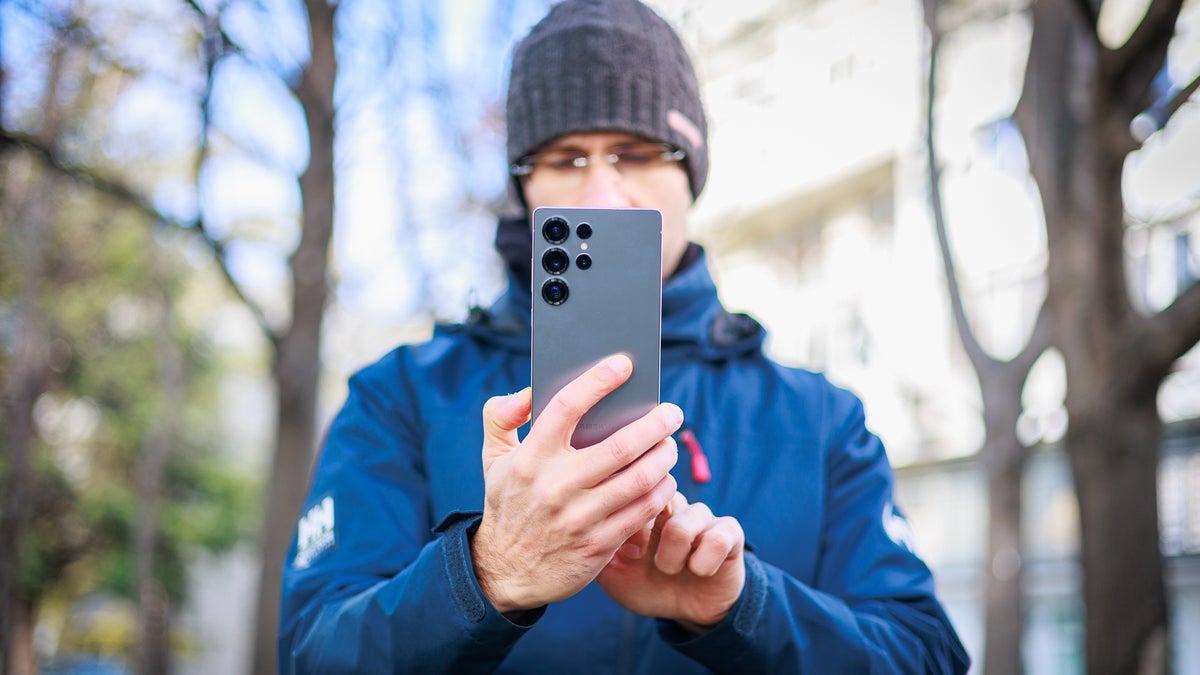
Running beta software on Samsung phones requires interacting with the Members app. | Image by PhoneArena
You know how easy it is to usually join a beta version on most Android devices and on the iPhone? Usually, it's as easy as tapping a few buttons and any available beta software will land on your device, but with Samsung, the process has been a bit more complicated and convoluted to the chagrin of most Galaxy beta testers.
Now, Samsung might be addressing that for its Galaxy line of devices.
Samsung is improving its beta program in a great way
Now, SamMobile has found out that Samsung is about to make the process of enrolling in or leaving a beta program on its Galaxy phones way easier than it was. The process has been simplified by requiring just a single user T&C agreement once you sign up for the beta program, whereas previously this process was required for each device.
"We have changed the registration process to two steps; joining the Beta Program and participating in Beta test, once you join the Beta Program, you can freely join and leave Beta tests. Now, the Beta T&C agreement process, which was previously required for each model, only needs to be completed once when you participate in the 'Beta Program.' Once you have participated, joining and leaving the Beta test can be done with just a few taps."
Samsung Members app
This process goes into effect with the One UI 9 beta software for the Galaxy S26 Ultra, Galaxy S26 Plus, and Galaxy S26. Sadly, it's not global, but only available in a handful of countries: Germany, India, Poland, South Korea, the United Kingdom, and the United States.
This makes it simpler and less intimidating to enroll in a beta. This change was apparently shared inside the Samsung Members app, which is the hub where users enroll for beta software on Samsung devices.
Beta Home makes it easier to interact with available beta software
Aside from getting rid of the unnecessary red tape around the enrollment process, Samsung is also adding a dedicated One UI Beta Home section inside the Samsung Members app, where users can check if there are any running beta programs for their device.
Do you run beta software on your devices?
15 Votes
Yes, all the time.
40%
Only public betas.
33.33%
Never, stock OS for me.
26.67%
This one will remain available even if there aren't any available beta programs, which would make it easier to know if you're missing out on any new software or not.
But don't worry, Samsung will continue to openly advertise any new beta software for your device via splash banners inside the Samsung Members app, where it can't be missed. Thus, if you regularly open the app, you should technically see the prompt that there's a beta available for your phone.
Leaving and rejoining is easier, too
Leaving the beta program will be much easier, too. A big blue button inside the One UI Beta Home section of the Samsung Members app will allow you to easily withdraw from the beta program. Afterward, you will be guided through the process of getting the latest official One UI software for your device.
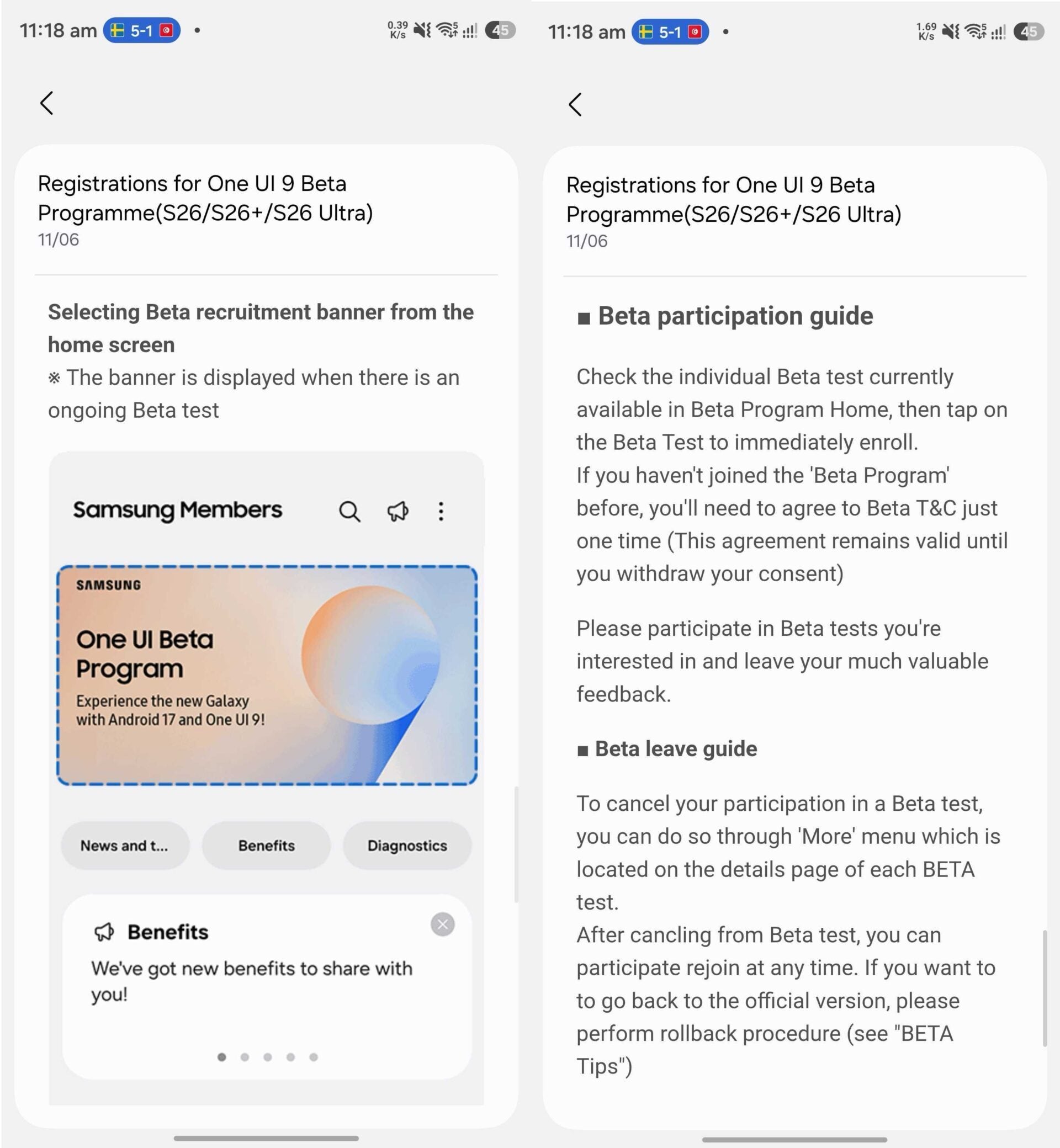
Samsung has explained how to enter and leave the beta program at length in the Members app | Image by Screenshots by SamMobile
And rejoining would be easier, too, so that if you backtrack on your decision, the return of the beta software on your phone is as easy as abc.
There's still ways to improve the way betas are handled
I rarely use stable software as pretty much all of the devices I use tend to constantly be running some sort of beta software. That said, Samsung's beta program has always been the most convoluted.
Most Android manufacturers and Apple have defaulted to a simpler way of seeding beta software: by adding a dedicated beta menu inside the Software Update sub-menu in the main Settings on your phone. I think that this is a much more straightforward approach in comparison with Samsung's one.
Getting a One UI beta is arguably the most difficult process among all top manufacturers.
The Samsung Members app has never felt intuitive to me, and even though seasoned Samsung users are certainly used to the way things are handled, it's objectively correct to say that even the latest changes to the Samsung Members app aren't enough to convince me otherwise.
Now, only if they could make One UI betas global, too...


Popular stories






Latest News






Things that are NOT allowed:
To help keep our community safe and free from spam, we apply temporary limits to newly created accounts: