Pixel 11's best voice typing trick just showed up on any Android phone
SwiftKey's beta does one thing Google's own version still cannot, and it is not speed.

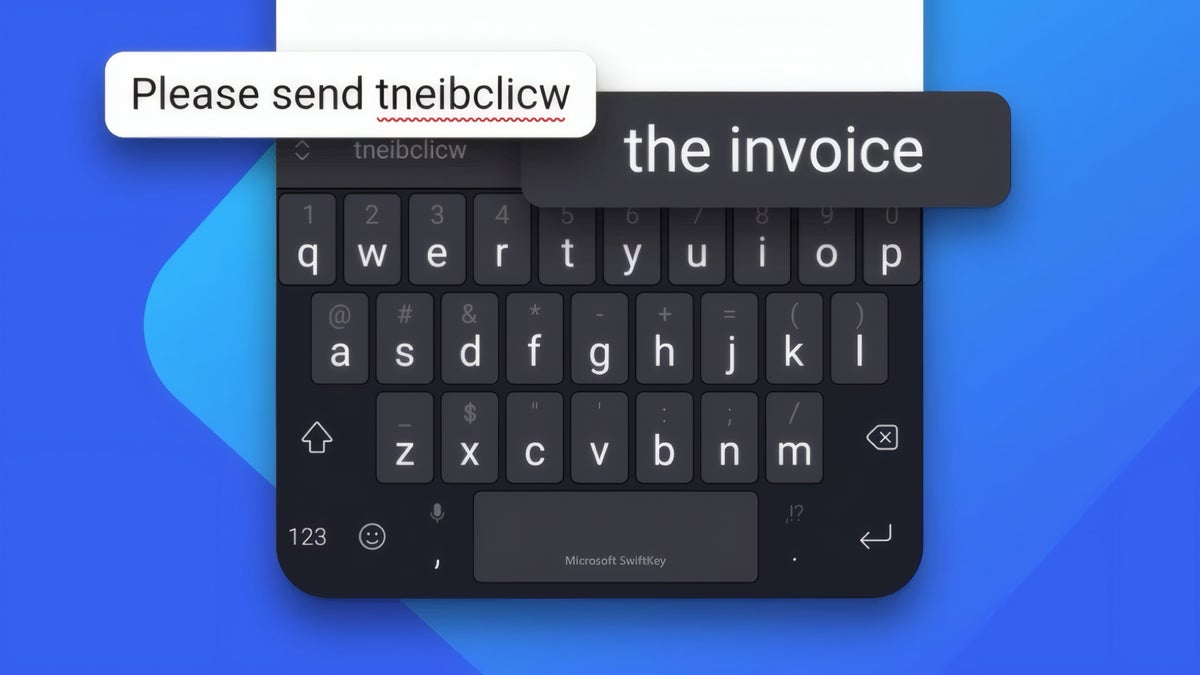
Microsoft SwiftKey correcting a mistyped word on an Android keyboard. | Image by Microsoft
SwiftKey is borrowing one of the Pixel 11's better tricks, and I found the most interesting part sitting in the fine print. The keyboard's new AI voice typing mode runs completely offline, which is something Google's own version cannot do yet.
Before anyone uninstalls Gboard over it, though, this is a beta, and it shows up with a fair few holes in it.
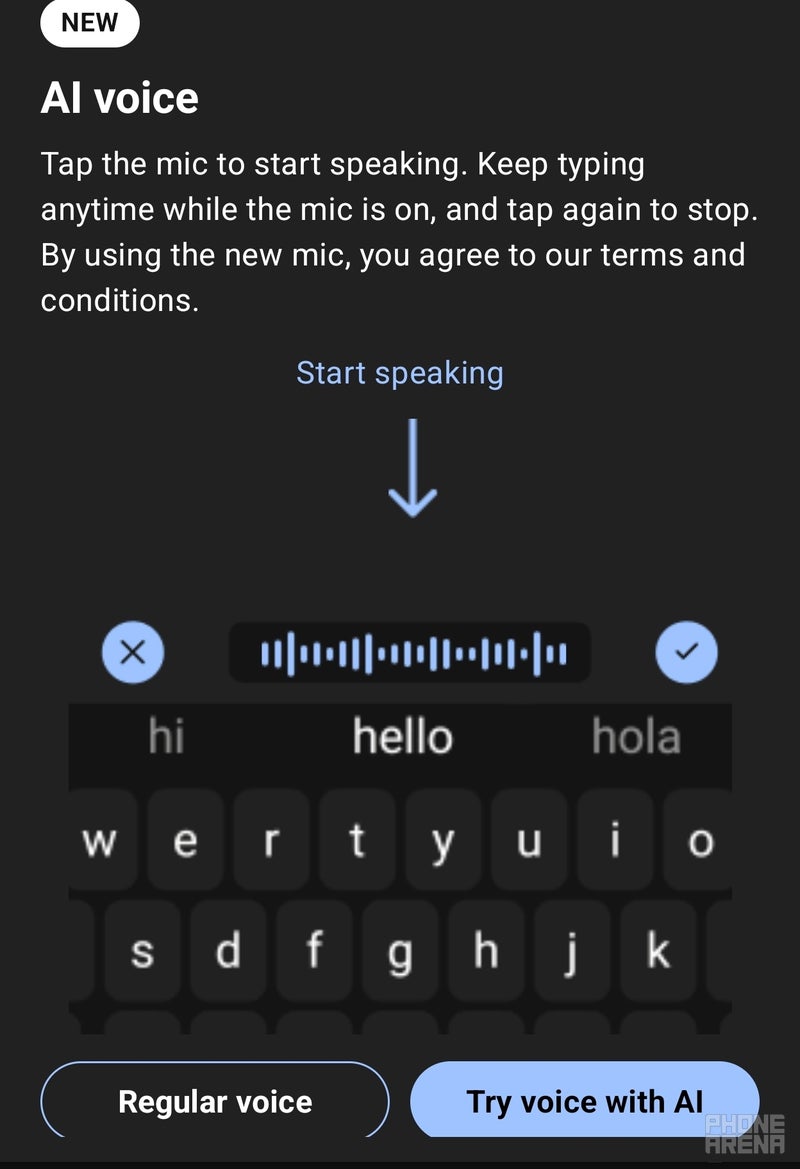
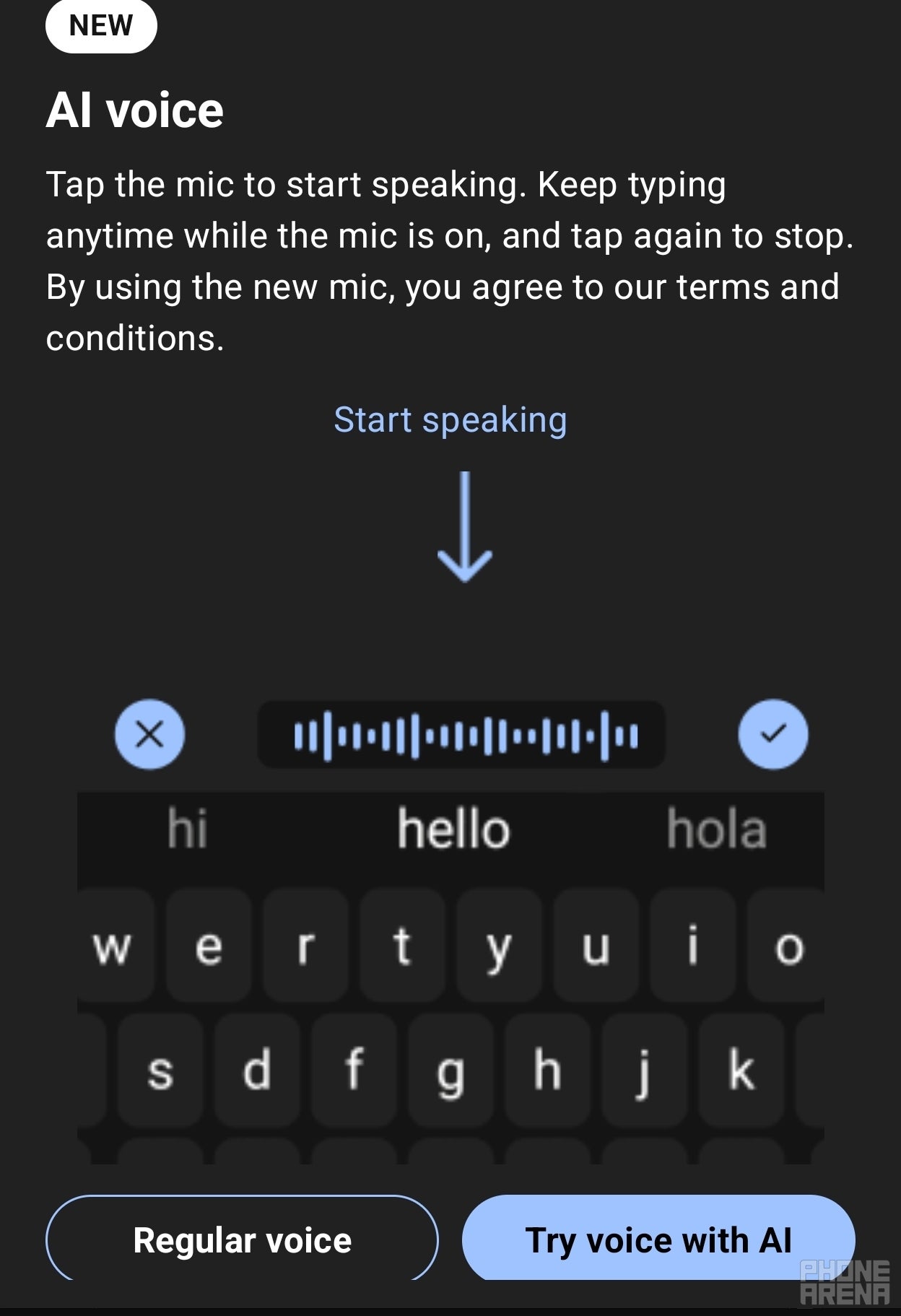
The feature appears in SwiftKey beta version 9.13.16.4 for Android as a new "AI voice" option sitting next to the microphone icon, with a short explanation of how it works. You speak normally, a waveform moves on screen, and once you stop, the app strips out your filler words and formats the finished text for you.
Nobody has to take this one on faith, since it is a public beta on the Play Store that anyone can install. When I set it up, the onboarding card pointed out that you can carry on typing on the keys while the mic is still listening, so the whole keyboard does not lock up while it runs.
A new report tested the mode with both Wi-Fi and mobile data switched off and found it still transcribed without any trouble.
Rambler is the Gboard feature Google introduced with the Pixel 11 series, and we covered it when the phones were announced as a way to keep dictated text cohesive even when you backtrack or correct yourself mid-sentence. SwiftKey is going after the same problem, only without the exclusivity.
The gap runs in both directions:
Google has had the best voice typing on Android for years now, and it has usually kept the newest parts of it on Pixel hardware first. Watching a third-party keyboard match the idea within weeks, and beat it on the offline front, says something about how thin that advantage actually is.
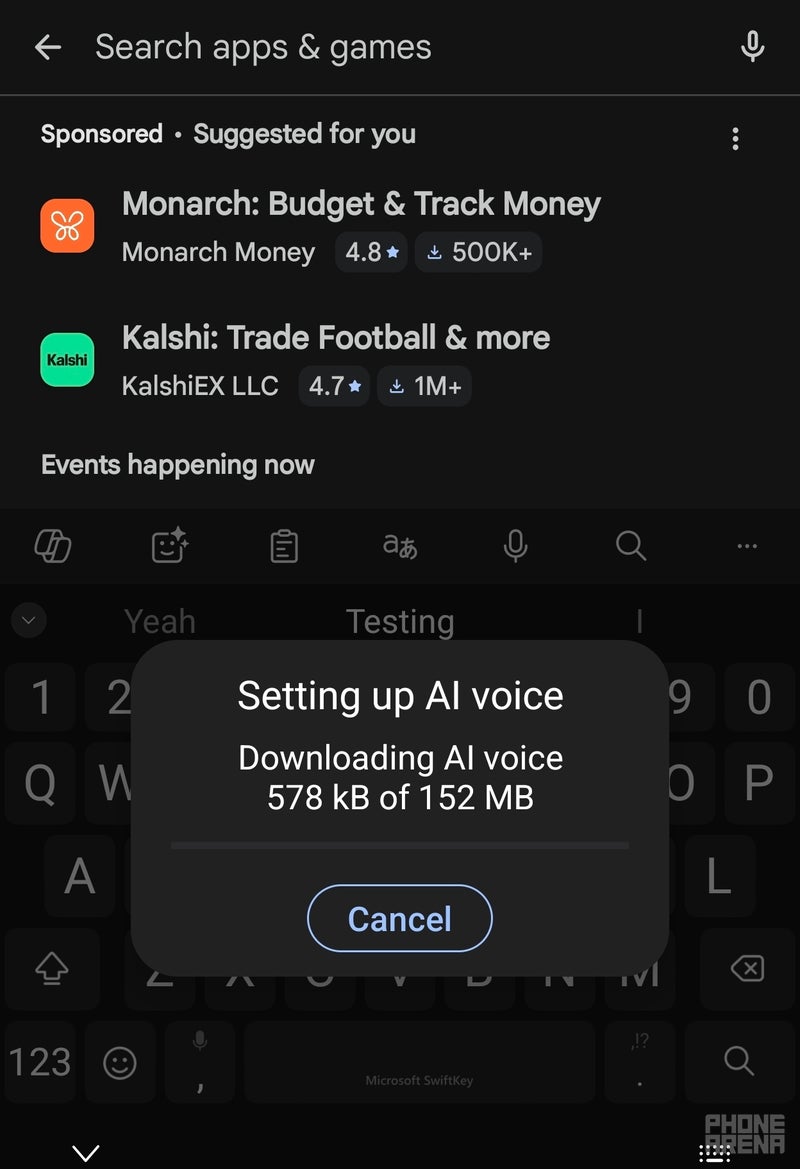
The voice model download came in at 152 MB when I set it up, so this is not a small toggle you flip and forget about.
It is a beta build too, which is the usual reminder that anything in this channel can change or quietly disappear before it reaches the stable app.
I use voice typing constantly on my Pixel, so the offline piece is the part I care about. Dictating in a parking garage or on a plane is exactly where Gboard tends to fall apart, and we have watched Google chip away at voice typing's rough edges for a while now without solving that one.
I have it set up on my Galaxy Z Fold 8 now, and I will report back once I have put it through a few days of normal use instead of a quick trial. For now I would treat this as a promising beta and not a reason to change keyboards, since switching means retraining years of prediction data for a feature that is still missing pieces.
If it turns out to work as well offline as it appears to, though, I will be perfectly happy to eat my words.
Before anyone uninstalls Gboard over it, though, this is a beta, and it shows up with a fair few holes in it.
What SwiftKey is testing
The feature appears in SwiftKey beta version 9.13.16.4 for Android as a new "AI voice" option sitting next to the microphone icon, with a short explanation of how it works. You speak normally, a waveform moves on screen, and once you stop, the app strips out your filler words and formats the finished text for you.
A new report tested the mode with both Wi-Fi and mobile data switched off and found it still transcribed without any trouble.
Setting up SwiftKey's new AI voice typing mode on Android. | Image by PhoneArena
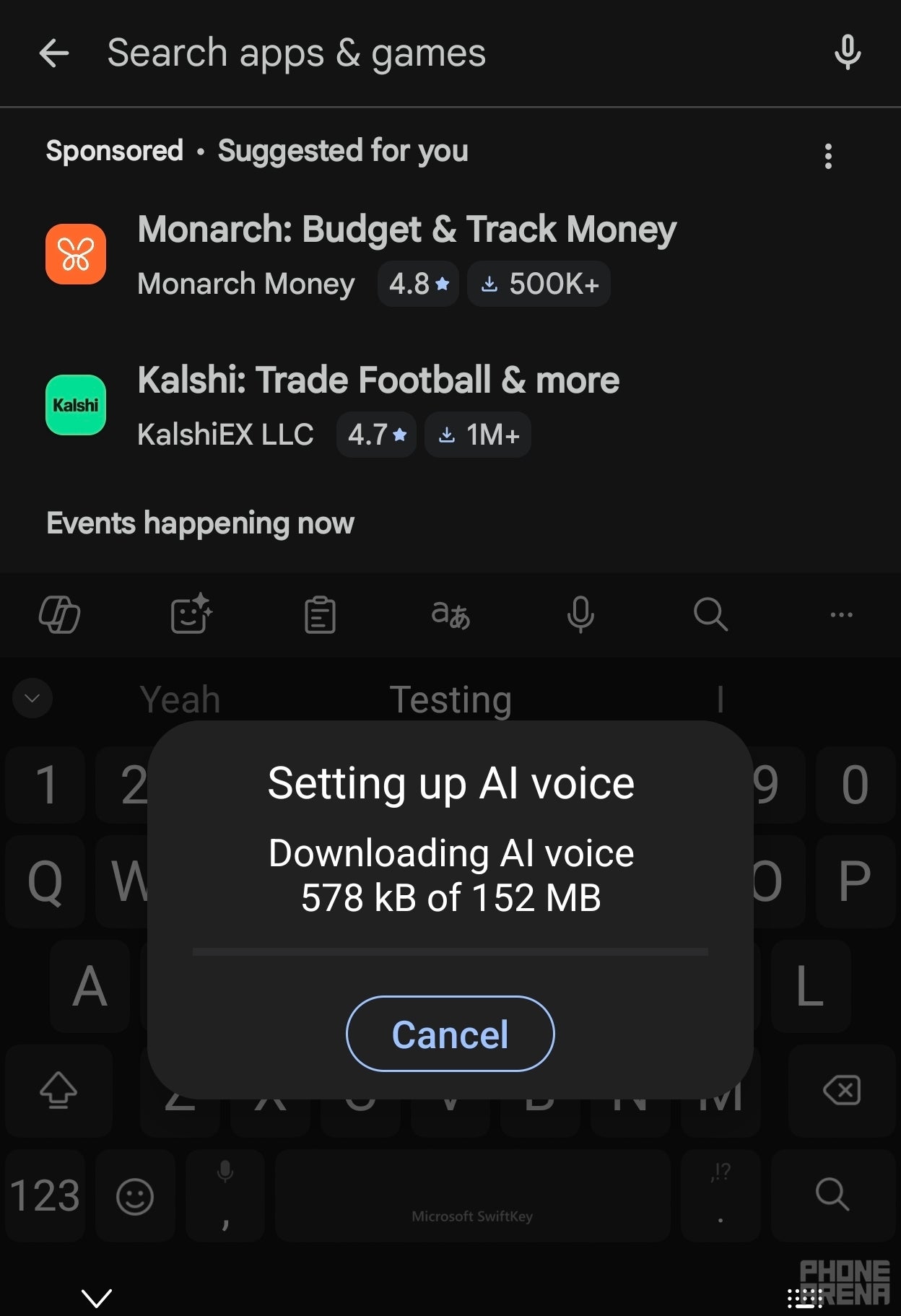
Setting up SwiftKey's new AI voice typing mode on Android. | Image by PhoneArena
How it compares to Rambler
Rambler is the Gboard feature Google introduced with the Pixel 11 series, and we covered it when the phones were announced as a way to keep dictated text cohesive even when you backtrack or correct yourself mid-sentence. SwiftKey is going after the same problem, only without the exclusivity.
- SwiftKey works with no connection at all once you download its voice model, and Rambler needs the internet
- The SwiftKey beta installs on any Android phone, and Rambler is limited to the Pixel 11 series for now
- Rambler can change tone, format your text further and drop in emoji by voice, and SwiftKey's version does none of that yet
Google has had the best voice typing on Android for years now, and it has usually kept the newest parts of it on Pixel hardware first. Watching a third-party keyboard match the idea within weeks, and beat it on the offline front, says something about how thin that advantage actually is.
How do you feel about voice typing on your phone?
24 Votes
I dictate constantly, offline support would help
29.17%
I use it sometimes, when my hands are full
33.33%
I tried it and went back to tapping
4.17%
I have never used voice typing
33.33%
The caveats worth knowing
The voice model download came in at 152 MB when I set it up, so this is not a small toggle you flip and forget about.
It is a beta build too, which is the usual reminder that anything in this channel can change or quietly disappear before it reaches the stable app.
Whether it is worth switching for
I use voice typing constantly on my Pixel, so the offline piece is the part I care about. Dictating in a parking garage or on a plane is exactly where Gboard tends to fall apart, and we have watched Google chip away at voice typing's rough edges for a while now without solving that one.
I have it set up on my Galaxy Z Fold 8 now, and I will report back once I have put it through a few days of normal use instead of a quick trial. For now I would treat this as a promising beta and not a reason to change keyboards, since switching means retraining years of prediction data for a feature that is still missing pieces.
More on the Pixel 11 and Google's keyboard work:

Popular stories




Latest News






Things that are NOT allowed:
To help keep our community safe and free from spam, we apply temporary limits to newly created accounts: