Google launched its Health app on iOS alongside the Fitbit Air tracker back in May. While the app had almost all the features iPhone users could have asked for, it missed a crucial syncing feature, which is finally available in its latest update.
Google Health can now sync back and forth with Apple Health
Today’s update to the Google Health app for iOS has finally brought the ability for its data to sync to Apple Health, making the integration between the two two-way. Previously, the app could only read the health data recorded by an iPhone, Apple Watch, or other apps and devices.
Google highlights exercise records, sleep, vitals, and steps among the data that its app can now share with other HealthKit-compatible apps. The update notes for the release mention there’s more data that can be synced.
This means Fitbit users will finally be able to use the health data their devices record with Apple Health and other iOS apps. Until now, this was only possible through workarounds and third-party solutions.
What type of wearable do you prefer?
19 Votes
Something discrete, like the Fitbit Air
63.16%
A smartwatch, like the Apple Watch
21.05%
A smart band with display
10.53%
None of these
5.26%
Some data is still unavailable
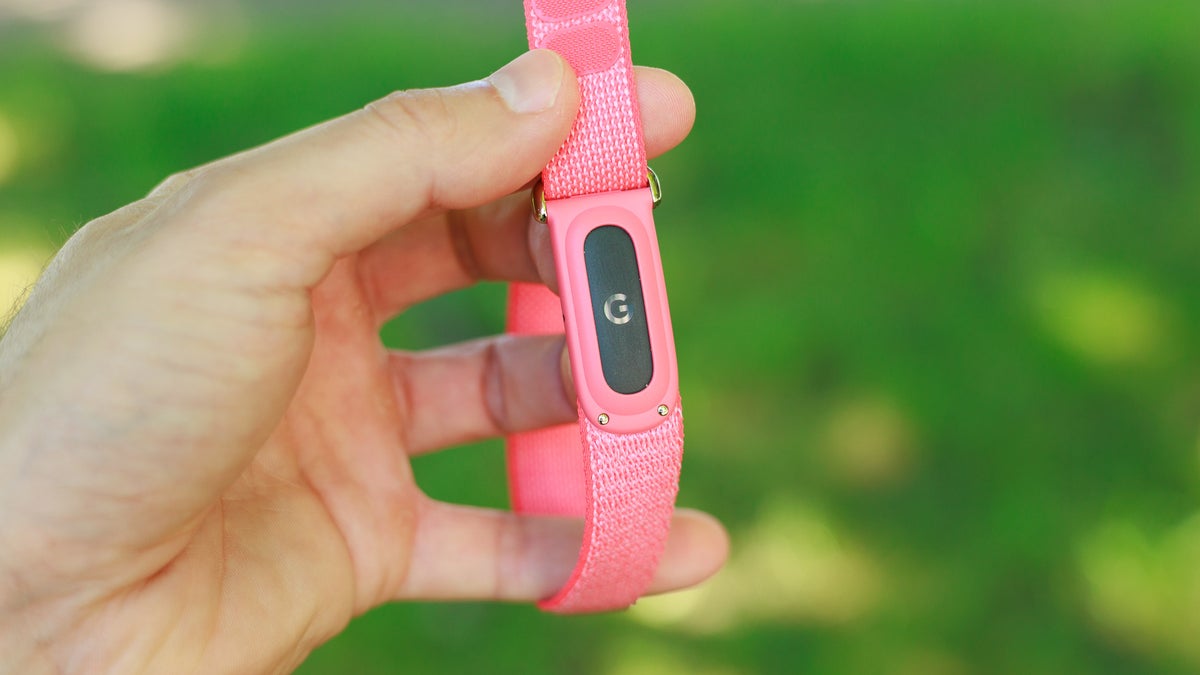
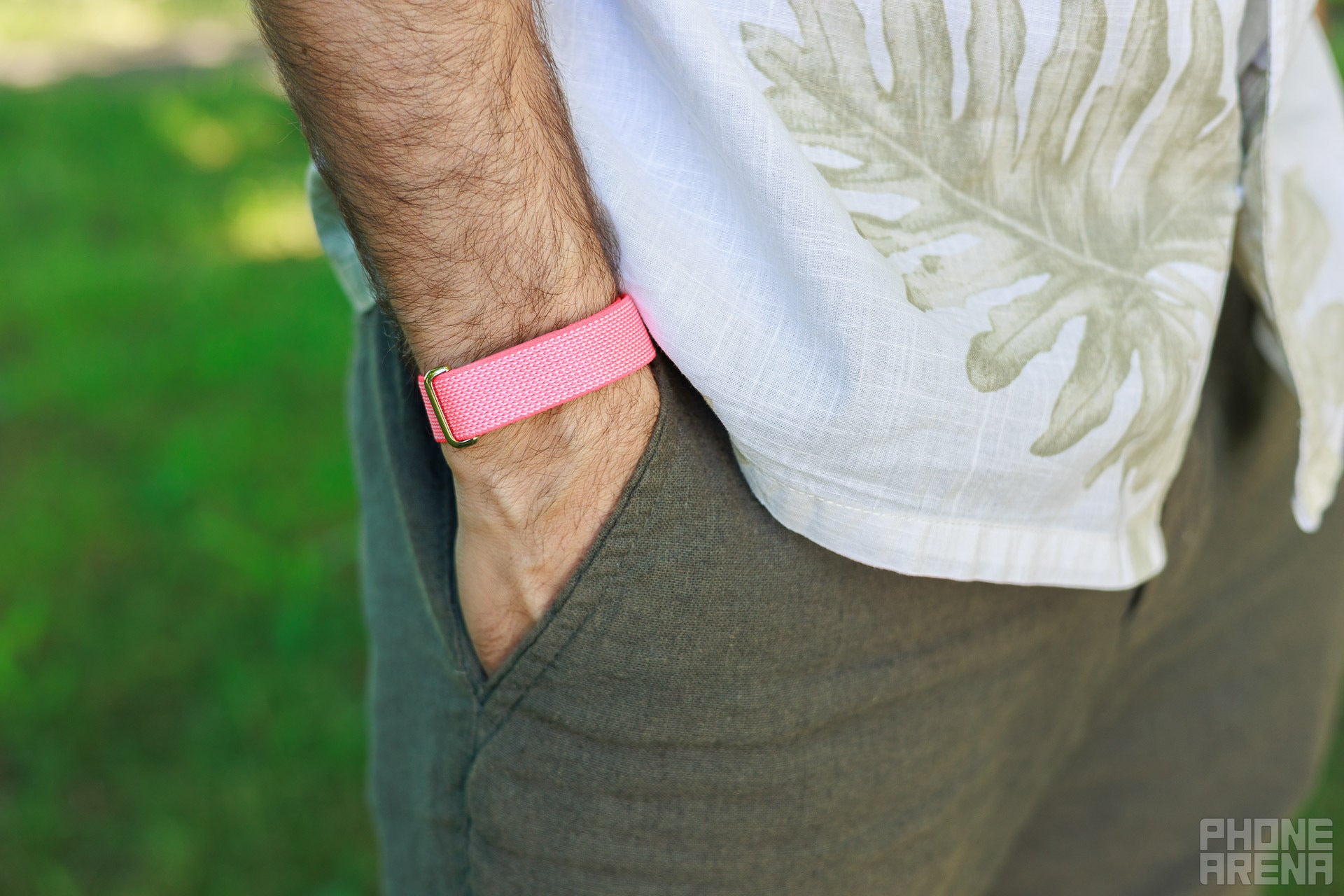
The Fitbit Air doesn't really look like a fitness tracker. | Image by PhoneArena
Fitbit devices have never before had native sync to Apple Health, even before Google’s acquisition of the company. When Apple launched HealthKit over a decade ago, the then-independent company said it had no plans to support Apple Health.
Recommended For You
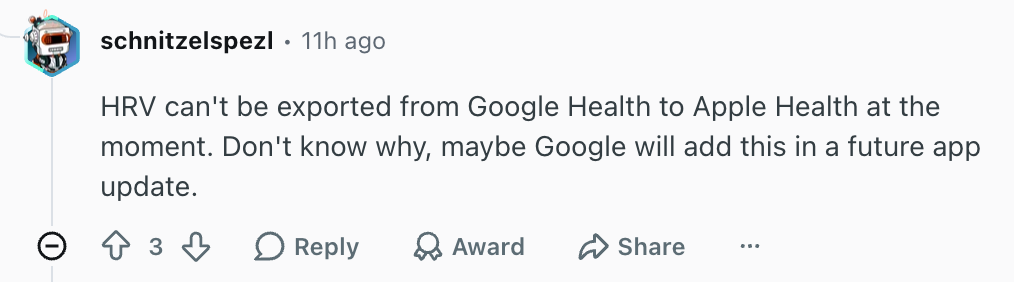
One of the data points that appears not to be included in the two-way syncing update is HRV readings. According to user reports on Reddit, Apple and Google use different methods to calculate HRV, which makes their measurements incompatible.
Some data won't sync. | Image by Reddit (Screenshot
While it’s unlikely for this update to make Apple Watch Series 11 users switch to a Fitbit Air, it could make the fitness tracker more appealing to anyone with an iPhone. In his in-depth review of the Fitbit Air, my colleague Victor said he enjoyed wearing it and thought its non-techy design was a big win.
How to sync Google Health data with Apple Health in iOS?
While you can activate the two-way data sharing from the Google Health app itself, you can also do it from Apple Health. Once you open Health on iOS, follow these steps to activate the two-way syncing:
Tap the Sharing tab
Tap on Apps
Tap on Google Health
Select the types of data you want to share between the two
After you’ve done this, you may need to restart the Google Health app and wait some time before you see everything synced up.
Well done, Google
While the Health app is far from the best of its kind, being able to sync with it has always been a crucial feature for me when I choose the health apps and devices to use with my iPhone. Google adding this support has certainly made the likelihood of a Fitbit Air joining my Apple Watch much higher.
Ilia, a tech journalist at PhoneArena, has been covering the mobile industry since 2011, with experience at outlets like Forbes Bulgaria. Passionate about smartphones, tablets, and consumer tech, he blends deep industry knowledge with a personal fascination that began with his first Nokia and Sony Ericsson devices. Originally from Bulgaria and now based in Lima, Peru, Ilia balances his tech obsessions with walking his dog, training at the gym, and slowly mastering Spanish.
A discussion is a place, where people can voice their opinion, no matter if it
is positive, neutral or negative. However, when posting, one must stay true to the topic, and not just share some
random thoughts, which are not directly related to the matter.
Things that are NOT allowed:
Off-topic talk - you must stick to the subject of discussion
Offensive, hate speech - if you want to say something, say it politely
Spam/Advertisements - these posts are deleted
Multiple accounts - one person can have only one account
Impersonations and offensive nicknames - these accounts get banned
To help keep our community safe and free from spam, we apply temporary limits to newly created accounts:
New accounts created within the last 24 hours may experience restrictions on how frequently they can
post or comment.
These limits are in place as a precaution and will automatically lift.
Moderation is done by humans. We try to be as objective as possible and moderate with zero bias. If you think a
post should be moderated - please, report it.
Have a question about the rules or why you have been moderated/limited/banned? Please,
contact us.







Things that are NOT allowed:
To help keep our community safe and free from spam, we apply temporary limits to newly created accounts: