Google introduces a way to make Search more useful for many
Google introduces new Search profiles that will initially launch in the U.S.
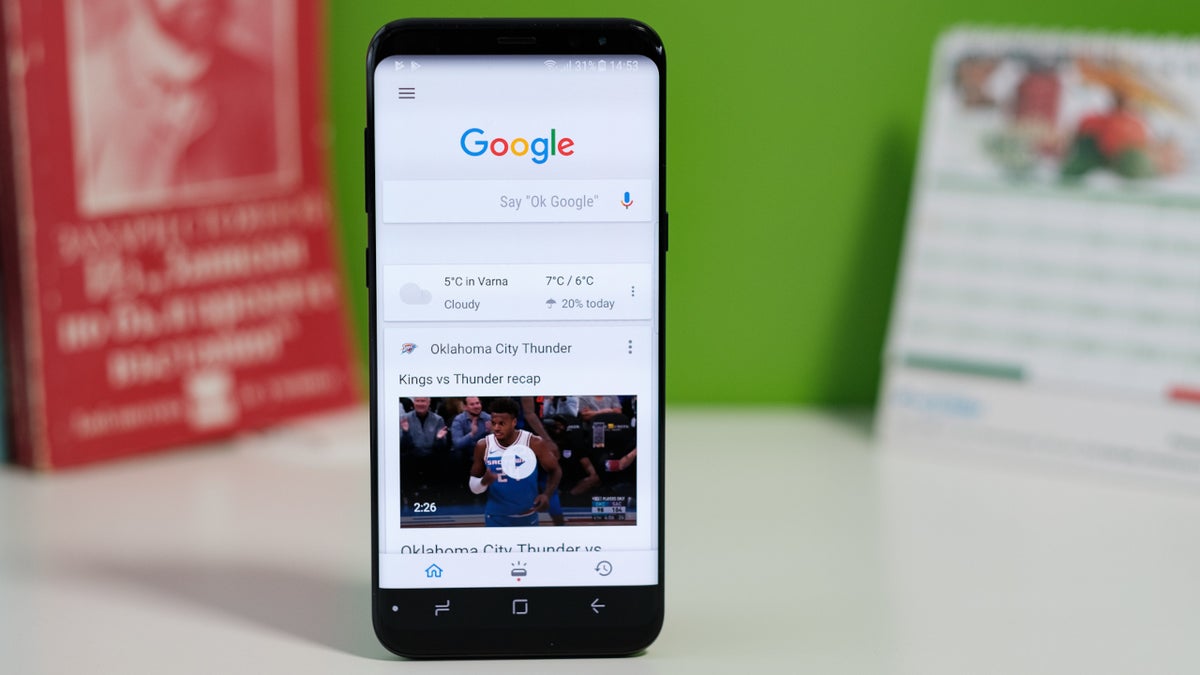
Google unveils Search profiles | Image by PhoneArena
On Thursday, Google introduced Search profiles, which are used to help people find the latest and most accurate information about sources on Search. Publishers and creators can use Search profiles to promote their latest articles, videos, and social media posts.
Publishers and creators can create their own Search profile if one hasn't been generated by Google
People can follow a particular source using their profile, making them more likely to find their content on Discover. The latter is a personalized content feed that displays news, articles, and features based on your search history. Consider it a way to receive daily information without having to ask for it.
Which Search Engine do you trust the most?
64 Votes
Google Search
42.19%
Bing
1.56%
DuckDuckGo
23.44%
Yahoo
1.56%
Another search engine
0%
I don't trust any of them
31.25%
You can find Discover on the Google app underneath the search field, or by swiping to the right from your Android home screen. You can view a search profile on your mobile device by tapping the knowledge panel of a creator or publisher. This is the information box that appears near the top of the screen on mobile containing information about notable people, places, and things.
Those wanting to create a Search profile must have a minimum number of subscribers or followers
Creators and publishers who don't have a knowledge panel, but are eligible for one, may trigger the creation of the information box by posting a Search profile. To create a Search profile, you need to be at least 18 years of age, follow Google's policy guidelines, and have a minimum number of subscribers or followers on one of the following platforms:
- YouTube: 100,000 subscribers.
- Instagram: 100,000 followers.
- X: 100,000 followers.
- TikTok: 300,000 followers.
Check to see whether you already have a Search profile
Before you create a Search profile, you need to see whether Google has already created one for you. Using the Google Account that you employ as a creator, go to profile.google.com/claim or tap on this link. Or, you can open the Google app and search for your profile by typing in your name or content handle into the search field. If a knowledge panel appears, go to More > View Search Profile.
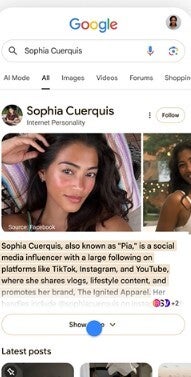
Search profile for content creator. | Image by Google
Google explains how to create a Search profile
If you don't have a Search profile and want to create one, check out this Google support page and scroll down to the heading "Set up a new Search profile."
Search profiles will launch in the U.S., and in the future Google will add more Search profiles for publishers and creators around the globe. Google will also find ways to make these more useful for not only publishers and creators, but also for those who read their posted material.


Popular stories






Latest News





Things that are NOT allowed:
To help keep our community safe and free from spam, we apply temporary limits to newly created accounts: