It took Google four months to finally release a fix for the battery drain issues on its Pixel phones, but it appears Samsung is taking up the baton. Battery drain and overheating seem to be plaguing devices such as the Galaxy S25 Ultra, Galaxy S24 Ultra, and other recent Galaxy flagships.
Samsung’s July 2026 Android update might cause some serious issues
Samsung recently launched a software update to One UI 8.5, which has already reached many users. However, according to numerous users on Samsung’s Community Forums, the update may be causing some serious problems.
After installing the update, users of many recent Galaxy phones complain their batteries are getting drained rapidly, and their phones are overheating. Most of the complaints are coming from owners of Galaxy S25 series and Galaxy S24 series devices, according to a 9to5Google report.
Do you always update your phone's software?
878 Votes
Yes, as soon as one is available
82.57%
Yes, but I wait a bit to see if there are any issues
12.87%
No, I only instal major updates
2.51%
No, I don't update my phone at all
2.05%
WhatsApp is the most likely culprit
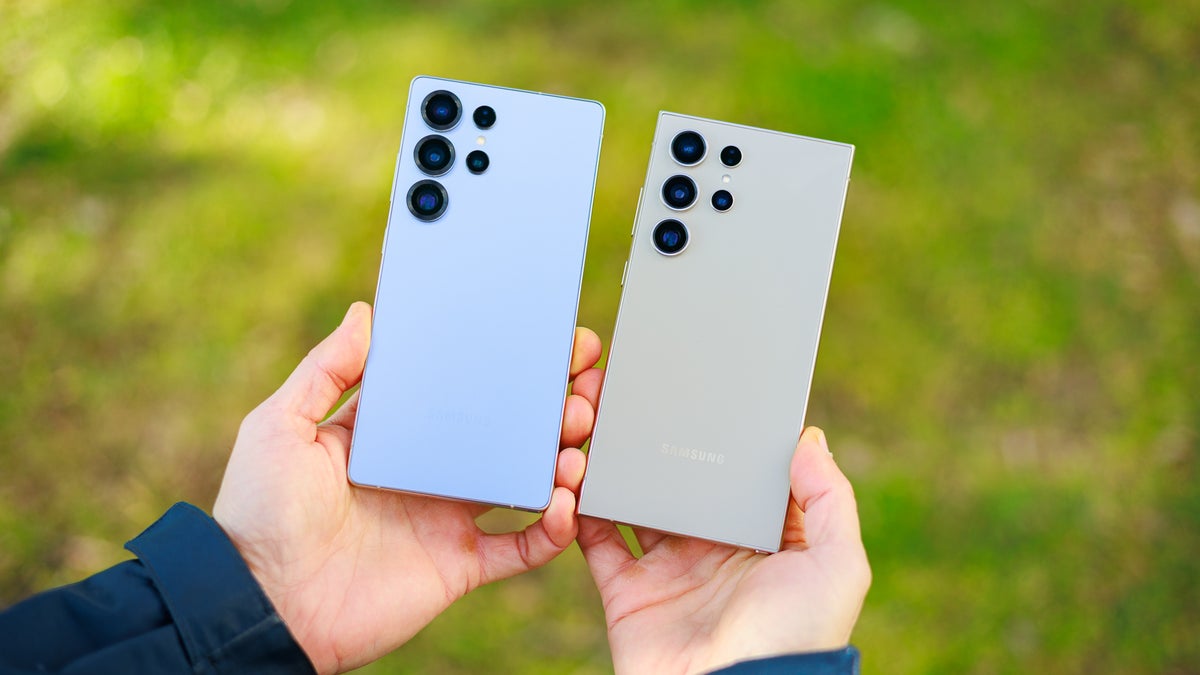
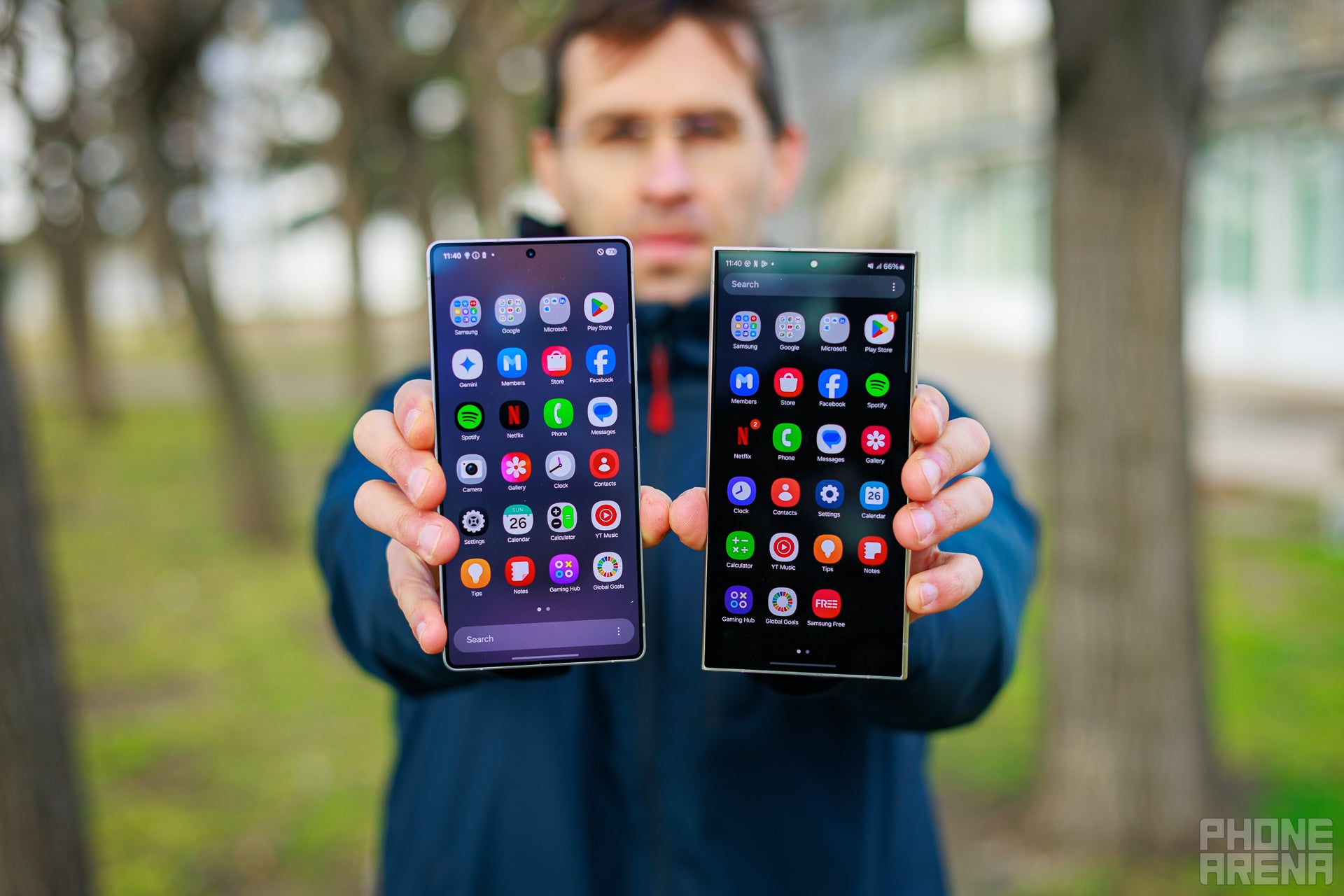
Samsung Galaxy S25 Ultra and S24 Ultra | Image by PhoneArena
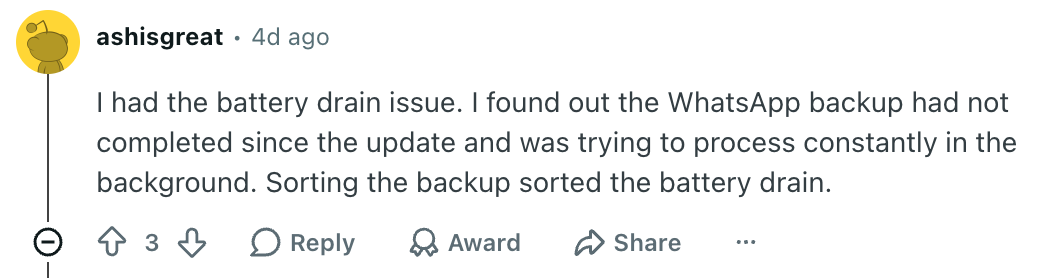
One particular Galaxy S25 Ultra user took extra steps to troubleshoot the issues after their device started recording much higher battery usage even with less active screen time. According to their report, the issue was caused by WhatsApp getting stuck in its encrypted backup process.
The theory was then confirmed after the user canceled the WhatsApp backup and saw the battery drain go back to normal and the battery life of their phone vastly improve. At least two other users confirmed that WhatsApp was the culprit on their phones as well.
Recommended For You
Still, this could be an isolated case, and the issue could be somewhere else. Neither Samsung nor Meta has acknowledged the problem yet, but it would make sense for both of them to look into it.
Several Galaxy users on Reddit have also reported their batteries getting drained because of WhatsApp. At least a couple of them said taking care of the broken updates resolved the issue for them.
WhatsApp was the issue for at least several users. | Image by Reddit (Screenshot
How to check if WhatsApp is draining your Galaxy phone’s battery?
If you’re experiencing the issue and you have WhatsApp installed on your device, it might be a good idea to check if the app is causing the battery drain and overheating. You can do that by checking its backup settings:
Tap the three dots menu inside WhatsApp.
Choose Settings > Chats.
Scroll down and tap Chat backup.
In this menu, you can check whether the backup process is going well or not. You can also turn it on or off, and choose whether your backup gets encrypted or not.
A fix needs to come quickly
I always do my best to keep my devices up to date, mostly because of the security improvements that come with every update. Cases like this make it very difficult to advocate for such behavior, which makes me hope a resolution comes quickly.
Free Galaxy A17 5G with Straight Talk
Get a free Galaxy A17 with Straight Talk. To claim this deal, you need to pair the phone with activation on a Silver Unlimited Plan or higher. This tier costs $45 per month. Offer valid through 01/10/27 while supplies last online.
Ilia, a tech journalist at PhoneArena, has been covering the mobile industry since 2011, with experience at outlets like Forbes Bulgaria. Passionate about smartphones, tablets, and consumer tech, he blends deep industry knowledge with a personal fascination that began with his first Nokia and Sony Ericsson devices. Originally from Bulgaria and now based in Lima, Peru, Ilia balances his tech obsessions with walking his dog, training at the gym, and slowly mastering Spanish.
A discussion is a place, where people can voice their opinion, no matter if it
is positive, neutral or negative. However, when posting, one must stay true to the topic, and not just share some
random thoughts, which are not directly related to the matter.
Things that are NOT allowed:
Off-topic talk - you must stick to the subject of discussion
Offensive, hate speech - if you want to say something, say it politely
Spam/Advertisements - these posts are deleted
Multiple accounts - one person can have only one account
Impersonations and offensive nicknames - these accounts get banned
To help keep our community safe and free from spam, we apply temporary limits to newly created accounts:
New accounts created within the last 24 hours may experience restrictions on how frequently they can
post or comment.
These limits are in place as a precaution and will automatically lift.
Moderation is done by humans. We try to be as objective as possible and moderate with zero bias. If you think a
post should be moderated - please, report it.
Have a question about the rules or why you have been moderated/limited/banned? Please,
contact us.













Things that are NOT allowed:
To help keep our community safe and free from spam, we apply temporary limits to newly created accounts: