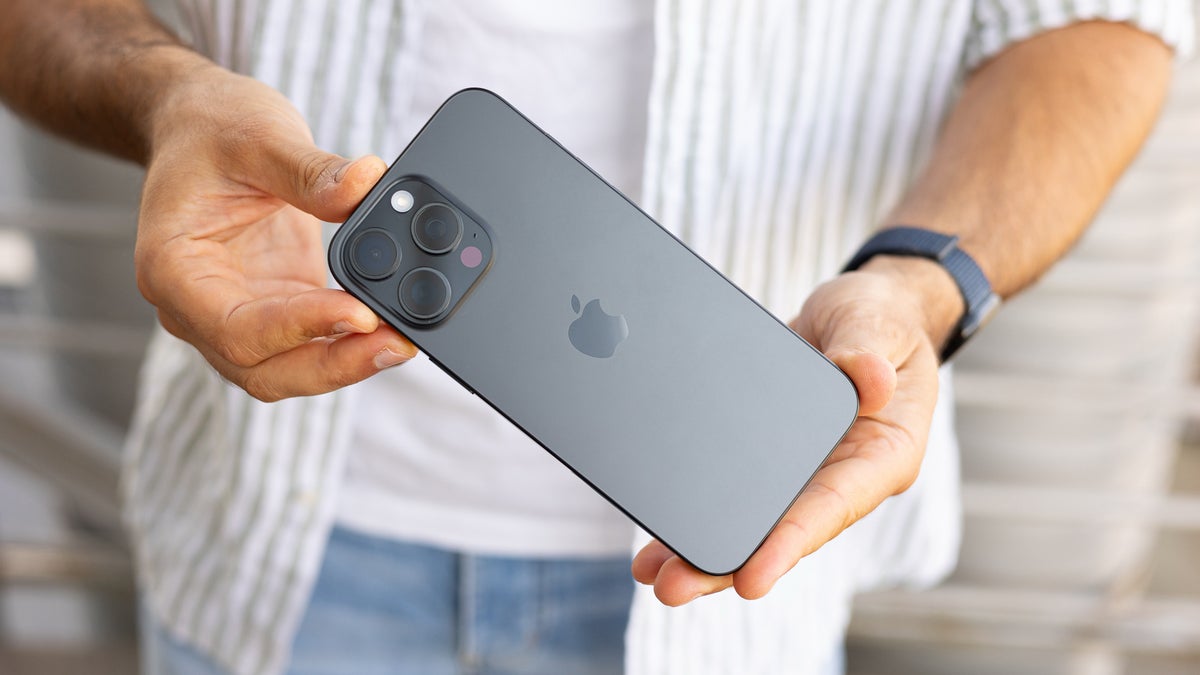
iPhone 16 buyers can finally file a claim for their share of Apple's $250 million Siri settlement, and the window stays open through December 21, 2026. It covers every iPhone 16 model (including the ones from our iPhone 16 Pro and iPhone 16 Pro Max reviews), plus the iPhone 15 Pro and 15 Pro Max.
Who qualifies for Apple's $250 million Siri settlement
The settlement comes out of a class action lawsuit (Landsheft v. Apple), which claimed Apple sold these iPhones on the promise of Siri Apple Intelligence features that buyers never received.
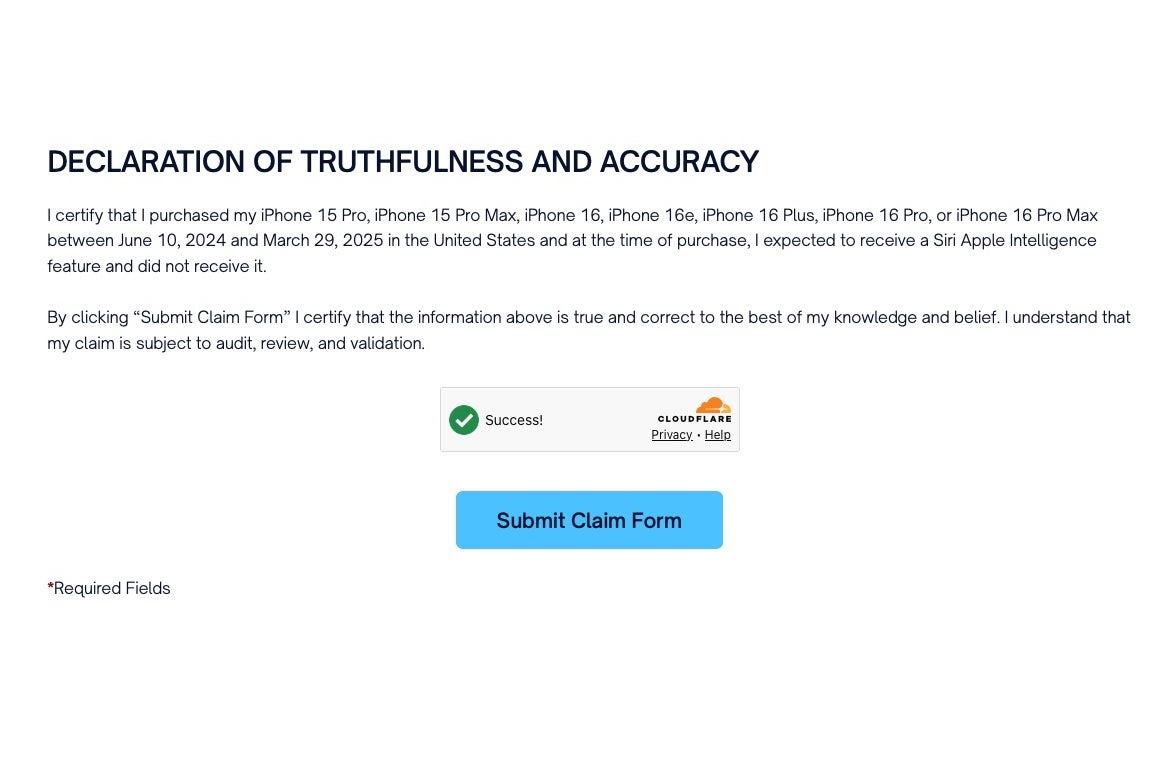
The claim form ends with a declaration listing every eligible iPhone model. | Image by Smartphone AI Settlement
To qualify, you need to be the original buyer, live in the US and have bought the phone in the US between June 10, 2024, and March 29, 2025, for something other than resale.
How do you feel about a $25 Siri settlement payout?
0 Votes
Why your Siri settlement payout could be $25 or $95
Each valid claim starts at $25 per eligible device, but that figure isn't locked in. The $250 million doesn't all go to iPhone owners either, since the costs of sending notices and running the settlement, taxes, attorneys' fees and awards for the people who brought the case all come out first.
Whatever is left gets split among everyone who files a valid claim, which is why the payout moves around. If fewer people file than expected, each claim gets a bigger share (up to a $95 cap), while a wave of claims could push it below $25. For anyone filing, that means the $25 is a starting point, and the final number won't be known until all the claims are counted.
Recommended For You
Of course, nobody gets paid right away. The court holds its final approval hearing on February 24, 2027, and any appeals after that could push payments back even further.
How to file your iPhone 16 Siri settlement claim before December 21
Here's how to file a Siri settlement claim
Head to the settlement website, select File A Claim and choose the individual option (businesses have their own form).
Enter your name, address and phone number.
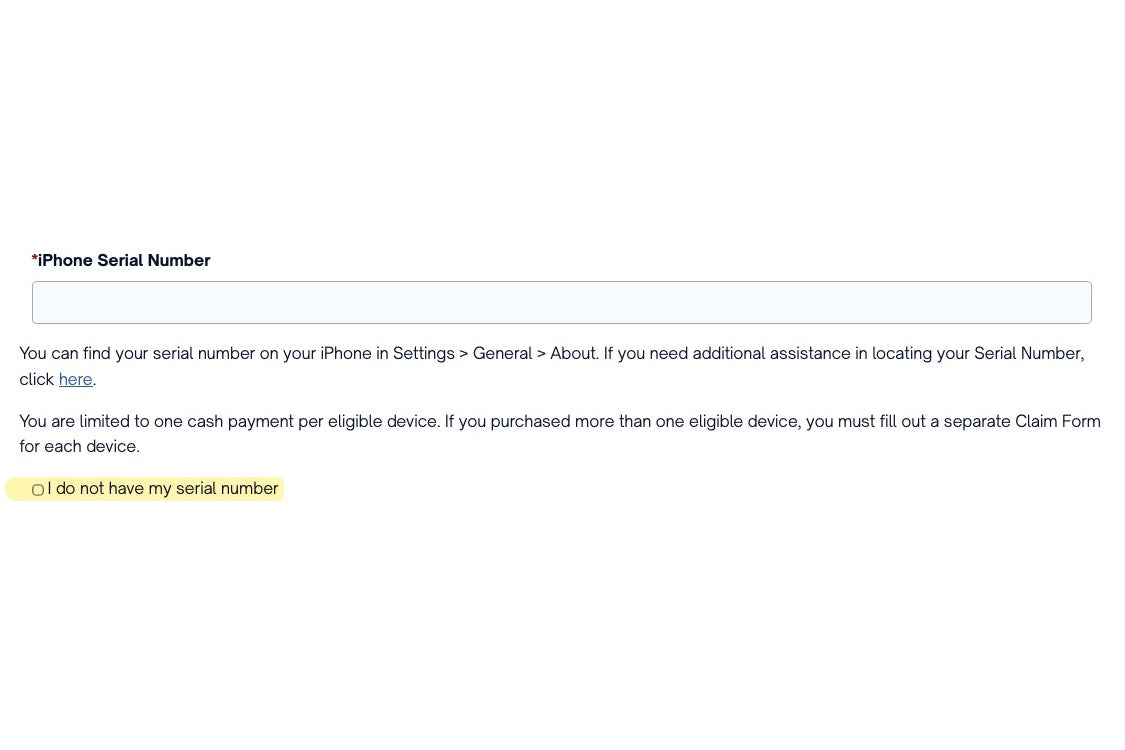
Type in your iPhone's serial number, which you'll find in Settings, then General, then About, or on the barcode label of the original box.
If you can't find it, tick the box saying you don't have your serial number, then provide the Apple ID and phone number tied to that iPhone instead.
Choose how you'd like to be paid, with PayPal, Venmo, direct deposit and a check among the options.
Read the declaration, submit your claim and repeat the process for every other eligible iPhone you bought.
No serial number? The claim form lets you skip that step. | Image by Smartphone AI Settlement
As we warned earlier this year, anyone promising to speed up your payment is likely after your iPhone's serial number, since that's exactly what they'd need to file a claim in your name.
Why a photo of my old iPhone box saved my claim
I filed my own claim for the iPhone 16 Pro I used to own, and it took a little more digging than I expected. I couldn't pull up my invoice, and my purchase history on the Apple Store only went back two devices, so the serial number wasn't where I thought it would be. Thankfully, I keep photos of every tech box I buy (specifically the part with the serial number and IMEI) saved in Google Photos, which came in handy here.
As for the payout, I'm not expecting much more than $25, but I'd love to see it climb closer to $95 once all the claims are in, which I know is highly unlikely.
More on Apple's Siri settlement and the iPhone 16:
Johanna Romero is a Senior News Writer at PhoneArena, covering mobile technology news across Android, iOS, wearables, and the Google ecosystem she knows best. Drawing on 15 years in IT and tech support from 2007 to 2022, she brings a user-friendly eye for the practical features and lesser-known tricks readers care about. Google named her an official #TeamPixel member in 2022, and she also reviews the latest devices on her YouTube channel, JoJo the Techie.
A discussion is a place, where people can voice their opinion, no matter if it
is positive, neutral or negative. However, when posting, one must stay true to the topic, and not just share some
random thoughts, which are not directly related to the matter.
Things that are NOT allowed:
Off-topic talk - you must stick to the subject of discussion
Offensive, hate speech - if you want to say something, say it politely
Spam/Advertisements - these posts are deleted
Multiple accounts - one person can have only one account
Impersonations and offensive nicknames - these accounts get banned
To help keep our community safe and free from spam, we apply temporary limits to newly created accounts:
New accounts created within the last 24 hours may experience restrictions on how frequently they can
post or comment.
These limits are in place as a precaution and will automatically lift.
Moderation is done by humans. We try to be as objective as possible and moderate with zero bias. If you think a
post should be moderated - please, report it.
Have a question about the rules or why you have been moderated/limited/banned? Please,
contact us.











Things that are NOT allowed:
To help keep our community safe and free from spam, we apply temporary limits to newly created accounts: