It's not so often that you stumble upon a really cool new software feature, but if there ever was one in the past year, it's definitely the new iPhone Duo StandBy mode for me.
It kicks in automatically when you leave the iPhone Duo slightly open in either tent mode or horizontally, and it allows you easy customization. So you can see the time, the weather forecast, your calendar events, your favorite photos, or a combination of all the above.
All of this makes the iPhone Duo the most powerful second screen that you get to carry in your pocket.
It's also a brilliant example of that Apple DNA: sweat the little details to create something truly innovative. And I absolutely understand a specs chase, but it's also a little mind-boggling that no Android phone maker thought to make something like this in the eight years of modern foldable phone history.
iPhone Standby Mode explained
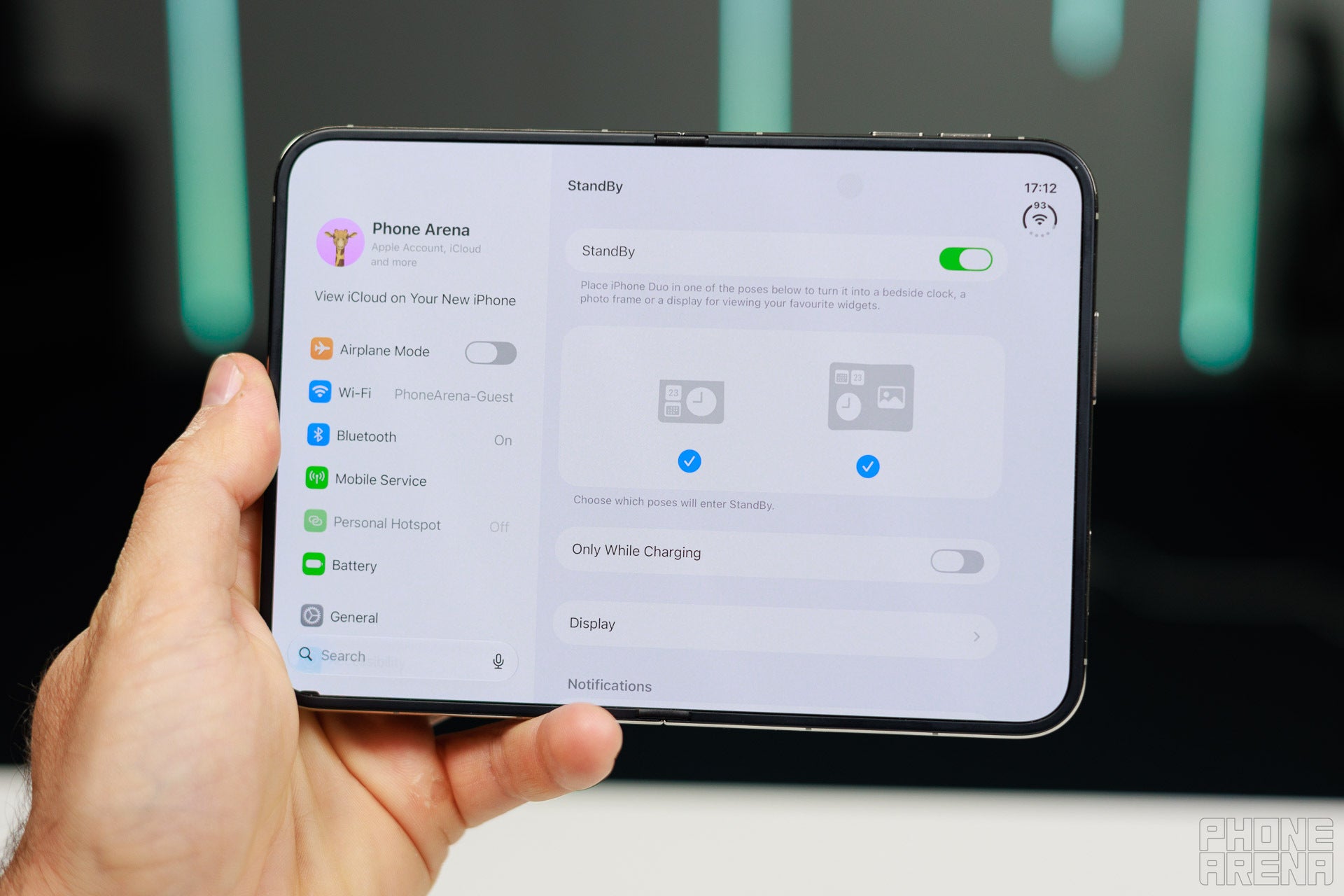
StandBy mode is enabled by default and it works in two orientations | Image by PhoneArena
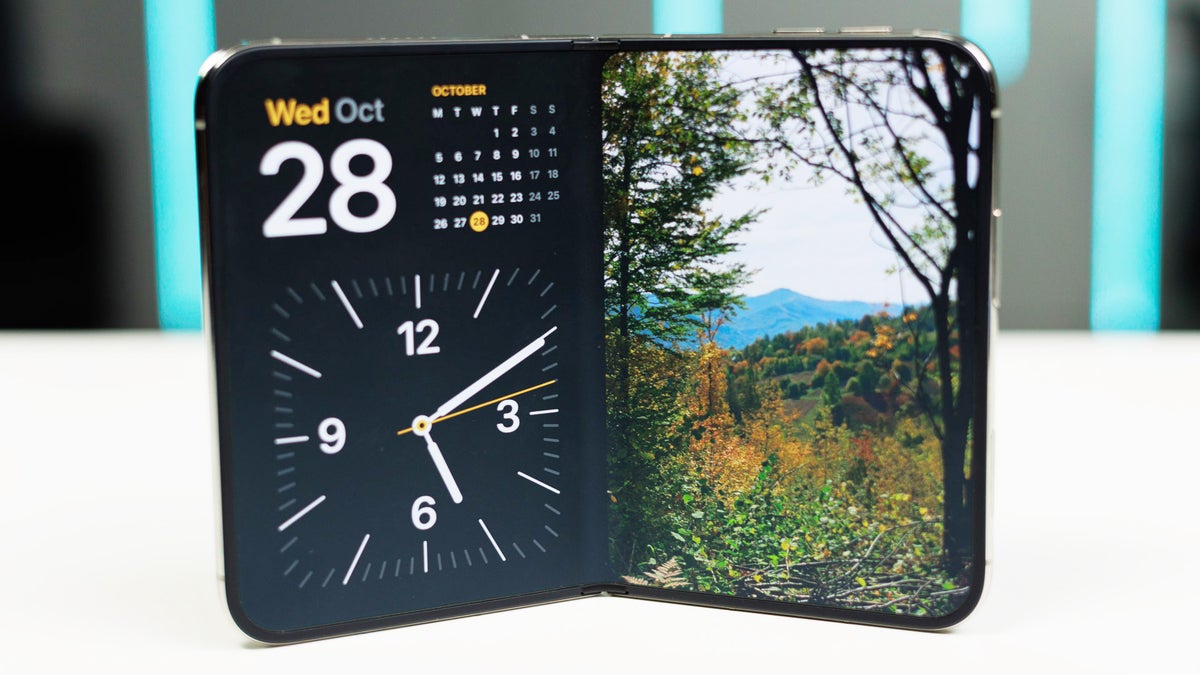
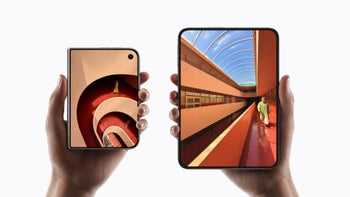
StandBy mode turns on automatically when you leave the iPhone Duo slightly open in either tent mode with the cover screen or using the main screen.
Non-folding Pro iPhones have had a similar feature for years, but it was only available when the phone is charging, and on the iPhone Duo it works even when the phone is off the charger. Honestly, I don't see why Apple has this limitation for its regular iPhones — I would love to use StandBy mode on a regular iPhone during the day too.
Recommended For You
If for some reason you really dislike the feature and you don't want it to be enabled by accident, you can completely disable it as well.
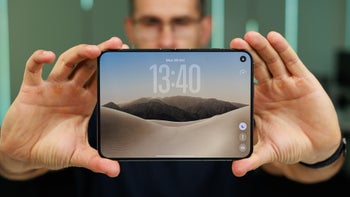
StandBy Mode on the main screen
Image by PhoneArena
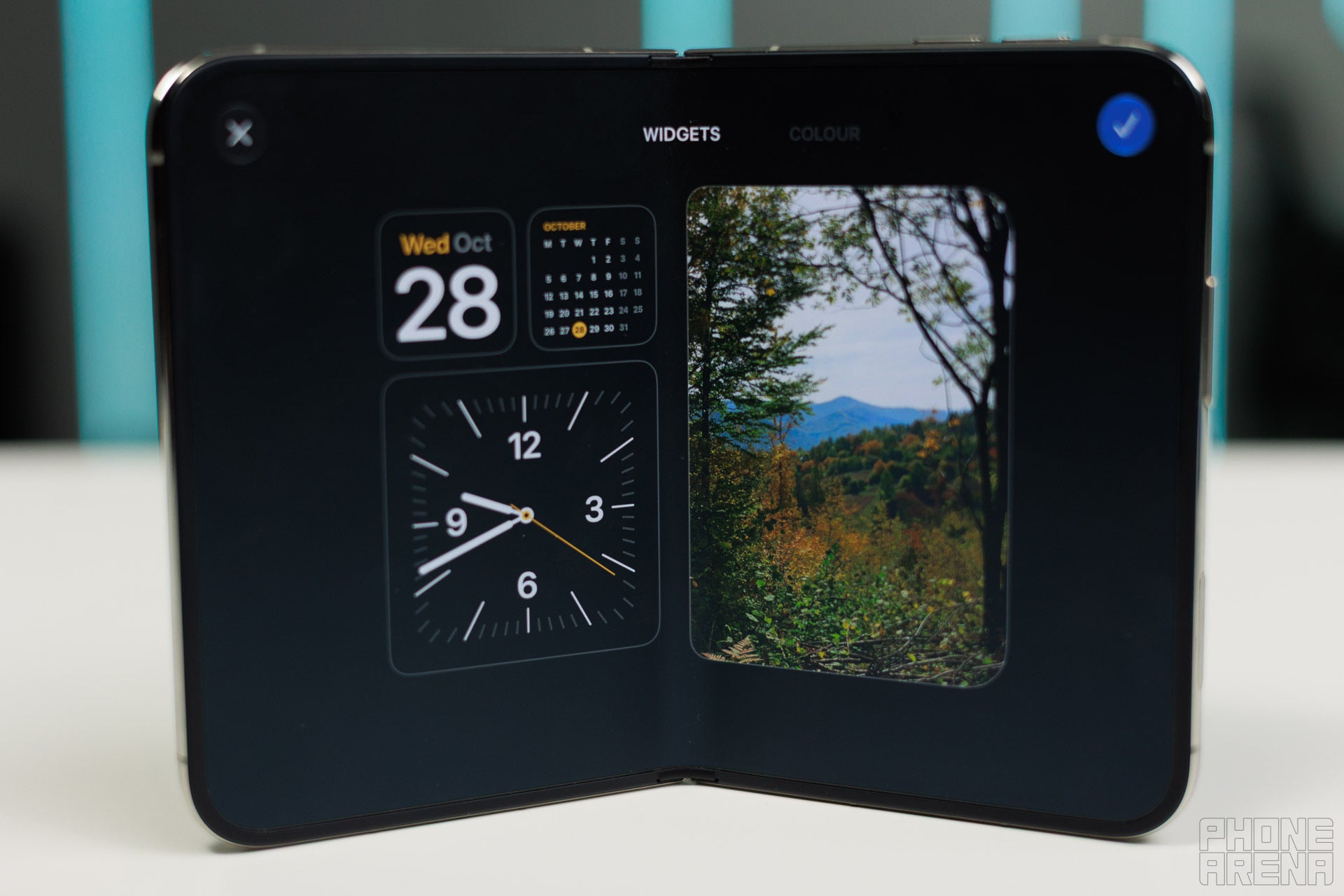
StandBy mode is particularly impressive on the main, 7.6-inch display. By default, you have three widgets on one half and one big widget on the other side of the phone. All of these widgets can be stackable, meaning you can interact with them and switch to a different widget card with a simple swipe.
Image by PhoneArena
For example, I have set the right side widget (the big one) to be a stack with my favorite photos and calendar events, so I can easily switch between the two by swiping up and down.
You have all of your familiar widgets here too, so you can use third-party widgets as well.
StandBy Mode on the cover screen
Image by PhoneArena
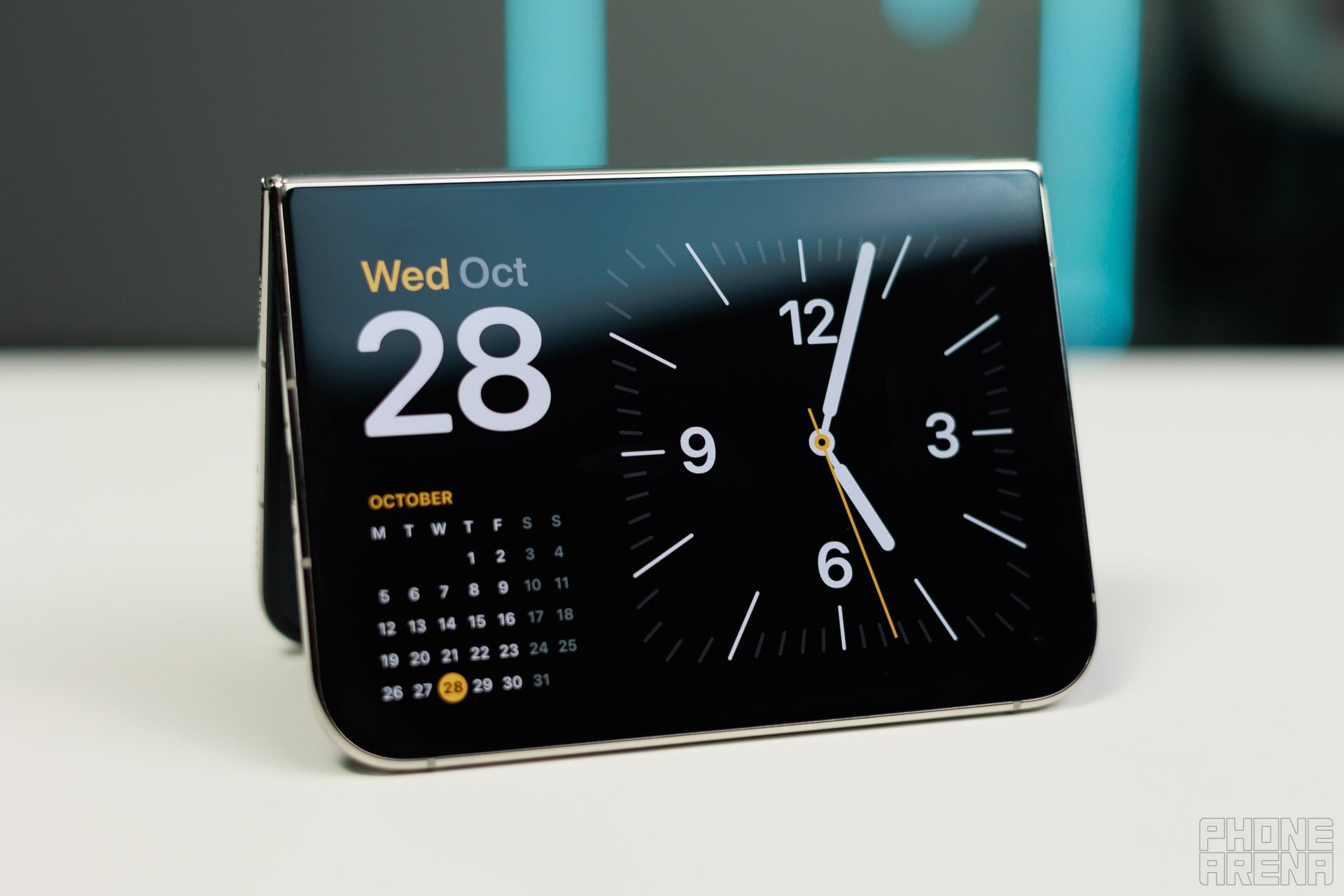
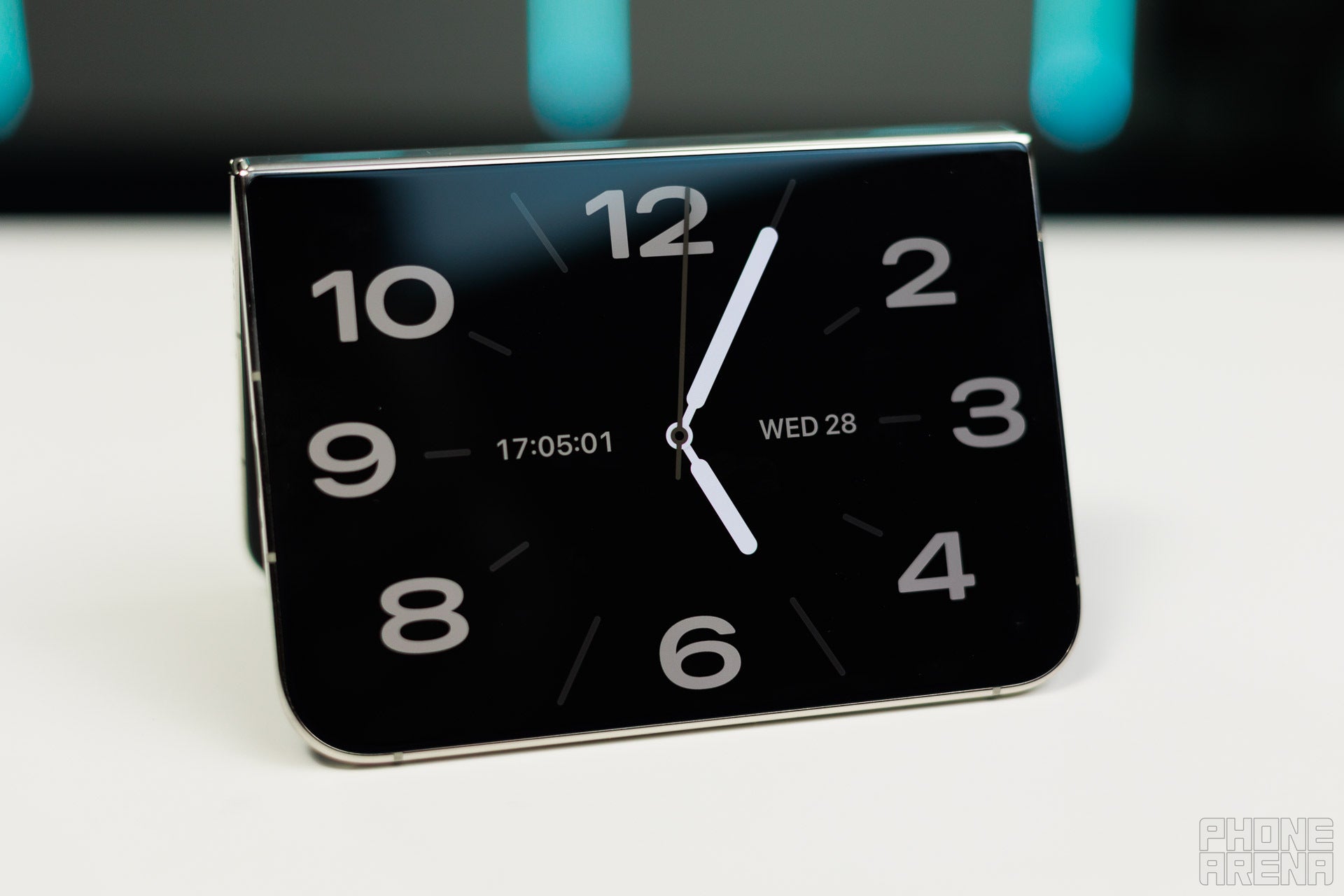
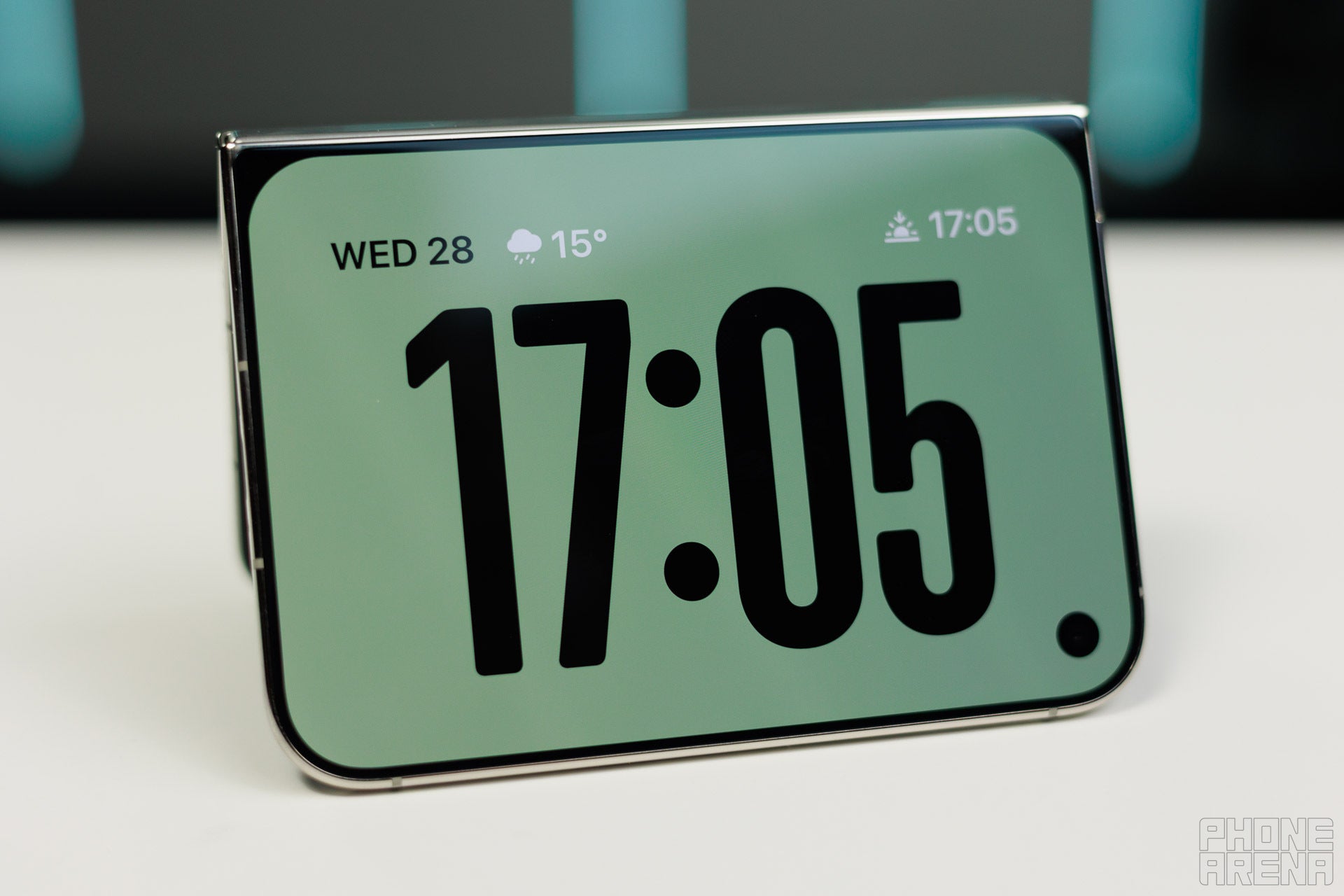
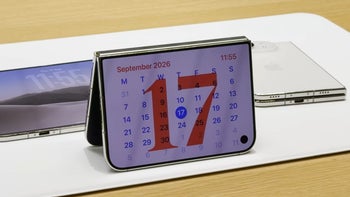
When you place the iPhone Duo in tent mode, the cover screen starts acting as your standby display.
The default screen here has three widgets, which are again stackable.
Image by PhoneArena
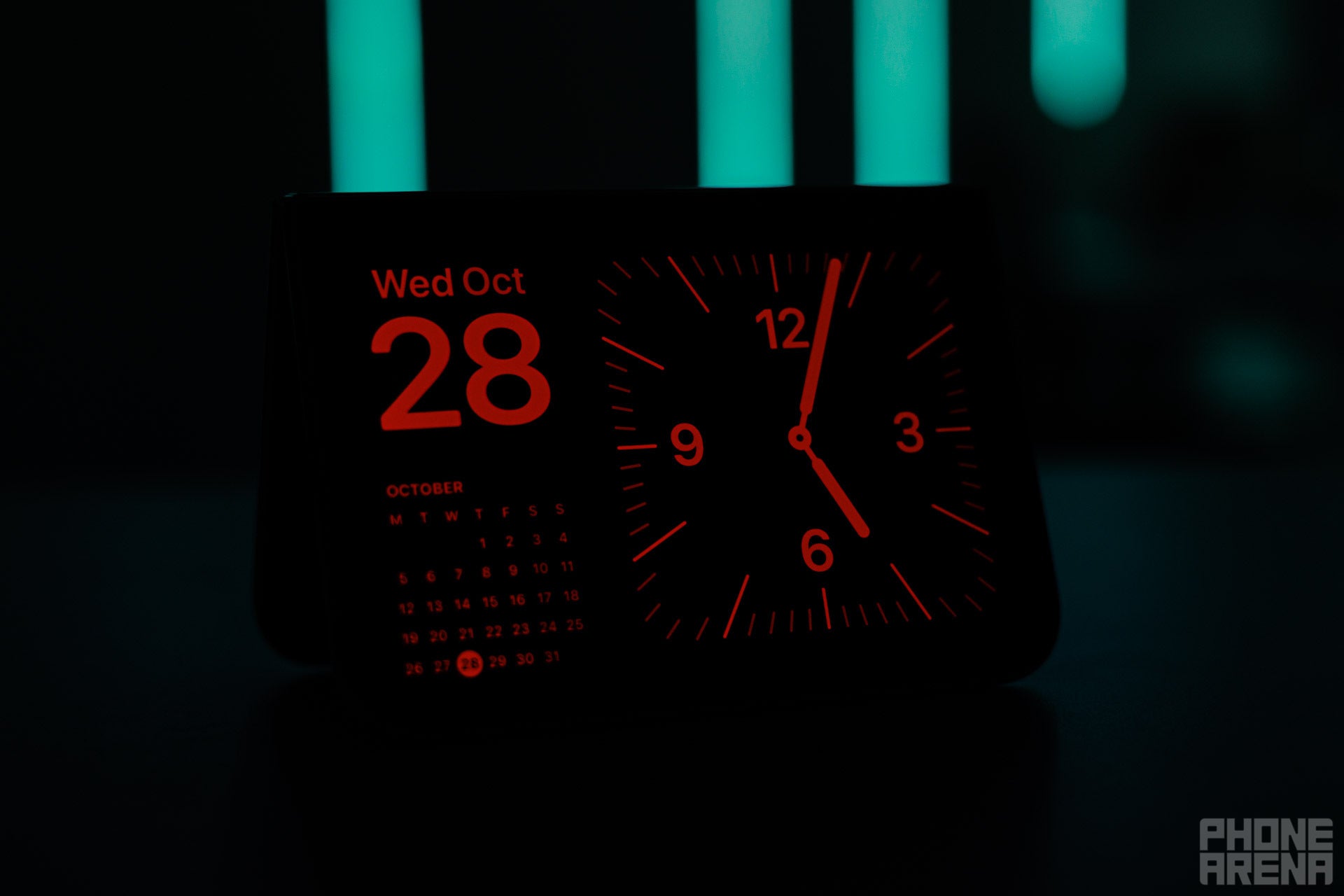
I was worried that the screen might be too bright for comfortable use on the bedside table, but thankfully, Apple dims the screen automatically in low light and switches to red color mode. The idea here is that red light does not disturb your sleep as much. Nice!
Image by PhoneArena
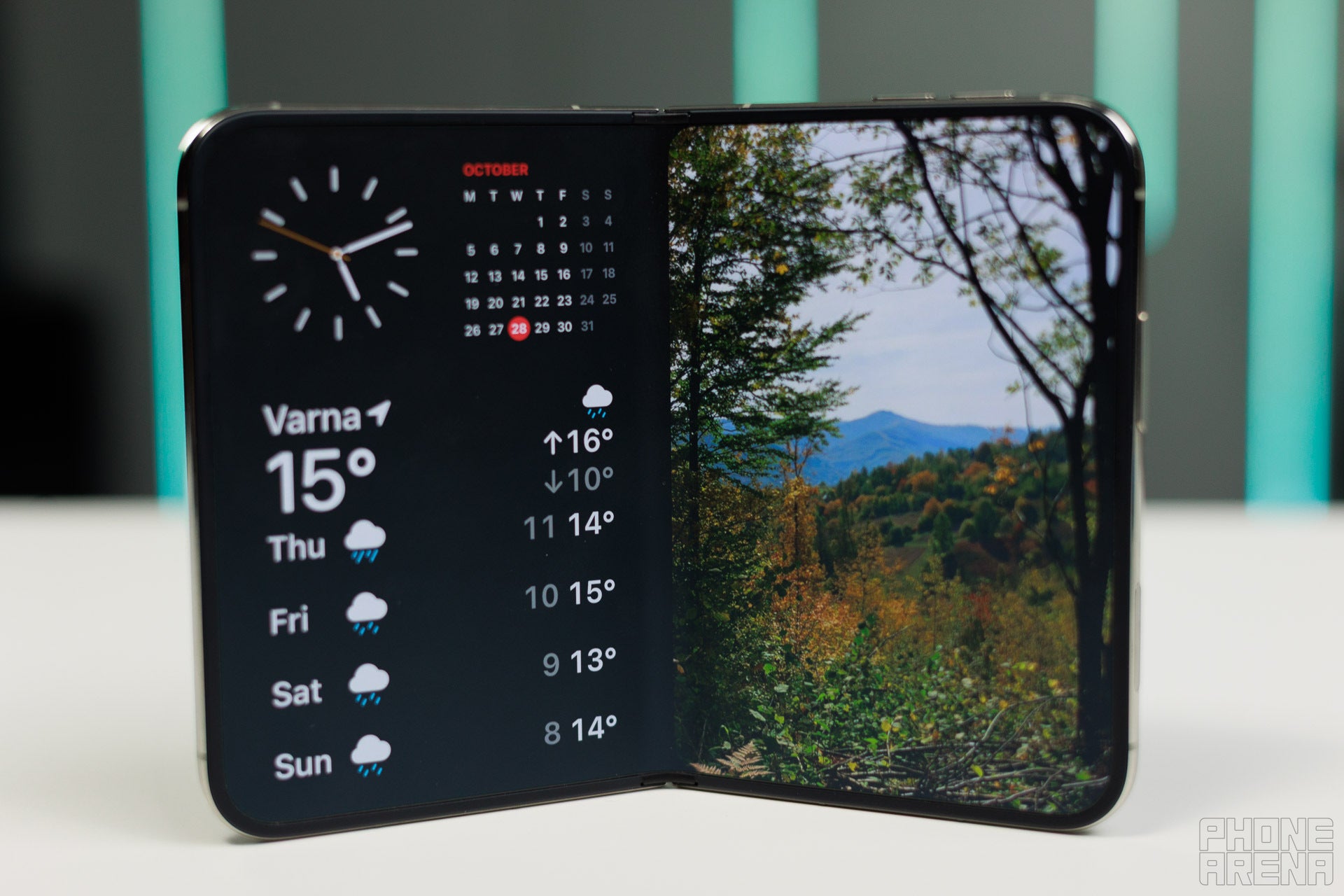
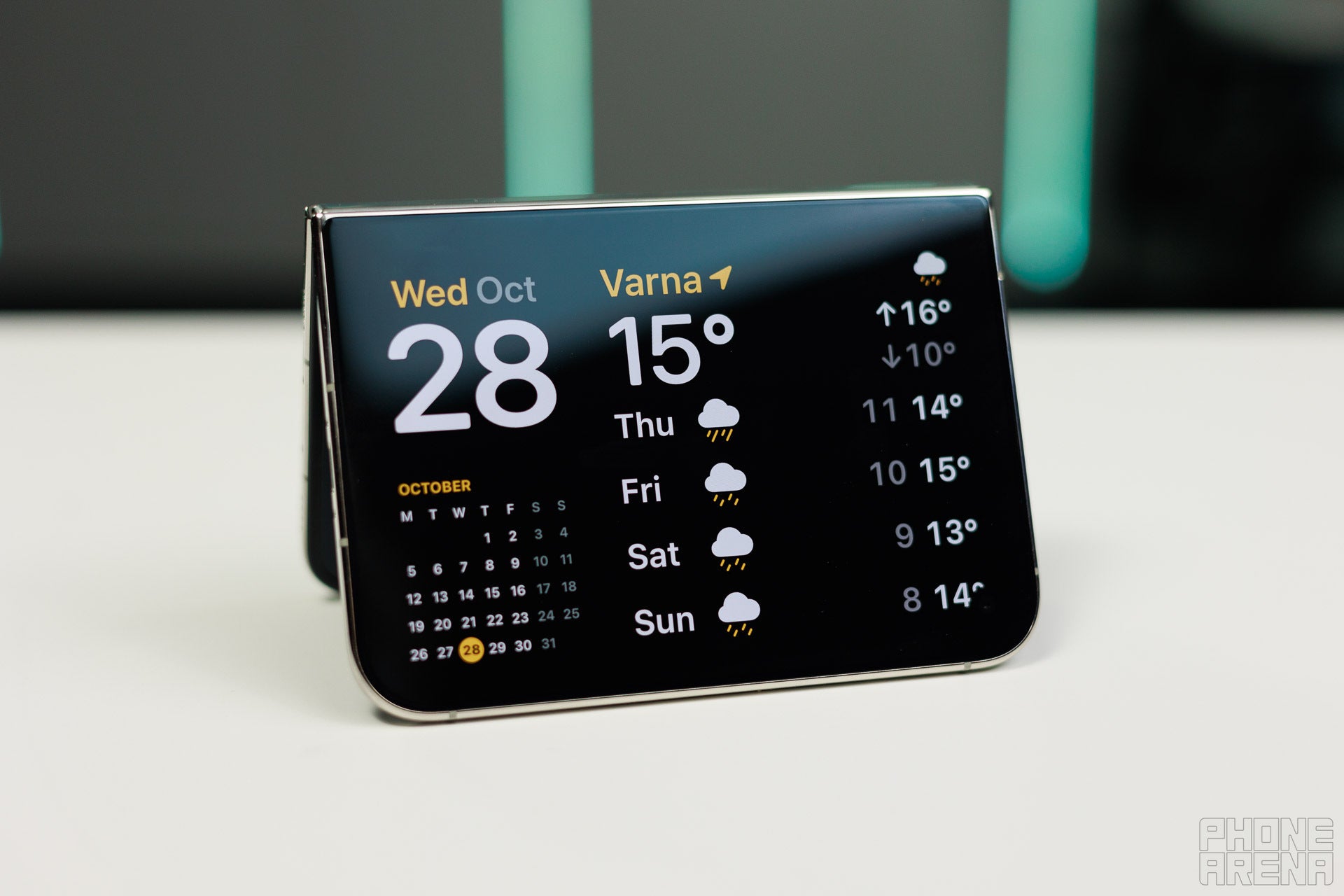
You can customize the three widgets on the face here to your liking. For example, I have set the weather forecast instead of the default clock on the big widget on the right.
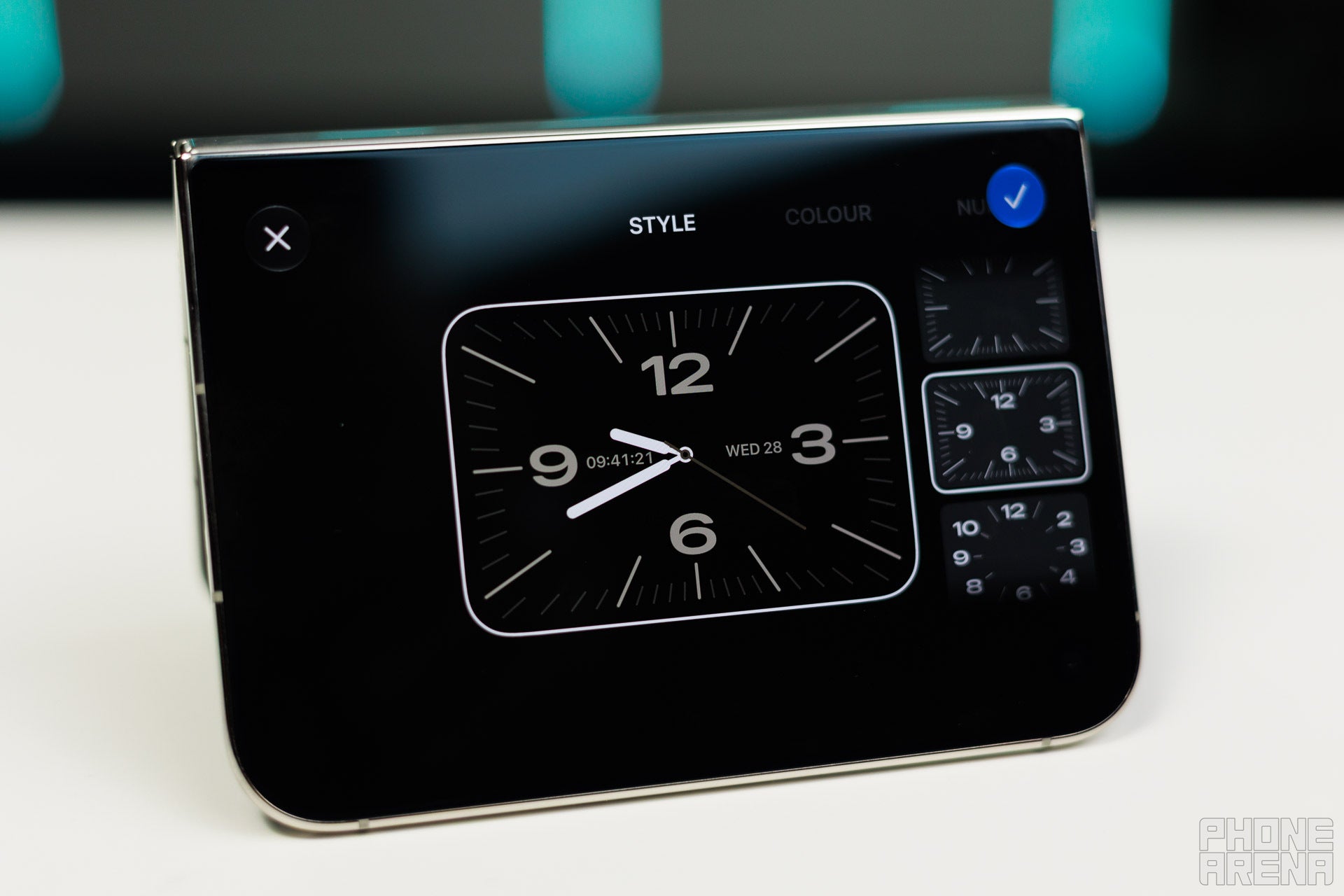
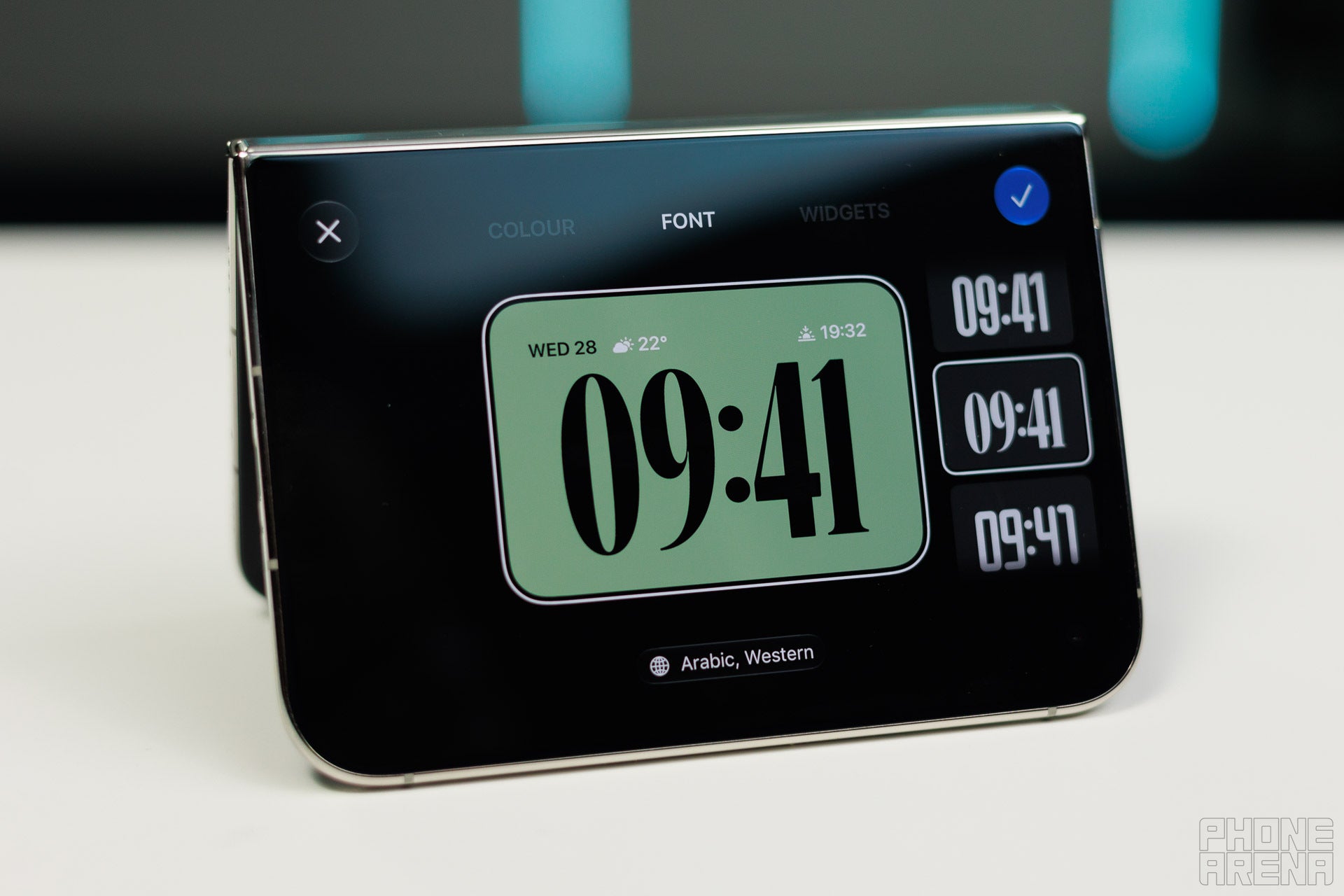
Image by PhoneArena
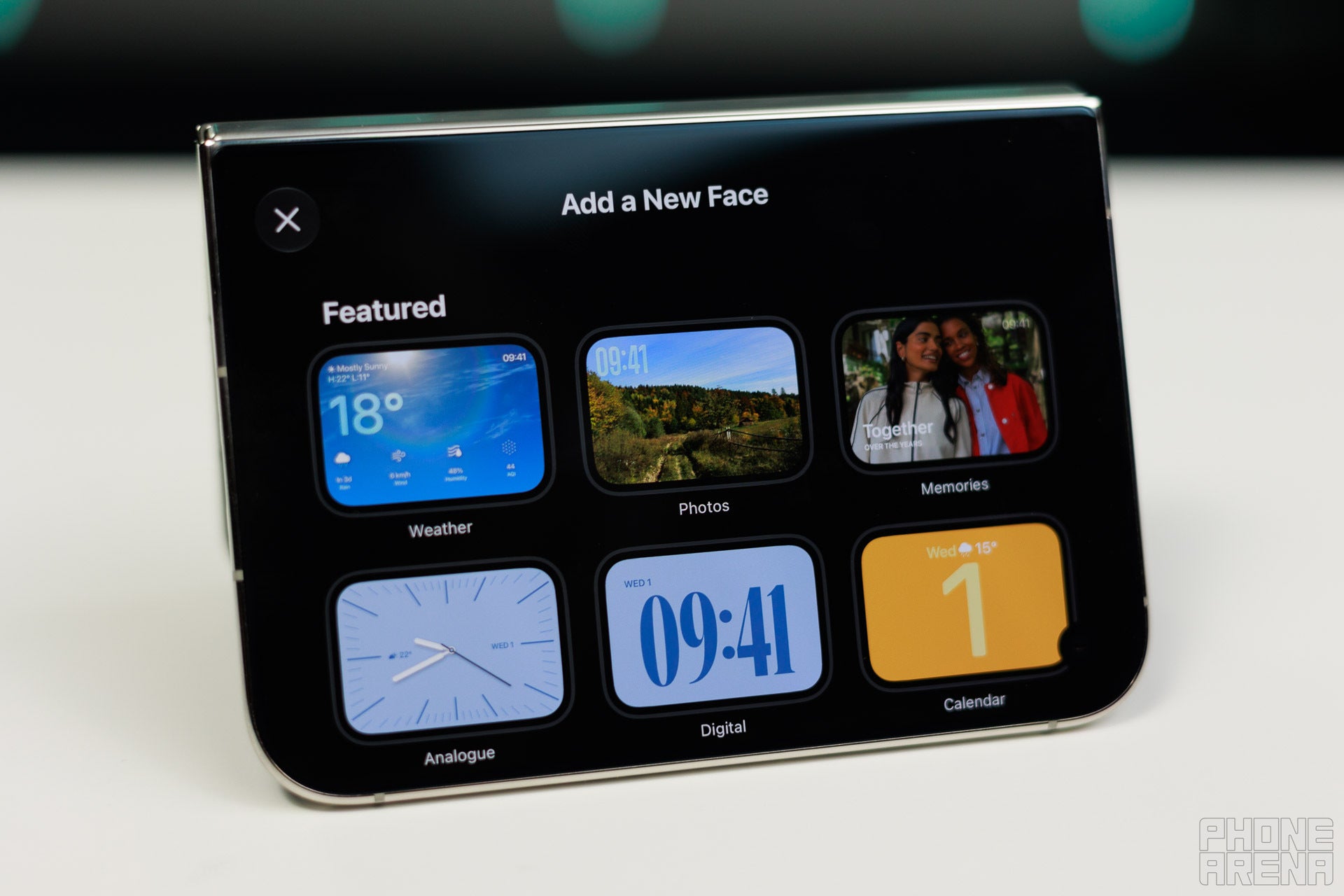
You have a quite big selection of faces to choose from.
All of this feels very familiar and intuitive, if you've ever used an Apple Watch.
iPhone Duo as a photo frame
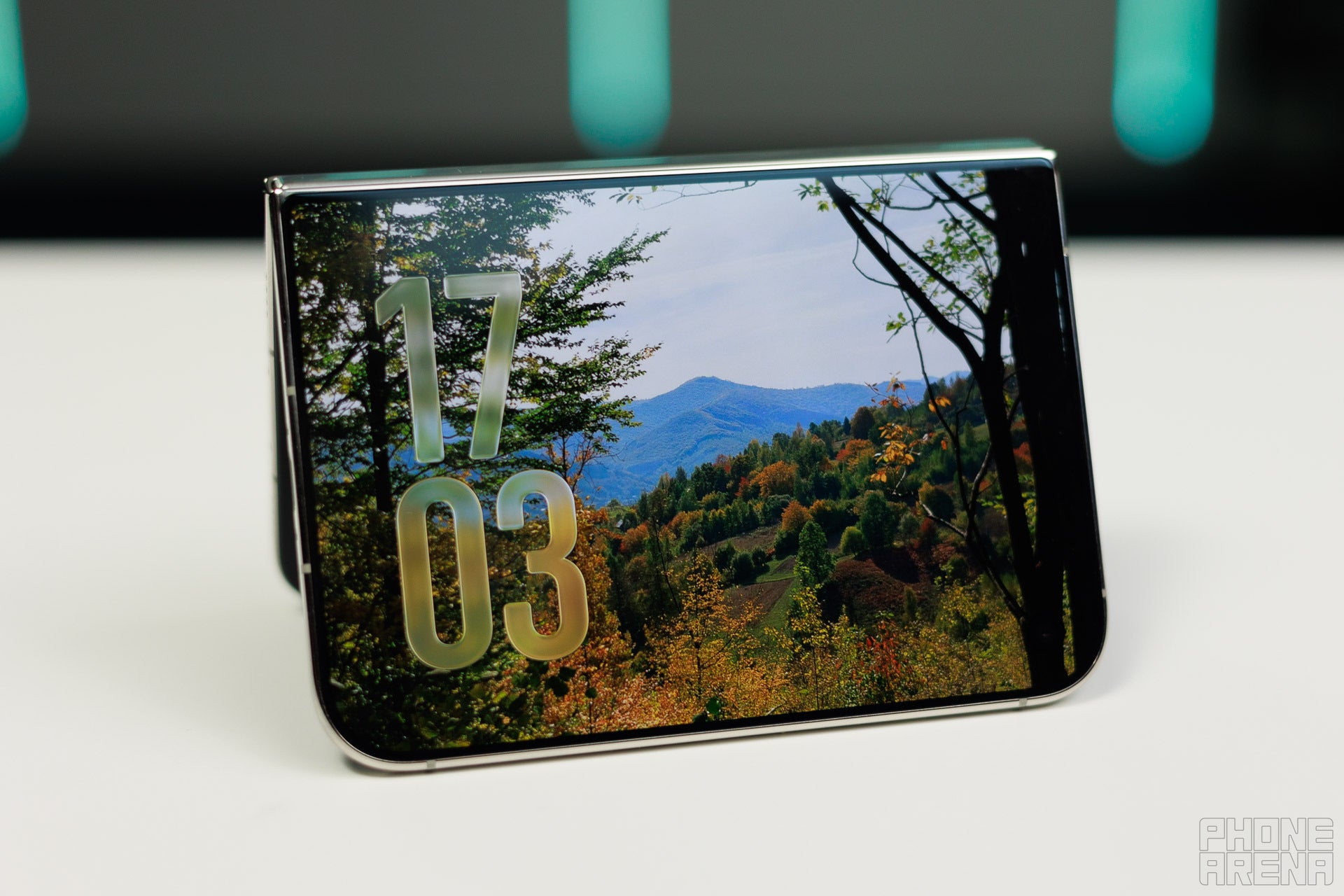
Image by PhoneArena
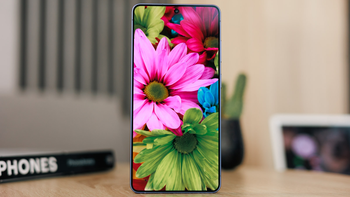
It might be my age, but I have recently started looking for photo frames. These sound like such a cool little addition, and with StandBy mode, I can just use the iPhone Duo as a photo frame.
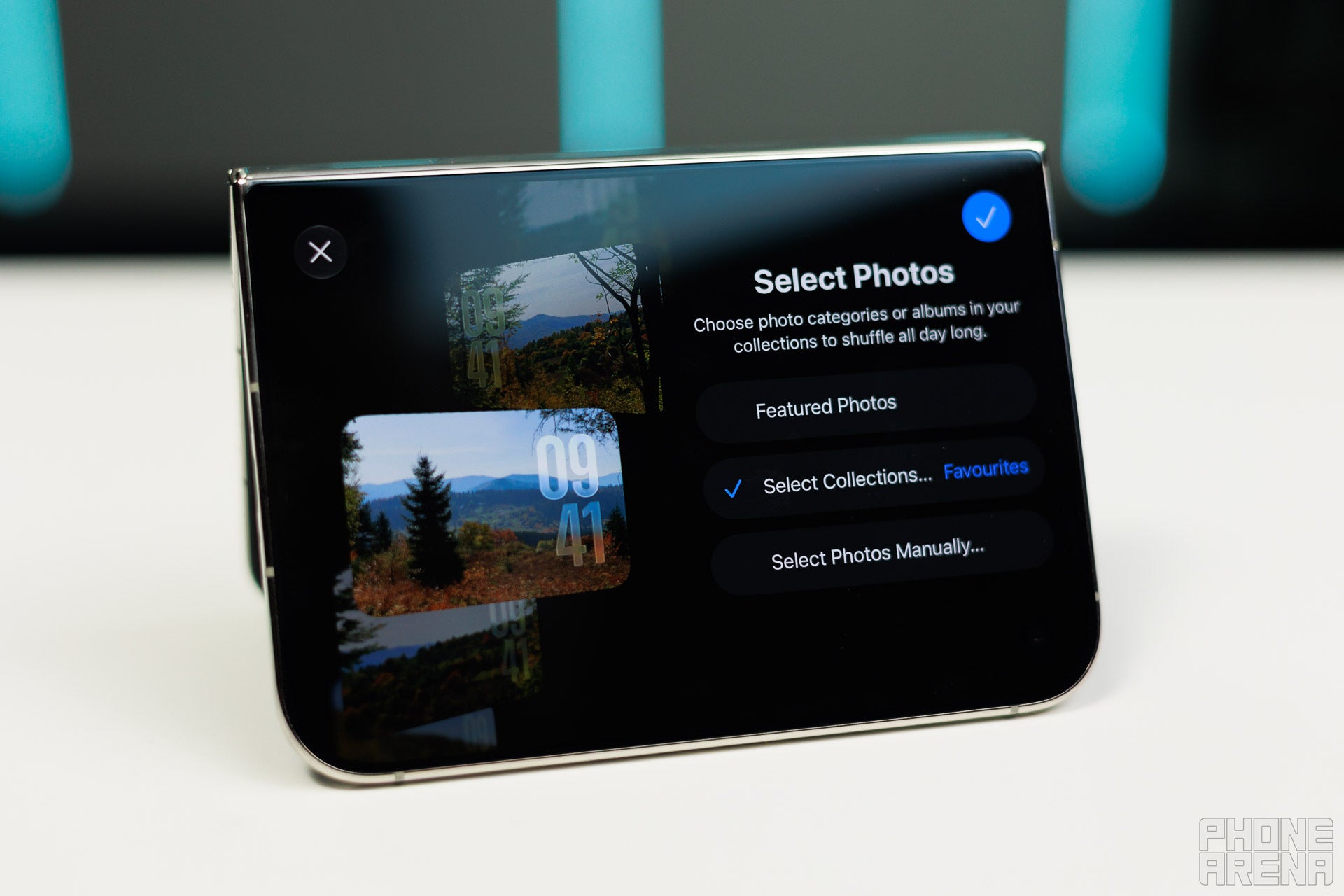
Image by PhoneArena
You can pick any folder from your Photos app, and images from it will rotate at a set period of time. Lovely!
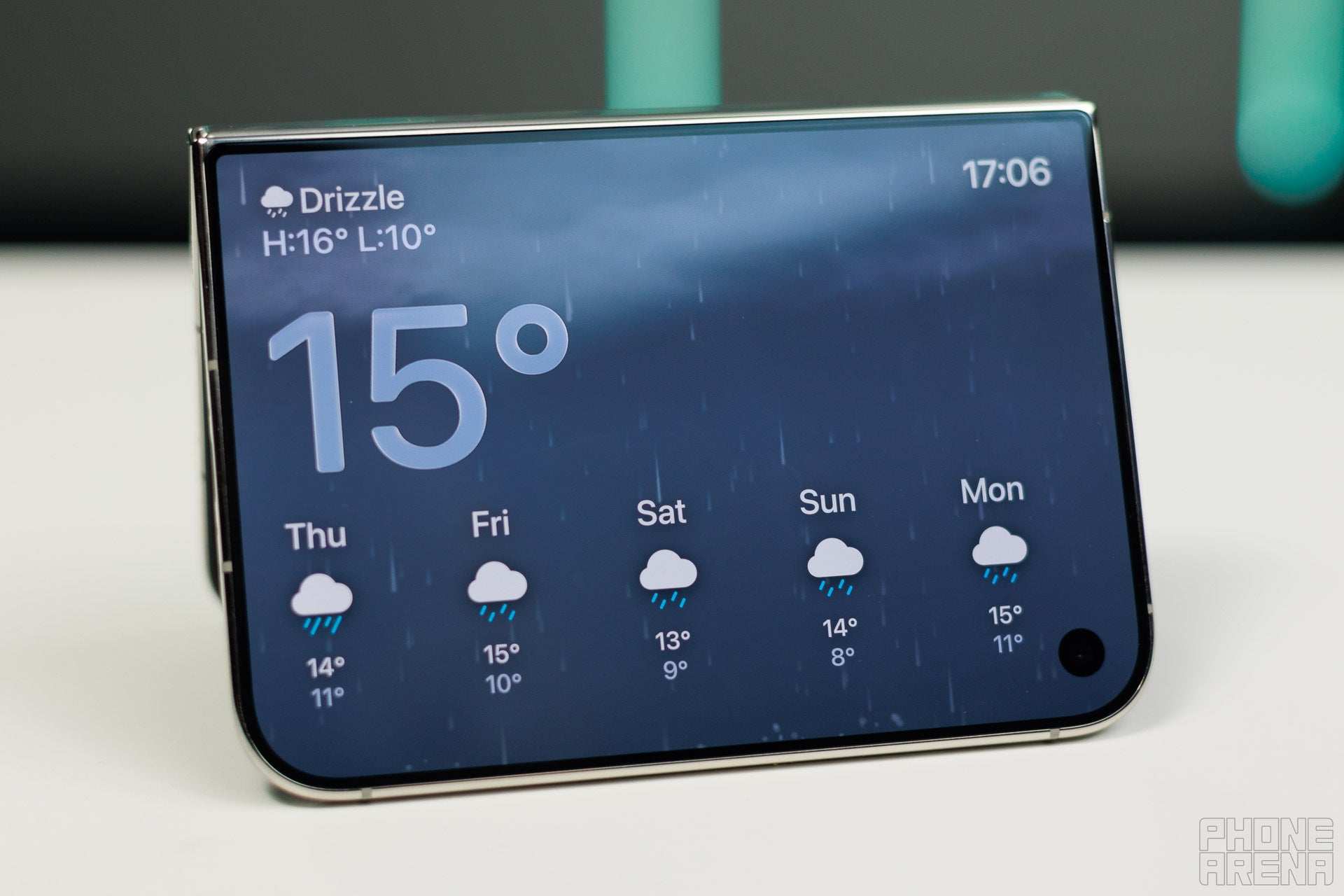
There is also a dedicated weather face, which shows you live conditions. It was raining outside, so I saw the familiar rain animation from the Weather app in the standby mode.
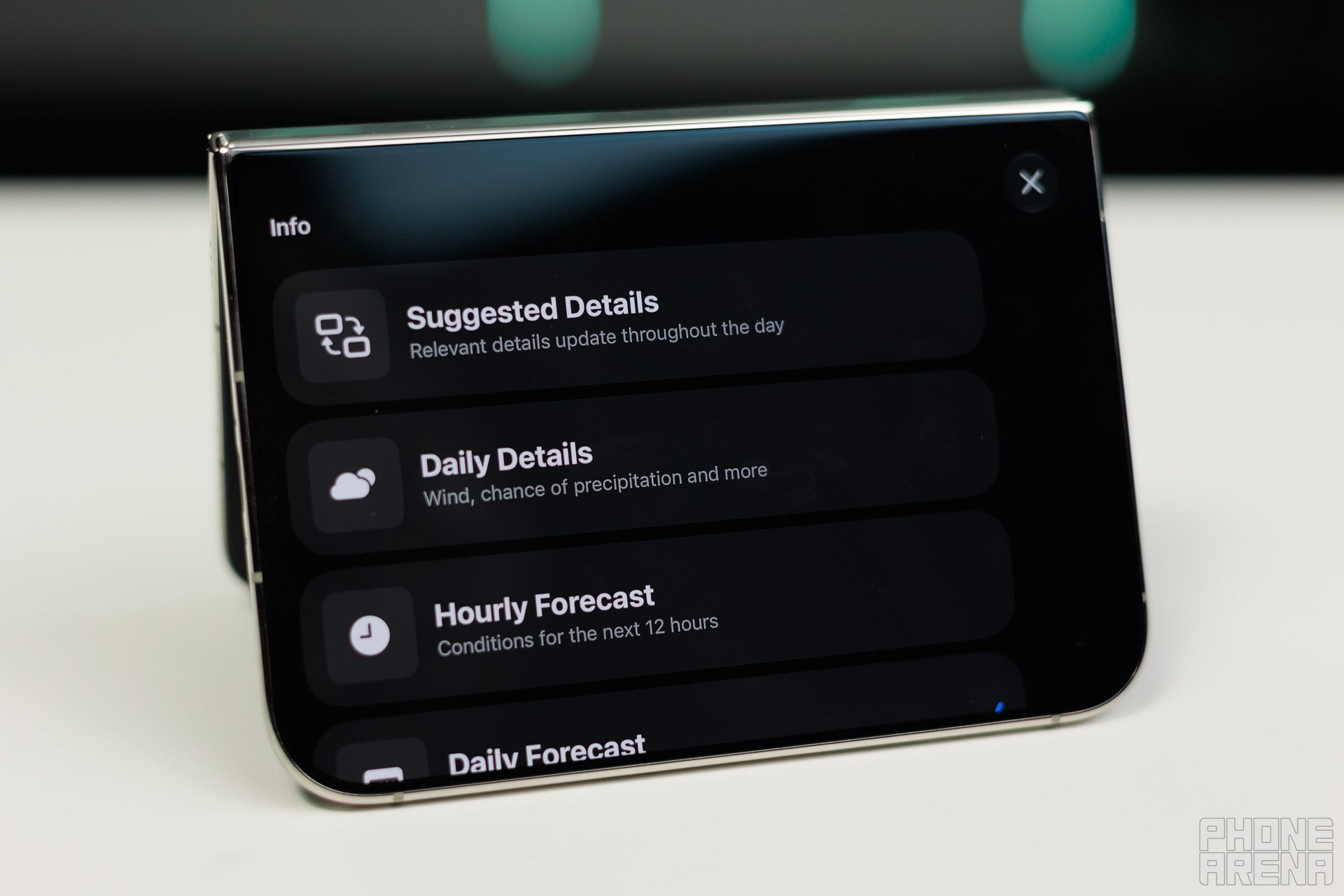
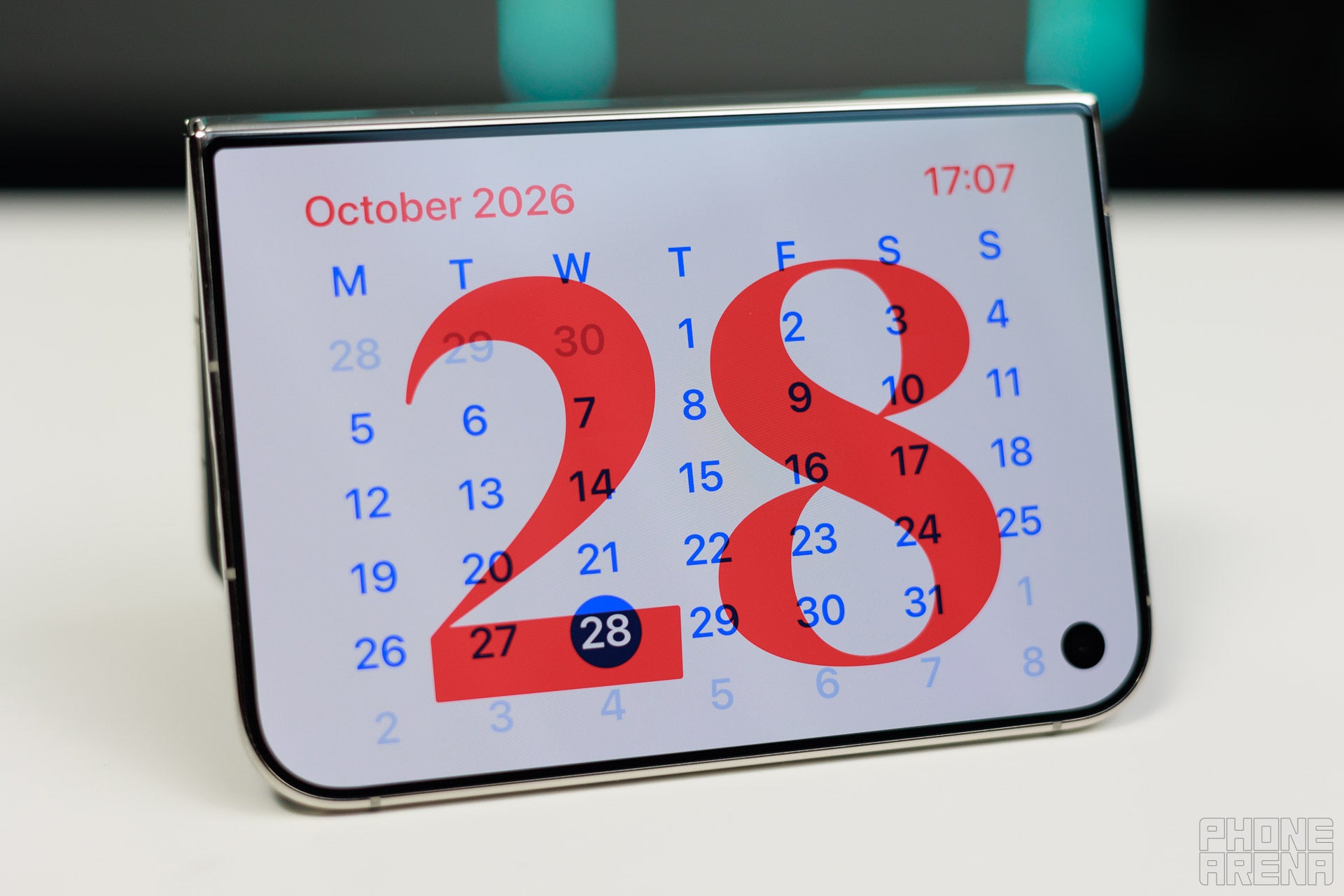
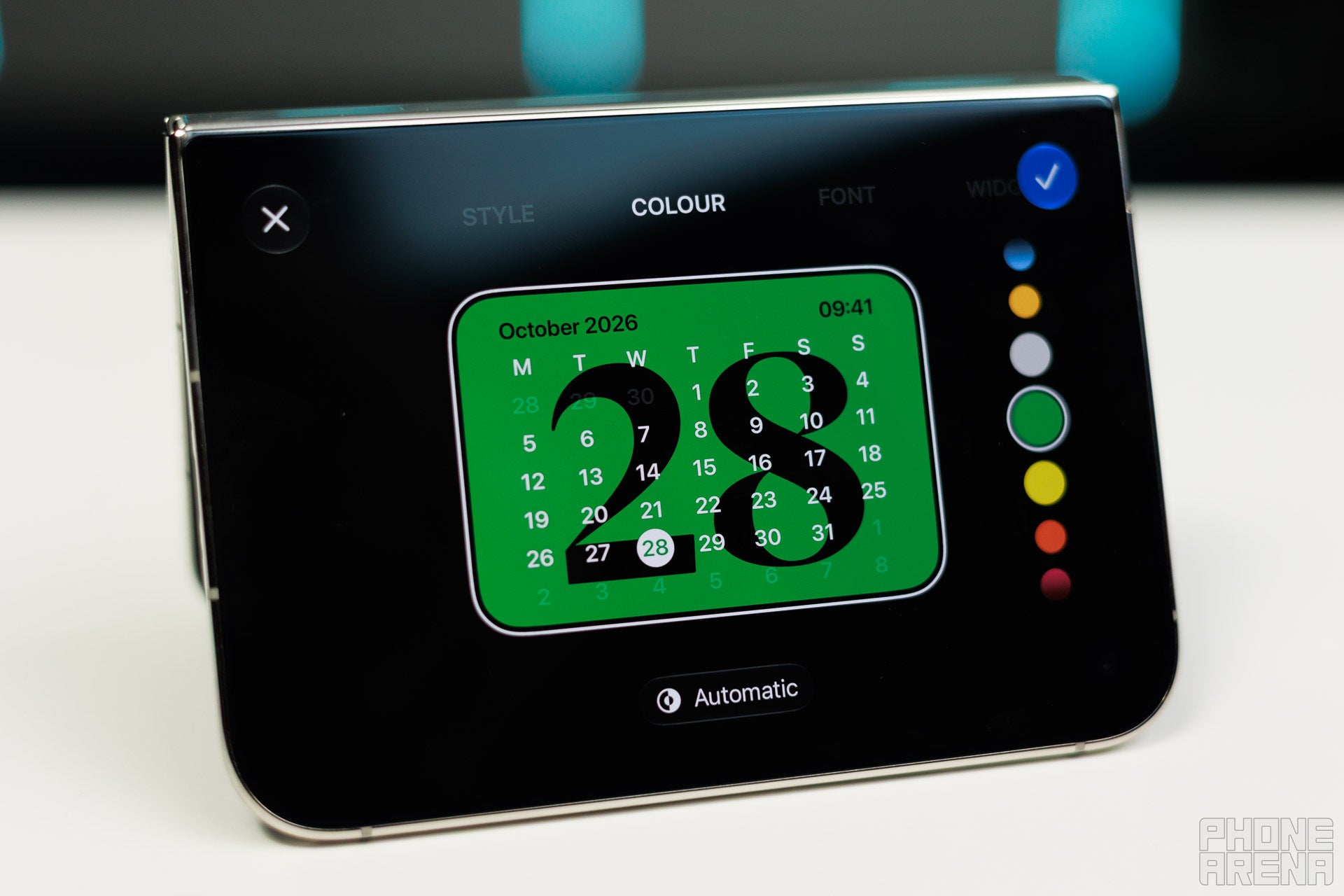
Then comes the calendar mode, which is also customizable.
Final words
Such delightful little features add a lot to the experience with a phone, and I'm glad that Apple has joined the foldable race. It shows that there is still room for innovation if you sweat the little details, and I'm hopeful that Samsung and other foldable phone makers will notice and bring similar capabilities to their foldables.
In a similar train of thought, I hope that Apple also brings this feature to its iPads. Tablets sit idle most of the day anyway, so they are perfect candidates to double as a photo frame.
I still haven't tested how much battery this feature drains, and this clearly depends on the type of content you set and how often it refreshes, but so far, I'm loving this feature.
Trade in your old phone for cash at ecoATM!
Recycle your used phone and get instant cash. Find out how at ecoATM!
Victor, a seasoned mobile technology expert, has spent over a decade at PhoneArena, exploring the depths of mobile photography and reviewing hundreds of smartphones across Android and iOS ecosystems. His passion for technology, coupled with his extensive knowledge of smartphone cameras and battery life, has positioned him as a leading voice in the mobile tech industry.
A discussion is a place, where people can voice their opinion, no matter if it
is positive, neutral or negative. However, when posting, one must stay true to the topic, and not just share some
random thoughts, which are not directly related to the matter.
Things that are NOT allowed:
Off-topic talk - you must stick to the subject of discussion
Offensive, hate speech - if you want to say something, say it politely
Spam/Advertisements - these posts are deleted
Multiple accounts - one person can have only one account
Impersonations and offensive nicknames - these accounts get banned
To help keep our community safe and free from spam, we apply temporary limits to newly created accounts:
New accounts created within the last 24 hours may experience restrictions on how frequently they can
post or comment.
These limits are in place as a precaution and will automatically lift.
Moderation is done by humans. We try to be as objective as possible and moderate with zero bias. If you think a
post should be moderated - please, report it.
Have a question about the rules or why you have been moderated/limited/banned? Please,
contact us.







Things that are NOT allowed:
To help keep our community safe and free from spam, we apply temporary limits to newly created accounts: