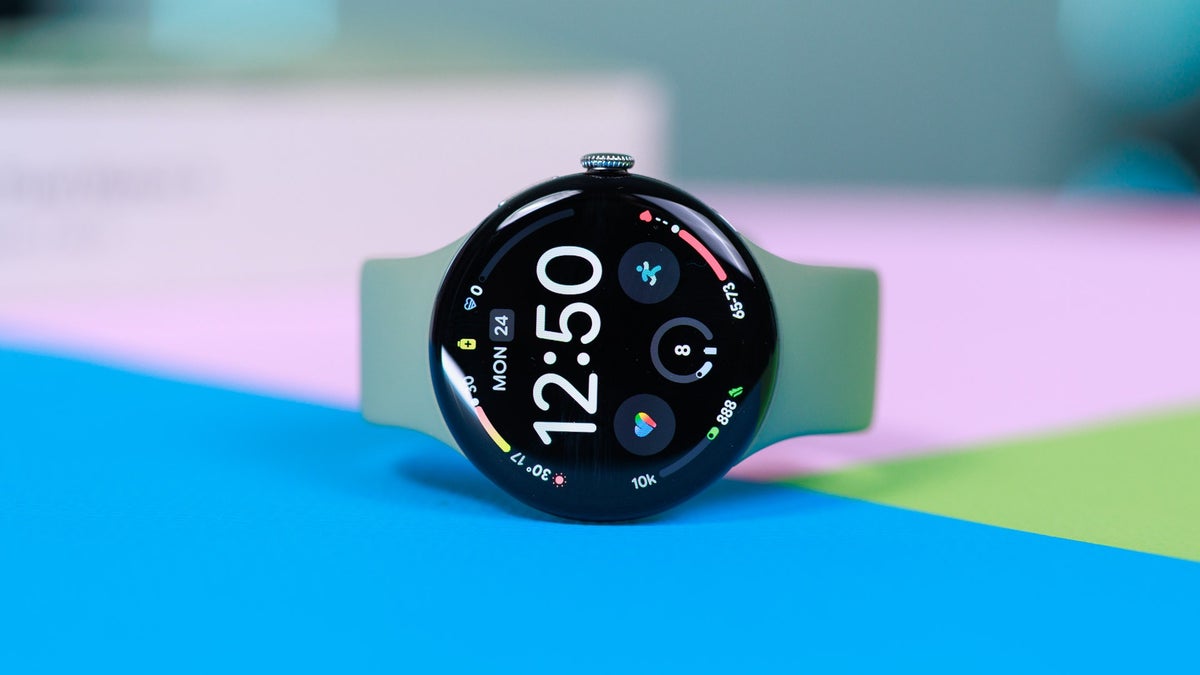
Some Pixel Watch owners on Verizon can't get their watch's LTE activated at all, even after having paid for the right model and a watch line. Now they're stuck using the watch over Bluetooth, the one that's supposed to free them from their Pixel 11 Pro or Samsung Galaxy S26 Ultra.
Two Pixel Watch 5 units get the same result on Verizon
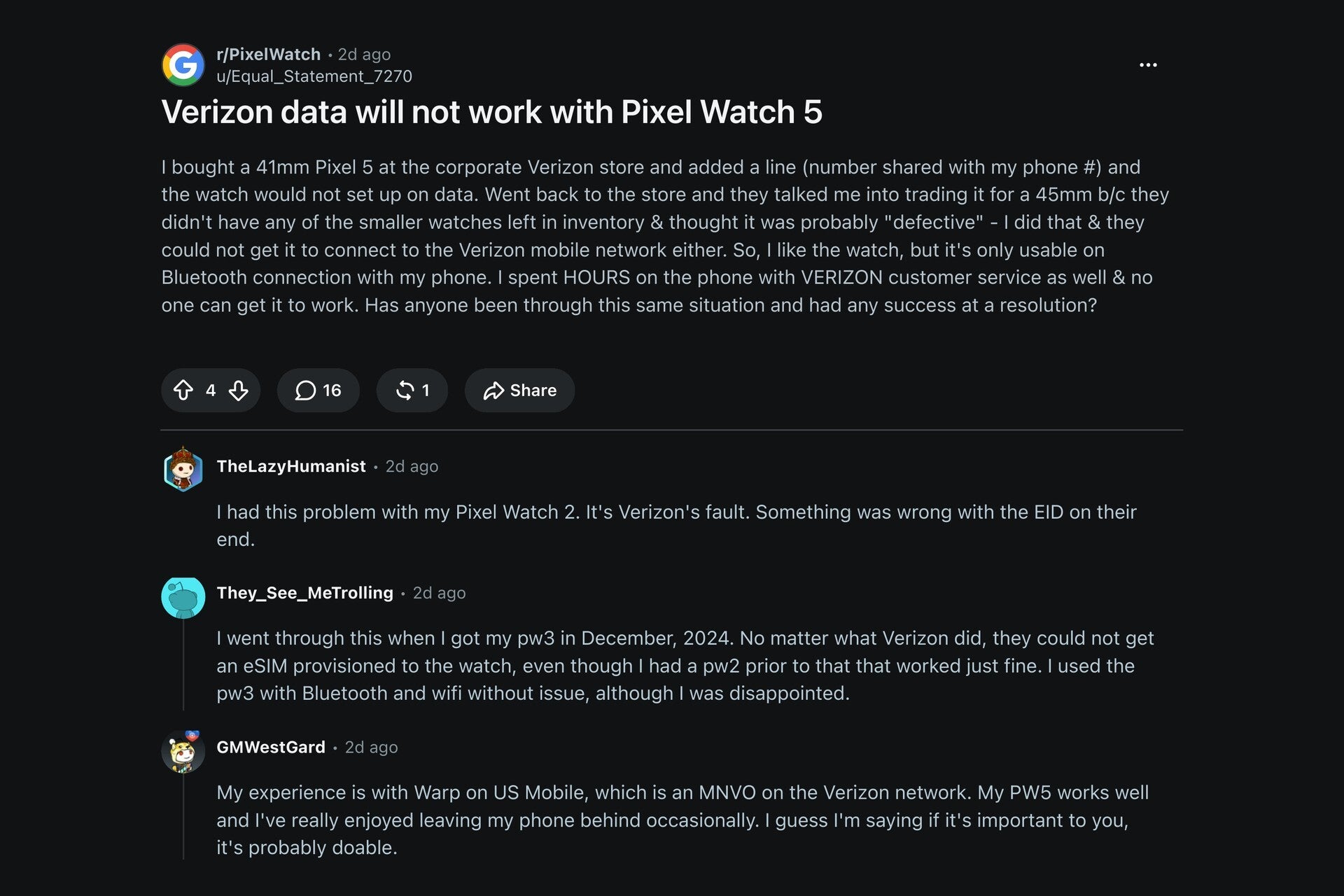
A new report on a Reddit post on r/PixelWatch from a couple of days ago highlighted a user who bought a 41mm Pixel Watch 5 at a corporate Verizon store. This user also added a watch line that shares their phone number.
However, this user's watch wouldn't get set up on data, and the store called it a possibly defective unit, so the user traded it in for a 45mm unit instead, since no 41mm ones were left in stock. Even so, the second watch couldn't connect to data either and would only work over Bluetooth connected to the phone. The user then spent hours with Verizon support, and the store gave up on it after about 2 hours.
Another commenter added that their husband has a Pixel Watch 5 that gets calls on its own but no texts unless his phone is on Bluetooth or the same Wi-Fi network. A third commenter added that they couldn't get an eSIM onto a Pixel Watch 3 back in December 2024, while their Pixel Watch 2 had worked fine before.
Recommended For You
Poll
2 Votes
If your Pixel Watch 5 LTE wouldn't activate on Verizon, what would you do?
Why LTE matters and where the issue may lie when activating the Pixel Watch on Verizon
Without an LTE connection, your phone would need to be nearby for features like emergency safety, calls, texts, music and Google Wallet to work. This means anyone paying for the pricier LTE model plus a monthly watch line on Verizon (which one commenter says costs about $15 a month) is missing out on a service they pay for if the LTE connection can't be activated.
Some users put the blame on Verizon, with one Pixel Watch 2 owner noting that in their case something was wrong with the watch's eSIM ID number on Verizon's end. On the other hand, another owner puts some blame on Google since their Pixel Watch 3 has been connected to data for months on Visible, which is Verizon-owned.
The r/PixelWatch thread and a few of its replies. | Image by PhoneArena
Also in this report, another user noted they were able to reach a resolution by pushing through until they got a Verizon network engineer on a support call that lasted over four hours. In this case, activation finally worked after rebooting the phone and watch and accepting an eSIM prompt. Unfortunately, this wasn't the case for everyone, as another Pixel Watch 2 owner never saw LTE work on their watch and so they skipped LTE on the Pixel Watch 4.
Making matters even more confusing, some Pixel Watch owners on US Mobile's Warp plan (an MVNO that uses Verizon's network) report that their Pixel Watch 4 and Pixel Watch 5's LTE work. One user in particular said that the setup had to get redone once, and then it stuck.
It should be noted that buying a Pixel Watch 5 LTE directly from Google comes with 2 years of Google Fi data, which covers texts and data, but not voice calls over LTE. However, going by this thread, it appears that Pixel Watch owners on Visible, US Mobile or Google Fi are fine when activating LTE, whereas buying at a Verizon store has yielded setup issues that may need escalation.
What I would do as a Verizon user who needed to activate an LTE Pixel Watch
I personally had success activating a Pixel Watch 4's LTE line on Visible when I was a customer, and didn't need any setup help as it all worked the first time through the app. I also had no issues activating it via Google Fi, which is expected since it's a Google product.
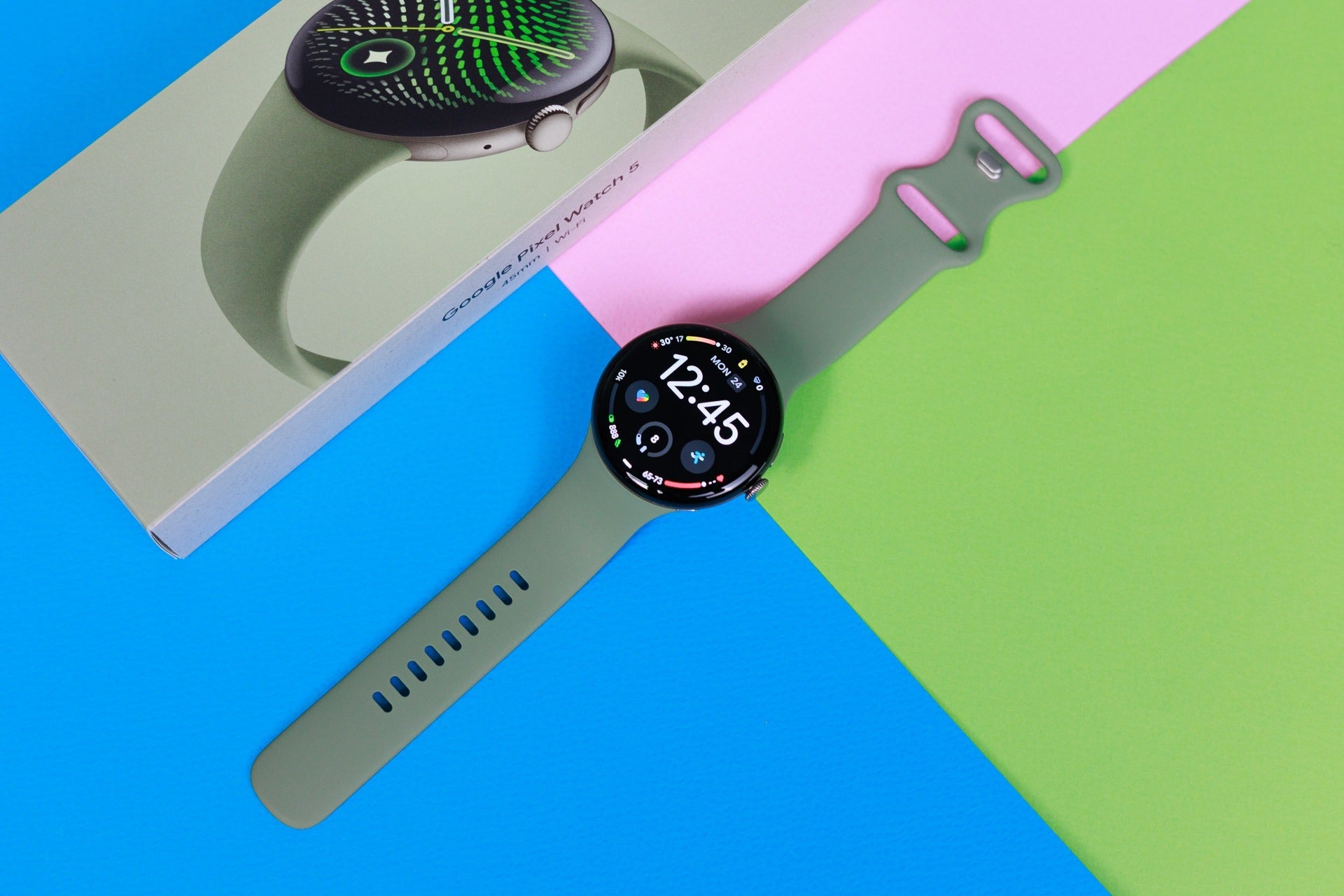
The Pixel Watch 5 box here is for the Wi-Fi model, which some owners now prefer. | Image by PhoneArena
Considering Verizon sells the Pixel Watch 5, and the watch works on its network through MVNOs, the fix clearly exists but is just hard to get to. If I were the Verizon customer trying to get this fixed, I would be asking for a network engineer or a level 2 support representative from the start.
I'm hoping Verizon and Google can get together and smooth this out for customers before the holiday season ends, and I'm curious whether Verizon will tackle this user's post in particular to reach a resolution.
Johanna Romero is a Senior News Writer at PhoneArena, covering mobile technology news across Android, iOS, wearables, and the Google ecosystem she knows best. Drawing on 15 years in IT and tech support from 2007 to 2022, she brings a user-friendly eye for the practical features and lesser-known tricks readers care about. Google named her an official #TeamPixel member in 2022, and she also reviews the latest devices on her YouTube channel, JoJo the Techie.
A discussion is a place, where people can voice their opinion, no matter if it
is positive, neutral or negative. However, when posting, one must stay true to the topic, and not just share some
random thoughts, which are not directly related to the matter.
Things that are NOT allowed:
Off-topic talk - you must stick to the subject of discussion
Offensive, hate speech - if you want to say something, say it politely
Spam/Advertisements - these posts are deleted
Multiple accounts - one person can have only one account
Impersonations and offensive nicknames - these accounts get banned
To help keep our community safe and free from spam, we apply temporary limits to newly created accounts:
New accounts created within the last 24 hours may experience restrictions on how frequently they can
post or comment.
These limits are in place as a precaution and will automatically lift.
Moderation is done by humans. We try to be as objective as possible and moderate with zero bias. If you think a
post should be moderated - please, report it.
Have a question about the rules or why you have been moderated/limited/banned? Please,
contact us.





Things that are NOT allowed:
To help keep our community safe and free from spam, we apply temporary limits to newly created accounts: