Google Maps bug keeps critical info from drivers
Google Maps users have an alternative free app they can use until Google fixes a major bug.

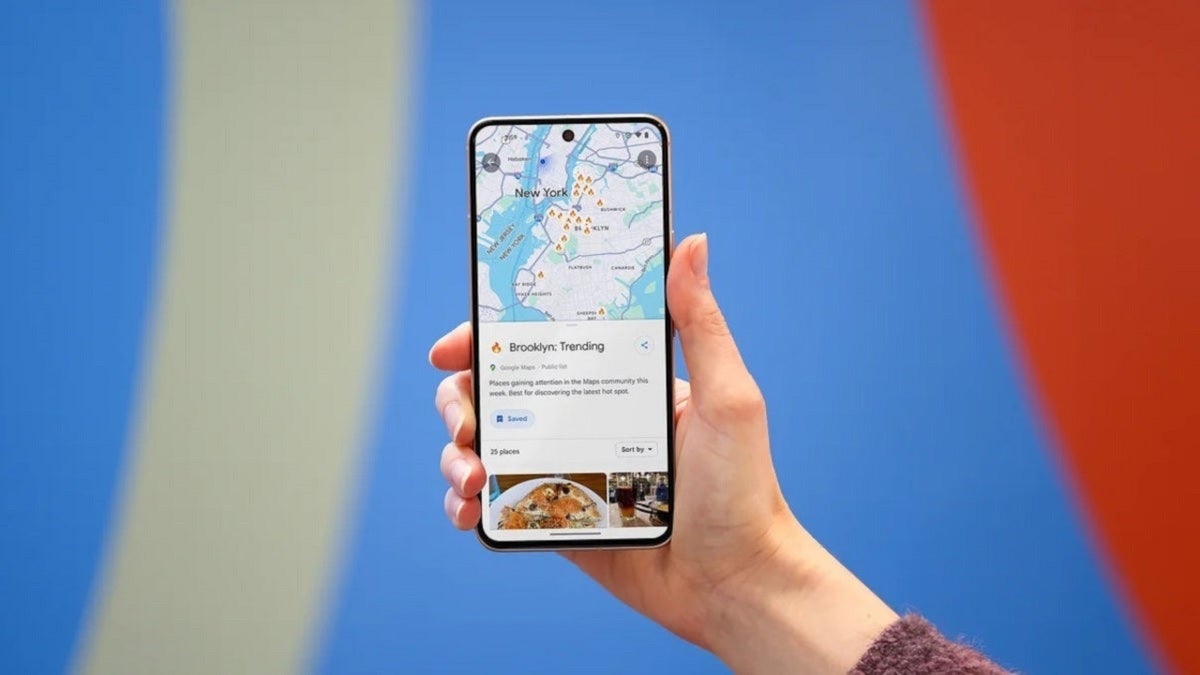
Google Maps bug keeps critical info from reaching your screen | Image by PhoneArena
If you rely on Google Maps to get from one location to another safely and quickly, you are probably going to be impacted by a new bug. This bug removes the color-coded traffic lines from Google Maps users' screens regardless of whether they are using the iOS or Android version of the app.
A bug prevents Google Maps users from getting a quick look at how fast traffic is moving.
The different color lines are used to show how heavy the traffic is at a certain location. When navigating, a blue line shows the driver the primary route that the app is telling him to take. Lighter blue or gray lines are alternate routes. These are the colors that indicate how fast or slow traffic is moving:
- Green line-Traffic is moving smoothly, at or near the speed limit.
- Orange line-Moderate traffic, moving slower than normal.
- Red line-Heavy traffic indicative of a slowdown.
- Dark red or maroon-Stop and go traffic, very heavy congestion featuring major delays.
- Gray line-No traffic data is available for this road.
Google Maps users from all over the world are being impacted by this bug
At least 15 other Redditors confirmed that they are experiencing the very same issues. What is interesting is that the posts complaining about the disappearance of the colored lines on Google Maps come from many different regions, such as the New England area in the US, Thailand, and India.
Some parts of Google Maps' traffic layer will surface, such as icons representing maintenance work on some roads and other icons indicating that roads are closed. But most other Google Maps features that rely on different colors appearing on the screen do not appear to be working.
As we noted previously, both the iOS and Android versions of Google Maps are affected, as well as the desktop website version of Google Maps. None of the usual fixes, such as clearing the app's cache and data, disabling and enabling incognito mode, switching the traffic layer, and changing the Google Account being used with the Maps app, got rid of the bug.
Google Maps is one of the most used Google apps
What makes this bug so serious is that Google Maps is one of the most widely used Google apps with global Daily Active Users (DAU) hitting approximately 1 billion. US DAU is approximately 80 to 100 million. The number of Monthly Active Users (MAU) globally is around 2 billion, and in the US, the MAU is around 154.4 million.
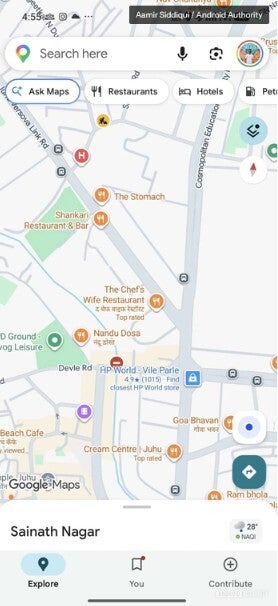
Screenshot of a bug-plagued Google Maps without colored lines. | Image by Android Authority
So many people all over the world are impacted by this bug, and we are hoping that Google can quickly push out a bug fix right away.
If you can't use Google Maps, try this app instead
If you're using an iPhone, you have a solution right in the palm of your hands. Use Apple Maps instead of Google Maps. Android users can try Waze, which is also free and is owned by Google. Using crowdsourced info from the app's community, you can be shown the fastest and safest routes to your destinations. Waze can be installed by tapping on the appropriate link on your touchscreen (iOS, Android).
Google has done an outstanding job over the years with the Google Maps app. The app not only helps you get from point "A" to point "B" quickly and safely; it also will show you where you can stay when you reach your destination, where to get a good meal, where to find local entertainment, and much more.

Popular stories






Latest News





Things that are NOT allowed:
To help keep our community safe and free from spam, we apply temporary limits to newly created accounts: