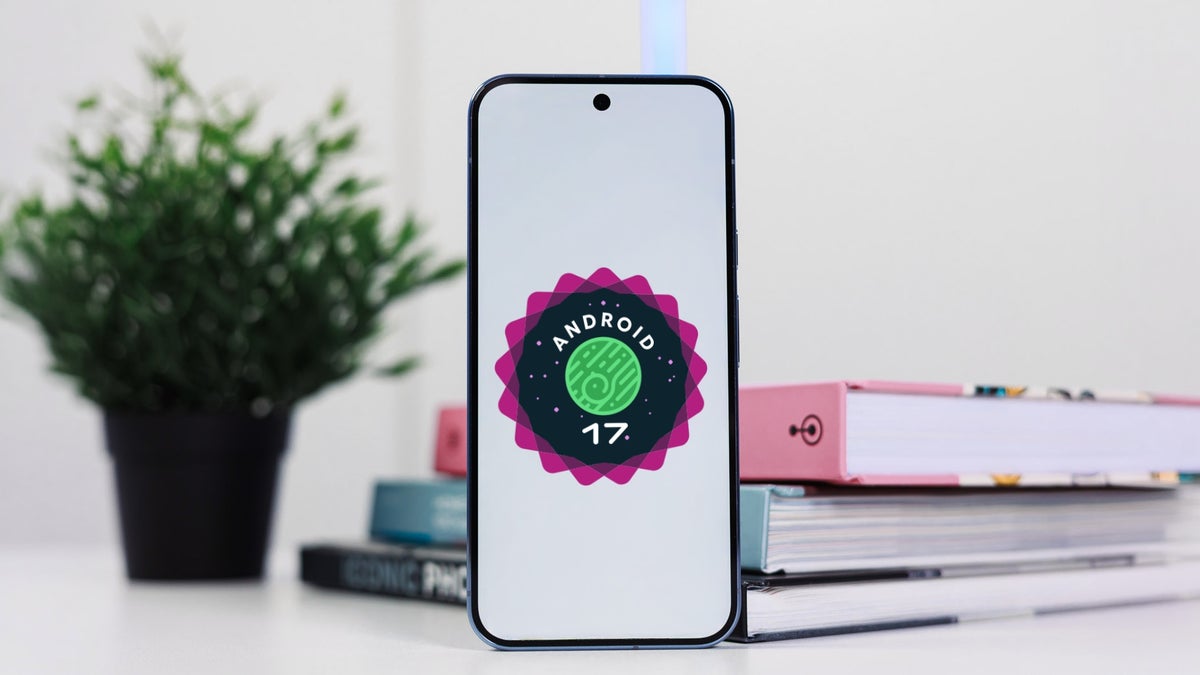
Google just pushed out Android 17 QPR1 Beta 6. The build locks in Platform Stability, fixes five bugs, and reshapes the home screen menu, Health Connect and desktop mode. It's live now for every eligible Pixel, up through the Pixel 10 Pro.
Beta 6 locks in Platform Stability, fixes five bugs
With Beta 6 (CP31.260618.005), Android 17 QPR1 has reached Platform Stability, meaning the API surface for developers has been locked and you can incorporate the new APIs into your apps.
Mishaal Rahman, Android community engagement at Google, X, July 1, 2026
Google fixed five bugs in this build:
You can now select multiple spell checker languages
Clock app volume buttons work as intended again
Quick Settings no longer glitches during fast carousel swipes
An app-crashing bug is patched
Wi-Fi hotspots now show your real network name
Which Android 17 QPR1 Beta 6 change matters most to you?
34 Votes
The bug fixes, my beta issues are finally gone
41.18%
Health Connect tracking more of my workouts
0%
Desktop windowing getting more usable
5.88%
None of this, I'll wait for stable
52.94%
What the home screen and desktop tweaks mean for you
Most of those fixes are small and easy to miss, but two changes here are ones you'll actually notice. Long-pressing your home screen now pulls up a cleaner menu, with the divider lines gone and the wallpaper label moved up top.
Recommended For You
Health Connect also picked up two new metrics, distance and calories, feeding straight into the rebranded Google Health app.
Android 17 QPR1 Beta 6 brings a couple of changes to the home screen context menu, Health Connect, and connected display experience.
The desktop mode for connecting your phone to a monitor got two tweaks too. Taskbar icons moved to the bottom left, and picture-in-picture windows can now be dragged anywhere instead of snapping to an edge.
Samsung's DeX has let you move windows around freely for years, so this won't feel new if you're already there. Still, it's a sign Google's own desktop mode is catching up.
Who gets this now, and how to install it
Right now, these changes are live only for Pixels enrolled in the Beta track, Pixel 6 through Pixel 10 series plus the Pixel Tablet. Everyone else gets them with the stable September Feature Drop.
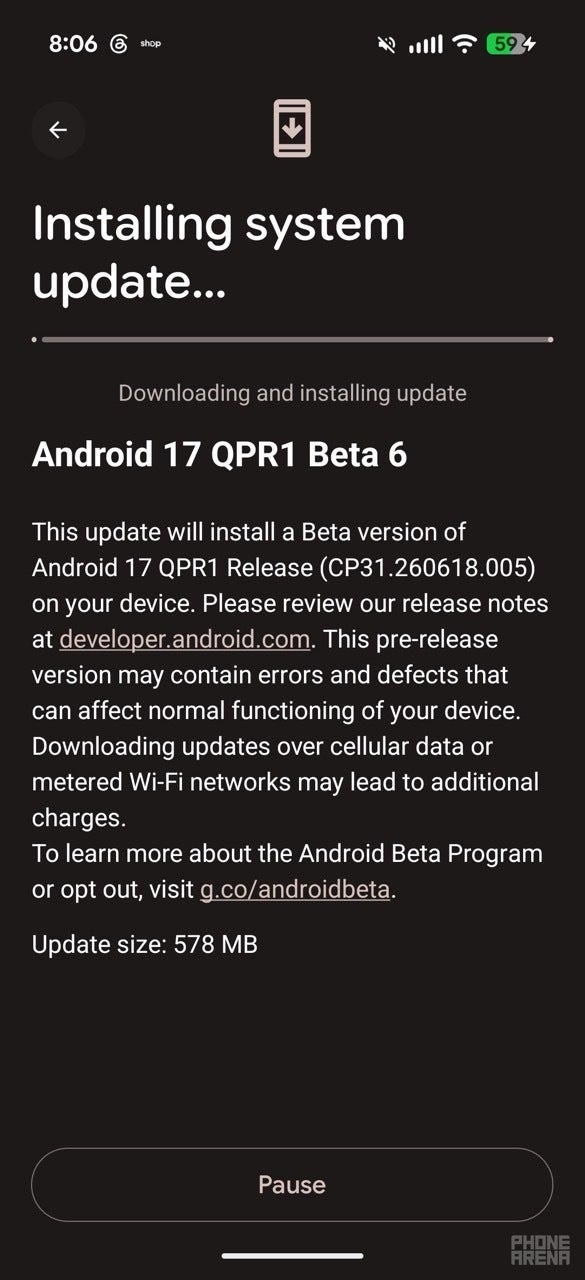
Head to Settings, then System, then Software updates, then System update
Download and install Beta 6, then let your phone restart to finish
Beta 6 downloading on my Pixel 10 Pro Fold. | Image by PhoneArena
A smooth beta so far, but not for everyone
I've had this beta installed on my Pixel 10 Pro Fold since it dropped, and it's held up well. I haven't run into any of the bugs on that fix list myself.
Still, that hasn't been true for everyone this cycle. We've already covered a bootloop some testers hit (the phone stuck restarting endlessly) on an earlier build, with most only escaping it through a factory reset.
I'm glad this run reached Platform Stability cleanly, and I'm hoping the jump to stable next month goes just as smoothly for everyone, not just me.
Johanna Romero is a Senior News Writer at PhoneArena, covering mobile technology news across Android, iOS, wearables, and the Google ecosystem she knows best. Drawing on 15 years in IT and tech support from 2007 to 2022, she brings a user-friendly eye for the practical features and lesser-known tricks readers care about. Google named her an official #TeamPixel member in 2022, and she also reviews the latest devices on her YouTube channel, JoJo the Techie.
A discussion is a place, where people can voice their opinion, no matter if it
is positive, neutral or negative. However, when posting, one must stay true to the topic, and not just share some
random thoughts, which are not directly related to the matter.
Things that are NOT allowed:
Off-topic talk - you must stick to the subject of discussion
Offensive, hate speech - if you want to say something, say it politely
Spam/Advertisements - these posts are deleted
Multiple accounts - one person can have only one account
Impersonations and offensive nicknames - these accounts get banned
To help keep our community safe and free from spam, we apply temporary limits to newly created accounts:
New accounts created within the last 24 hours may experience restrictions on how frequently they can
post or comment.
These limits are in place as a precaution and will automatically lift.
Moderation is done by humans. We try to be as objective as possible and moderate with zero bias. If you think a
post should be moderated - please, report it.
Have a question about the rules or why you have been moderated/limited/banned? Please,
contact us.










![Another batch of Galaxy S26 series users in the US are getting a nice surprise today [UPDATED]](https://m-cdn.phonearena.com/images/article/183643-wide-two_350/Another-batch-of-Galaxy-S26-series-users-in-the-US-are-getting-a-nice-surprise-today-UPDATED.webp)
Things that are NOT allowed:
To help keep our community safe and free from spam, we apply temporary limits to newly created accounts: