Editorials · Reviewer Insight
This is why One UI keeps pulling me back
Good Lock proves Samsung understands Android power users better than anyone
This article may contain personal views and opinion from the author.
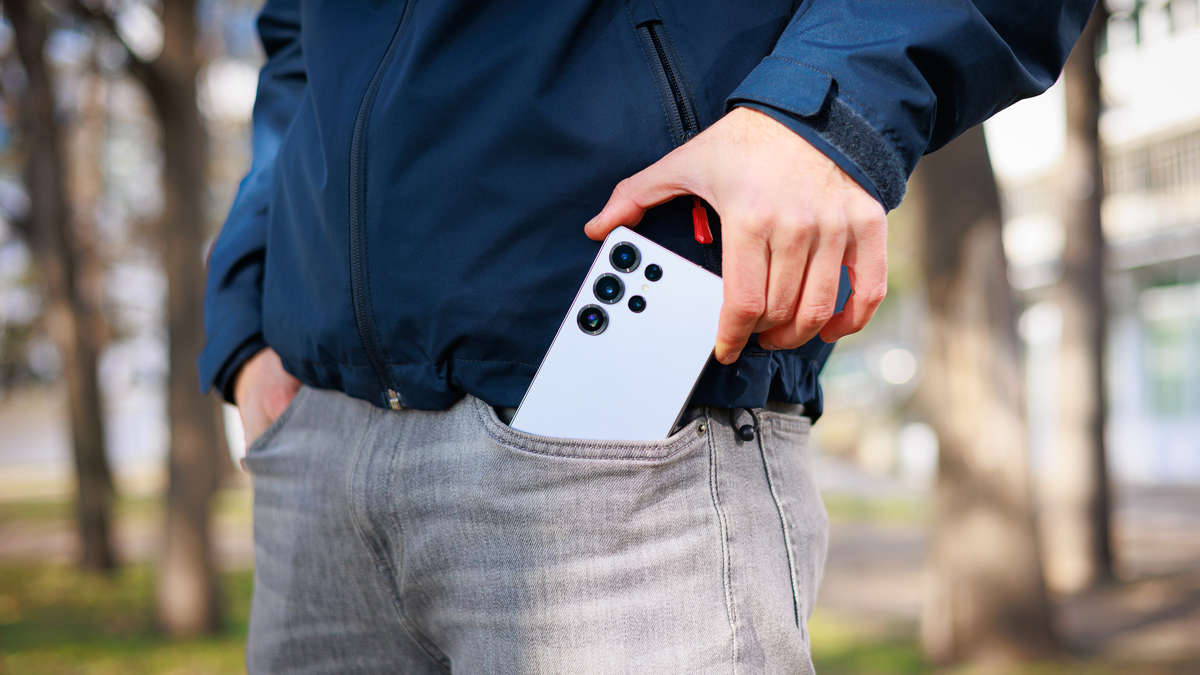
What does an "Android power user" mean? This has always been someone who has tried hard to push the operating system to its very limits and tinker with settings and features regular Joes didn't even know existed.
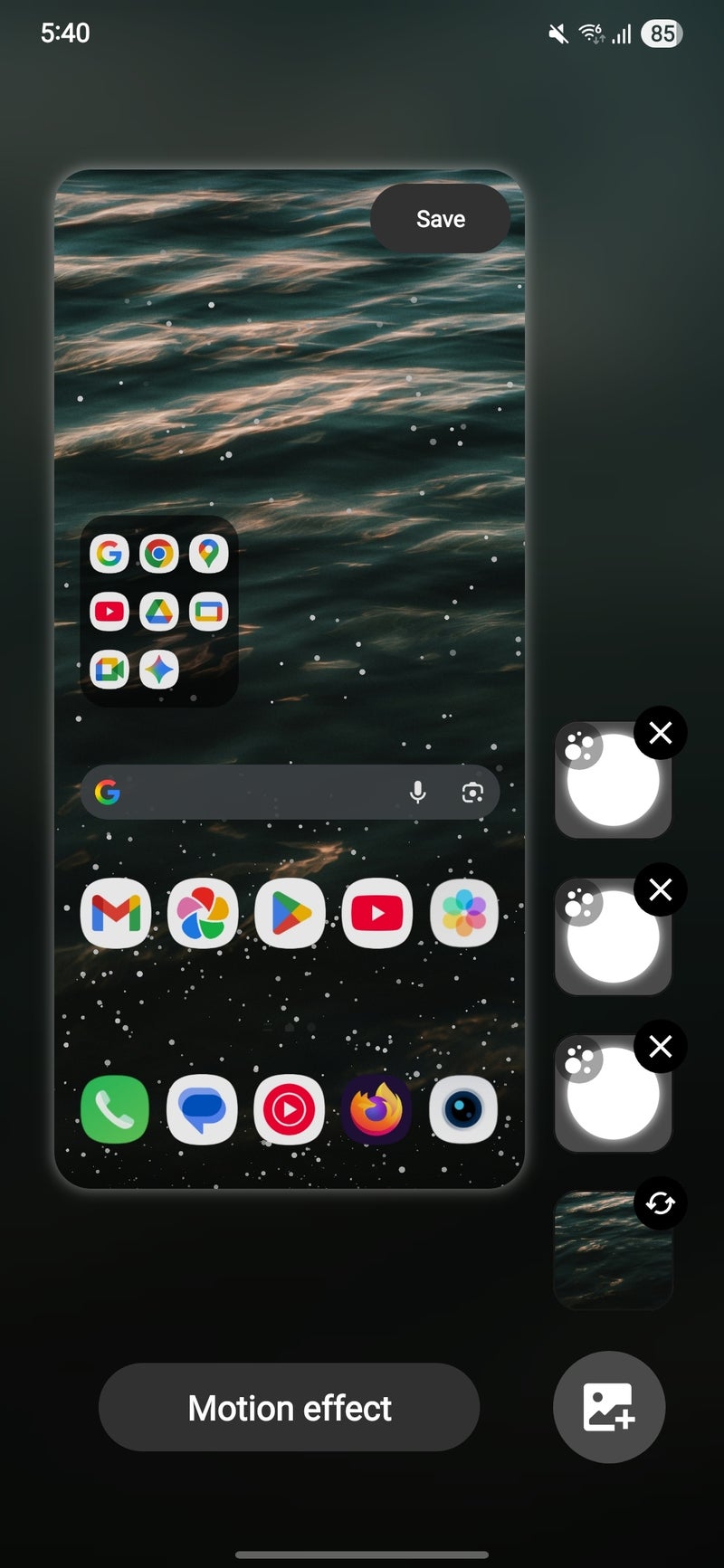
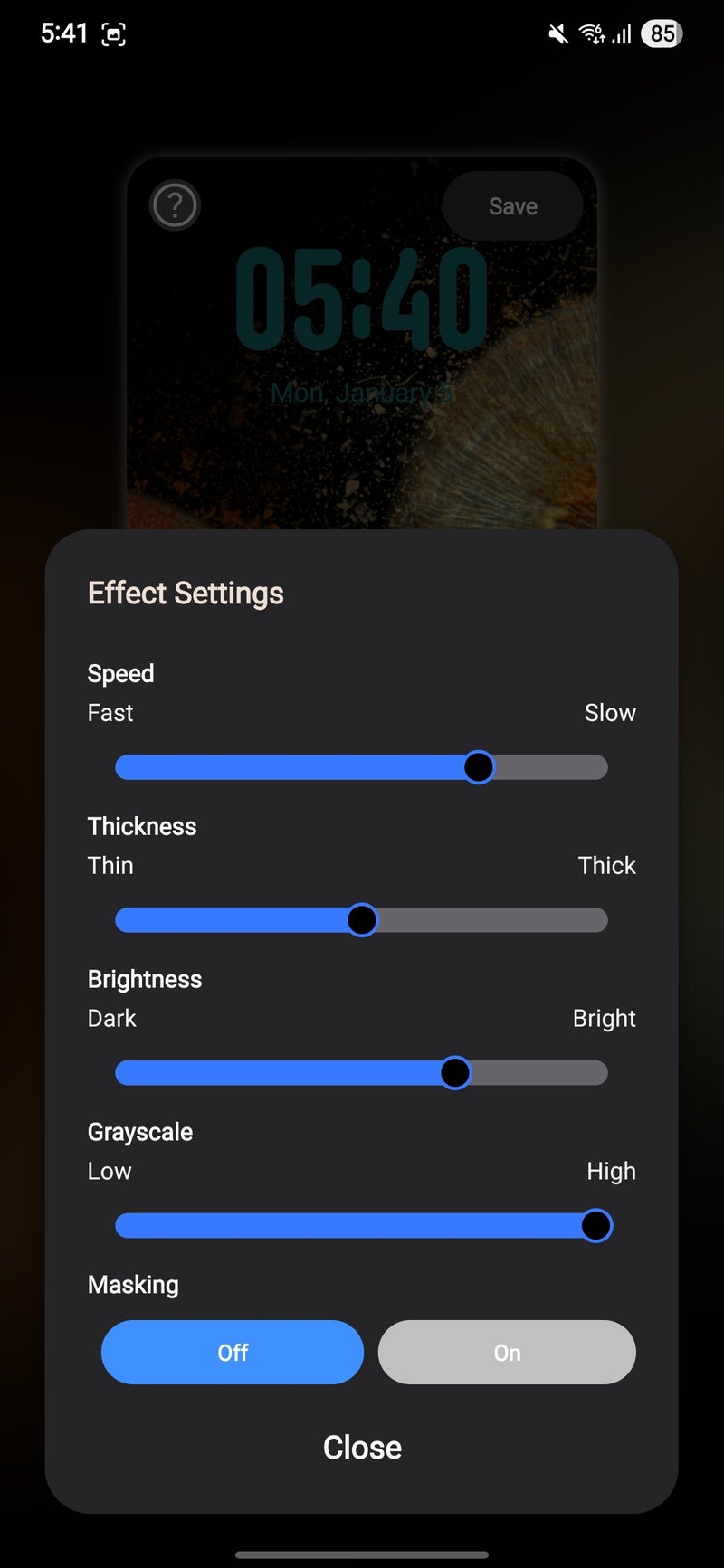
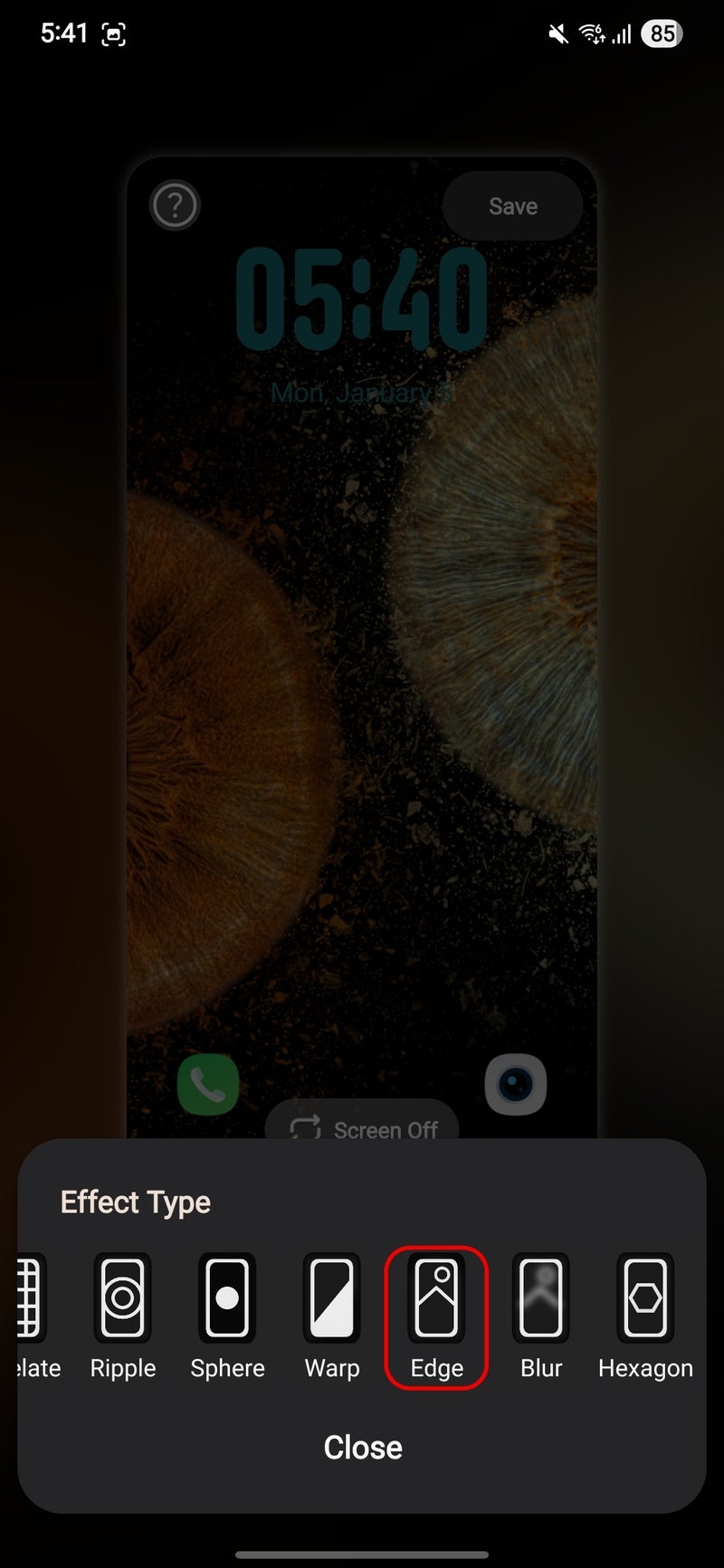
And for the last couple of years, Samsung has been the only Android manufacturer to officially acknowledge the existence of this tiny but vocal group of Android enthusiasts. The company does with its Good Lock app, which opens the gates to a whole new set of customization features that aren't available in the mainline One UI interface.
What exactly is Good Lock? It's a hub of twenty-something separate apps that allow Galaxy users to deeply customize the look and feel of their Galaxy phone or tablet, ranging from purely visual tweaks all the way to essential and intriguing features that greatly change the way you interact with your phone. Good Lock is a vital piece of software that any customization fan worth their salt should have installed on their Galaxy device as soon as possible
For me, one of the top reasons why it's challenging to leave the warm embrace of One UI is Samsung's Good Lock suite of official tweaks and enhancements that make an already great Android interface even better.
Here are the best Good Lock modules and the features that I actually use.
LockStar
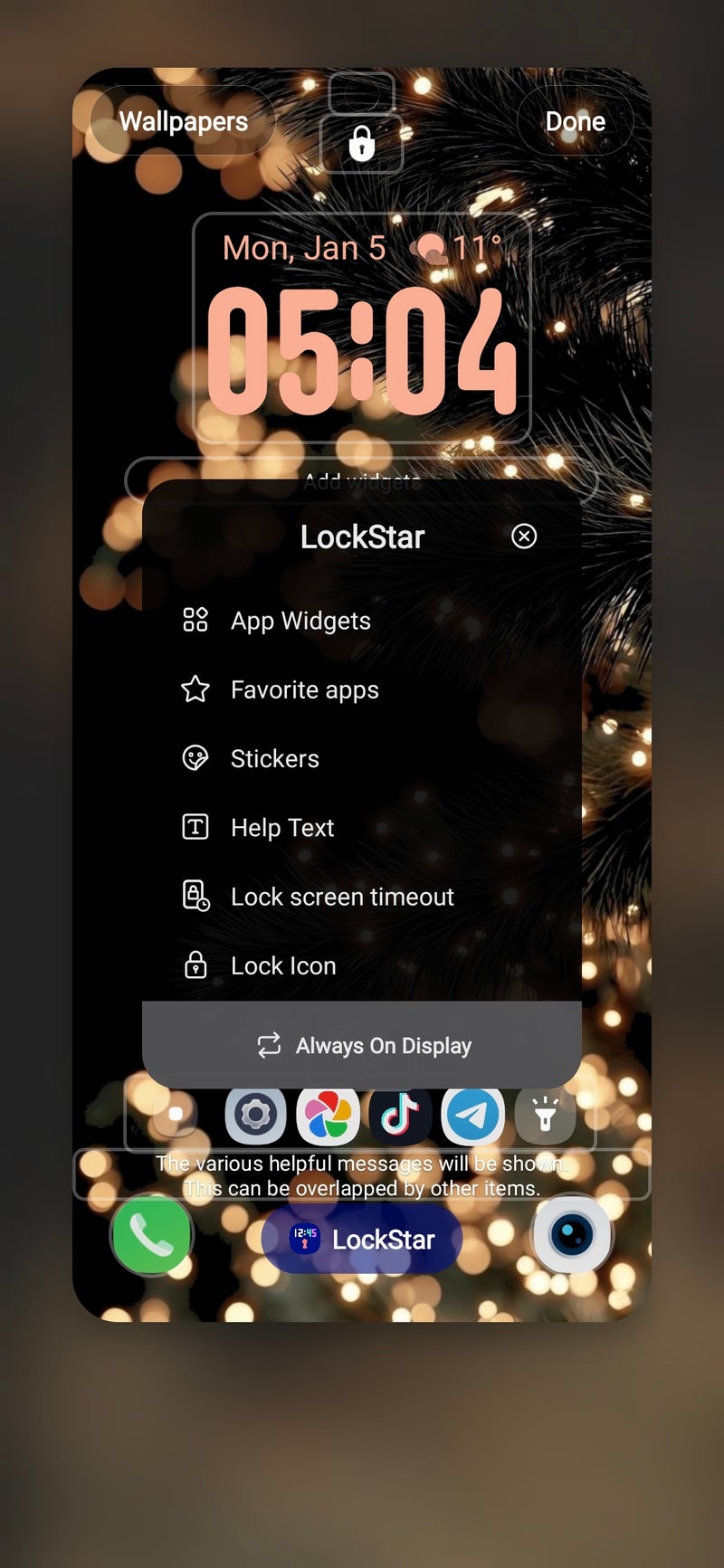
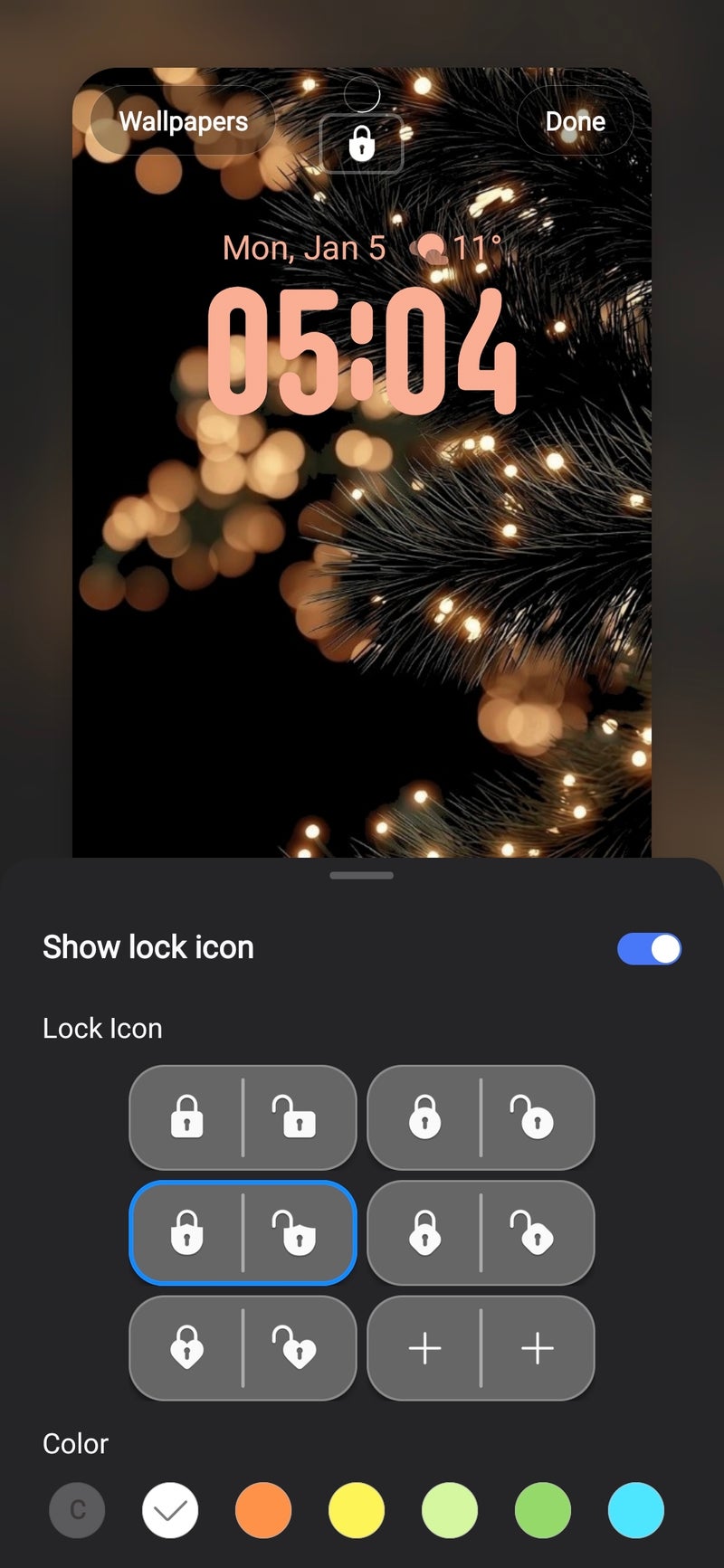
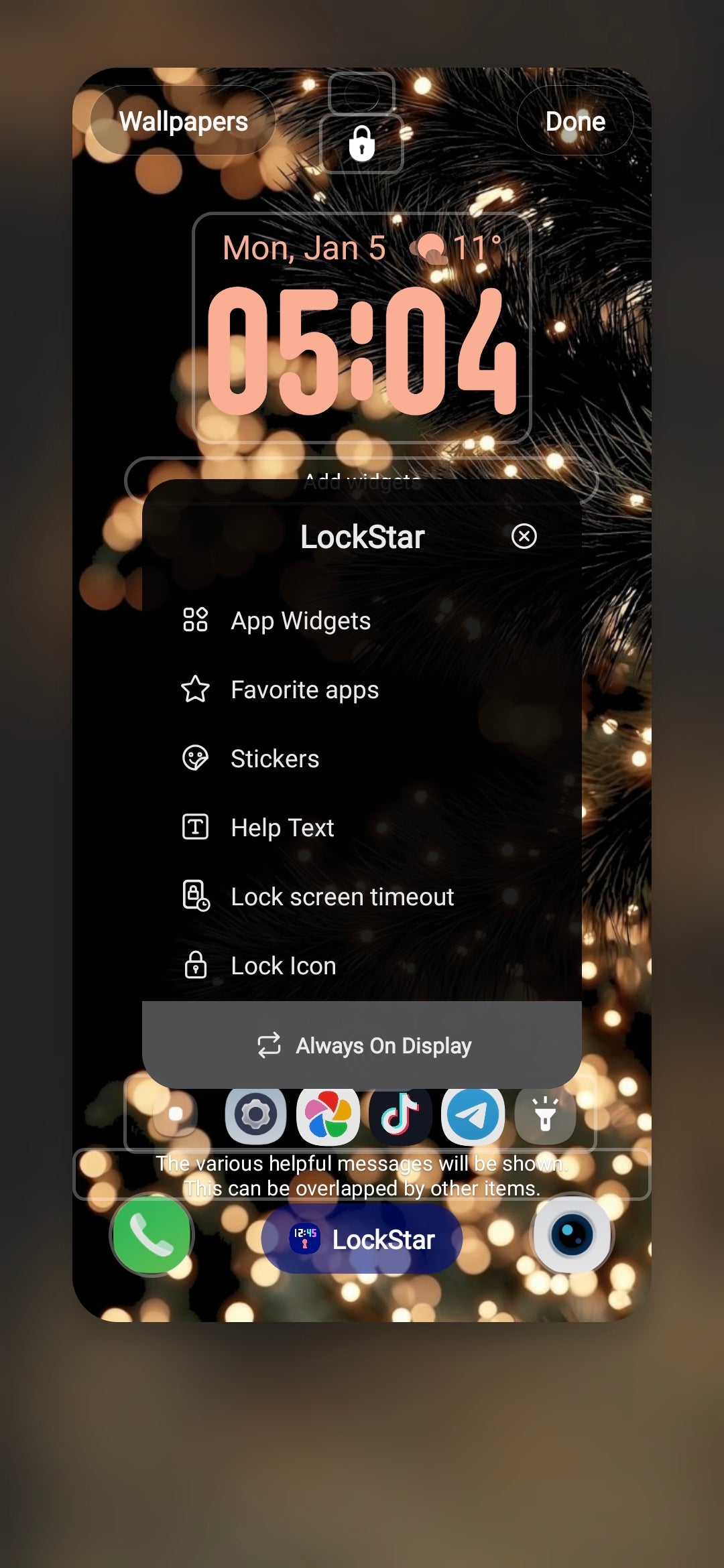
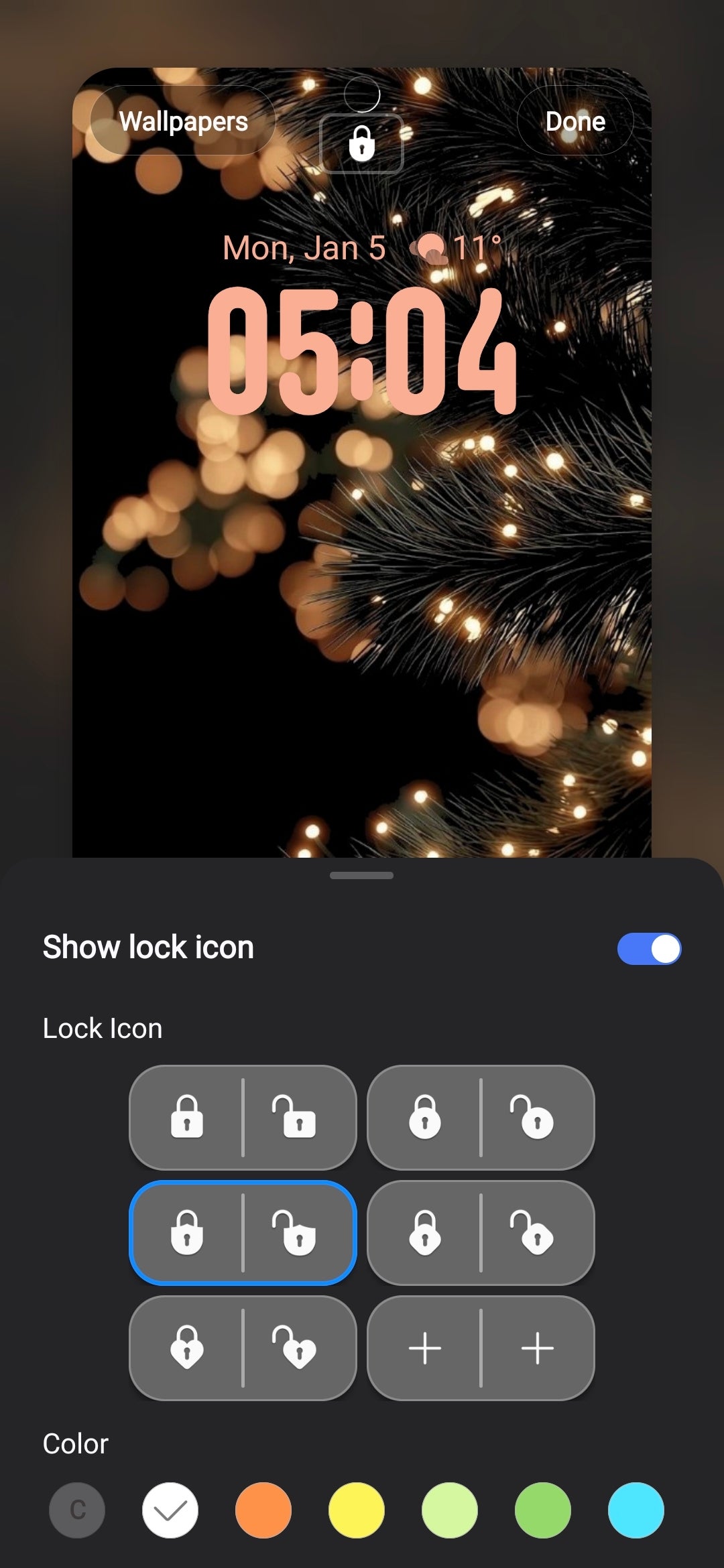
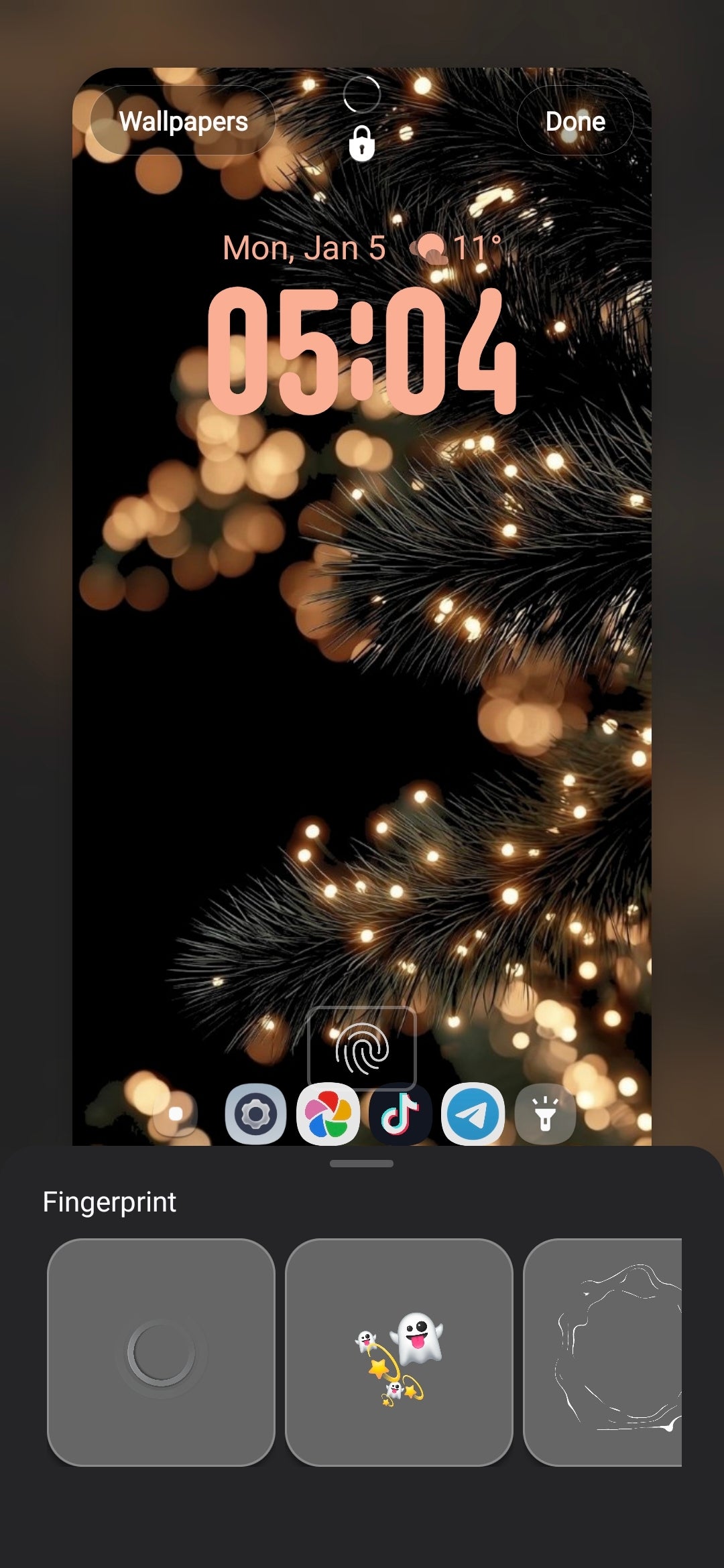
For someone who always tinkers with their lock screen setup, LockStar comes in as an indispensable Good Lock plugin. It lets you customize every aspect of your lock screen, and I actually mean every aspect. From the color of the face unlock animation to displaying a folder with your favorite apps, any widget on your phone, or changing the lock status icon, Lock Star has got you covered.
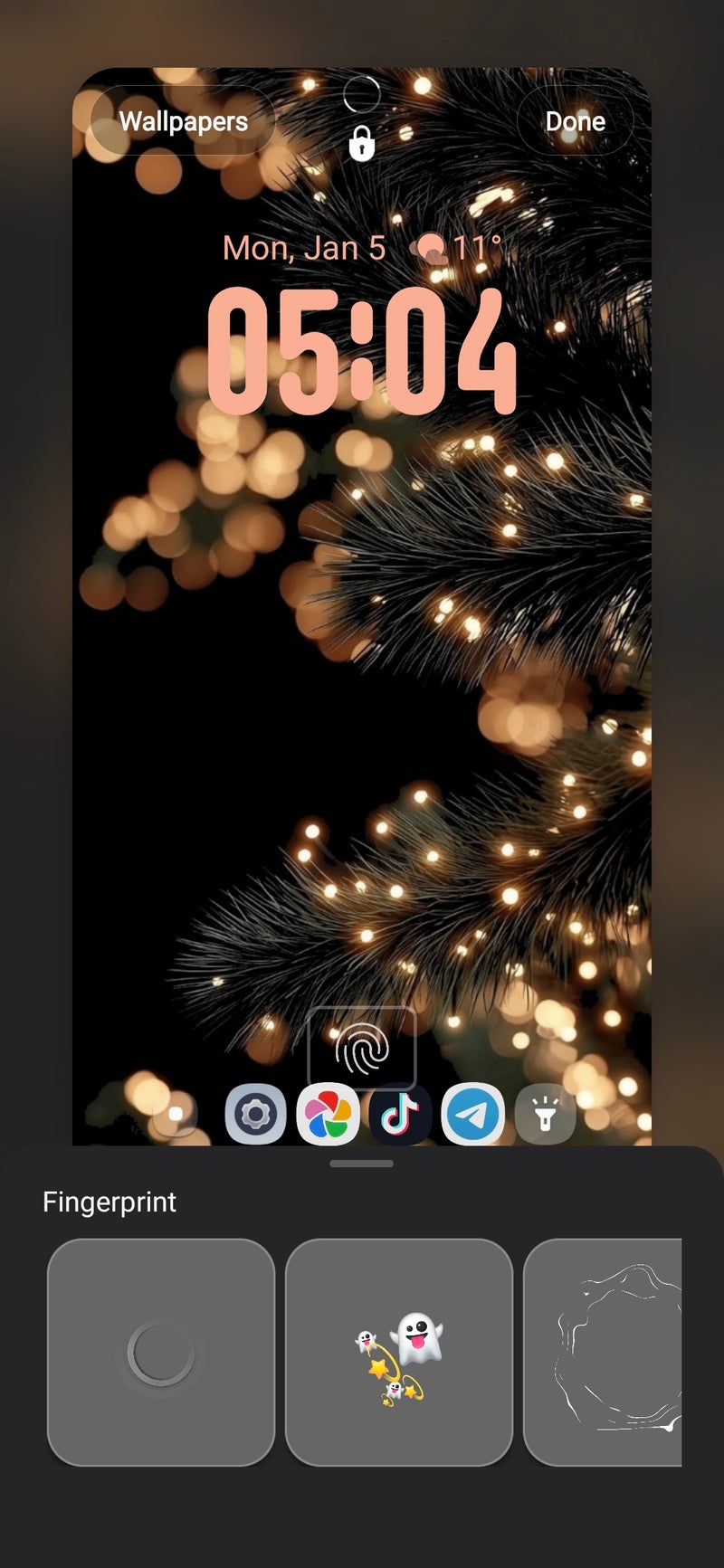
This one here even lets you change the animation after a successful fingerprint unlock to a bunch of emoji, which might be a cool touch for some users.
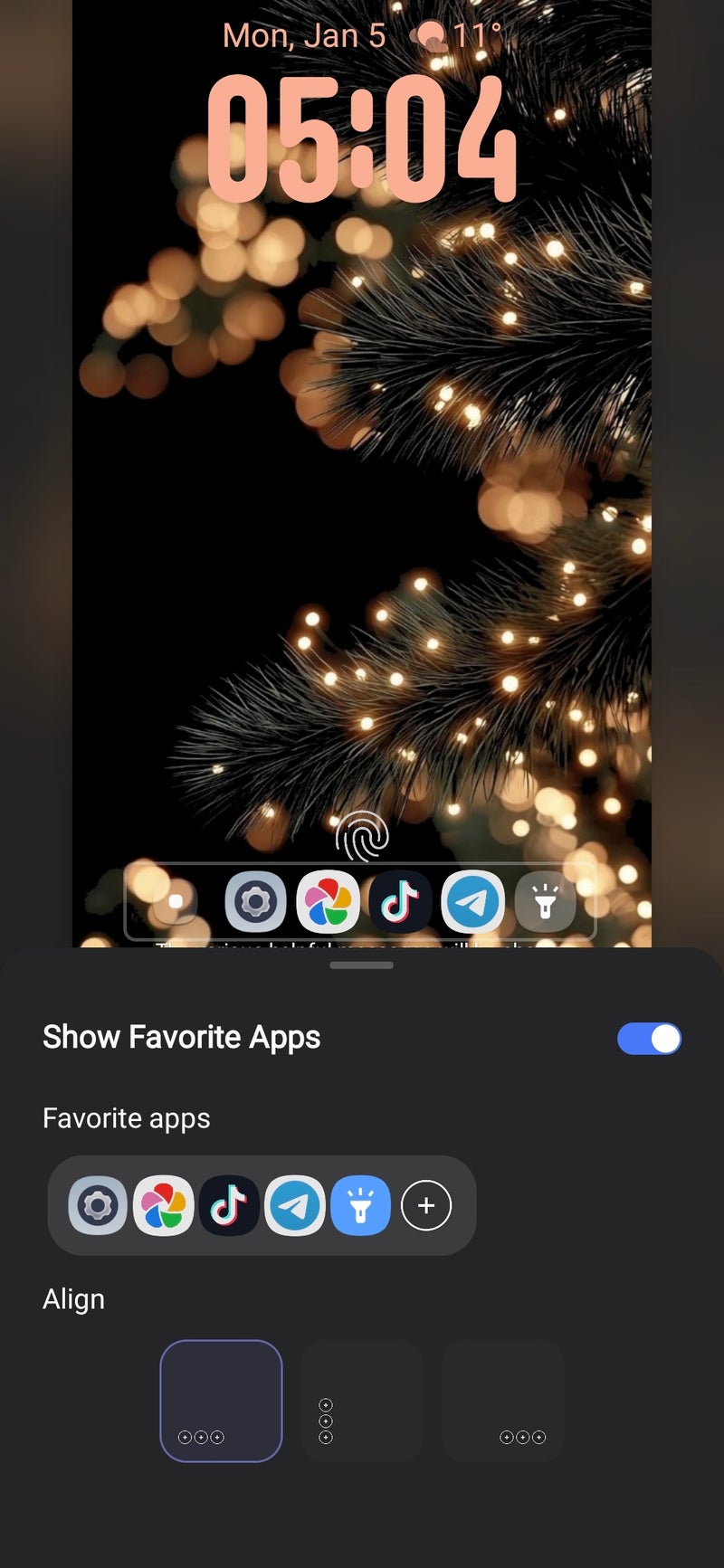
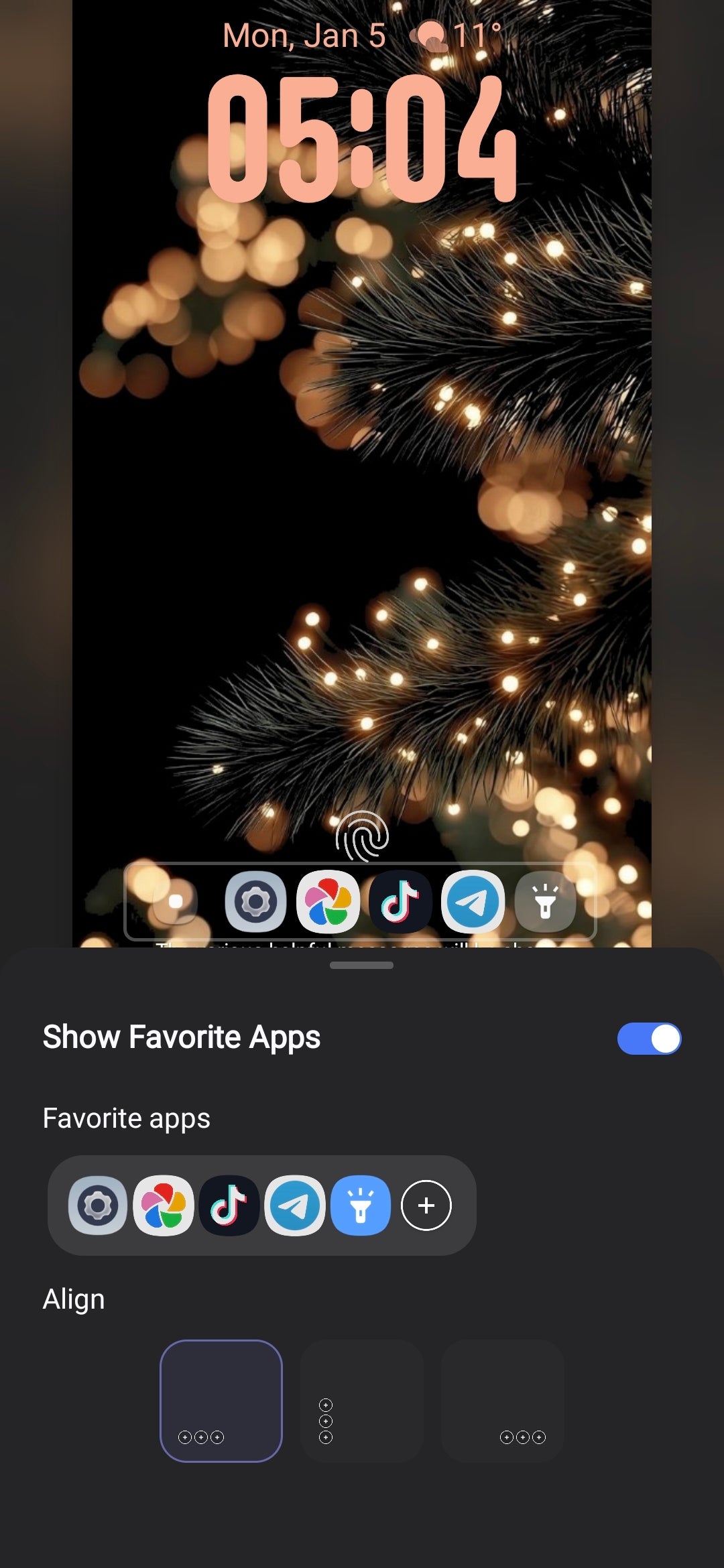
My favorite feature here has to be the favorite apps shortcut functionality, which lets you add a couple of often-accessed apps to your lock screen, neatly tucked in an expandable folder. This module is the perfect blend between usability and aesthetics, and I rate this one very highly.
Sound Assistant
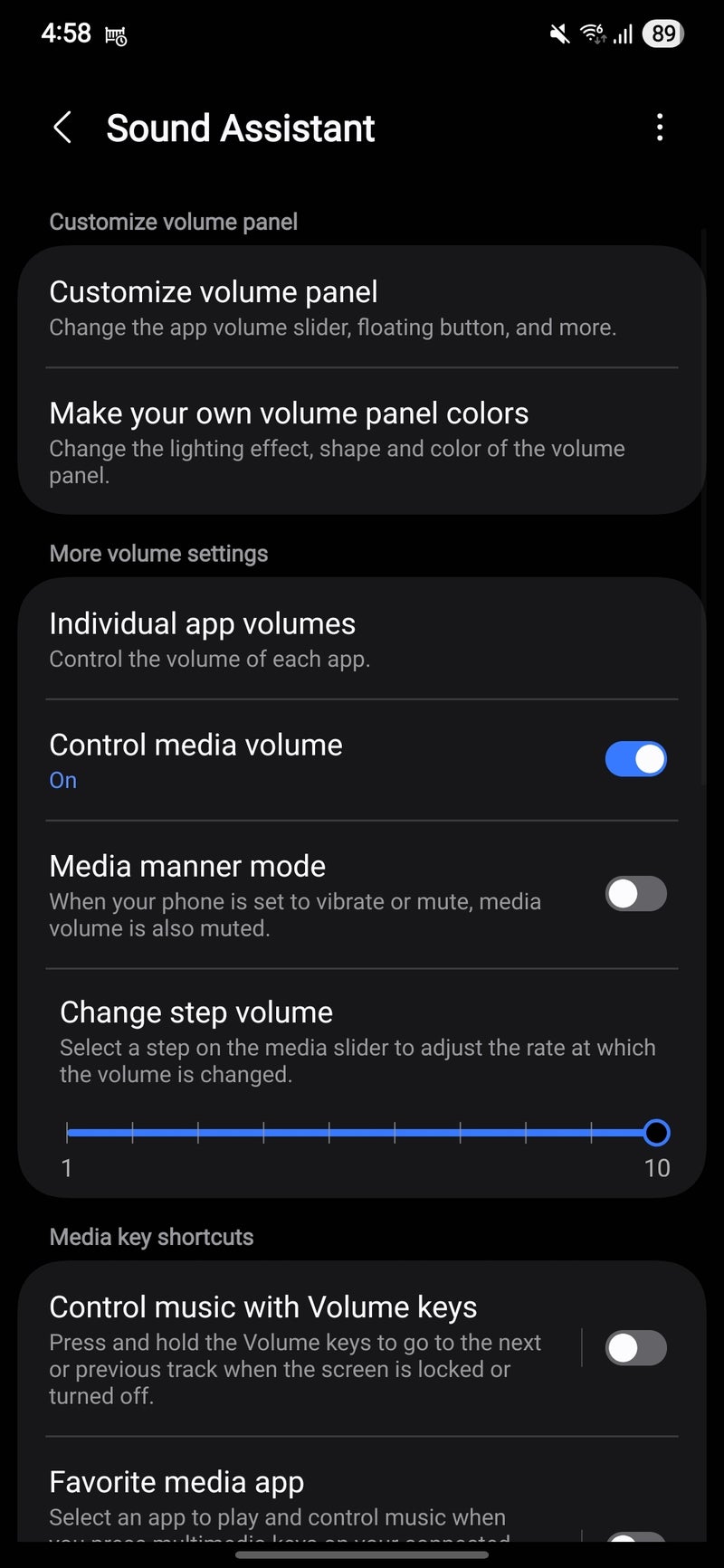
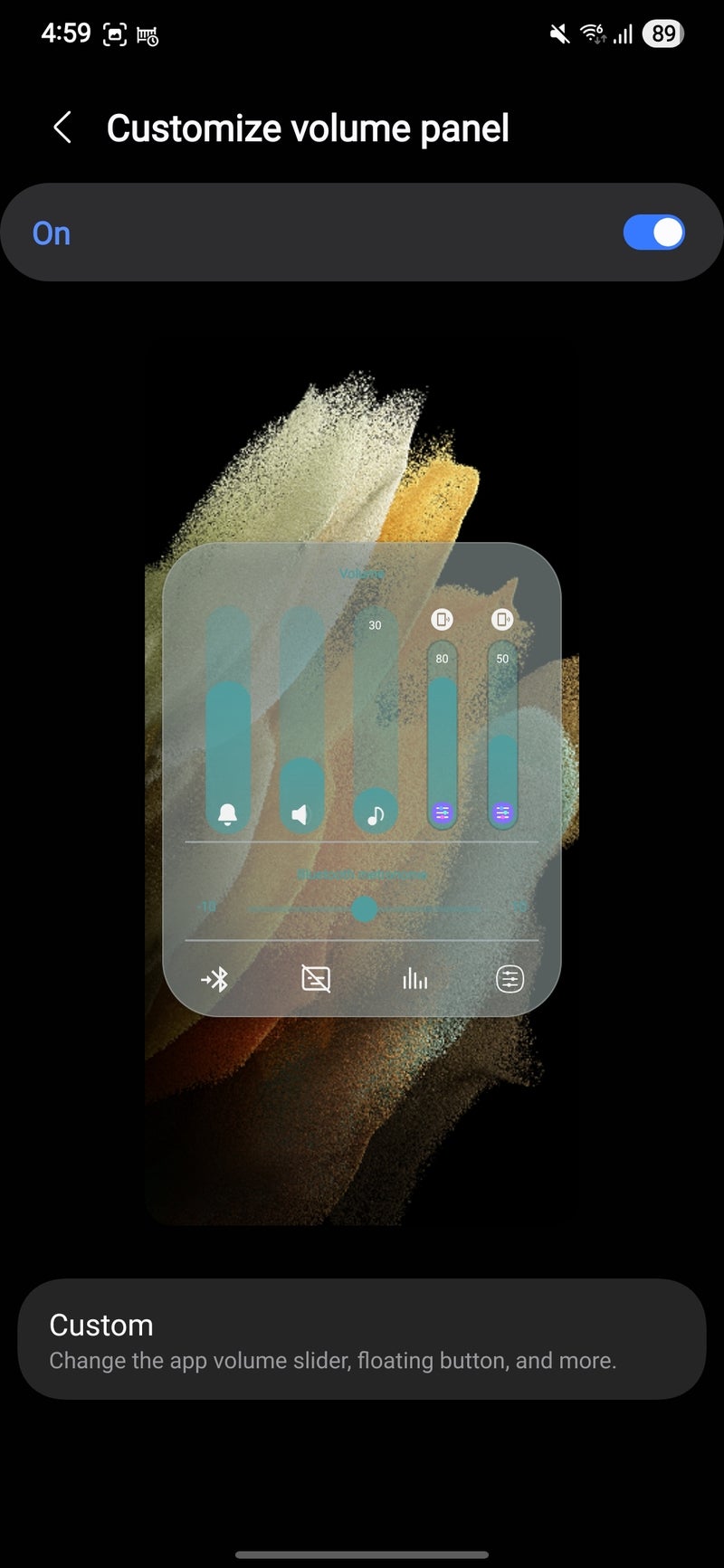
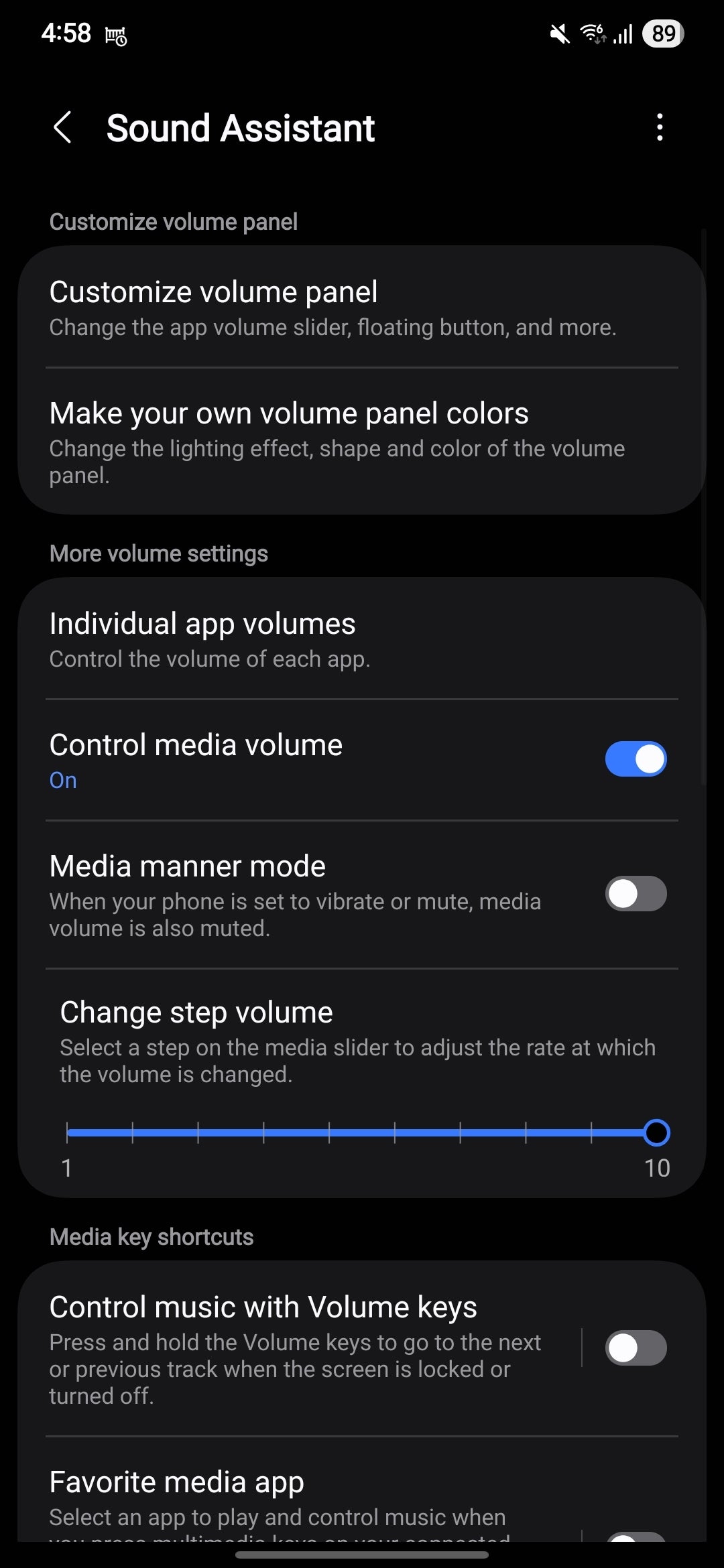
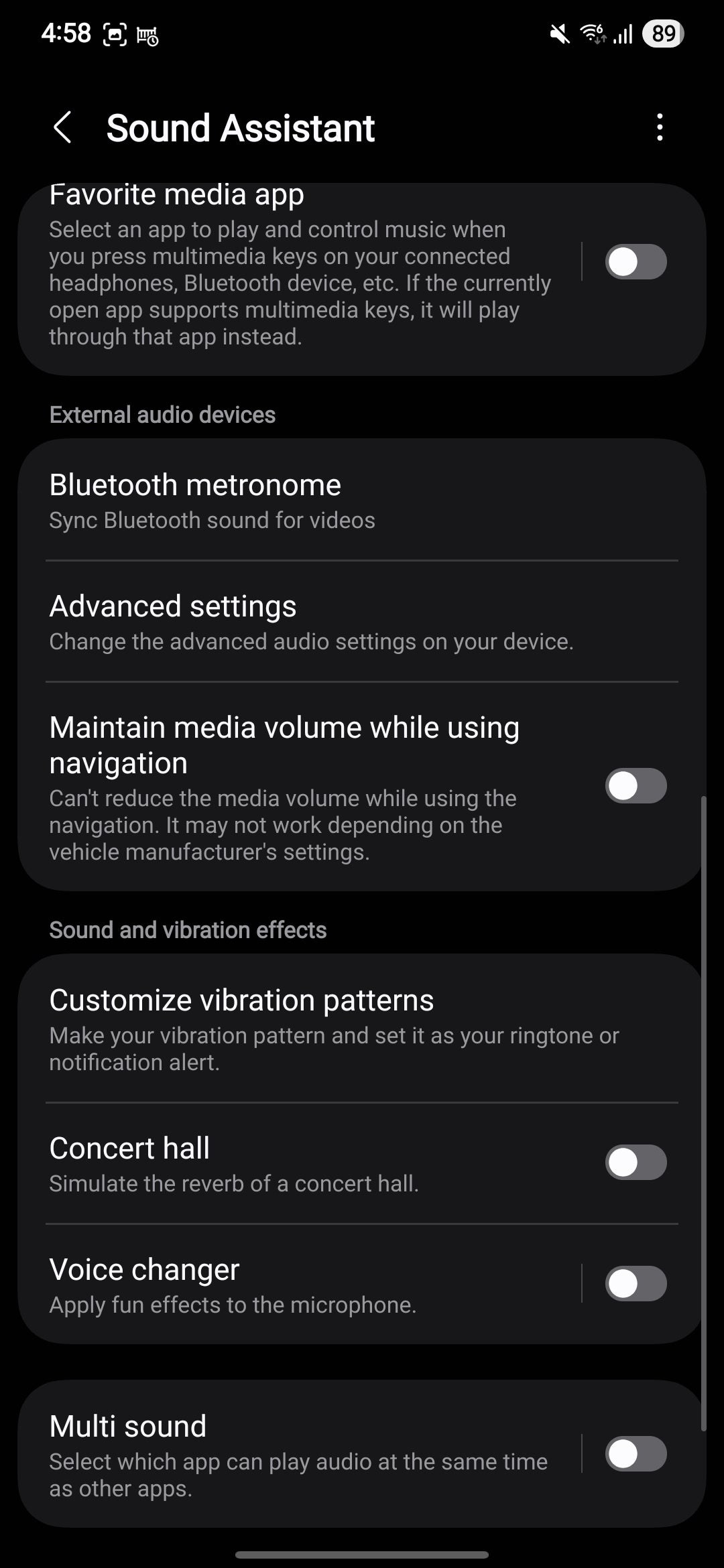
This plugin is for those who want to have a more granular control over individual app volume levels, myself included. With this module, any app can have its default volume level set even before launching the app itself. When could that one come in useful? Simple, if you're using an app that doesn't typically output audio, you can potentially save yourself from blasting yourself with loud sound from a random ad.
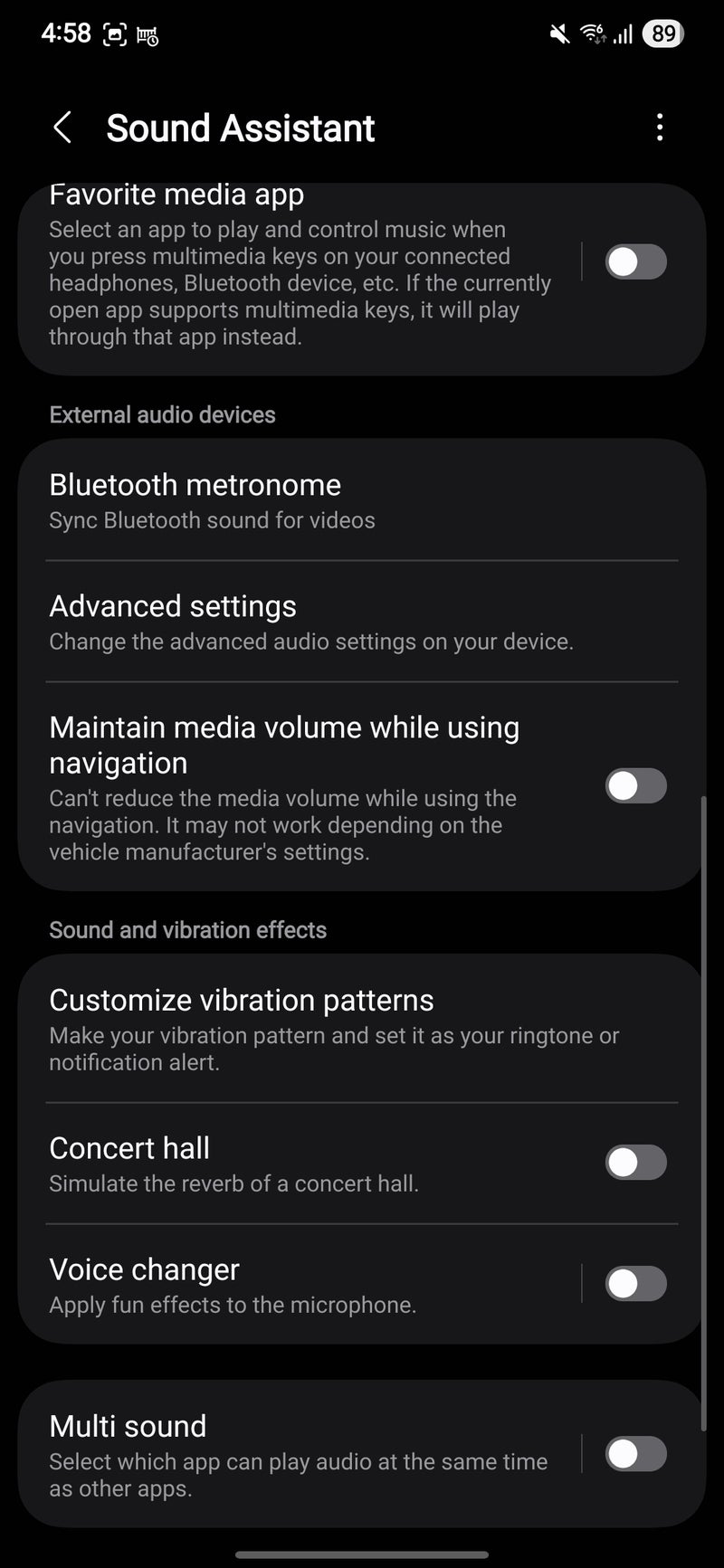
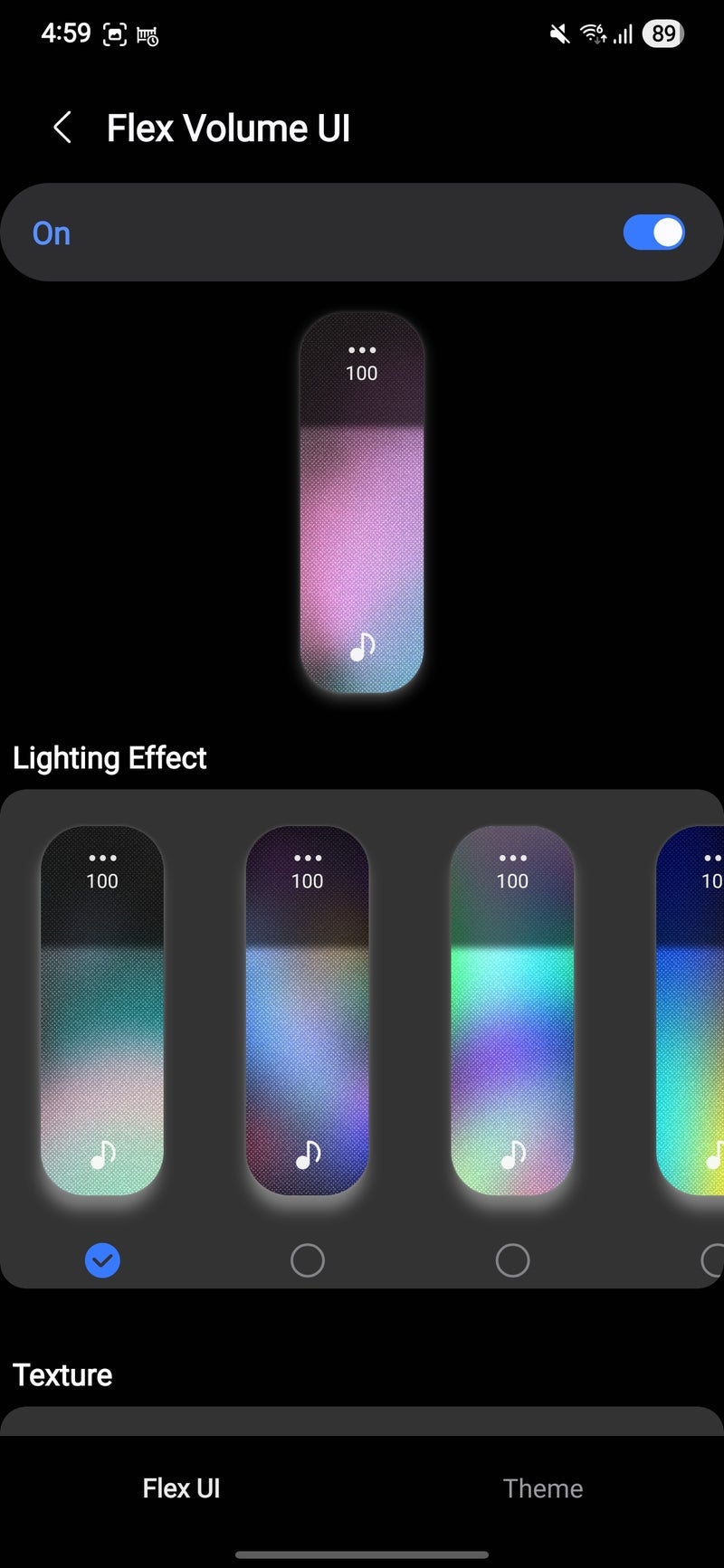
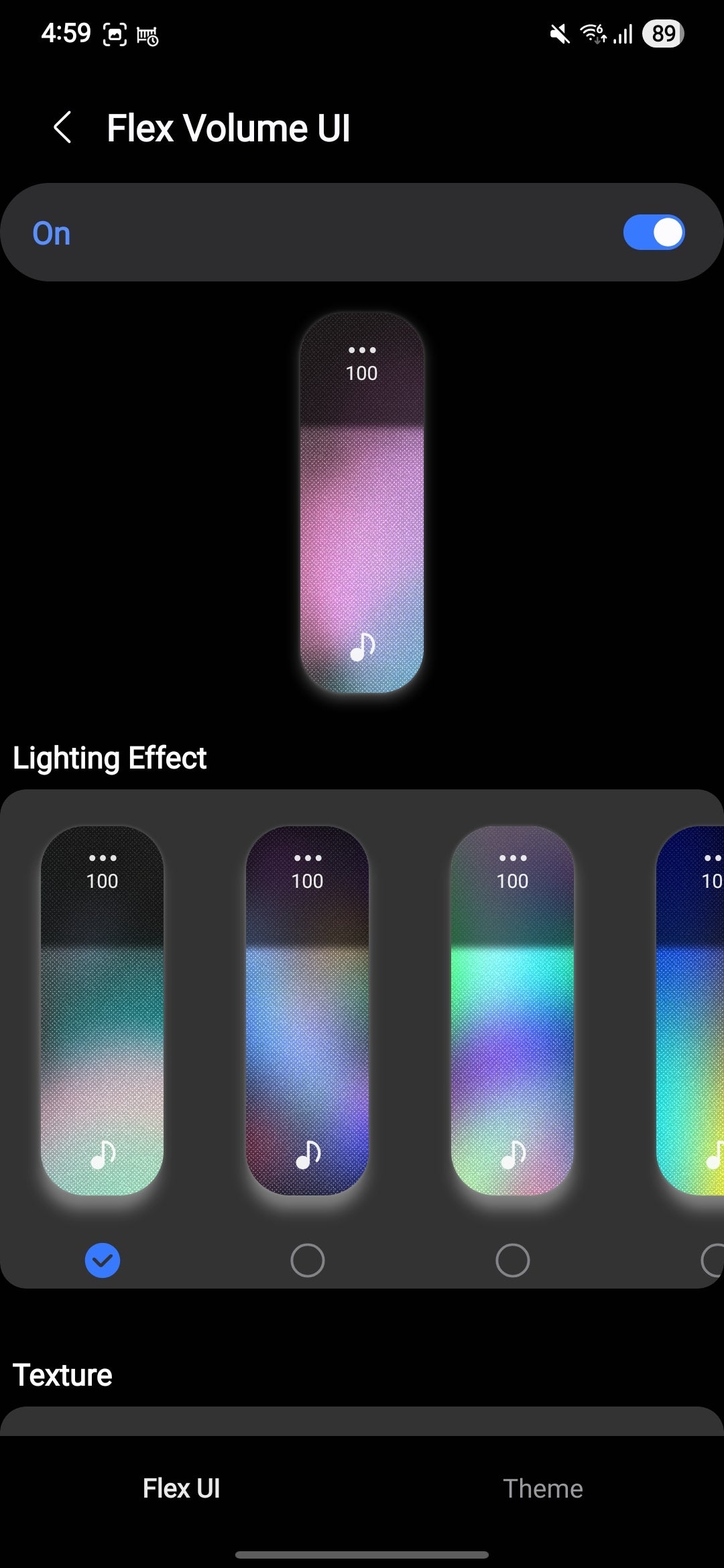
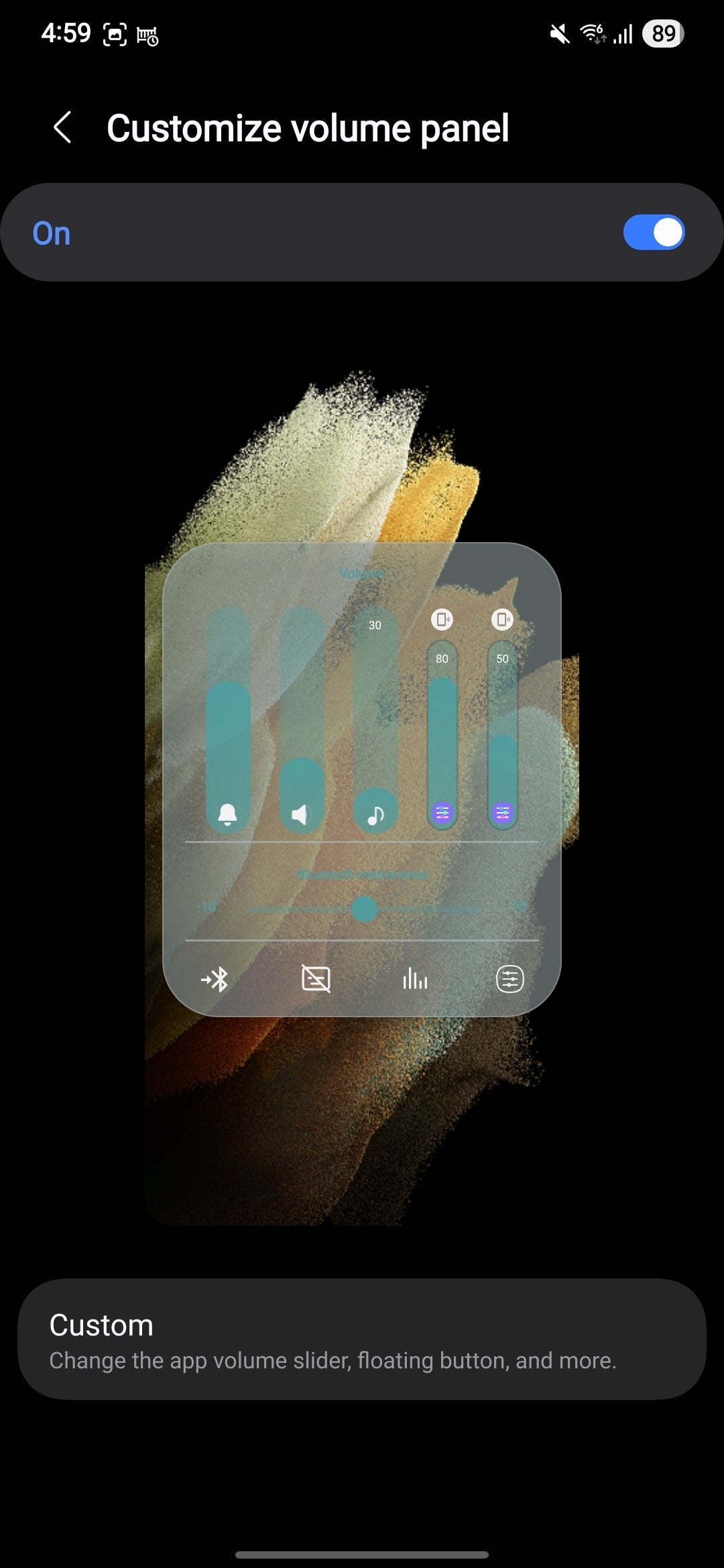
But Sound Assistant offers so much more! You can customize the appearance of the volume panel down to the smallest details like texture, shape, and control type, which is something I've never seen before on another device. Sound Assistant lets your volume panel appear as a knob instead of a slider, because why not?
There's also a Bluetooth metronome built in, allowing you to easily sync up Bluetooth sync issues if you encounter any.
A mighty useful Good Lock module that honestly should become part of One UI proper.
Home Up
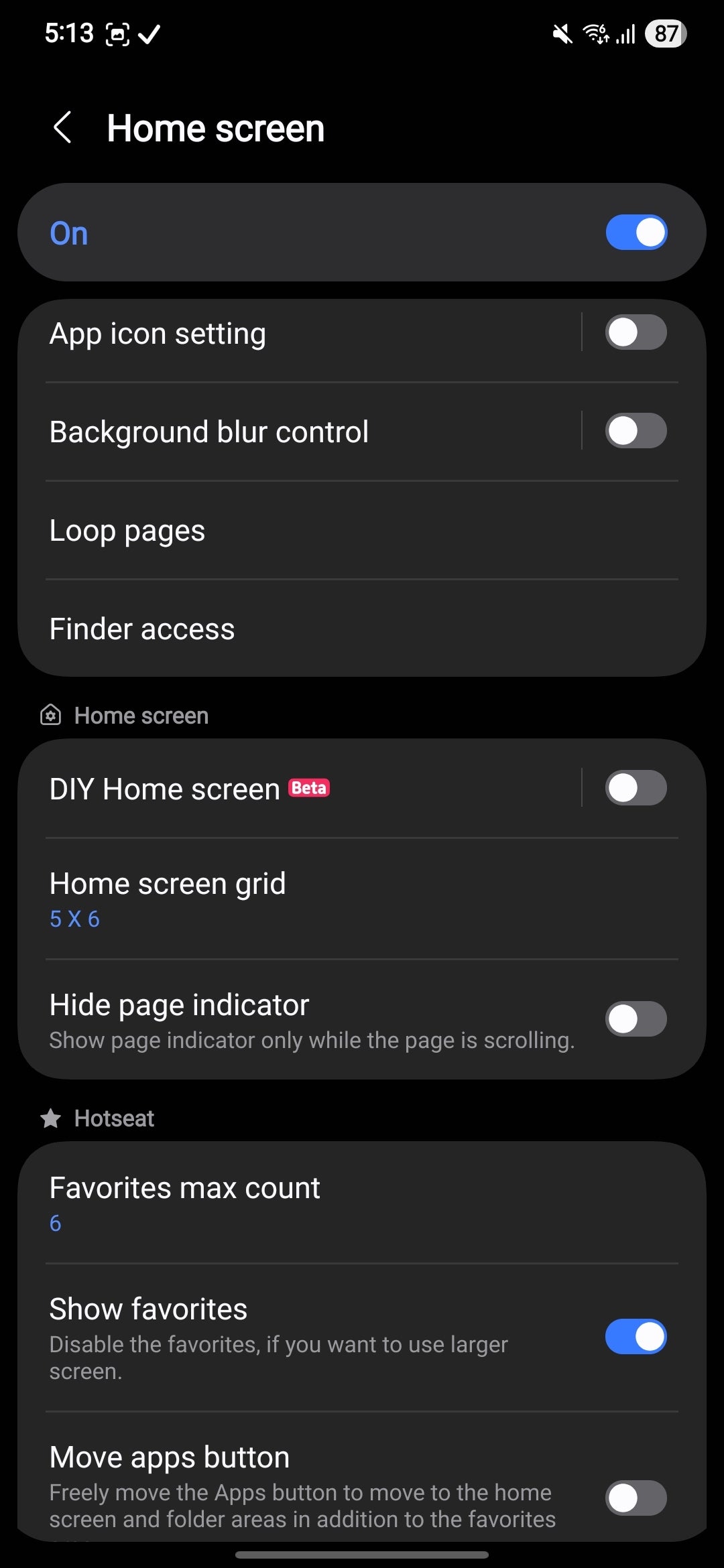
Third on my list is Home Up, which is easily the most comprehensive homescreen customization suite that has ever graced Android. No other phone offers such flexibility.
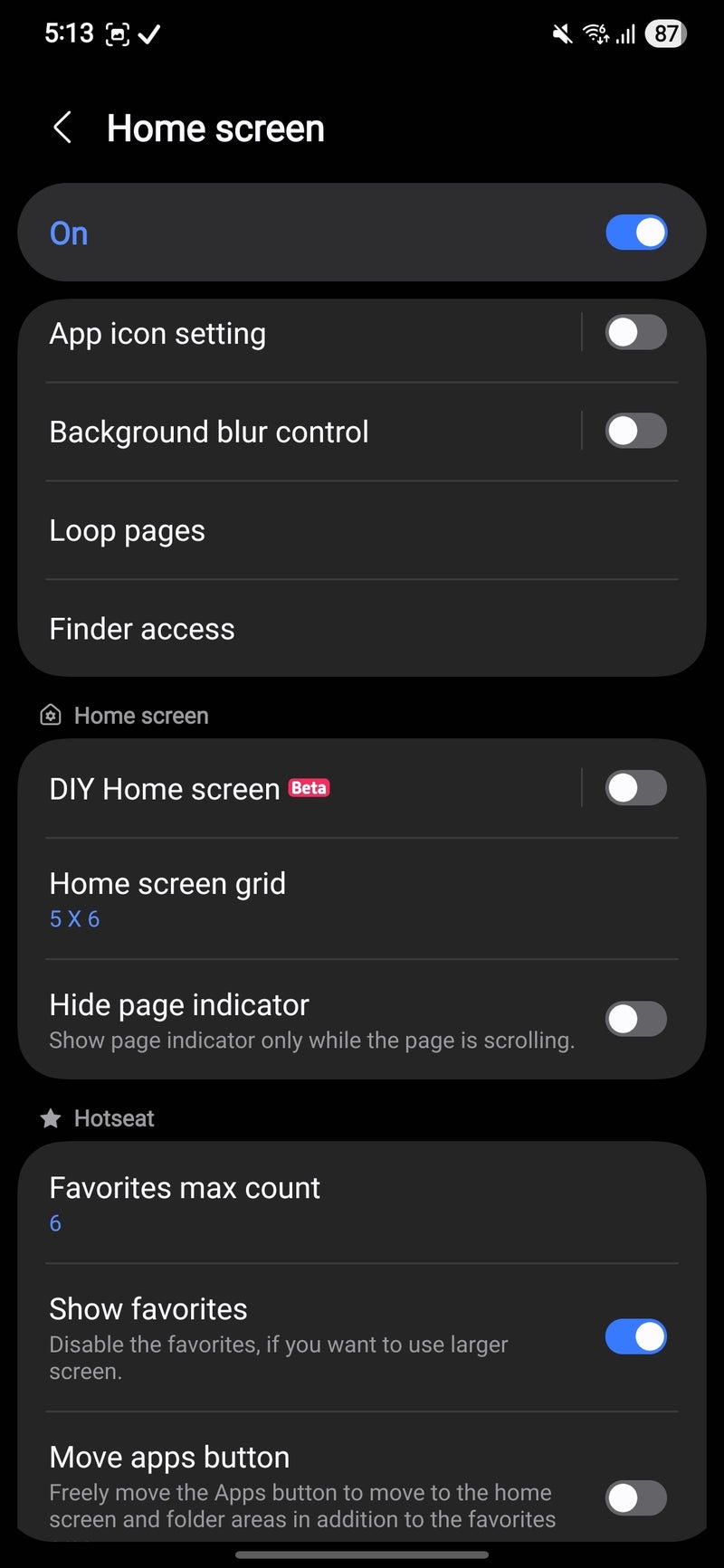
With Home Up, you can control pretty much any aspect of the home screen, like setting a custom grid, hiding the page indicator, customizing the app icons, changing the number of icons in the dock or disabling it altogether, controlling the background blur, changing the folder appearance, and so much more.
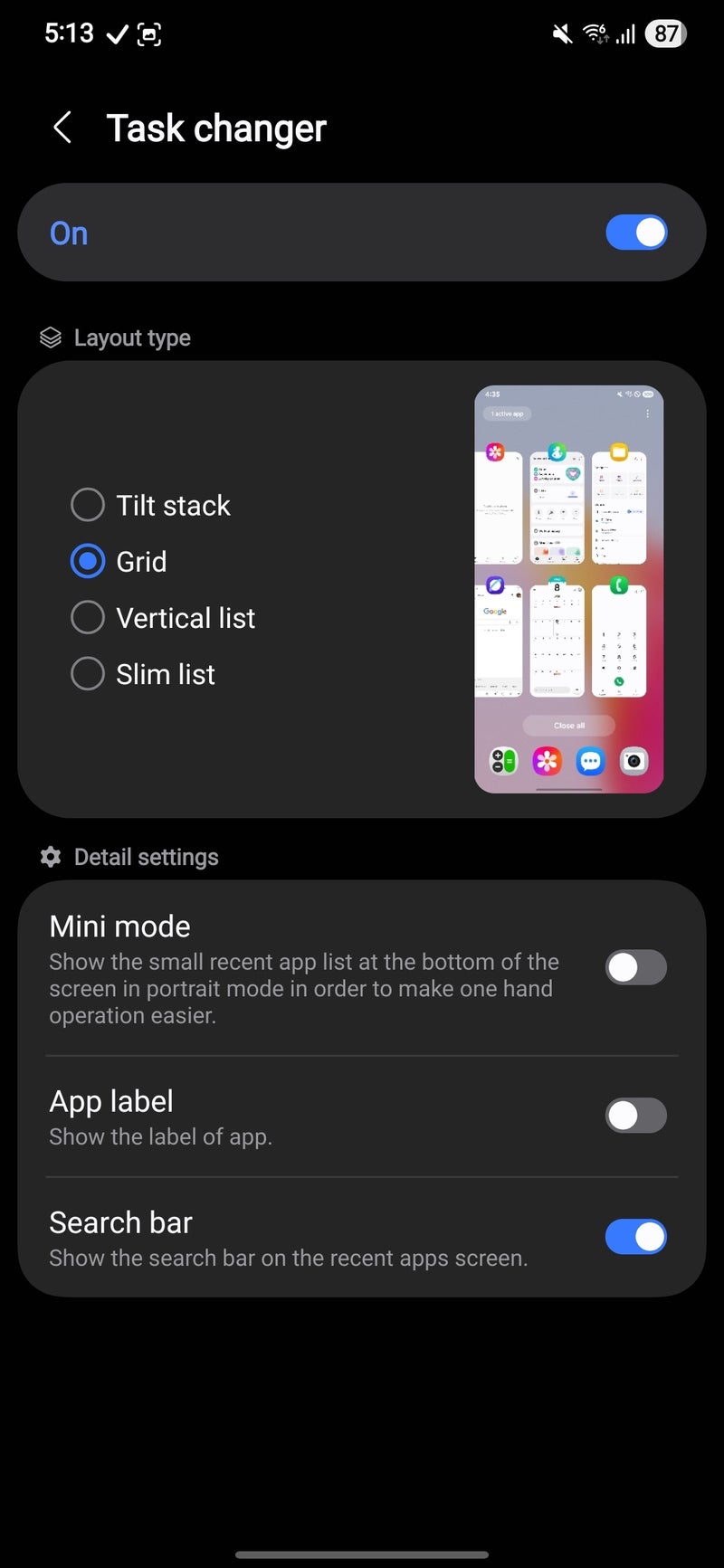
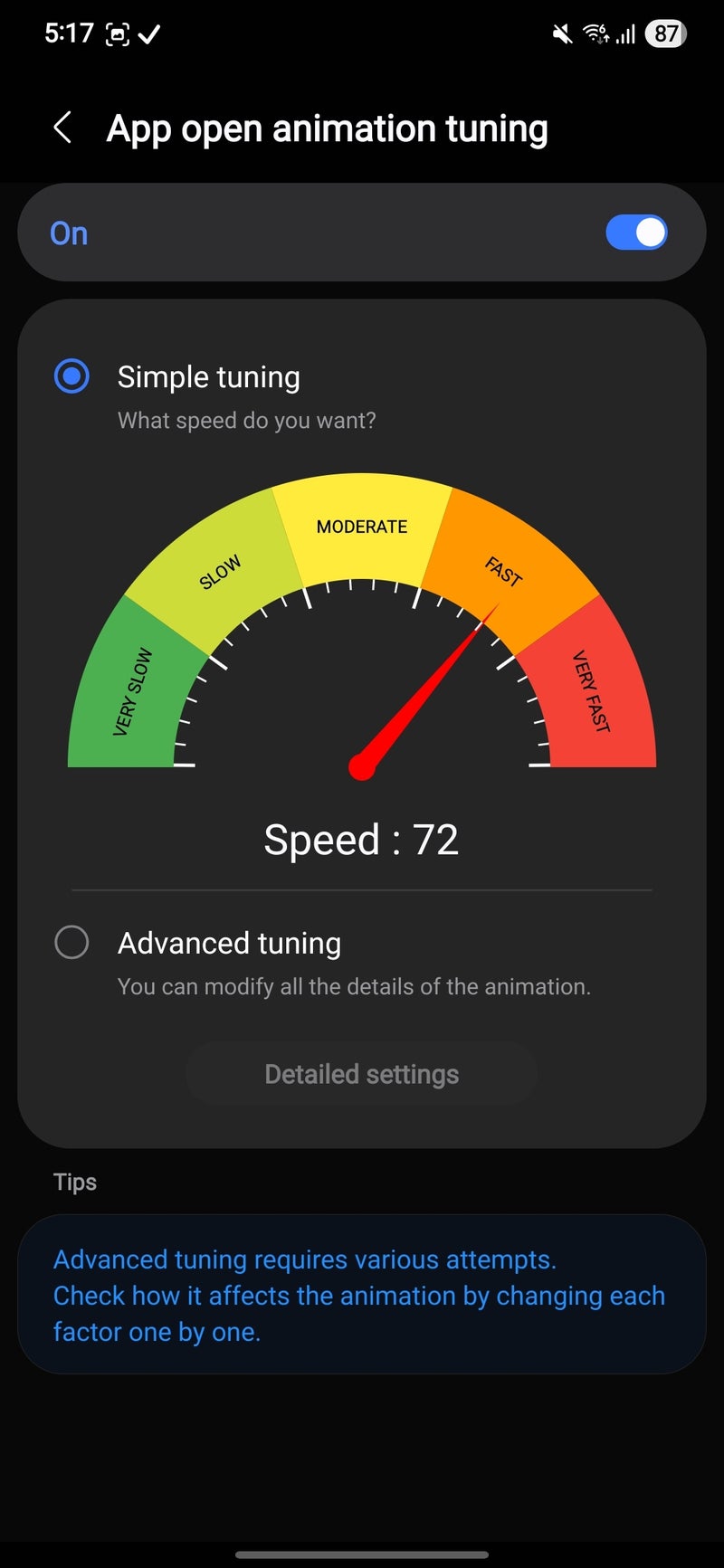
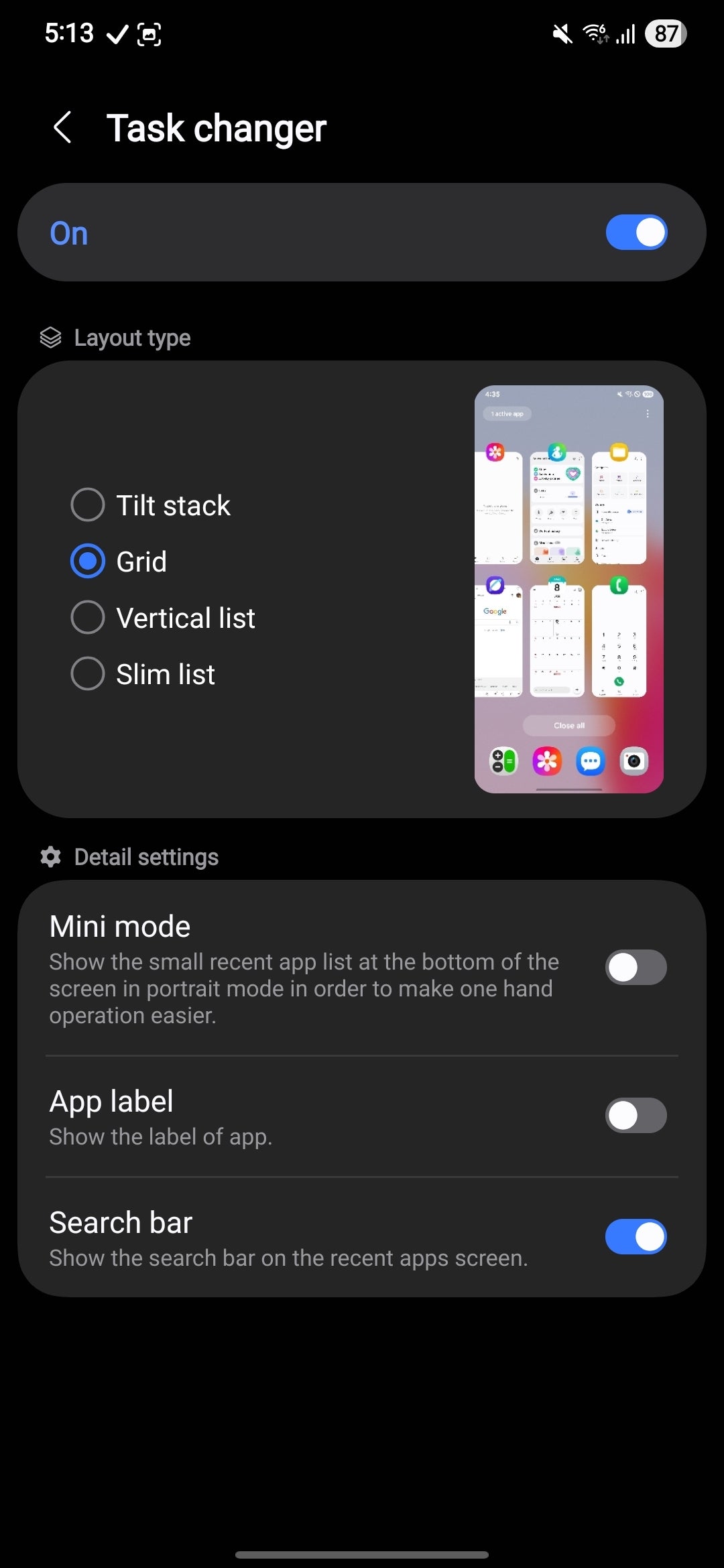
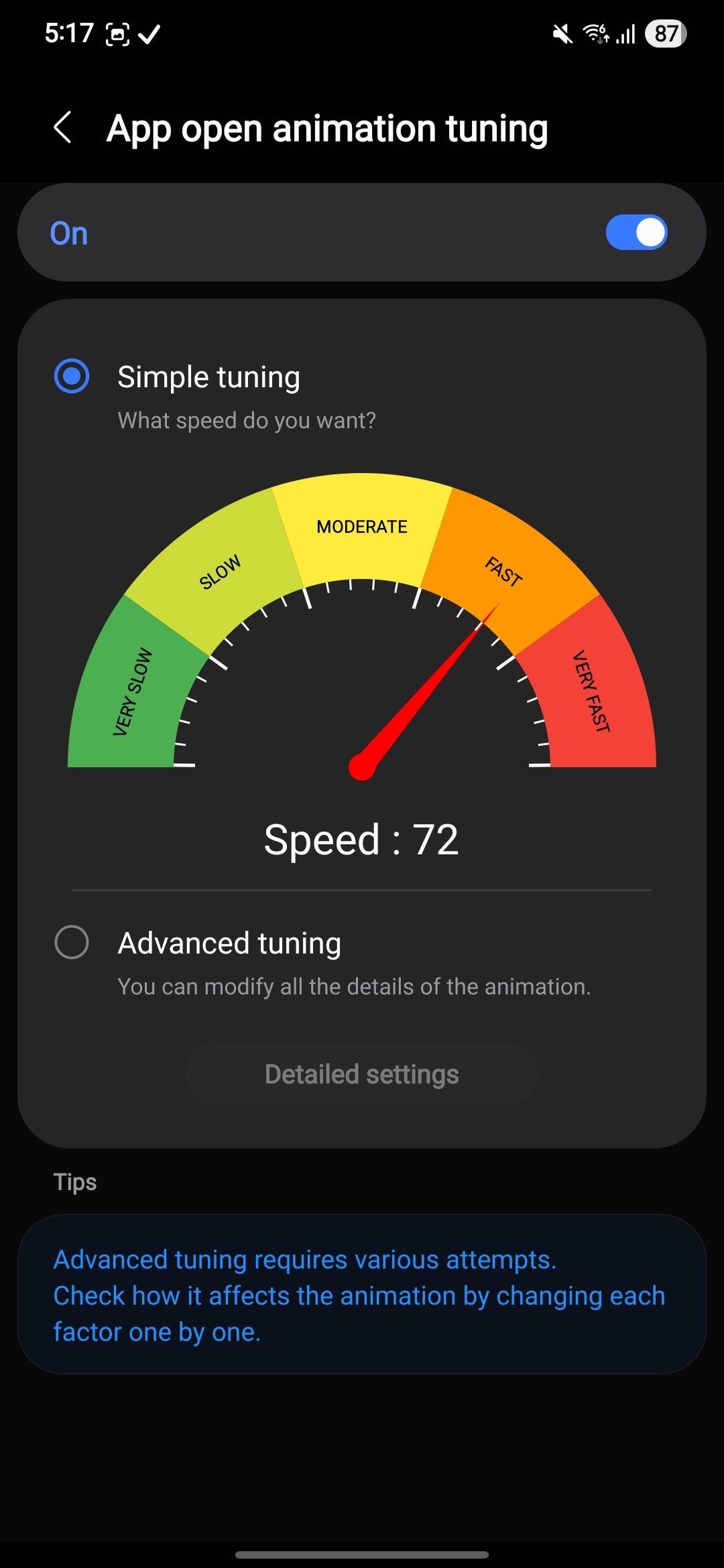
Home Up is also the place where you go if you want to fine-tune how fast (or slow) One UI app open animations should be. Another great part of Home Up is the task changer features, which lets you choose if your recent apps should appear as a stack, a grid, a slim or a vertical list.
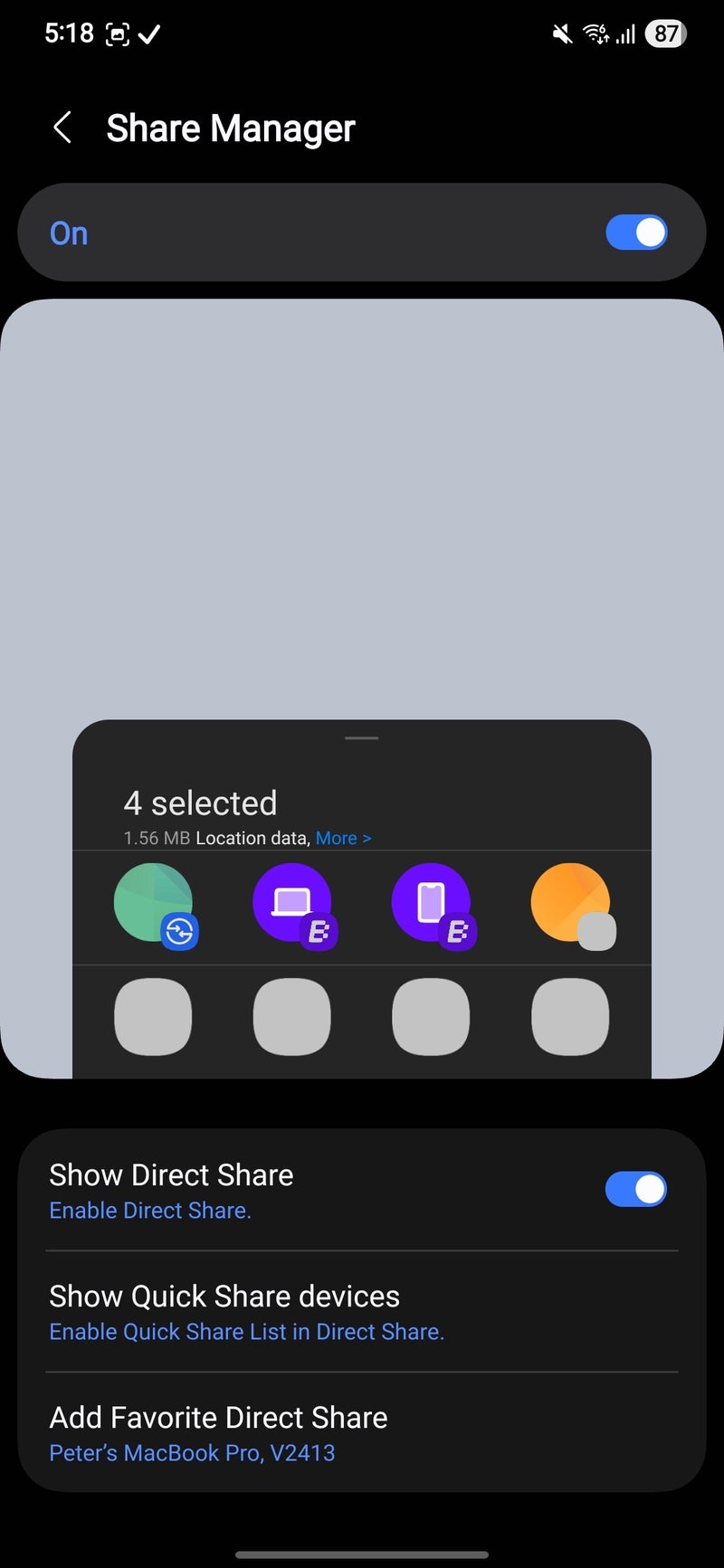
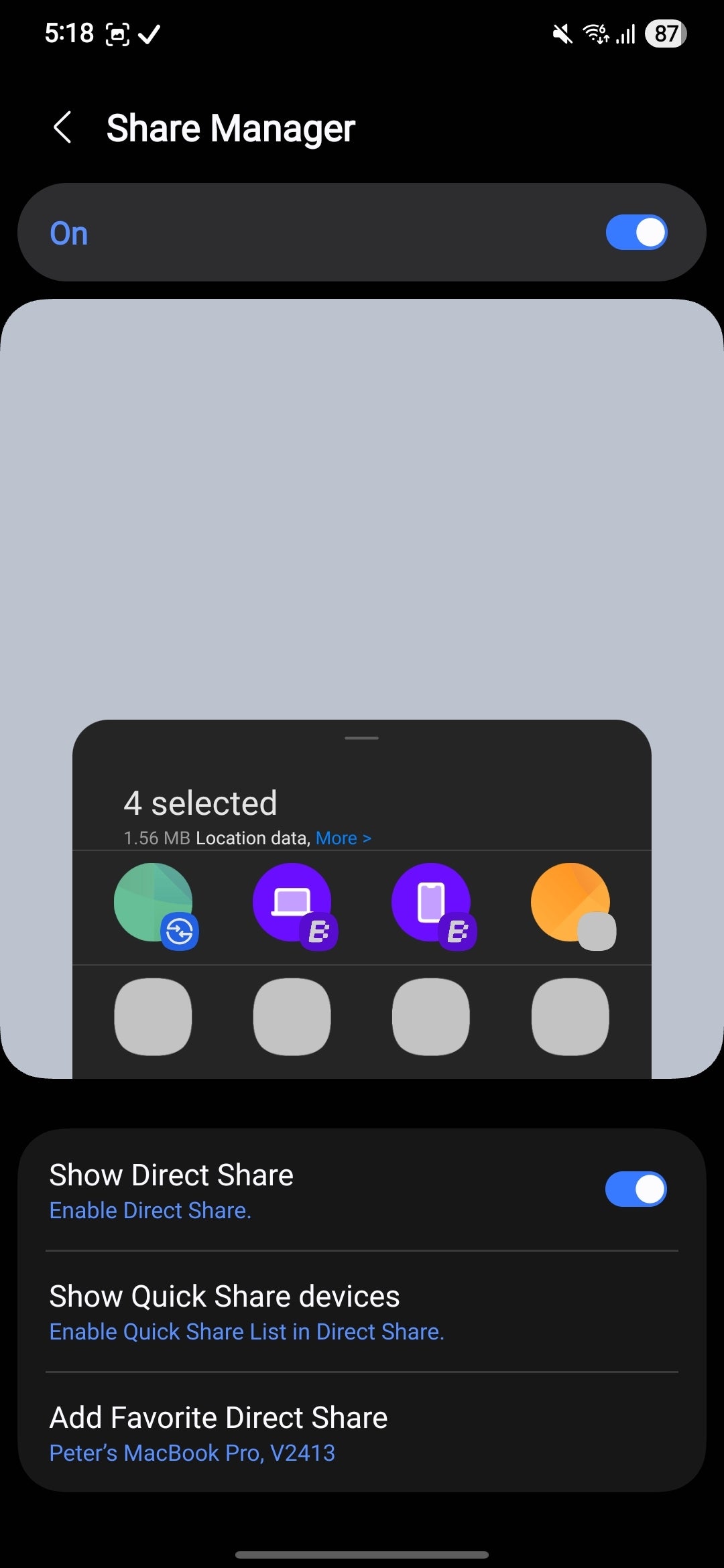
Finally, you can customize the share menu to some extent, adding favorite apps and contacts.
Camera Assistant
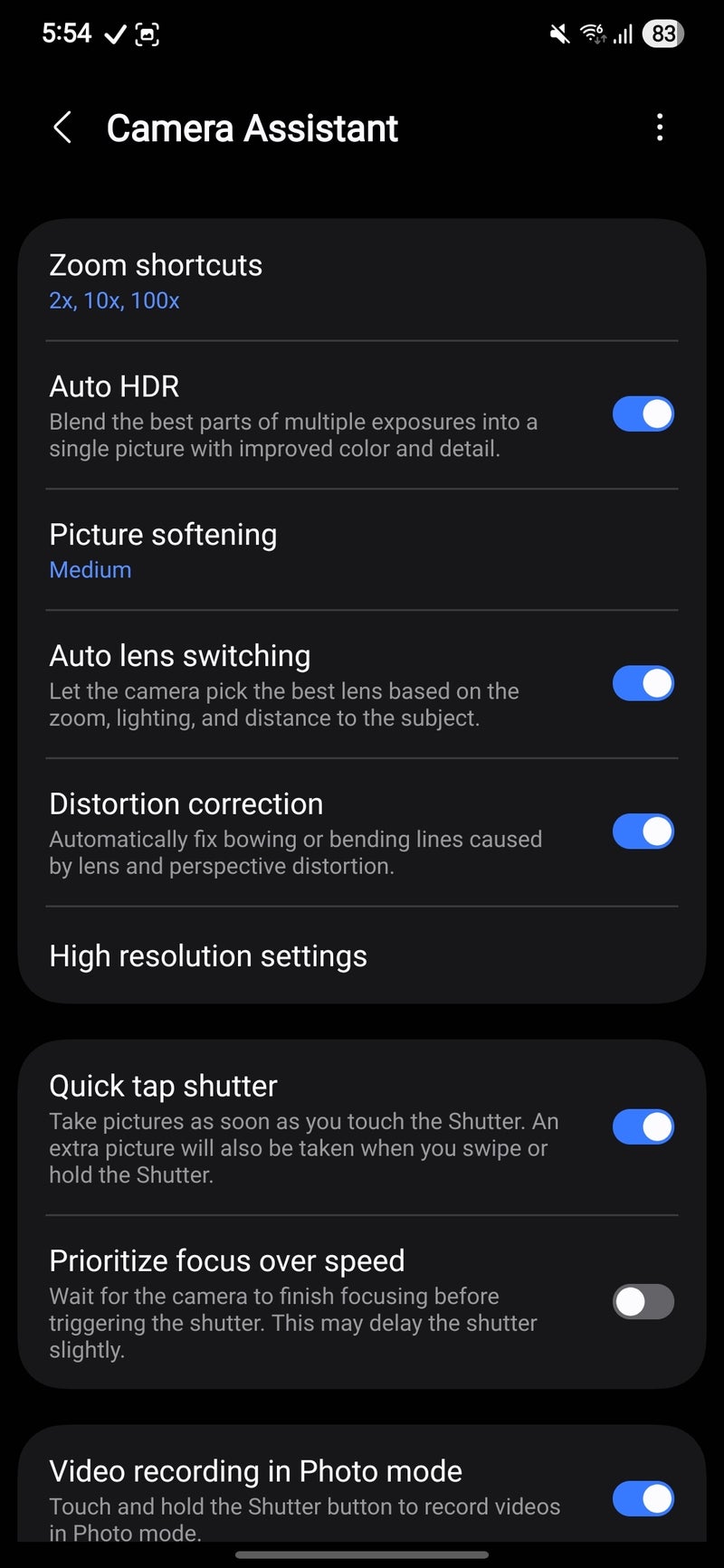
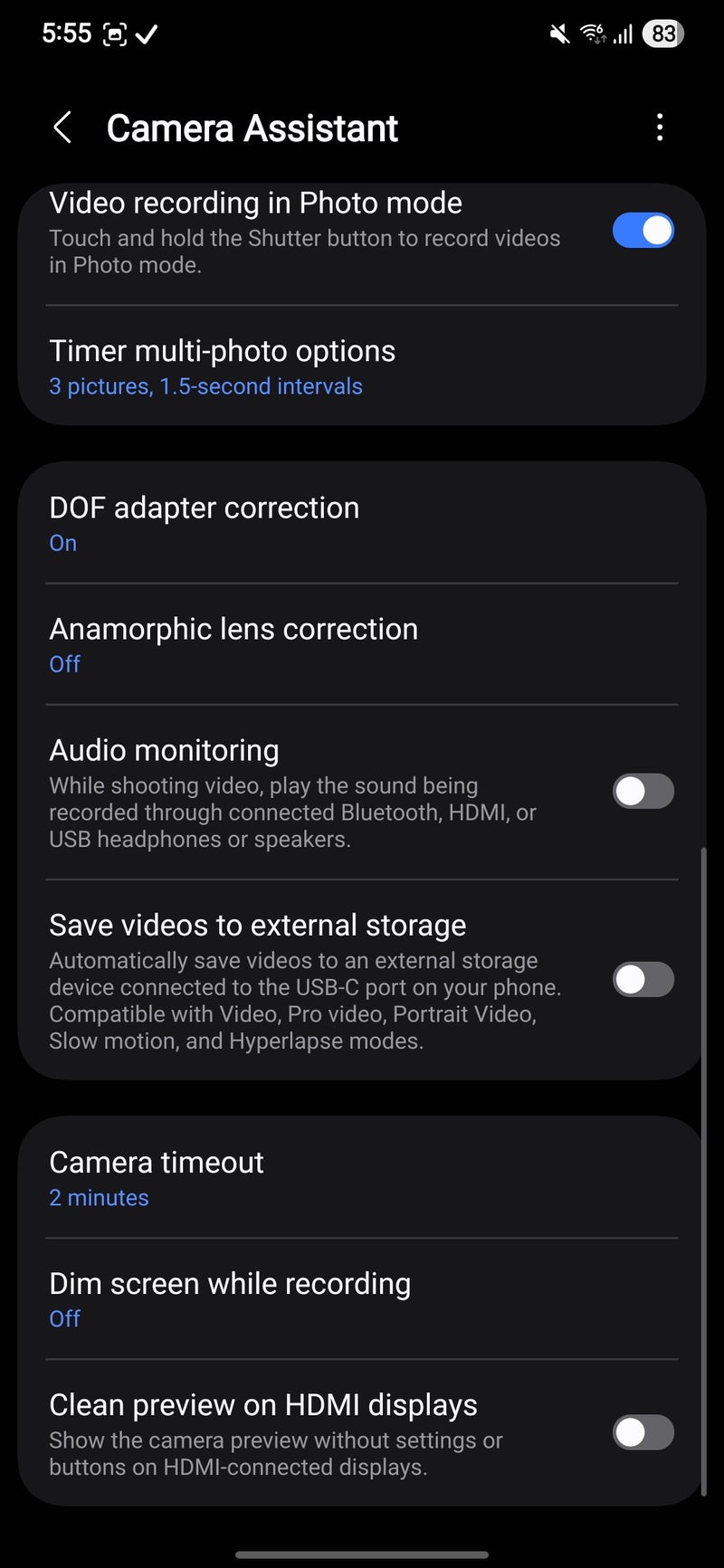
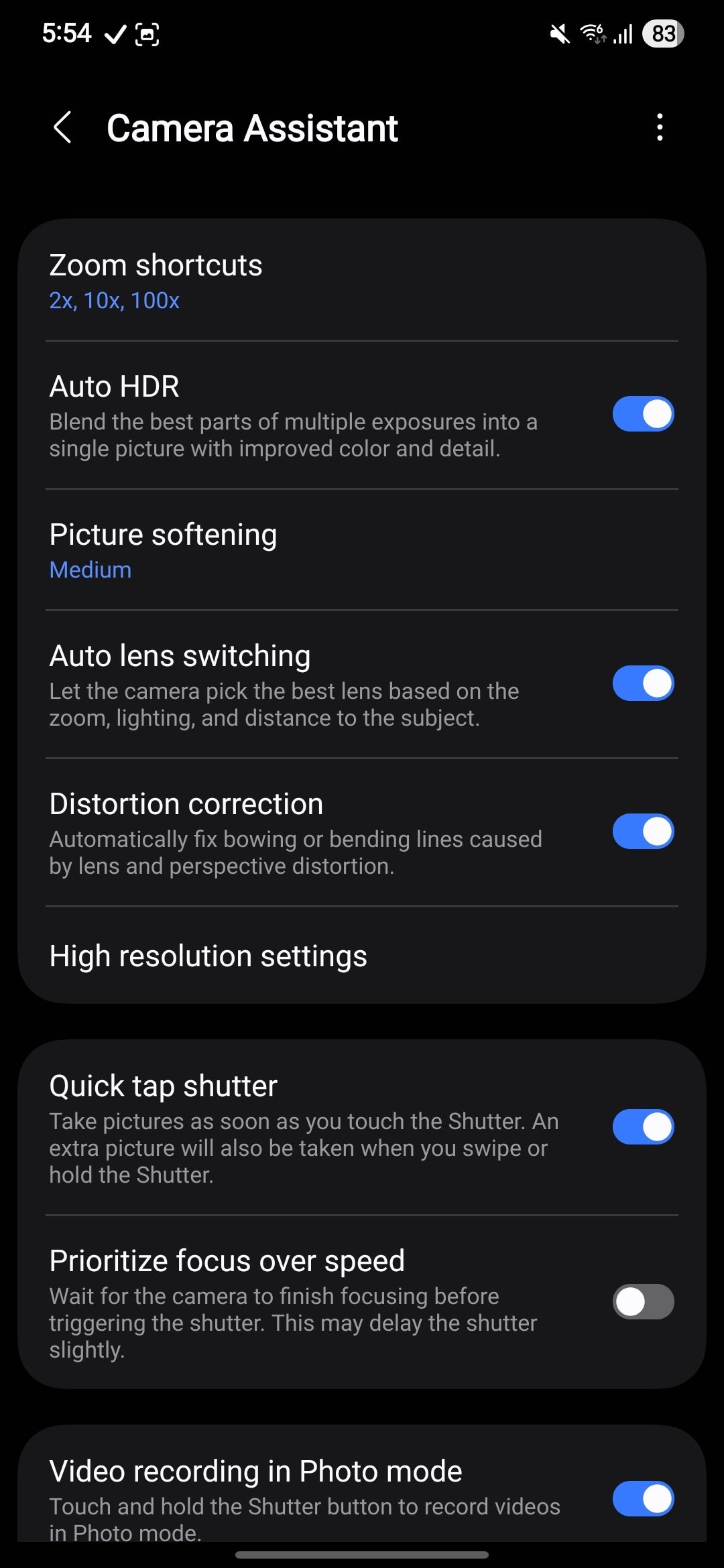
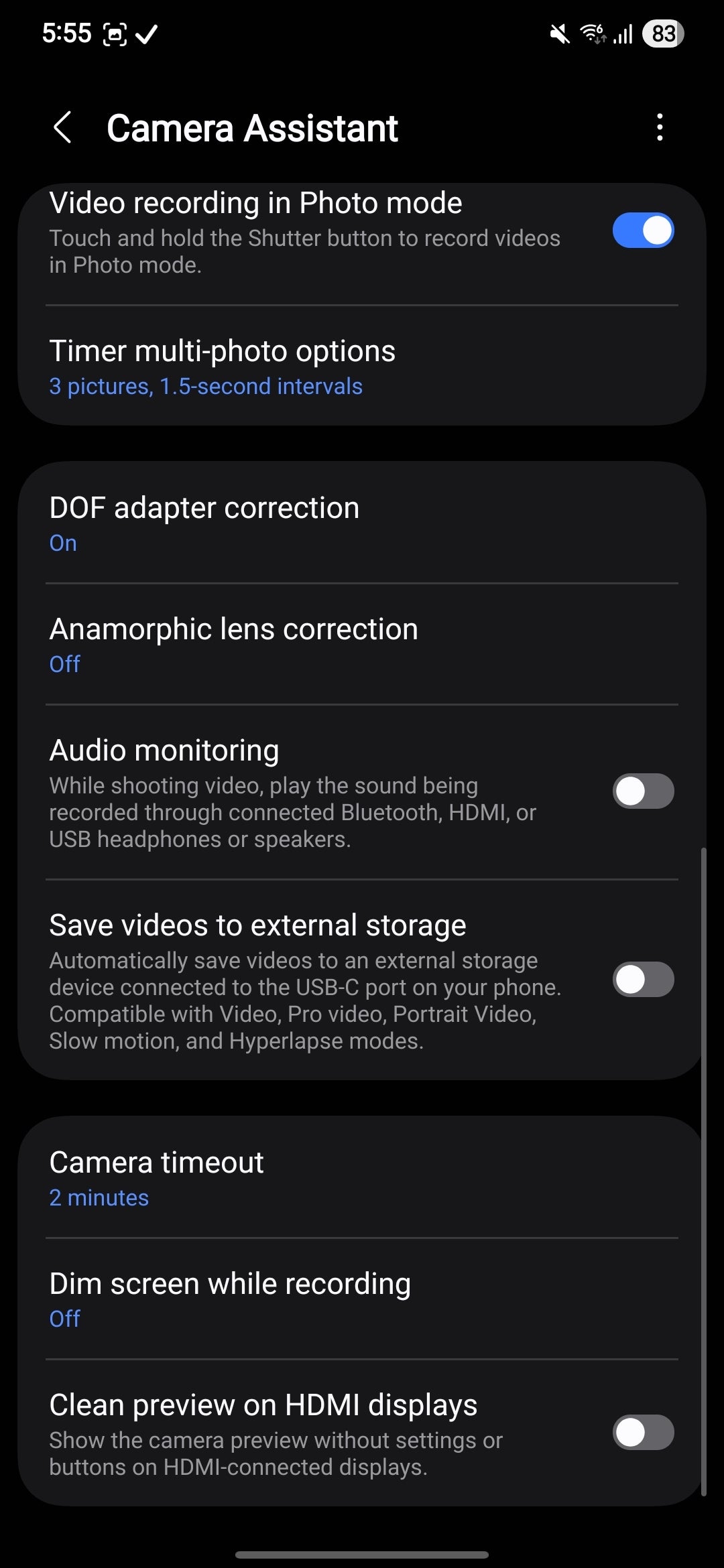
This is an essential Good Lock module that hides away many very useful camera features and settings. Here, you can disable some preset zoom shortcuts like 2X, 10X, or 100X if you wish for some reason, fine-tune the picture softening, disable auto lens switching, enable distortion correction, and most importantly of all, enable the quick tap shutter, which lets you take a picture as soon as you tap the shutter.
This addresses the sometimes slow-to-focus camera shutter on Galaxy phones, which isn't as fast as other phones.
Quick Star
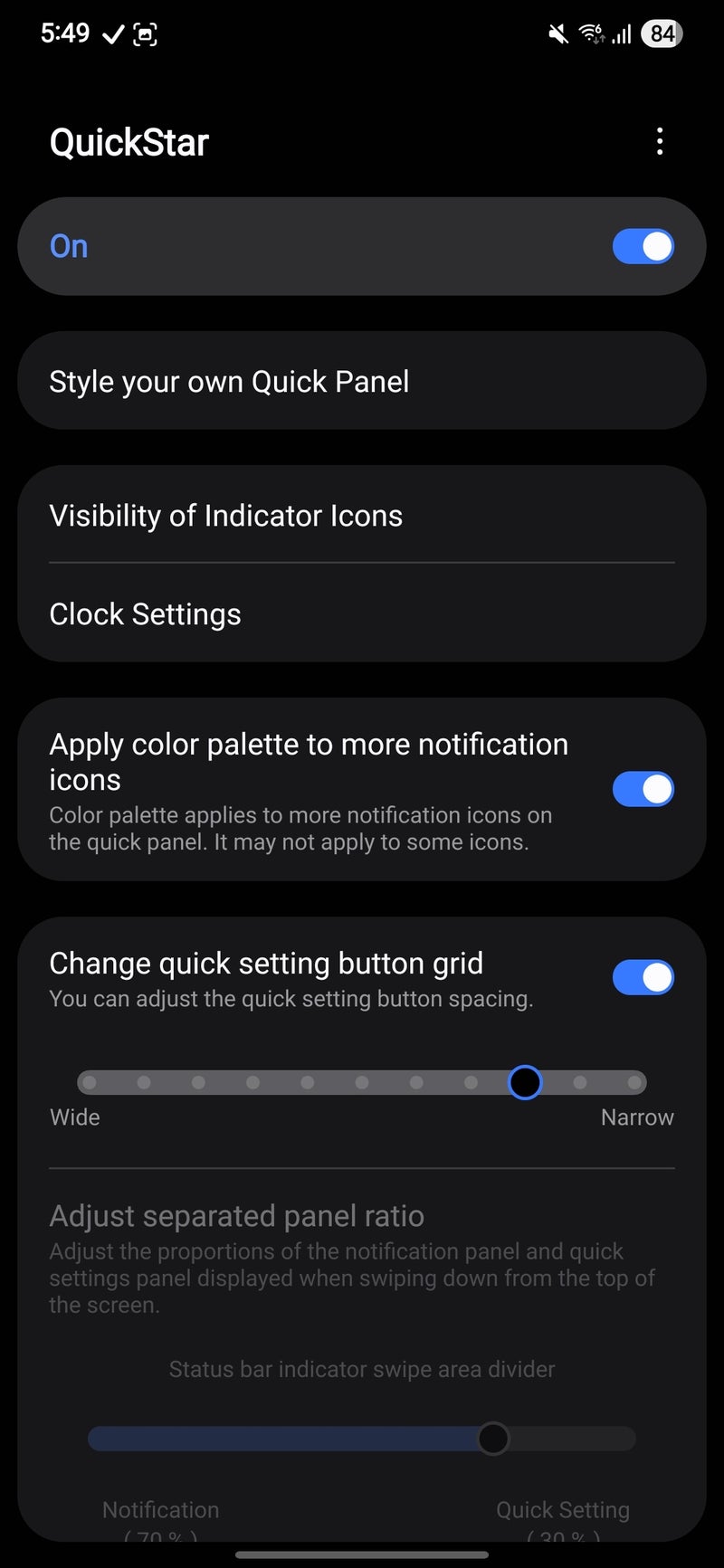
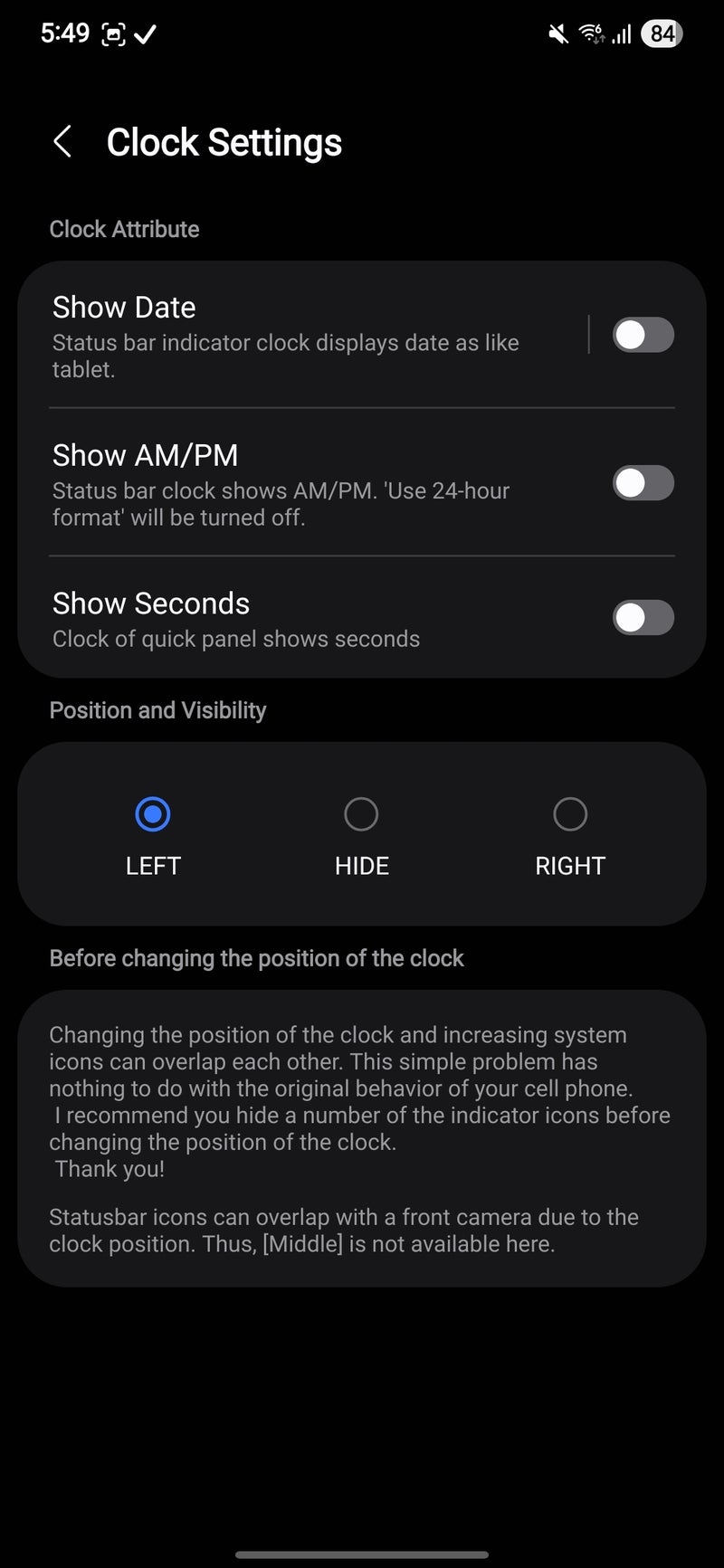
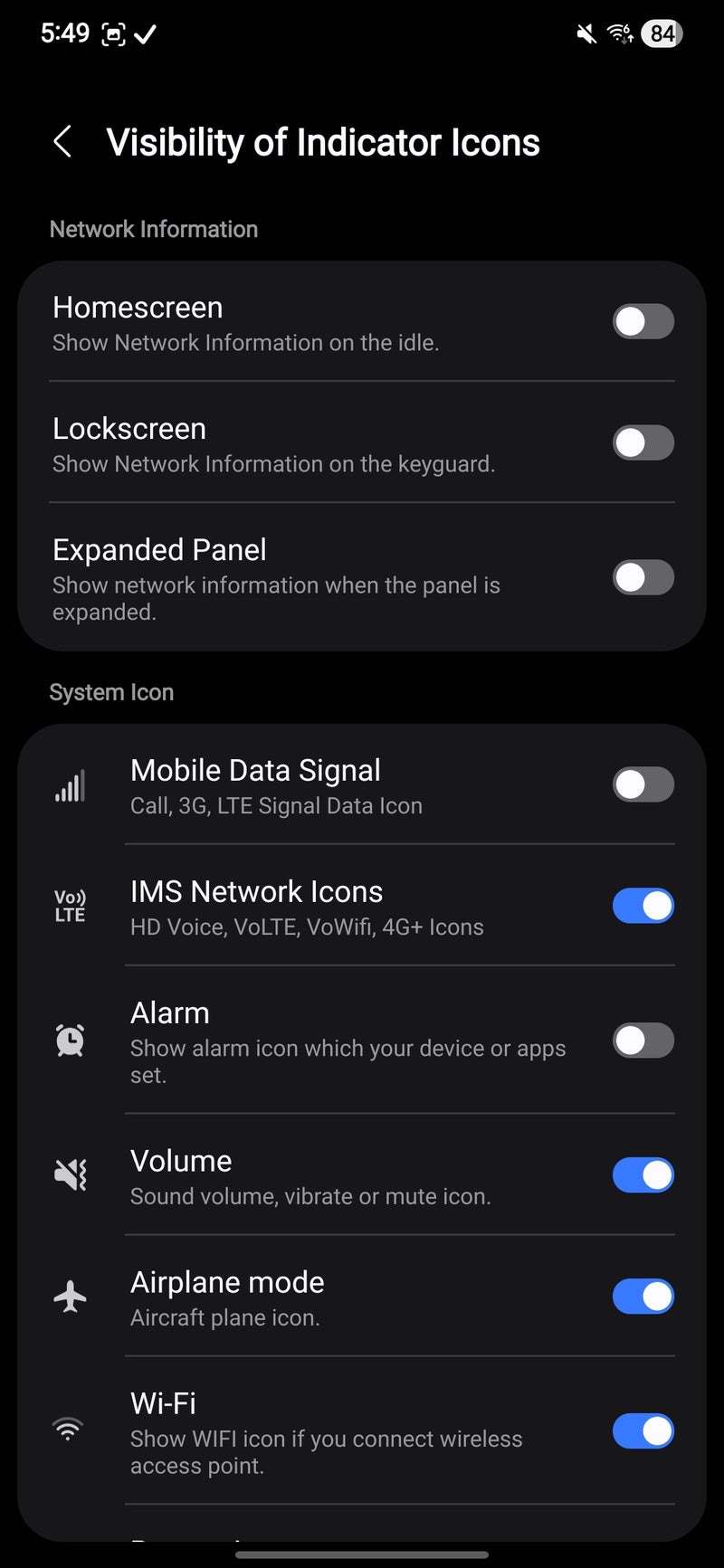
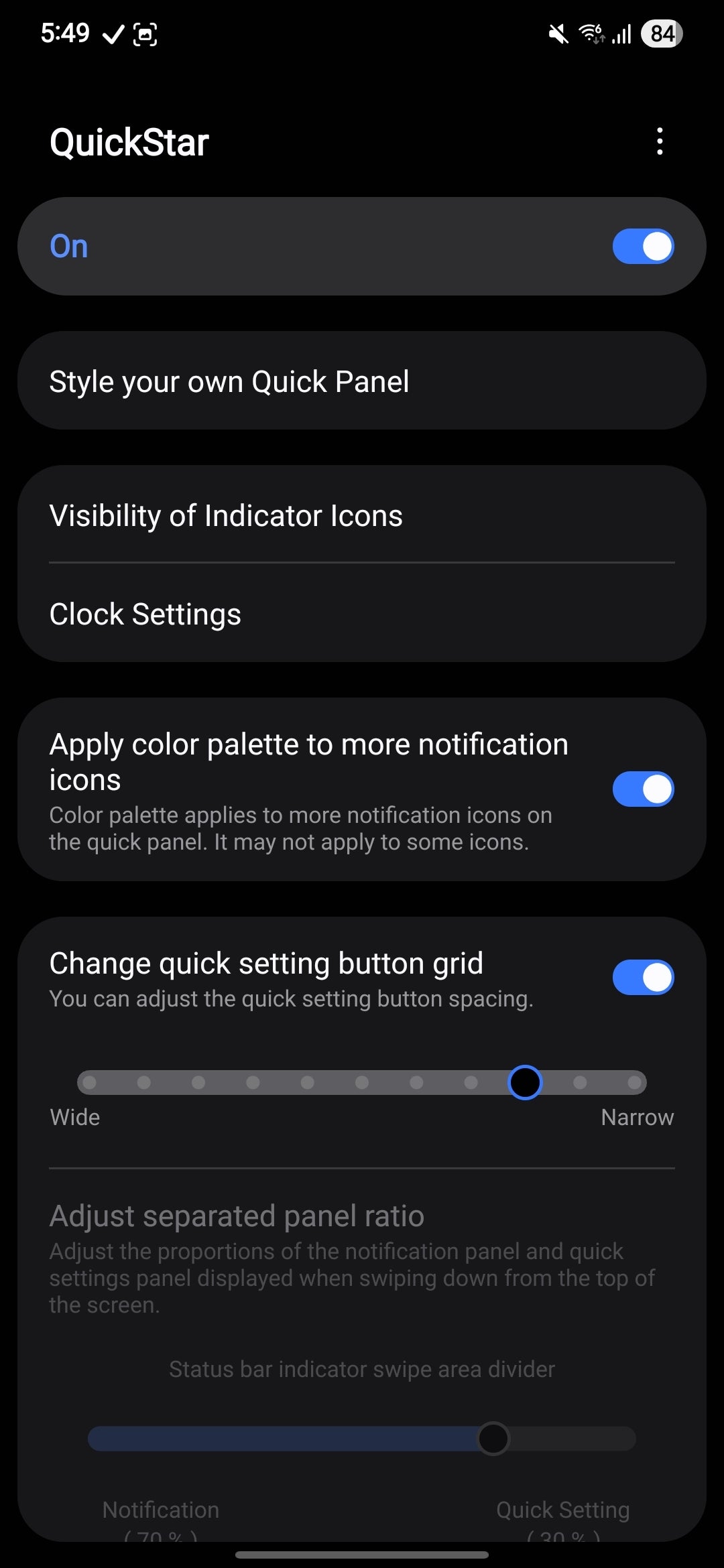
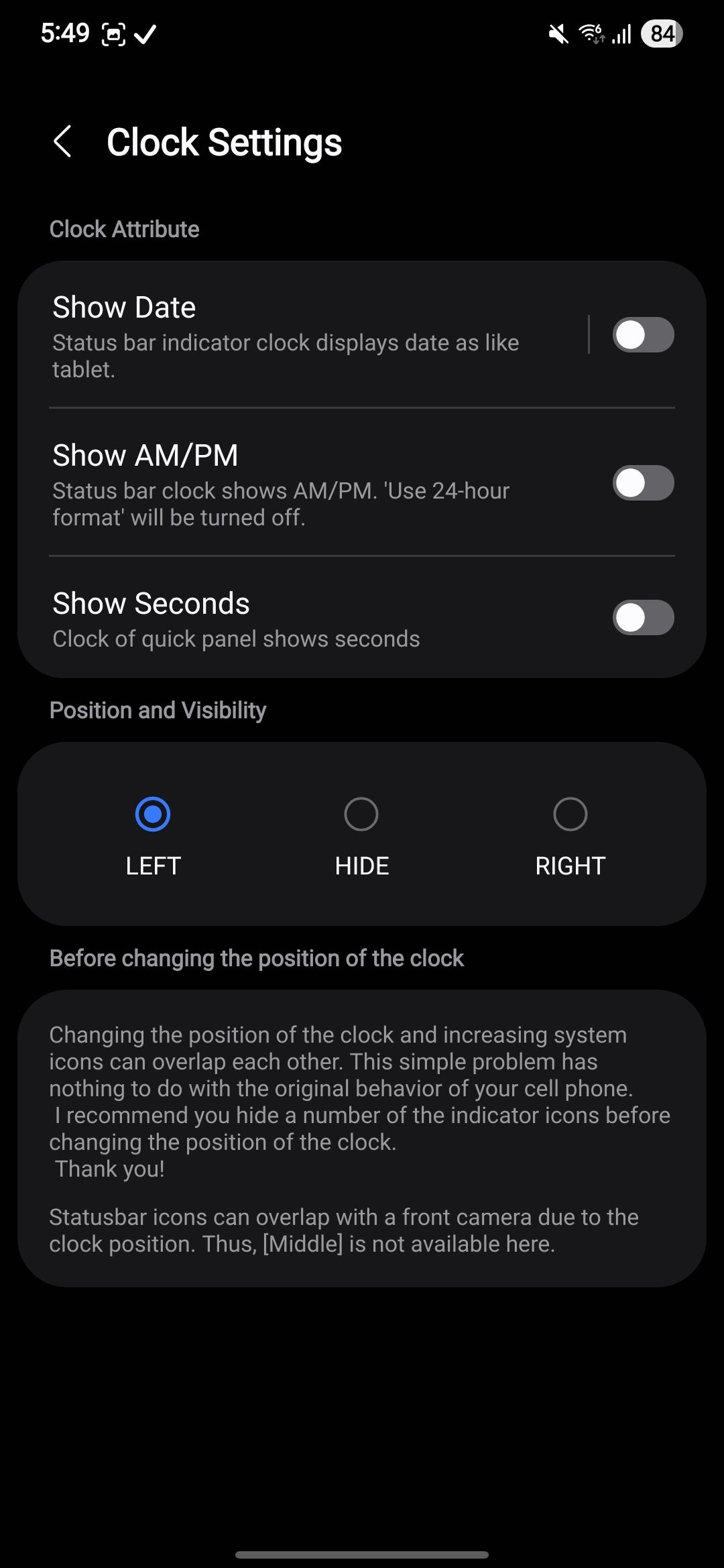
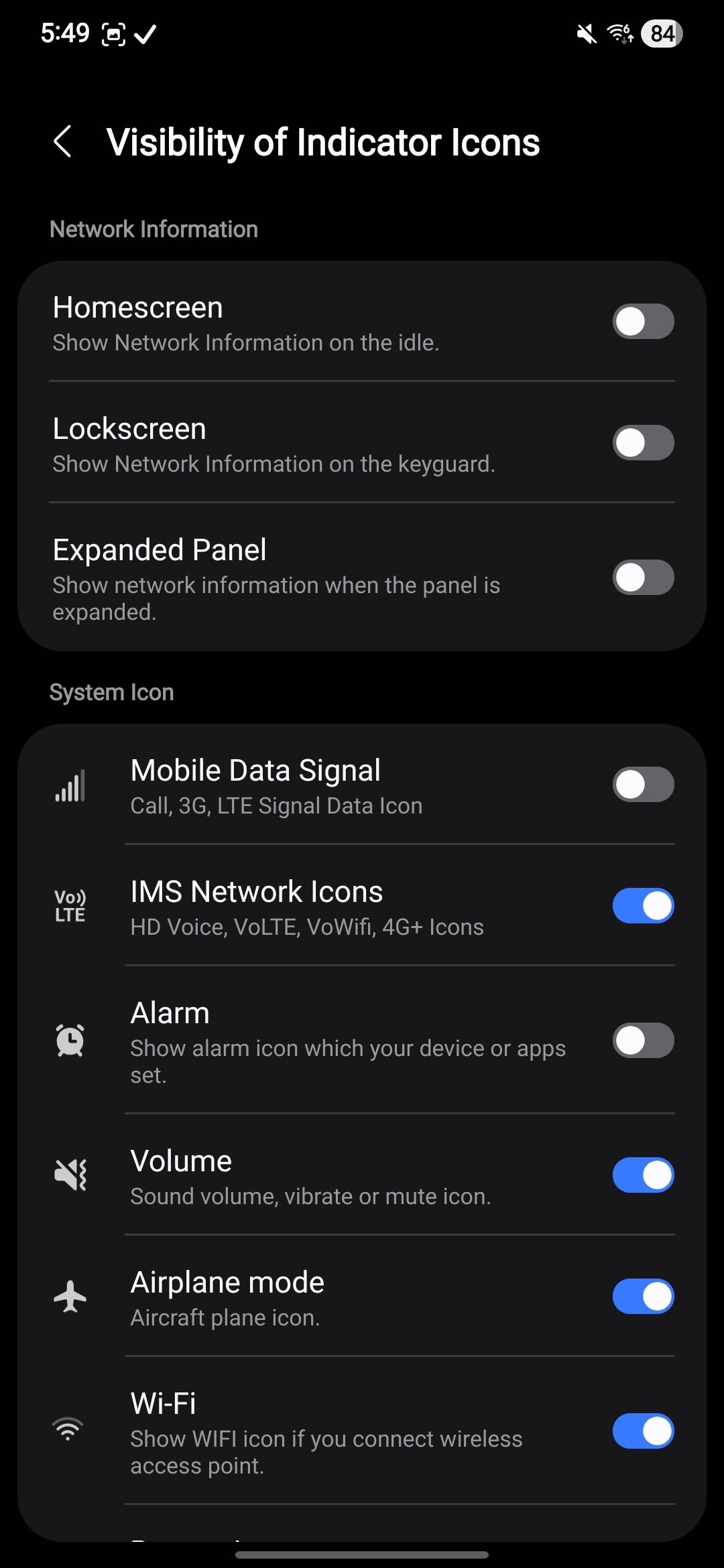
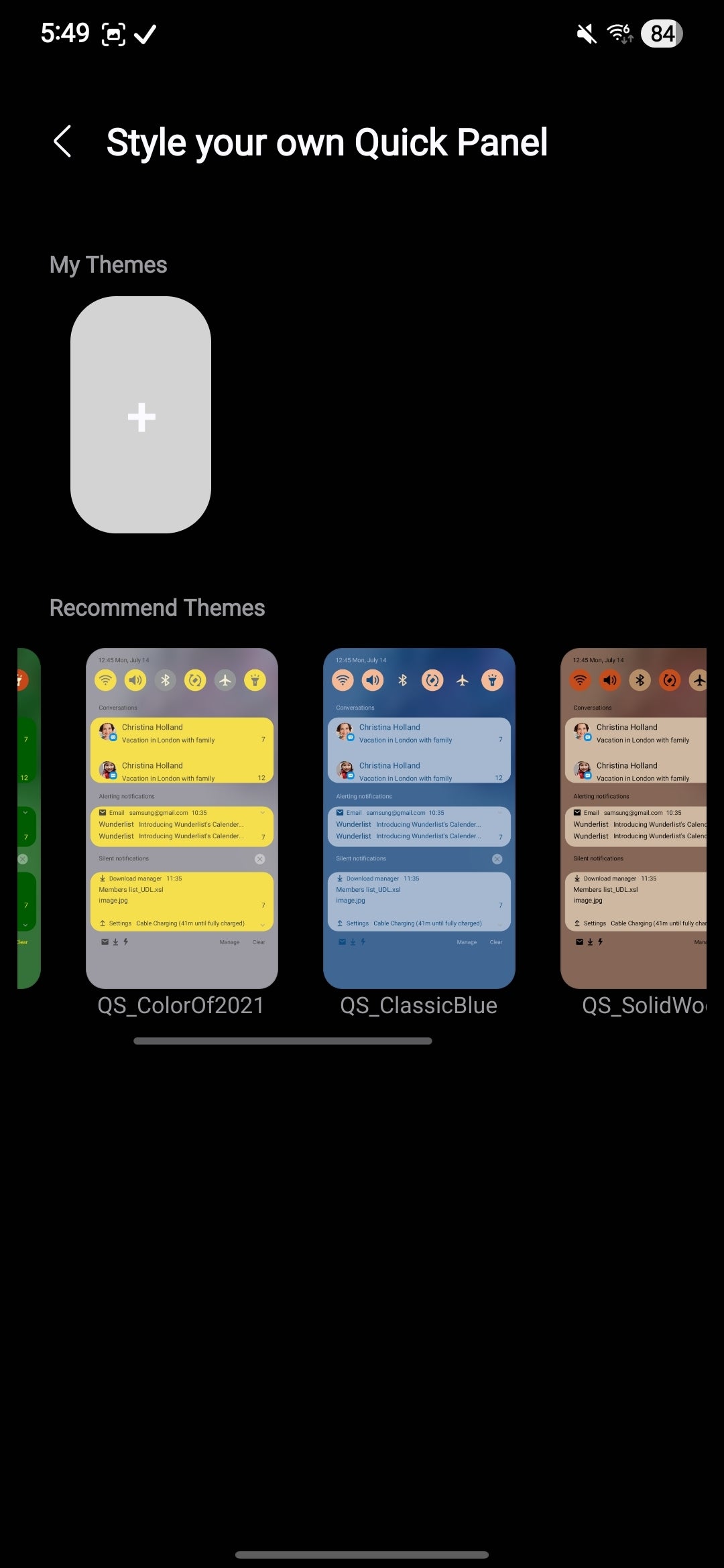
This module lets you tinker with the Quick Pane, notification shade, and status bar on your Galaxy. It's packed with features, like allowing you to change the position of your status bar clock or outright hide it completely. You can also enable or disable different system icons to achieve a cleaner look by turning off icons for NFC, VPN, Wi-Fi, hotspot, and more.
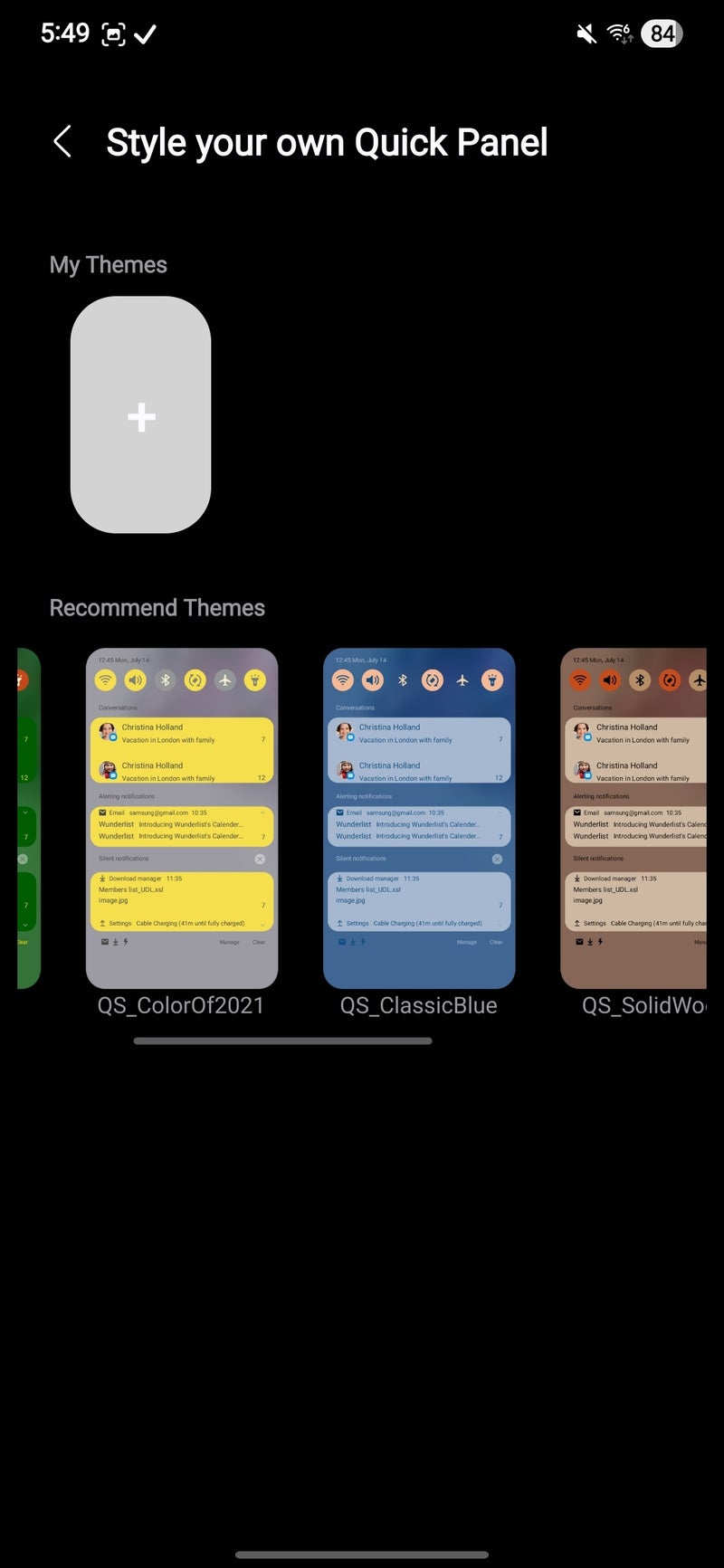
You can also apply a custom theme for your quick settings panel to ensure an even better synergy with the rest of the changes you've applied with other Good Lock modules. Good stuff.
Wonderland
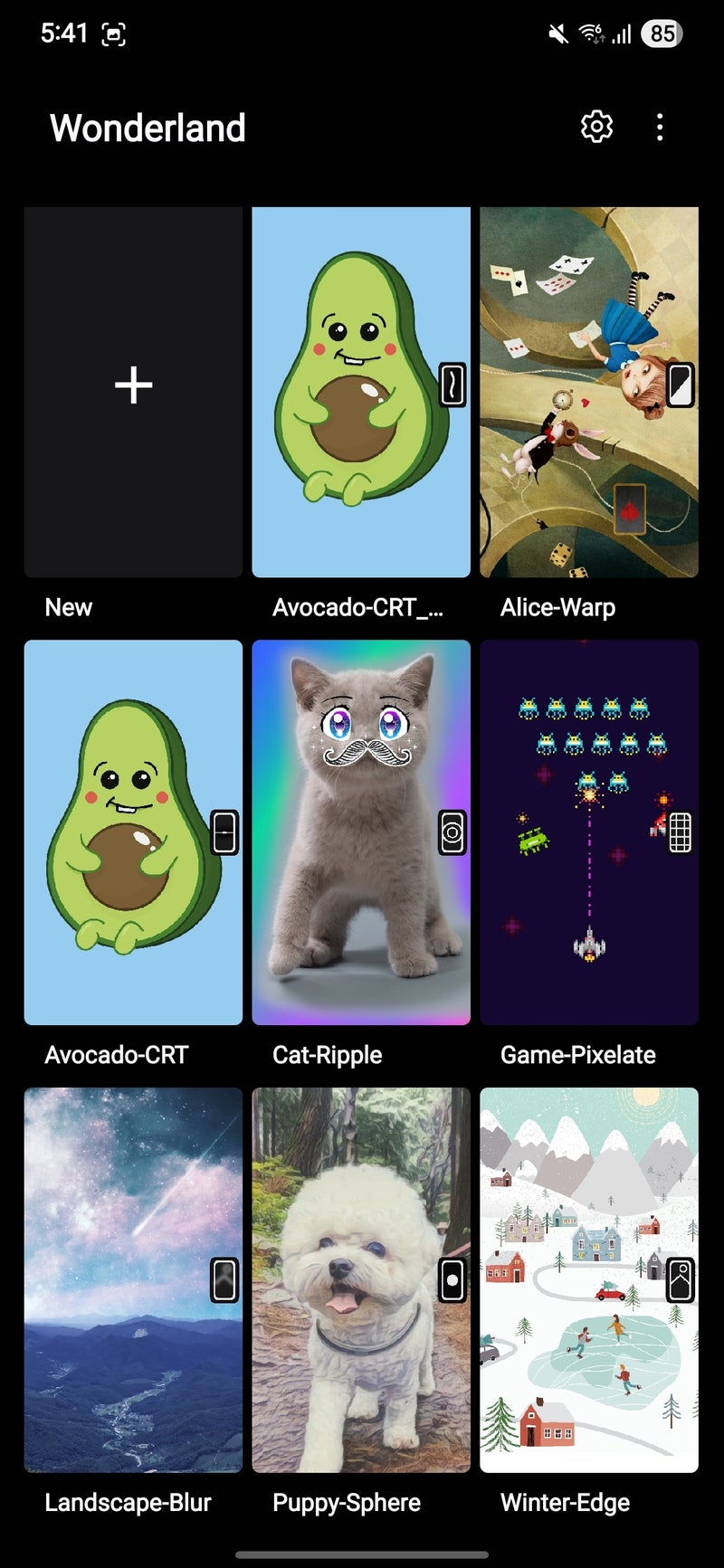
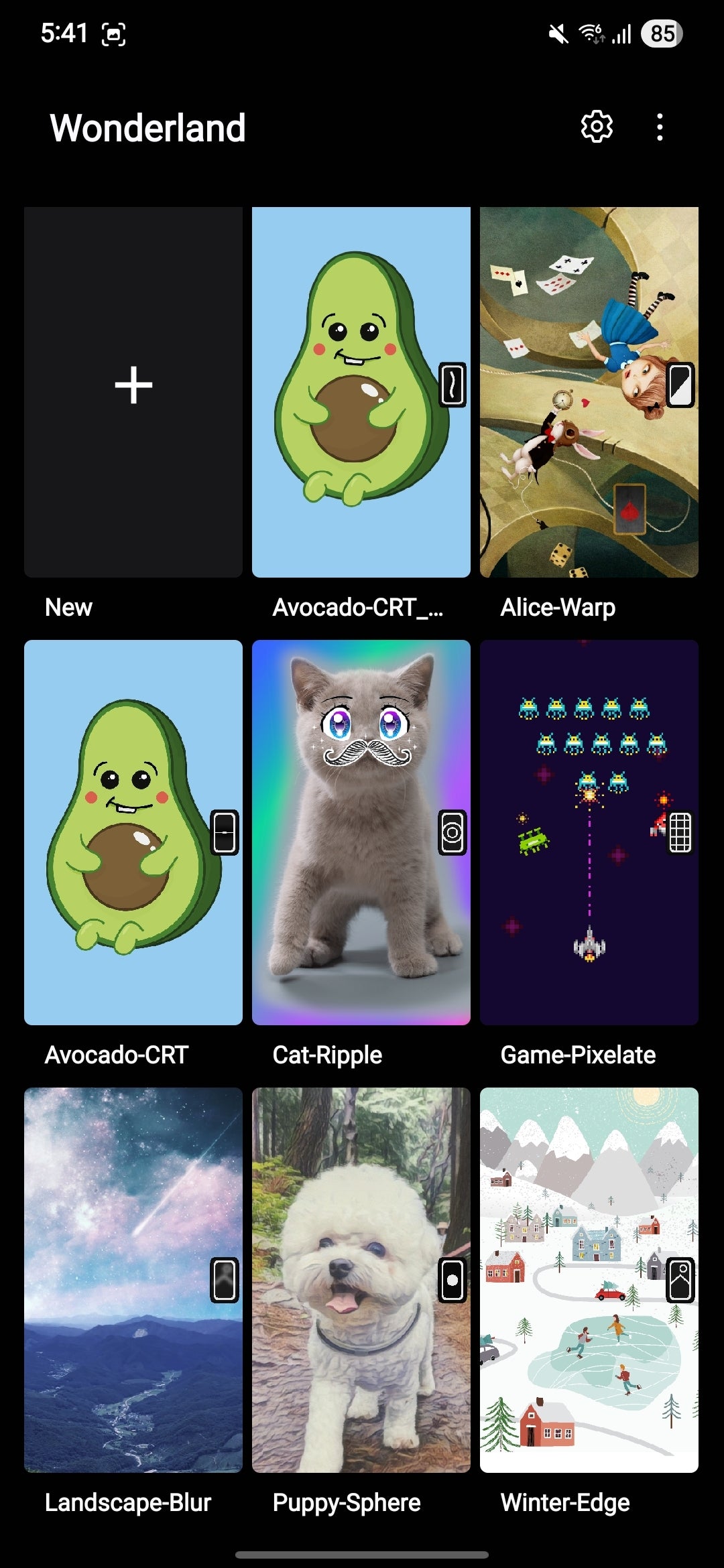
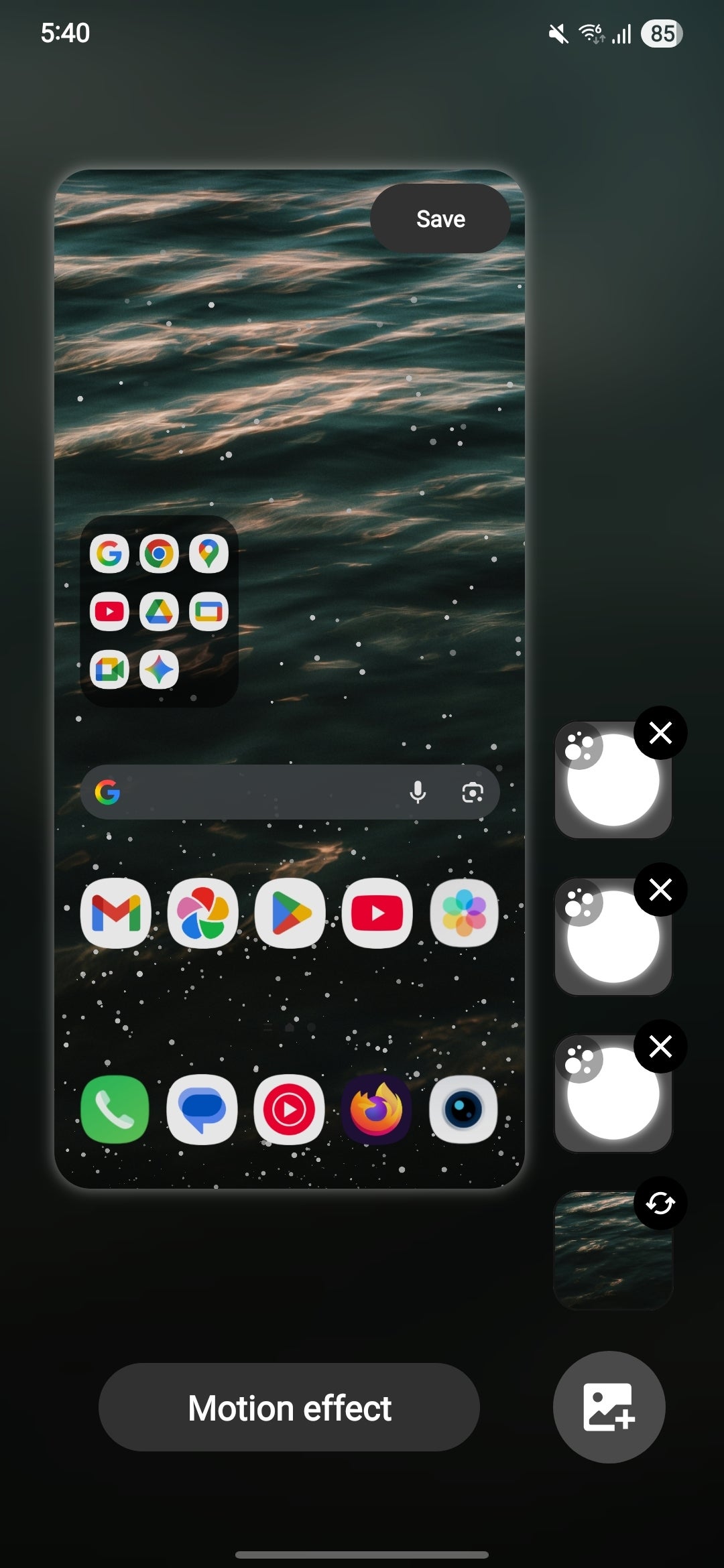
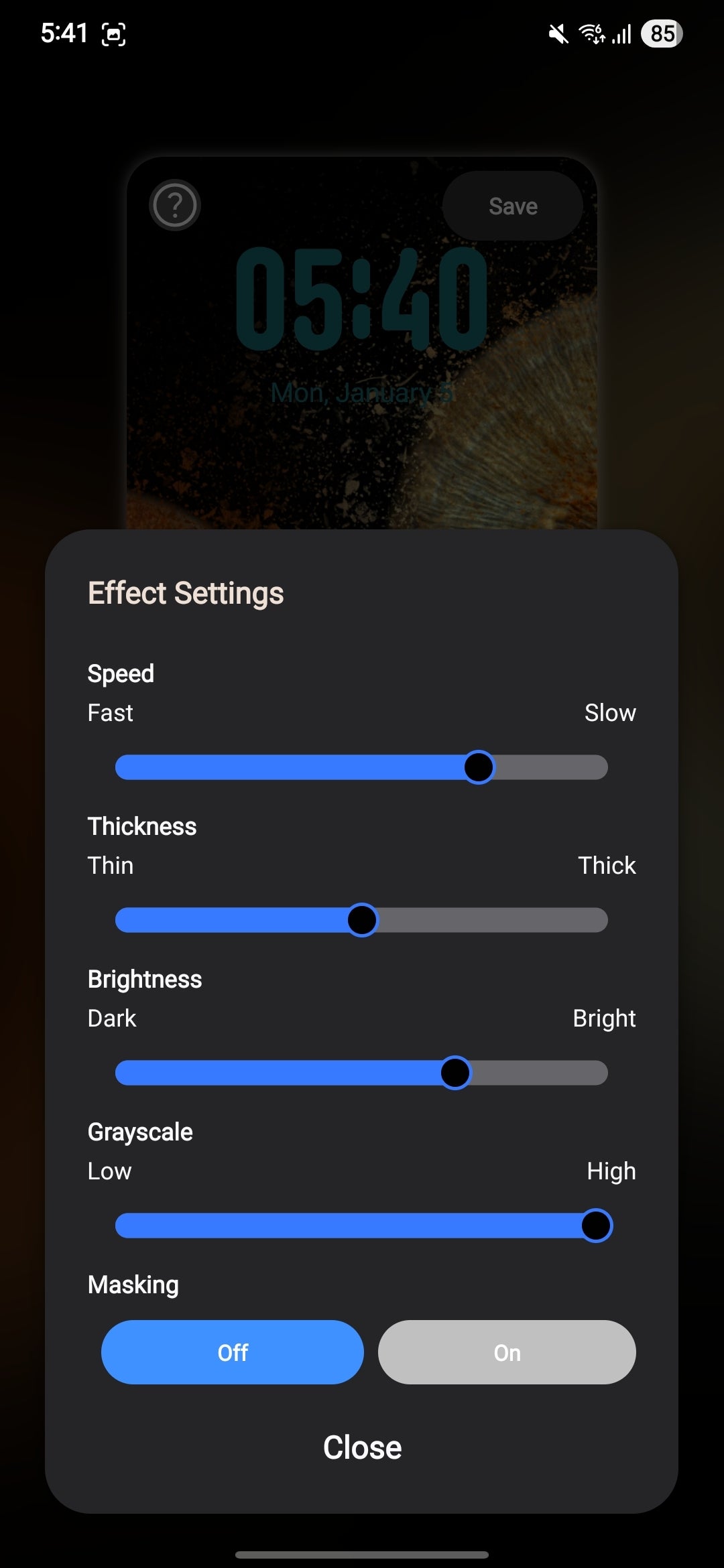
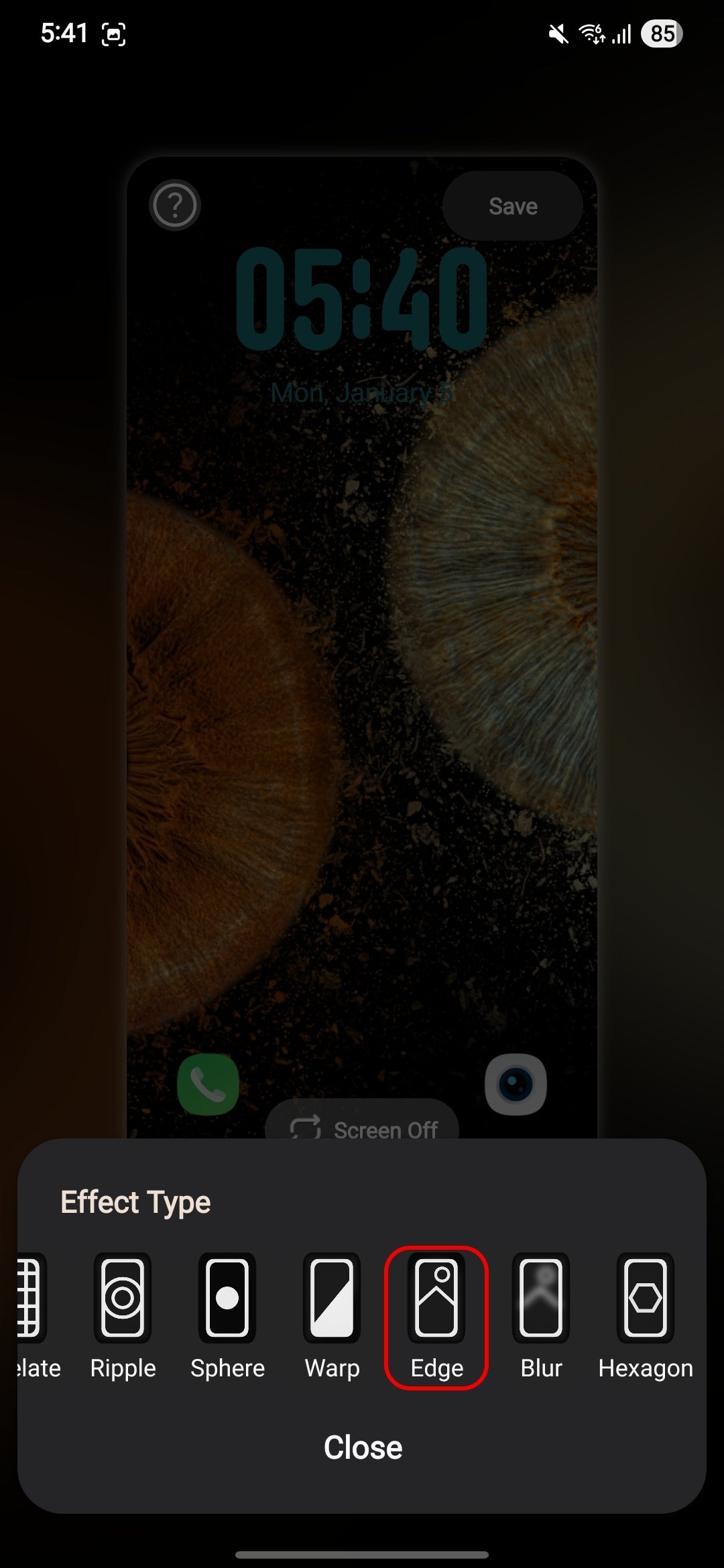
I absolutely adore custom homescreen-lockscreen themes, and Wonderland absolutely delivers here. It lets you create custom parallax homescreen wallpaper or a lockscreen wallpaper with a custom effect that can blend very well with your always-on display, making a cohesive theme. It's a fun module that doesn't really add much in terms of functionality, but not every module needs to be packed with extra features.
Nothing wrong with fun.
Conclusion
What a crazy and weird ride it has been for Samsung's software division! From the days of TouchWiz, which was among the most bloated and unoptimized custom Android skins back in the day, through the okay-ish Samsung Experience, and culminating with One UI of today, which is arguably the best custom Android software.
Good Lock is one of the key reasons why Samsung's Android interface keeps pulling me back. It offers so much in the way of customization that it almost always feels fresh to customize your phone. It's a gateway drug for customization fans and clearly shows that Samsung understands power users very, very well.


Popular stories






Latest News





Things that are NOT allowed:
To help keep our community safe and free from spam, we apply temporary limits to newly created accounts: