Picture this: your Android phone receives a text message, and you don’t open it or interact with it in any way. In fact, you cannot even see the text message because it is totally invisible to you. But as soon as that happens, the phone’s cellular service crashes. It might even get stuck in a reboot loop. That’s exactly what an alarming Android vulnerability allows hackers to do, and all they need is your phone number.
The SMS of Death
The earliest reports of the aptly named “SMS of Death” exploit came in May 2026 when a security researcher brought it to Google’s attention. Since this security flaw can potentially disrupt calls to 911 and other emergency services, it was labeled as “critical”.
Now five months later, Google has patched this security vulnerability and the patch is being rolled out. Yesterday (November 2), Google updated the Android Security Bulletin, confirming the patch for SMS of Death (codename CVE-2026-58882) is included in the November 2026 security update.
Poll
1 Votes
How do you handle the danger of Android exploits?
How does it shut down a phone?
You can check out the researcher’s technical report to learn more details, but the gist of it is this:
Android has a background “phone” service which manages calls, text messages, network, and so on
When it receives the SMS of Death, the background service crashes while trying to interpret the SMS code
At this point, if the attacker sends more malicious texts, it shuts down the whole phone. As long as the SMS is in storage, it cannot boot up and gets stuck in a reboot loop
The researcher even released a proof-of-concept model that exploits this vulnerability to actually suspend calls and turn the phone off. So it’s clear that this nasty security bug can potentially do harm in the wild.
Some phones are still in danger
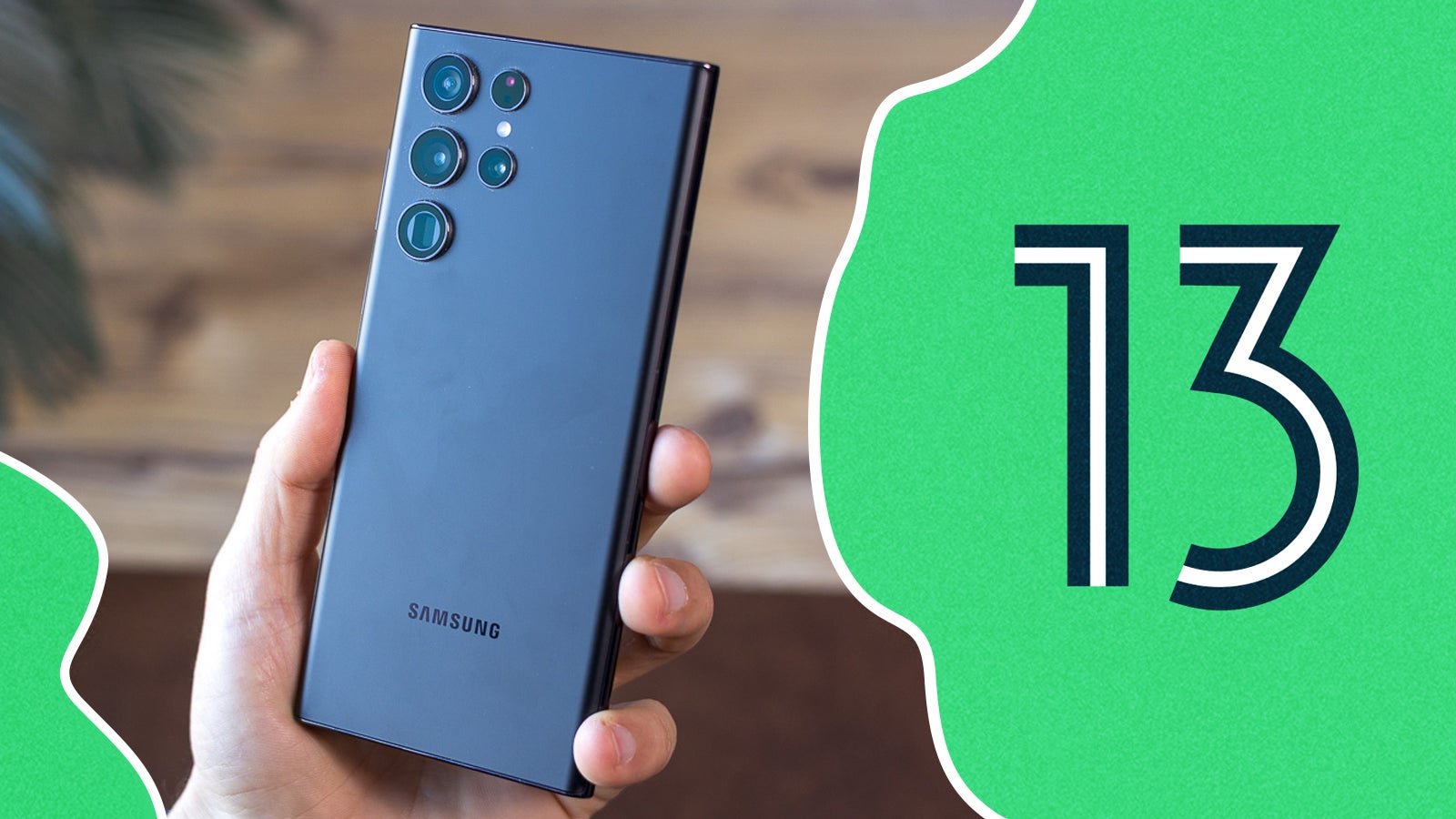
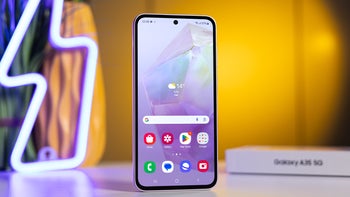
Android 13 on a Samsung Galaxy | Image by PhoneArena
The security update is planned for all Android versions from 14 through 17. So if your phone is running one of these versions, it will automatically prompt you to update. The key detail is that devices running Android 13 or older are not getting the patch for now.
Recommended For You
The phones running Android 13 or older are already at the end of their software support cycle. The Galaxy S21 series, Pixel 6, Nothing Phone (1), and others in that generation have stopped receiving updates. So for now, none of these phones are getting this latest security patch.
The SMS of Death is a “zero-click” exploit, meaning it all happens in the background without you clicking a link or tapping a button. While it sounds scary, it is exceptionally rare for regular users to become targets of such attacks in the wild.
Staying safe means staying updated
You only need to install the update to protect your phone from this vulnerability and dozens others like it. To see if your phone has received the update, you can check the Settings app. But if you don’t see it yet, keep an eye out for the automatic update notification. These OTA (over-the-air) updates can sometimes take a while to reach your device.
Simply updating your phone to the latest version should be enough to keep it safe. But if your phone is running Android 13 (or older) and digital security is extremely important to you – it's best to upgrade. If you think you can practice a bit of online and wireless safety, it should be fine for most people as long as they stay cautious.
In the unlikely event that your phone was stuck in a reboot loop in recent months and you suspect it was an SMS of Death attack, don’t factory reset it. With some technical know-how, it’s possible to delete the offending text messages and fix the phone.
Here some more things Google has recently fixed for users:
Get a free Galaxy A17 with Straight Talk. To claim this deal, you need to pair the phone with activation on a Silver Unlimited Plan or higher. This tier costs $45 per month. Offer valid through 01/10/27 while supplies last online.
Faisal Rasool has been writing about mobile tech for the past ten years. His favorite cousin used to be a mobile technician and, as a kid, Faisal learned how to repair and tweak phones in his workshop. Faisal's first phone was the Samsung Galaxy Europa (released 2010). More Android smartphones followed it, including the Samsung Galaxy S4, the Galaxy S6, Huawei P8, and currently the Galaxy A56.
He's a life-long Android guy because he loves other open-source platforms. He's been covering such platforms for websites like How-To Geek, Android Headlines, Android Police, SlashGear, and now PhoneArena.
Faisal has a bachelor's in English literature and he likes to write stories and paint in his free time.
A discussion is a place, where people can voice their opinion, no matter if it
is positive, neutral or negative. However, when posting, one must stay true to the topic, and not just share some
random thoughts, which are not directly related to the matter.
Things that are NOT allowed:
Off-topic talk - you must stick to the subject of discussion
Offensive, hate speech - if you want to say something, say it politely
Spam/Advertisements - these posts are deleted
Multiple accounts - one person can have only one account
Impersonations and offensive nicknames - these accounts get banned
To help keep our community safe and free from spam, we apply temporary limits to newly created accounts:
New accounts created within the last 24 hours may experience restrictions on how frequently they can
post or comment.
These limits are in place as a precaution and will automatically lift.
Moderation is done by humans. We try to be as objective as possible and moderate with zero bias. If you think a
post should be moderated - please, report it.
Have a question about the rules or why you have been moderated/limited/banned? Please,
contact us.








Things that are NOT allowed:
To help keep our community safe and free from spam, we apply temporary limits to newly created accounts: