Security researchers have found flaws in AirDrop and Android's Quick Share that let someone nearby crash your phone's sharing features without touching it. The two systems run on phones like the iPhone 17 Pro Max, Galaxy S26 Ultra, and Pixel 10 Pro, and Apple has already patched one of the three AirDrop bugs. If you carry one of the best iPhones, here is what is going on.
A nearby laptop is all it takes
Researchers at the CISPA Helmholtz Center for Information Security took apart both AirDrop and Android's Quick Share and found six vulnerabilities across iPhones, Macs, Android phones, and Windows. A new report puts the reach at more than five billion devices.
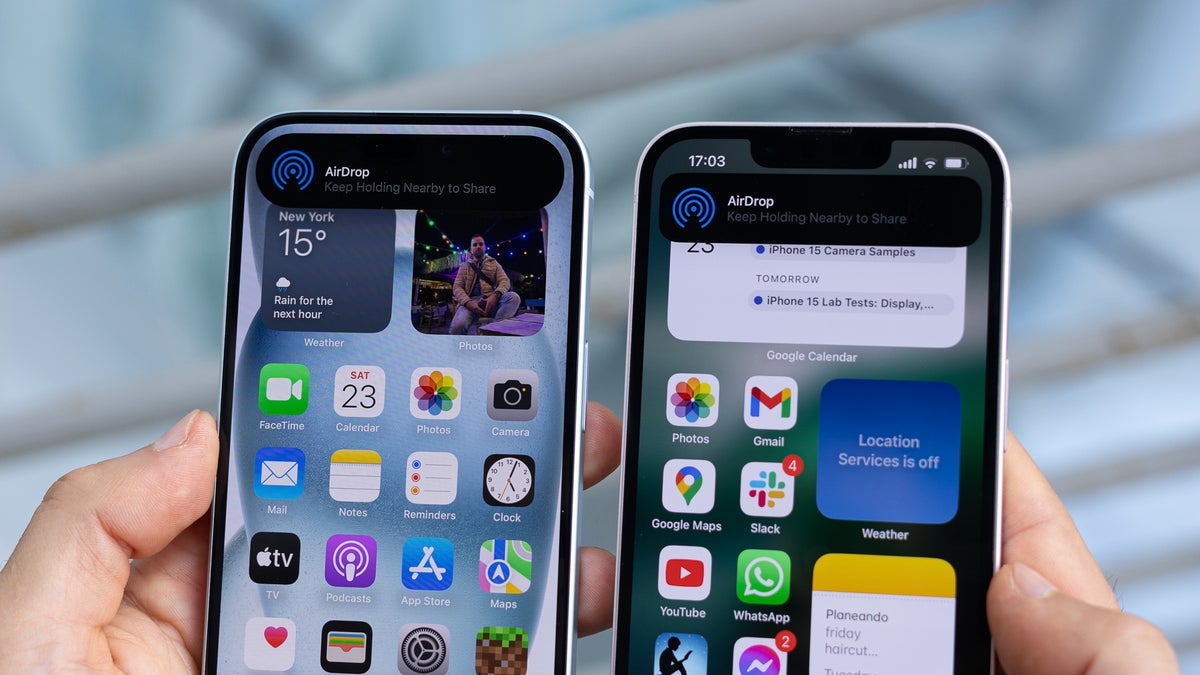
All three AirDrop bugs do the same thing: A nearby attacker with just a Wi-Fi laptop within about 30 meters (around 100 feet) sends one malformed request that forces the background service running AirDrop to quit. Because that service also handles AirPlay, Handoff, Universal Clipboard, and Continuity Camera, all of them stop working at once.
Run on a loop, the attack keeps them offline until it stops, and no files are taken, since it only knocks the service out rather than pulling anything off your phone.
I don't think the overlap is unique to Apple or Google. Instead, it reflects common engineering challenges in proximity-based protocols.
Arash Ale Ebrahim, security researcher at CISPA Helmholtz Center for Information Security, to Help Net Security, June 2026
Recommended For You
Notably, the same weakness turned up on both, despite the two sharing almost no code.
How do you keep AirDrop or Quick Share set day to day?
18 Votes
Contacts only, I like staying locked down
44.44%
Everyone, I share with people nearby a lot
0%
Off until the moment I need to send something
50%
Never checked it, wherever it defaulted
5.56%
What it means for iPhone and Galaxy owners
For most people this is more annoying than dangerous. Someone in range could keep your AirDrop or Quick Share offline for as long as it runs, which matters most if you move files with them all day.
Quick Share is not off the hook either. The researchers found two authentication bypasses in Quick Share, tested on a Galaxy S23 Ultra, plus a Windows memory bug Google has since patched. On a Galaxy S26 Ultra or a Pixel 10 Pro, it is the same feature we covered when Google pulled the always-on Everyone mode from Quick Share, and neither side comes out clean.
Who should care, and what you can do
The most exposed keep AirDrop or Quick Share open to Everyone, since that mode answers nearby devices before any prompt appears. If you only share with people you know, you are in a better spot.
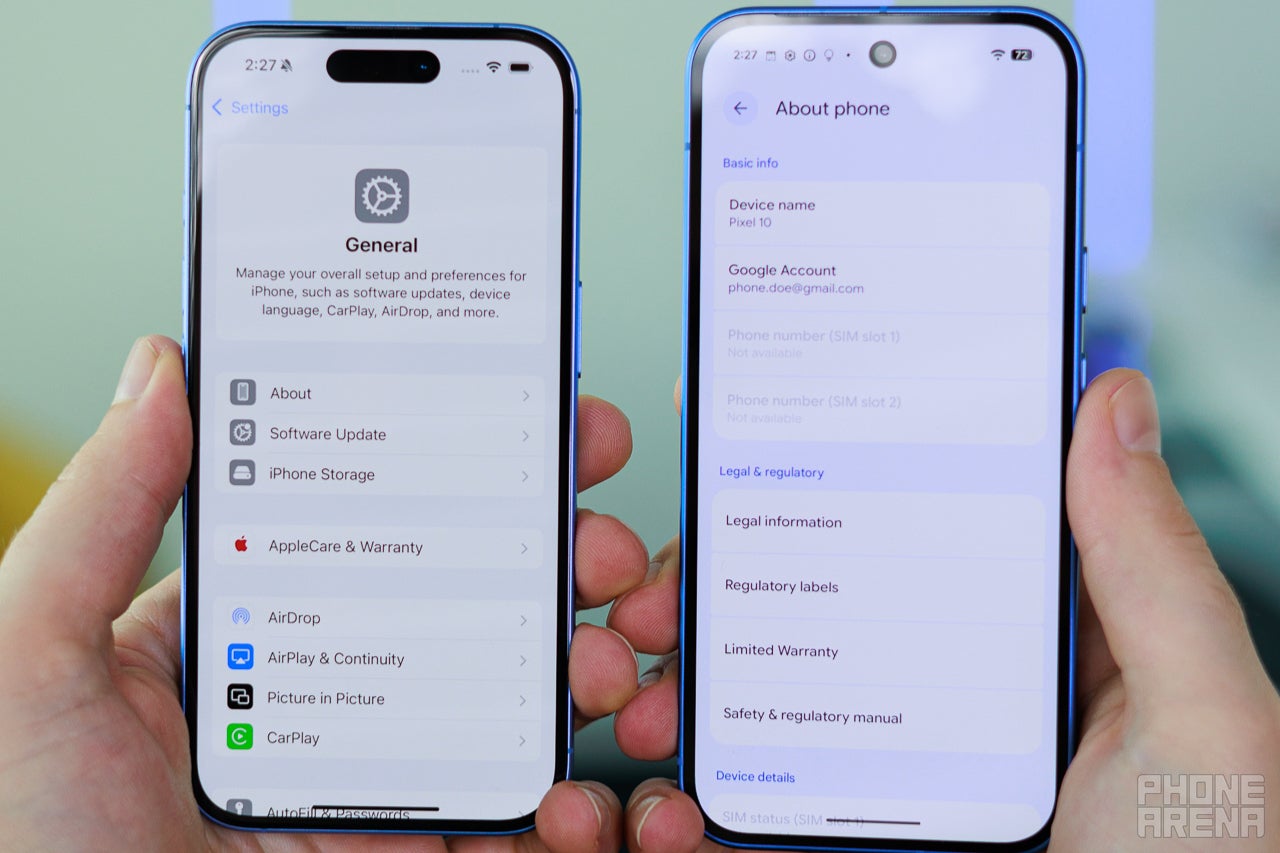
The AirDrop control sits in the iPhone's General settings, where you can choose who is allowed to reach you. | Image by PhoneArena
Here's how to lower your exposure
Open Settings on your iPhone, tap General, then AirDrop.
Choose Contacts Only, or Receiving Off when you are not sharing.
On your Android, open Quick Share and set visibility to your devices or contacts, not Everyone.
A patch is on the way, but check your settings now
Apple has fixed one of the three AirDrop bugs and given it a CVE, while the other two are still under coordinated disclosure, so the full fix is hopefully coming soon.
Still, a fix you have to wait on is a reminder that the Everyone setting does more than you think. I would set sharing to contacts only and forget about it, and I would love to see Apple and Google make that the default.
Johanna Romero is a Senior News Writer at PhoneArena, covering mobile technology news across Android, iOS, wearables, and the Google ecosystem she knows best. Drawing on 15 years in IT and tech support from 2007 to 2022, she brings a user-friendly eye for the practical features and lesser-known tricks readers care about. Google named her an official #TeamPixel member in 2022, and she also reviews the latest devices on her YouTube channel, JoJo the Techie.
A discussion is a place, where people can voice their opinion, no matter if it
is positive, neutral or negative. However, when posting, one must stay true to the topic, and not just share some
random thoughts, which are not directly related to the matter.
Things that are NOT allowed:
Off-topic talk - you must stick to the subject of discussion
Offensive, hate speech - if you want to say something, say it politely
Spam/Advertisements - these posts are deleted
Multiple accounts - one person can have only one account
Impersonations and offensive nicknames - these accounts get banned
To help keep our community safe and free from spam, we apply temporary limits to newly created accounts:
New accounts created within the last 24 hours may experience restrictions on how frequently they can
post or comment.
These limits are in place as a precaution and will automatically lift.
Moderation is done by humans. We try to be as objective as possible and moderate with zero bias. If you think a
post should be moderated - please, report it.
Have a question about the rules or why you have been moderated/limited/banned? Please,
contact us.













![Another batch of Galaxy S26 series users in the US are getting a nice surprise today [UPDATED]](https://m-cdn.phonearena.com/images/article/183643-wide-two_350/Another-batch-of-Galaxy-S26-series-users-in-the-US-are-getting-a-nice-surprise-today-UPDATED.webp)
Things that are NOT allowed:
To help keep our community safe and free from spam, we apply temporary limits to newly created accounts: