Software update is pushed out to the T-Mobile LG V20
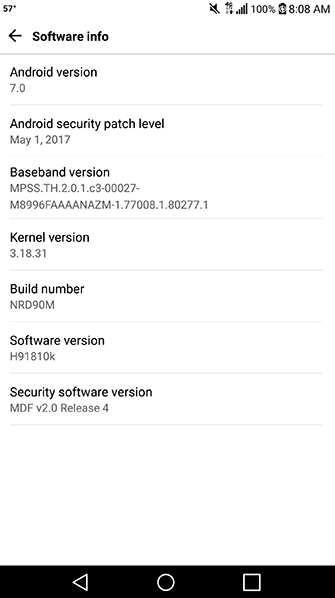
The LG V20 from T-Mobile is receiving a software update
Since this is an OTA update, it is sent out on a staggered basis. That means that it can still be a few days before it hits your LG V20. If you're not the patient type, you can try to manually update your handset by going to Settings > General > About phone > Update Center > System update > Check for update.
This might not be the most feature-packed software update, but the security patch is important as is the e911 fix. Make sure you take the opportunity to install the update on your LG V20 as soon as possible.
source: T-Mobile via TMONews


Popular stories



Latest News

Things that are NOT allowed:
To help keep our community safe and free from spam, we apply temporary limits to newly created accounts: