The Pixel 11 Pro XL is here. It's got a new Tensor G6 processor, better cameras, a few clever "Magic" tricks and a display that is twice better at resisting scratches.
But it's more expensive now. The base Pixel 11 Pro XL now starts at 256GB of storage, and it carries the same $1,300 price tag as the Galaxy S26 Ultra.
Does the Pixel 11 Pro XL deserve this price? I used it for a few days and this is my deep dive of the new design. Spoiler: I mostly love it, but I also think Google bets way too much on a gimmick this year.
Grab the Pixel 11 Pro at Amazon
Google's Pixel 11 Pro has just been announced, giving you a polished Android experience. The device gives you better visuals and improved camera performance. Right now, you can buy it at its full price at Amazon.
Prefer a larger display? The Pixel 11 Pro XL is here for you. With its 6.8-inch display, the new model gives you a larger screen real estate, plus it's already available at Amazon at its full price.
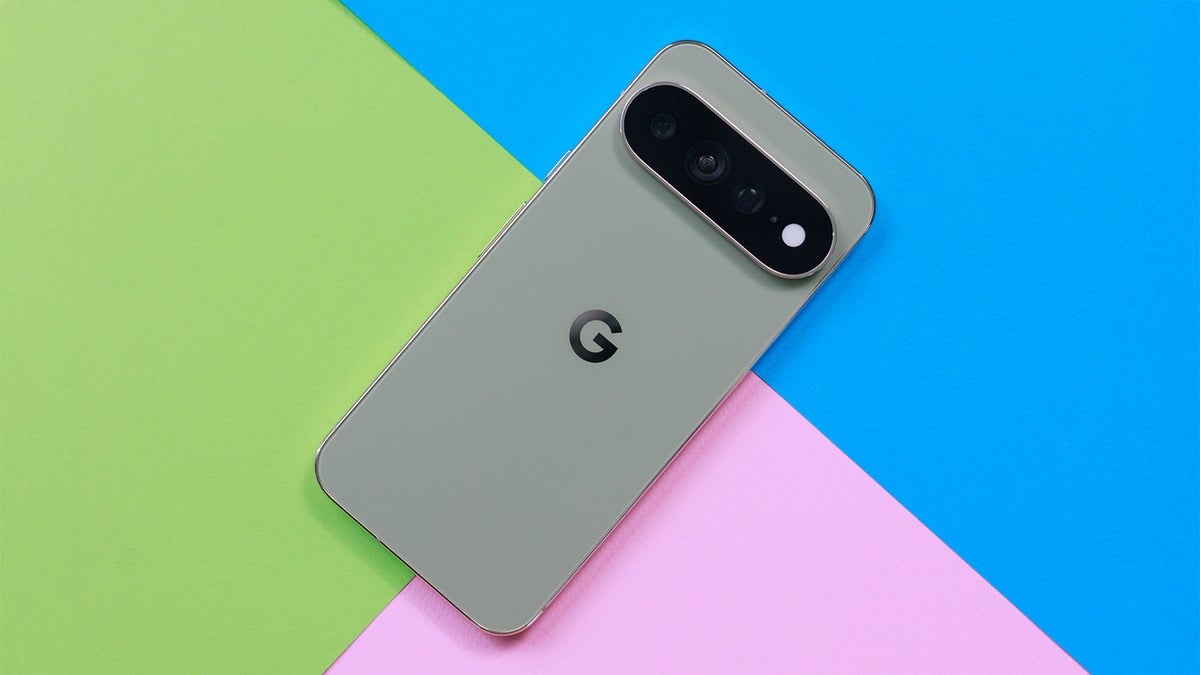
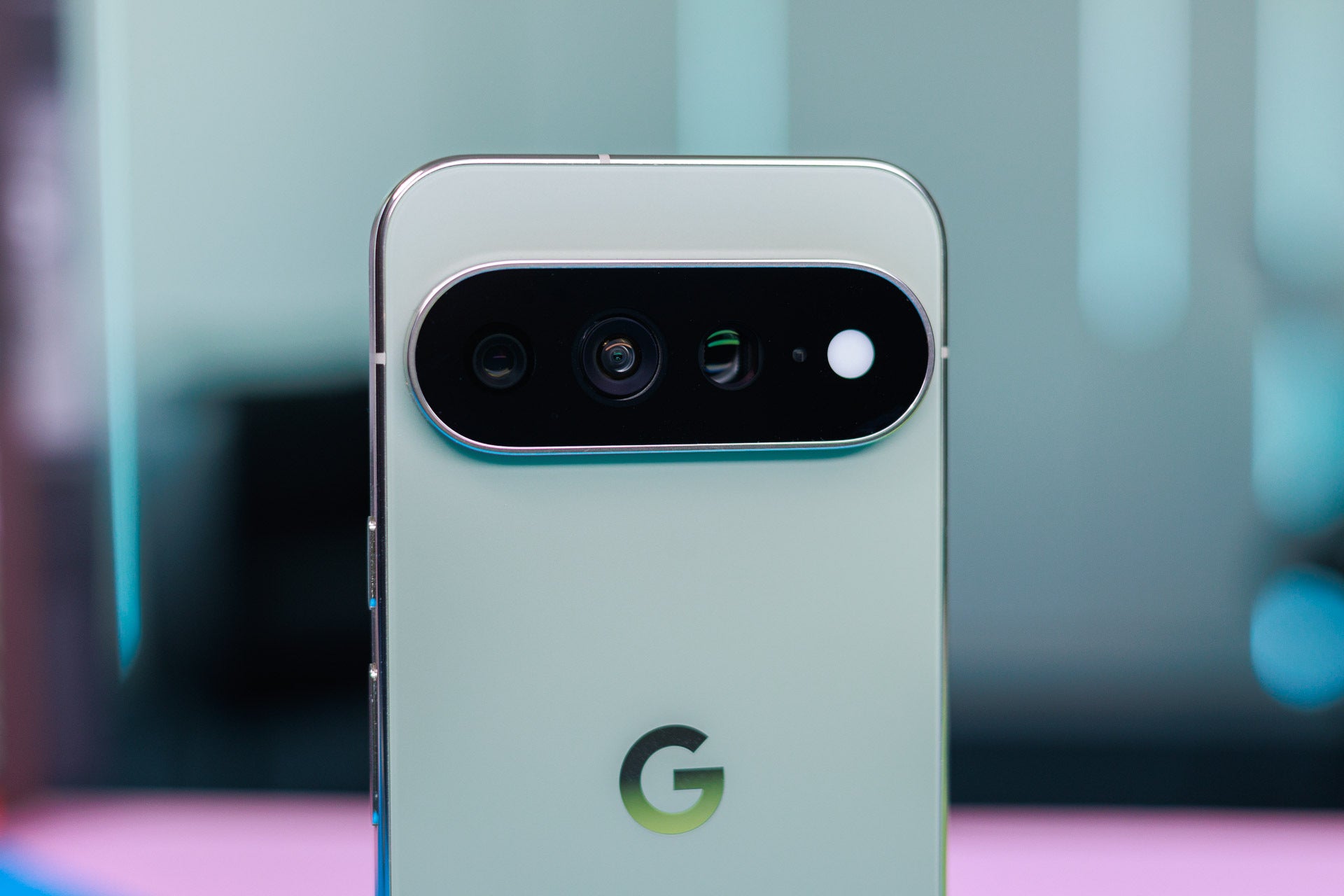
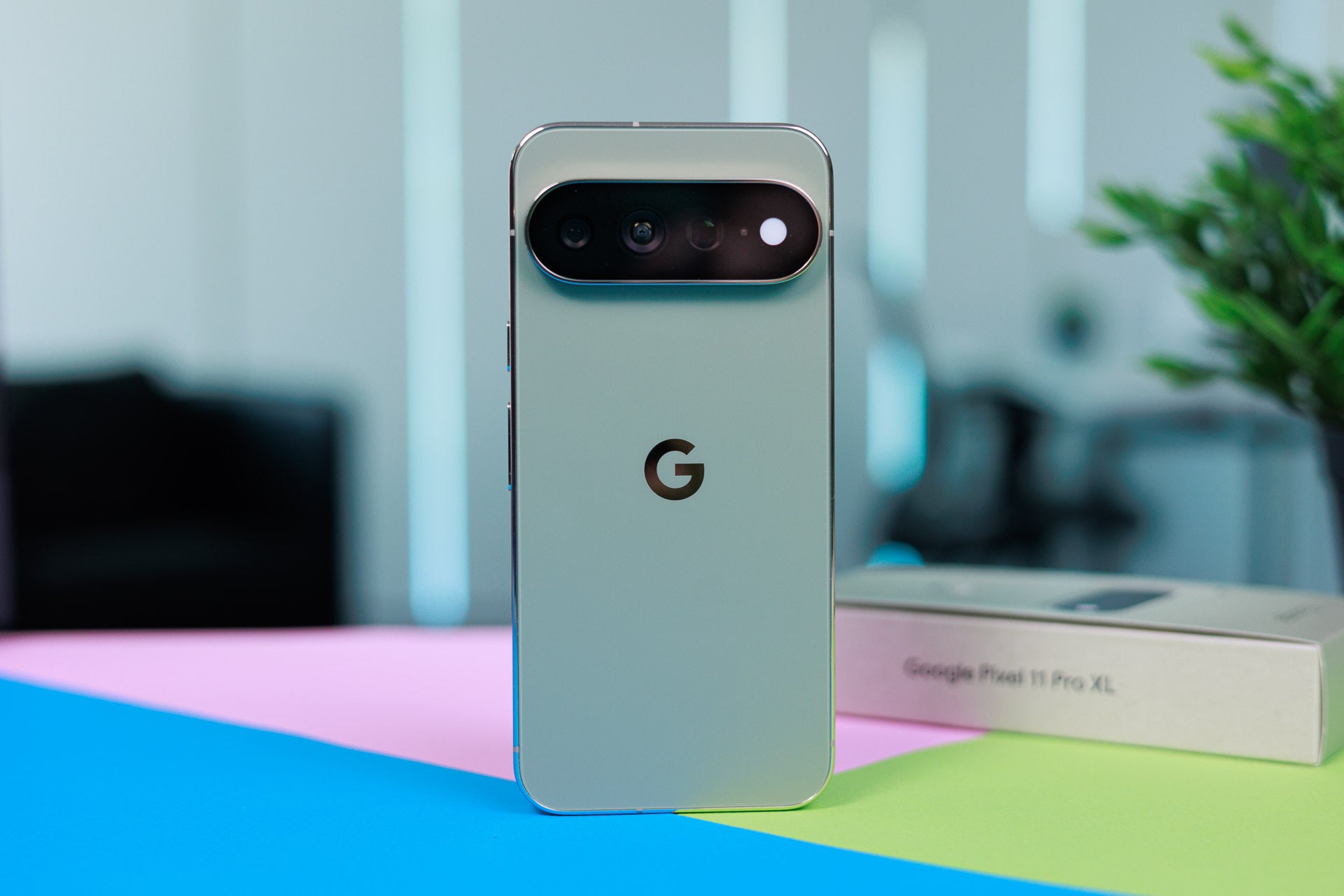
The Pixel 11 Pro XL design is clean with only the big "G" letter on the back, but the camera bar on the back makes the phone instantly recognizable and gives it character.
Image by PhoneArena
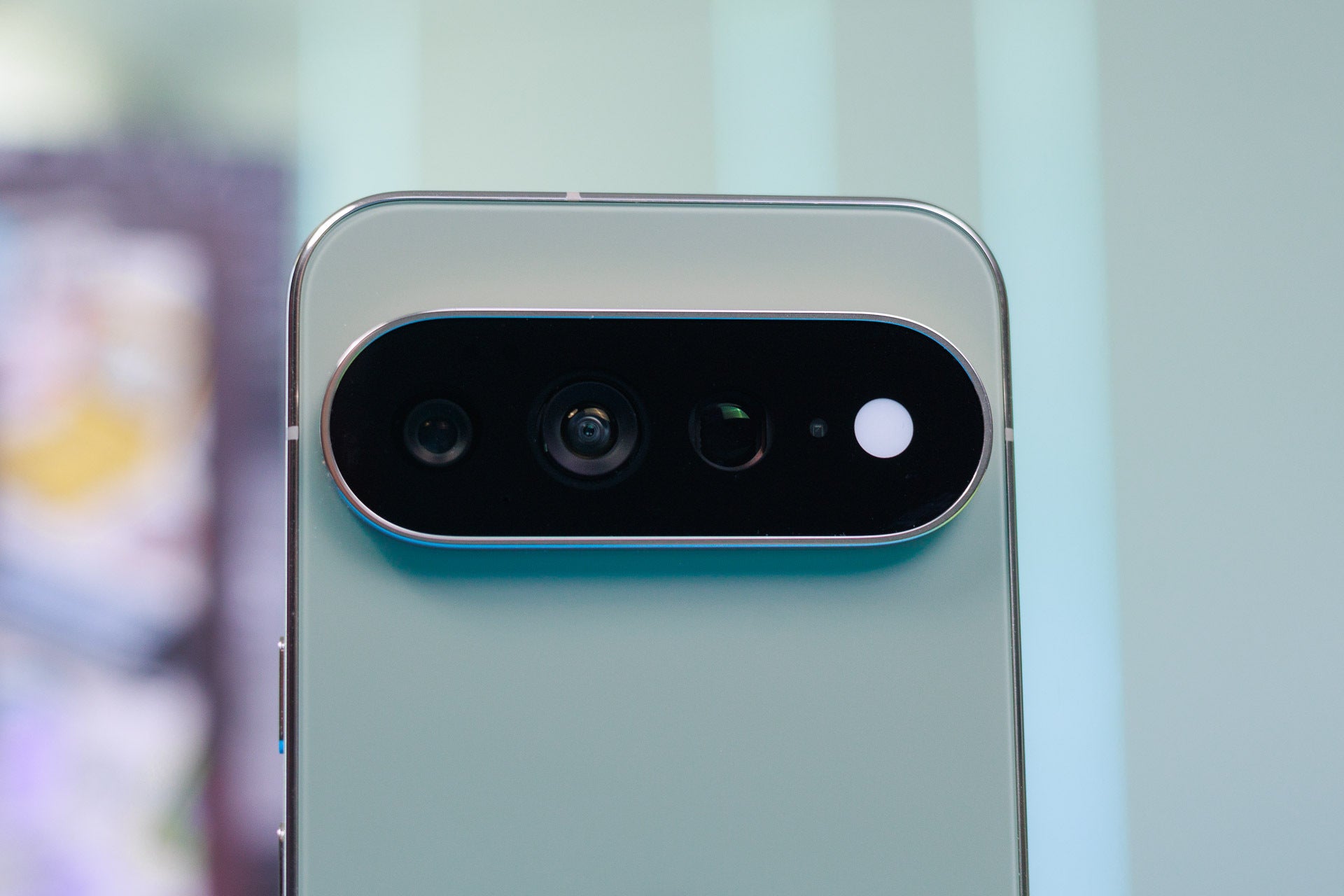
But after using the phone for a few days, I realized I never once needed the new HiLight feature, which is essentially eight LEDs placed where the flash is next to the rear cameras. The HiLight is only active when your phone is lying down on its screen, a recipe for scratching your display if you don't use a case. The HiLight also only works with Gemini and when you receive an incoming call. That's just extremely limited.
Image by PhoneArena
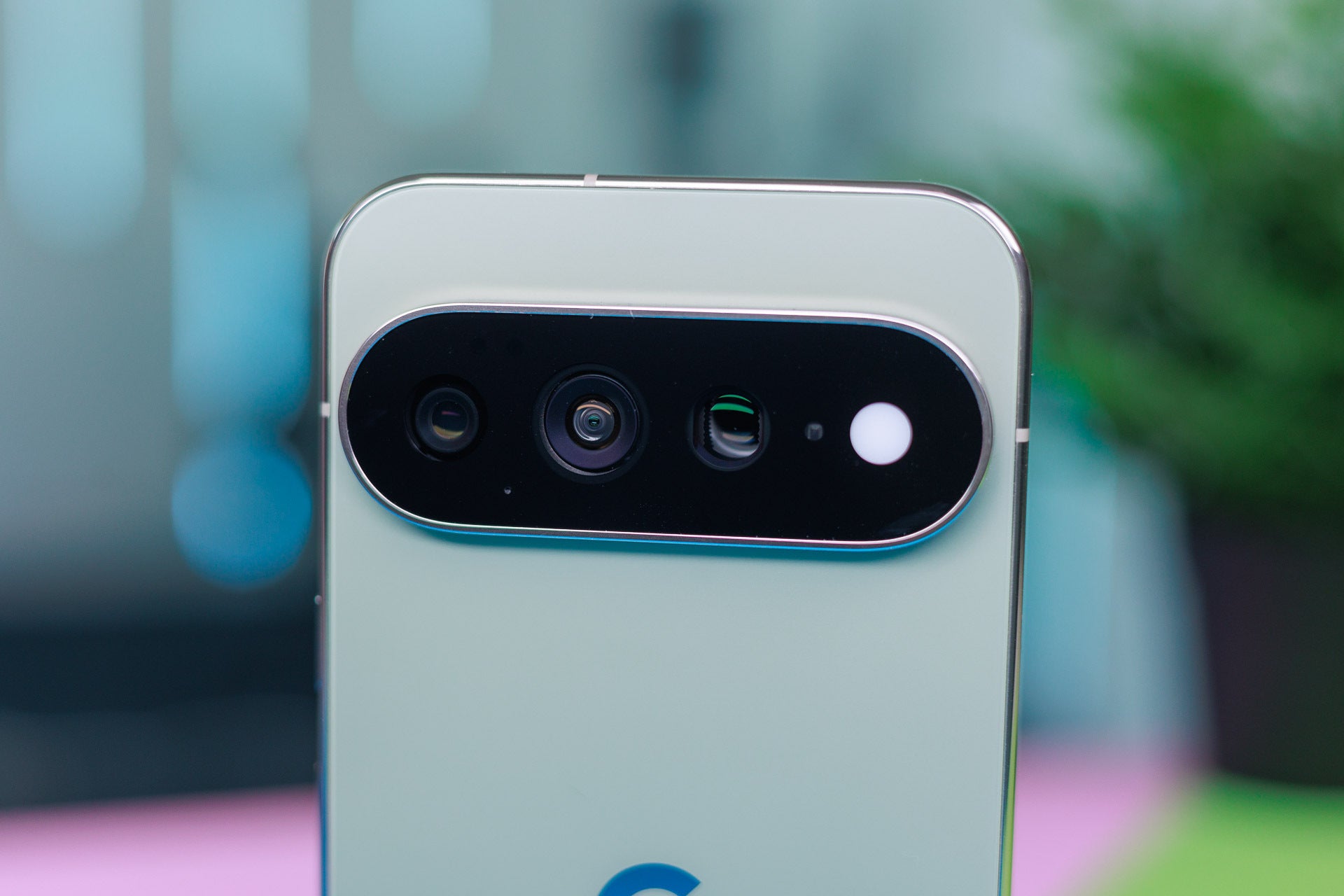
The camera bar is now fully covered in glass, while previously the part around the flash was metal. I actually like this small change, but I just don't understand why Google insists on including barely useful features. It was a thermometer the last few years before the Pixel 11 Pro XL, and now the HiLight.
Recommended For You
Image by PhoneArena
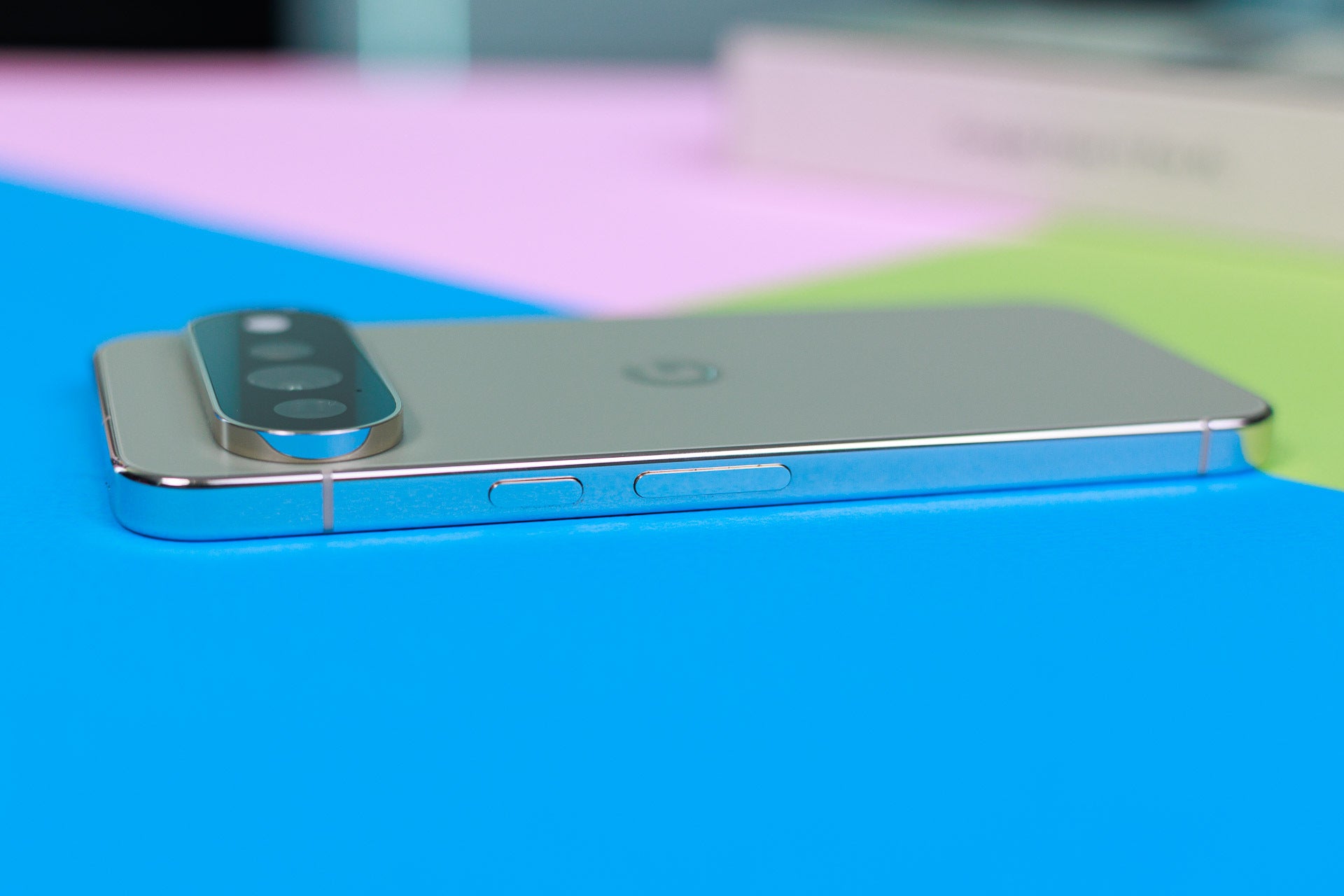
Instead of the HiLight, I would be much happier with additional programmable hardware buttons instead, but there are none. You only have your standard power and volume buttons on the right side and that's it.
Image by PhoneArena
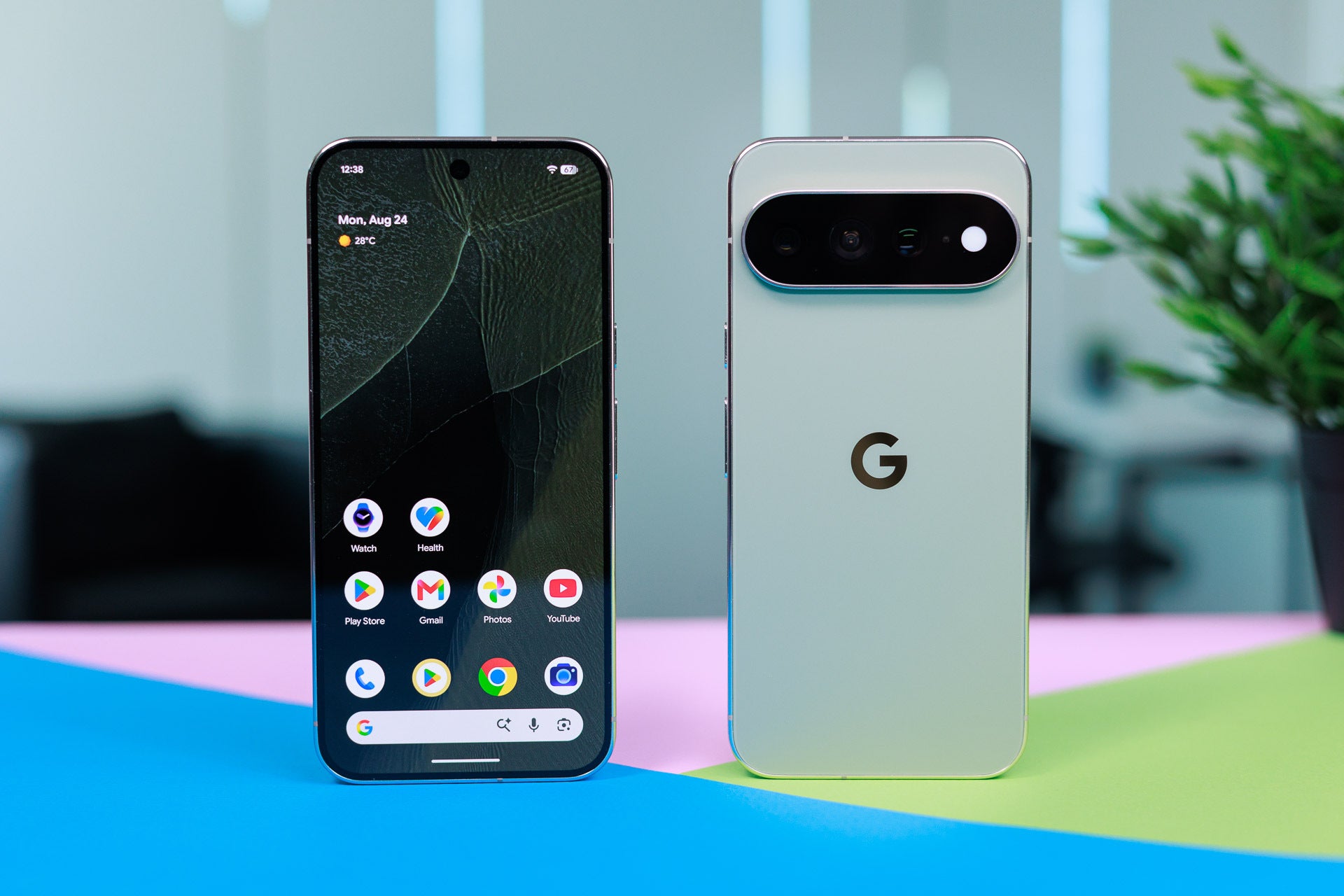
This is the new "Olive" colorway by the way, which I find to look very stylish.
Image by PhoneArena
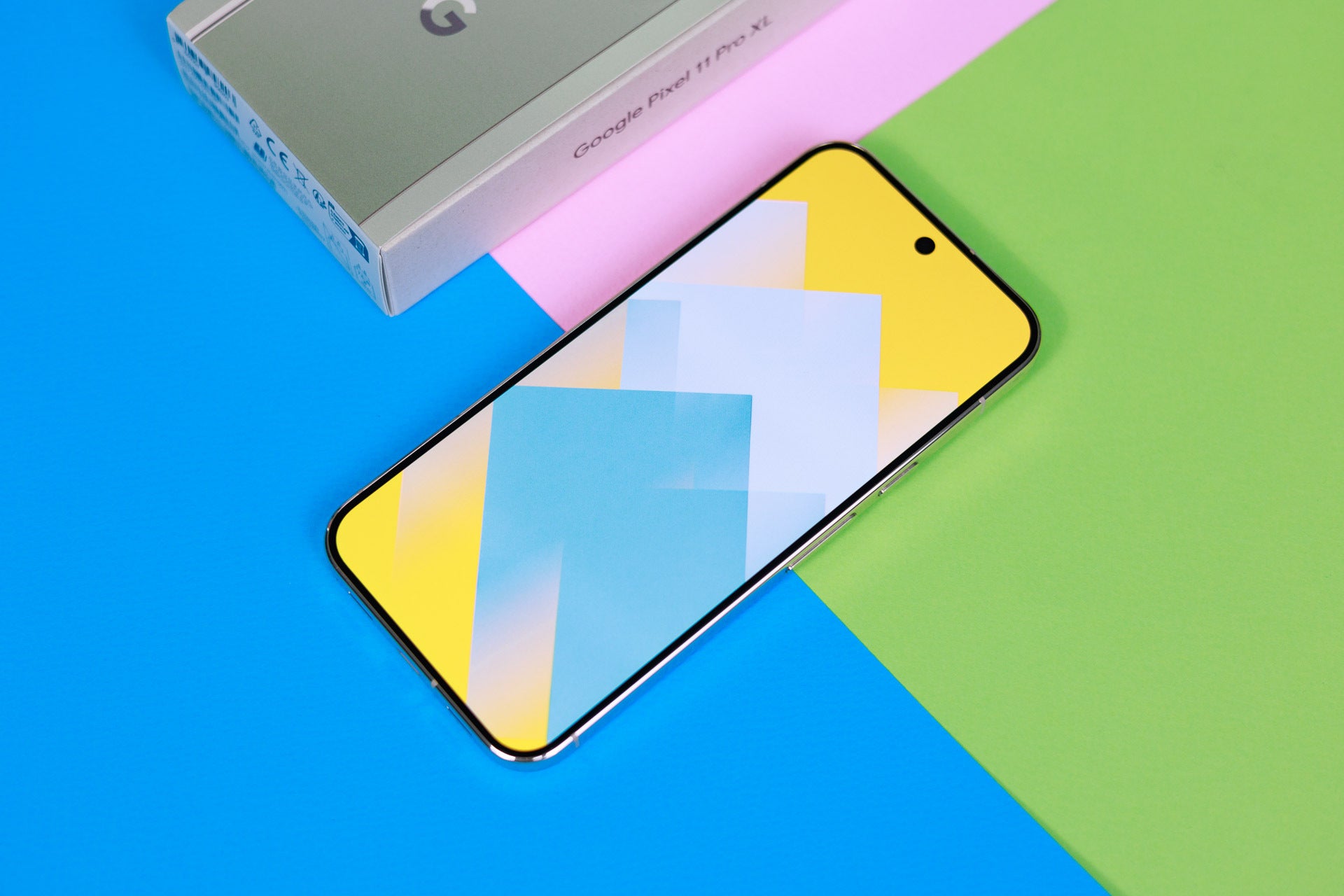
Up front, Google introduces one cool change: a new type of display cover that is 2X more resistant to scratches. We've seen this adopted by Samsung a few years back and on iPhones starting with the iPhone 17 family, so Google is catching up here.
Image by PhoneArena
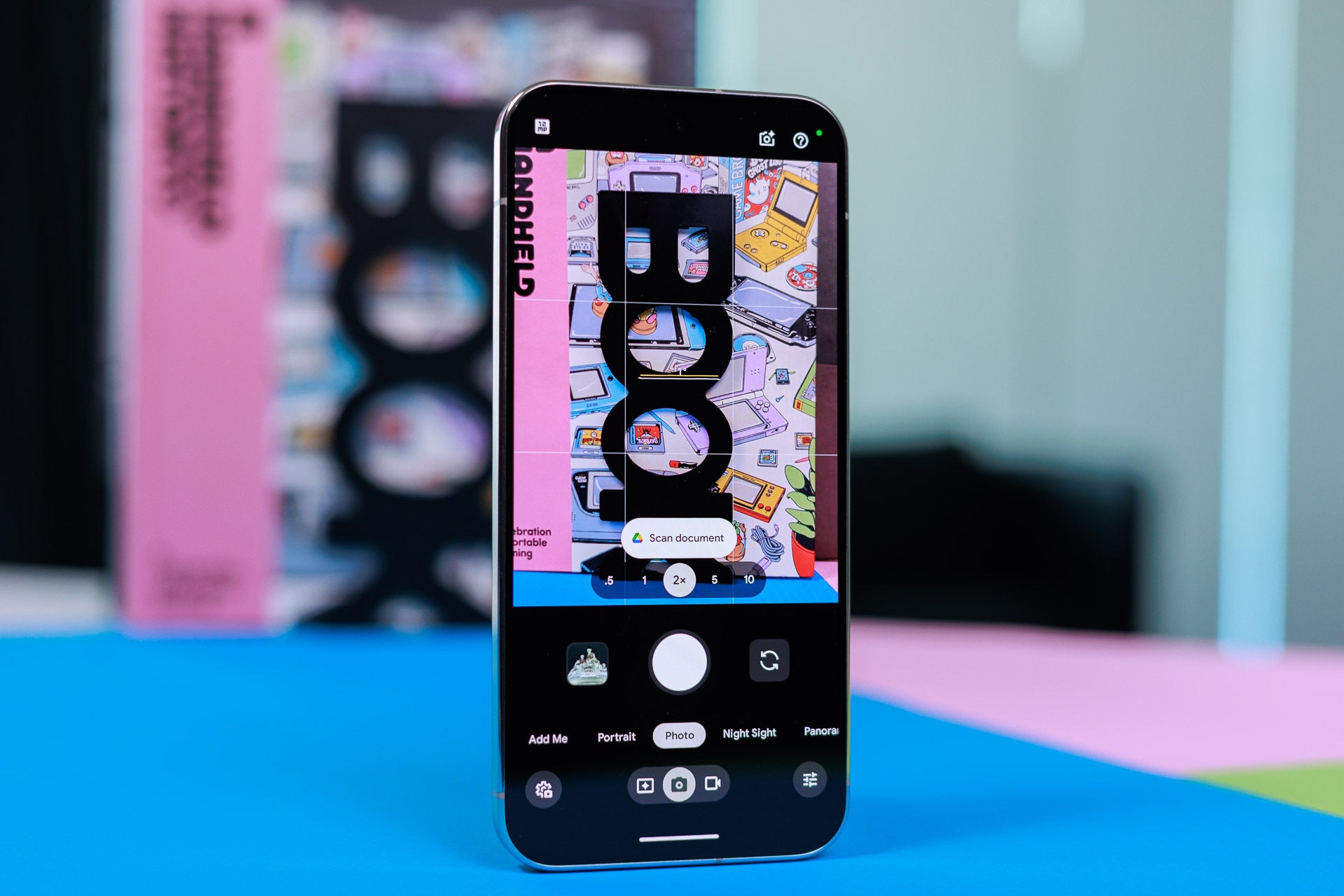
Most of the new features are about the camera.
Image by PhoneArena
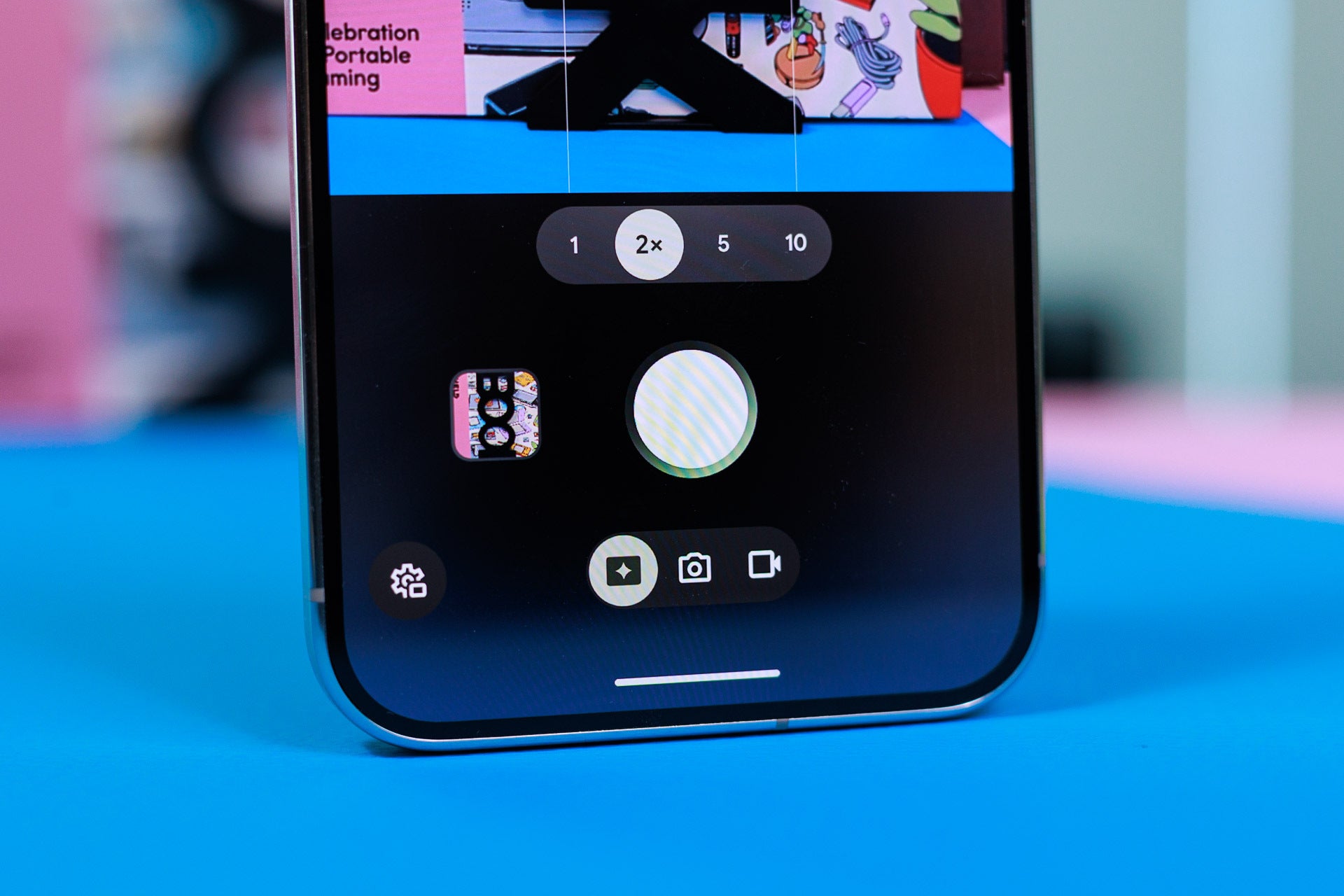
There is a new button in the bottom row, where you previously had only photo and video buttons. This new button (the left most one) is called Magic Capture. Use the Magic Capture mode on the Pixel 11 Pro / XL to capture a video, and the phone will then smartly pull the best moments from that video as still photos with excellent quality. What a neat little idea to stay in the moment when something cool happens!
Image by PhoneArena
You also get a new 5X telephoto camera. The 5X capability is unchanged from previous Pixels, but this time you have a much larger sensor and taking photos with this camera is super fast even in low light and it can capture more light and better detail.
Image by PhoneArena
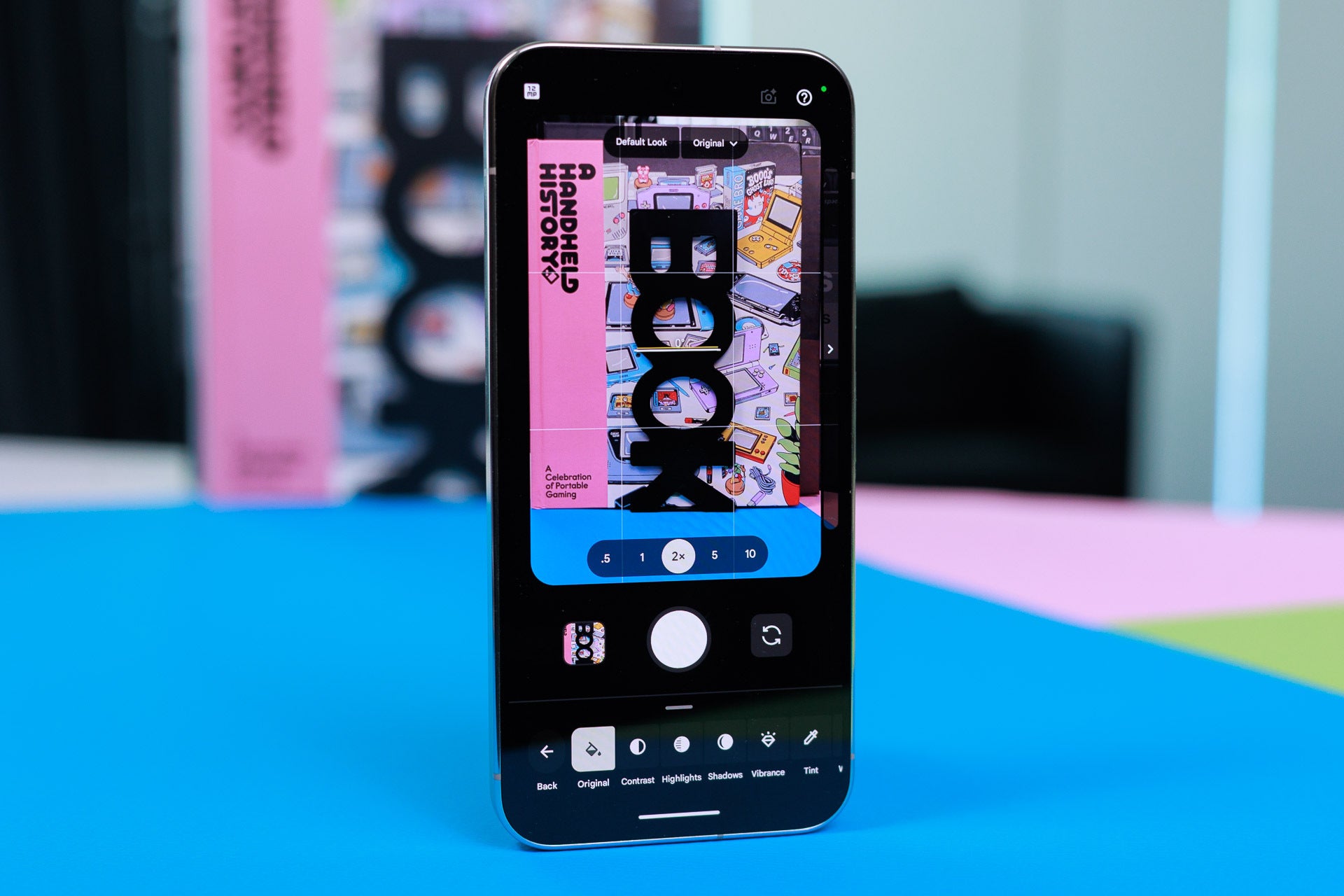
Another lovely change is "Camera Looks". Tap on settings in the camera app and go to Looks. From here, you can change every little setting. I love dialling down the sharpness and you also have tweaks to the default look, so for example you can use the Natural look for less vivid photos. I love this change. You can also swipe to the side to reveal the more radical Looks inspired by film cameras, but I honestly find these a bit too extreme.
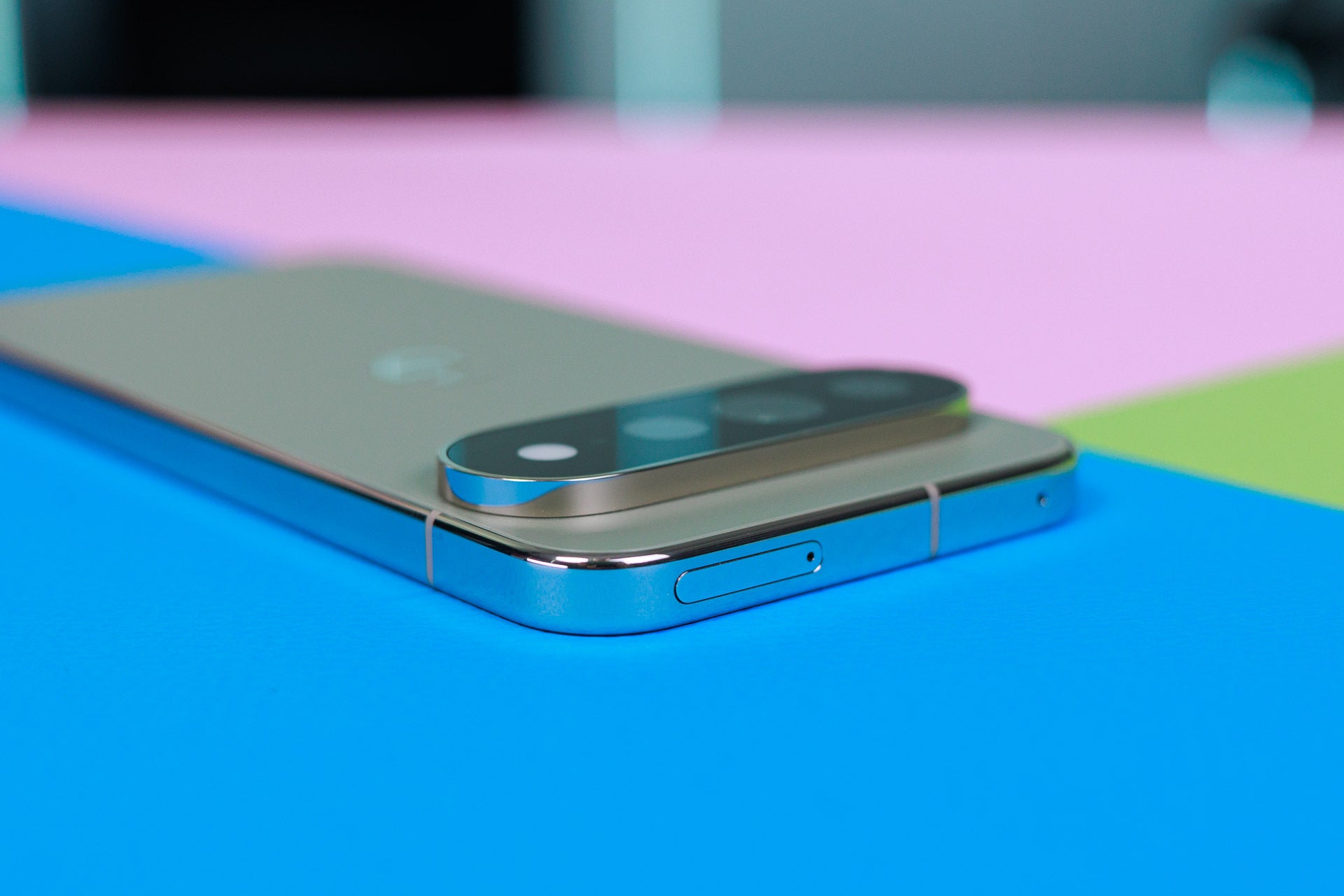
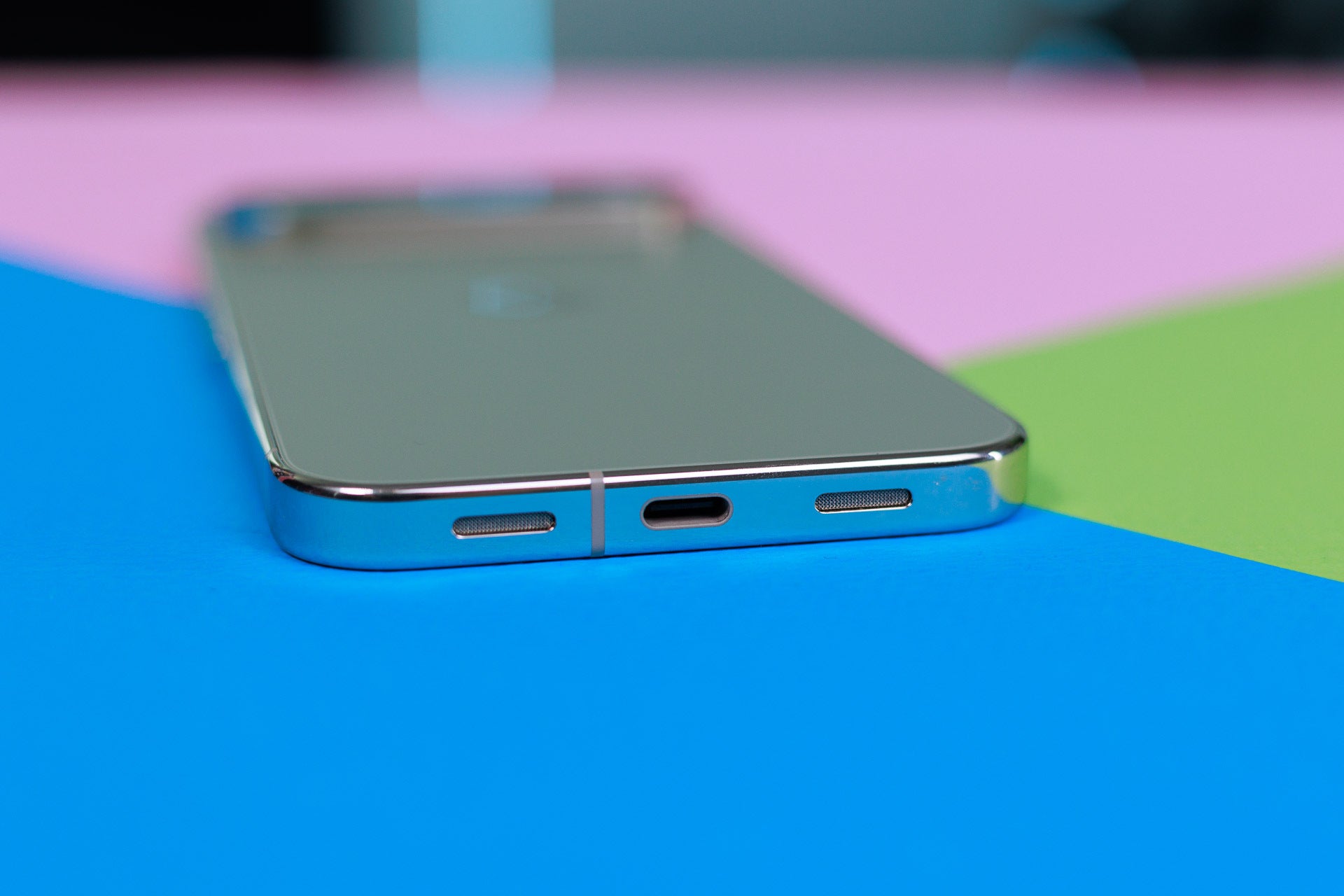
On the bottom of the Pixel, you will find a perfectly centered USB-C port. I'm mentioning that because some Android phones have this slightly offset, which I find weird.
Image by PhoneArena
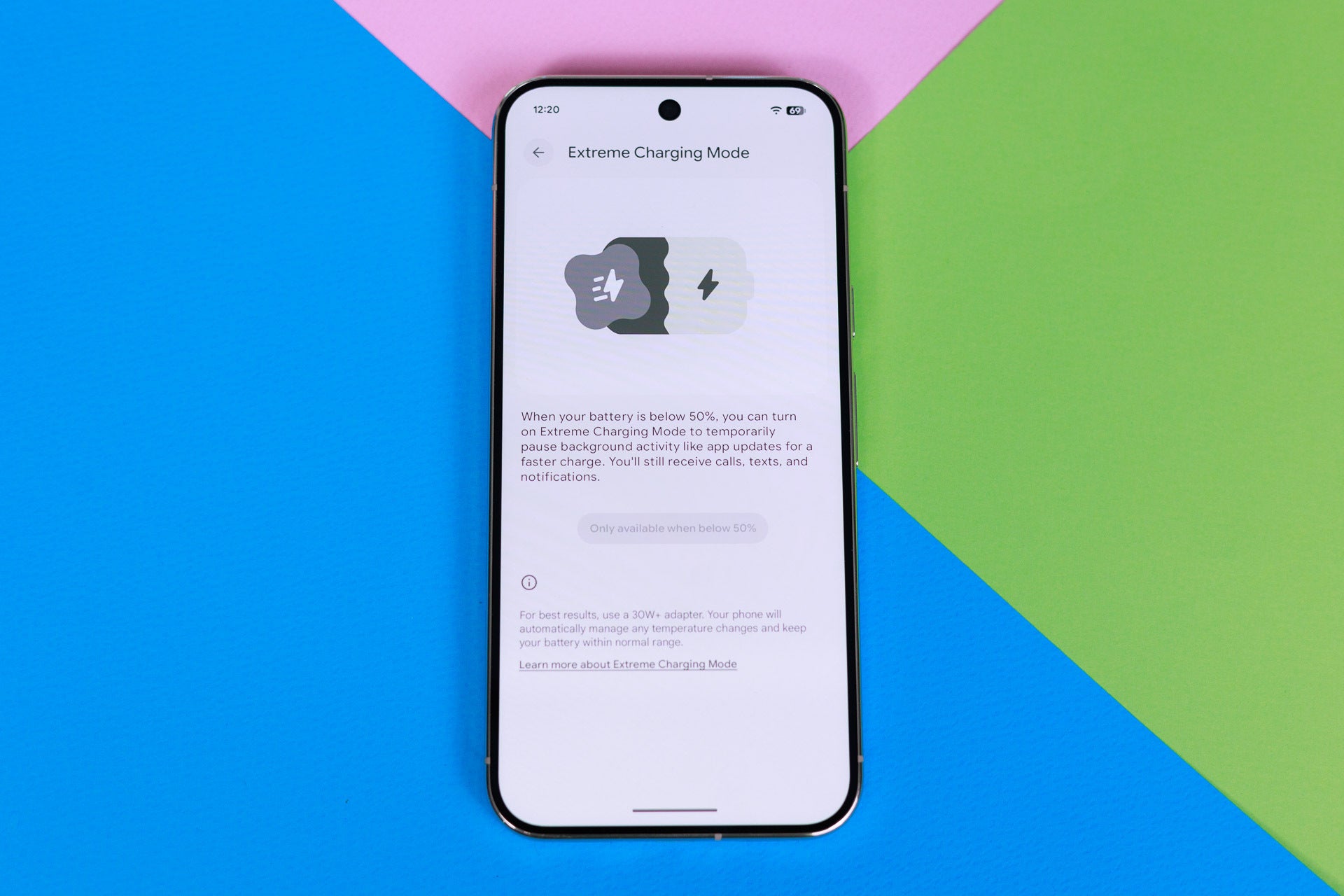
The 11 Pro XL now supports faster charging too. It's just a bit weird that you need to manually enabled "Extreme Charging Mode" to get the faster speeds, and those still are 45 watt max, so not that extreme really. Still, the Pixel charges quite fast and you can get nearly 70% charge in just around half an hour.
Image by PhoneArena
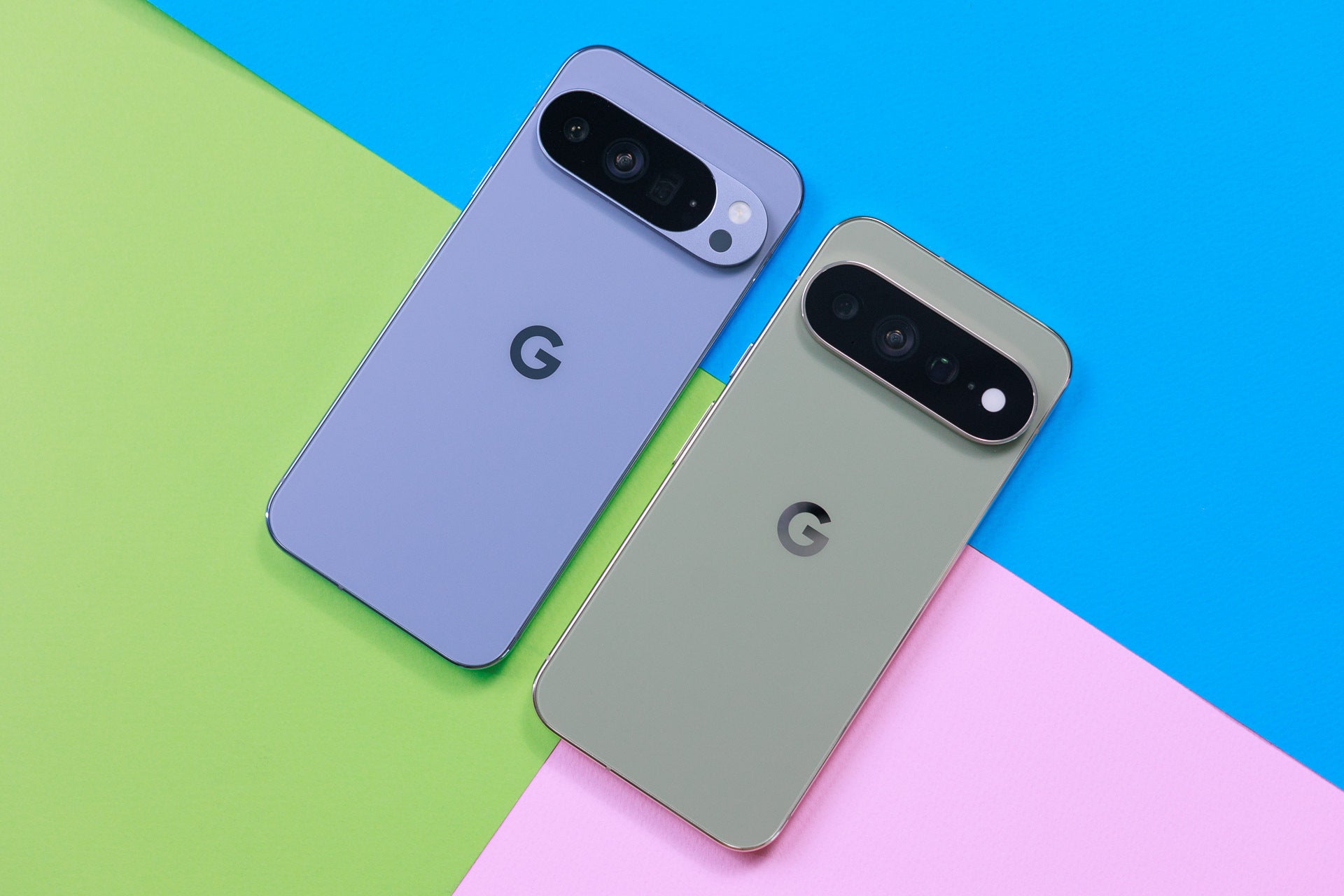
The Pixel 10 Pro XL in the Midnight colorway (on the left) looks almost identical to the Pixel 11 Pro XL in Olive (on the right). The only visible change is that glass now covers the entire camera bar on the newer phone.
Image by PhoneArena
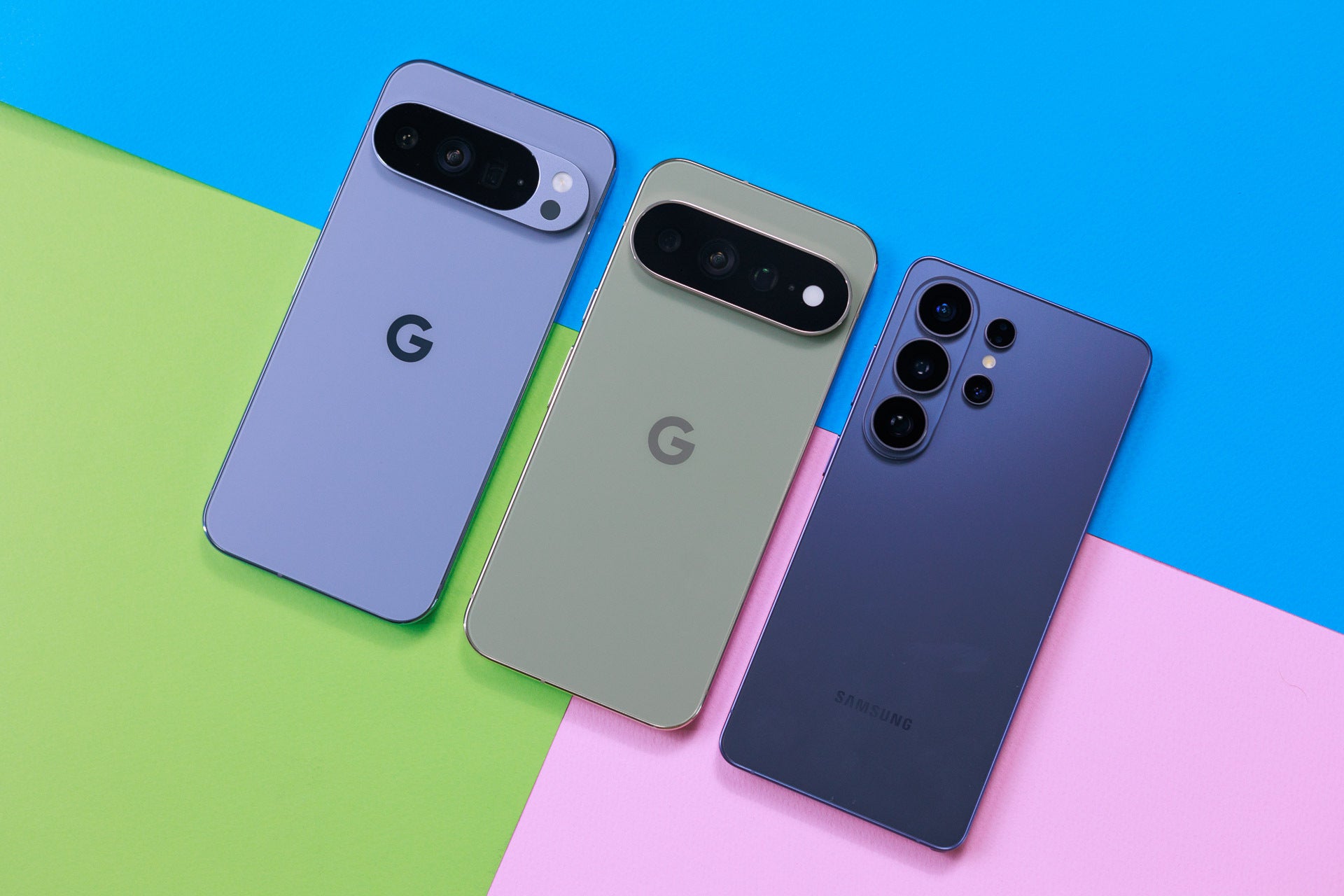
And if you compare the Pixel 11 Pro XL to the Galaxy S26 Ultra, you notice that Google goes with more rounded corners. In this way, the Pixel is much closer to an iPhone in design, while Samsung has its own character.
Image by PhoneArena
What do you think about the Pixel 11 Pro XL, is this the new king of Android flagships in 2026?
Mint Mobile's 6-month plans now cost $10/mo
$10
/mo
$35
$25 off (71%)
Mint Mobile is celebrating its 10-year anniversary with a special offer on its six-month subscription plans. For a limited time, you can get your preferred tier (6GB, 17GB, 23GB or unlimited) for just $10/mo. That saves you between 50% and 71% on the carrier's mobile plans, making it way easier to recommend.
Victor, a seasoned mobile technology expert, has spent over a decade at PhoneArena, exploring the depths of mobile photography and reviewing hundreds of smartphones across Android and iOS ecosystems. His passion for technology, coupled with his extensive knowledge of smartphone cameras and battery life, has positioned him as a leading voice in the mobile tech industry.
A discussion is a place, where people can voice their opinion, no matter if it
is positive, neutral or negative. However, when posting, one must stay true to the topic, and not just share some
random thoughts, which are not directly related to the matter.
Things that are NOT allowed:
Off-topic talk - you must stick to the subject of discussion
Offensive, hate speech - if you want to say something, say it politely
Spam/Advertisements - these posts are deleted
Multiple accounts - one person can have only one account
Impersonations and offensive nicknames - these accounts get banned
To help keep our community safe and free from spam, we apply temporary limits to newly created accounts:
New accounts created within the last 24 hours may experience restrictions on how frequently they can
post or comment.
These limits are in place as a precaution and will automatically lift.
Moderation is done by humans. We try to be as objective as possible and moderate with zero bias. If you think a
post should be moderated - please, report it.
Have a question about the rules or why you have been moderated/limited/banned? Please,
contact us.





Things that are NOT allowed:
To help keep our community safe and free from spam, we apply temporary limits to newly created accounts: