
Editorials · Reviewer Insight
I tried every Camera Look on the Pixel 11 Pro XL (and found my perfect setup)
I tested all new Pixel 11 Camera Looks, from Classic to Black Tie.
This article may contain personal views and opinion from the author.
We may earn a commission if you make a purchase from the links on this page.
Camera Looks are a great first step, but will they replace your Fujifilm camera? | Image by PhoneArena
If you're a camera enthusiast, there is one Pixel 11 feature you should be particularly excited about: the new Camera Looks.
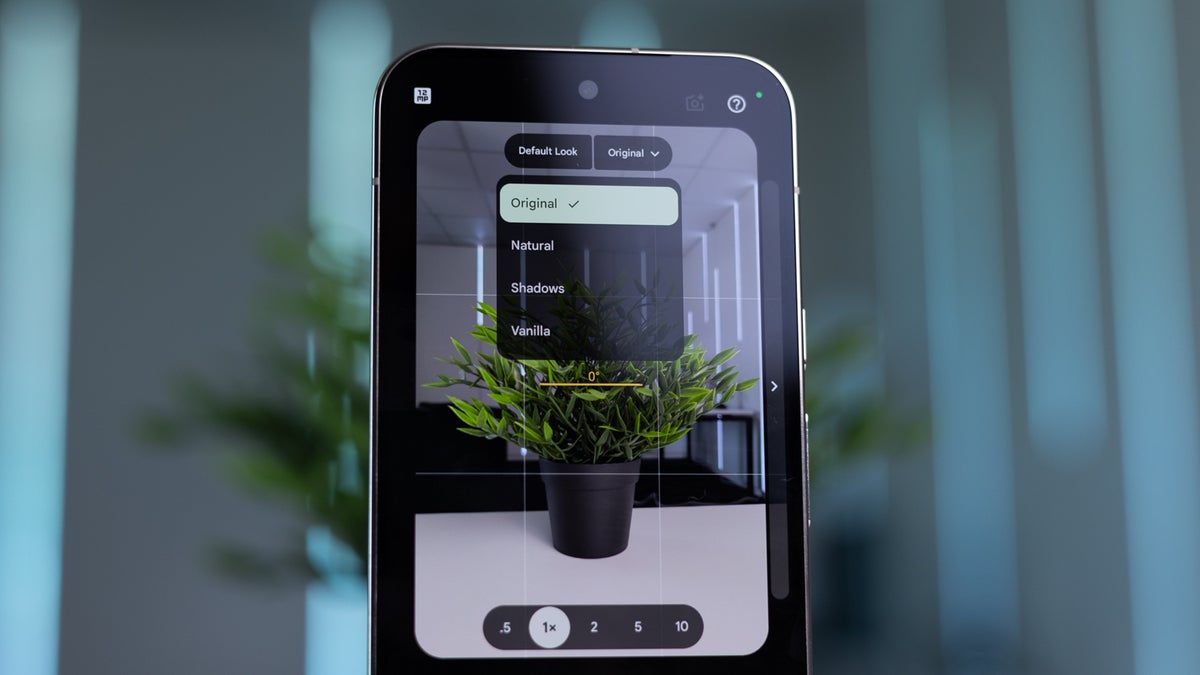
By default, the Pixel 11 captures photos with the familiar processing style from previous Pixel phones. But once you tap on the settings icon in the camera app, and then select looks, you get this dropdown menu that allows you to pick between "Original", "Natural", "Shadows" and "Vanilla". Original is the default, while natural, shadows and vanilla tweak it just a little bit. Then, if you want a radical new look, swipe left to reveal the six new creative styles: Editorial, Velvet, Classic, Digi, Black Tie and Minimal.
These film-inspired looks are available on all Pixel 11 series models. They aren't restricted to the Pro models — the standard Pixel 11 gets them too.
But what exactly are Camera Looks, and why should you care about what might sound like just another collection of filters?
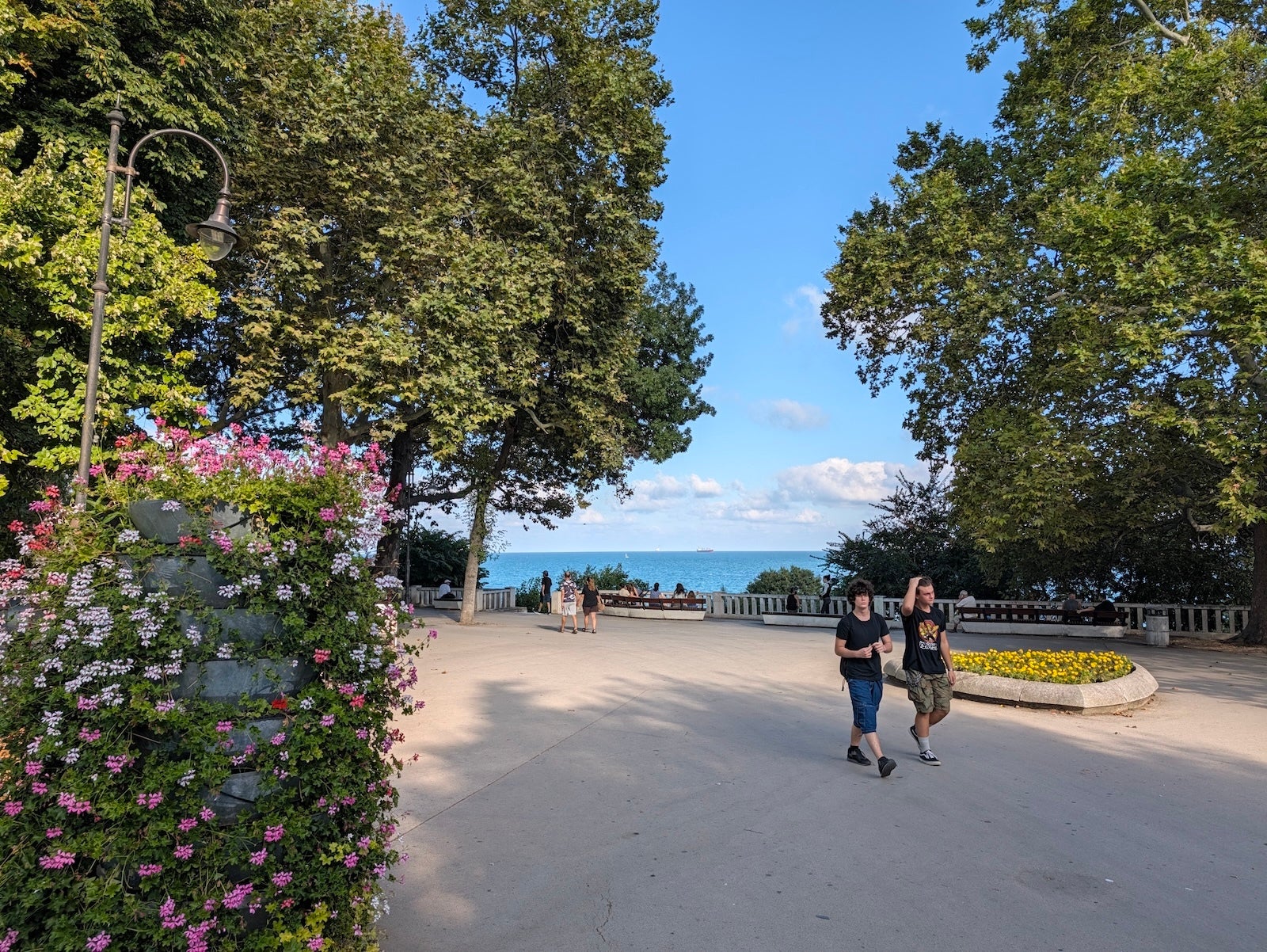
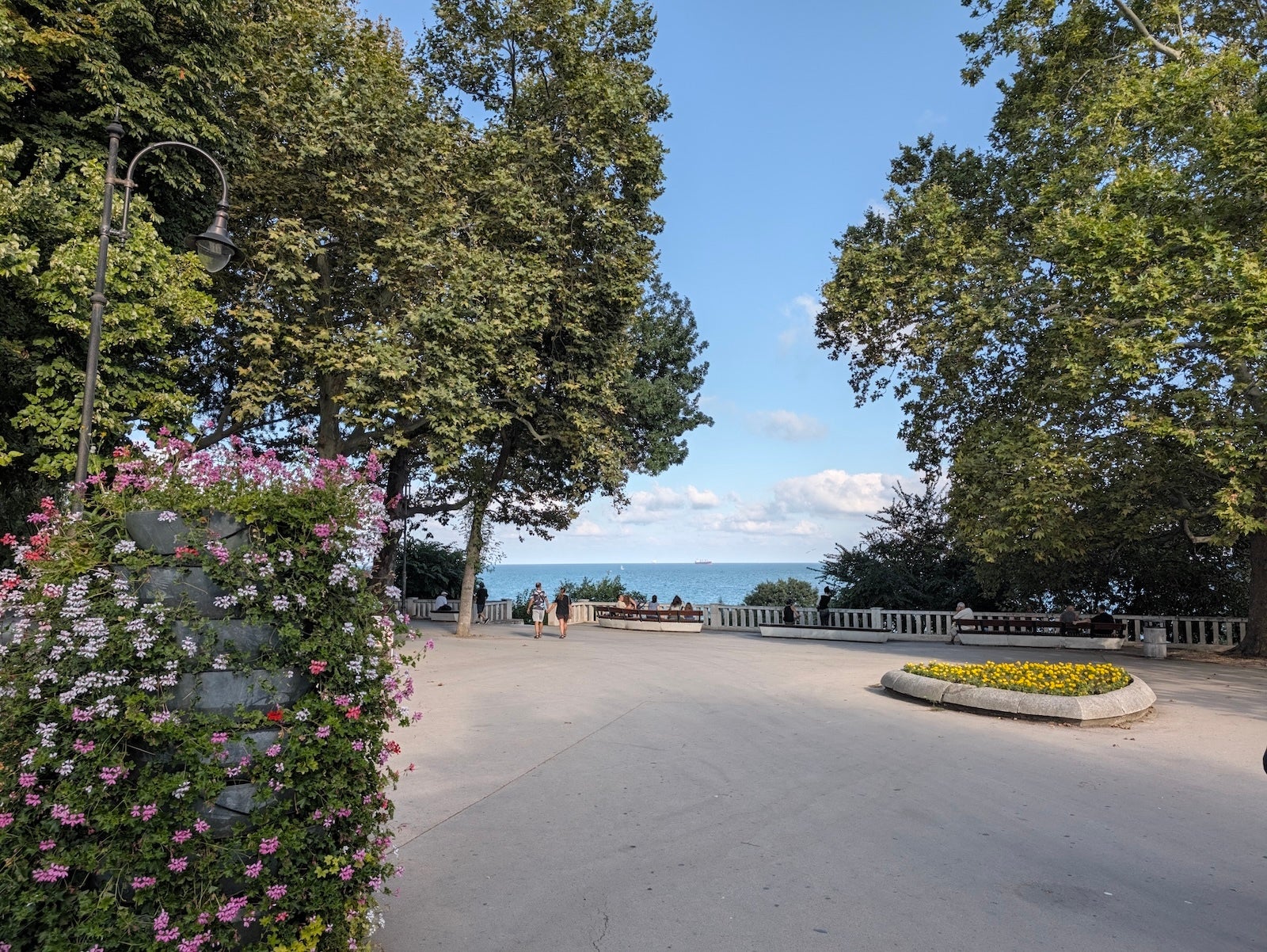
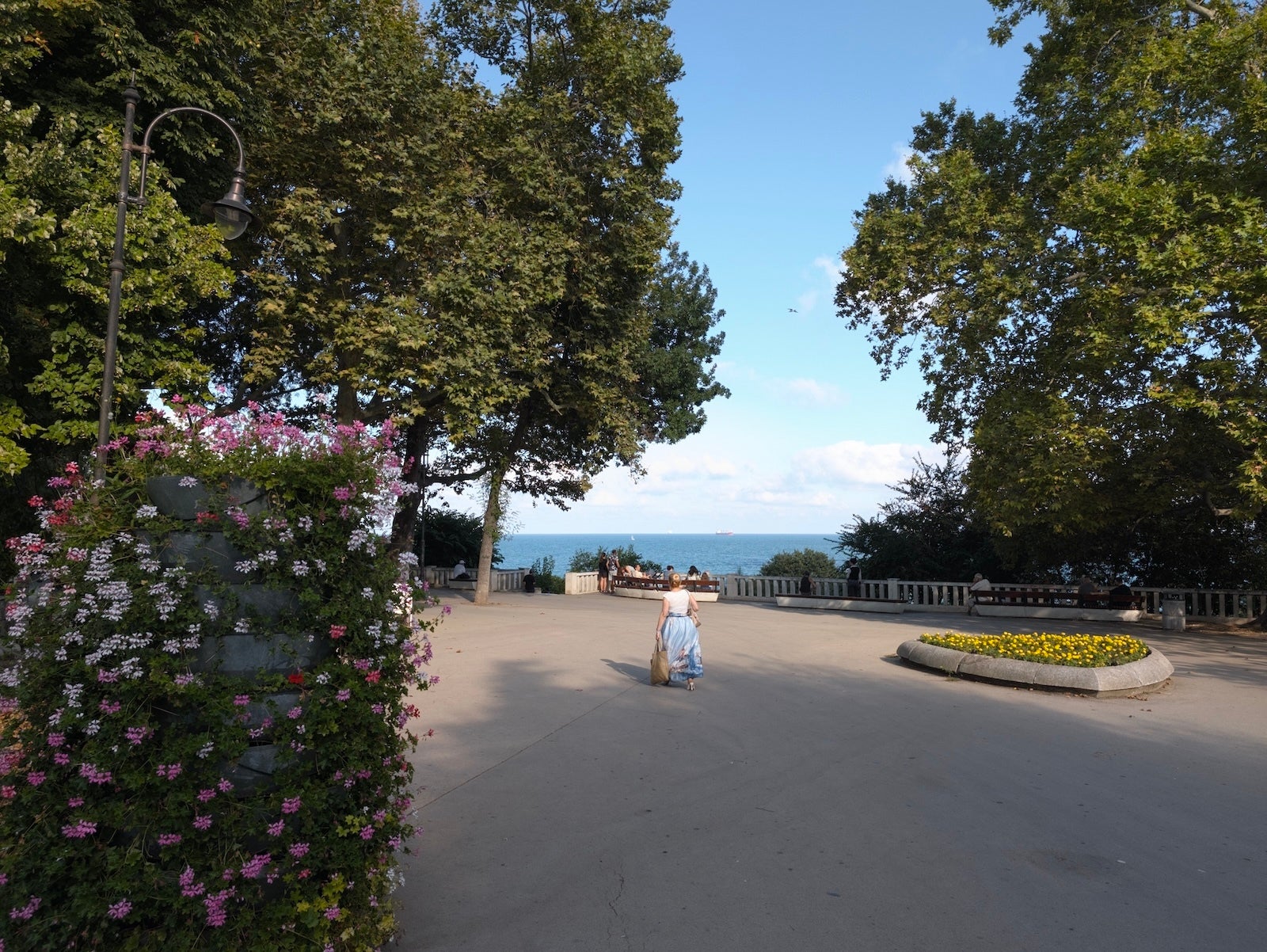
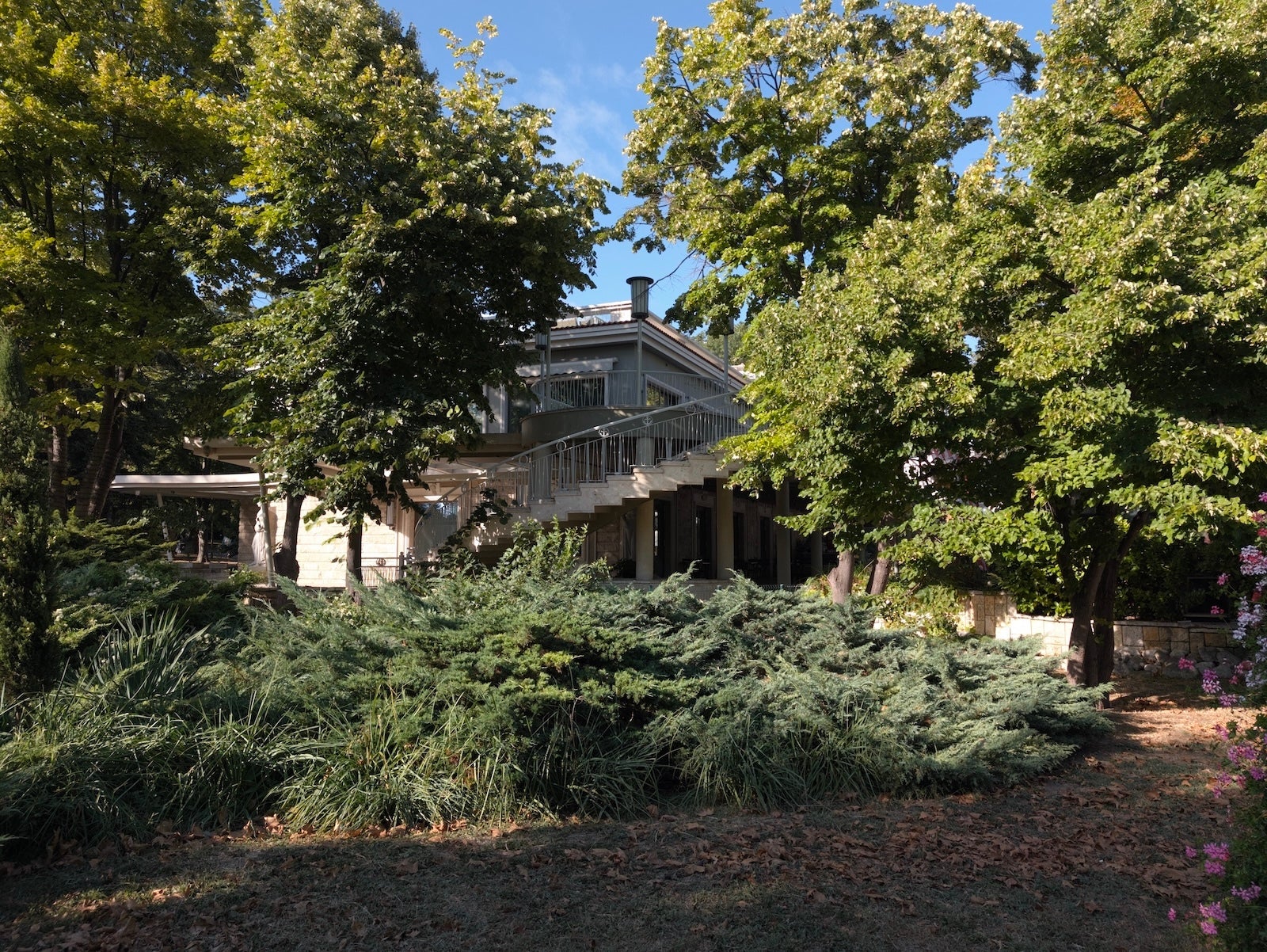
Update: I have added two additional landscape scenes with more greenery and blue skies, so you can see how the Camera Looks affect those types of shooting conditions.
By default, the Pixel 11 captures photos with the familiar processing style from previous Pixel phones. But once you tap on the settings icon in the camera app, and then select looks, you get this dropdown menu that allows you to pick between "Original", "Natural", "Shadows" and "Vanilla". Original is the default, while natural, shadows and vanilla tweak it just a little bit. Then, if you want a radical new look, swipe left to reveal the six new creative styles: Editorial, Velvet, Classic, Digi, Black Tie and Minimal.
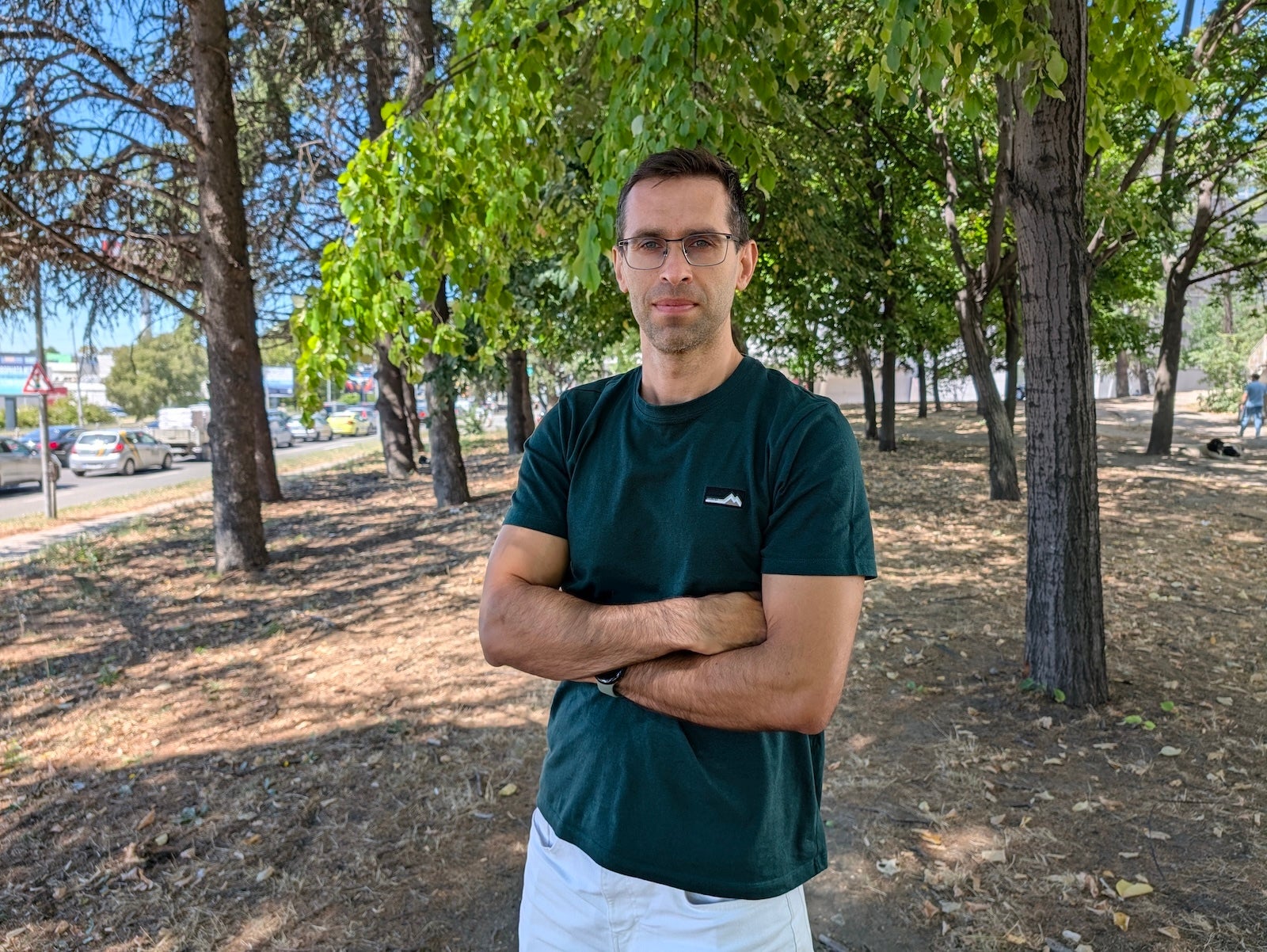
Let's explore each of these looks and see how they look compared to the default "Original" style that we are so used to.
Natural
The natural mode dials down the saturation and gives you more neutral colors, closer to reality and this might be my favorite mode



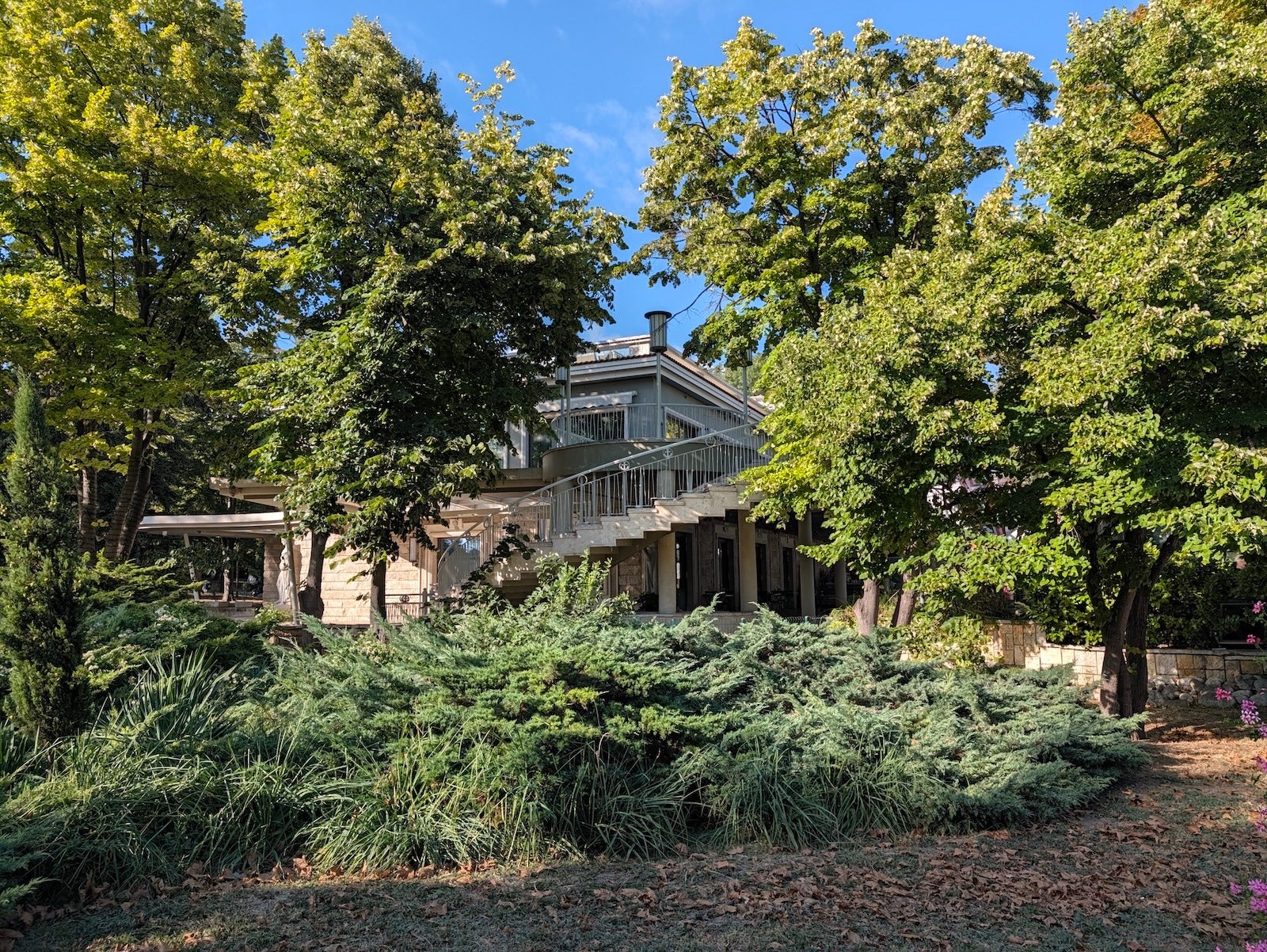
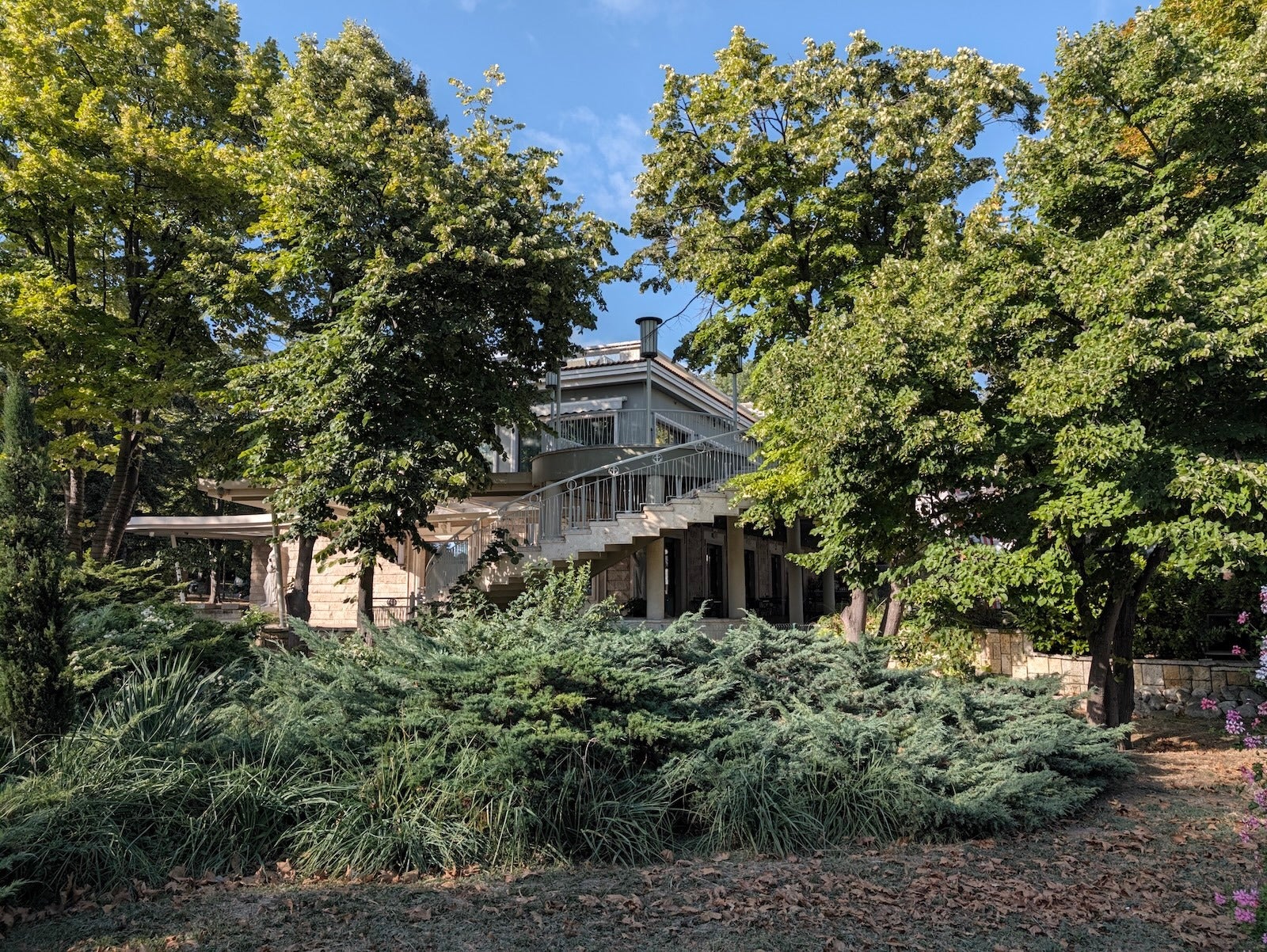
Shadows
Shadows seems to work by reducing the exposure of the entire photo (it makes both the "highlights" and the "shadows" of a photo darker)


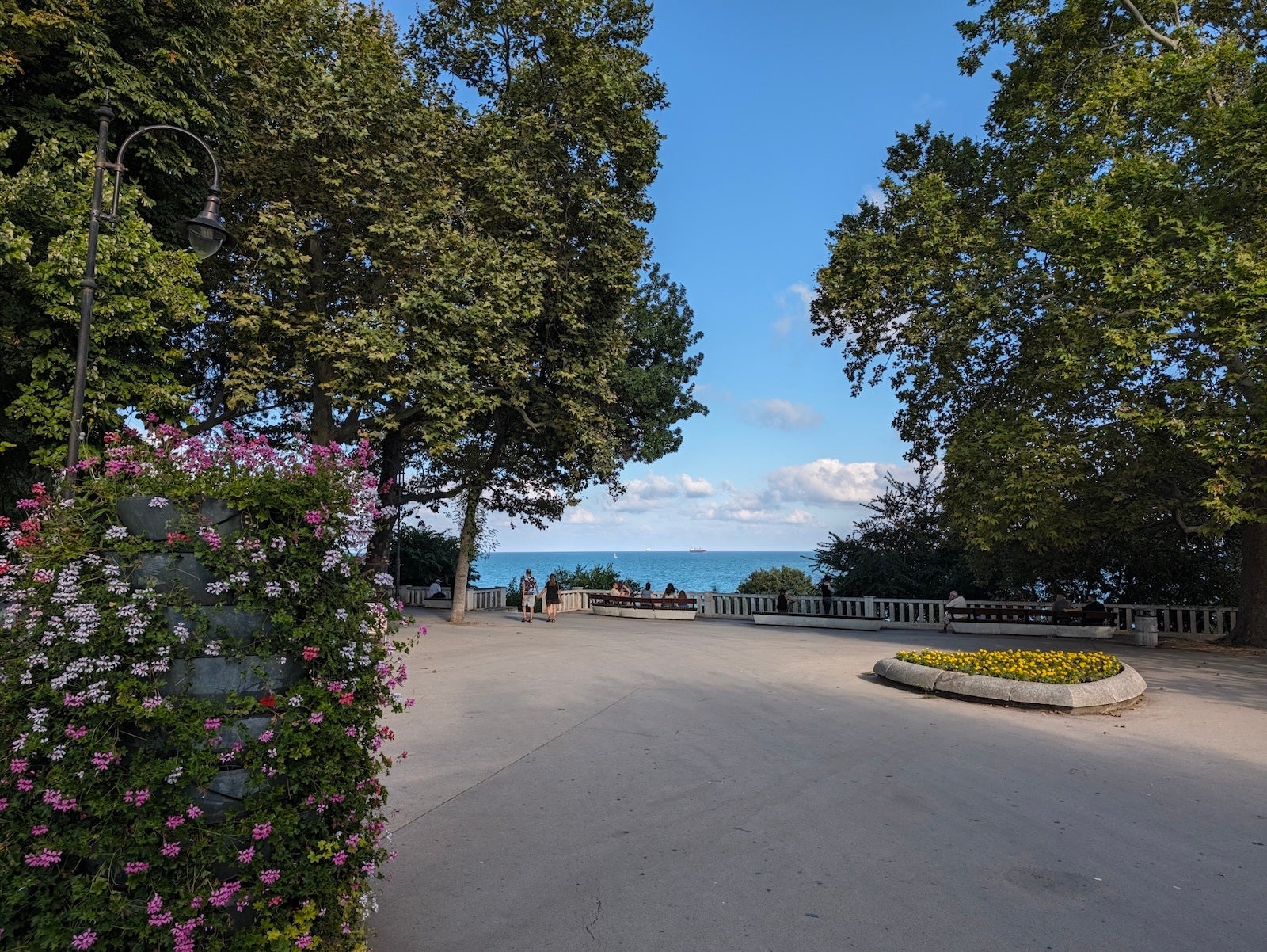
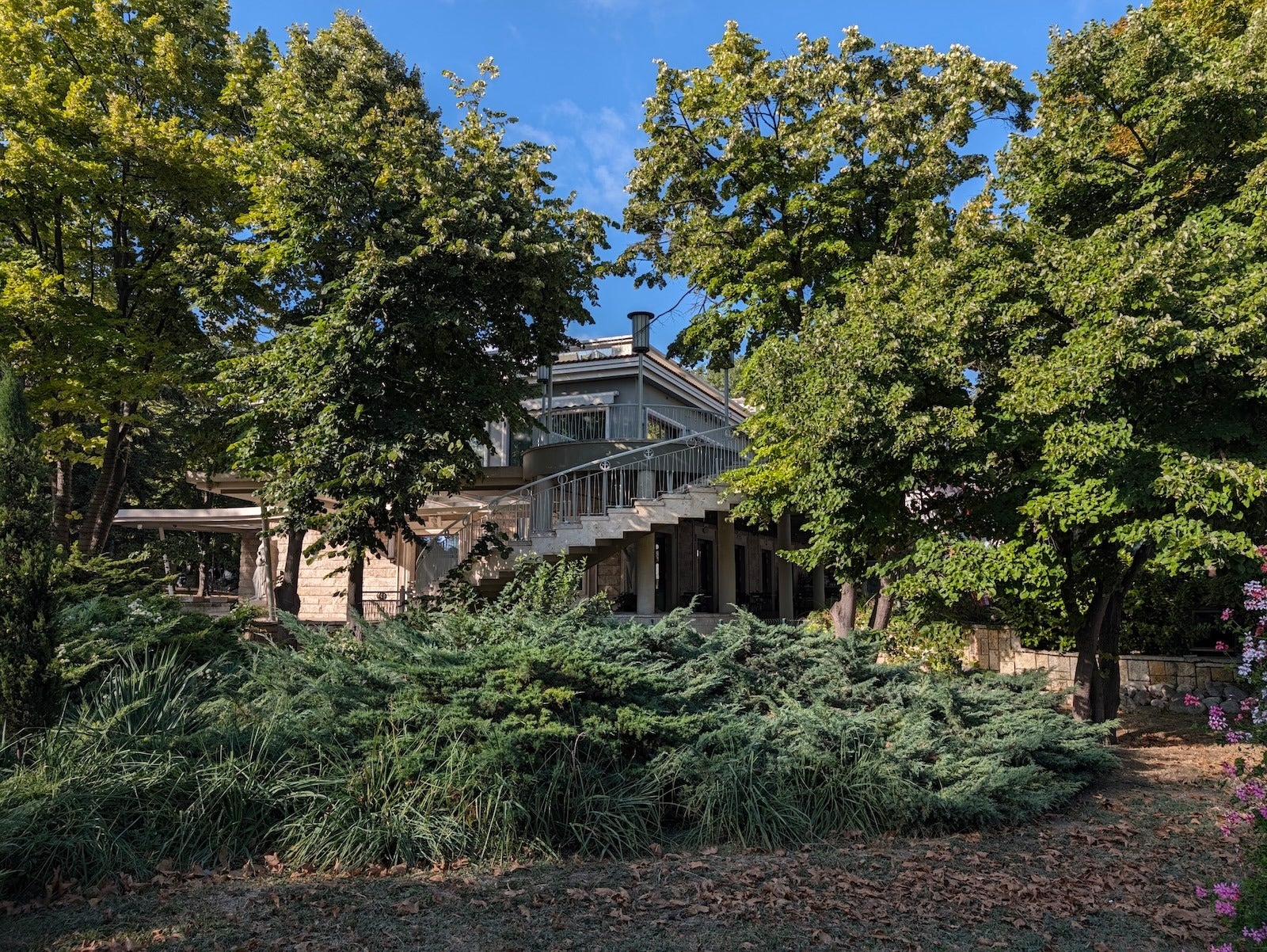
Vanilla
Vanilla is the opposite of the Natural mode — it gives you more saturated and vibrant colors


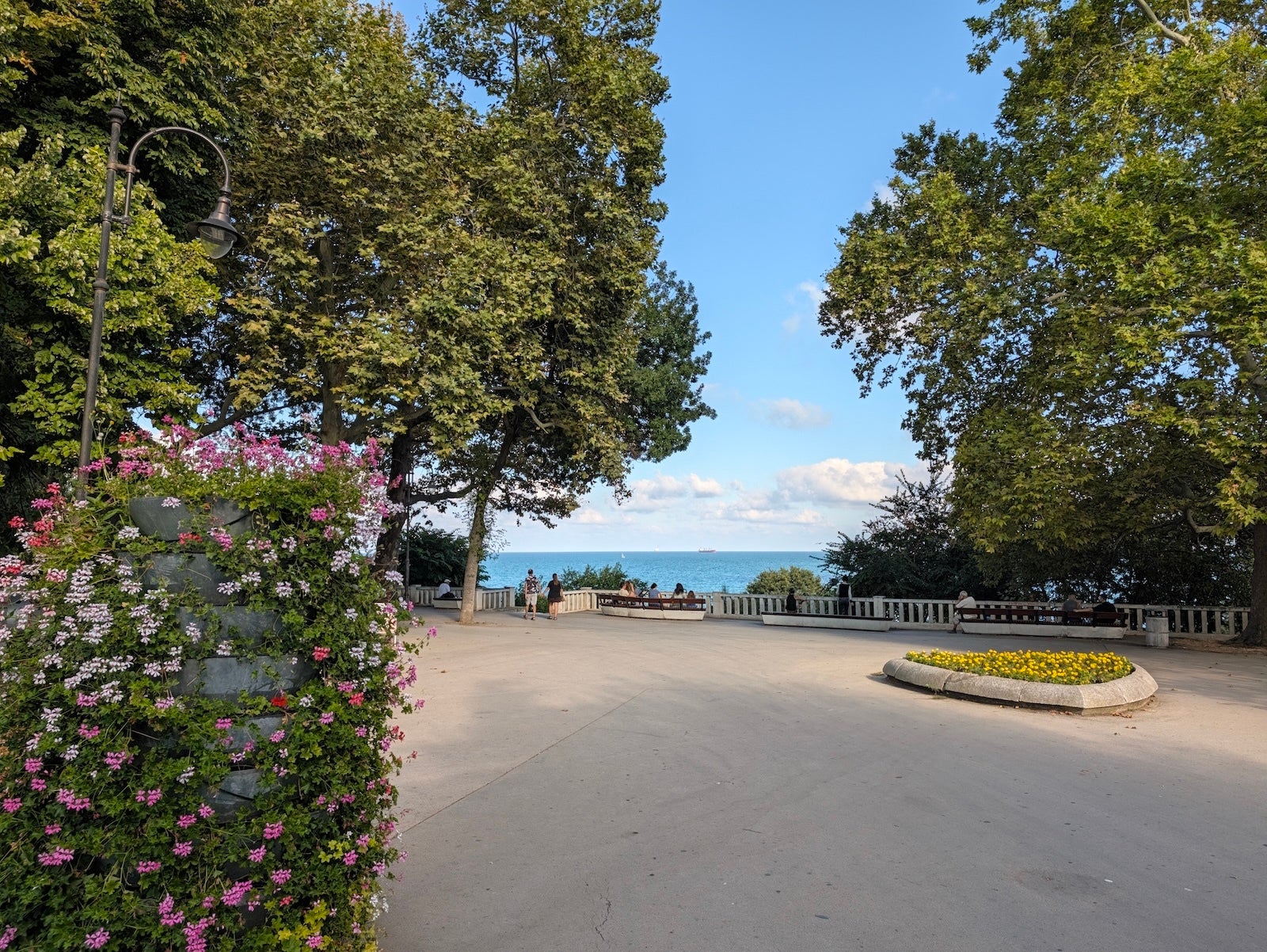
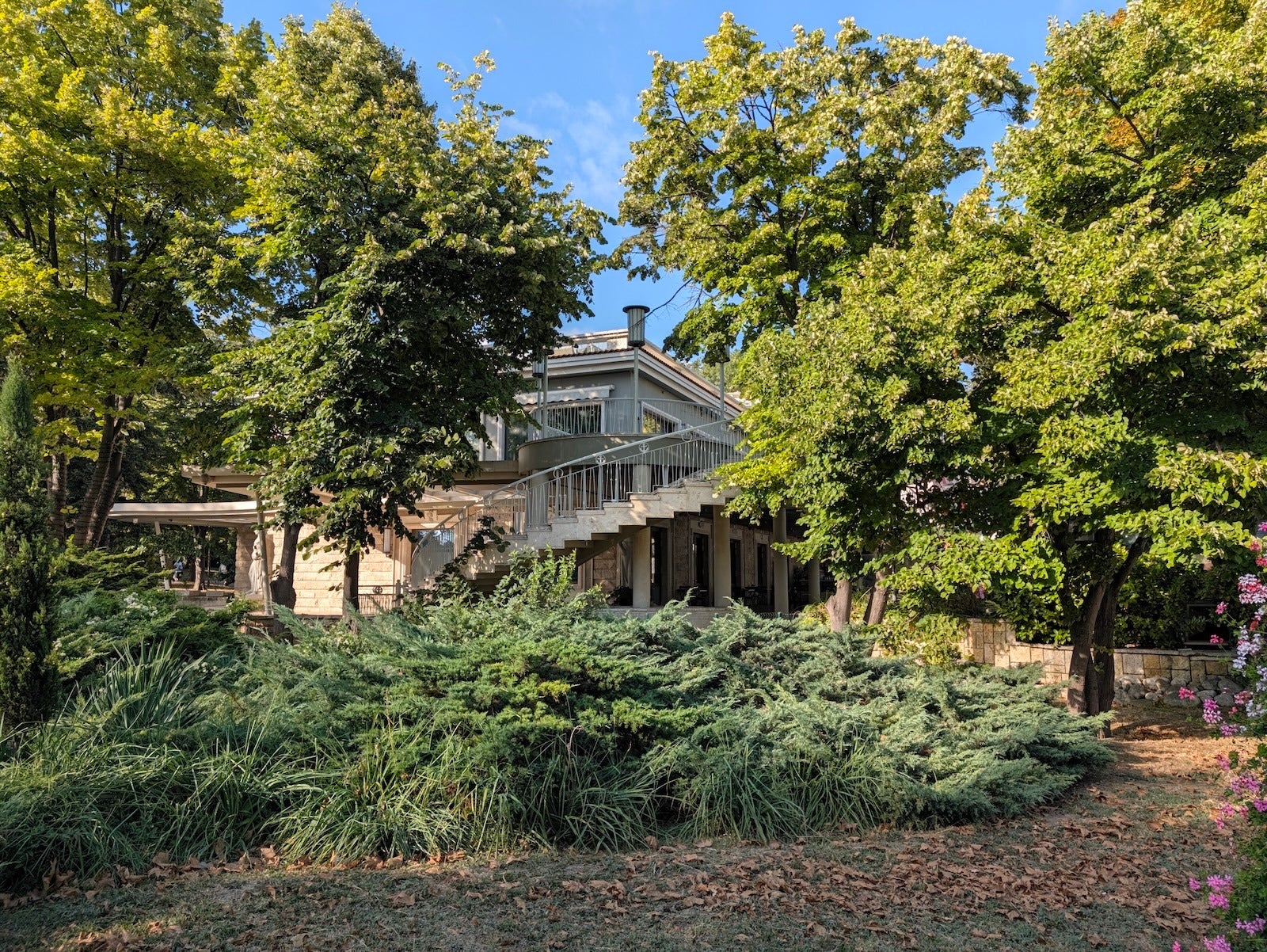
Editorial
The first creative look gives you deeper shadows, washed out blues, but be careful as "highlights" get blown out easily
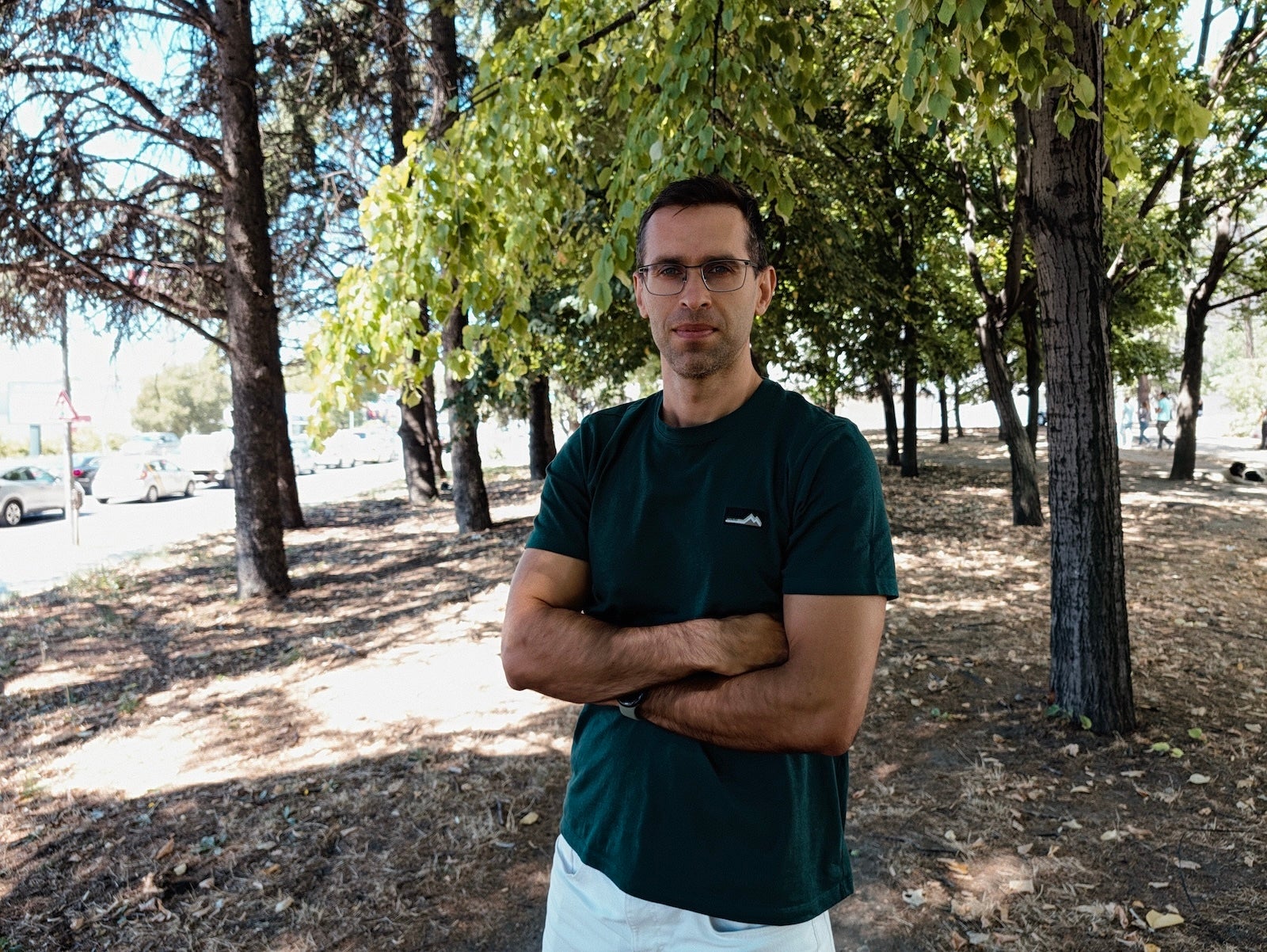
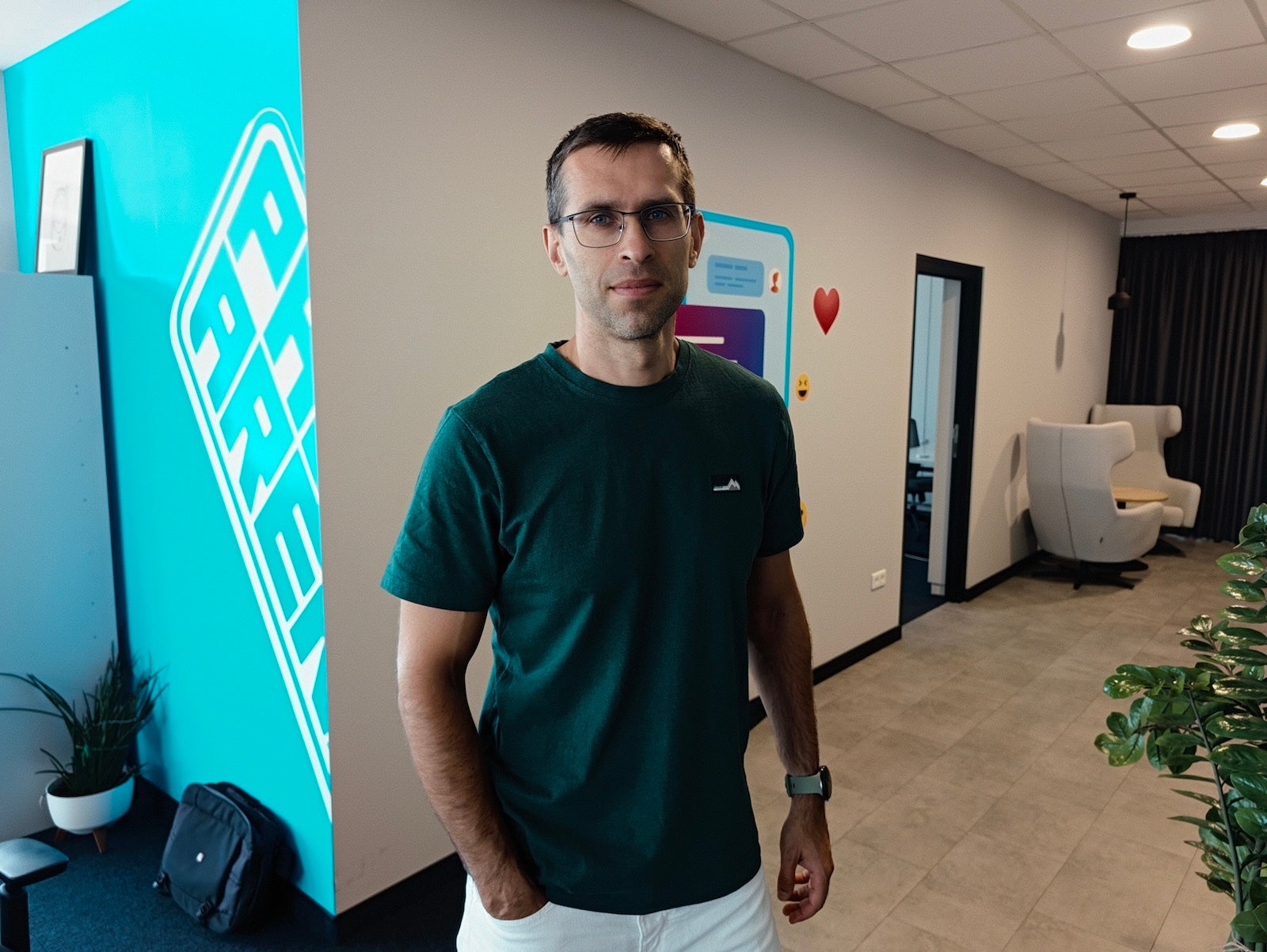
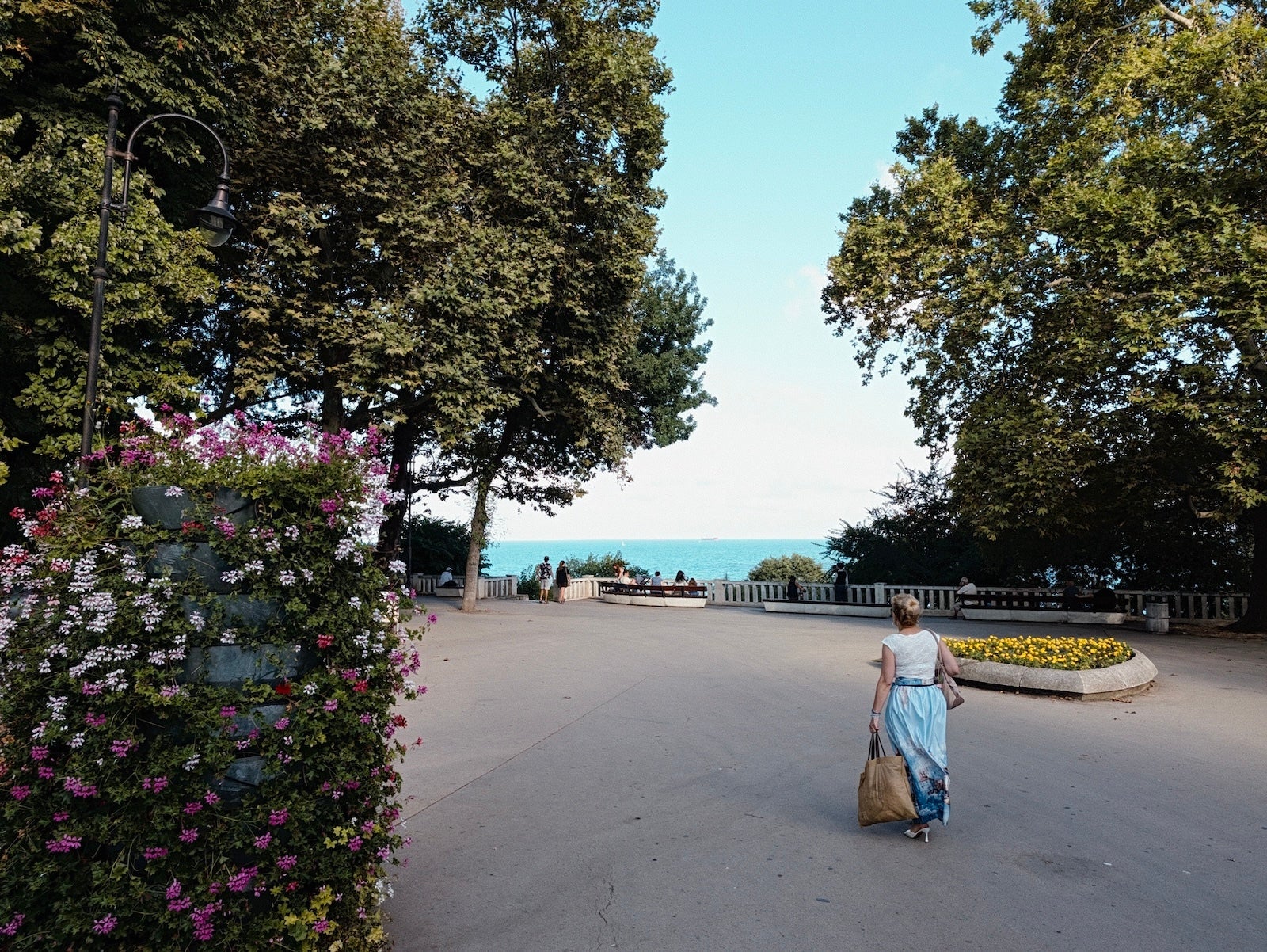
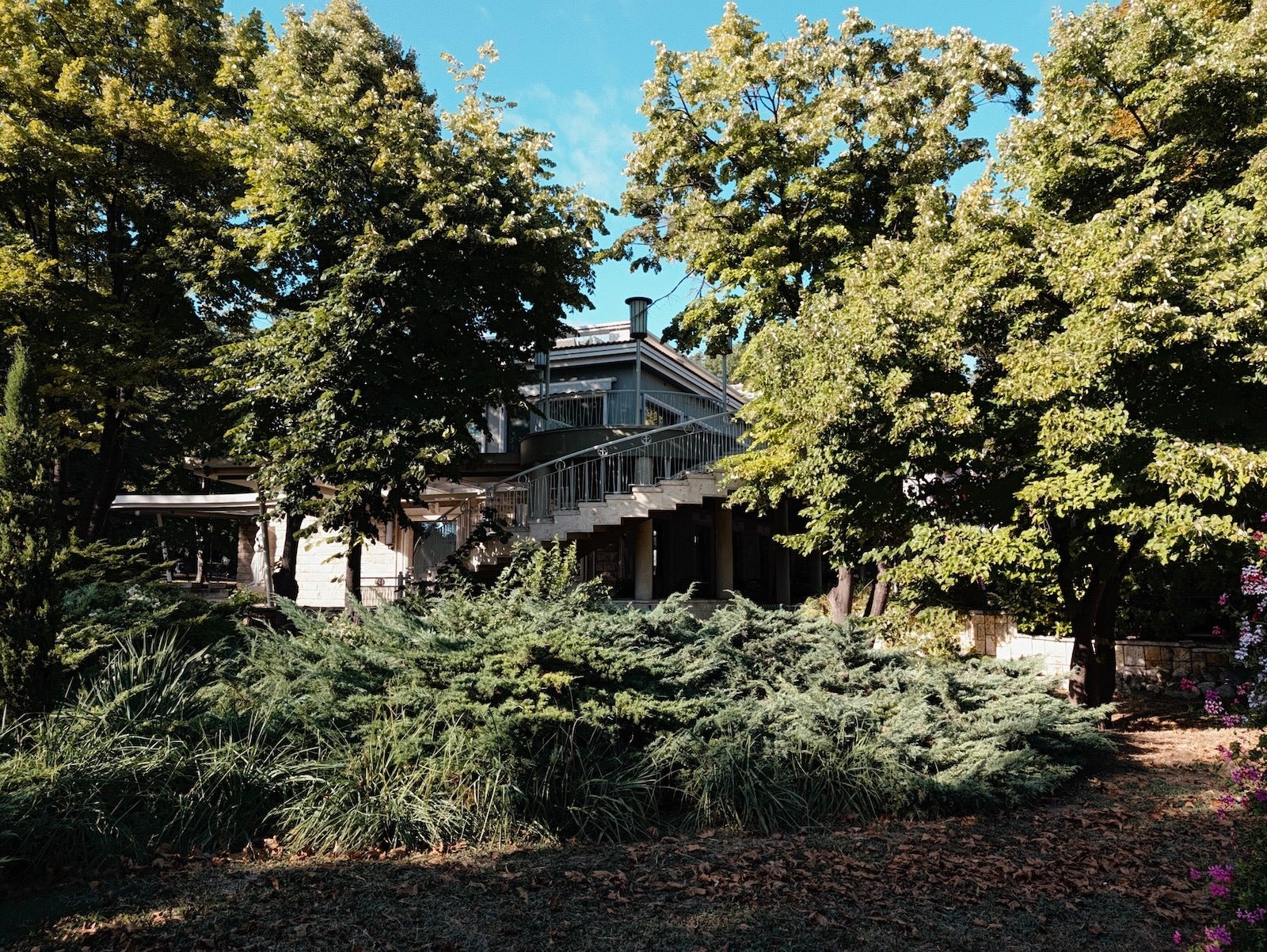
Velvet
The Velvet look is warmer with deeper, more saturated blues and reds, and cooler greens


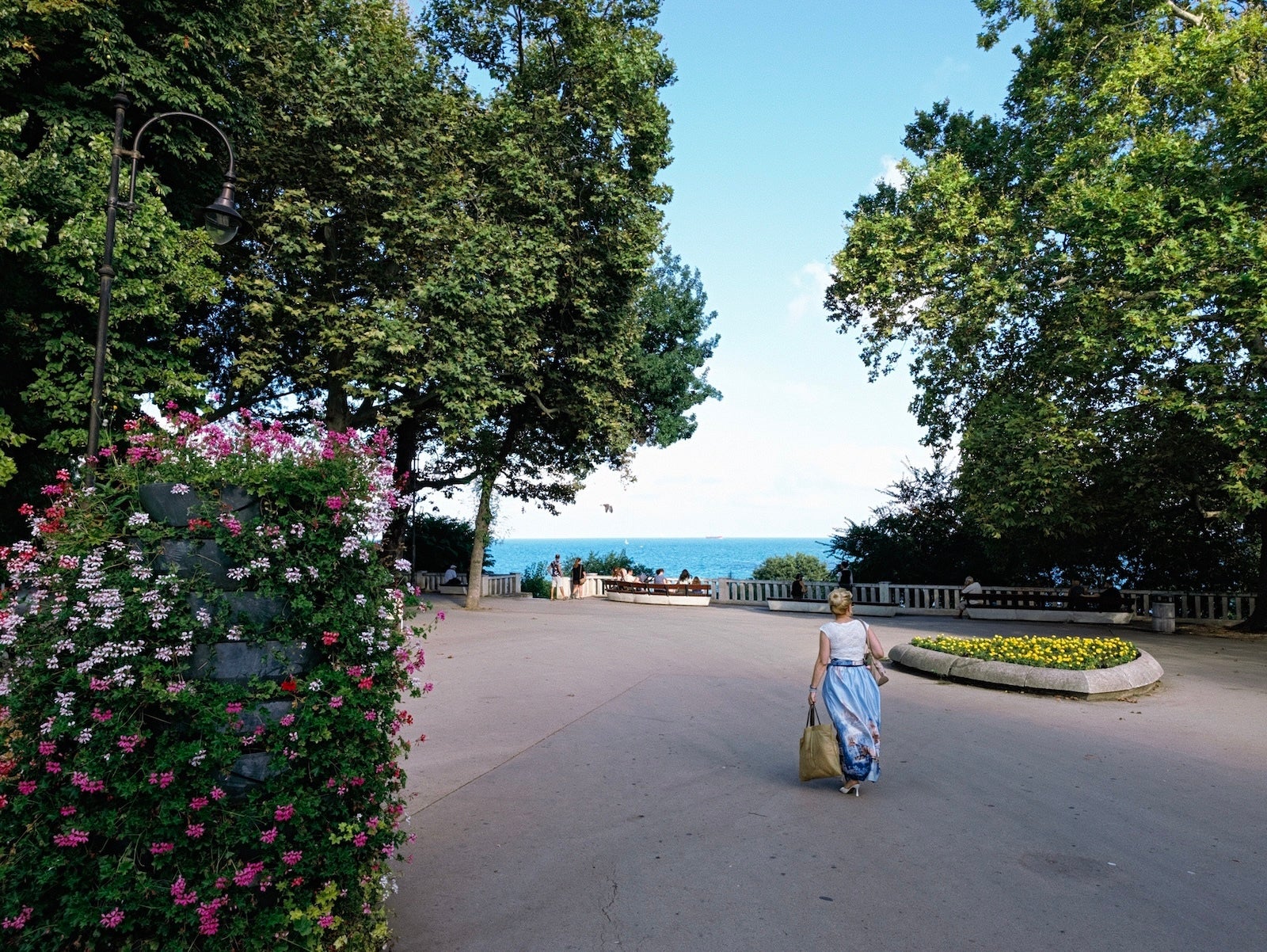
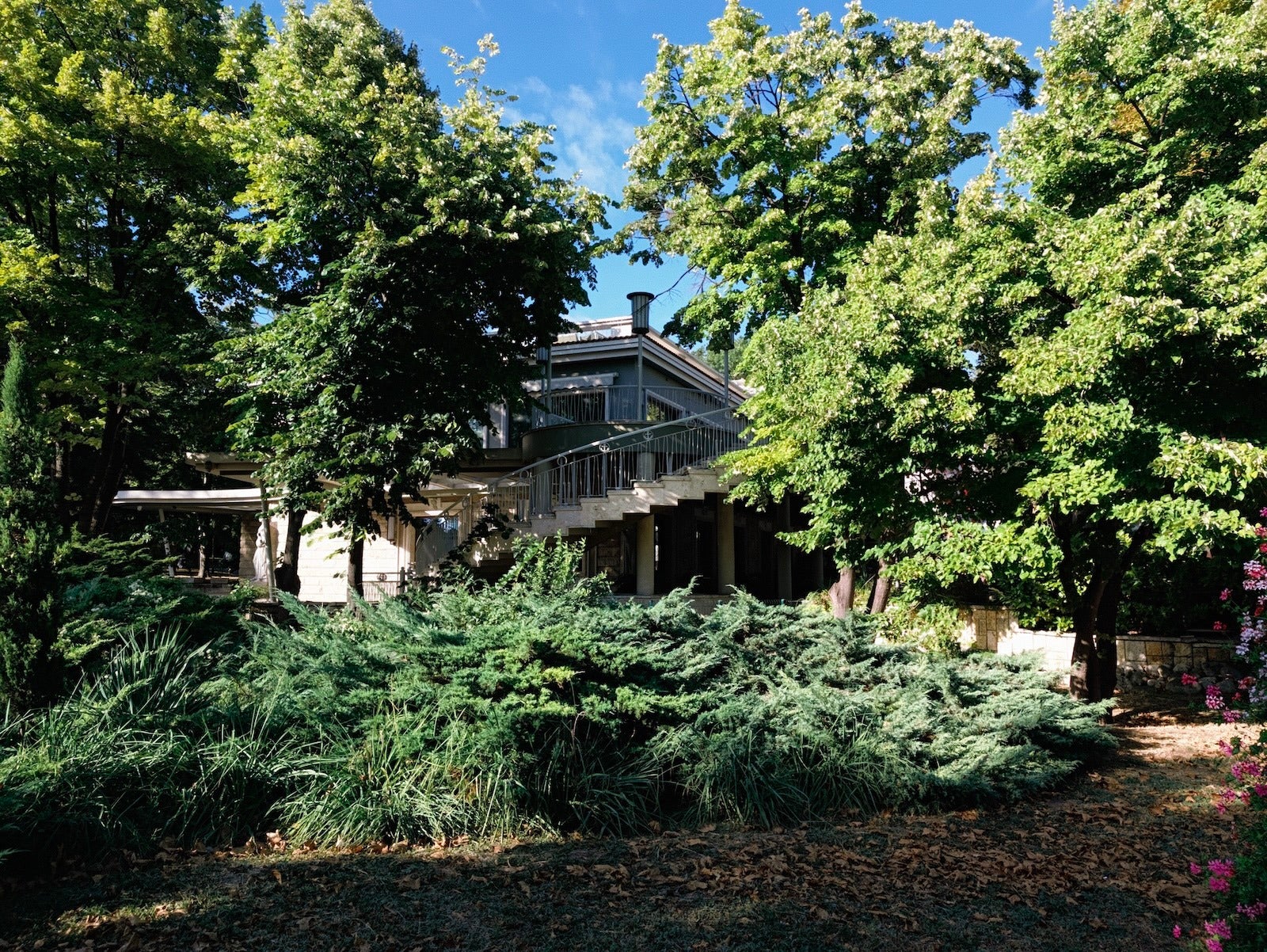
Classic
The Classic look puts a lot of grain and gives your photos a soft style with a nostalgic, yellow-pinkish hue


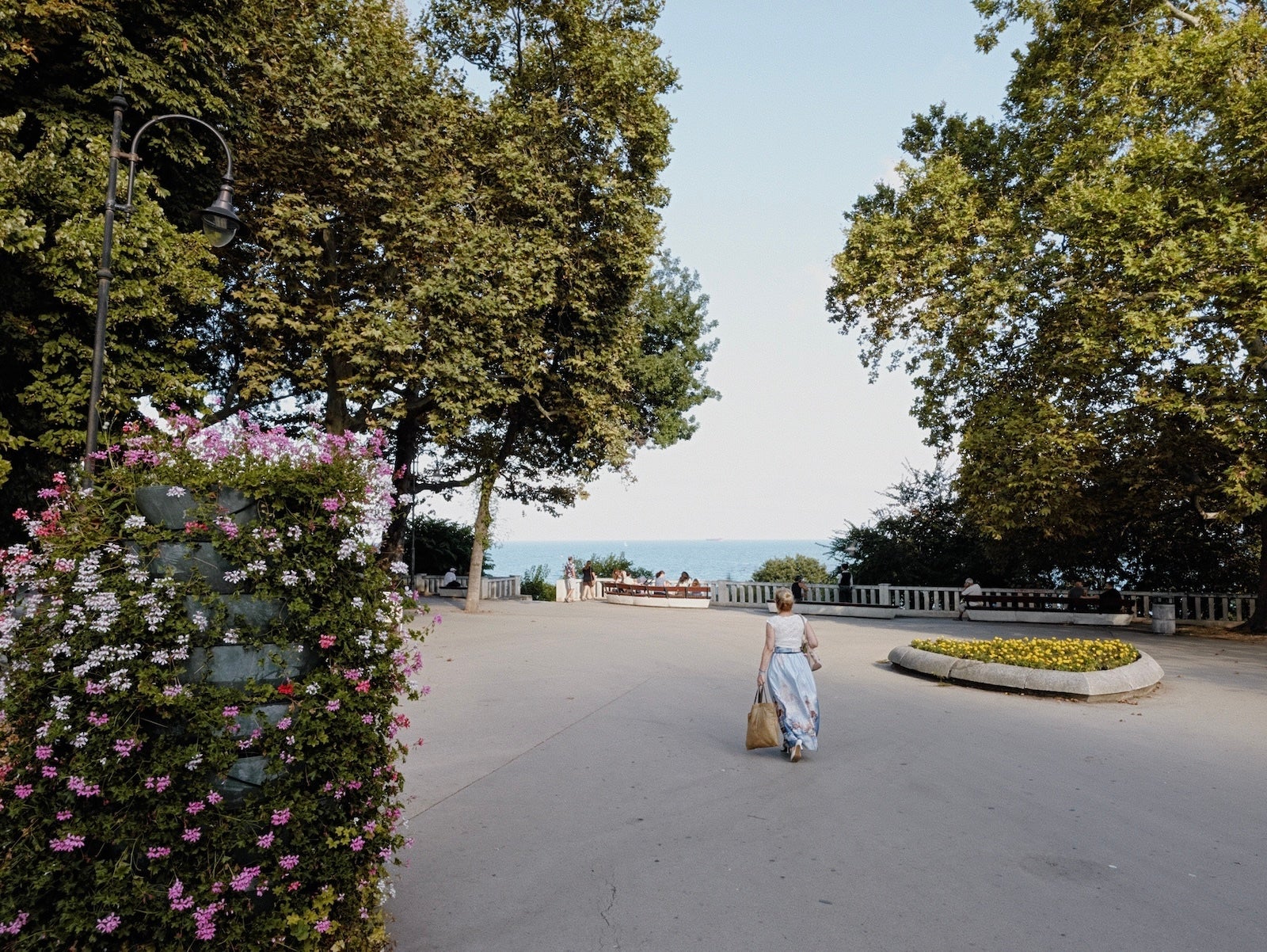
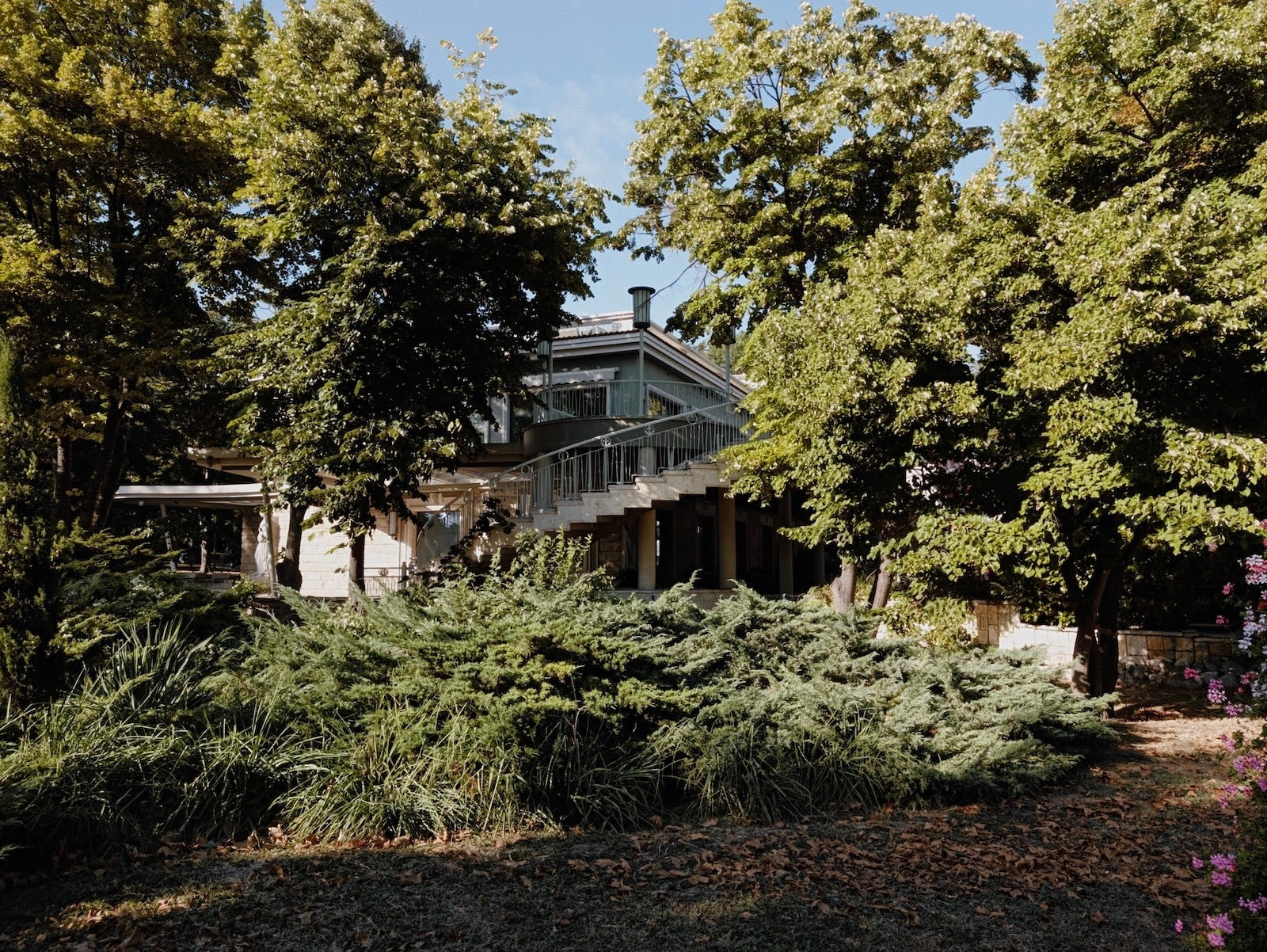
Digi
The Digi look emphasizes the contrast between highlights and shadows, while desaturating most colors


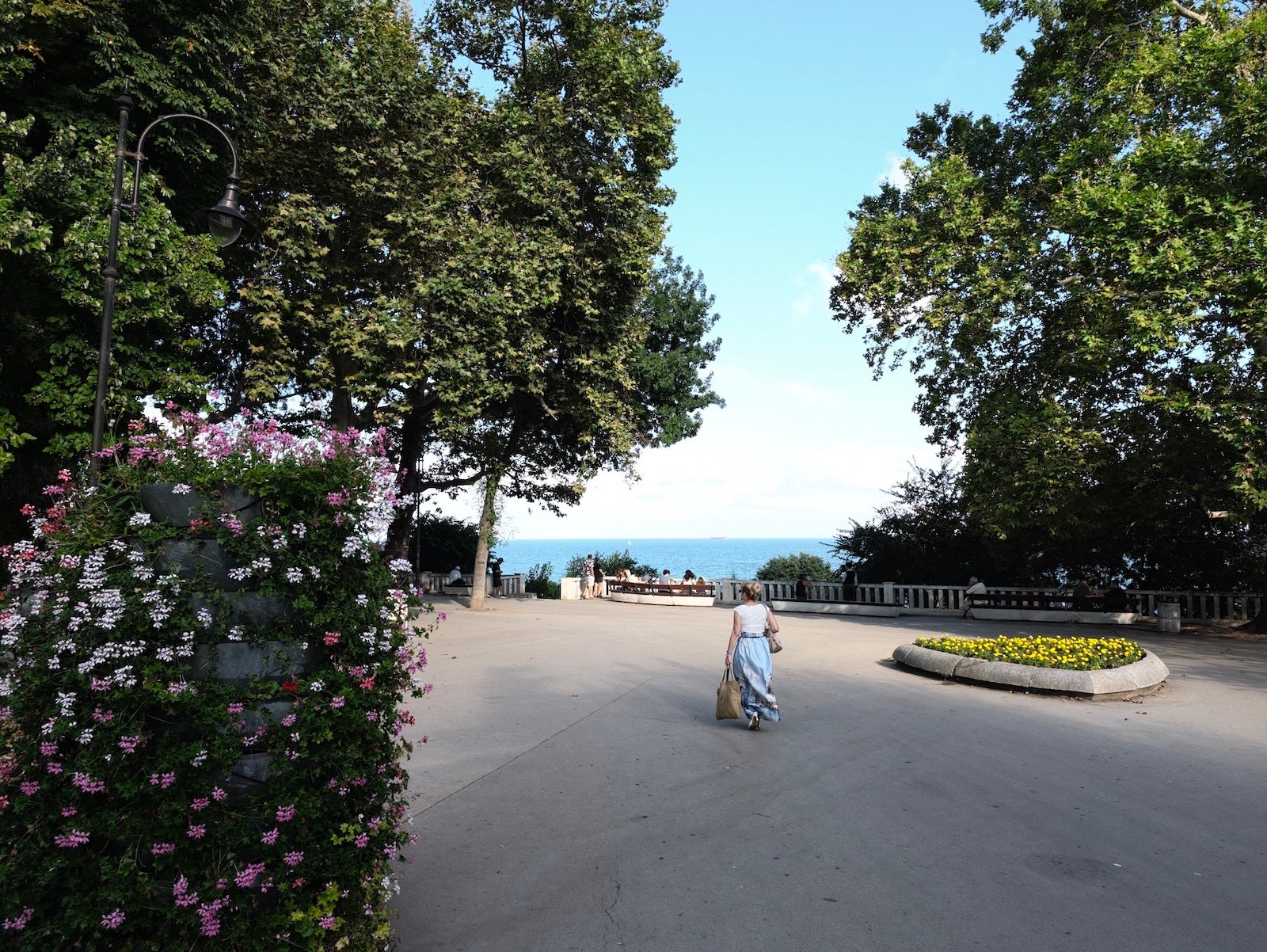
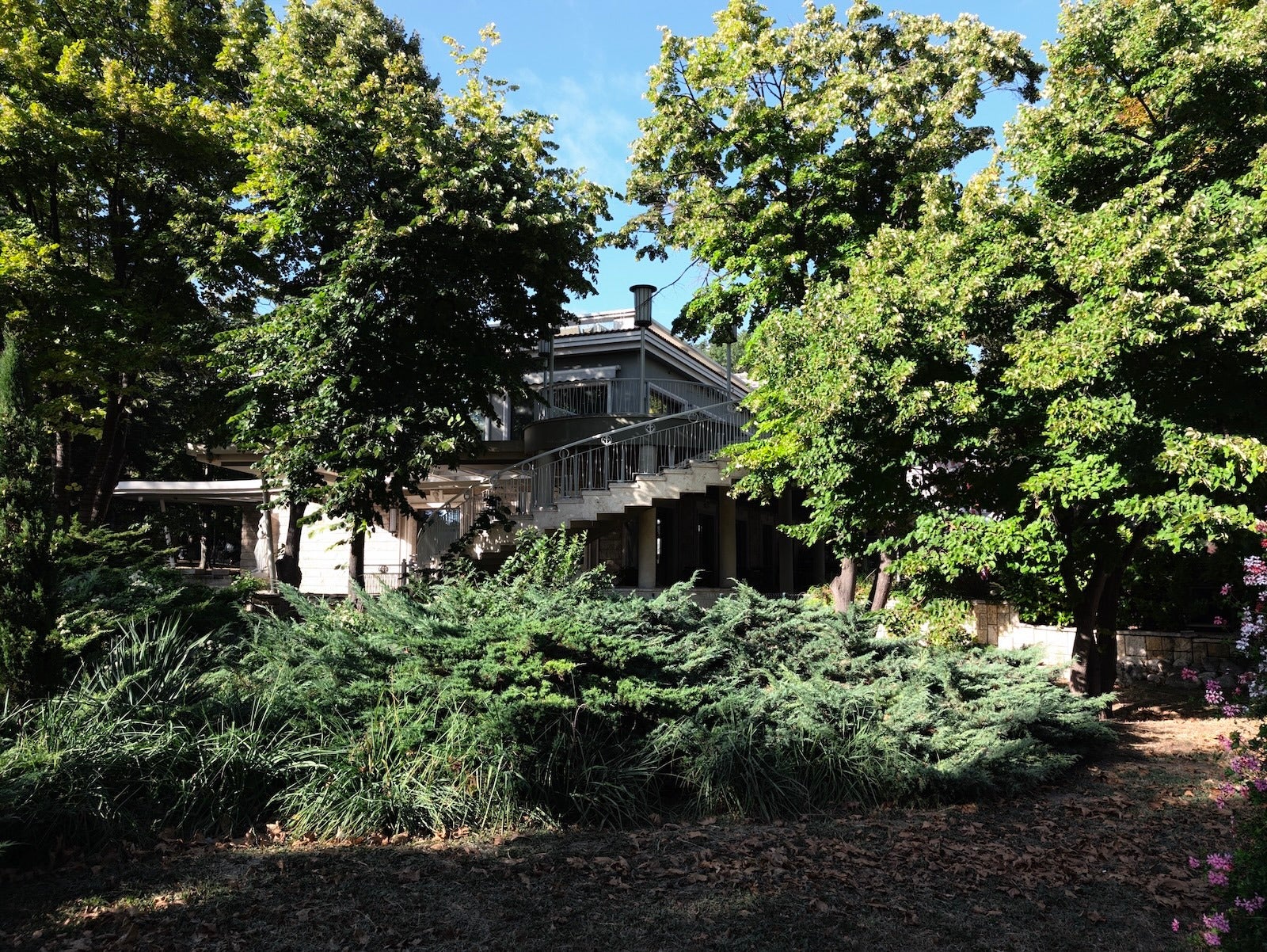
Black Tie
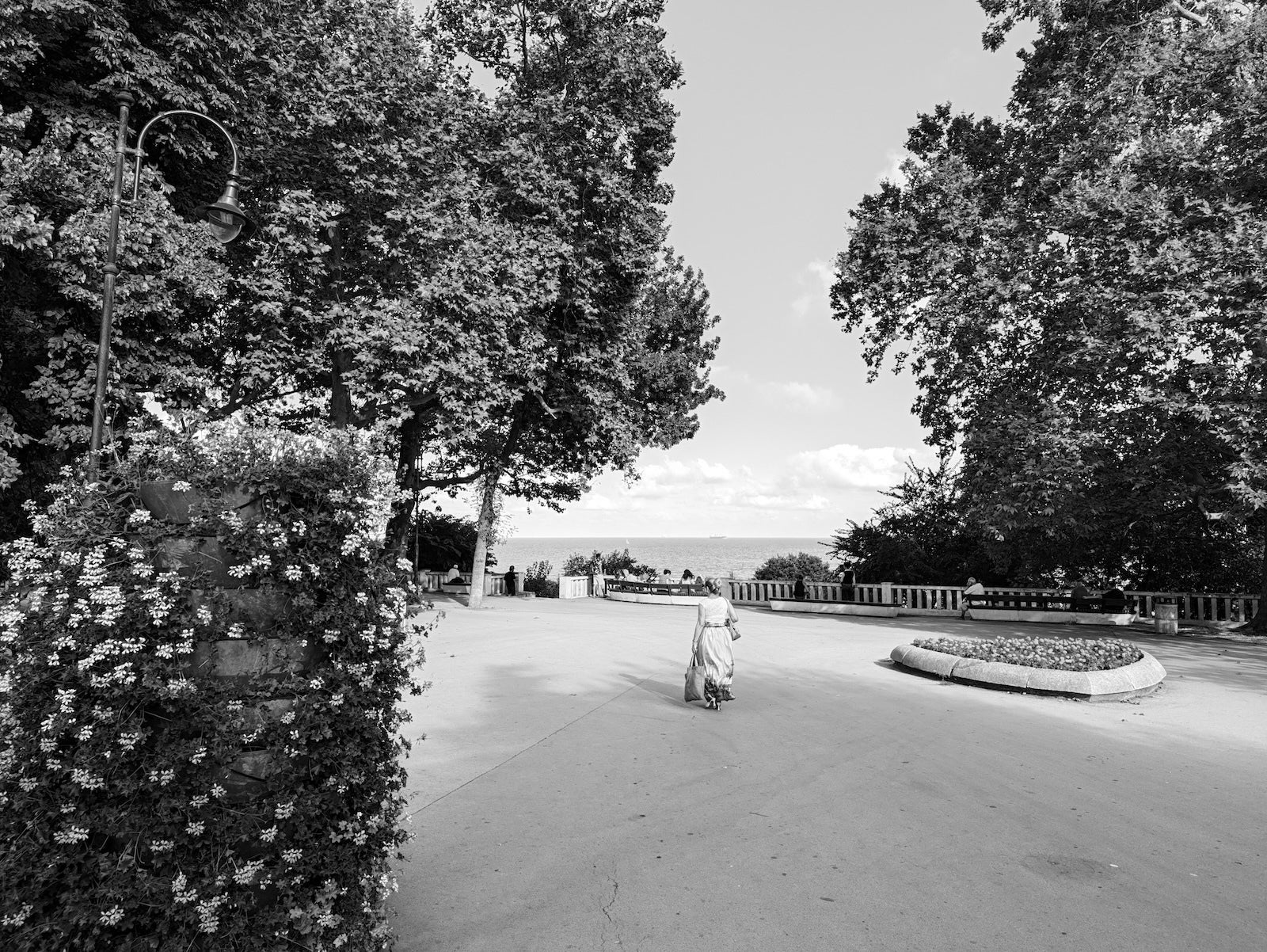
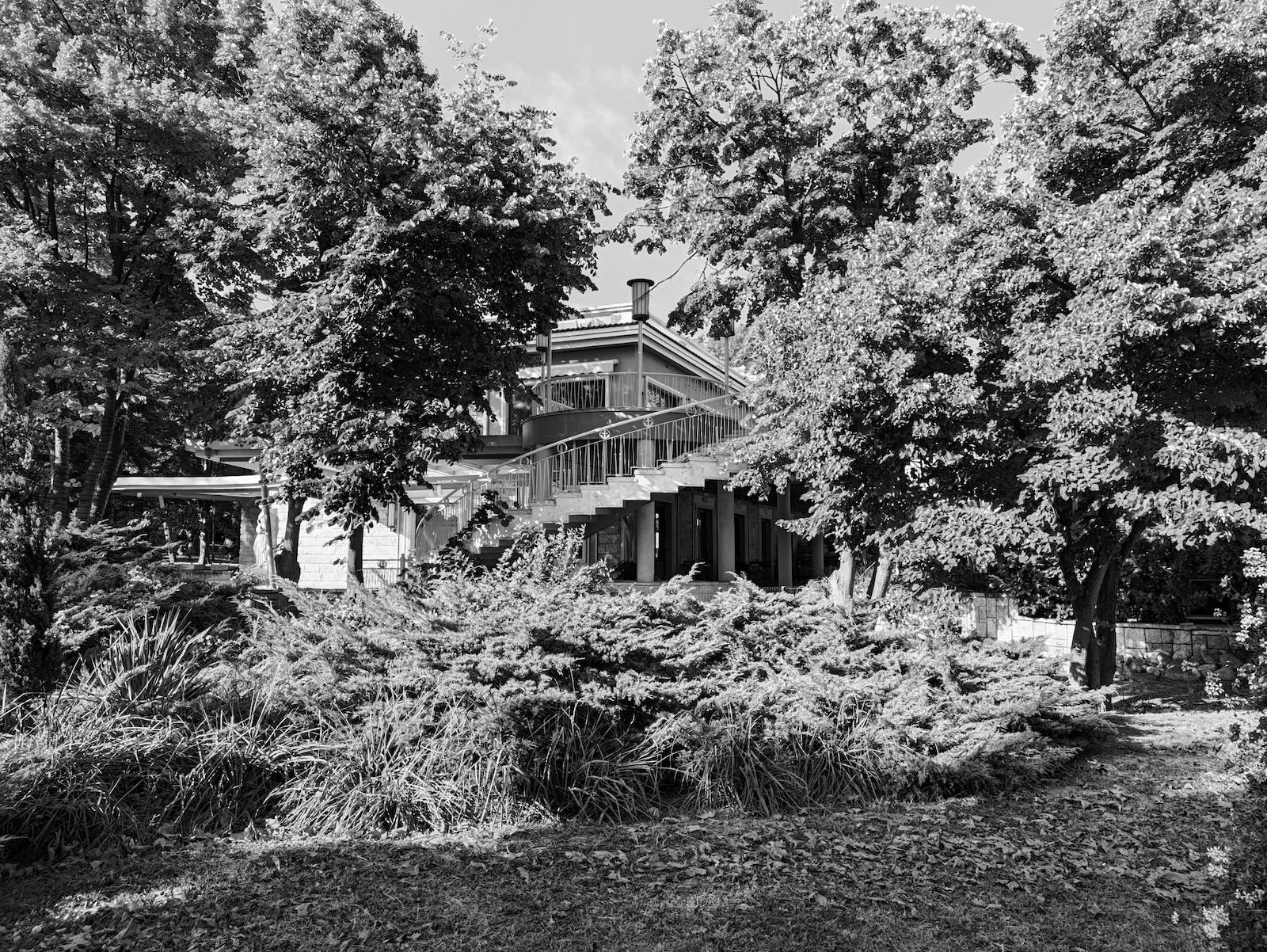
The Black Tie is the only black and white look, and it features a bold style with bright exposure and sharp contrasts


Minimal
The Minimal look is probably my favorite creative style with minimal processing straight out of a 90s camera


My Thoughts on Pixel 11 Camera Looks
I have to be honest: I was incredibly excited to try the new Camera Looks. Smartphone photos desperately need more character, and users should have a lot more control over how images look.
But my sky-high expectations (and dreams of getting Fujifilm-like photos from the Pixel 11 Pro XL) were not fully justified.
Most of the new Camera Looks appear quite rough. The creative looks look particularly aggressive (maybe by design), but in many cases these just fail the dynamic range test spectacularly. Again, this is clearly a styling choice, just not one I would choose.
The good news is that every Camera Look is fully customizable. That includes the one control I want to see in every phone: the sharpness slider.
You can finally reduce the excessive sharpness associated with smartphone photos, and that change alone will improve your photos substantially.
After experimenting with all new options, though, I think I will just stick with the "Natural" style with reduced sharpness. This way, you still get the excellent dynamic range of the Pixel, but you get rid of the oversharpening "smartphone look" and you get more neutral, realistic colors.
The good news is that all of these tweaks and settings that you do are automatically saved for future shooting. Once you nail that perfect look, you don't need to configure it again every time you open the camera app.
What do you think about the Pixel 11's new Camera Looks? Which one is your favorite, or would you stick with the default Original style?


Popular stories



Latest News


Things that are NOT allowed:
To help keep our community safe and free from spam, we apply temporary limits to newly created accounts: