The One UI 9.5 beta program is available for the Galaxy S26 series in limited regions, which includes Germany, India, Poland, South Korea, the UK, and the US. The update comes with many new features, but there's one particular addition that you will absolutely love as a Galaxy fan.
Native app lock on Galaxy phones
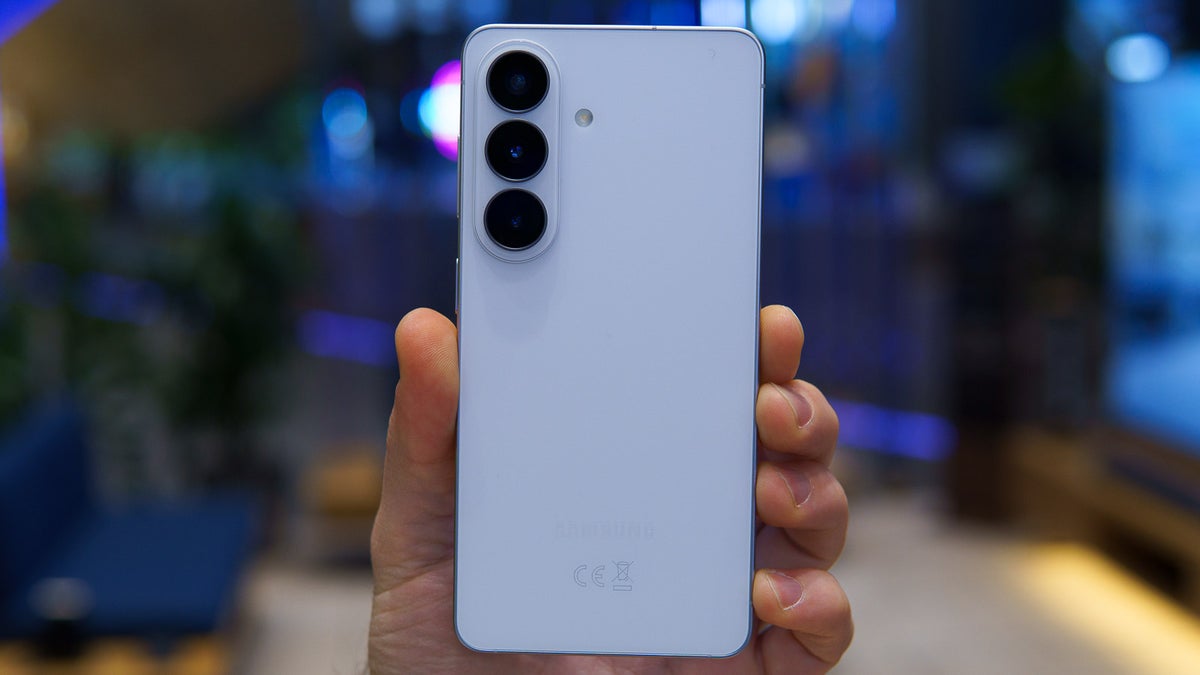
I currently have a Galaxy S26 Plus as my secondary device, and one of my biggest complaints with it is that it doesn't have native app lock. The phone surely comes with a Secure Folder, but it isn't as simple as the native app lock that the iPhone has been offering since the iOS 18 release. Fortunately, that could change very soon, as in the One UI 9.5 beta, a native app lock feature has been spotted.
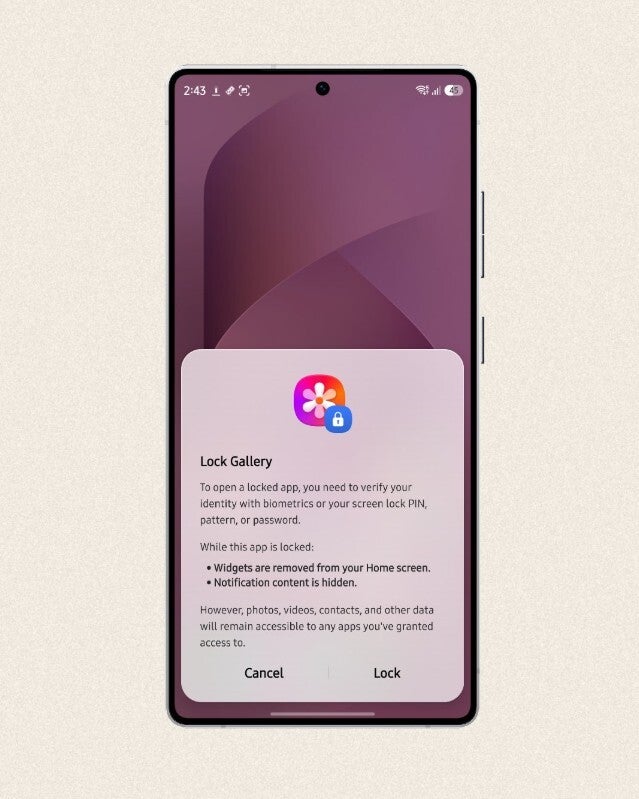
You can lock any app on your Galaxy phone by reportedly tapping and holding its icon and choosing the "Lock" icon from the menu that appears. To access any locked app, you would have to prove your identity using biometric authentication, a PIN, pattern, or password.
Poll
1 Votes
Do you believe Sammy is very late in adding native app lock?
Samsung app lock implementation is really great
App lock feature in Galaxy phone. | Image by Tarun Vats
Locking an app wouldn't really make much sense if notifications related to that particular app appear on the notification bar. Samsung has fortunately thought about this, as locking an app also means its notifications are hidden. Furthermore, widgets related to the locked apps don't appear on the home screen to make sure private details don't get exposed when you hand your phone to someone else.
Recommended For You
The latest Ultra phone from Samsung, the Galaxy S26 Ultra, gets an extra benefit. The Ultra phone comes with a privacy feature called Privacy Display, which basically ensures that the phone content can't be viewed from off angles.
So, whenever you open a locked app on the Galaxy S26 Ultra, the Privacy Display feature automatically kicks in so that no one other than you can view what you are doing on your screen. Fortunately, you have the manual control on whether you want the Privacy Display to activate when using the locked app.
Galaxy fans have been requesting this feature for ages
One UI is great, and it has introduced plenty of interesting features in the recent year, but a native app lock is something it was yet to receive, and many Galaxy users have openly criticized Samsung for it. I was able to find a good number of posts and comments on online community forums like Reddit with users basically calling out Samsung for not offering the option to lock apps they want to keep private, just like what is available in iPhones.
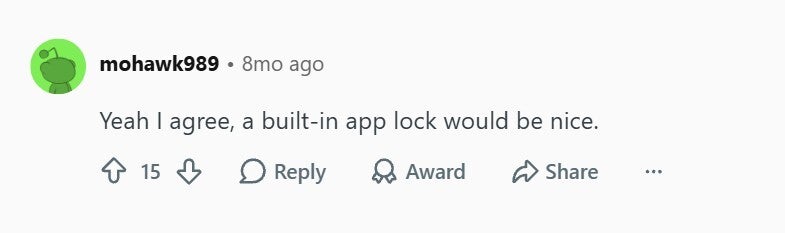
Comment about native app lock in Galaxy phones. | Image by Reddit
One individual commented under a relevant post that a built-in app lock would be a really nice addition to Galaxy phones. Another user, who apparently moved from Nothing Phone (2) to Galaxy S25 Ultra, made a post on Reddit mentioning that the native app lock is one feature they really miss on the Galaxy device. For reference, Nothing smartphones that are running on Nothing OS 2.0 and later support built-in app lock.
Samsung and Google are on the same page
When it comes to built-in app lock support, both Google and Samsung smartphones aren't much different. Similar to the Galaxy phones, the feature is still in the testing phase on Pixel devices as well. On the other hand, other Android manufacturers like Nothing, Xiaomi, and more have been offering this capability for some really long time.
The good news is that Google and Samsung have finally understood that native app lock is really an important capability that a smartphone must have. All that said, the One UI 9.5 beta comes with many more unique capabilities, which you can check out in the story covered by my colleague Faisal. There is no update on when the stable version of this particular UI build would be released, but most likely the Galaxy S27 lineup might come equipped with it.
Aman Kumar is a news writer at PhoneArena covering Google Pixel phones, Android features, AI-powered smartphone tools, and mobile tech news. Before joining PhoneArena, he spent over five years writing about consumer technology for publications like MakeUseOf, How-To Geek, and Guiding Tech. His current daily drivers are the Pixel 10 and Samsung Galaxy S26 Plus, while his red iPhone SE (2nd gen) remains a personal favorite. Aman also appreciates bold smartphone experiments and still considers the Nokia N-Gage one of the industry’s most iconic designs.
A discussion is a place, where people can voice their opinion, no matter if it
is positive, neutral or negative. However, when posting, one must stay true to the topic, and not just share some
random thoughts, which are not directly related to the matter.
Things that are NOT allowed:
Off-topic talk - you must stick to the subject of discussion
Offensive, hate speech - if you want to say something, say it politely
Spam/Advertisements - these posts are deleted
Multiple accounts - one person can have only one account
Impersonations and offensive nicknames - these accounts get banned
To help keep our community safe and free from spam, we apply temporary limits to newly created accounts:
New accounts created within the last 24 hours may experience restrictions on how frequently they can
post or comment.
These limits are in place as a precaution and will automatically lift.
Moderation is done by humans. We try to be as objective as possible and moderate with zero bias. If you think a
post should be moderated - please, report it.
Have a question about the rules or why you have been moderated/limited/banned? Please,
contact us.




Things that are NOT allowed:
To help keep our community safe and free from spam, we apply temporary limits to newly created accounts: