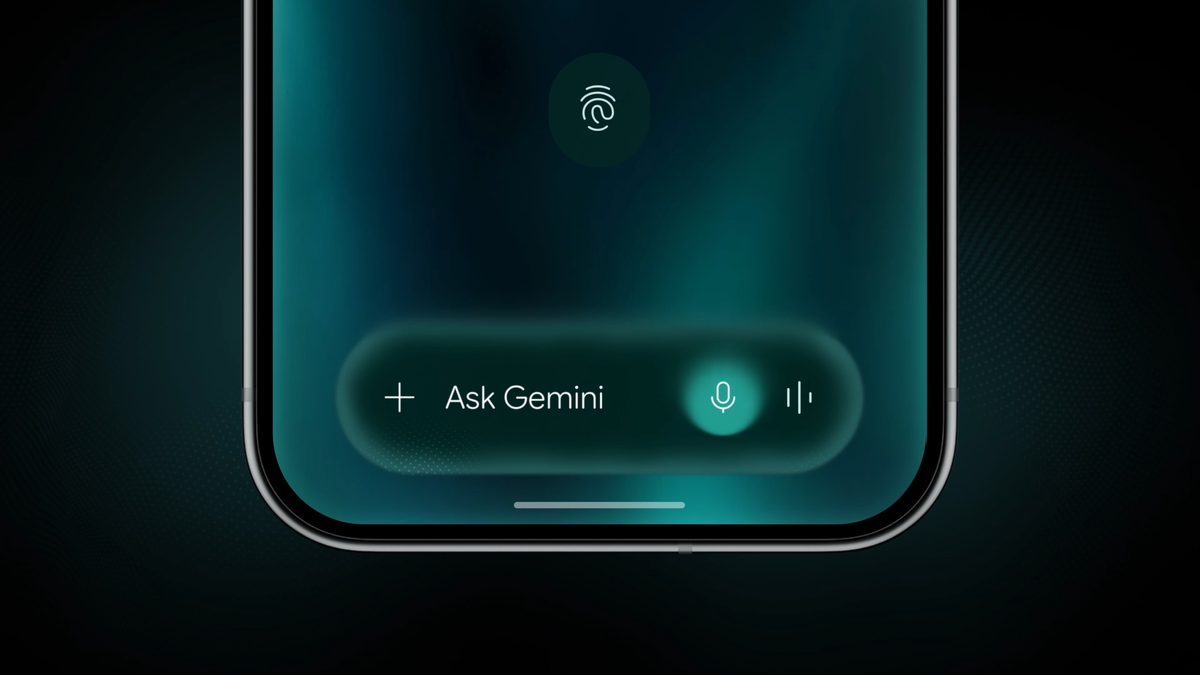
Regardless of whether you’re using an iPhone 17, a Galaxy S26, or a Pixel 10, you are very likely to rely on your lock screen to keep your device safe from anyone who doesn’t know your credentials. A newly discovered bug on Android 16 appears to allow anyone to bypass lock screen authentication with a little help from Gemini.
Gemini bug allows anyone to send texts from your Android phone’s lock screen
Users can bypass device authentication on Android 16 devices that have Gemini access from the lock screen enabled. According to a The Register report, the bug has been reported multiple times for almost two months.
Thanks to the flaw, anyone can use Gemini to send an SMS or a WhatsApp message through the lock screen of an Android device, without needing to enter its PIN. The bug works only under certain conditions, but it is trivial to reproduce.
Google has already confirmed the fix is on its way, and it will be fully deployed this week. The company has said this is not a Pixel-specific issue, though it hasn’t specified the vulnerable models and Android versions.
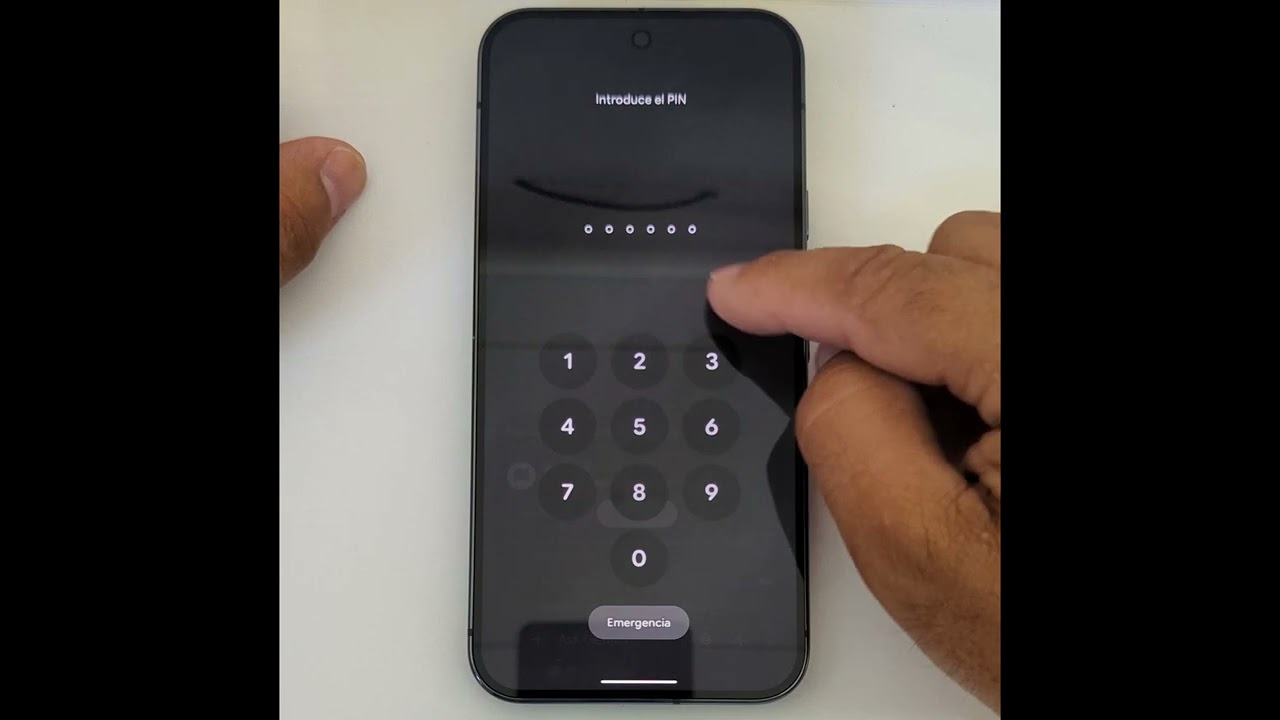
The exploit in action. | Video by videosdebarraquito on YouTube
The exploit only works under some very specific conditions, and requires you to have revoked Gemini’s access to certain apps, such as Messages. Once that’s true, asking Gemini to send an SMS from the lock screen leads to a prompt to open the app necessary for the action. Tapping “Continue” will then make the phone ask you to authenticate or enter a PIN to access the app.
Recommended For You
This safeguard can be easily bypassed by pressing “Continue” simultaneously with Gemini’s “Add Attachment” button. If you do that, the device sends the text message via Gemini without ever requiring the PIN or authentication.
It only gets worse from there, as other apps can be reconnected with Gemini only by typing in the AI’s text field, without ever needing a PIN. For example, you can enter “@WhatsApp” in the Gemini window, and that will give it access to Meta’s messaging app without going through the proper authentication process.
How much of a risk is this Gemini bug, and how do you protect yourself?
While this is a severe issue, it still requires someone to have physical access to your device, which makes it less likely to turn into a major issue. However, if your phone gets stolen, it could allow thieves to scam people from your phone number, which could easily turn into much more of a problem.
For the time being, your best line of defense is to entirely disable Gemini’s lock screen access on your Android smartphone, at least until Google’s promised software update lands.
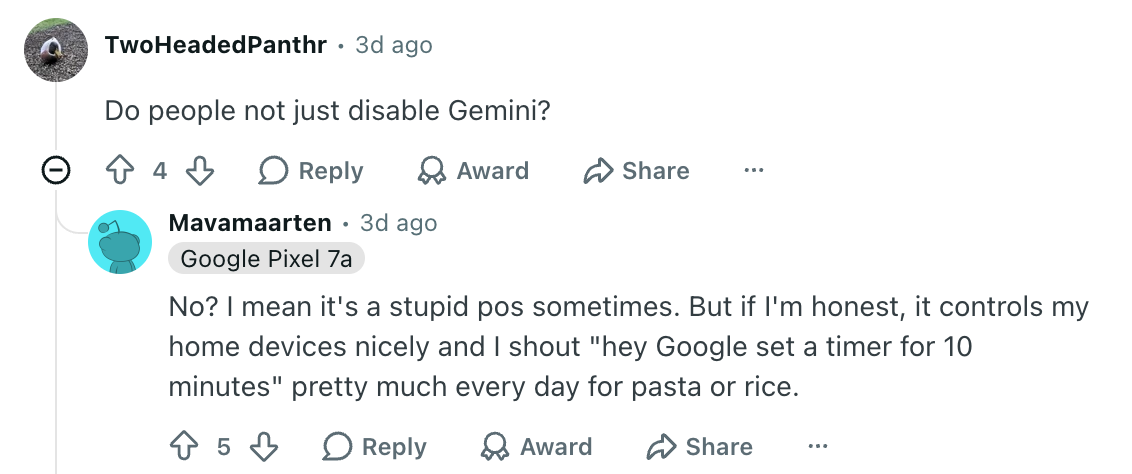
AI skeptics on Reddit have already wondered who even has Gemini active on their phone, but having a voice assistant is still valuable to some users. One commenter has shared they’re using it to put timers and control their home devices on a daily basis.
Users on Reddit may not like AI, but they like voice assistants. | Image by Reddit (Screenshot
Unacceptable miss from Google
Putting my feelings about AI aside, I can’t overlook the fact that its implementation feels sloppy and rushed to an unacceptable extent. I’m fine with some fun, broken test features here and there, but backdooring my phone’s lock screen to make using Gemini easier is crossing a boundary that’s too important.
Mint Mobile's 6-month plans now cost $10/mo
$10
/mo
$35
$25 off (71%)
Mint Mobile is celebrating its 10-year anniversary with a special offer on its six-month subscription plans. For a limited time, you can get your preferred tier (6GB, 17GB, 23GB or unlimited) for just $10/mo. That saves you between 50% and 71% on the carrier's mobile plans, making it way easier to recommend.
Ilia, a tech journalist at PhoneArena, has been covering the mobile industry since 2011, with experience at outlets like Forbes Bulgaria. Passionate about smartphones, tablets, and consumer tech, he blends deep industry knowledge with a personal fascination that began with his first Nokia and Sony Ericsson devices. Originally from Bulgaria and now based in Lima, Peru, Ilia balances his tech obsessions with walking his dog, training at the gym, and slowly mastering Spanish.
A discussion is a place, where people can voice their opinion, no matter if it
is positive, neutral or negative. However, when posting, one must stay true to the topic, and not just share some
random thoughts, which are not directly related to the matter.
Things that are NOT allowed:
Off-topic talk - you must stick to the subject of discussion
Offensive, hate speech - if you want to say something, say it politely
Spam/Advertisements - these posts are deleted
Multiple accounts - one person can have only one account
Impersonations and offensive nicknames - these accounts get banned
To help keep our community safe and free from spam, we apply temporary limits to newly created accounts:
New accounts created within the last 24 hours may experience restrictions on how frequently they can
post or comment.
These limits are in place as a precaution and will automatically lift.
Moderation is done by humans. We try to be as objective as possible and moderate with zero bias. If you think a
post should be moderated - please, report it.
Have a question about the rules or why you have been moderated/limited/banned? Please,
contact us.














Things that are NOT allowed:
To help keep our community safe and free from spam, we apply temporary limits to newly created accounts: