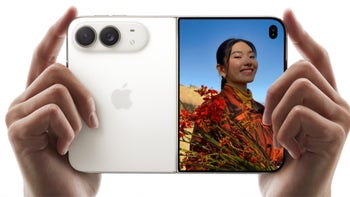
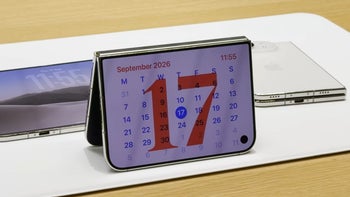
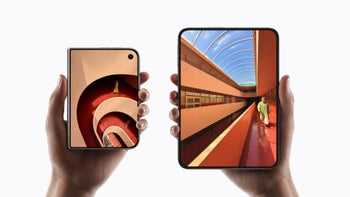
The Apple Vision Pro wasn’t mentioned at the Apple event this week. Instead, the iPhone 18 Pro, the iPhone 18 Pro Max, and the new foldable iPhone Duo practically stole the spotlight from everything else, even the new products that were announced by CEO John Ternus.
However, that doesn’t mean that the company has forgotten about or is ignoring its excellent MR (Mixed Reality) headset, even if it has reportedly moved down the priority list. The public release of visionOS 27 is coming out on September 14, and it’s a major update that is going to breathe new life into your Vision Pro headset.
A better Siri AI for Apple Vision Pro
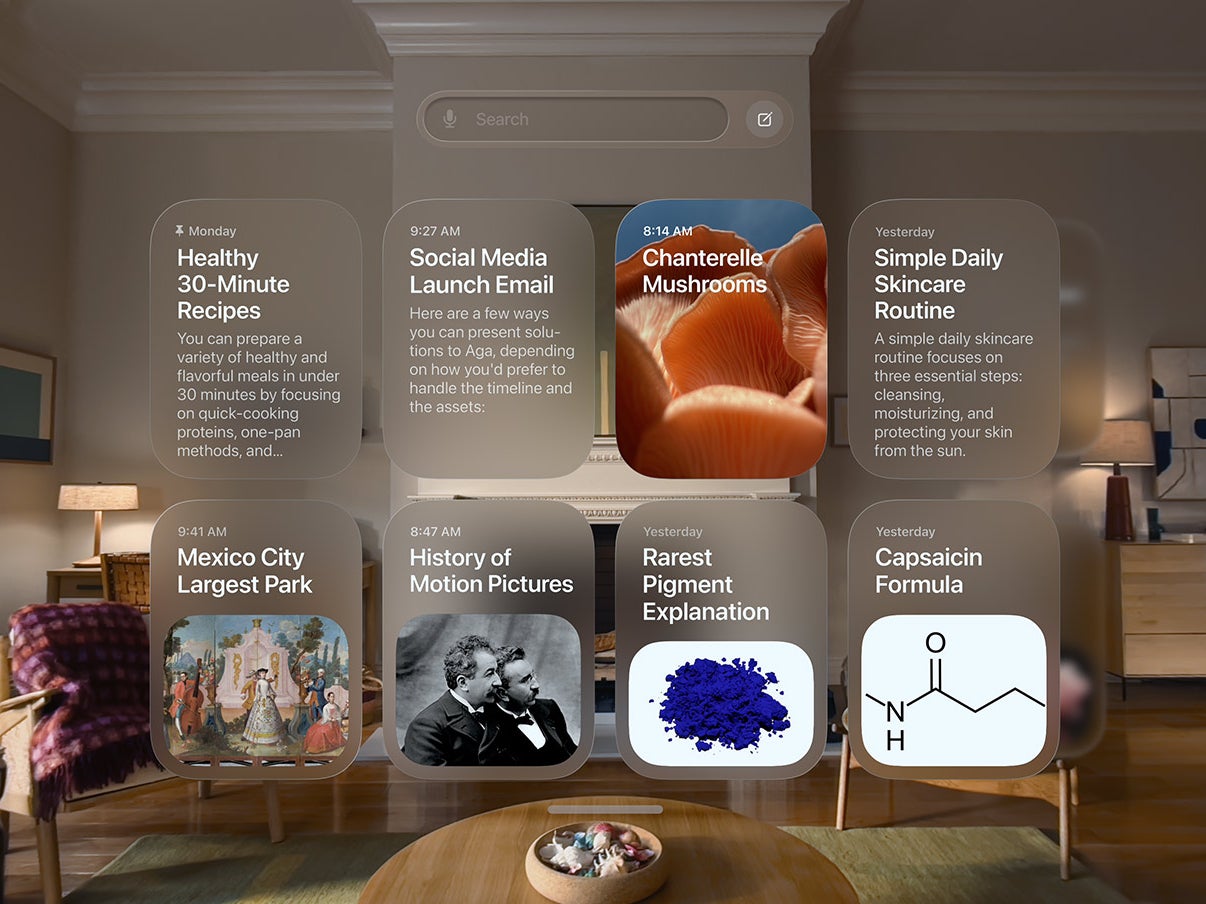
Apple Vision Pro gets a new Siri app. | Image by Apple
Siri has been very limited on the Vision Pro up til now, but this is finally changing with visionOS 27. The new Siri does all of the things that it does on your iPhone, for example:
Siri can now answer live queries
It can also fetch data from past conversations and images
Siri can now look at your surroundings and take action
The new Siri app organizes your chats with the bot in one place
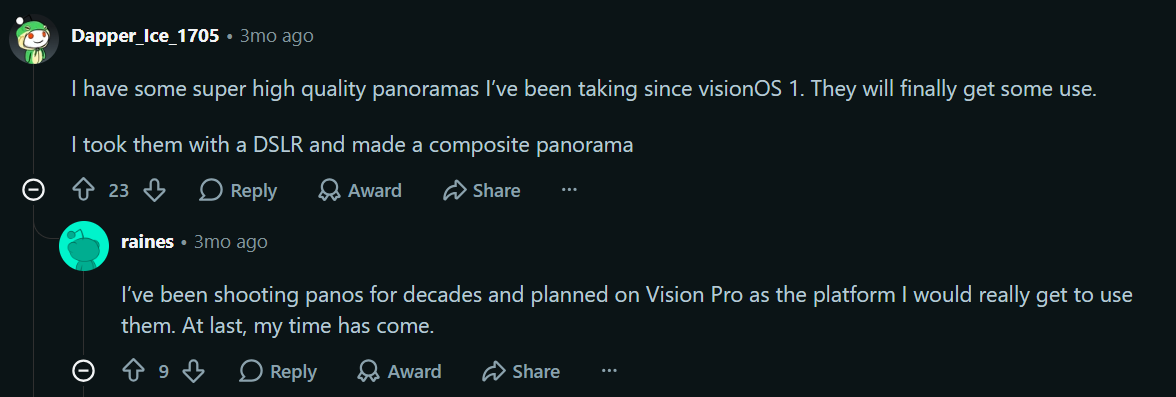
You can now transform panoramic photos into virtual environments
In short, Siri is now much more capable on the Vision Pro. It’s actually an AI assistant that you would want to use every day.
Recommended For You
What purpose does your Apple Vision Pro serve day to day?
13 Votes
I use it for entertainment. Movies, videos, games, the like
46.15%
I use it for work and productivity. It's great at that
7.69%
I use the Vision Pro for both work and entertainment
7.69%
My Vision Pro is a professional dust-gathering machine
38.46%
Apple’s take on Siri in MR is super futuristic
The new Siri orb — which looks really cool, in my opinion — serves as a direct point of contact between you and the AI assistant in visionOS 27. You can place it anywhere in your world and simply look at it when you wish to talk to Siri.
Apple has also introduced similar features for other tasks. For example, you can now look at a notification that has just come in to expand it and take further action. Dwell Control has picked up a similar update, where instead of waiting for a timer to end, you can just glance up at a selection marker to proceed immediately.
Other new features worth mentioning
With the Vision Pro, you can experience what it would be like to be here all alone. | Image by Apple
In addition, visionOS now comes with the stunning new Thórsmörk environment. Choose it, and you’ll suddenly find yourself all alone at night in the middle of icy surroundings. Above you, the aurora borealis will light up both the skies and the snow-covered ground you’re standing on.
With visionOS 27, you can also curve the multiple windows that you have open and floating in virtual space so that more content is visible at once. The aforementioned feature for converting your own panoramic photos into spatial environments is a very welcome addition as well, according to avid Vision Prousers.
Panoramic images are converted into spatial environments using Apple Intelligence. | Image by Reddit
It is worth keeping in mind that, for obvious reasons, your own photos will not make for environments as immersive as the ones that Apple has officially released, like the Thórsmörk environment mentioned above.
A fresh new coat of paint for everyday tasks
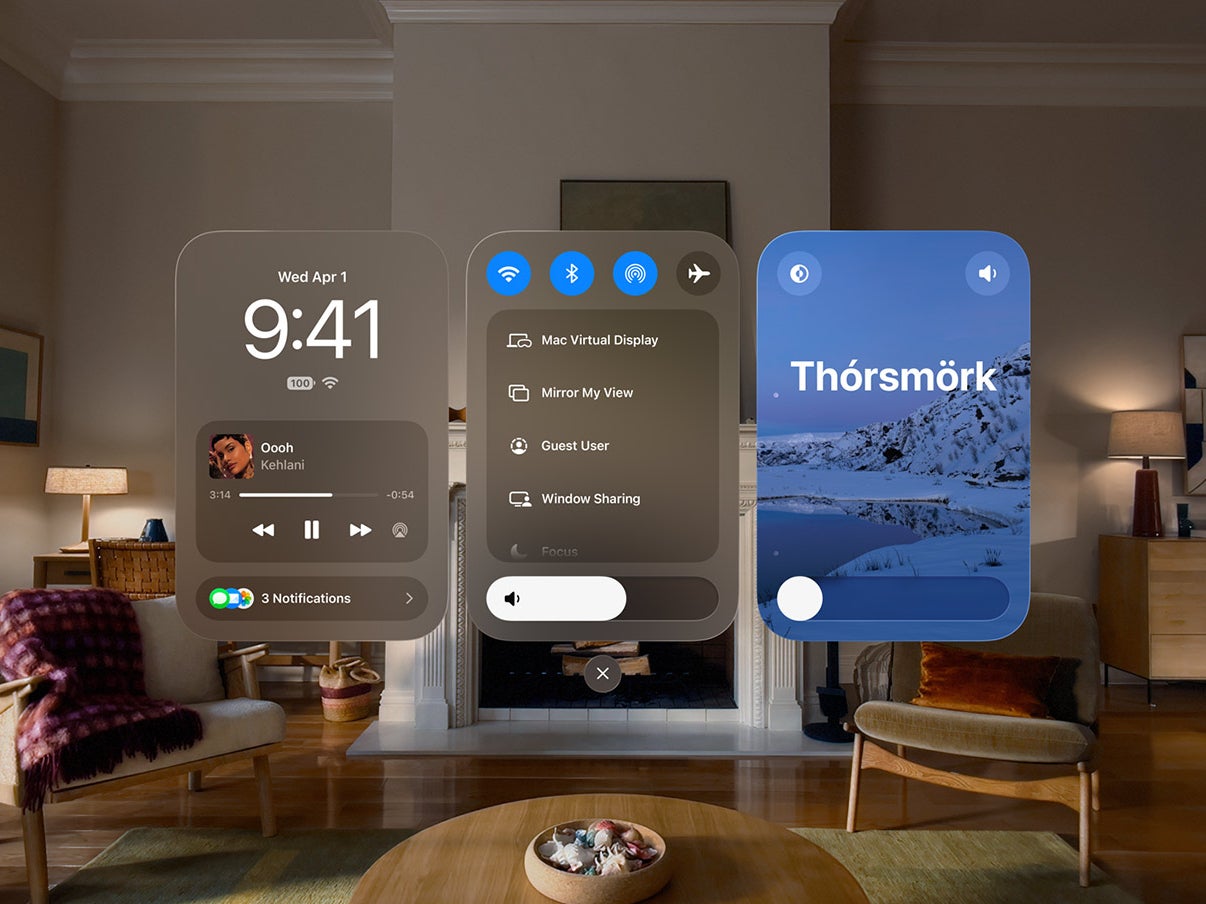
Control Center gets a new look with visionOS 27. | Image by Apple
The Control Center has gotten a visual overhaul, being divided into three distinct sections which makes reaching for core controls, notifications, and everything else just a little bit simpler now.
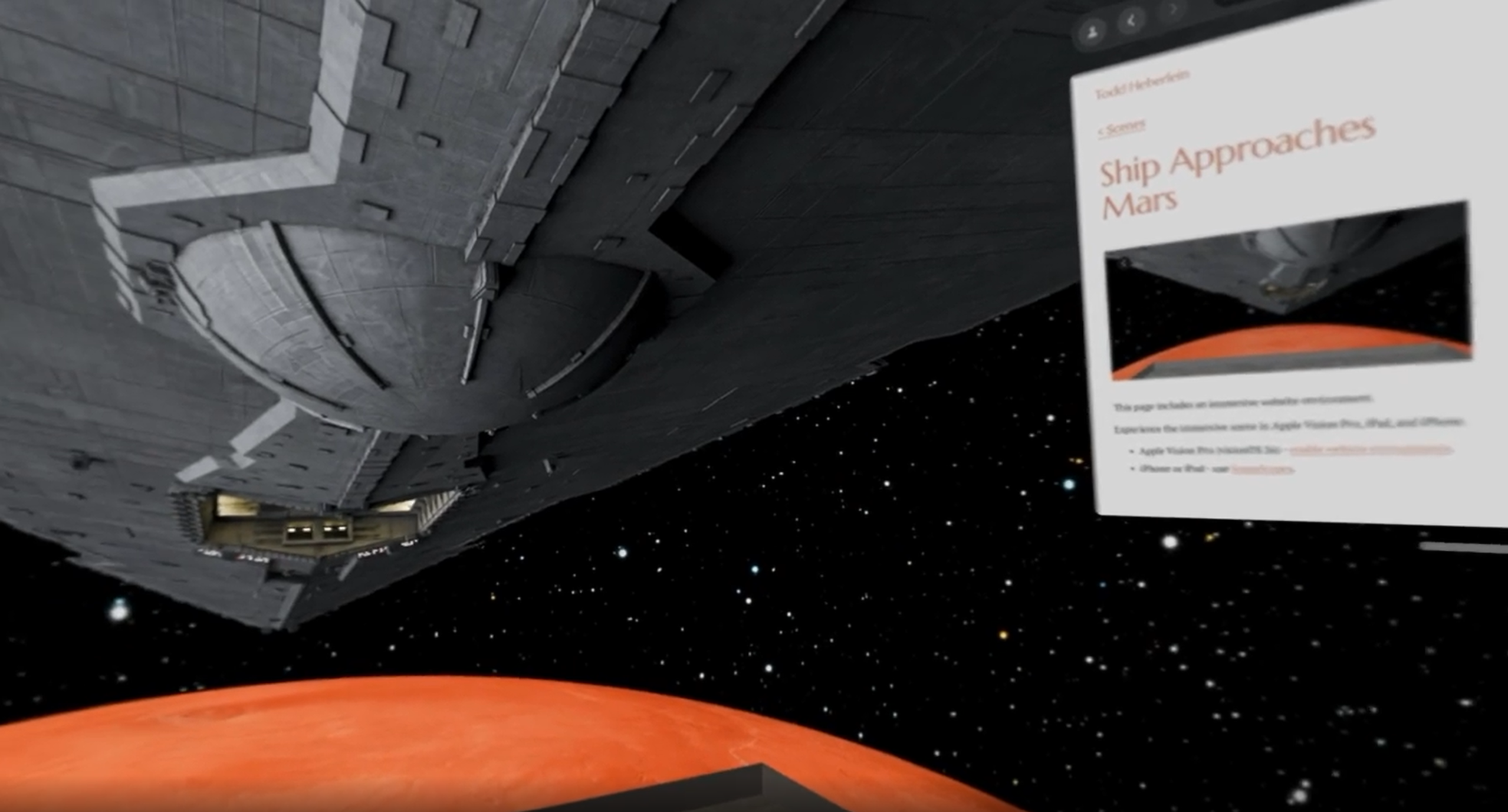
One of the best new features, in my opinion, is the support for immersive backgrounds in Safari. Developers of websites can choose to immerse you in a completely different world when you’re browsing their site. A video demonstration of this can be seen here.
Website developers can let you live in the moment. | Image by Reddit
Topping it all off are other minor updates that make for an overall better user experience for the Apple Vision Pro, including:
You can create games without having to write any code
Messages and notifications will sync with your other Apple devices faster now
The Vision Pro will connect to WiFi three times quicker than before
Instantly connect to your Mac, even when it’s closed
New extra-small widget for your favorite apps
Customize exactly how your Siri AI sounds
Siri can help you compose in whichever app you’re writing in
Abdullah loves smartphones, Virtual Reality, and audio gear. Though he covers a wide range of news his favorite is always when he gets to talk about the newest VR venture or when Apple sets the industry ablaze with another phenomenal release.
A discussion is a place, where people can voice their opinion, no matter if it
is positive, neutral or negative. However, when posting, one must stay true to the topic, and not just share some
random thoughts, which are not directly related to the matter.
Things that are NOT allowed:
Off-topic talk - you must stick to the subject of discussion
Offensive, hate speech - if you want to say something, say it politely
Spam/Advertisements - these posts are deleted
Multiple accounts - one person can have only one account
Impersonations and offensive nicknames - these accounts get banned
To help keep our community safe and free from spam, we apply temporary limits to newly created accounts:
New accounts created within the last 24 hours may experience restrictions on how frequently they can
post or comment.
These limits are in place as a precaution and will automatically lift.
Moderation is done by humans. We try to be as objective as possible and moderate with zero bias. If you think a
post should be moderated - please, report it.
Have a question about the rules or why you have been moderated/limited/banned? Please,
contact us.








Things that are NOT allowed:
To help keep our community safe and free from spam, we apply temporary limits to newly created accounts: