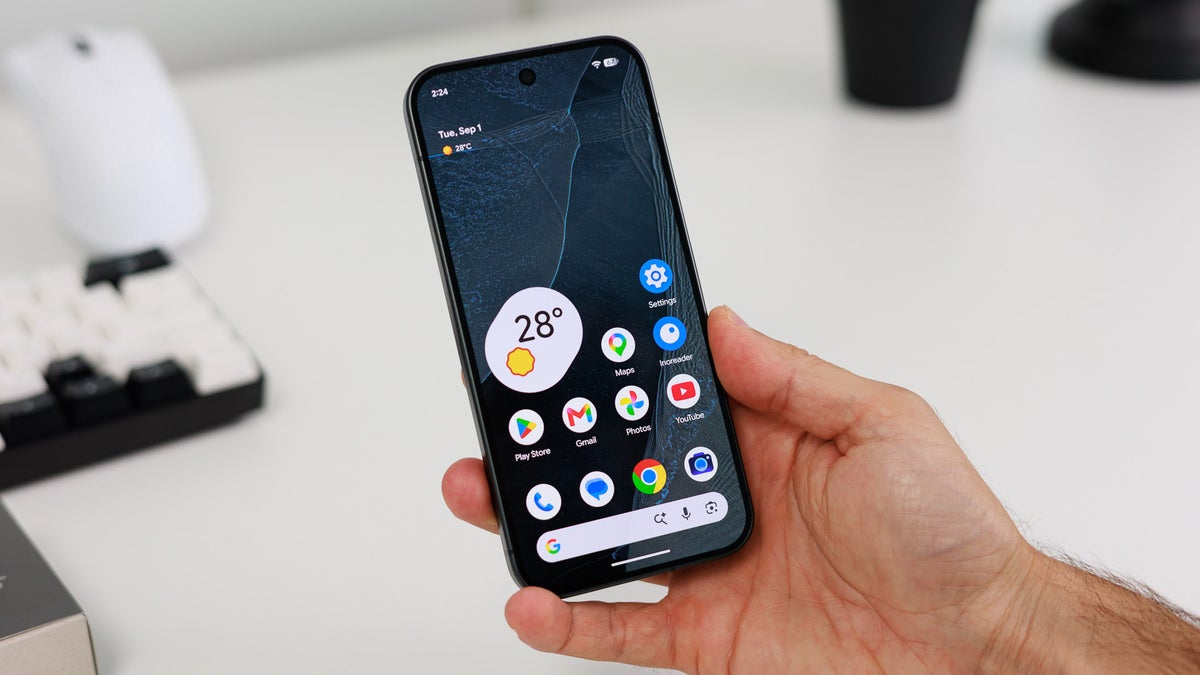
The Android 17 QPR 3 Beta 1 officially released on October 2, 2026, but it only became available to my Beta unit today, on October 5. I’m testing it on the Pixel 9 Pro, and I was ecstatic to see the update notification.
That hype, however, soon diminished due to two factors. First off: quarterly Beta releases typically aim for laying groundwork, instead of delivering new features. And second: a lot of the new additions simply weren’t available for the Pixel 9 Pro, and I hope that this isn’t indicative of things to come down the line.
Regardless of that, I’ve done as much digging as I can so I can update you on what’s going on in Androidland. Some quick technicalities for us nerds out there before we begin.
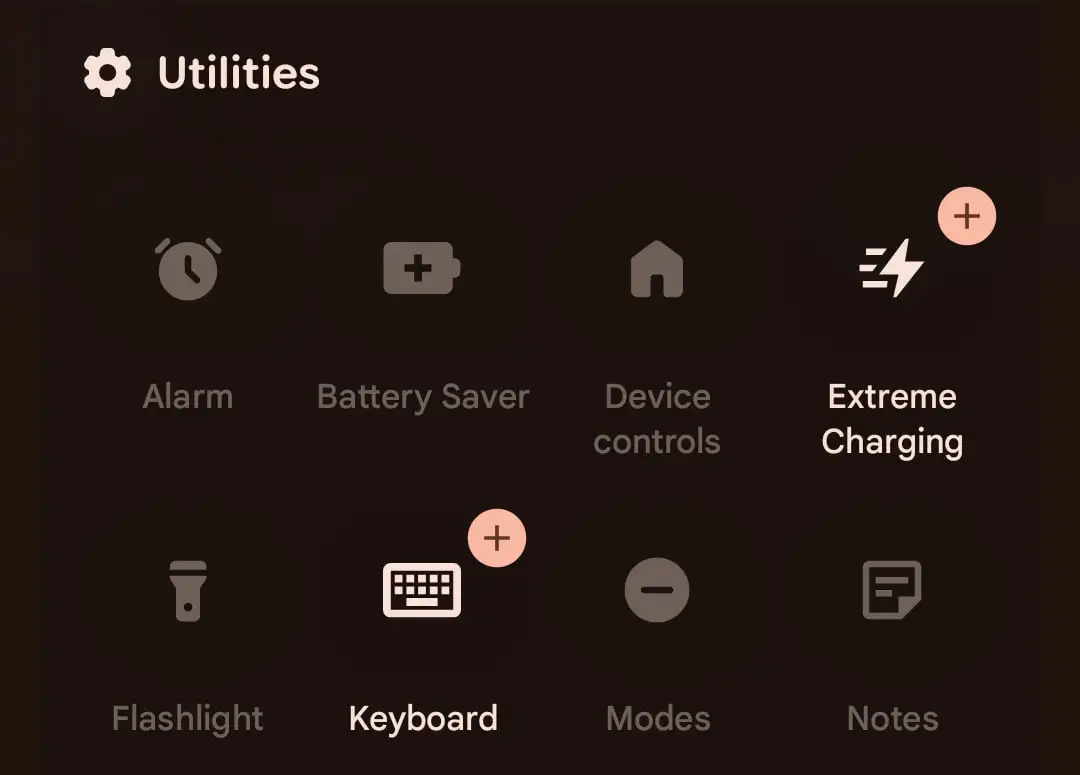
Here's what the button looks like. | Image by 9to5google
What a time to be alive! Google has graced us with a dedicated Notes tile for our drop-down menu. We can finally make the conscious choice between having a bit more free space on our homescreens at the cost of our Notes shortcut being harder to reach.
Jokes aside, this continues a running theme from QPR2, which introduced the ability to open up Notes from the lock screen. In both cases, it should work with any Notes app you’ve chosen as default — a default app category introduced with Android 14 in 2023.
Recommended For You
My note-taking app of choice is Google Keep — it’s one of my favorite apps, so this was great news for me. But not for my Pixel 9 Pro, since these changes are currently only available on the Pixel 11 Beta.
To be clear, this doesn’t seem like a demanding change, so I think we can confidently guess that extended Note shortcuts will come to most recent Pixels and Android phones when the full version of Android 17 rolls out.
That being said, the core question here remains “why”. Notes showing up on the Lock Screen and Quick Settings may be a hint towards deeper system integration. Given that AI is Google’s forte, it seems like a safe guess that these are related. But only time can prove me wrong or right.
New Status icons
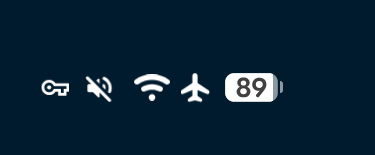
Can you spot the differences? | Image by 9to5google
Don’t worry, I’m not talking about Hollywood — I’m talking about the topmost part of your phone’s screen, where you have little icons indicative of your phone’s state. Like if your Wi-Fi or Bluetooth is on, if any apps are tracking your location or using your microphone — that sort of thing.
The changes aren’t exactly exhilarating. They are absolutely in-tune with Google’s design language — currently Material 3 Expressive — and basically seem a bit more contrasty and definitive in terms of shape.
This seems to be a UX—focused update to help users see and understand each icon better.
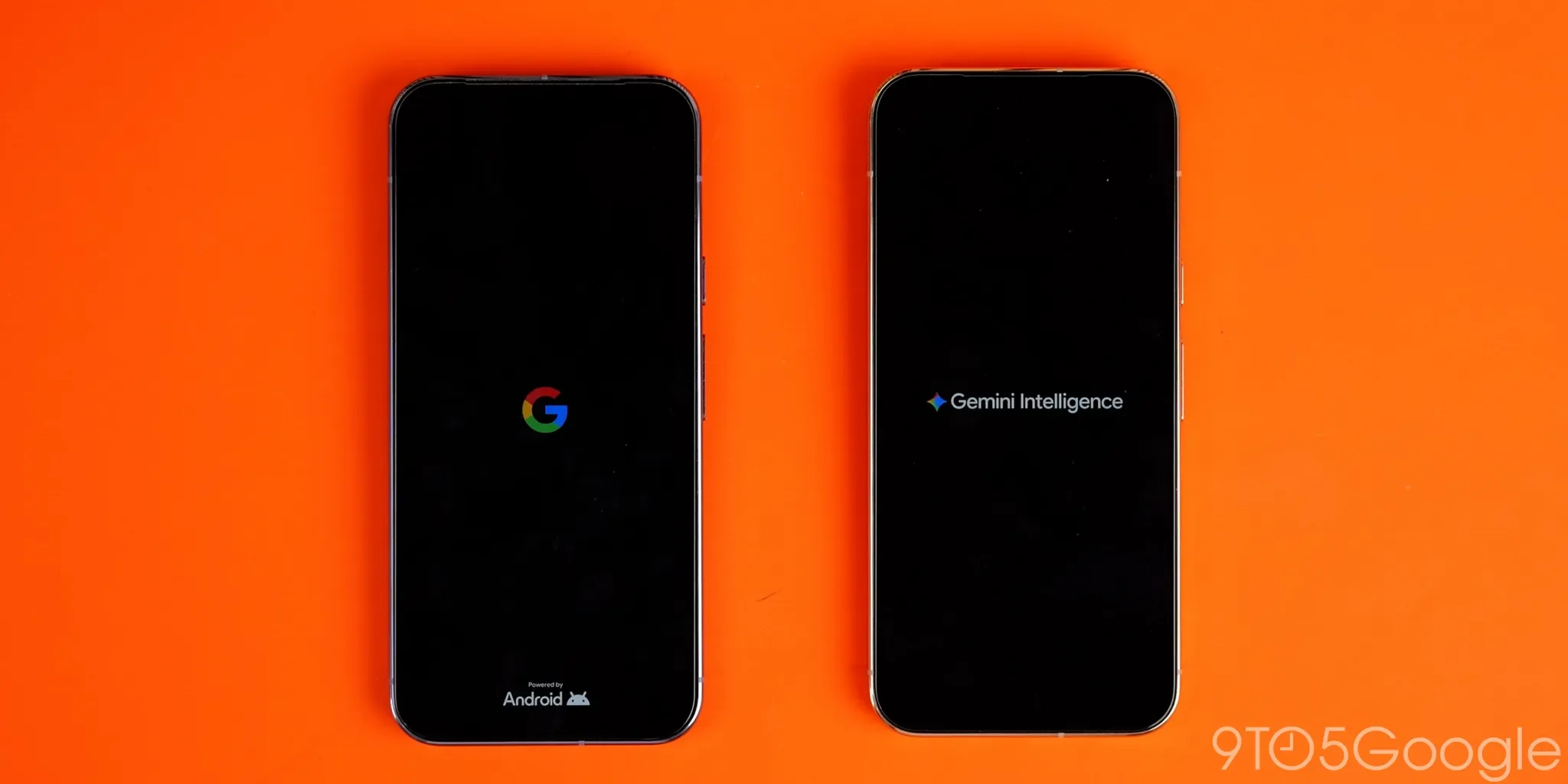
Gemini Intelligence and Proactive Assistance on Pixel 10
Previously exclussive to the Pixel 11 line. | Image by 9to5google
Hey, look, another new thing I didn’t get to see or test because it’s not available for the Pixel 9 Pro! My bitterness aside, this one is going to matter for those of you who really care about AI stuff.
Some reminders:
Gemini Intelligence is Google’s proactive system for Android, helping users automate multi-step tasks across the operating system.
Proactive assistance is a Pixel-exclusive, and it basically runs in the background to anticipate your needs so it can offer helpful suggestions to save you some time (because this worked out great when Microsoft tried, but I digress).
Both of these were exclusive to the Pixel 11 as far as Google phones were concerned, but with the latest Beta release, partial functionality has made it over to the Pixel 10 series too.
It’s too early to say what features are available and how well they work. The bigger story here is that Google could potentially be working on bringing over whatever it can to previous Pixel models, which is neat.
This, of course, makes total sense, because the Pixel 9 and 10 series are great phones, very much still in their support cycle.
That being said: hardware limitations do exist, which is why I’m hesitant to say that everything will be working everywhere fine. I’d love to be proven wrong on that front though.
For the record, features related to the above like Gboard Rambler or Seamless Context Actions don't work perfectly on the Pixel 11, where they launched. Plenty of online users share that they feel as if in Beta themselves.
Here's hoping that future major updates also deliver on the stability front.
The rise of the Pixel Ecosystem?
This one isn’t really a new feature, but it felt right to include it here. Full credit goes to this analysis of the latest Beta update, where a few neat things were discovered in the source code:
Hints that other devices may become unlocked when another device is nearby — say, for example, unlocking a Googlebook when your main Android phone is around.
Further Unlock functions related to interactions with closing a laptop lid, or keyboard and mouse input, which could go either way — new stuff for Googlebooks, or expanded functionality for Pixel’s PC-like desktop mode.
Another interesting trace mentions “gamepad mouse” which likely means that Android devices might let us use controllers to control the in-system cursor.
Shout-out to the exterminators at Google
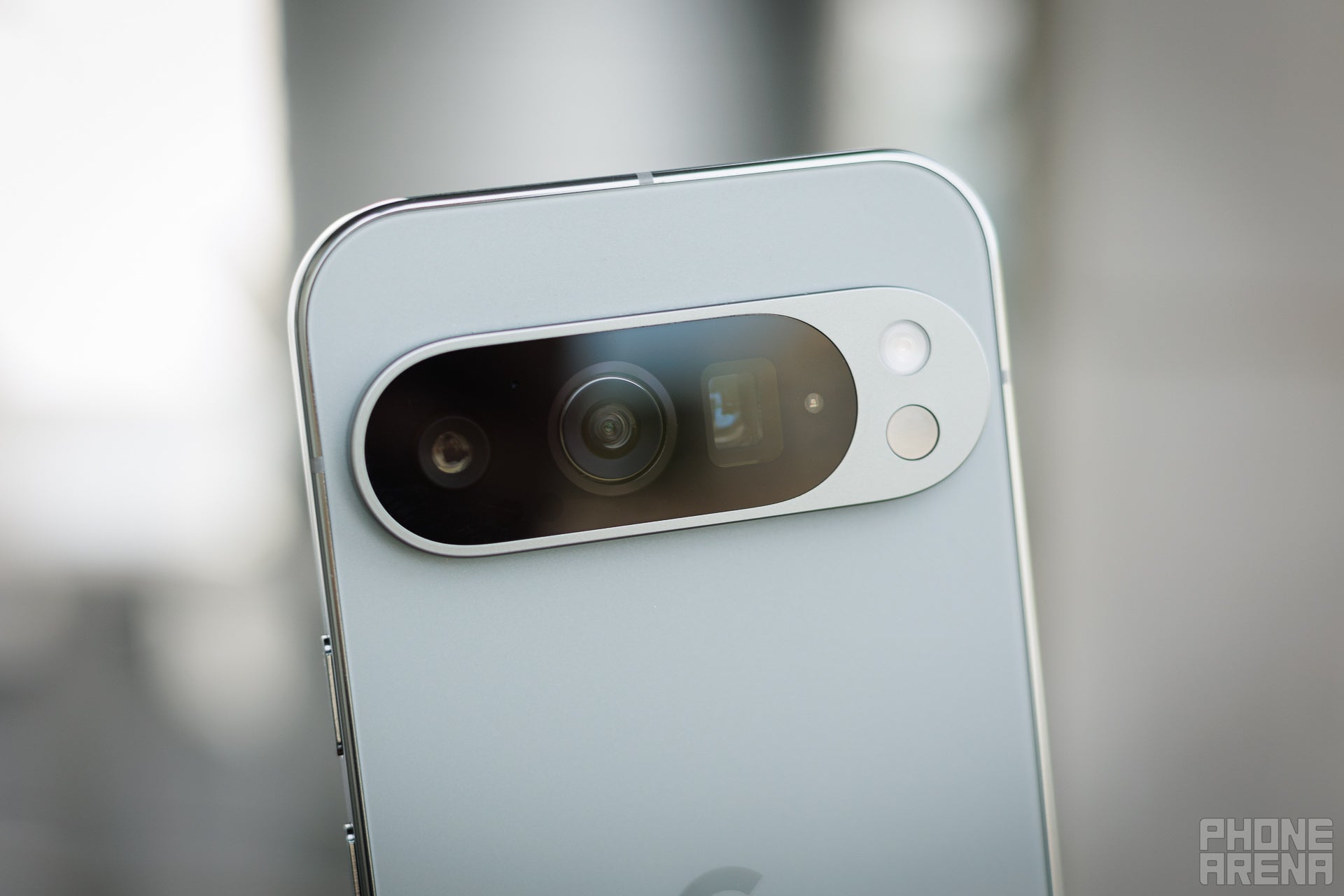
My Pixel 9 Pro is a hard worker, when Google lets it. | Image by PhoneArena
This update squashes over 20 bugs, many of which are quite impactful. These improve the overall security and stability of Pixel phones, but since there’s no real way to make them sound exciting, I’ll spare you the details.
Two that really stand out to me:
Wi-Fi, NFC and Bluetooth should take way less time to recover after crashing.
Flip to Shh is expected to no longer massively drain your battery life while enabled.
I was impacted quite heavily by the last one, as I spent days trying to figure out how my phone was losing 30% battery in idle. Turns out: it’s a bug and a typical part of a Beta-user’s journey. And am I ever glad to see this one gone!
Overall, this is not the most exciting Beta update, but the more important thing is that we’re now one step closer to the full release. It was a bummer not being able to experience most of these features first-hand, but hey: that’s the way the Beta updates roll sometimes.
We’re expecting the full Android 17 launch to happen around March of next year, so there’s still quite a bit to go. Whenever the next update comes, I’ll make sure to update you all.
Get iPhone 18 Pro with Visible, get $480 off!
$719
/mo
$1199
$480 off (40%)
On the Visible+ Pro plan, you get access to 5G Ultra Wideband data on Verizon's fastest network. Along with unlimited roaming across Mexico and Canada, 2 days of Global Pass per month, 3x hotspot speeds, 4K streaming, and Smartwatch service.
Stan, also known as Stako, is a smartphone enthusiast who loves exploring the limits of Android customization. His journey with mobile tech began with the Nokia 5110 and evolved with devices like the BlackBerry 9350 Curve and Samsung Galaxy A4. Despite his love for Android, he holds equal respect for Apple, considering the iPhone 4s as a significant milestone in mobile tech. Stan started his writing career early, contributing to MetalWorld, and harbors a passion for creative writing. Beyond smartphones, he's interested in photography, design, composition, and gaming, often preferring solo projects to hone his objective thinking. He's also an avid student of open-source technology and consoles, with a special fondness for the Pebble Watch, Arduboy, and Playdate.
A discussion is a place, where people can voice their opinion, no matter if it
is positive, neutral or negative. However, when posting, one must stay true to the topic, and not just share some
random thoughts, which are not directly related to the matter.
Things that are NOT allowed:
Off-topic talk - you must stick to the subject of discussion
Offensive, hate speech - if you want to say something, say it politely
Spam/Advertisements - these posts are deleted
Multiple accounts - one person can have only one account
Impersonations and offensive nicknames - these accounts get banned
To help keep our community safe and free from spam, we apply temporary limits to newly created accounts:
New accounts created within the last 24 hours may experience restrictions on how frequently they can
post or comment.
These limits are in place as a precaution and will automatically lift.
Moderation is done by humans. We try to be as objective as possible and moderate with zero bias. If you think a
post should be moderated - please, report it.
Have a question about the rules or why you have been moderated/limited/banned? Please,
contact us.








Things that are NOT allowed:
To help keep our community safe and free from spam, we apply temporary limits to newly created accounts: