Google is making its Android Parental Controls standard on every phone that updates to Android 17, not just Pixel. Screen time caps, app blocking, and overnight lockouts now live inside Settings for Samsung and Motorola owners, without needing a Family Link account. It also gets Android families there ahead of Apple, which will not ship its refreshed controls until the fall.
Pixel loses its head start as the controls go Android-wide
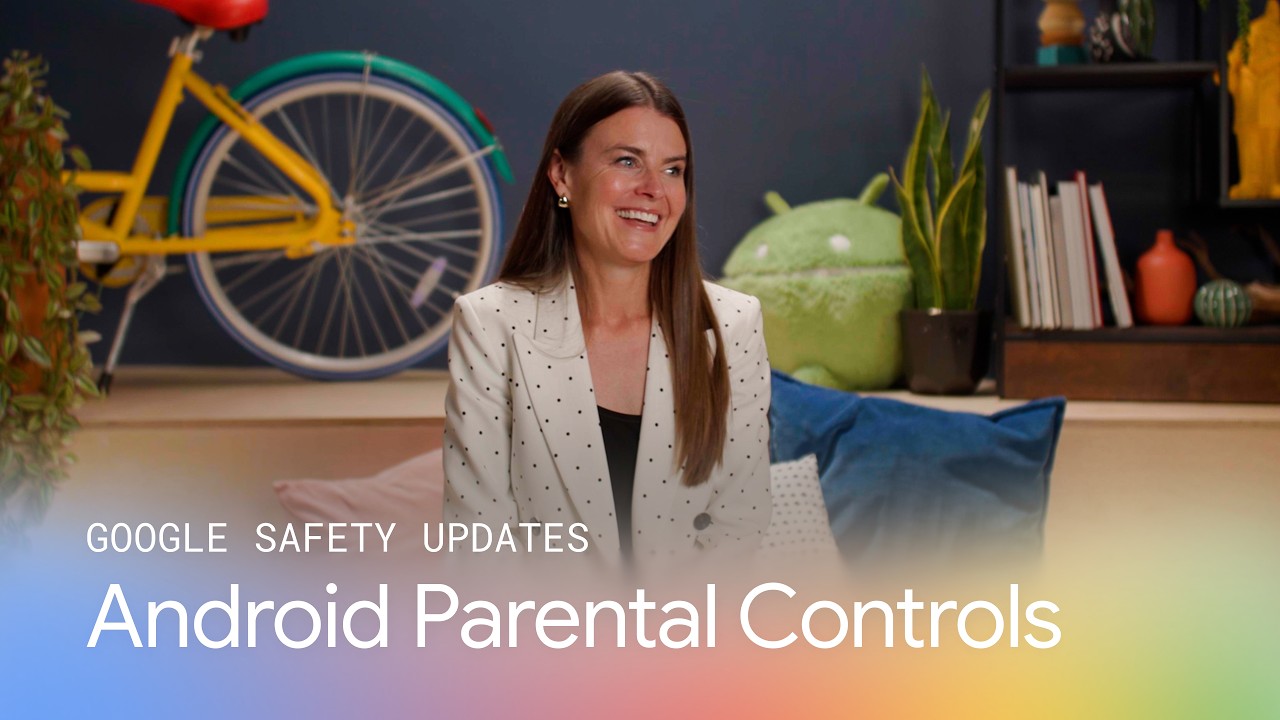
In a blog post, Google announced the rollout, accompanied by a video announcement. The feature debuted on Pixel last year, and it now reaches any device moving to Android 17.
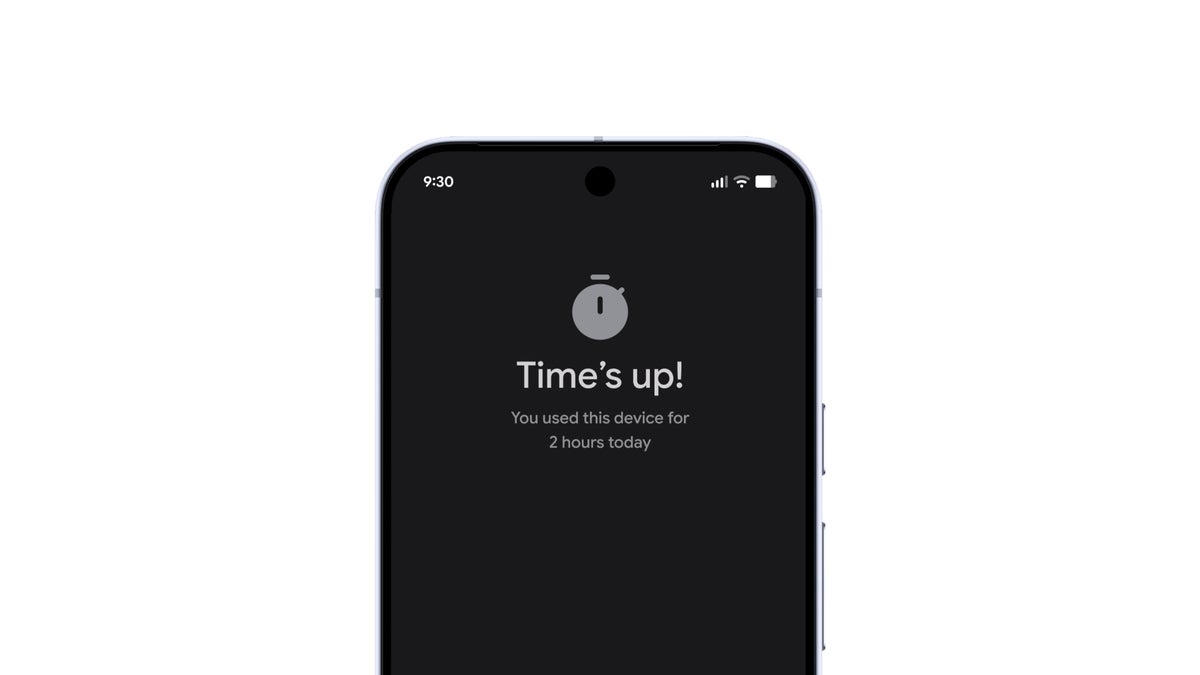
Everything sits in one place in Settings behind a PIN your kid cannot easily undo. Parents can cap daily screen time, set downtime that locks the phone overnight, filter Google Play by content rating, and limit or fully block individual apps.
We designed these updates to provide more control and peace of mind, empowering you to make the best choices for your family's digital wellbeing.
Mindy Brooks, Google's Global Head of Kids and Family, on the Keyword blog, June 16, 2026
Whether that single menu is enough to change how families handle screen time is the open question.
How do you feel about built-in parental controls now reaching every Android 17 phone?
14 Votes
Relief, I'm setting this up the moment it updates.
35.71%
My third-party app works fine, so I'm not switching.
7.14%
Sounds good, but daily reliability is the real test.
14.29%
A settings menu won't fix kids and screens by itself.
42.86%
What it changes for you, and what it means for Apple
The real win is that you no longer need a separate Family Link account just to set basic limits. The tools live on the kid's phone, so handing over a Galaxy or a budget Android no longer means bouncing between apps, something we covered when the full Android 17 rollout landed this week.
Recommended For You
Android Parental Controls now live right in Settings, from the main panel to the daily screen time limit. | Images by Google
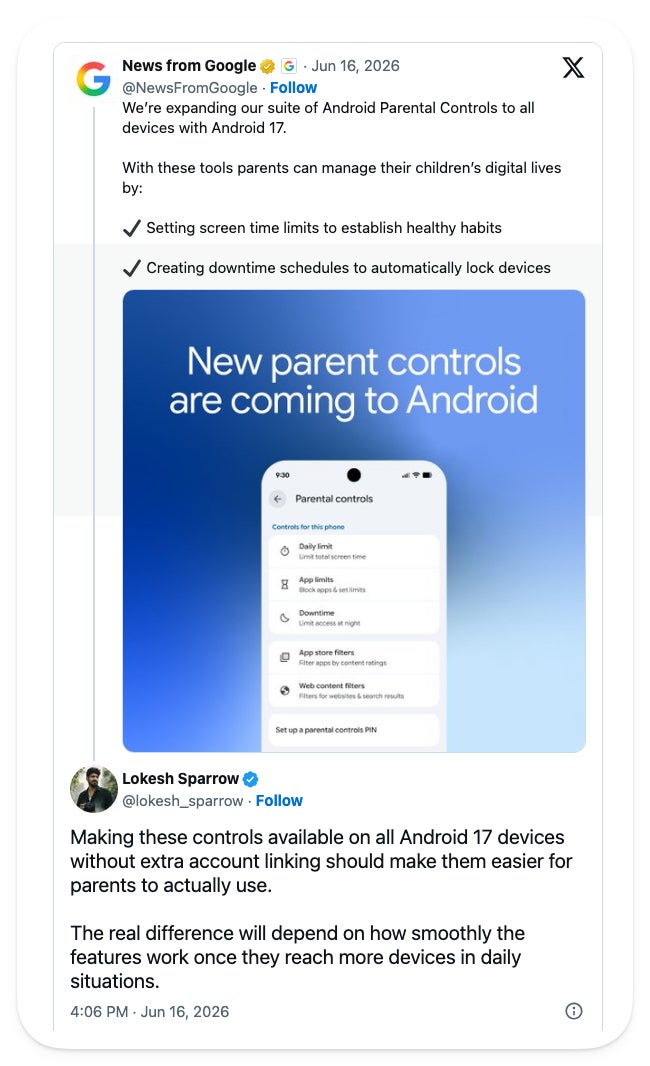
That convenience is what caught people's attention. One X user welcomed the controls reaching every Android 17 device without the extra account linking, while flagging that the test is how smoothly they run across different phones day to day.
An X user welcomed the controls reaching every Android 17 phone without the usual account linking, while flagging that daily reliability across devices is the real test. | Image by lokesh_sparrow via X
Apple is moving the same way, just slower. Its own overhaul, which we covered after WWDC, does not land until iOS 27 this fall and is developer-beta only for now. iPhone parents, the tools are coming, just a season behind Android families.
Who gets the most out of this
This lands hardest for parents putting a phone in a younger kid's hands, especially on non-Pixel phones where the built-in option was not there before. If your child already lives on a Galaxy or a cheap Android, this is the update that finally fences it in.
How to set up Android Parental Controls on Android 17
Open the parental controls section in Settings once the phone is on Android 17, then create a PIN.
Set your daily limit, downtime schedule, app limits, and Google Play rating filters.
Add Google Family Link for extras like School Time, purchase approvals, and location alerts.
The version of this I wish I'd had
These are the controls I wish I'd had within reach back when my kids were young enough to need them. Wrangling screen time meant a patchwork of third-party apps and guesswork, and having the basics baked into Settings behind one PIN would have saved me a lot of headaches.
A settings menu will not fix the bigger screen time problem on its own, yet giving every Android 17 parent the same starting point Pixel owners already had is still a useful step. It is one less reason to feel like you need a degree to parent a smartphone.
If screen time at home is on your mind, these are worth a look:
The best Google Pixel phones, if you want the smoothest take on this out of the box.
Budget Android picks worth a look for a kid's first phone.
Want more takes like this one? Follow me at @jojothetechie on X and Threads for hot takes and behind-the-scenes coverage.
Trade in your old phone for cash at ecoATM!
Recycle your used phone and get instant cash. Find out how at ecoATM!
Johanna Romero is a Senior News Writer at PhoneArena, covering mobile technology news across Android, iOS, wearables, and the Google ecosystem she knows best. Drawing on 15 years in IT and tech support from 2007 to 2022, she brings a user-friendly eye for the practical features and lesser-known tricks readers care about. Google named her an official #TeamPixel member in 2022, and she also reviews the latest devices on her YouTube channel, JoJo the Techie.
A discussion is a place, where people can voice their opinion, no matter if it
is positive, neutral or negative. However, when posting, one must stay true to the topic, and not just share some
random thoughts, which are not directly related to the matter.
Things that are NOT allowed:
Off-topic talk - you must stick to the subject of discussion
Offensive, hate speech - if you want to say something, say it politely
Spam/Advertisements - these posts are deleted
Multiple accounts - one person can have only one account
Impersonations and offensive nicknames - these accounts get banned
To help keep our community safe and free from spam, we apply temporary limits to newly created accounts:
New accounts created within the last 24 hours may experience restrictions on how frequently they can
post or comment.
These limits are in place as a precaution and will automatically lift.
Moderation is done by humans. We try to be as objective as possible and moderate with zero bias. If you think a
post should be moderated - please, report it.
Have a question about the rules or why you have been moderated/limited/banned? Please,
contact us.















Things that are NOT allowed:
To help keep our community safe and free from spam, we apply temporary limits to newly created accounts: