Microsoft adds new calendar options in Outlook for Android
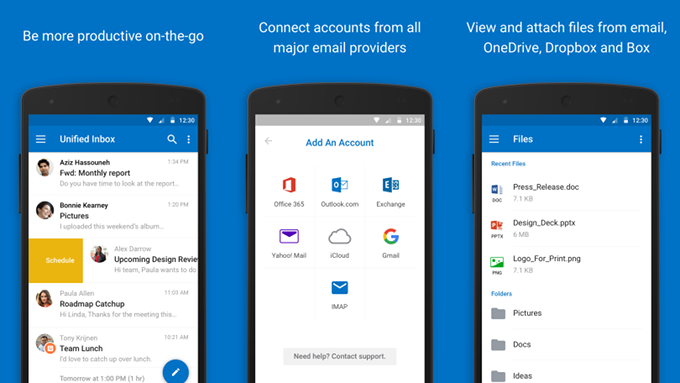
Outlook is for many the go-to app for sending and receiving emails, so we're glad to report that the app has been updated with a handful of new features and improvements. If you need to check your emails while on the go or simply want to set up events on the app's calendar, Outlook now offers some extra options that you can take advantage of.
Firstly, Outlook for Android includes a new option to respond to an event without notifying the organizer. Moreover, you can now set events on your calendar as free or busy, something that wasn't previously possible.
It's also worth noting that the new update brings a new feature that allows Outlook users to include a note when they respond to an event. Last but not least, Android users will now be able to mark events as private to keep them to themselves when their calendar is shared.
As with all Microsoft's update for Outlook, this one includes some bug fixes and performance improvements that should address some small issues and further improve the user experience.
Firstly, Outlook for Android includes a new option to respond to an event without notifying the organizer. Moreover, you can now set events on your calendar as free or busy, something that wasn't previously possible.
As with all Microsoft's update for Outlook, this one includes some bug fixes and performance improvements that should address some small issues and further improve the user experience.
source: Google Play Store via MSPU


Popular stories






Latest News






Things that are NOT allowed:
To help keep our community safe and free from spam, we apply temporary limits to newly created accounts: