Editorials · Reviewer Insight
I spent a week with the Galaxy Watch Ultra 2: Why can't I see my workout stats?
The Watch Ultra 2 has many pros, but also some missing features.

This article may contain personal views and opinion from the author.
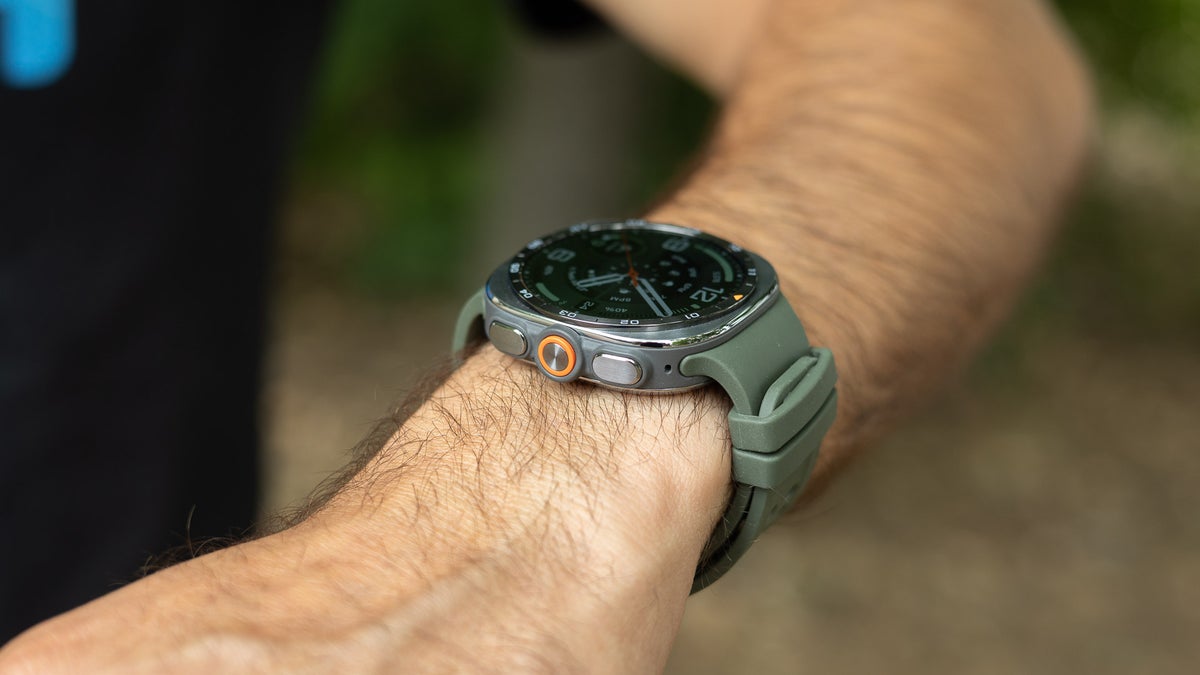
Image by PhoneArena
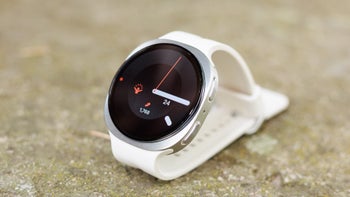
I've been wearing and testing Samsung's new Galaxy Watch Ultra 2 for more than a week now. There are many things that I like about this new watch — the reworked design and thinner and lighter bands make a huge difference for comfort.
At the same time, some features I want to see are missing on the Galaxy Watch Ultra 2.
The thing that has been bugging me the most these days is that there is no way to view my workout brief once I've dismissed it.
For a watch meant for adventure and athletes, this is frustrating. I'm trying to get back to swimming, and I really want to improve my form. During my walk home, I typically have the time to check how fast I swam, what my effort was, my heart rate, and all the other data from that session. This is the perfect moment to do some self-reflection on your training: did I go too hard? Did I hit the intensity and goals I set for myself? Looking at your activity data is actually a useful data point to improve your training.
Sure, you can see a brief overview of your workout the moment you end it, but once you dismiss that, Samsung gives you no option to go back and see your stats for this and previous workouts.
Why?!
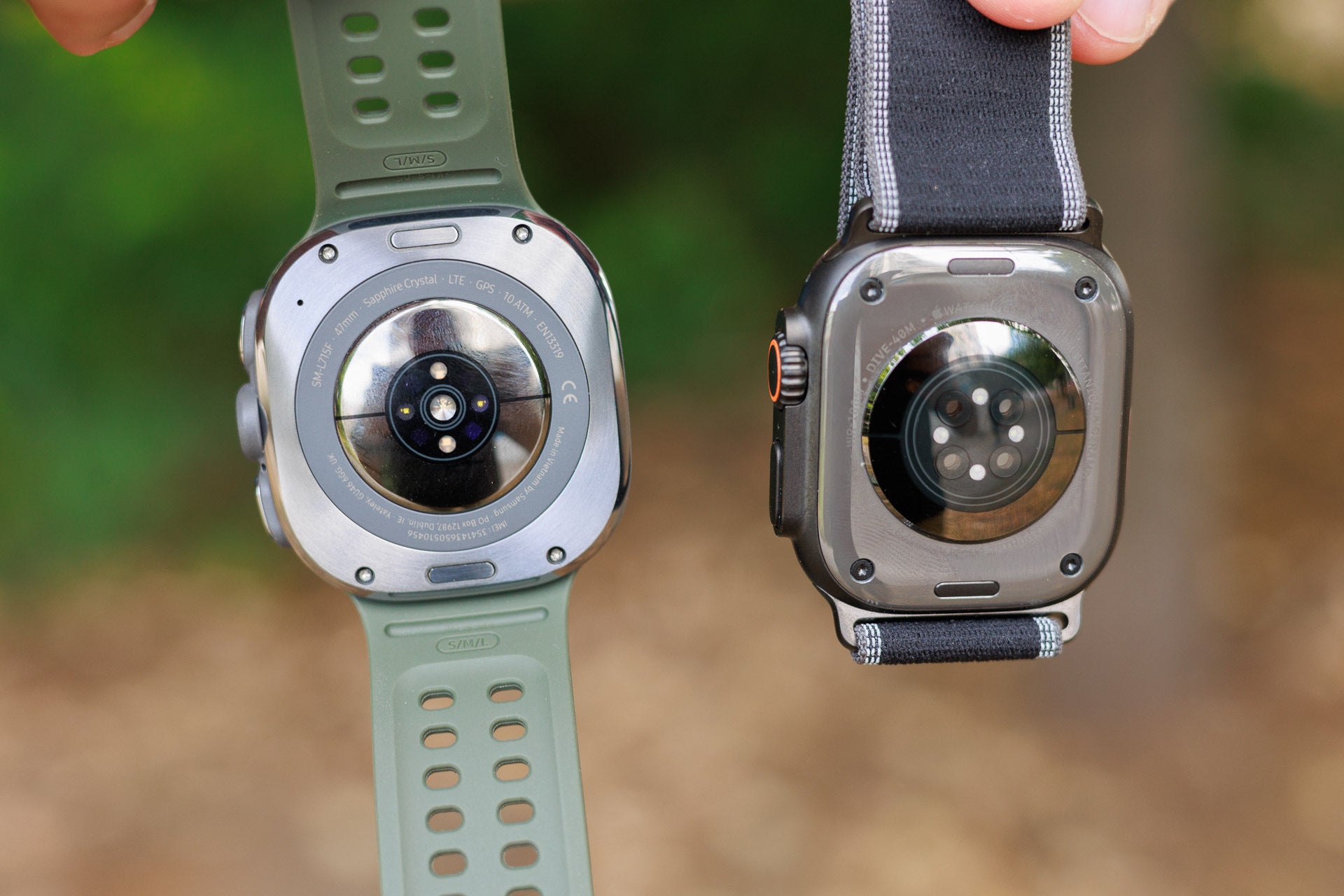
Galaxy Watch Ultra 2 vs Apple Watch Ultra 2 on the right | Image by PhoneArena
I have used many smartwatches, including Garmin watches, Coros, Apple Watches, Pixel Watches, etc., and all of them have the option to see the data from my last few workouts. Arch-rival Apple Watch, stores your daily workout in the last tab in the Activity app. Tap on an activity, and you see a brief summary of how it went. It doesn't go in-depth with your run map and all the little details, but it has the most basic data. It's not the complete data, but it's a useful summary.
On Garmin watches, you can hold the menu button and go to History, then Activities, where you will find a list of your past workouts. And tapping on one opens "All Stats" with heart rate zones, laps, splits, and the training effect, and all of that without touching your phone.
Samsung, for some reason, has decided that even that is not necessary.
So if you just go on a run with your watch or a swim as I do, you need to open the Samsung Health app on your phone to see your previous workout data.
And sure, that's where you get the full breakdown with every little metric that the watch tracks. Samsung has also now redesigned the Health app on phones so it looks more modern and with a more intuitive layout, but this is still no excuse for not having the data on the watch.
This feels particularly unfair for Samsung's Ultra watch, the one model made for athletes, divers and trail runners. It's a weird contradiction having an advanced training watch that fumbles a basic, expected training feature.

Popular stories



Latest News

Things that are NOT allowed:
To help keep our community safe and free from spam, we apply temporary limits to newly created accounts: