Samsung Gear VR 2016 Review
Introduction
Smartphone users are all too used to balancing questions of cost and functionality: do you get the $250 budget phone that's fine for basic web and social apps, or splurge on the $750 flagship with the next-gen processor ready to tear right through the latest 3D games?
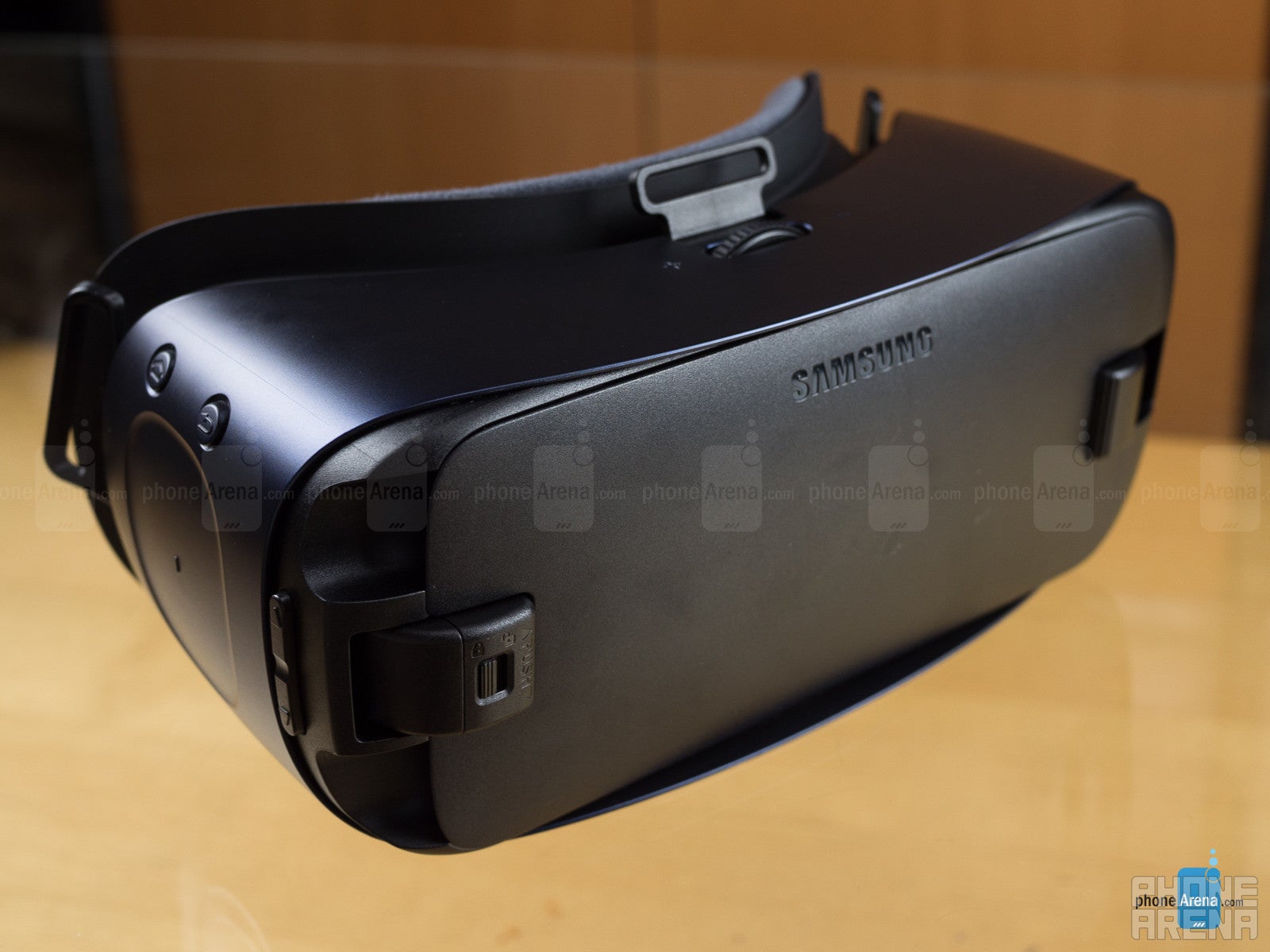
Last year Samsung's early Gear VR Innovator Editions gave way to the full-blown commercial model, supporting the Galaxy S6, S6 edge, and Note 5 – and since its release, the GS7 and GS7 edge, as well. But now there's a new Samsung flagship on the block, and with the Note 7 graduating from micro USB to USB Type-C connectivity (and the existing Gear VR designed to interface with its host phone over micro USB), Samsung needs a new Gear VR to match.
Design
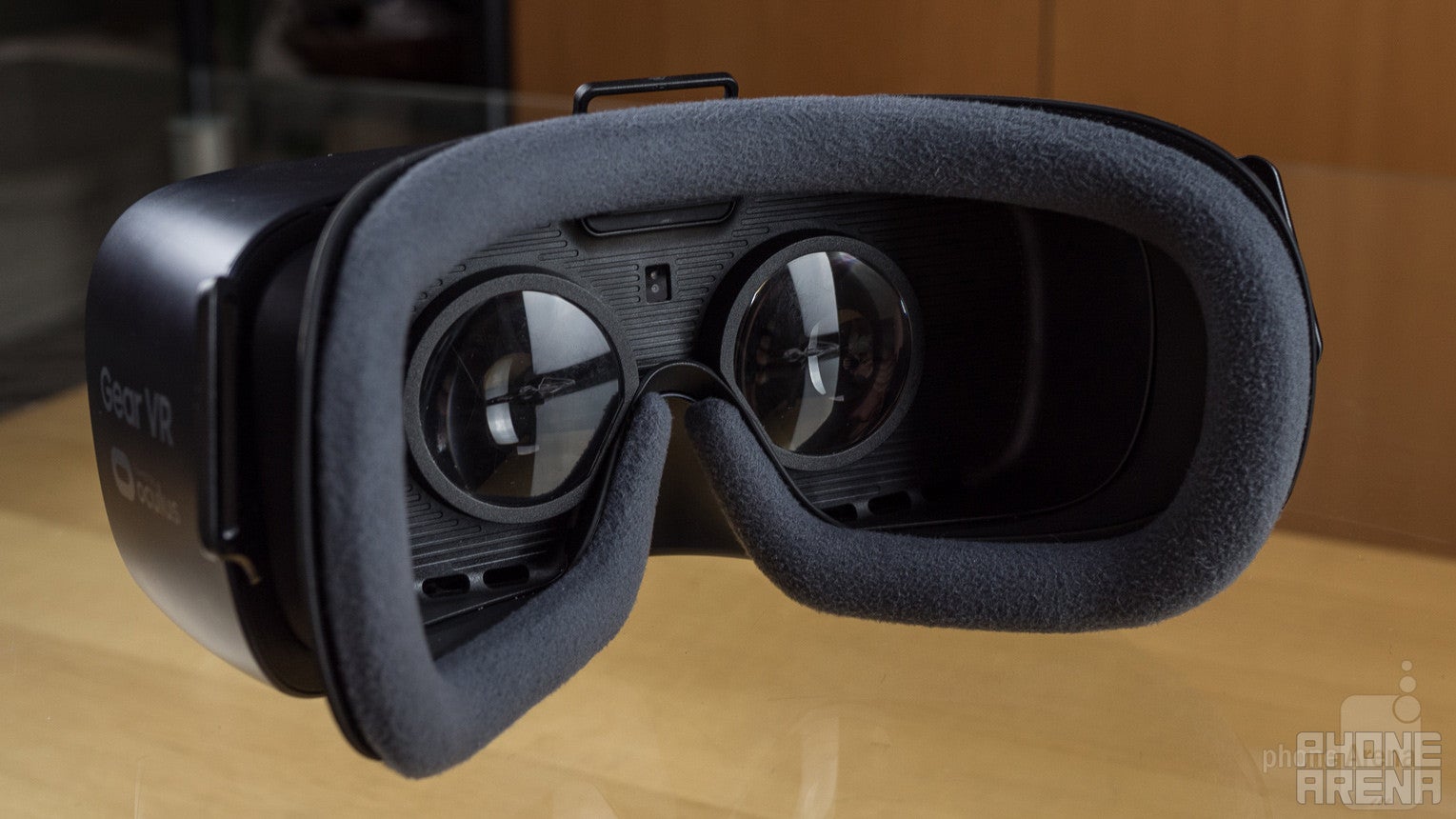
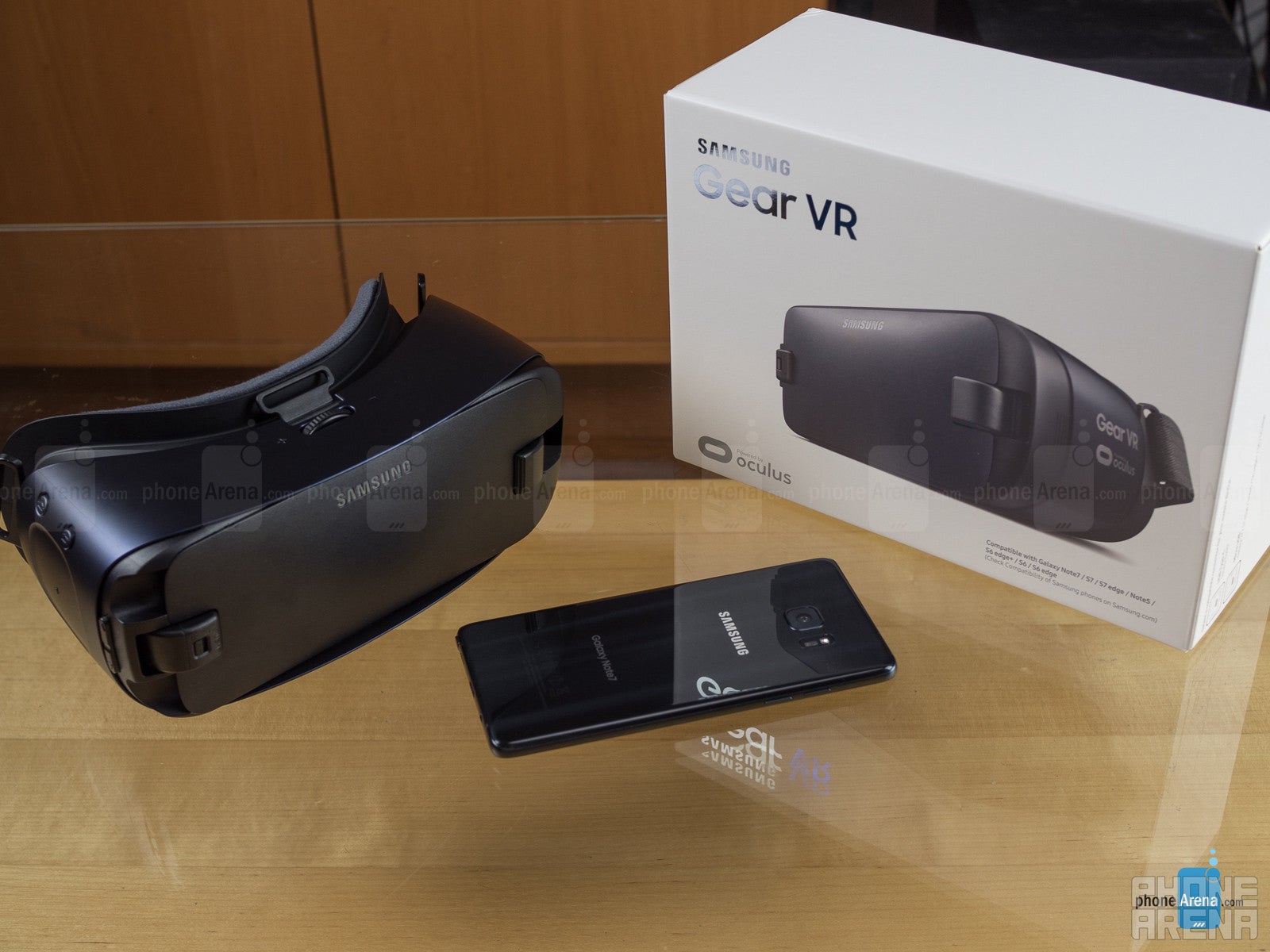
The first thing you're going to notice about the latest Gear VR is its sharp new color scheme, ditching the multi-tone white-and-black of last year's headset for a sleek blueish-black design. While that color change may be a wholly aesthetic one, there's also a functional improvement to the new color.
It used to be that the interior of the Gear VR – the part where you put your face – had white plastic surrounding the lenses. Samsung tells us that it had gotten feedback about those surfaces reflecting light within the headset, and the move to an all-dark Gear VR – interior included – is partly to help minimize any such stray reflections.
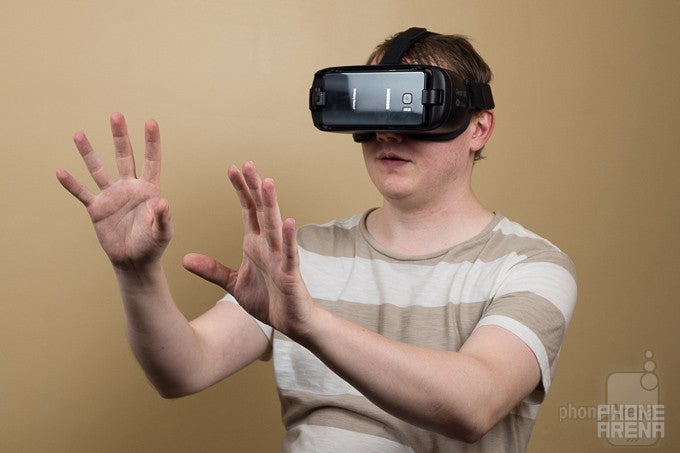
Like last year, the Gear VR uses a combination of straps to help hold the unit on your head: one that stretches behind your head ear-to-ear and another that loops over the top. While there's no fundamental change for the 2016 edition, the presence of longer straps should better accommodate users of varying head geometry.
Samsung's also trying to increase Gear VR comfort by overhauling the padding that borders the headset's eyepieces. The material itself is quite nice, a bit of soft foam covered with a felt-like fabric and held in place with hook-and-loop fasteners – which seems to be an effort to make the padding easily replaceable. Our problem, though, was less with the padding material itself, and more with the Gear VR's inability to customize it.
We had a few different users try on the Gear VR, and all reported feeling like the headset was putting too much pressure around their nose, interfering with comfortable breathing. Adjusting the straps helped relieve some of that pressure, but there seems to be simply too much padding in too small an area around the Gear VR's nose cutout. We might have liked to remove the nose padding entirely, but as the padding's all one continuous strip, you can't pick and choose where it's present.
We also get another hardware button above the touchpad, as a “home” key joins the back button, letting you jump all the way out of Gear VR apps and back to the Oculus launcher.
Finally, we have the change which largely prompted the existence of this new Gear VR in the first place: USB Type-C support. Samsung accomplishes this by making the hinged USB interface that mates with your Galaxy phone a removable component; it arrives with the Type-C adapter for the Note 7 in place, but you'll also find a micro USB version included in the box, which can easily be swapped in place for compatibility with earlier Galaxy flagships. Like the USB connector on the last Gear VR, this one still slides back and forth to accommodate both phablet-sized and more petite devices.
Interface and content
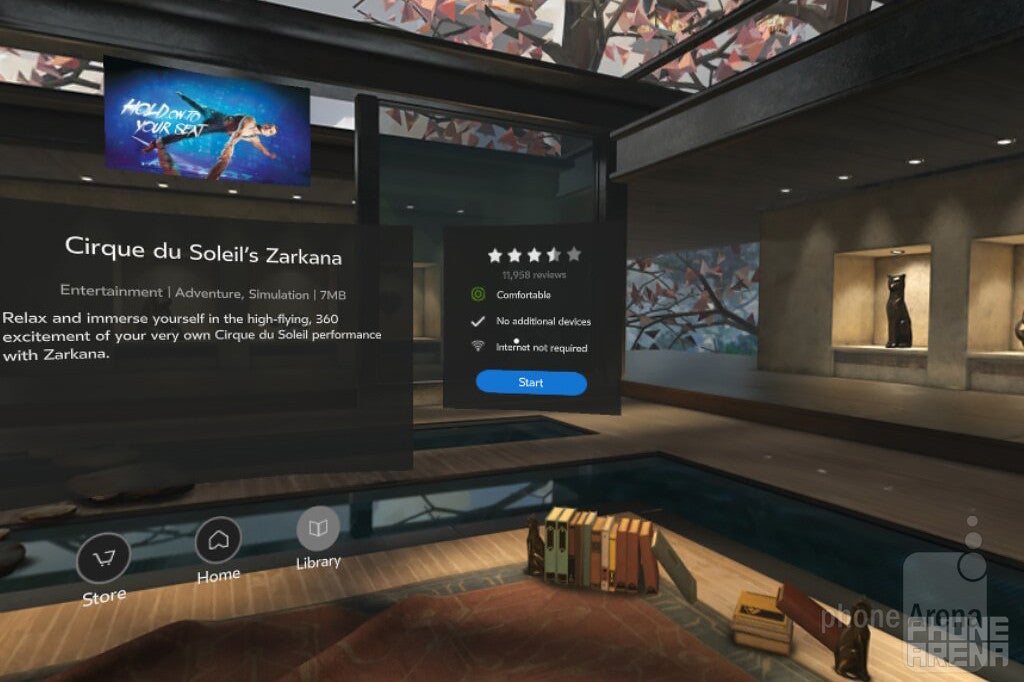
Transitioning from regular handheld smartphones to viewing content in Google Cardboard can be a little awkward, but Samsung and Oculus make the process go by much more smoothly for the Gear VR. You can either pop your phone right in the Gear VR and the Oculus home screen comes up, ready to give you access to all your 360-degree video and VR apps, or start up an app on your phone that features Gear VR support, at which point your phone will prompt you to insert it in the headset. The proximity sensor in the Gear VR makes sure you've got the unit firmly on your head before it starts the action.
The new home button helps you stay in the VR space as long as you like (though it's probably in your best interest to take a break now and then), letting users jump back to the main launcher and select a new title. A long-press on the back button pulls up a helpful quick menu, letting you adjust brightness, check phone notifications, and even take screenshots and record video.
Initial setup
It would be nice if Samsung phones supporting the Gear VR came ready to use it right out of the box, but there's a bit of a setup procedure required first. If you're new to Gear VR, it can seem a little confusing – you may find yourself asking why you're creating a new Oculus account, rather than using your existing Samsung account – but you'll get through all that soon enough. Then it's time to start browsing through titles and downloading content.
A fair amount of the video available for the Gear VR arrives in its own respective apps – you'll access Discovery Channel 360-degree content through its own app portal, for instance – but there's also a general-purpose video viewer you can use for watching files stored locally on your phone.
Experiences
Ah, the meat of the Gear VR: what's it like to actually use the thing? In short, it's pretty good, and up there with the best self-contained VR experiences you can get. It runs circles around your standard Google Cardboard, and for not-particularly-interactive tasks like watching 3D, 360-degree videos, it's solid competition for the HTC Vive or Oculus Rift.
Even with the quad-HD 1440 x 2560 screens on recent Galaxy flagships, you're still going to see a lot of pixels – and short of Samsung moving to 4K, don't expect that to change anytime soon. Since the Gear VR is literally like holding a magnifying glass up to your phone's screen, all those little pixels are plenty visible.
That in and of itself isn't necessarily a bad thing – and it's a symptom shared by the vast majority of currently available VR gear. But what makes things arguably a little worse on Samsung devices is the subpixel layout of the company's screens. Without getting overly technical, the PenTile matrix of red, green, and blue dots Samsung screens use to form distinct pixels aren't grouped in isolated batches of three. As a result, you'll see situations where the edges of high-contrast on-screen elements (like letters in text, or border boxes) pick up jagged, mis-colored appearance; a menu might be a white box when you view it head-on, but one side could have a bunch of stray red sub-pixels sticking out.
When it's working well, the Gear VR experience can be incredibly immersive. But it doesn't take much to knock you out of that illusion, and despite the efforts by Samsung and Oculus to deliver a smooth, low-latency platform, little hiccups here and there interrupt every few moments.
While some games behaved better than others, rendering issues and 3D tearing present in more than a few detracted from the VR experience. We know, that's more the fault of the apps or the phones running them than the Gear VR headset itself, but this is ultimately a package deal – and it's just not as seamless as it needs to be. And while viewing 3D panoramic video tended to go a little more smoothly than real-time rendered games, stuttering crept up even there. Worse still, we ran into freeze-ups and jerky playback when attempting to simply watch regular, flat 2D video in a virtual cinema app. We know that the Gear VR and modern Samsung flagships are capable of handling all this content – and they totally do, at times – but it's all just very inconsistent, minute-to-minute.
Battery Life
Unsurprisingly, any sort of Gear VR experience is going to eat through your phone's battery life at a brisk pace. The Gear VR itself doesn't consume a ton of power; it's just got a few sensors and its touchpad to run. The power demands come from the VR software on your phone.
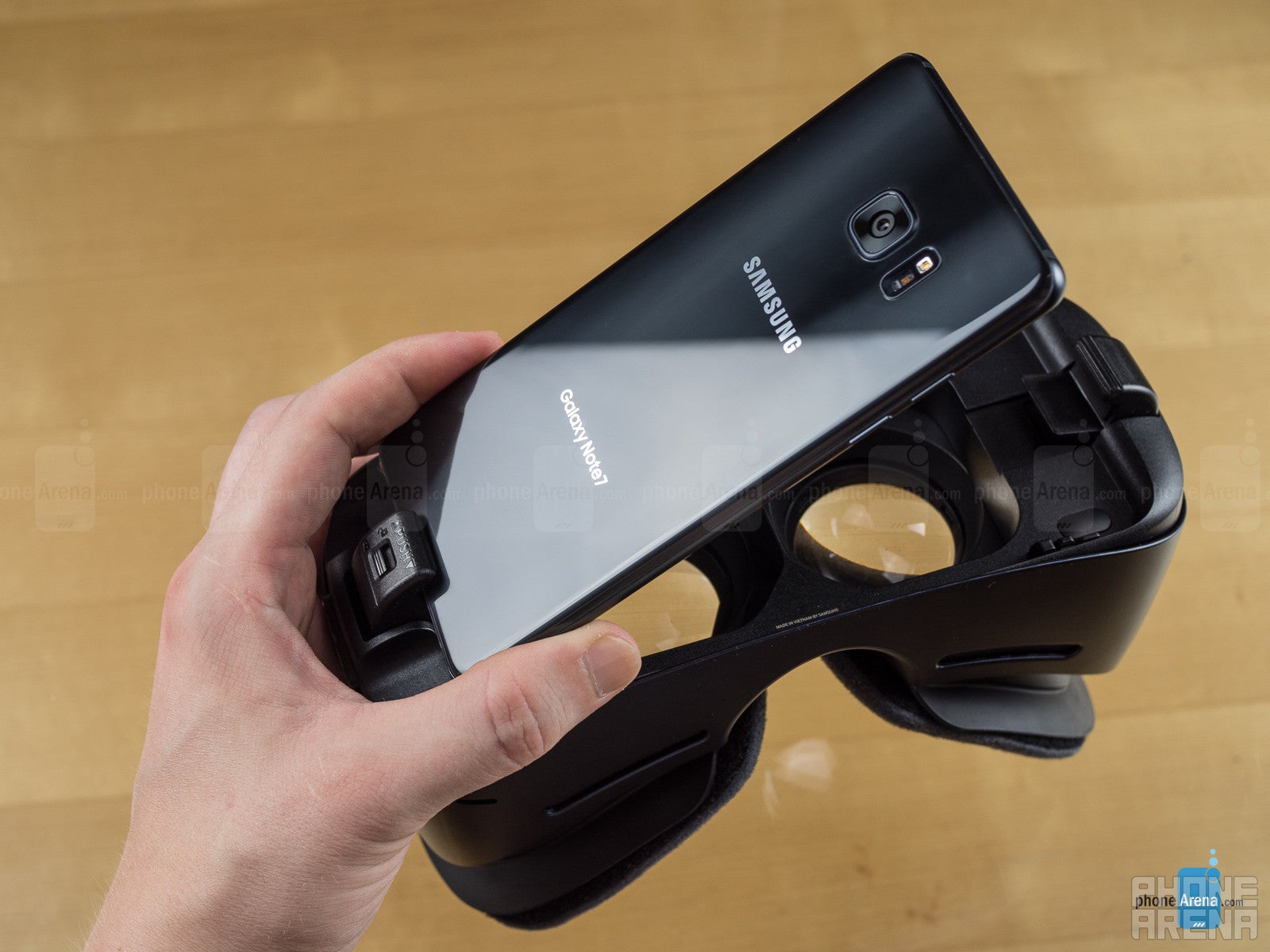
To help mitigate power concerns, Samsung once again gives the Gear VR an auxiliary USB port on the headset's bottom edge, which you can connect to an external power source. For this new Gear VR, that port changes from micro USB to USB Type-C.
Price and conclusion
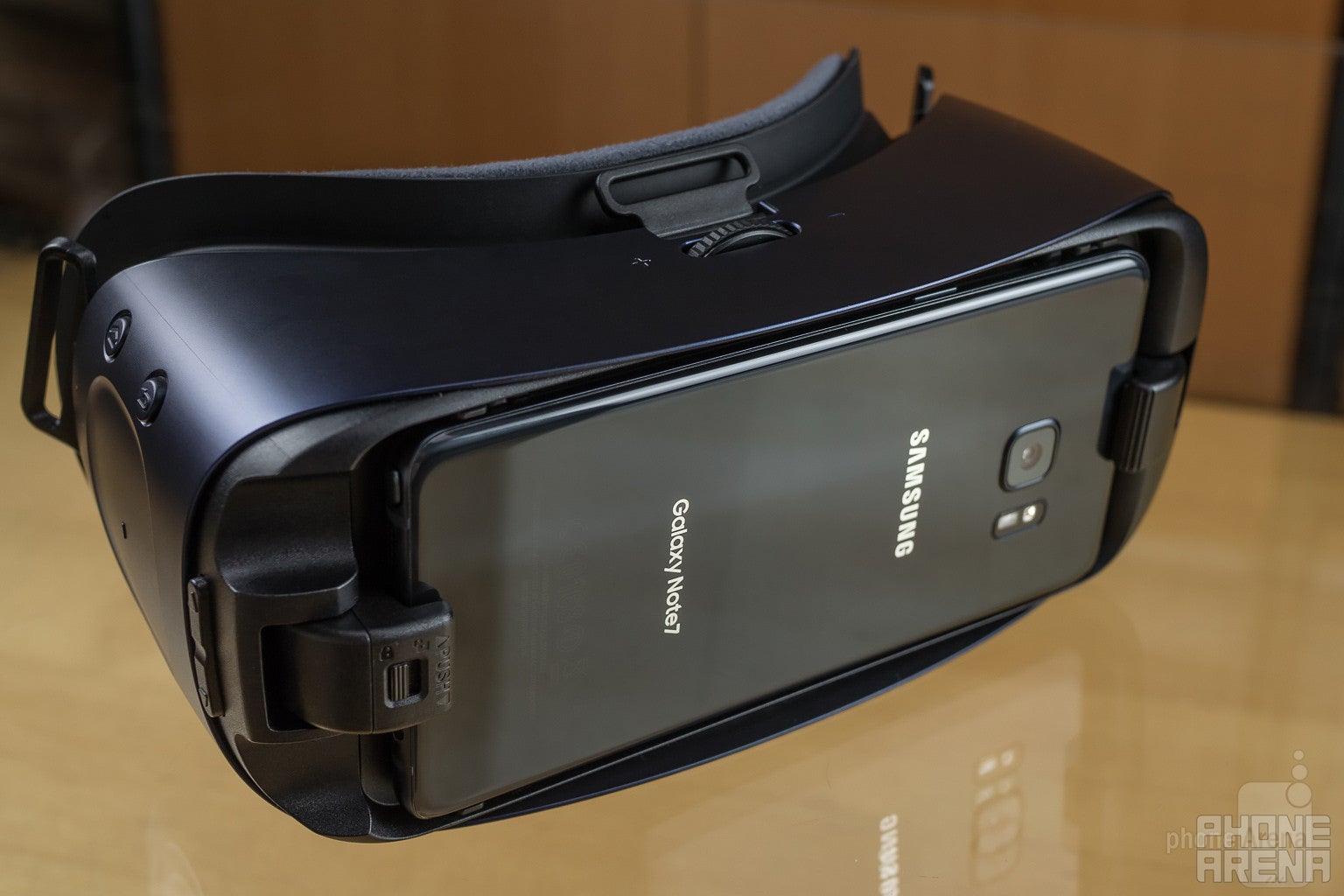
Samsung's selling the new Gear VR for about $100, just like the old model. It's compatible with the Samsung Galaxy S6, S6 edge, S6 edge+, S7, S7 edge, Note 5, and the new Note 7.
You should also take into account the price of VR media, and especially when we're talking about games, stuff doesn't come cheap. You may be used to paying $3 to $5 for popular Android titles in the Play Store, but a good fraction of the Gear VR games in the Oculus Store are more in the $5 to $10 range. There are a few free titles, but the selection's a bit limited, and unlike Play Store Android games, you won't find a lot of freemium stuff, giving you a taste of a free game and tempting you to pay to unlock extra content.
So do you get the new VR or not? While the extended field of view and input upgrades are nice, they're not so game-changing that you need to upgrade if you already have last year's model.
Samsung also has a habit of giving Gear VR headsets away for free, often as a promo when it's got a new phone coming out. That didn't happen for the Note 7, but it's a distinct possibility we'll see something similar occur with the Galaxy S8 – so if you were planning to upgrade to an early 2017 Samsung flagship, you might want to hold off on buying a separate Gear VR now.

Follow us on Google News
Popular stories

Latest News
 FCC OKs Cingular\'s purchase of AT&T Wireless
Things that are NOT allowed:
To help keep our community safe and free from spam, we apply temporary limits to newly created accounts: