Kwikset Kevo powered by UniKey Review

Introduction
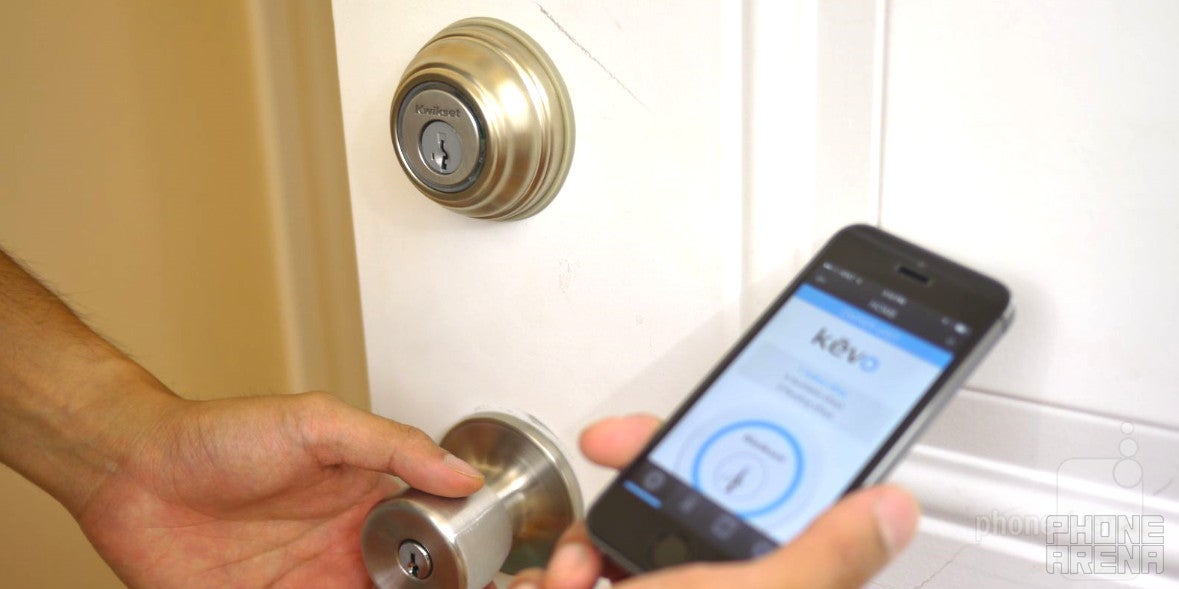
Our digital world is constantly expanding in many ways we can imagine. It seems as though every conceivable consumer electronics product is becoming “smart,” where they become a part of our never-ending digital world. From refrigerators to security cameras, there’s nothing out of question from becoming transformed into a “smart” product – even the stuff that some people would think to be unlikely. Interestingly, the Kwikset Kevo is undoubtedly one of those particular things that come to mind, since it’s an evolutionary step for the timeless deadbolt lock.
The package contains:
- Kevo deadbolt
- 1 FOB key
- 2 physical keys
- 4 AA batteries
- Interior latch
Design
For all of its smart features, it’s comforting to see that its design is contemporary.
Before diving into that, we have to say that it’s nice that it retains the traditional design of the deadbolt we currently have in use with our doors. Thankfully, Kwikset offers the Kevo in three specific finishes to match your existing taste – they include satin nickel, polished brass, and venetian bronze. As expected, the components are made out of metal, which gives the entire thing a sturdy construction.
For those concerned about protection, the Kevo features BumpGuard protection to prevent lock-bumping, and it’s pick resistant. However, after doing a quick web search, we found out that the Kevo can still be compromised – with specialized locksmith tools, a lot of time, and force, of course. Needless to say, it’s not a discrete process trying to take it apart, but it’s still a bit concerning knowing that it can be done. To its credit, the whole process takes some time to finish, so we wouldn’t say that it’s a relatively quick and simple thing.
The package contains all of the essentials to replace an existing lock. For non-handy people, they’ll need to carefully follow the directions that lay out the installation procedure. In our case, we were able to completely install, setup, and calibrate the Kevo in under an hour. That’s not too bad considering the existing lock had to removed, replaced by the components of the Kevo. Specifically, they include the deadbolt, lock, and latch.
On the inside of the door, there’s a massive sized component that sits atop the latch. It’s where the Kevo’s electrical components and batteries sit. Doing its best to mask this ghastly site, a dark plastic cover goes over it to give it a uniform look with the rest of the Kevo’s color scheme. Yes, it does look somewhat strange, but it’s necessary in giving the Kevo its unique features.
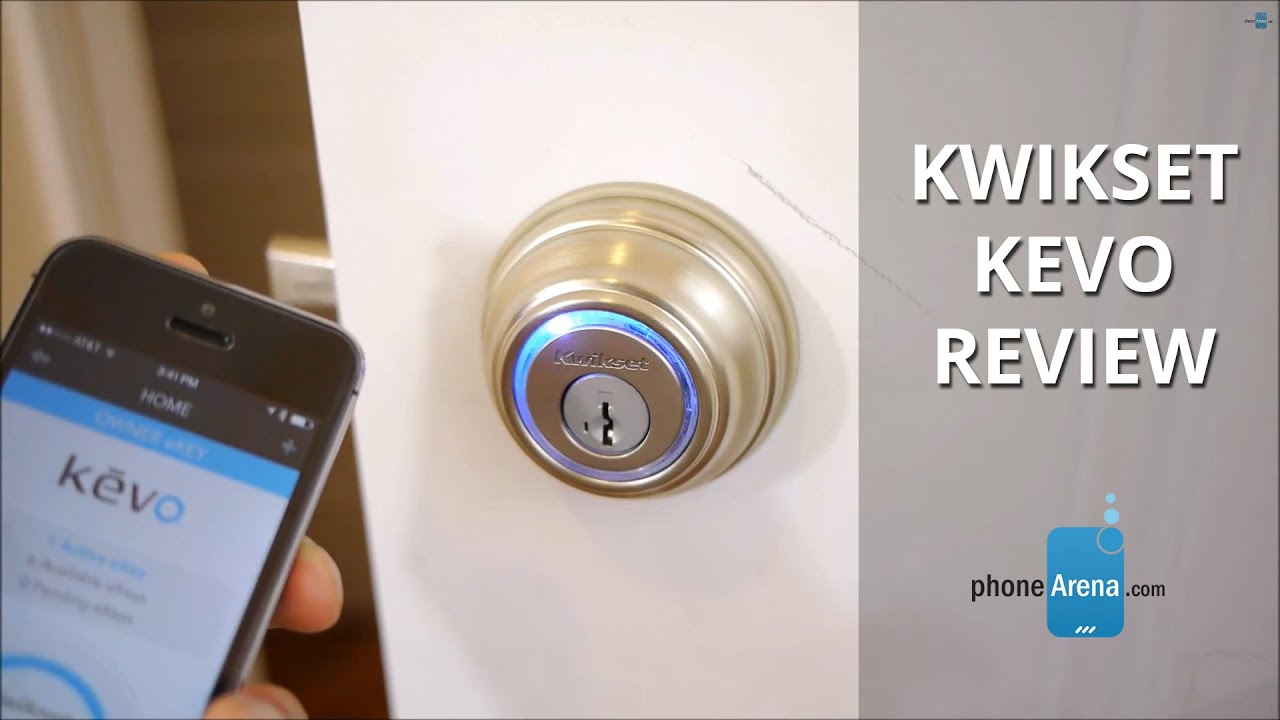
Kwikset Kevo Review
Kevo App
Using the Kevo app for iOS, it’s the hub that allows us to initially calibrate the Kevo, setup the eKeys, and even see a history of who has opened/closed the Kevo. Now, in order to unlock the Kevo, the app needs to be running in the background. If it’s not, the Bluetooth connection can’t be established for some reason. However, if you open the app, and then turn off the iPhone, we can still interact with the Kevo. Just as long as the app is running, we can put the iPhone in our pocket, backpack, or hold it – and it can still be recognized by the Kevo.
Another key feature of the app is the ability to send eKeys to specific individuals. This is a great feature if you’re going away and want a friend or family member to watch over the house, seeing that an eKey can be sent to them – where they’re given the necessary permissions to unlock the Kevo. Best of all, you can revoke their access at any time, so it gives some organizational control in who can access it.
Performance
Tap, wait, and it’s unlocked! The whole process is simple and takes less than 10 seconds to complete.
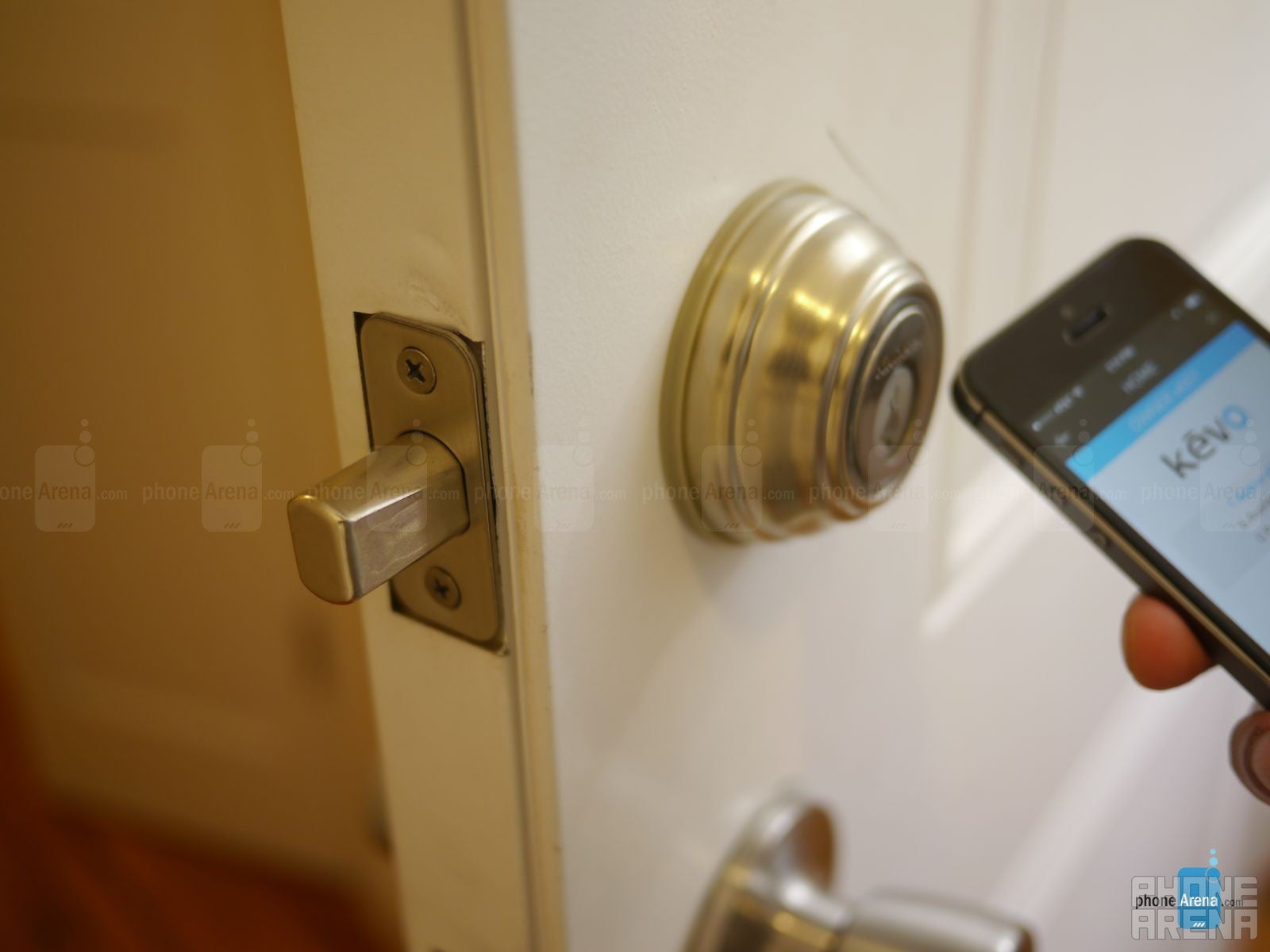
Once that’s established and it recognizes the iPhone as an authorized device, it makes the automated sounds that unlock the Kevo. Simple, quick, and easy! The whole process takes approximately 5 to 8 seconds, so it’s just as fast as if we’re using the physical key.
As an alternative, there’s a FOB key included that first needs to be programmed to be an authorized device with the Kevo. Once that’s done, it acts just like our iPhone in being an eKey. Essentially, we can put the FOB key in our pocket or backpack, so when it’s in close proximity to the Kevo, it allows us to unlock it.
Battery Life
As per the maker, the Kevo’s battery can last up to 1 year under normal usage.
With the 4 AA batteries of the Kevo, Kwikset says that it’s rated to provide up to a year with “normal usage.” Not surprisingly, the battery is still going after a couple of weeks using the Kevo day in, day out – so we’re not too concerned about it. Worst case scenario, if the battery goes dead, we can always resort to using the physical set of keys to unlock it. In the actual event that its battery is going, the Kevo itself will have its red LEDs lit up to provide on-going visual indication that its battery is low. In addition, it’ll send in-app alerts as well.
Conclusion
Kwikset gladly refers to the Kevo as “the key evolved.” We undeniably agree with this statement, seeing that the Kevo is an evolutionary step to the usual deadbolt lock. Despite that, it doesn’t come cheap! Rather, the Kwikset Kevo sports a retail price of $220, which is a pretty steep cost for anyone – more so when an ordinary, basic deadlock can be picked up for as low as $15 on the average.
Just like our wallets, our smartphones have become an integral thing that we remember to carry along with us at all time, so it’s nice that we can now ditch the usual physical key with the Kevo, as our smartphone (iPhone in this case) acts as it. Being able to unlock the Kevo with our iPhone, track who is entering who’s accessing the Kevo, and even sending eKeys to a friend/relative, all show us the smarter functions of this deadbolt lock – albeit, it comes at a steep price.
The more we think about it, we’d recommend checking out the Kevo – that’s as long as you can swallow its expensive cost. However, its limited support to the iPhone will hold back many people from picking it up. Still, we can sleep knowing that the company will eventually roll out support to other phones.

Popular stories


Latest News

Things that are NOT allowed:
To help keep our community safe and free from spam, we apply temporary limits to newly created accounts: