Samsung Galaxy S12 Ultra vs Galaxy Tab S11 Ultra: Don't make a mistake!

We may earn a commission if you make a purchase from the links on this page.
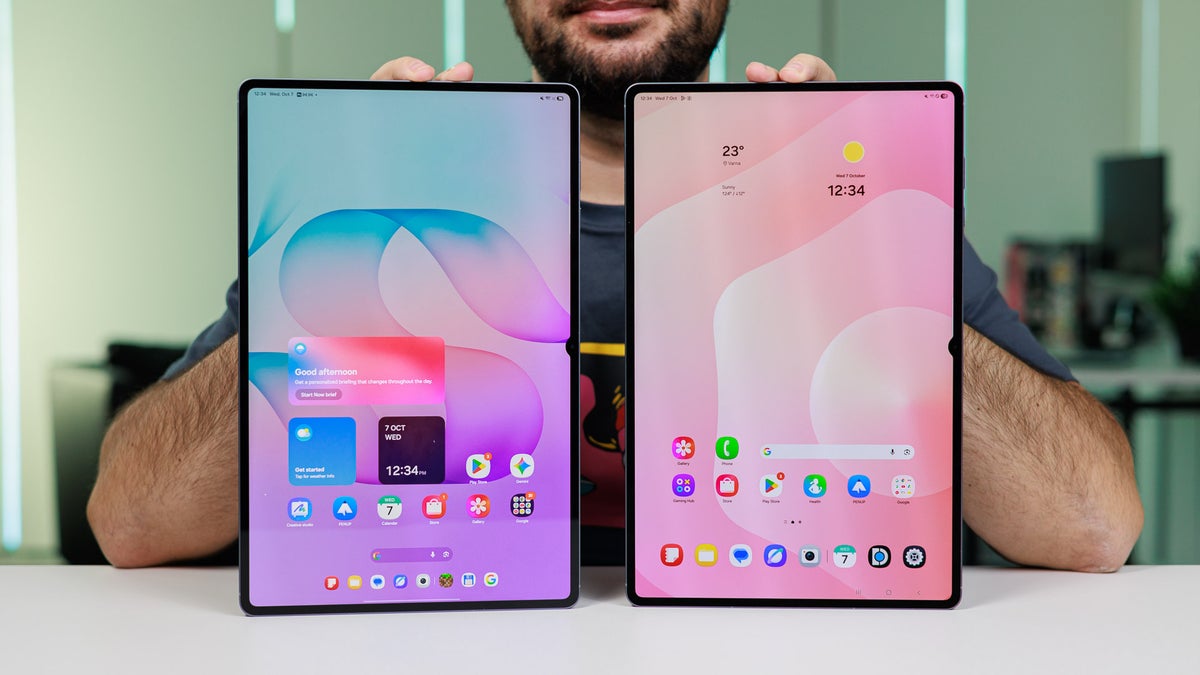
Upgrading from the Galaxy Tab S11 Ultra to the Galaxy Tab S12 Ultra makes zero sense. | Image by PhoneArena
Samsung's Galaxy Tab S12 Ultra hits the shelves today, but if you already have a Galaxy Tab S11 Ultra, you shouldn't even think of upgrading.
That's because aside from the higher price and the slightly faster chipset, the Galaxy Tab S12 Ultra and the Galaxy Tab S11 Ultra are two entirely identical devices that offer the same overall experience. Not even a new color option made the cut, which is secretly great news for all those that adore silver and gray.
That's because aside from the higher price and the slightly faster chipset, the Galaxy Tab S12 Ultra and the Galaxy Tab S11 Ultra are two entirely identical devices that offer the same overall experience. Not even a new color option made the cut, which is secretly great news for all those that adore silver and gray.
Like the Galaxy Tab S11 Ultra, the Tab S12 Ultra is available through Samsung's own store, as well as major retailers like Best Buy, Amazon, Walmart, and others. The price? Now starting at $200 extra: while the Tab S11 Ultra began at $1,199, the new one will set you back $1,399. Nothing to balk at, and if I upgraded from the older device to the new one, I'd honestly feel ripped off.
I've been playing with the Galaxy Tab S12 Ultra for the past two weeks, while at home I rely on the Galaxy Tab S11 Ultra for media consumption, and you'll excuse me for mistaking which one's which all the time.
Let me walk you through all the ways in which these two devices are identical.
Samsung Galaxy Tab S12 Ultra vs Galaxy Tab S11 Ultra differences explained:
| Galaxy Tab S12 Ultra | Galaxy Tab S11 Ultra |
|---|---|
| MediaTek Dimensity 9500 chip on board | Older and slightly slower Dimensity 9400+ chip |
| Bluetooth 6.0 | Bluetooth 5.4 |
| $1,399 starting price | $1,199 starting price |
Design and Display
No changes
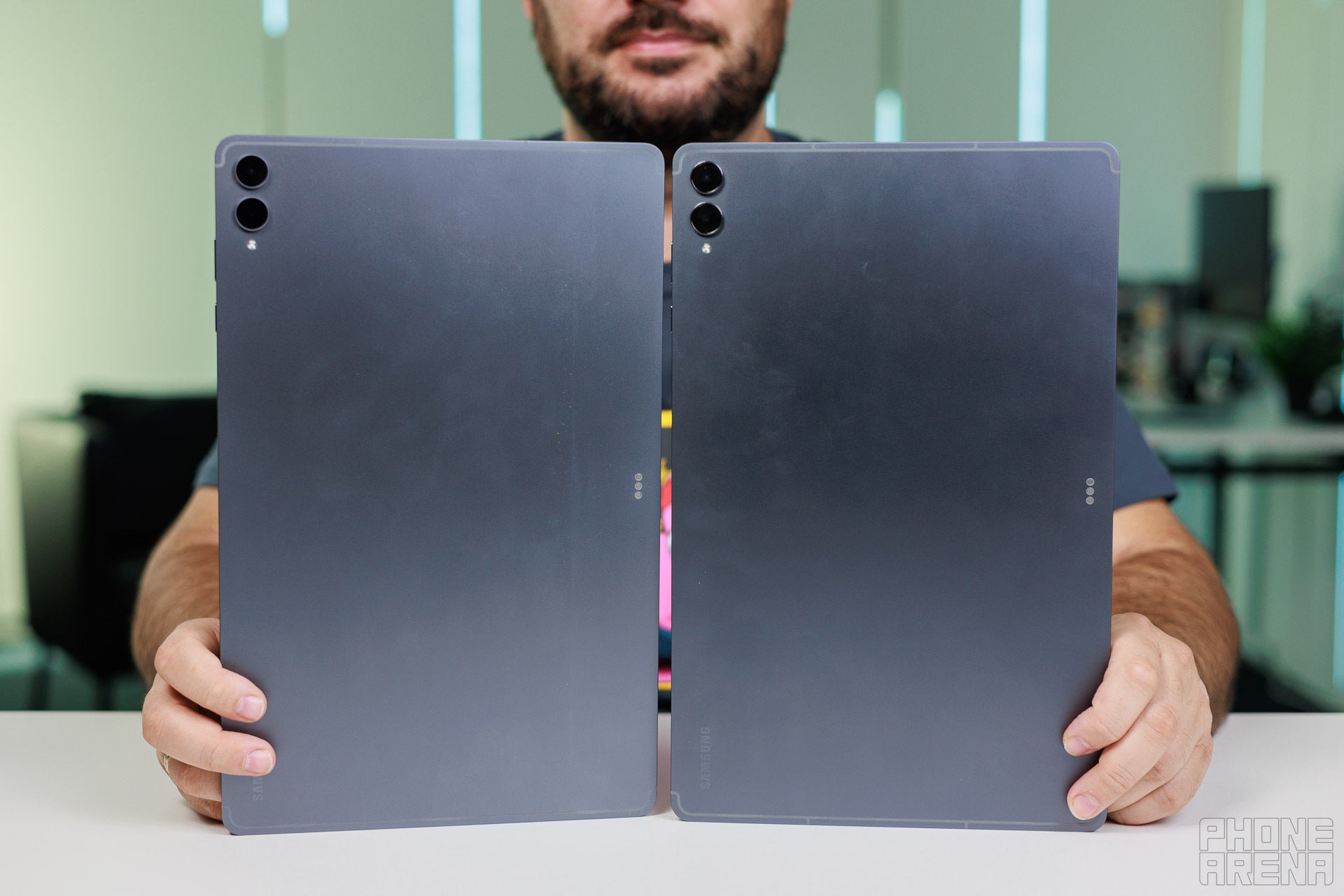
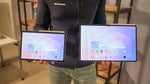
New tablet on the left, old tablet on the right. | Image by PhoneArena
As I've already established, there are no design differences between the Galaxy Tab S12 Ultra and the Tab S11 Ultra; they are practically the same exact device. While this may sound like an issue, it really isn't, as either one looks super smart and sleek with a very thin 5 mm aluminum frame and a completely flat display.
Either the Galaxy Tab S12 Ultra or the Galaxy Tab S11 Ultra feels quite comfortable to handle considering their gargantuan 14.6-inch display size. And although they weigh nearly 700 grams each, neither is too top-heavy, and the weight distribution is pretty much perfect.
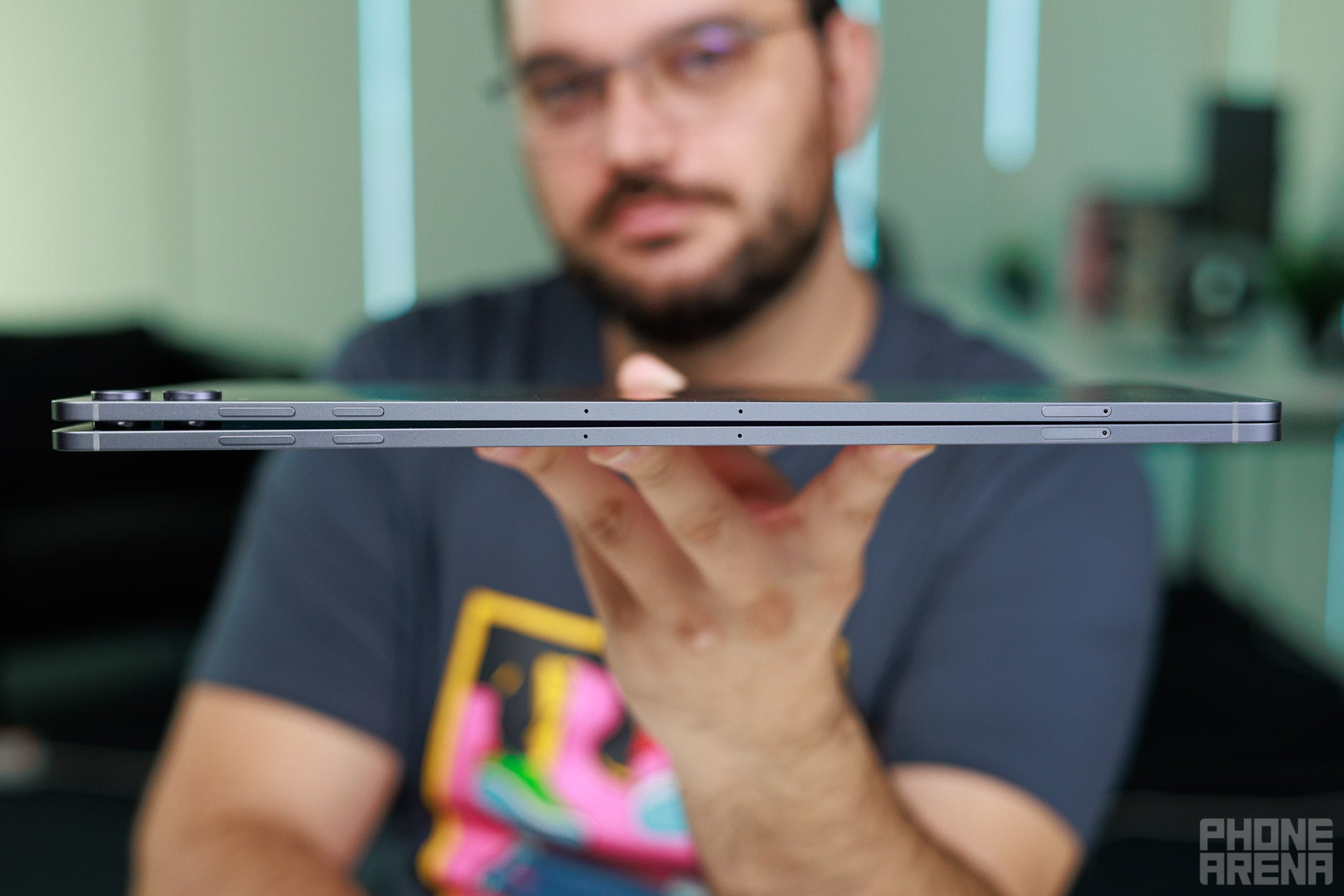
As sleek as they come. | Image by PhoneArena
Both tablets are IP68-rated, meaning they are well-protected against dust and freshwater, as is the standard these days. And either one has that front notch, which I don't like and can't force myself to ignore.
Both devices ship with S Pen styluses in the box, though both are of the passive, non-Bluetooth variety, a notable downgrade from previous Galaxy phones and tablets.
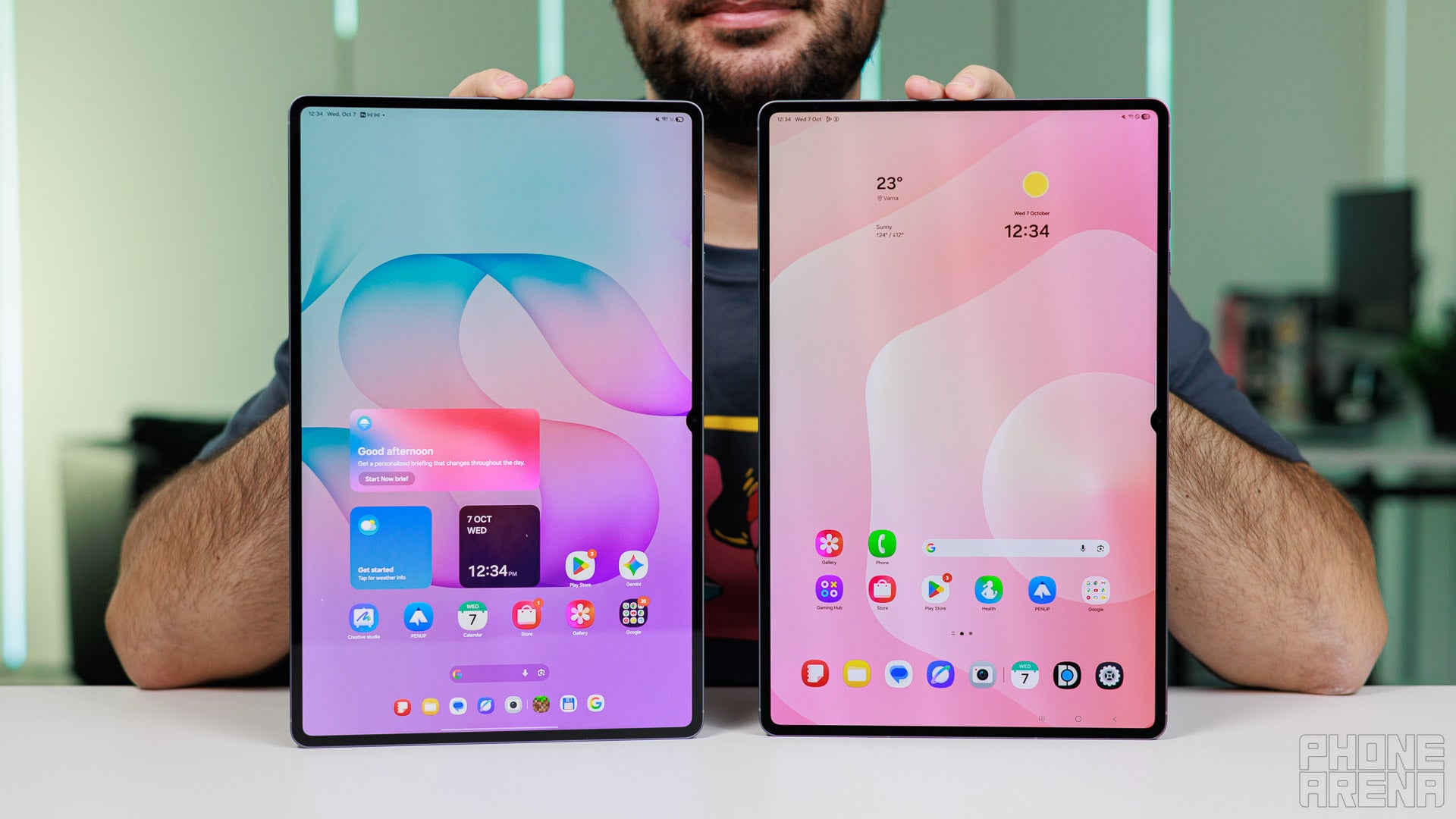
Very decent displays, especially for media viewing. | Image by PhoneArena
The similarities naturally carry on to the display section, as both slates feature identical 14.6-inch Dynamic AMOLED 2X with up to 120 Hz of refresh rate, 2960 by 1848-pixel resolution, and 239 ppi sharpness. The aspect ratio is 16:10, perfect for media viewing and providing that proper cinematic experience with minimal letterboxing, especially with TV shows.
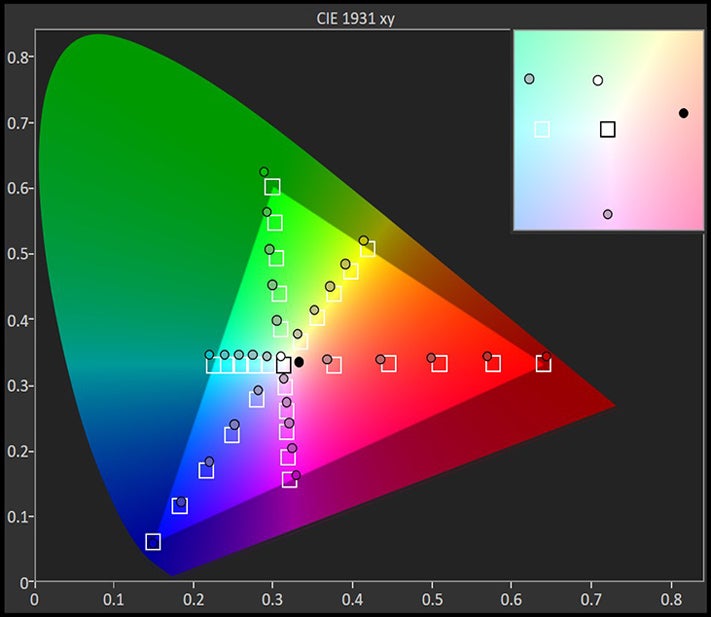
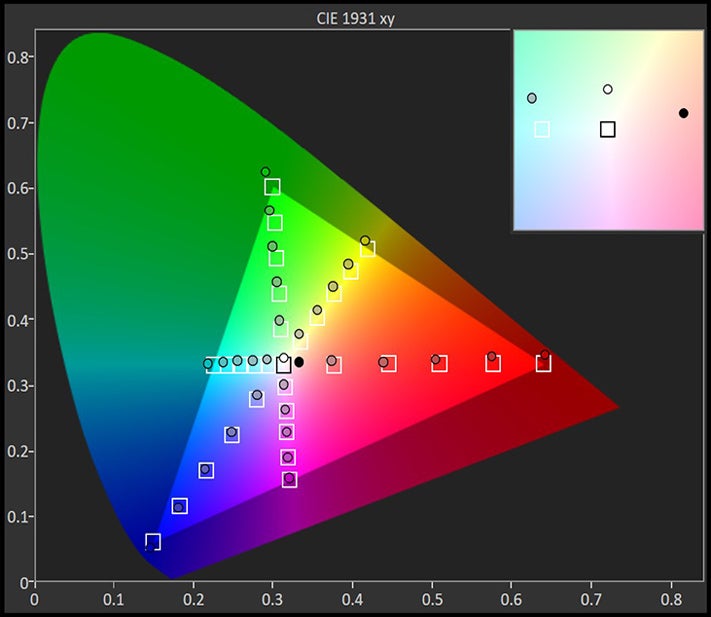
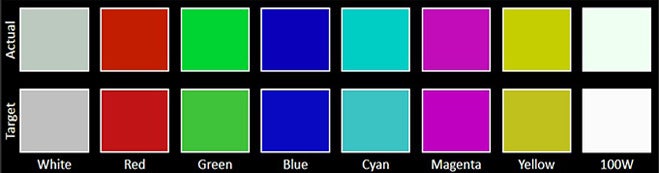
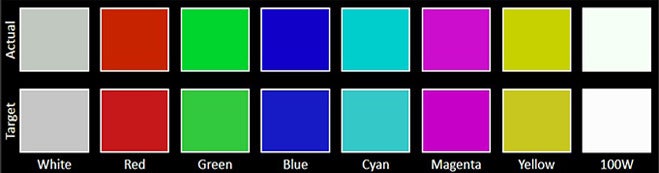
In our tests, the two devices are pretty much identical in terms of color accuracy and peak brightness, with minor differences that you can't really notice. What you can notice, though, is the lack of any anti-reflective coating or technology on either tablet, making these glare magnets in most lighting conditions.
Display Measurements:


Biometrics are covered by picture-based face unlock and an optical fingerprint sensor embedded in the screen that is both fast and accurate.
Keyboard and Stylus
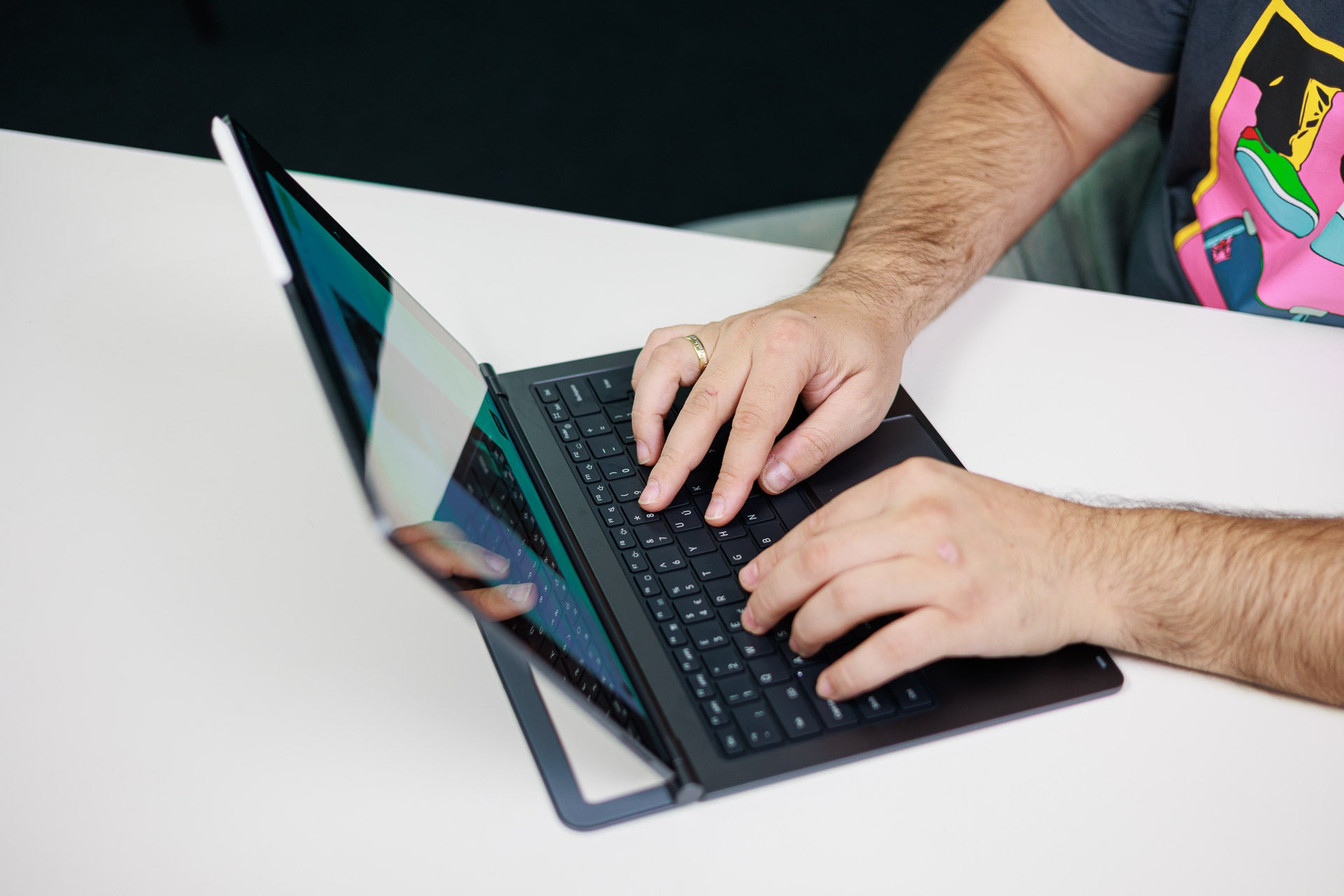
The Pro Keyboard fits both devices. | Image by PhoneArena
The Galaxy Tab S12 Ultra and the Galaxy Tab S11 Ultra are compatible with Samsung's optional Pro Keyboard accessory. It attaches via pogo pins to the tablets, and in my opinion, is the one accessory you should consider for either of these tablets. It truly elevates the Galaxy Tab S12 Ultra from a large tablet to an actual laptop of sorts that runs Android.
The keyboard is a standard 80-key one with a full function row that doubles with quick shortcuts for volume, screen brightness, and other essential features. It's a scissor-switch keyboard with little travel, just like on a MacBook, so I felt instantly familiar with it. The keys are standard-sized ones and the keyboard has two very decently sized palm rests, so typing is quite comfortable here. Apple's Magic Keyboard for the iPad Pro feels slightly better, though.
The keyboard is a standard 80-key one with a full function row that doubles with quick shortcuts for volume, screen brightness, and other essential features. It's a scissor-switch keyboard with little travel, just like on a MacBook, so I felt instantly familiar with it. The keys are standard-sized ones and the keyboard has two very decently sized palm rests, so typing is quite comfortable here. Apple's Magic Keyboard for the iPad Pro feels slightly better, though.
My issue with this keyboard is the lack of any USB-C ports on it, which is what Apple's iPad Pro keyboards have. A couple extra pogo pins could have taken care of wireless charging so that you can run a USB cable through the keyboard and charge the tablet, while now you have to rely on the Galaxy Tab S12 Ultra's own USB-C port, which is a clunky solution to a real problem.
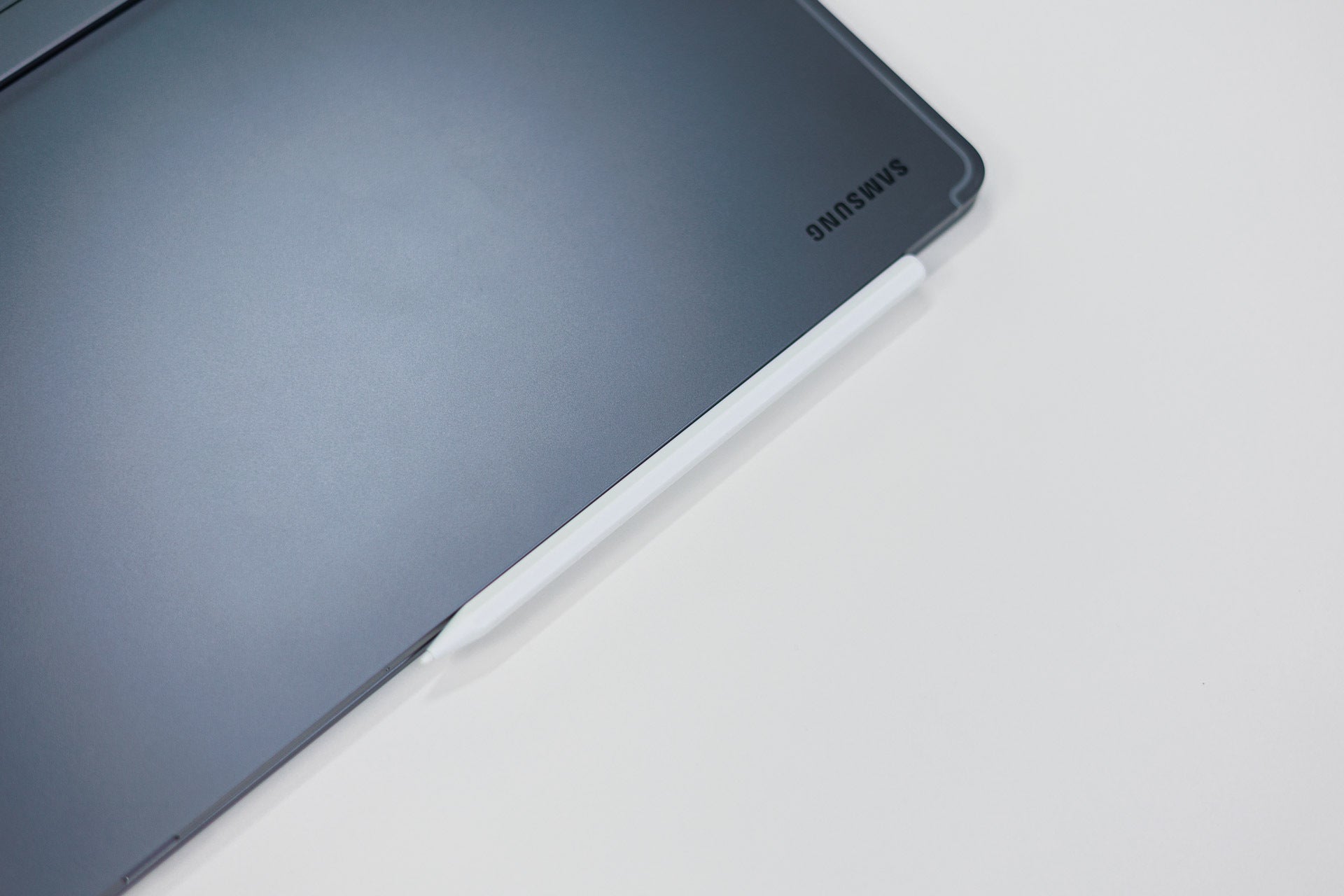
The stylus attaches to the side of the tablet. | Image by PhoneArena
The Galaxy Tab S12 Ultra comes with an S Pen in the box, so you don't have to purchase this essential accessory separately. It's a decent stylus despite being a passive one. No Bluetooth here, but also no charging necessary. Still, there's pressure sensitivity detection which should be helpful during drawing, sketching, or writing.
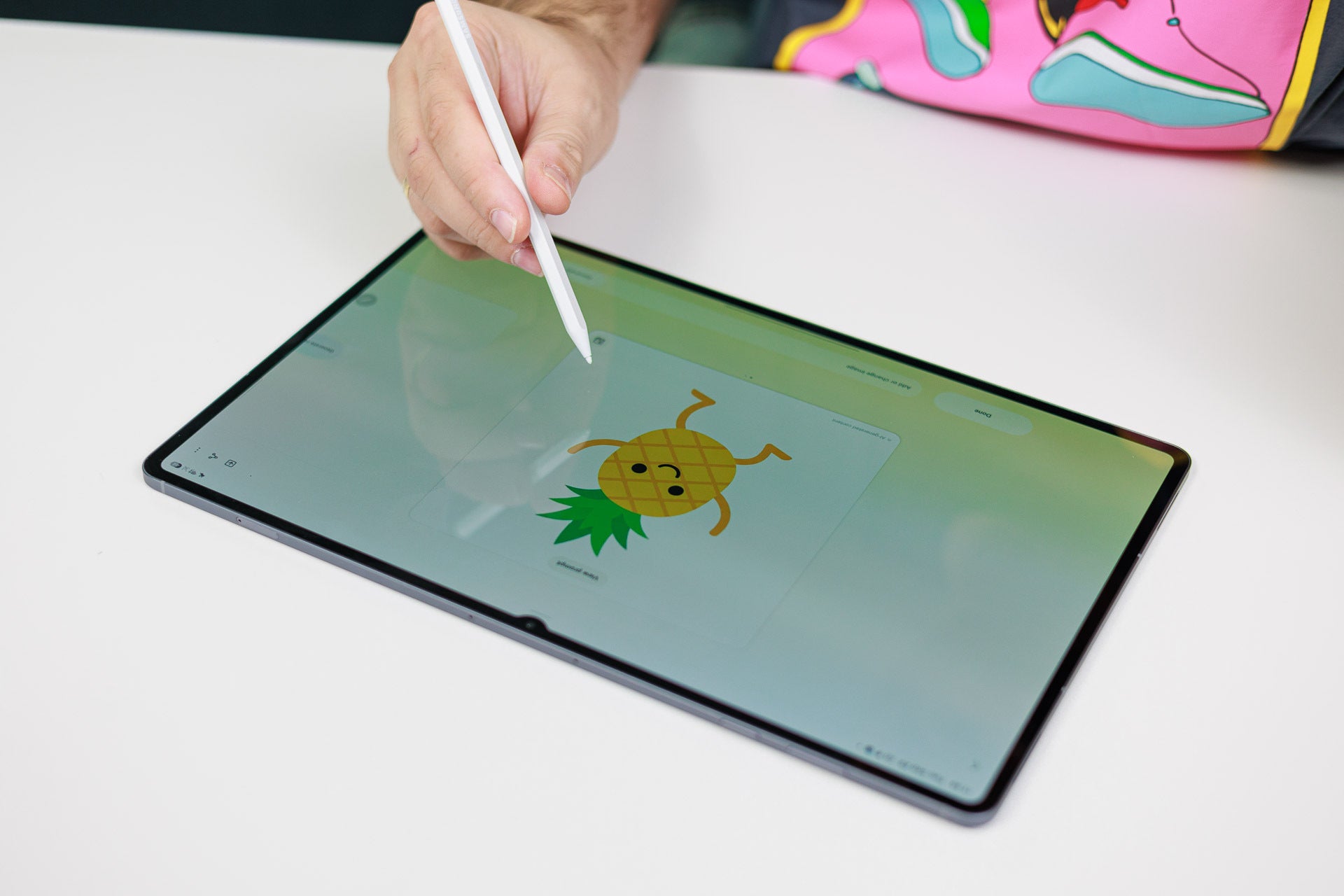
It's not the best stylus I've used, but it gets the job done for sure. | Image by PhoneArena
Performance & Benchmarks
Decent gains, but not much different for real-life usage
One of the very few differences between the old and the new Galaxy Tab S Ultra is the chipset powering the whole shebang. The Tab S12 Ultra features the Dimensity 9500 chipset, a step up above the Dimensity 9400+ one that was available on the Galaxy Tab S11 Ultra.
This step up in performance is noticeable in synthetic benchmarks, but as usual, doesn't really have a drastic effect on real-life usage. Both tablets feel similarly snappy and perform well, and if you somehow convince yourself the Galaxy Tab S12 Ultra feels faster, you'd be lying to yourself.
The Galaxy Tab S12 Ultra has a comfortable lead in Geekbench 7, but not that significant and on par with a standard yearly upgrade.
GPU Performance
Storage speed
The Galaxy Tab S12 Ultra comes with either 256 GB, 512 GB, or 1 TB of built-in storage. There's also a microSD card slot for memory expansion.
Gaming performance
Gaming is great on this tablet, not only because of the large screen but also thanks to the decent GPU on board. All games achieve very decent performance, and because of the large aluminum body, heat is very much not a concern here––the thermal management is perfect, so fps will remain high while you game.
I enjoyed a lot of Call of Duty: Mobile and Minecraft in local multiplayer with my son, both ran like a charm and delivered an awesome experience.
Software
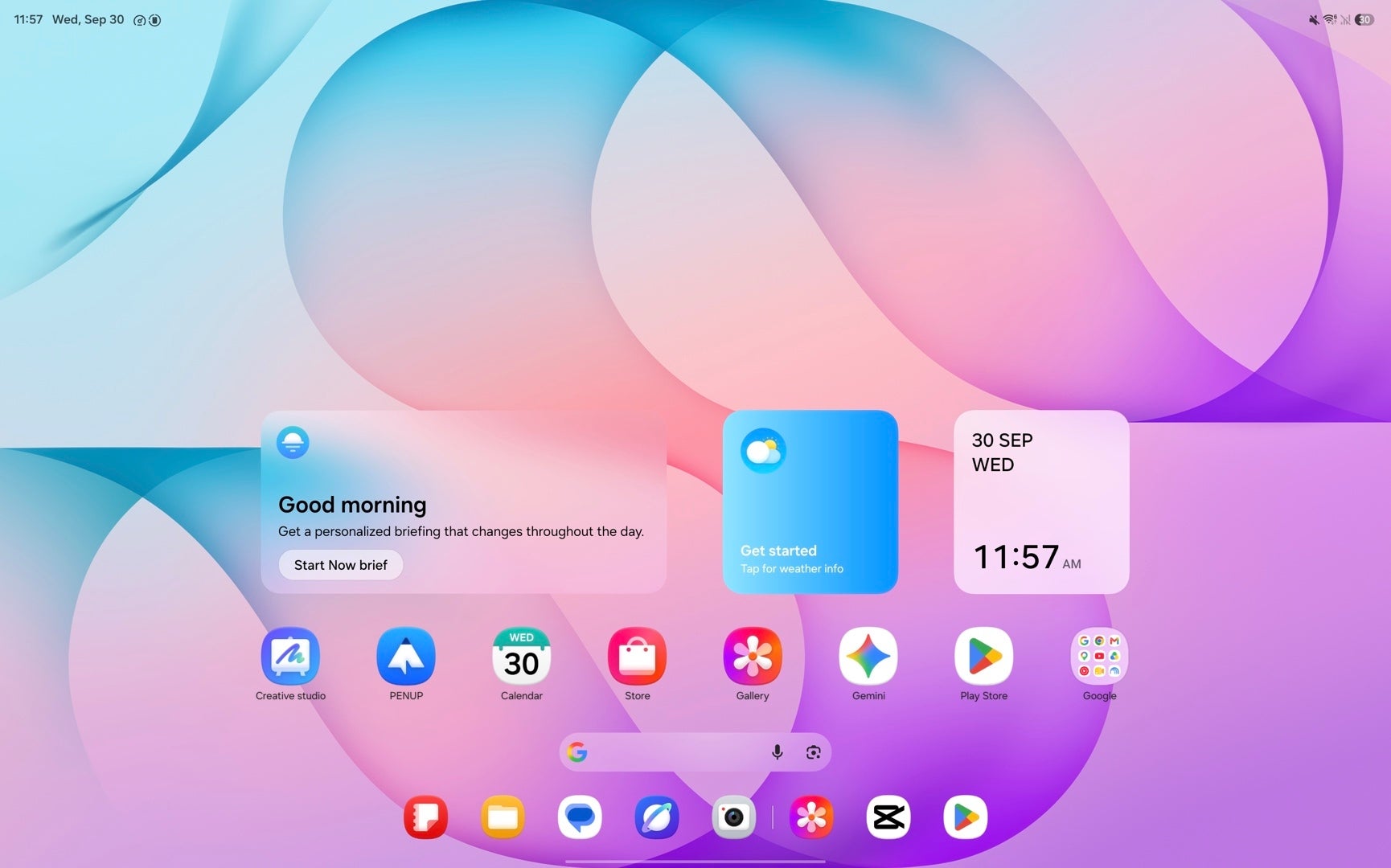
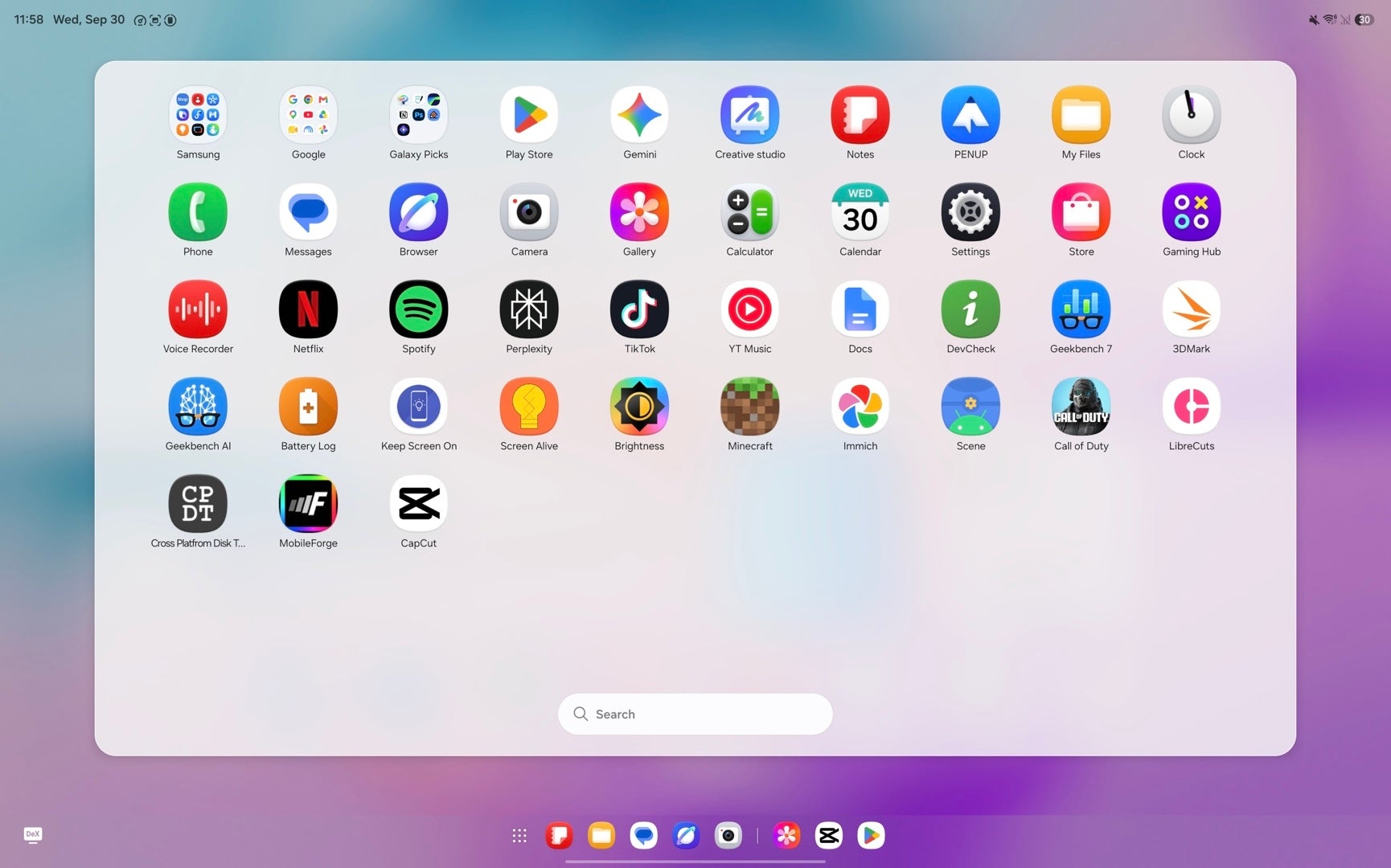
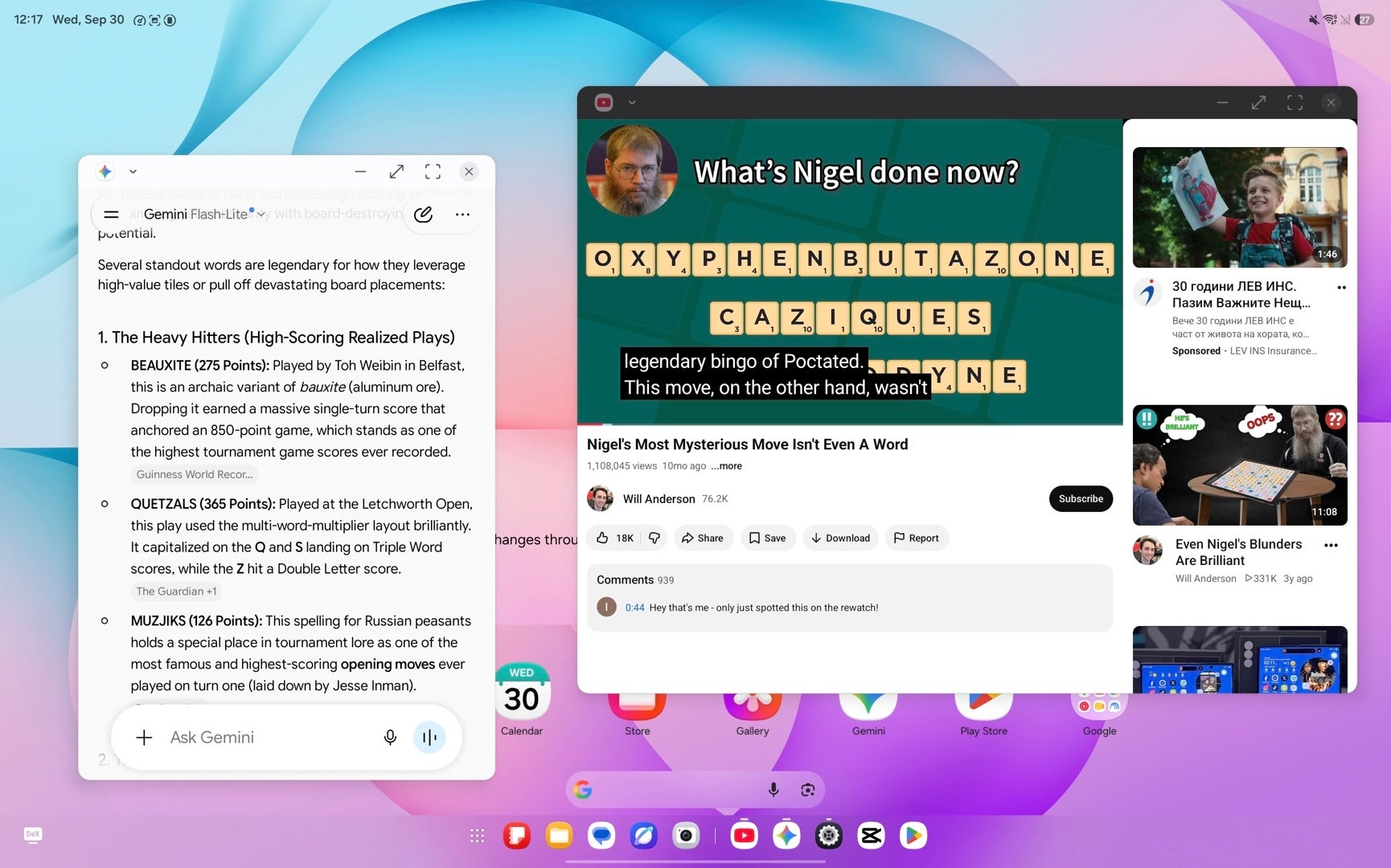
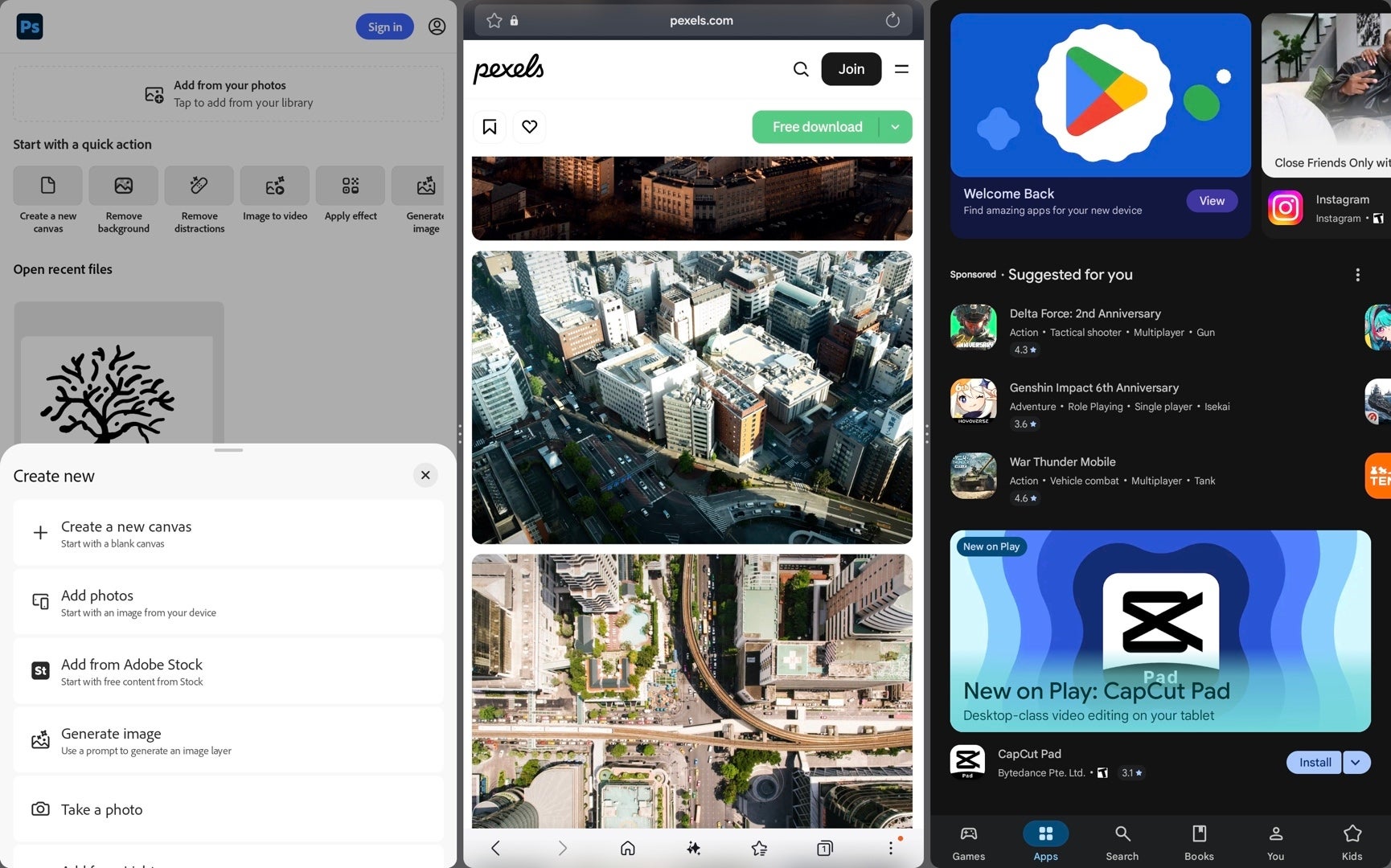
Images by PhoneArena
The Galaxy Tab S12 Ultra comes with Android 17 and One UI 9.0 out of the box, which offers the latest Samsung-tailored software experience. Meanwhile, the Galaxy Tab S11 Ultra I've been hoarding is still stuck on One UI 8.5 and Android 16.
Is this a dealbreaker? Not for me, as One UI 9 didn't bring one of my most anticipated Android 17 features––App Bubbles. I was so excited for these to make the cut on Samsung's One UI, but alas, the company opted to skip this useful multi-tasking feature.
Both devices boast the full Galaxy AI suite. Writing Assist, Note Assist, Transcript Assist, Audio Eraser, and many other features are here, available to be processed either on-device or in the cloud. I wouldn't call any of them remotely useful: they are the same run-of-the-mill features we've been treated to for the past few years and offer nothing new or remotely notable.
Gemini and Circle to Search are also on board, and these are a cut above in terms of usefulness.
Audio Quality
The audio quality on both tablets is outstanding thanks to the identical quad-speaker setup on either one. Either one delivers excellent audio quality with punchy sound and a wide soundstage, though some distortion can be heard at the highest volume levels.
Neither tablet has haptic feedback.
Battery and Charging
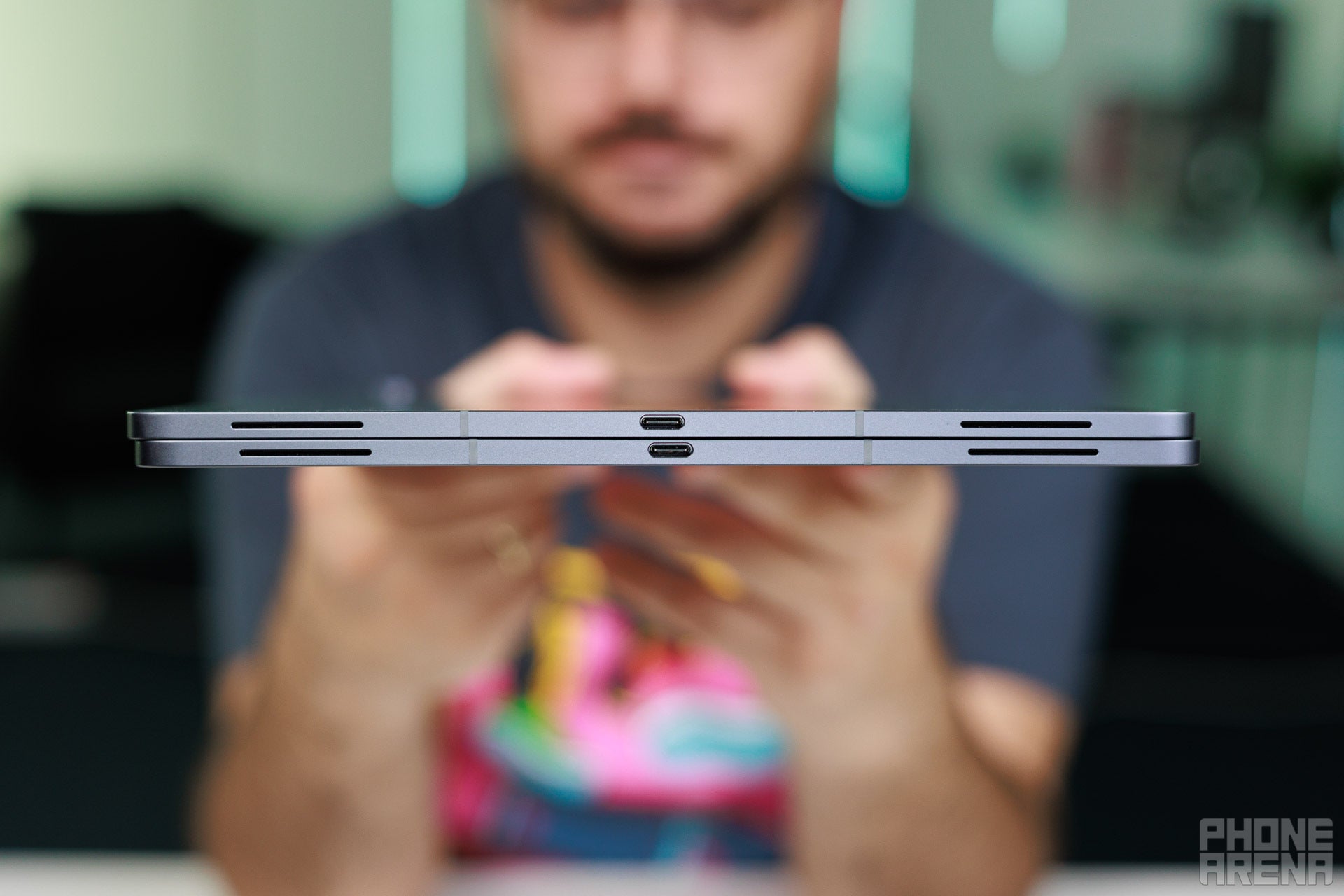
45 W wired fast charging is sufficient to top either one in about an hour and a half, which is great. | Image by PhoneArena
Both tablets get the same 11,600 mAh Li-Po battery, which proves to be quite decent in terms of overall endurance. For a tablet, either one absolutely delivers great battery life, with similar results achieved in our battery life tests.
In particular, those are a little over ten hours in our web browsing test, a bit above eleven hours for gaming, and up to nine hours in video playback. The Tab S12 Ultra might have a slight edge here, especially in video, where it lasts some twenty-odd minutes extra than the Tab S11 Ultra.
PhoneArena Battery Test Results:
Both tablets support 45 W wired charging, which is enough to top either one up in around one and a half hours. Decent speeds if you ask me.
Camera
The basics, covered
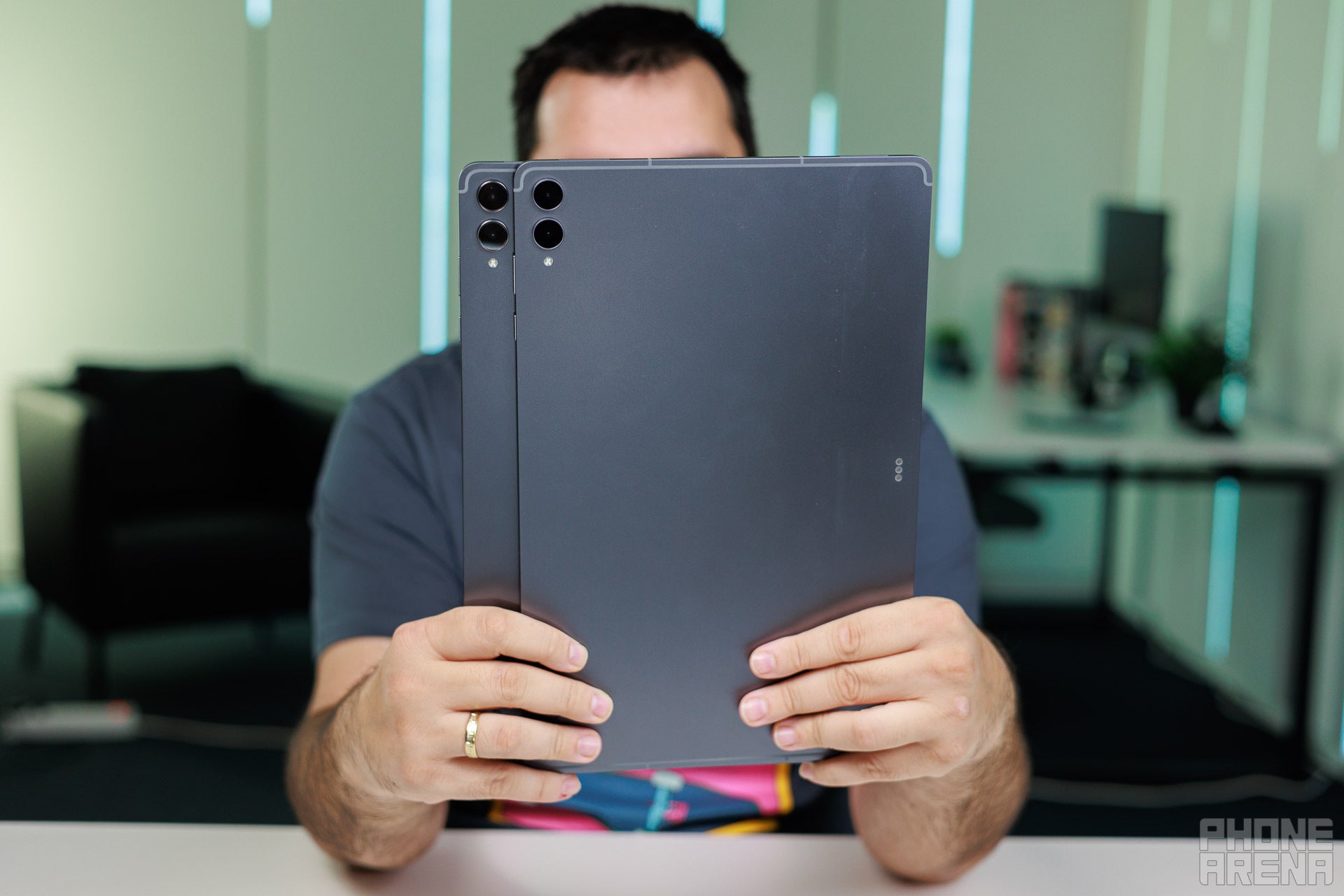
Similar setups. | Image by PhoneArena
The Galaxy Tab S12 Ultra comes with a dual camera in the back, combining a 13 MP main and an 8 MP ultrawide camera. The setup's unchanged from last year, and unsurprisingly, the quality is largely identical to what the Galaxy Tab S11 Ultra delivered.
Video Quality


Photo Quality
Photo quality is decent with either tablet, with okay dynamics and good enough details. Don't expect wonders here, but in the off chance you need to capture something, either tablet will do a good job.
Specs
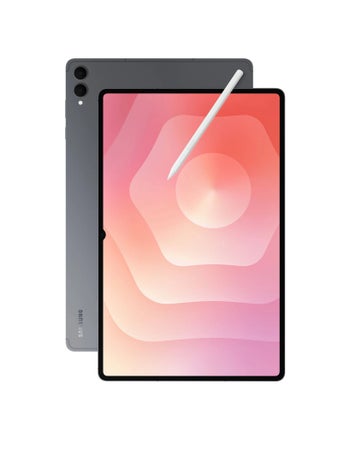
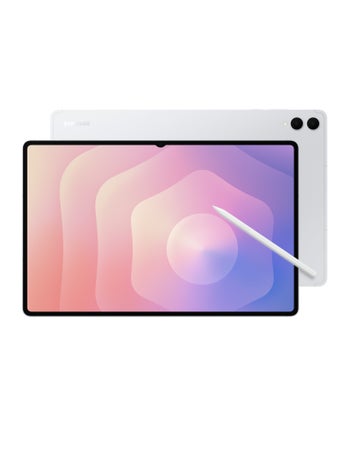
And here is a full specs breakdown:
|
|
| Samsung Galaxy Tab S12 Ultra | Samsung Galaxy Tab S11 Ultra |
| Dimensions | |
|---|---|
| 8.21 x 0.20 inches 326.3 x 208.5 x 5.1 mm |
12.85 x 8.21 x 0.20 inches 326.39 x 208.53 x 5.08 mm |
| Weight | |
| 24.41 oz / 692.0 g 695 gr (5G version) |
24.41 oz / 692.0 g |
| Materials | |
| Back: Aluminum Frame: Aluminum | Back: Aluminum Frame: Aluminum |
| Resistance | |
| Water, Dust; IP68 | Yes; IP68 |
| Biometrics | |
| 2D Face unlock, Optical in-screen fingerprint | Optical in-screen fingerprint |
| Features | |
| Stylus | |
| Keys | |
| Right: Volume control, Lock/Unlock key | |
| Colors | |
| Gray, Silver | Gray, Silver |
| Size | |
|---|---|
| 14.6-inch | 14.6-inch |
| Type | |
| Dynamic AMOLED, 120Hz | Dynamic AMOLED, 120Hz |
| System chip | |
|---|---|
| MediaTek Dimensity 9500 MT6993 (3 nm) | MediaTek Dimensity 9400+ MT6991 (3 nm) |
| Memory | |
| 12GB (LPDDR5X)/256GB 12GB/512GB 16GB/1TB |
12GB/256GB 12GB/512GB 16GB/1024GB |
| OS | |
| Android (17), up to 7 OS updates | Android (16) |
| Type | |
|---|---|
| 11600 mAh | 11600 mAh |
| Charge speed | |
| Wired: 45.0W | Wired: 45.0W |
| Main camera | |
|---|---|
| 13 MP (PDAF) Aperture size: F2.0 Sensor size: 1/3.4" |
13 MP |
| Second camera | |
| 8 MP (Ultra-wide) Aperture size: F2.2 | 8 MP (Ultra-wide) Aperture size: F2.2 |
| Front | |
| 12 MP | 12 MP |
See the full
Samsung Galaxy Tab S12 Ultra vs Samsung Galaxy Tab S11 Ultra specs comparison
or compare them to other phones using our
Phone Comparison tool
Which one should you buy?
No doubt you should stick with the Galaxy Tab S11 Ultra. | Image by PhoneArena
In case it has remained unclear, I absolutely do not recommend that you get the Galaxy Tab S12 Ultra if you already have the Galaxy Tab S11 Ultra or can find a sweet deal on the latter.
The Galaxy S12 Ultra is largely the same device, but pricier, so it makes no sense to consider.
But should you get either one of these? I think the potential use cases for such a large device are few and far between. A much more sensible purchase would either be the Galaxy Tab S12 Plus or last year's more compact Galaxy Tab S11, which offer the same experience at lower price points.




Popular stories


Latest News

Things that are NOT allowed:
To help keep our community safe and free from spam, we apply temporary limits to newly created accounts: