The best iPhone Duo apps and games — turn your phone into a toaster, Mac computer, or Nintendo DS console
The iPhone Duo is already in the hands of the lucky users who managed to pre-order the phone on October 16. Now it's time for some cool apps and games.
Delta Game Emulator (Free) transforms the iPhone Duo into a Nintendo DS console
iPhone DuoでDelta、折り畳むと笑う https://t.co/DySRV7UMBz
— たっくん@超かぐプログラミング本 (@mikuta0407) October 23, 2026
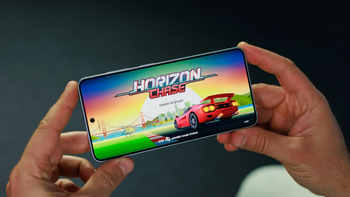
If you're a console player like myself and you fancy some retro gaming, the game emulator Delta has been updated for the iPhone Duo with a special treat: it turns the foldable into a classic Nintendo DS.
Check out the app in action in the video this user posted on X.
Turn your iPhone into a toaster with Toastie ($2.99)
We turned the iPhone Duo into the world’s most expensive toaster
— Tom Szykulski (@t_szykulski) October 7, 2026
Build the sandwich quickly, then close your Duo to toast it. Don’t burn it though!
Check it out: https://t.co/riRVUFLlm1 https://t.co/0llh2lv9R1
The good thing is that the phone doesn't get hot during the process. Imagine the developers overclocking the processor to give the app a more authentic feel. Crazy!
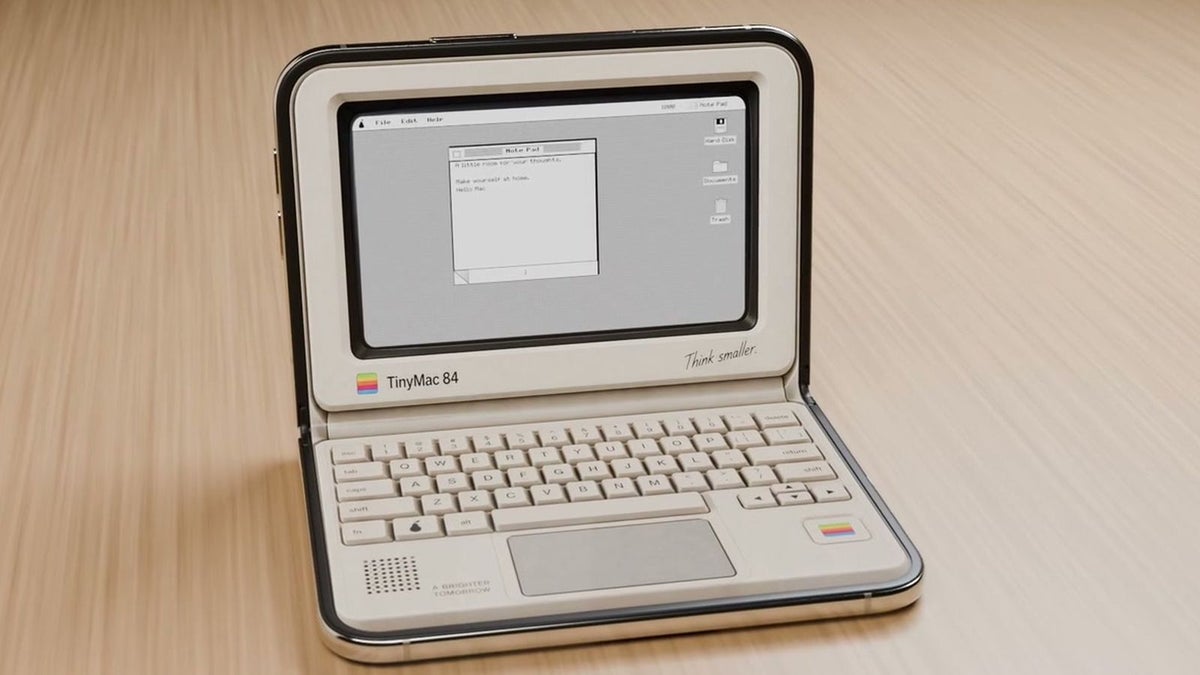
Your iPhone Duo is a desktop machine with Tiny Computers ($3.99)
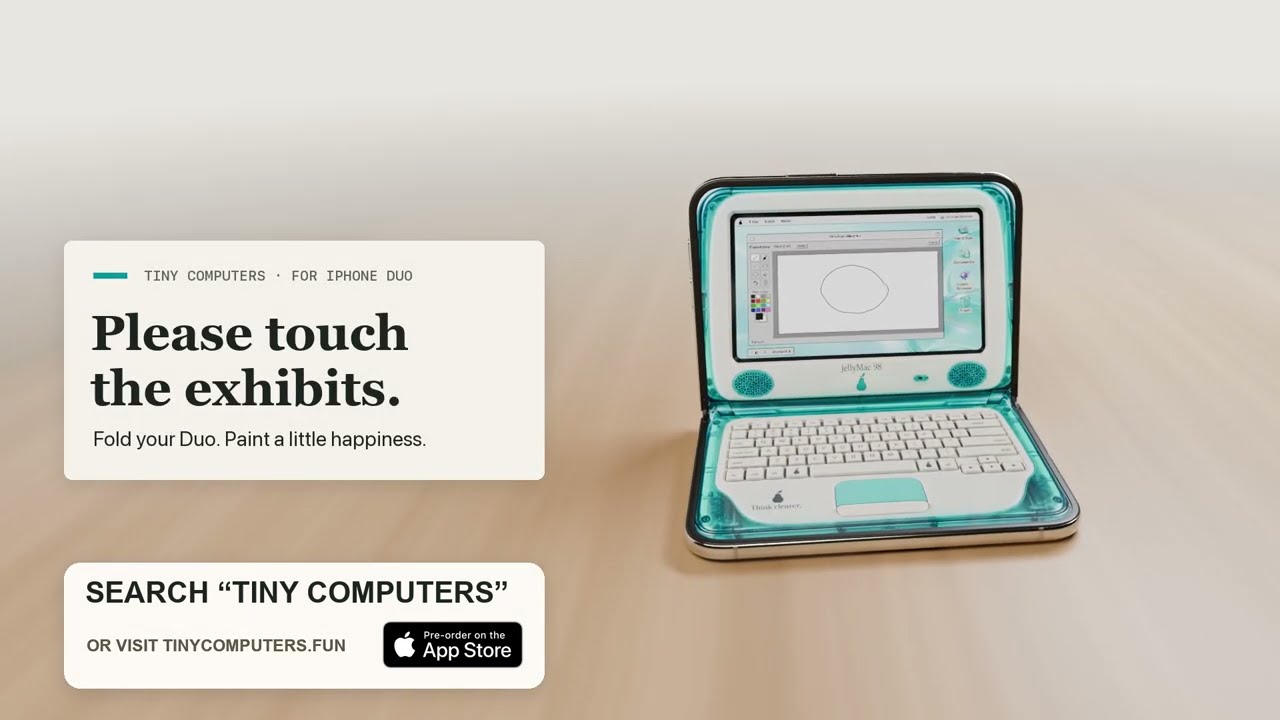

You can choose from a variety of retro computers, including the Macintosh, Commodore 64, Amiga 500, iMac G3, iBook G3, and more. You can use the virtual keyboard with authentic mechanical key sounds and even play games like Solitaire on the mini PC.
Travel back to your childhood with Fold & Squish (Free)
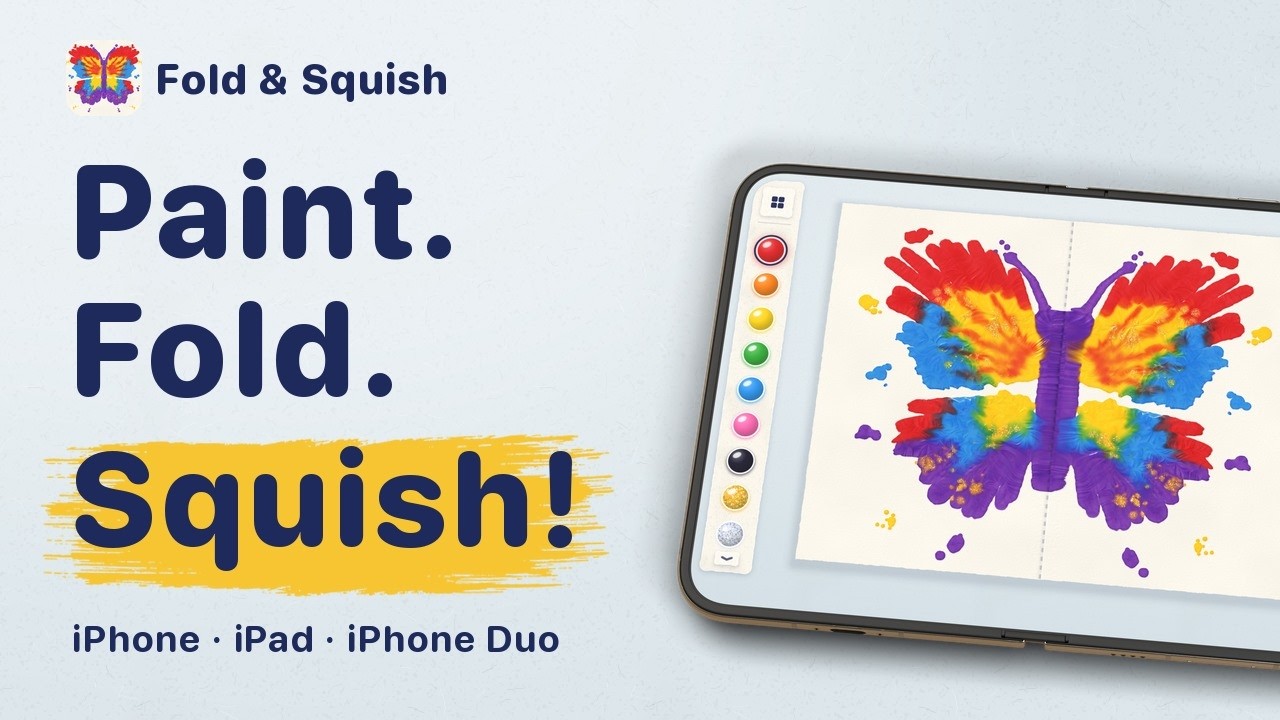
I remember many years ago when I was still a kid, I discovered the beauty of symmetry: fold an A4 sheet of paper in half, paint something on one side, fold it again, and press hard. You get a mirror image of what you've drawn.
Leave your notebook at home with TypeDraw ($4.99)
Taking notes on the iPhone Duo is so satisfying… especially when it looks and feels like a real notebook that truly belongs to you.
— Phil Traut ᯅ (@SpatiallyMe) October 23, 2026
With TypeDraw you choose what happens when you “open” your book, and you can personalise it with custom colours, fonts and even your own handwriting.
For everyone lucky enough to have their hands on a Duo today: TypeDraw is available on the App Store now. For everyone else: it also looks and works great on regular iPhones
Play some fold music with Fold Accordion ($2.99)
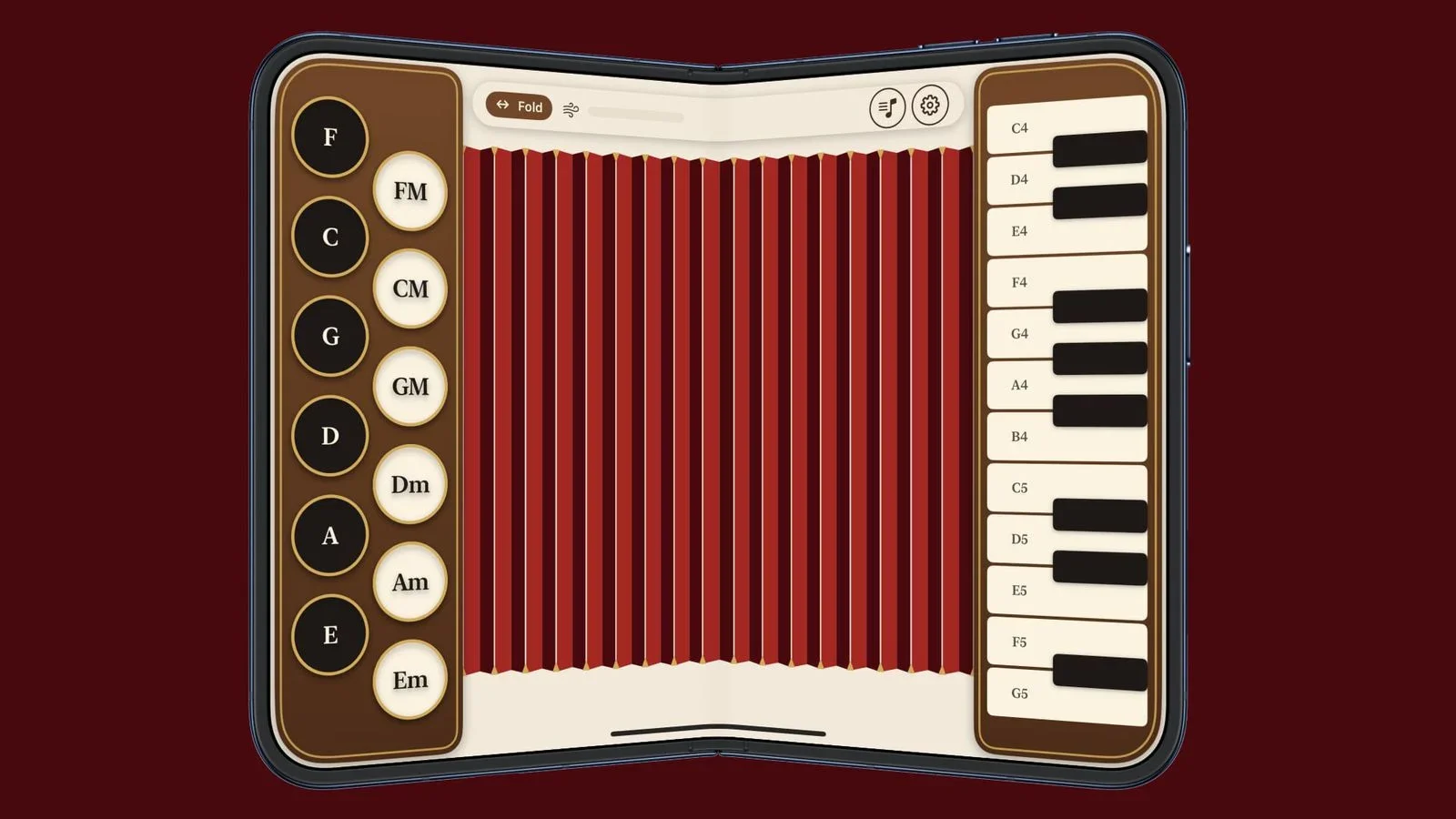
This one looks like fun! Use the iPhone Duo's hinge as a bellows and press the right keys while folding and unfolding the phone — just like a real accordion.
It might not be the healthiest way to test the hinge mechanism, but hey, you have that AppleCare Plus subscription, right?
Perfect your angles with Duometry ($2.99)
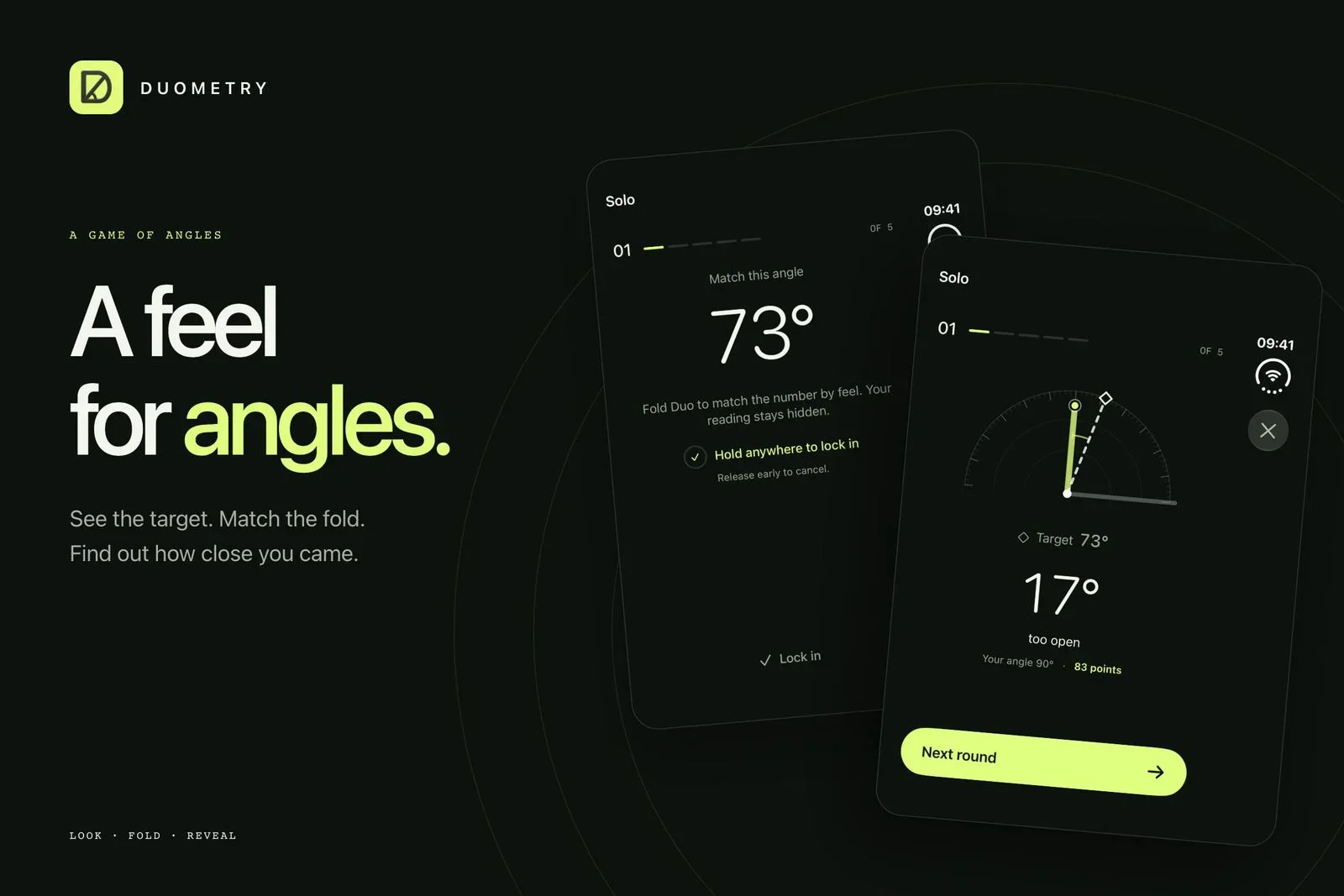
Duometry is a very simple app that challenges your feel for angles. The game gives you a target angle, and you have to fold the iPhone Duo to match it. When you lock in your answer, the game gives you the result. It's a great physical representation of angles and another fun way to test that folding mechanism.
Multidimensional maze Orisuji ($4.99)
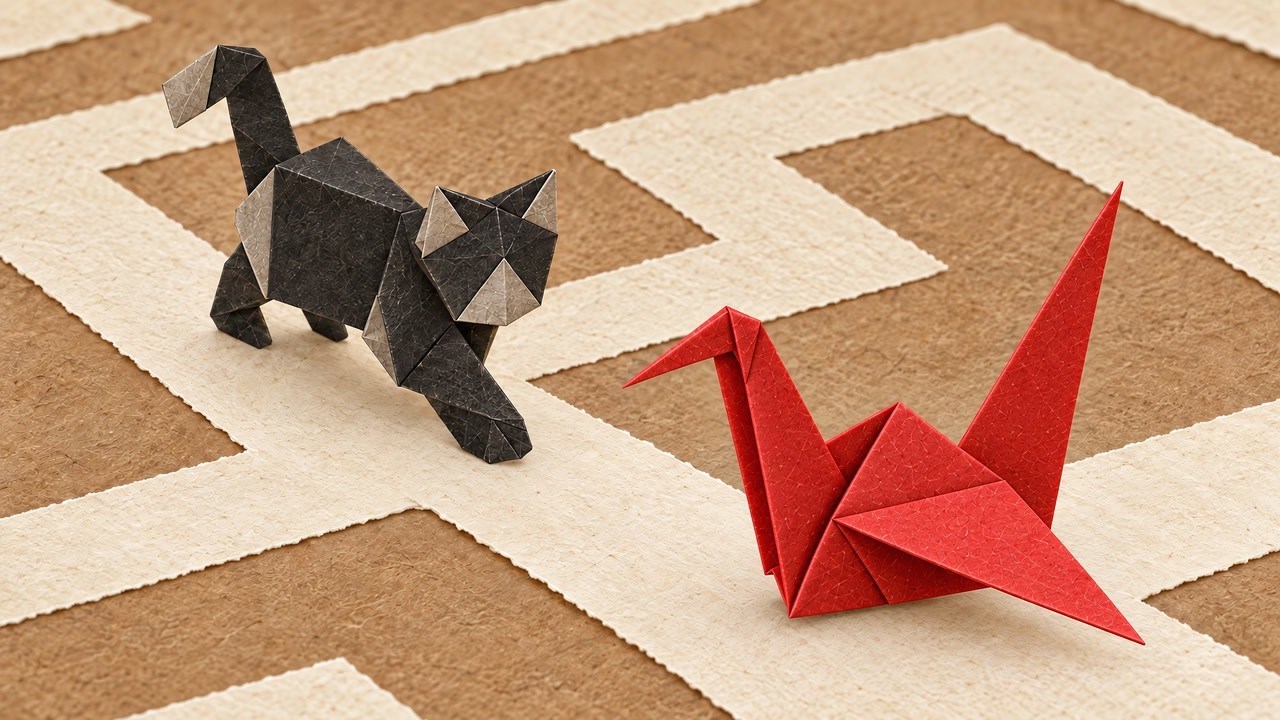
Another cool game that makes full use of the folding and unfolding of the iPhone Duo is Orisuji. You navigate an origami figure through a paper maze full of holes and obstacles; you can only pass by folding the phone and sending your origami onto the upper plane where the maze continues. It's clever and fun!







Things that are NOT allowed:
To help keep our community safe and free from spam, we apply temporary limits to newly created accounts: