One UI 8.5 beta brings a massive Good Lock update that will totally overhaul your home screen
Finally, a way to declutter the share menu and fix accidental swipes.
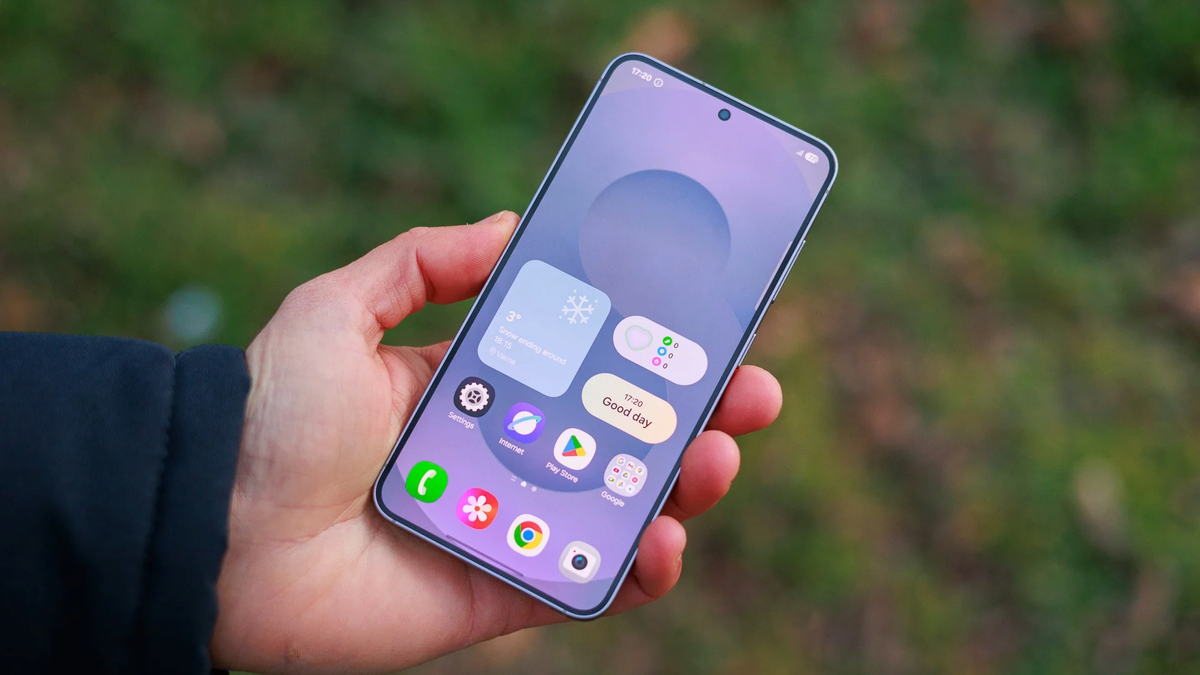
Samsung’s popular Home Up app is getting a significant refresh for the One UI 8.5 beta that makes customizing your Galaxy phone even easier. This update brings granular control to widgets and finally cleans up that messy share menu.
If you own a Samsung phone and haven't tried Good Lock yet, you are missing out on some of the best features your device has to offer. It is essentially a suite of mini-apps that unlock settings Samsung leaves out of the standard menu. One of the most popular modules is Home Up, and according to a new report, it is getting a hefty update for those running the One UI 8.5 beta.
Customization has always been the big selling point for Android over the iPhone. While Apple has added widgets and lock screen changes recently, Samsung still wears the crown for total control. Tools like Home Up are exactly why power users stick with Galaxy devices, as it allows you to tailor the phone to your specific muscle memory rather than forcing you to adapt to the software.
The Direct Share update is particularly exciting because that menu has been cluttered for years. Being able to curate that list saves seconds every day, and over a year, that adds up to a lot of time. If you are on the fence about using Good Lock, this kind of quality-of-life improvement is a great reason to start.
This Home Up update feels incredibly practical. The ability to stop accidental app switching with that gesture toggle is something I didn't know I needed until I read about it (my clumsy thumbs thank Samsung in advance).
Giving your home screen a makeover
If you own a Samsung phone and haven't tried Good Lock yet, you are missing out on some of the best features your device has to offer. It is essentially a suite of mini-apps that unlock settings Samsung leaves out of the standard menu. One of the most popular modules is Home Up, and according to a new report, it is getting a hefty update for those running the One UI 8.5 beta.
The update focuses on giving you more say in how your screen looks and acts. Here is what is changing:
- Widgets: You can now adjust the size of the content inside your widgets, starting at 80% scale. There is also a toggle to remove the background blur if you prefer a sharper look.
- Edge panels: instead of swiping through separate panels for Apps, Tasks, and People, you can now combine them into one single super-panel.
- Gestures: If you constantly swipe to the previous app by mistake when scrolling, you can now disable the bottom swipe gesture entirely.
- Direct Share: You can finally hide specific apps from the sharing menu so you don't have to scroll past apps you never use to find your favorite messaging app.
The report also mentions that Galaxy Z Fold 7 users get a specific perk allowing them to change the number of favorite apps on the cover screen.
Why this matters for Galaxy owners
Some of the updates observed within the "Home Up" Good Lock module in One UI 8.5 beta. | Image credit — SammyGuru
Which new Home Up feature are you most excited to try?
37 Votes
Cleaning up the messy Direct Share menu
16.22%
Resizing content inside my widgets
37.84%
Disabling the accidental app-switch gesture
5.41%
Combining my Edge Panels into one
13.51%
I am waiting for the stable release first
27.03%
Practical changes
This Home Up update feels incredibly practical. The ability to stop accidental app switching with that gesture toggle is something I didn't know I needed until I read about it (my clumsy thumbs thank Samsung in advance).
I am also relieved to see the Edge Panel getting streamlined. I stopped using it because I hated swiping three times just to find a contact, so combining everything into one view might actually bring me back.
Just a heads-up though as the report warns that if you are still on standard One UI 8 and not the 8.5 beta, you should skip this update for now as it might cause reset issues. I will definitely be testing this out once it hits the stable channel.


Popular stories






Latest News






Things that are NOT allowed:
To help keep our community safe and free from spam, we apply temporary limits to newly created accounts: