Google refreshes Pixel app icons
Some of the changes are more subtle than others, but you will be able to spot the differences.
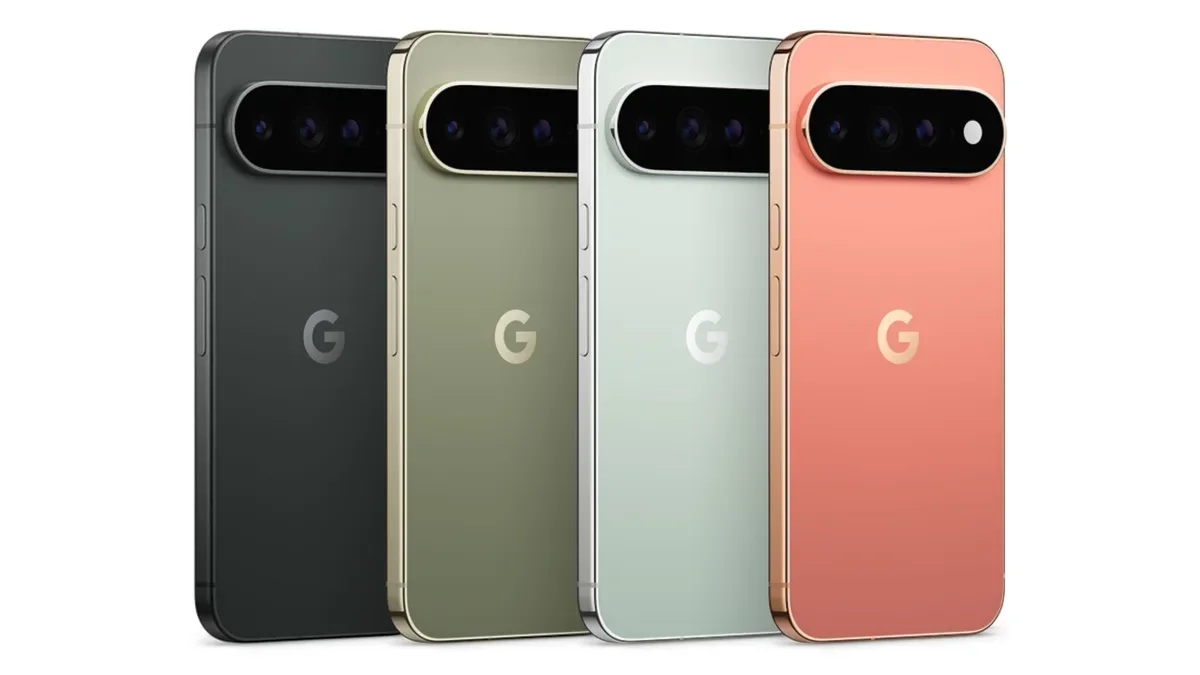
Pixel app icons get refreshed | Image by Google
Unless you took a day off from caring about anything on Wednesday, you know that yesterday Google introduced the Pixel 11 series along with the Pixel Watch 5 and the new Pixel Tag item trackers. Pre-orders started yesterday 8 hours before the actual event that unveiled the new devices.
Besides introducing the new hardware, Google is making some changes to its software, specifically the icons for its Pixel exclusive apps. This is not surprising as Google loves to tinker with apps from their icons to their UIs all in the name of improving the user experience.
Google redesigns Pixel app icons
Back in April, Google redesigned several of its apps to give them a gradient look, or a completely different design. The Alphabet subsidiary said at the time that it was making these changes to promote the expanding use of AI in these apps. Some icons that had sharp edges in their design had them changed to soft, rounded shapes. A good example of this is with the "M" that makes up the Gmail app.
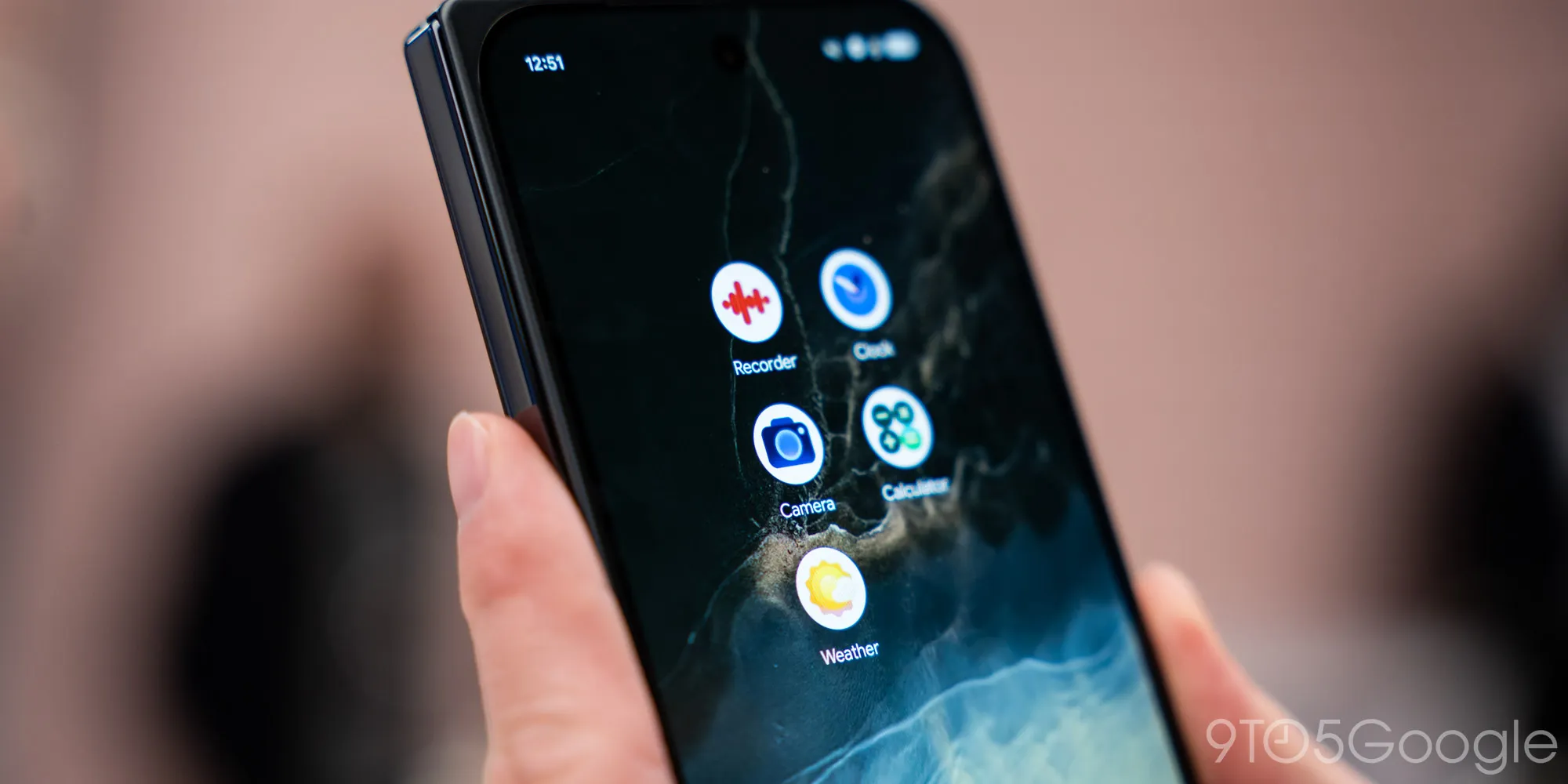
Photo shows some of the new Pixel app icons on the home screen. | Image by 9to5Google
Now, Google is refreshing the looks of several Pixel exclusive app icons in order to bring them in line with the Material 3 Expressive design language. For example, the Weather icon previously showed the sun made up of different shades of yellow against a blue background, partially covered by a small white cloud. The new look changes the background color from blue to white and the center of the sun appears to be brighter while the bottom rays are a deeper red.
Such apps icons include Pixel Camera, Recorder, Calculator, and others
The white background of the redesigned Weather app icon makes it easier to see on the home page. Another Pixel exclusive app icon being redesigned is the one used for the Recorder app. The current icon for the digital recording app shows white waveforms against a red background.
The new look for the Recorder app icon
The new look for the Recorder app icon on Pixel devices reverses the colors. The Recorder app now has a white background with red waveforms. Other Pixel app icons to get a makeover include Pixel Camera, Calculator, and Clock.
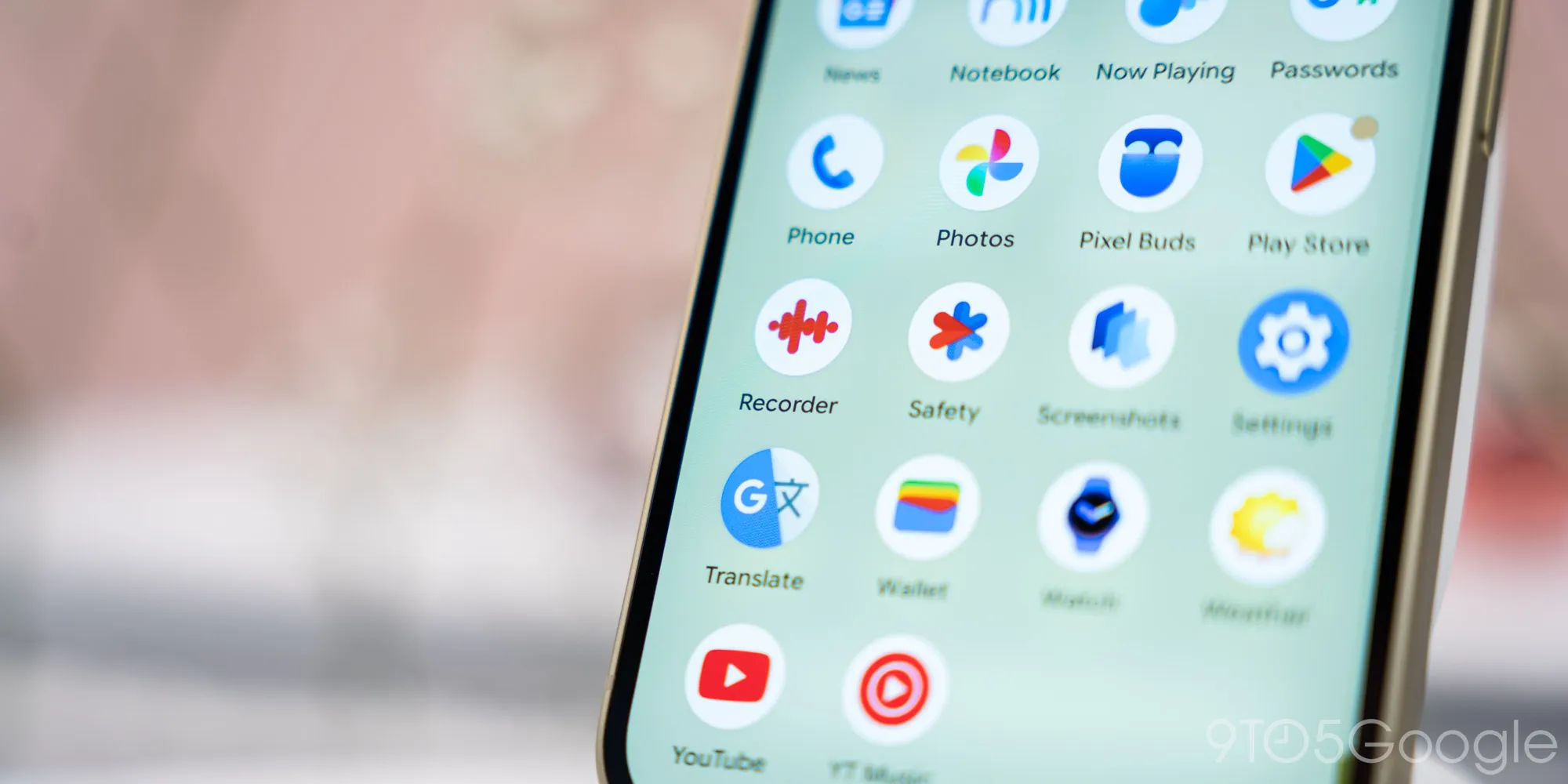
A look at some of the changes to Pixel's app icons. | Image by 9to5Google
Pixel Camera will use a similar camera design but it adds a gradient blue design for the camera that is supposed to represent how AI and Machine Learning have long been integrated into the Pixel camera and the phone's computational photography. Even in the early years, Google was able to get by with a single 12MP camera thanks to the use of AI. This helped earn the Pixel handsets the reputation of having one of the best smartphone photography systems.
This is what the Calculator app icon will look like
The Calculator app icon has also changed. The older look featured a circle divided into four quarters made up of a white minus sign over a light gray backing, a white multiplication sign against a black background, a white plus sign against a lighter black background, and a white equal sign placed on a blue background.
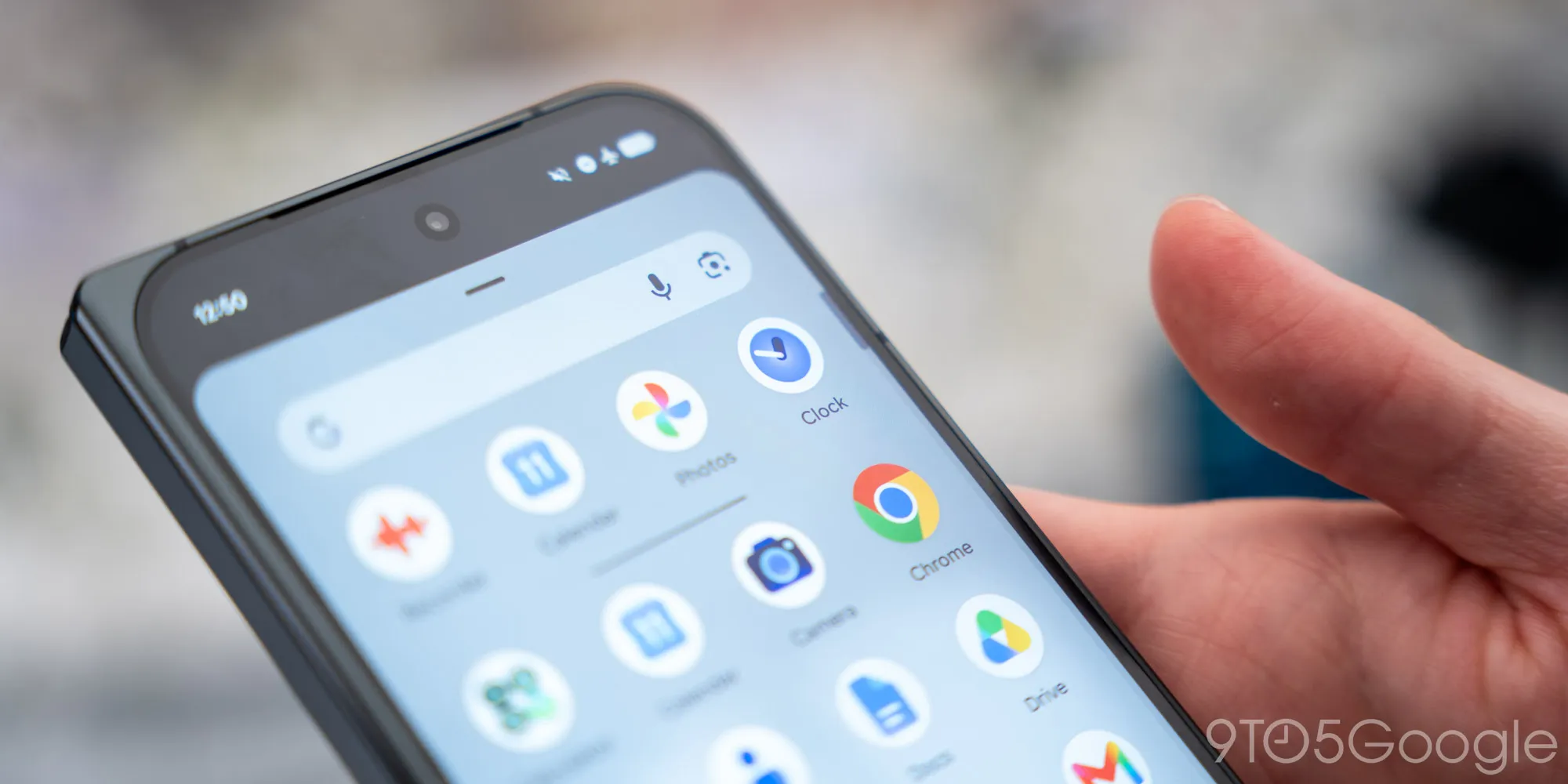
More Pixel apps show off their new icons. | Image by 9to5Google
The redesigned calculator app icon keeps the four symbols in indiividual circles although three of them (plus, minus, and multiplication) are in white with a dark green backing underneath. The equal sign is white inside another circle against a lighter green background.
Which of the current app icon designs do you like the best?
66 Votes
Clock
28.79%
Calculator
18.18%
Recorder
9.09%
Weather
21.21%
Camera
22.73%
The Clock app icon, currently a round clock face wth a light gray border and white watch hands (showing the correct time) has been updated. The new look shows the round clock face with a blue border, a white hour hand, a black minutes hand and the same blue face as seen on the previous version of the icon.
These updated app icons can surface at any time. If you have a Pixel device, just be on the lookout for them.
If you like reading about Pixel devices, check out these articles:


Popular stories

Latest News

![Another batch of Galaxy S26 series users in the US are getting a nice surprise today [UPDATED]](https://m-cdn.phonearena.com/images/article/183643-wide-two_350/Another-batch-of-Galaxy-S26-series-users-in-the-US-are-getting-a-nice-surprise-today-UPDATED.webp)
Things that are NOT allowed:
To help keep our community safe and free from spam, we apply temporary limits to newly created accounts: