Google unlocks its fake-photo detector for everyone, but there's a catch
It now checks far more than Google's own creations, and the result screen comes with a warning.
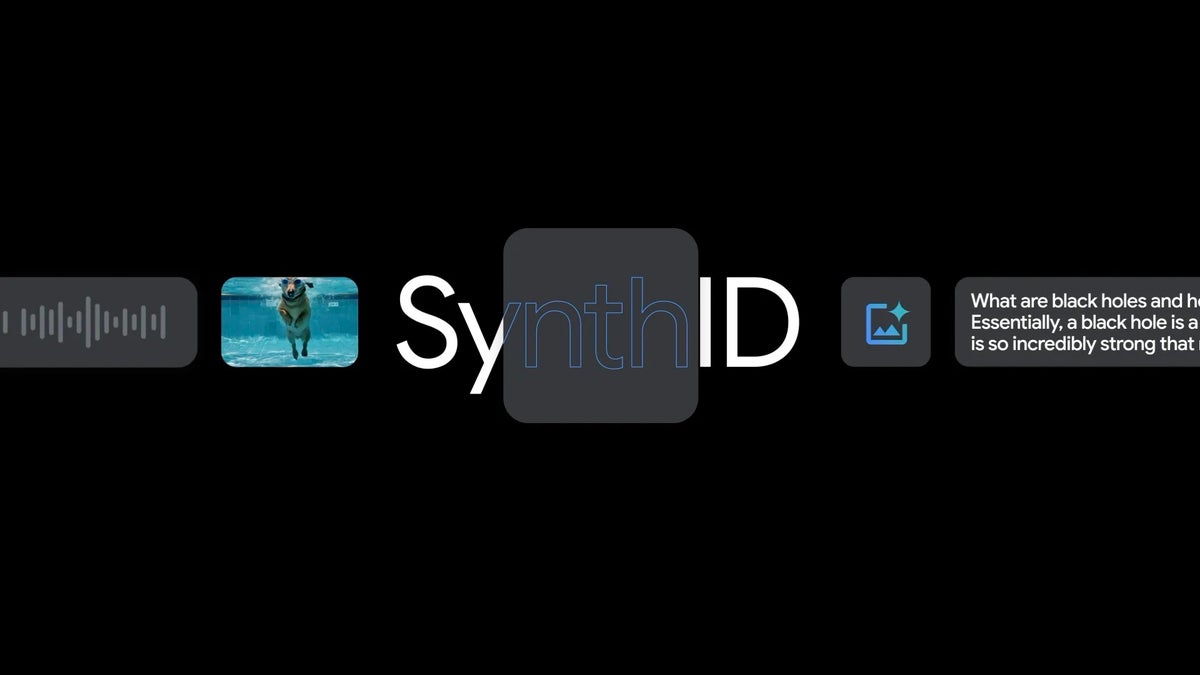
Google's SynthID Detector is now open to everyone | Image by Google
Google’s SynthID Detector is now open to everyone, giving all users a free tool to check if a photo, video or audio file was generated or edited with AI. The detection tool covers Google and its partners, with Apple joining the ranks soon. For anyone viewing content on their Pixel 11 Pro, iPhone 18 Pro Max or any iPhone or Android, this should be an invaluable tool.
An early version of the SynthID Detector tool launched last year, but at the time it was available to media professionals only. However, now it is generally available as announced by Google on October 7, 2026, and expanding to detect media generated or edited with AI tools such as Google AI, OpenAI, NVIDIA and Kakao.
According to the announcement, Apple content will also be available for detection soon. However, no specific date has been given for this integration.
To use the tool, all you will have to do is navigate to synthid.com, sign in with your Google, Apple or OpenAI account, and from there you will be able to upload the media in question to check for the SynthID watermark.
When media is generated with a tool that uses SynthID, a digital watermark is added immediately. This watermark is invisible and does not change the quality of the content.
However, it is there and designed to be detectable even if the media undergoes changes such as cropping, filters, frame rate changes, compression, audio noise or speed changes.
Until now, most people had to ask Gemini for this type of detection, but that process was limited to only Google AI-created media. It should be noted that the SynthID Detector is not technically detecting if the content was created with AI. What it is looking for is just that watermark. When the watermark is detected, it is a strong signal that AI made or touched the file.
The most likely use for a tool like this is to detect if a photo is fake. In this era filled with generated content and deepfakes, it is helpful to have a readily available way to double-check when a piece of content you received through your group chats just doesn’t look right to you and you suspect isn’t real.
Of course, the tool isn’t perfect. There can be instances where something scanned by SynthID can slip through. This can happen if the file has been heavily changed or was simply created with a tool that is not on the partners list.
I tested the tool myself with a few images I had on hand. A Nano Banana-created image was detected immediately as having been created with Google AI. A restored photo of my grandparents was also flagged as containing the watermark and as “made or edited with OpenAI,” and a photo taken with my phone’s camera simply came back as “not detected.”
This test proved to me that even old photos that are retouched will be flagged, as long as you used one of the partner tools to retouch it. I’m hoping that Apple joins the fray sooner rather than later, and that more partners join as well, as I consider this tool to be a benefit to anyone who has ever received a photo or video online.
SynthID Detector is graduating from a test tool to open for everyone
An early version of the SynthID Detector tool launched last year, but at the time it was available to media professionals only. However, now it is generally available as announced by Google on October 7, 2026, and expanding to detect media generated or edited with AI tools such as Google AI, OpenAI, NVIDIA and Kakao.
According to the announcement, Apple content will also be available for detection soon. However, no specific date has been given for this integration.
When a photo looks too good to be true, what do you do first?
3 Votes
How an invisible SynthID watermark works
When media is generated with a tool that uses SynthID, a digital watermark is added immediately. This watermark is invisible and does not change the quality of the content.
However, it is there and designed to be detectable even if the media undergoes changes such as cropping, filters, frame rate changes, compression, audio noise or speed changes.
SynthID Detector flagging two images made with Google AI. | Images by Google
How this becomes helpful in your group chats
The most likely use for a tool like this is to detect if a photo is fake. In this era filled with generated content and deepfakes, it is helpful to have a readily available way to double-check when a piece of content you received through your group chats just doesn’t look right to you and you suspect isn’t real.
Of course, the tool isn’t perfect. There can be instances where something scanned by SynthID can slip through. This can happen if the file has been heavily changed or was simply created with a tool that is not on the partners list.
What my own tests showed
I tested the tool myself with a few images I had on hand. A Nano Banana-created image was detected immediately as having been created with Google AI. A restored photo of my grandparents was also flagged as containing the watermark and as “made or edited with OpenAI,” and a photo taken with my phone’s camera simply came back as “not detected.”
More on spotting AI-made media:


Popular stories






Latest News


Things that are NOT allowed:
To help keep our community safe and free from spam, we apply temporary limits to newly created accounts: