Google's Playground is an experimental gaming platform that lets you vibe code your own games, which means you describe them in plain words and skip the coding. It runs in the browser, so whatever you make can be played on a Pixel 11 Pro, an iPhone 18 Pro Max or a laptop, and it's live today for US adults.
Google Playground turns a typed idea into a playable game
Google announced Playground today, calling it an early experiment meant to make game creation more approachable. Until now, building a game has mostly been limited to people who know their way around complex game engines, and that's the barrier Google wants to lower here.
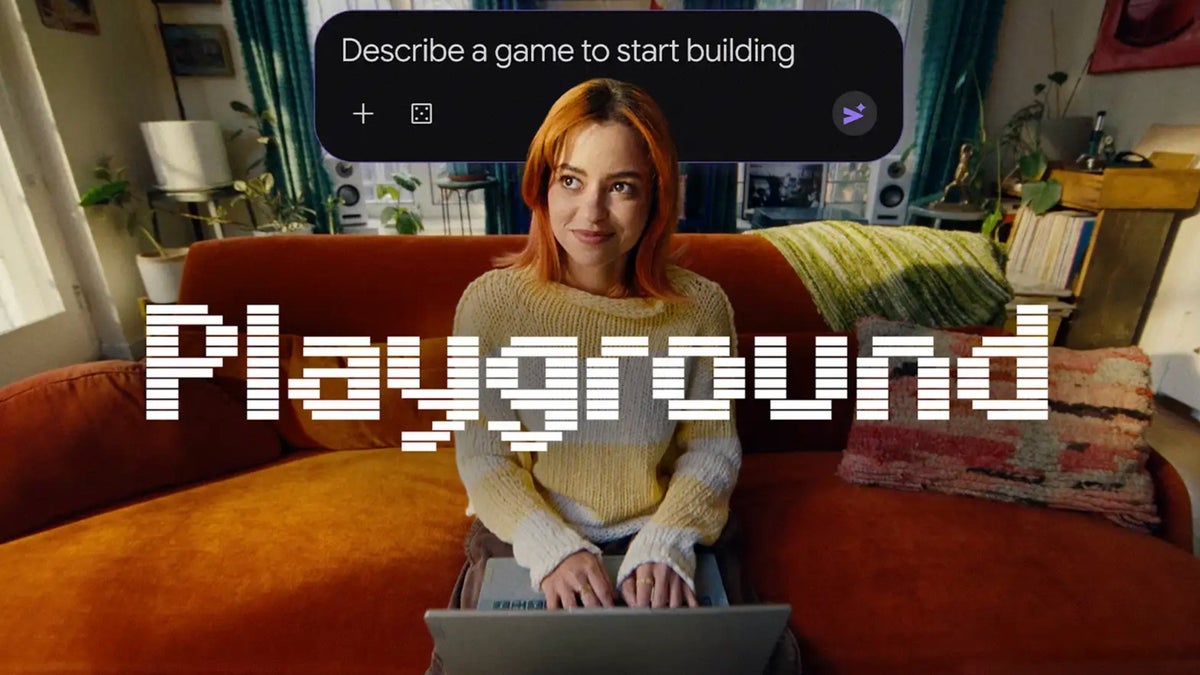
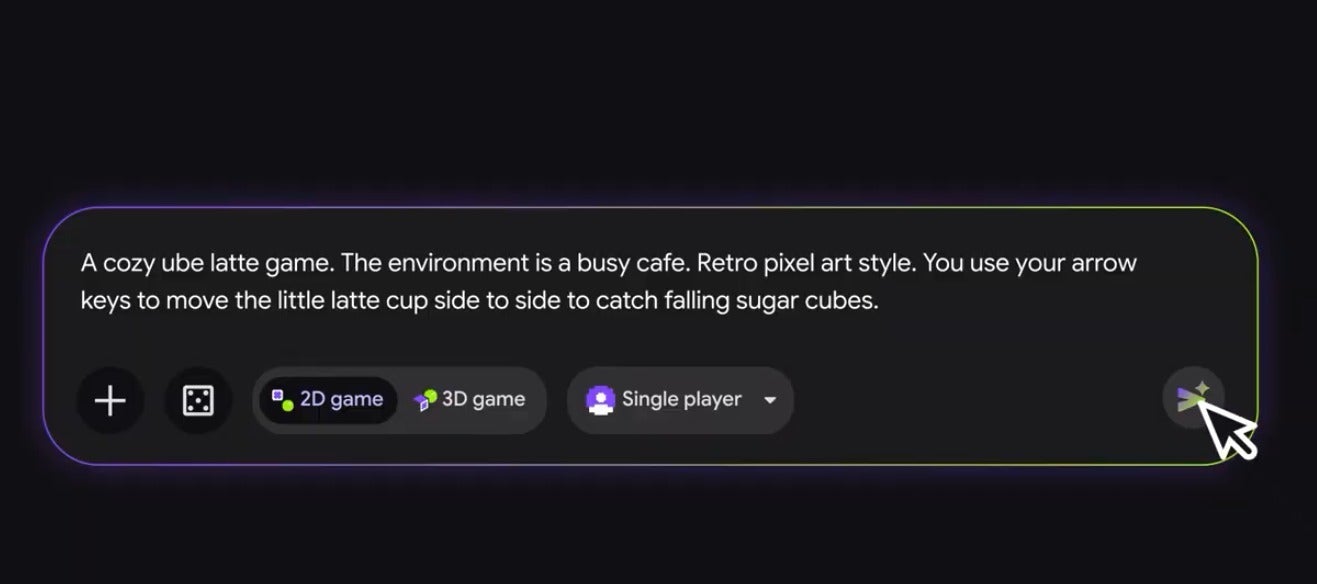
The process is simple: you type what you want to build, test it right away, and keep asking for changes until it feels right. Google says you can start from a blank canvas, remix one of its starter prompts or get guided help to shape your idea.
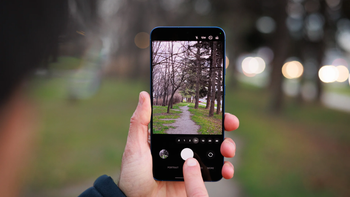
Playground's prompt box, where you describe the game you want to build. | Image by Google
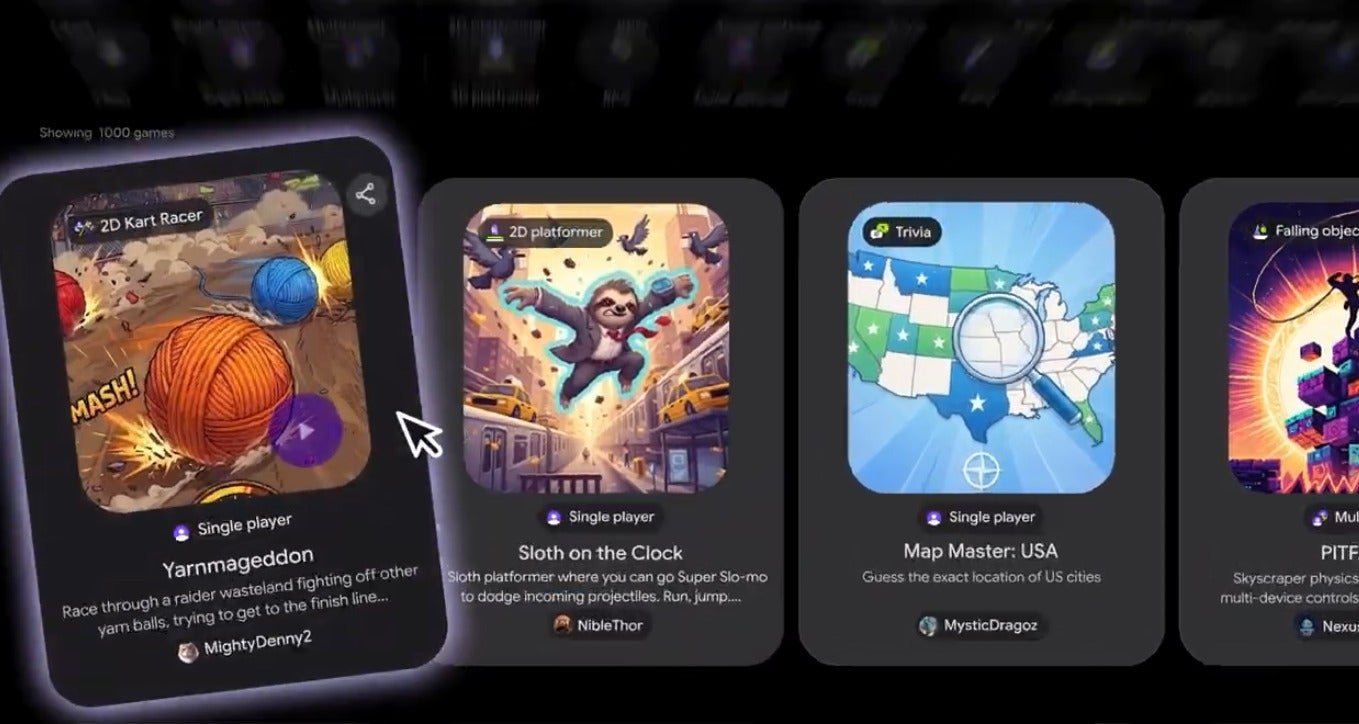
Once a game is ready, it can stay private, go out to friends and family through a link or be published to Playground's Explore gallery for everyone else. Playground is live now at playground.google.
Google Playground lets you make games without coding
0 Votes
Everything Google's Playground can do at launch
Google packed a fair amount into this first version, and most of it is about making and sharing games rather than just playing them. Here's what's included:
Recommended For You
Conversational creation: you direct the game by typing, then ask for changes to the physics, the rules, the characters or the environment.
Three ways to start: a blank canvas, remixed starter prompts or guided support for shaping a concept.
Browser-based play: games run in the browser, so they work on your phone or laptop.
Sharing options: keep a game private, send a shareable link or publish it to the Playground Explore gallery.
Leaderboards and multiplayer: in-game leaderboards and multiplayer play are available in select genres.
Play Games profiles: you can claim a custom handle, like your favorite games, compete for the top spot and follow creators.
Gallery curation and safety: player ratings and play activity decide which games get spotlighted, and every published game goes through safety screenings tied to Google's Community Guidelines, along with user reporting.
Unity Spark (coming soon): an integration that adds professional-level mechanics, high-fidelity 3D and the flexibility of the Unity runtime.
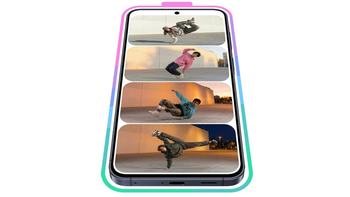
Google's Playground lets anyone create, play and share custom games. | Image by Google
Roblox Build is the closest rival to Google's Playground
For most of us, making a game has meant learning an engine like Unity, so Google's pitch is that the idea should matter more than the skill set. For the average person, that means the gap between having a game idea and playing it is now a few typed sentences.
This isn't Google's first game experiment this year either. Its I/O 2026 Save the Date included five games built with Gemini that developers could remix in AI Studio, and Project Genie, which generates worlds you can explore, stays locked to the $200 AI Ultra plan, as we covered after I/O.
The closest competitor is Roblox, which announced Build in July. It's a mobile-first tab inside the Roblox app that turns a text prompt into a basic game, and creators can carry that project into Roblox Studio for more advanced work, much like Playground's planned handoff to Unity Spark.
The big difference is the audience. Roblox already has millions of players inside its app, while Playground starts from zero in a browser, with a gallery that still has to fill up with games people actually want to play.
So if you already build on Roblox, I don't see a reason to move, since your players are there. However, if you've never touched Roblox and just want to try making something without installing anything, Playground appears to be the easier place to start.
Who can use Playground right now
Playground is only available in the US for now, and only to users 18 and older. Google also says creation access is tiered based on your Google One membership, though it hasn't spelled out which plans unlock what.
I'm assuming free users can still try it with tighter limits, while paid Google AI plans get more room, but we'll have to see how that plays out once people start building.
Unity Spark is still in testing, with a closed beta coming soon. Google says games made with it will be available for every Playground user to enjoy, so even casual players should benefit once more ambitious games start showing up.
A game maker for people who don't make games
I'm not a gamer, so I'm probably the kind of person Google has in mind with Playground. I've never felt the urge to learn a game engine, but typing out a silly idea and seeing it turn into something my family can play sounds like a fun way to spend an evening.
Of course, it's an experiment, and as we've seen before, Google tends to retire projects that don't catch on. Still, I'd personally love to see Google share exactly what free users get, because that will decide whether Playground becomes a real hangout or stays a curiosity for paying subscribers.
Johanna Romero is a Senior News Writer at PhoneArena, covering mobile technology news across Android, iOS, wearables, and the Google ecosystem she knows best. Drawing on 15 years in IT and tech support from 2007 to 2022, she brings a user-friendly eye for the practical features and lesser-known tricks readers care about. Google named her an official #TeamPixel member in 2022, and she also reviews the latest devices on her YouTube channel, JoJo the Techie.
A discussion is a place, where people can voice their opinion, no matter if it
is positive, neutral or negative. However, when posting, one must stay true to the topic, and not just share some
random thoughts, which are not directly related to the matter.
Things that are NOT allowed:
Off-topic talk - you must stick to the subject of discussion
Offensive, hate speech - if you want to say something, say it politely
Spam/Advertisements - these posts are deleted
Multiple accounts - one person can have only one account
Impersonations and offensive nicknames - these accounts get banned
To help keep our community safe and free from spam, we apply temporary limits to newly created accounts:
New accounts created within the last 24 hours may experience restrictions on how frequently they can
post or comment.
These limits are in place as a precaution and will automatically lift.
Moderation is done by humans. We try to be as objective as possible and moderate with zero bias. If you think a
post should be moderated - please, report it.
Have a question about the rules or why you have been moderated/limited/banned? Please,
contact us.











Things that are NOT allowed:
To help keep our community safe and free from spam, we apply temporary limits to newly created accounts: