Google is quietly fixing how Android handles signing documents, and it's about time
iPhone owners have done this without a thought for years, and the catch-up is not quite finished.
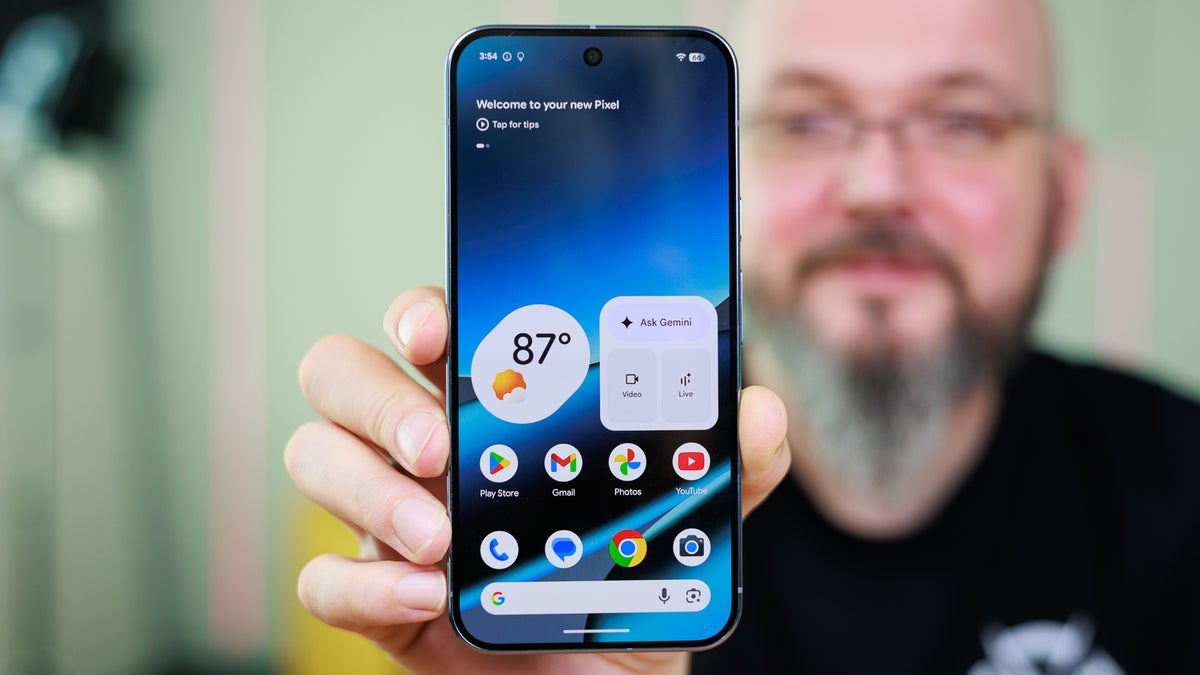
Google's Signature app is rolling out with this month's Play system update. | Image by PhoneArena
Google appears to be quietly rolling out a native Signature app for Android, and it arrived with this month's Play system update with no prior announcement. It stores your signatures and lets supporting apps pull them in on demand, something iPhone owners have had for a while. On a Pixel 10 Pro or most recent Android phones, it may already be there.
Google built the Signature app as a vault for your digital signature, according to a new report from phones that already have it installed. When an app needs one, a small window opens to pick a saved signature or add a new one, much like Android's photo picker.
There appear to be three ways to add one:
It requires Android 12 at minimum, so the reach is wide.
Signing a document has long been one of the few everyday tasks Android made harder than it should be. Without a stylus or a third-party app, you were stuck emailing the file to yourself to sign on a computer.
On the screens, it is about as plain as it gets. You draw in a box, type your name in one of a few fonts or upload a photo. A separate page manages the saved ones.
If you carry an iPhone or an iPad, this is Android catching up, so nothing here changes your current workflow since signing a PDF has long been quick on Apple's side. Because it ships through a Play system update, you do not have to wait on a particular OEM to push it, the same way we recently watched Google bring a Pixel-style feature to the wider Android base.
For now, this helps the people who regularly sign PDFs or fill out KYC (know your customer) forms on their phone, especially without a stylus.
The catch is that Google has not officially announced the app or told developers how to plug in, so until apps support the picker, you have a set of signatures with nowhere to use them.
I found myself reaching for a laptop nearly every time a form needed signing because doing it on the phone was never worth it. So I am glad it exists, late and a little unfinished as it is.
My one hope is that these signatures tie to your Google account rather than just the device so they follow you across phones. I move between a few, the Pixel 10 Pro Fold most of all, and re-adding it on each would get old fast. Get that right, and a small app like this is one I would miss the moment it was gone.
Android quietly got a built-in signature app
Google built the Signature app as a vault for your digital signature, according to a new report from phones that already have it installed. When an app needs one, a small window opens to pick a saved signature or add a new one, much like Android's photo picker.
There appear to be three ways to add one:
- Draw it on screen with your finger
- Type your name and pick from a few fonts
- Upload a photo of a signature you already have
It requires Android 12 at minimum, so the reach is wide.
How do you sign documents on your phone today?
19 Votes
I email it to myself and sign on a laptop instead
21.05%
I rely on a third-party app like a PDF signer
15.79%
I scribble with my finger and just live with it
47.37%
I don't, I print it out and sign by hand
15.79%
Android is catching up to the iPhone here, years late
Signing a document has long been one of the few everyday tasks Android made harder than it should be. Without a stylus or a third-party app, you were stuck emailing the file to yourself to sign on a computer.
Google's Signature app lets you draw, type or upload a signature and manage the ones you saved. | Images by Android Authority
On the screens, it is about as plain as it gets. You draw in a box, type your name in one of a few fonts or upload a photo. A separate page manages the saved ones.
Who it helps and why it might not do much yet
For now, this helps the people who regularly sign PDFs or fill out KYC (know your customer) forms on their phone, especially without a stylus.
The catch is that Google has not officially announced the app or told developers how to plug in, so until apps support the picker, you have a set of signatures with nowhere to use them.
What I really want it to get right
I found myself reaching for a laptop nearly every time a form needed signing because doing it on the phone was never worth it. So I am glad it exists, late and a little unfinished as it is.
My one hope is that these signatures tie to your Google account rather than just the device so they follow you across phones. I move between a few, the Pixel 10 Pro Fold most of all, and re-adding it on each would get old fast. Get that right, and a small app like this is one I would miss the moment it was gone.
If you are weighing up your next phone, these are worth a look:
- Eyeing Apple's side of the fence? Here is our roundup of the best iPhones right now
- Sticking with Google? These are the Pixel phones worth your money
- For more hot takes and behind-the-scenes coverage, follow me on X and Threads @jojothetechie


Popular stories






Latest News





![Another batch of Galaxy S26 series users in the US are getting a nice surprise today [UPDATED]](https://m-cdn.phonearena.com/images/article/183643-wide-two_350/Another-batch-of-Galaxy-S26-series-users-in-the-US-are-getting-a-nice-surprise-today-UPDATED.webp)
Things that are NOT allowed:
To help keep our community safe and free from spam, we apply temporary limits to newly created accounts: