Many YouTube users were happy to see this announcement from Google today
In the YouTube forum, Google announced that a bug that affected many users has been fixed.
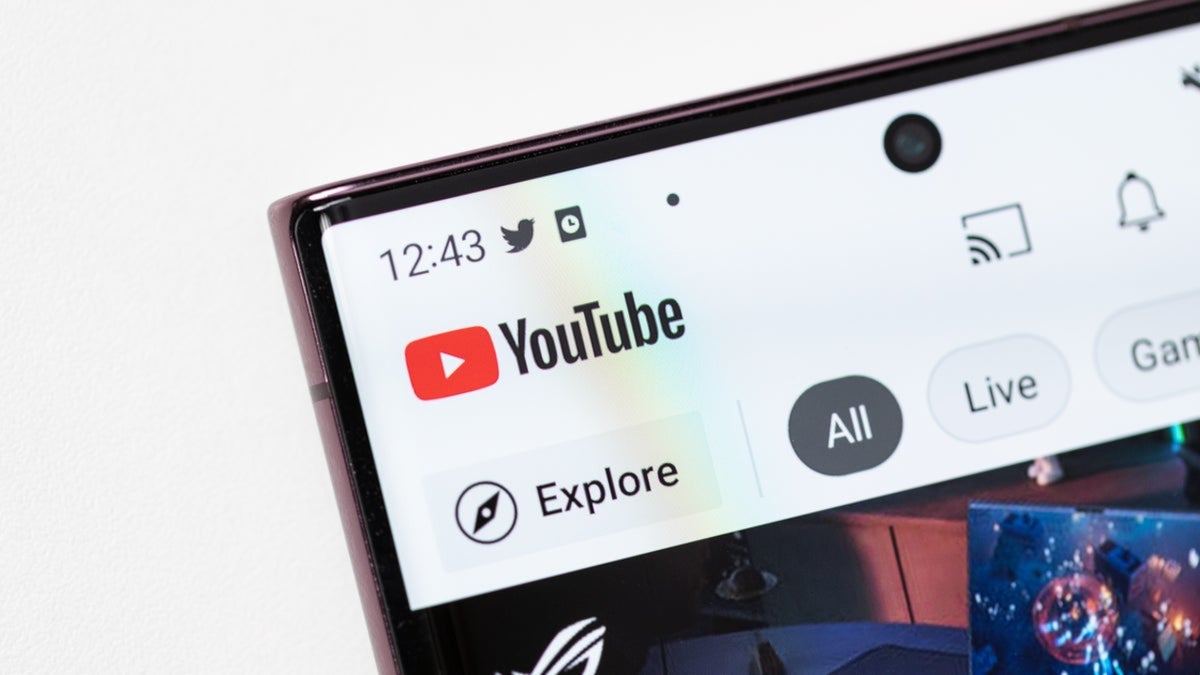
YouTube bug affecting many is exterminated by Google | Image by PhoneArena
Now that a YouTube bug has been exterminated by Google, users of the streaming video app who like to use the "Watch later" playlist they created are probably ecstatic. You see, last month some YouTube users started to notice that they were having issues with the playlist they used to save videos that they want to view, but haven't had the time to watch.
A bug caused many YouTube users to lose the videos they saved to watch later
For some, their complete Watch later playlist disappeared, leaving them with a page that read, "No results found." Others found that a few of the videos on their playlist had gone missing. One Redditor wrote that he had 1,100 videos saved and could see them all on the YouTube website when using his computer, but on the YouTube mobile app, only 50 videos were available to watch.
Google made an announcement about the YouTube bug today
So yeah, I'd say that this was a very harmful bug and that YouTube users have every reason to be excited with the bug fix. The extermination of the bug was announced today on the YouTube forum by Google. The latter wrote, "You should once again see all of your videos displaying correctly in your playlists, including Watch later on the YouTube app."
If these articles interest you, please check them out:
How to save a video to Watch later on the YouTube app
If you've never used this feature, I'll explain how to save a video and create your Watch later playlist. First of all, Google includes the Watch later category automatically with the YouTube mobile app on both Android and iOS. All you have to do is find a video that you know that you really want to watch, but for one reason or another, you can't view it at the moment.
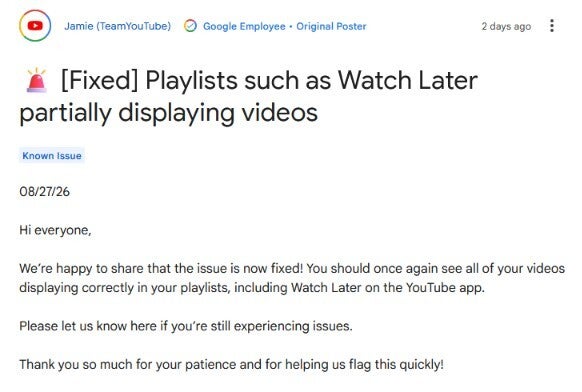
Google announces that the YouTube Watch later app has been fixed. | Image by Google
If you just saw a video from your feed or from a search result and haven't started to play it, tap the three-dot icon next to the video title and select "Save to Watch later." If you've already started watching a video and decide you want to watch the remainder later, from the action bar beneath the title of the video, tap on the Save button and follow that up by checking the box for Watch later.
How to view a video you've saved to Watch later
When you're ready to view a video you've saved to the playlist, open the YouTube app. Tap your Profile icon and under the Library heading, look for Watch later. Press on the listing and you'll see a list of titles that you've saved to this category. Press the one you want to watch, and that is it!
The YouTube app is preinstalled on most certified Android devices, but not on Apple devices. If you want to download the YouTube app for your iPhone, you can
tap on this link to install it from the App Store. If the YouTube app is missing from your Android phone, press on this link to install it from the Google Play Store.
Google did not give an explanation as to what caused the bug in the first place. Google announced the purchase of YouTube on October 9, 2006 for $1.65 billion in Google stock. The purchase closed on November 13 that same year.
I miss watching YouTube on this app/client
7 Votes
The original iPhone YouTube client
14.29%
The original Android YouTube app
42.86%
HTC's original YouTube client
42.86%
YouTube was bought by Google from the streaming platforms co-founders Chad Hurley, Steve Chen, and Jawed Karim. The YouTube client was a built-in feature of the first iPhone and it remained a built-in iPhone ferature until the huge iOS 6 release took place in September 2012. From that moment on, iPhone users who wanted YouTube on their handset needed to install the YouTube app from the App Store.
After YouTube became a hit on the iPhone, HTC announced a customized YouTube client for the Touch Diamond and Touch Pro in May 2008. The official Android app became available for Android in 2010. YouTube has approximately 2.7 billion monthly active users globally. Many of them will be happy to hear that the Watch later bug has been exterminated.


Popular stories

Latest News
Things that are NOT allowed:
To help keep our community safe and free from spam, we apply temporary limits to newly created accounts: