Google has announced that the Google Play connected app for Gemini is rolling out on Android. It lets you discover, install and even buy in-app items just by asking Gemini. It's Android-only for now, so on a Pixel 10 Pro you're set, while iPhone owners sit this out.
Gemini can now find and install apps for you
Google has announced that the Google Play connected app for Gemini is now rolling out on Android, folding app discovery straight into your chat. Instead of scrolling the Play Store, you can describe what you need, like "find a productivity app to help me with meal planning," and Gemini suggests options.
Tapping an app opens its Play Store page to finish the install. You can also ask for an app by name, search for in-app items and even buy a Google Play gift card from the chat.
How do you feel about asking Gemini to find and install your apps?
38 Votes
Love it, scrolling the Play Store is a chore anyway
39.47%
I'd rather browse and pick apps myself
52.63%
The 'Keep Activity' requirement is a hard pass for me
5.26%
I already run most of my phone through Gemini
2.63%
Google keeps folding Gemini into more of your phone
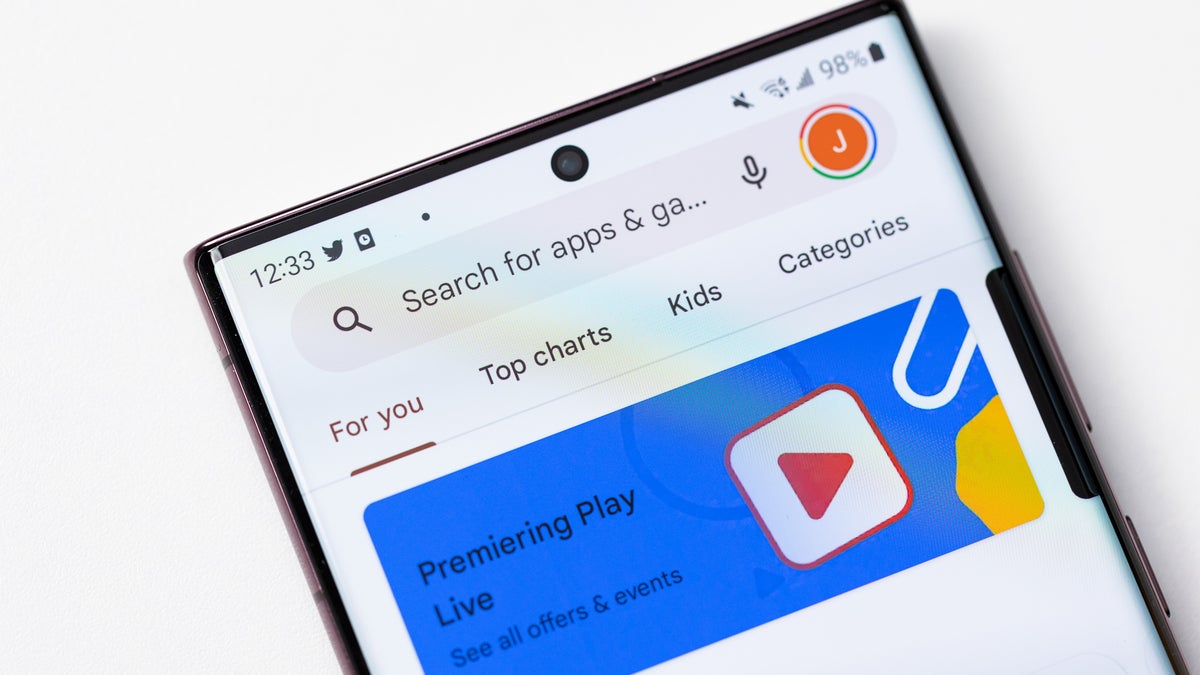
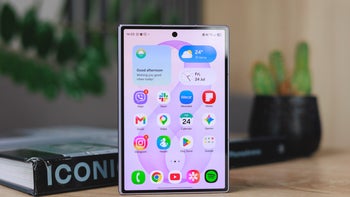
Gemini surfaces Google Play app suggestions and install links right inside the chat. | Image by Google
For anyone who finds app-hunting tedious, that's the draw. There are limits, though. It's Android-only for now, and Google notes availability varies by country and device.
Recommended For You
iPhone owners can sit this one out, since Gemini on iOS doesn't get the Play integration.
Who this helps, and what you need to switch it on
It mostly helps people who already lean on Gemini and dislike scrolling the Play Store. Before you start, Google lists a few requirements:
You must be signed into Gemini with a personal Google Account.
"Keep Activity" must be on, or Gemini can't connect to Google Play.
Here's how to connect Google Play to Gemini
Open the Gemini app on your Android phone or tablet.
Make sure you're signed in to the same account you use with Google Play.
Ask Gemini to find an app, like "what are some meditation apps?"
If Google Play isn't connected, you'll get the option to connect it.
Follow the on-screen instructions.
I'm waiting on it to reach my own phone
I tried it on my own phone, but the connected app hasn't reached my account yet, so I'm going off Google's description for now. Google's own example though, finding an app while traveling abroad, is precisely what I'd want it for.
I always scramble for a transit app before a trip, so having Gemini surface one sounds like a real time-saver. I'm hoping it reaches my Pixel soon, so I can see whether it beats the Play Store search.
For more on Google's Pixel and Play moves, check these out:
And for hot takes and behind-the-scenes coverage, come follow me, @jojothetechie, on X and Threads.
Mint Mobile's 6-month plans now cost $10/mo
$10
/mo
$35
$25 off (71%)
Mint Mobile is celebrating its 10-year anniversary with a special offer on its six-month subscription plans. For a limited time, you can get your preferred tier (6GB, 17GB, 23GB or unlimited) for just $10/mo. That saves you between 50% and 71% on the carrier's mobile plans, making it way easier to recommend.
Johanna Romero is a Senior News Writer at PhoneArena, covering mobile technology news across Android, iOS, wearables, and the Google ecosystem she knows best. Drawing on 15 years in IT and tech support from 2007 to 2022, she brings a user-friendly eye for the practical features and lesser-known tricks readers care about. Google named her an official #TeamPixel member in 2022, and she also reviews the latest devices on her YouTube channel, JoJo the Techie.
A discussion is a place, where people can voice their opinion, no matter if it
is positive, neutral or negative. However, when posting, one must stay true to the topic, and not just share some
random thoughts, which are not directly related to the matter.
Things that are NOT allowed:
Off-topic talk - you must stick to the subject of discussion
Offensive, hate speech - if you want to say something, say it politely
Spam/Advertisements - these posts are deleted
Multiple accounts - one person can have only one account
Impersonations and offensive nicknames - these accounts get banned
To help keep our community safe and free from spam, we apply temporary limits to newly created accounts:
New accounts created within the last 24 hours may experience restrictions on how frequently they can
post or comment.
These limits are in place as a precaution and will automatically lift.
Moderation is done by humans. We try to be as objective as possible and moderate with zero bias. If you think a
post should be moderated - please, report it.
Have a question about the rules or why you have been moderated/limited/banned? Please,
contact us.








Things that are NOT allowed:
To help keep our community safe and free from spam, we apply temporary limits to newly created accounts: