A few months ago, we noticed a growing number of Galaxy Watch users experience a persistent battery drainage caused by Play Services. At the time, the problem was evident across multiple generations and models. The issue was resolved relatively quickly, only to return again.
Sounds familiar?
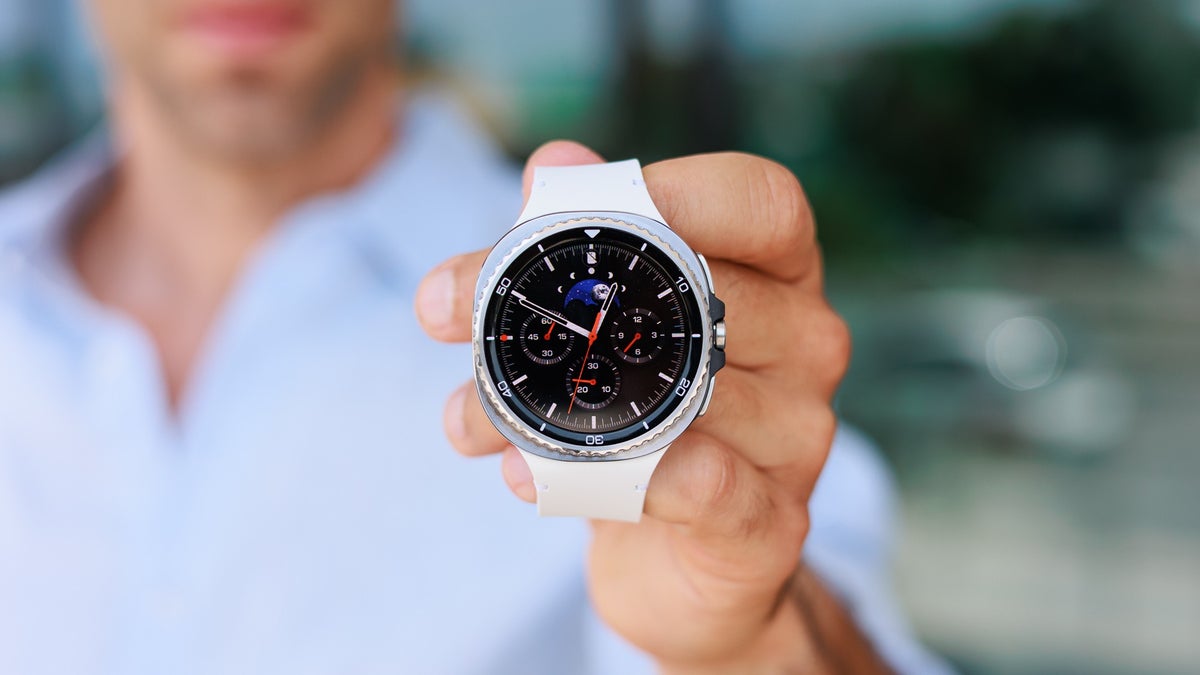
Wow! | Image by GraveeNito
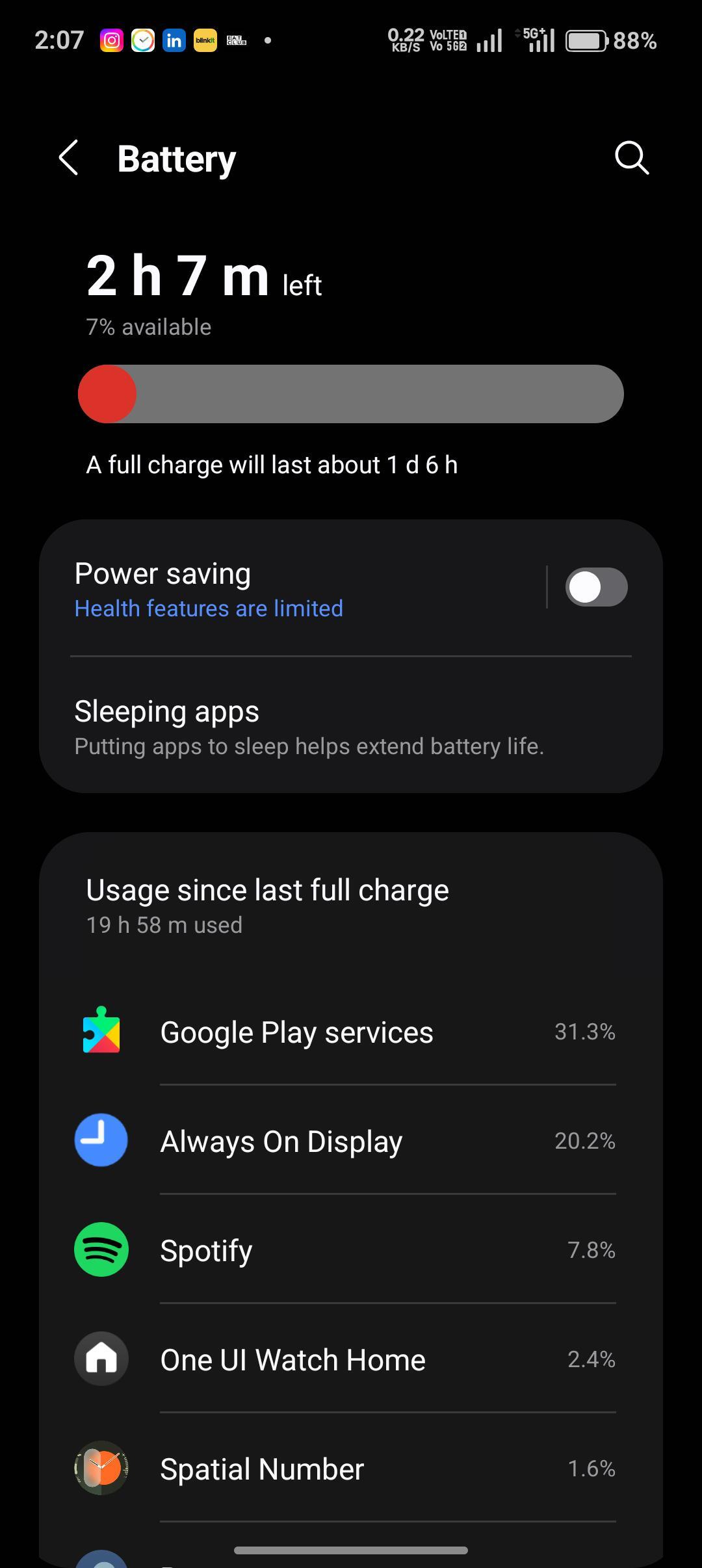
Once again, users in the r/GalaxyWatch subreddit have started sharing their battery stats, showing a frustrating issue is returning. It appears that Google Play Services has started consuming way more power than it should.
The posted data shows widely varied consumption levels. Some users report Play Services accounts for around 12-20% of battery usage, while others notice figures closer to 30%.
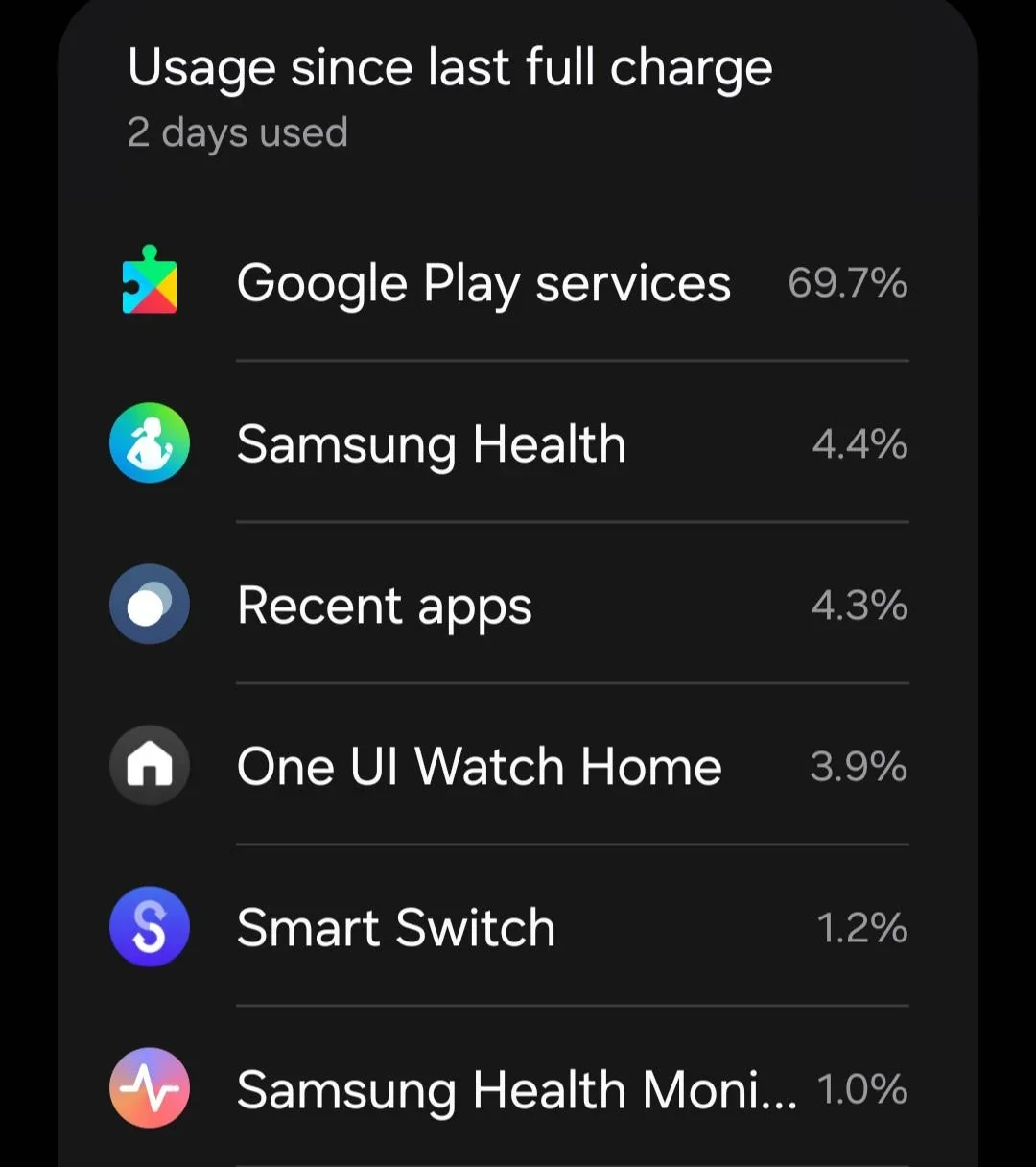
One users sees one figure, another sees a different figure; but they all suffer battery drainage. | Image by Kitchen-Bee1425
While a single app taking up 30% of battery life is unsettling, it doesn't end there. One redditor shared a screenshot showing Google Play Services consumes an unbelievable 69.7%.
As if that's not enough, some users can't see which apps account for battery usage in the settings. This issue was also noticed by some users back in April.
What would make you switch smartwatch brands?
48 Votes
Repeated bugs and glitches like this one
33.33%
Poor battery life
39.58%
Uncomfortable fit
0%
Incompatibility with my phone
18.75%
Nothing!
8.33%
Affected models
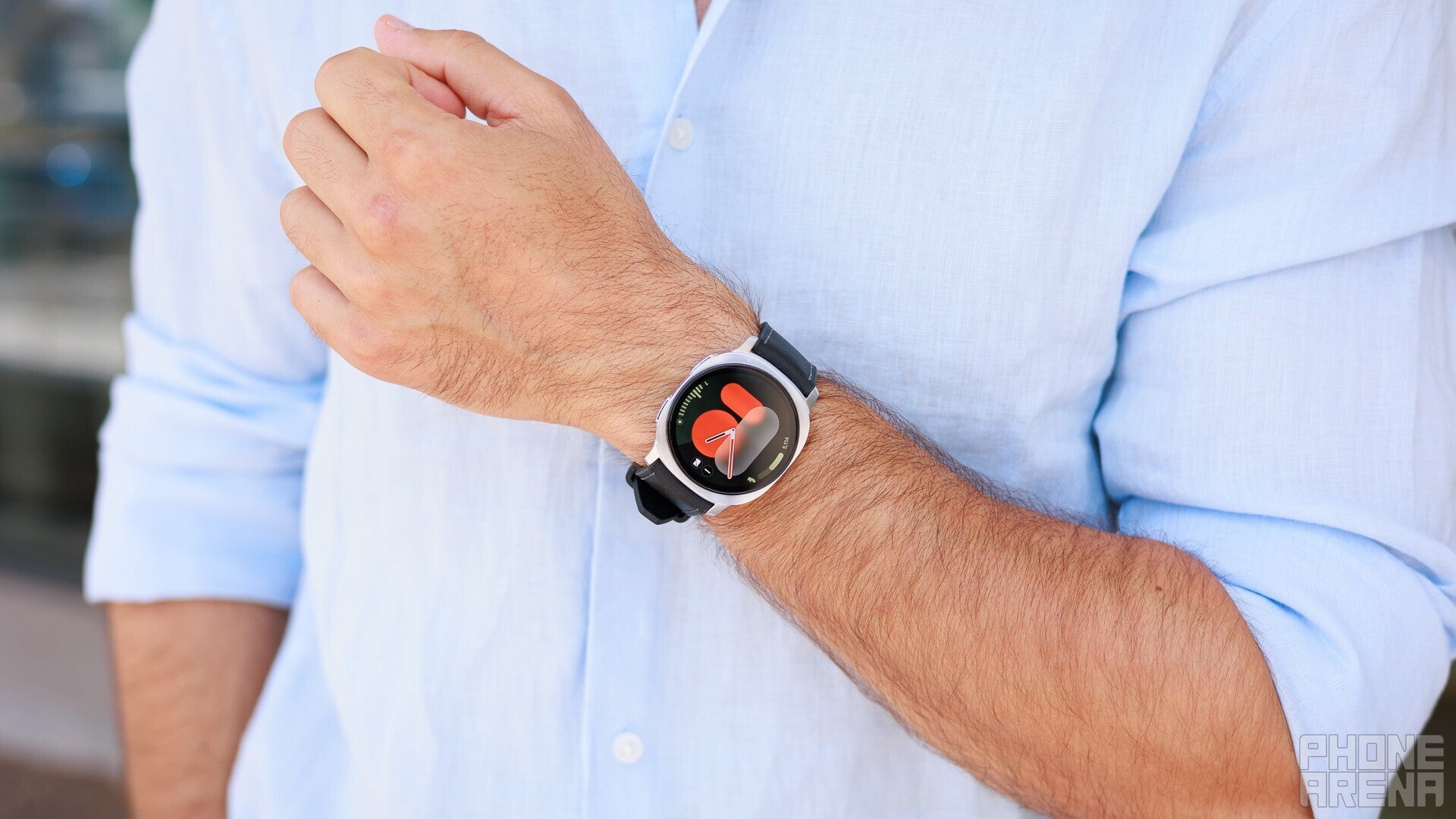
Even the newest Galaxy Watch 8 is affected by the Play Services bug. | Image by PhoneArena
It appears that the problem isn't limited to a single Galaxy Watch model. Online data shows Play Services is plaguing Galaxy Watch 5 Pro, Galaxy Watch 6, Galaxy Watch 8, and even the pricey Galaxy Watch Ultra.
Recommended For You
If you've noticed the battery life on your Galaxy Watch drains faster than usual, you should check the app usage under Battery in the settings menu.
Is there a solution?
Since Samsung fixed the problem once, it'll probably do it again. But until it does, users are largely left to fend on their own.
Some attempted fixes involve rebooting the device and manually updating necessary apps while the watch is charging. Supposedly, the latter could help limit battery drainage caused by Play Services.
Despite these suggested solutions, there appears to be no universal solution that works for every Galaxy Watch owner. At least not yet.
Which is better?
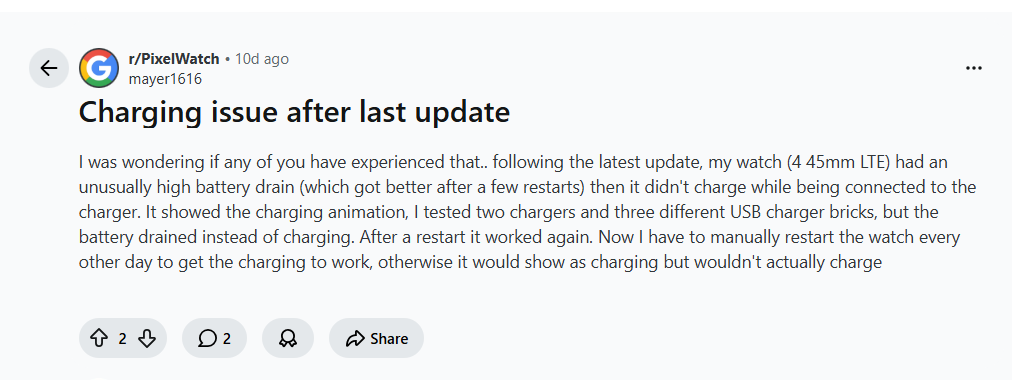
Pixel Watch models aren't flawless, it seems. | Image by mayer1616
Samsung's wearables don't appear to be the only ones suffering. In fact, Pixel Watch owners are sporadically experiencing battery drainage and other issues following different updates.
Data analysis shows that most users usually manage to fix such issues by resetting their device. If the problem is caused by a Wear OS update, Google typically releases fixes to address such kinds of bugs, though this process can take some time.
What's the point?
Wearables are supposed to make it easier to keep your health and wellness on track while staying connected. But when a single app drains the battery so quickly that you have to constantly keep your smartwatch on the charger, the whole point of convenience is lost.
To me, the most concerning thing of all is that it has happened before. If Google Play Services renders Galaxy Watches largely unusable every few months, how many times does it need to happen before a permanent fix restores the user experience?
Free Galaxy A17 5G with Straight Talk
Get a free Galaxy A17 with Straight Talk. To claim this deal, you need to pair the phone with activation on a Silver Unlimited Plan or higher. This tier costs $45 per month. Offer valid through 01/10/27 while supplies last online.
Polina Kovalakova, a News and Affiliate Content Writer, has nurtured a passion for mobile technology since the era before smartphones. With a history of exploring a variety of devices, her insights into the mobile world are both broad and nuanced. Polina's non-partisan view extends to appreciating nearly every smartphone brand, a reflection of her open-minded approach to technology. Polina is equally passionate about uncovering the best online deals, tirelessly working to ensure her readers snag top-tier tech at unbeatable prices.
A discussion is a place, where people can voice their opinion, no matter if it
is positive, neutral or negative. However, when posting, one must stay true to the topic, and not just share some
random thoughts, which are not directly related to the matter.
Things that are NOT allowed:
Off-topic talk - you must stick to the subject of discussion
Offensive, hate speech - if you want to say something, say it politely
Spam/Advertisements - these posts are deleted
Multiple accounts - one person can have only one account
Impersonations and offensive nicknames - these accounts get banned
To help keep our community safe and free from spam, we apply temporary limits to newly created accounts:
New accounts created within the last 24 hours may experience restrictions on how frequently they can
post or comment.
These limits are in place as a precaution and will automatically lift.
Moderation is done by humans. We try to be as objective as possible and moderate with zero bias. If you think a
post should be moderated - please, report it.
Have a question about the rules or why you have been moderated/limited/banned? Please,
contact us.














Things that are NOT allowed:
To help keep our community safe and free from spam, we apply temporary limits to newly created accounts: