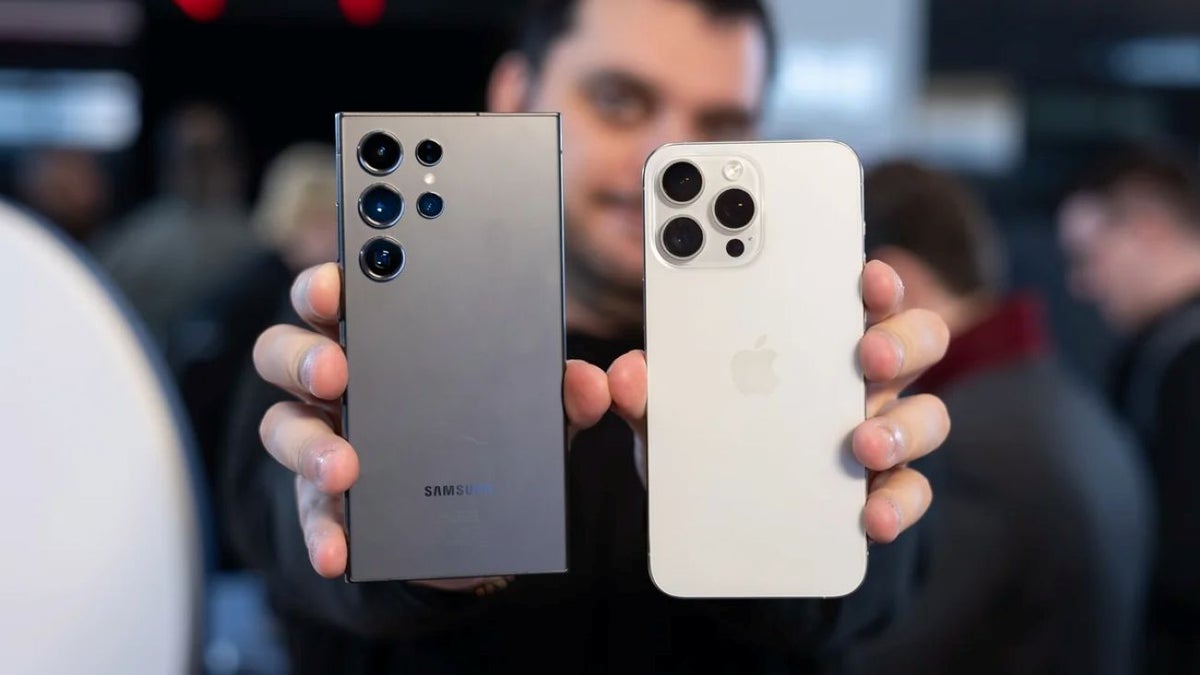
If you're a PC user, there's already a pretty good reason to choose an Android phone over an iPhone: Android generally plays much nicer with Windows.
Now Microsoft appears to be preparing another useful feature that could make the connection between your Android phone and your PC even better.
Getting things done from a distance
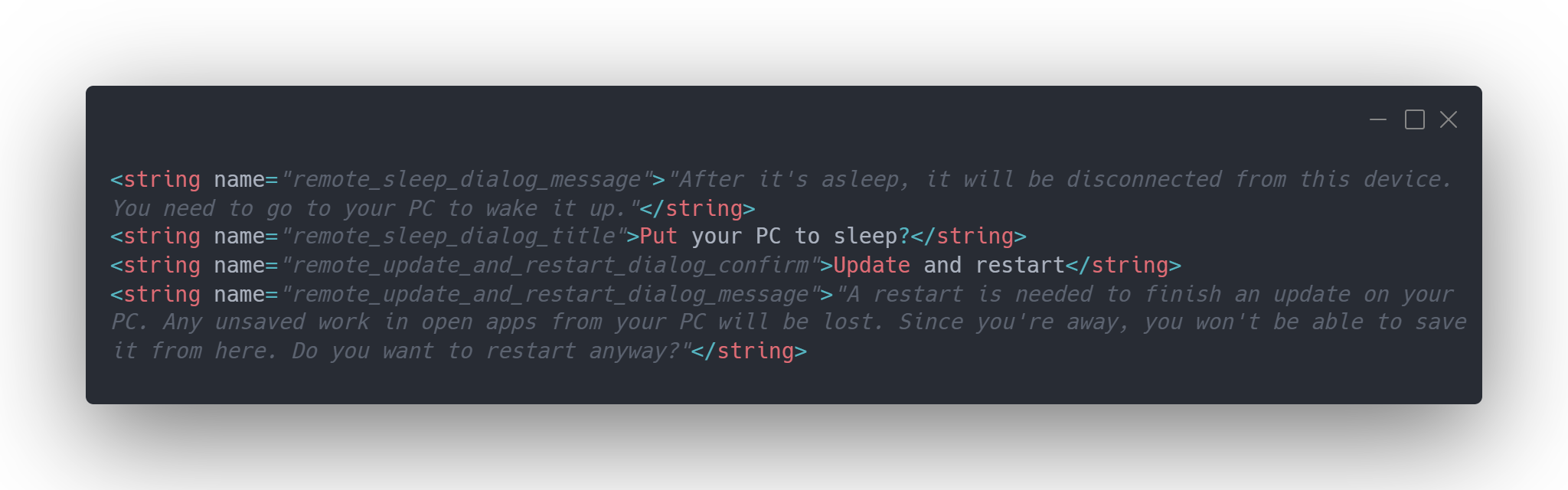
Remote Sleep string in Link to Windows Android app APK. | Image by Windows Latest
Microsoft is reportedly working on mobile remote controls that would allow you to shut down, restart or even put your Windows 11 PC to sleep straight from your Android phone. The controls are being built into Link to Windows—that's the Android app for Microsoft's Phone Link service.
Keep in mind that this feature isn't available yet, but evidence found inside the latest app code suggests it could be coming to you and me soon. Right now, Microsoft offers a way to lock your PC from your Android phone, but the new controls will take that idea much further.
That last part is particularly interesting because it suggests Microsoft is making the feature aware of Windows updates rather than simply giving you basic controls.
Recommended For You
Can I wake my PC with my phone?
It's worth pointing out that once the PC goes to sleep, it will disconnect from the phone and you'll need to physically go to the computer to wake it up. It's not ideal, but it's something. The explanation behind this is that a sleeping PC generally won't maintain the network connection needed for remote control.
Microsoft also seems to be taking unsaved work seriously. If you try to restart or shut down while a Windows update is waiting to be completed, the app will warn you that unsaved work could be lost. It will then ask you to confirm that you really want to continue.
Why use this?
In an extreme scenario, you're halfway on your way to the airport and you recall that you've left your PC on at home. A shutdown from a distance will be perfect in this case. Or, maybe, you've texted your colleague something you obviously shouldn't have, but you've left the office without turning off your computer. Instead of looking for a new job, you'll be able to sleep tight at night.
How about the iPhone?
That's one of the advantages Android has over iOS and the iPhone for people who live in the Windows ecosystem. Apple has plenty of Continuity features for connecting an iPhone and Mac, but there isn't a normal consumer feature that lets you shut down or restart a Mac remotely from an iPhone.
Trade in your old phone for cash at ecoATM!
Recycle your used phone and get instant cash. Find out how at ecoATM!
Sebastian is one of PhoneArena’s senior opinionators. A veteran news writer with almost 20 years of experience in media and technology, he not only covers all the hot news about Galaxies and iPhones, but often provides hot takes on industry trends. He’s fascinated with camera-focused flagships from the likes of Oppo and Vivo, as well as foldable phones.
A discussion is a place, where people can voice their opinion, no matter if it
is positive, neutral or negative. However, when posting, one must stay true to the topic, and not just share some
random thoughts, which are not directly related to the matter.
Things that are NOT allowed:
Off-topic talk - you must stick to the subject of discussion
Offensive, hate speech - if you want to say something, say it politely
Spam/Advertisements - these posts are deleted
Multiple accounts - one person can have only one account
Impersonations and offensive nicknames - these accounts get banned
To help keep our community safe and free from spam, we apply temporary limits to newly created accounts:
New accounts created within the last 24 hours may experience restrictions on how frequently they can
post or comment.
These limits are in place as a precaution and will automatically lift.
Moderation is done by humans. We try to be as objective as possible and moderate with zero bias. If you think a
post should be moderated - please, report it.
Have a question about the rules or why you have been moderated/limited/banned? Please,
contact us.




Things that are NOT allowed:
To help keep our community safe and free from spam, we apply temporary limits to newly created accounts: