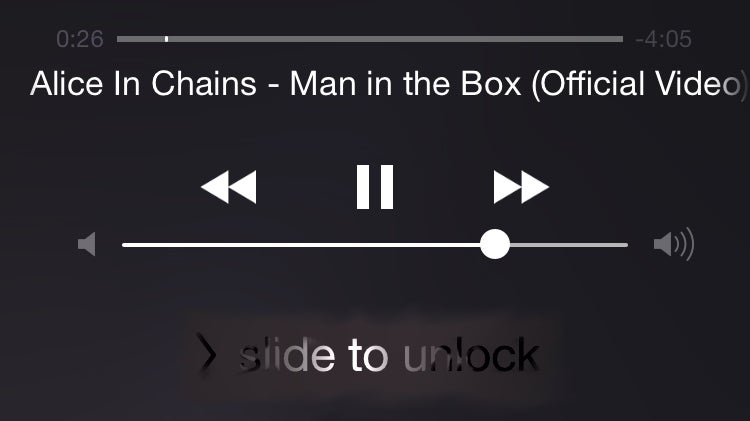
Google has been doing its best to limit the ability of one to listen to its music while doing something completely different than actually watching them. Now, naturally, since Google wants your eyes on its site / app (and ads), and especially since it launched the Play Music and All Access services – being able to just play tunes on your phone from the YouTube app then minimizing it / sleeping the phone and doing other stuff had to go.
Now, since Google has a firm grasp on Android, being able to play minimized YouTube vids on those handsets is actually not doable –
not unless you root your phone, that is. However, you can actually have your YouTube music running in the background on an iOS device such as an iPad or iPhone. It's done in a couple of steps for each time you wish to activate it and here's how it's done:
How to listen to YouTube videos in the background – iOS guide
Now, as you can see from step 3 and 4, having the YouTube app on the device could cause some headaches as you try to use this method. If you end up deciding to ditch the app, here's an easy way to create a shortcut to the YouTube website – it will even look like an app!
Adding an app-like shortcut to YouTube.com
Read the latest from Preslav Kateliev





Things that are NOT allowed:
To help keep our community safe and free from spam, we apply temporary limits to newly created accounts: