iPhone Duo owners are loving the new Google Maps update
Google Maps now feels like a paper map on the iPhone Duo.

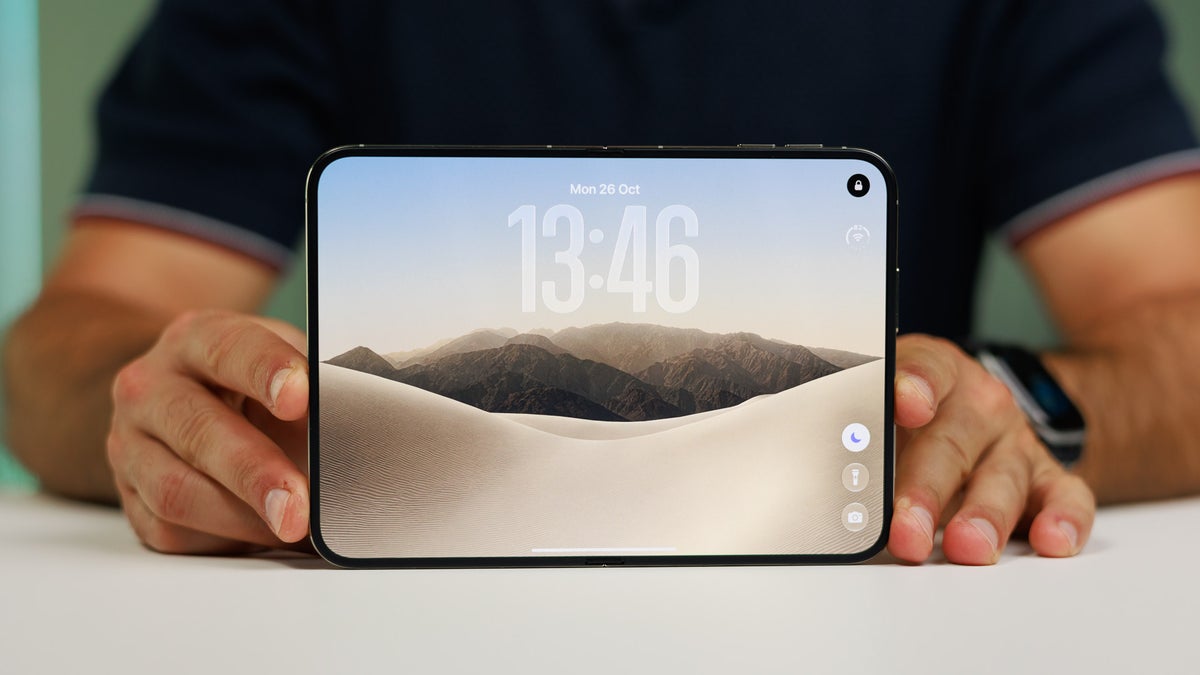
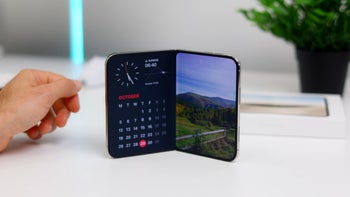
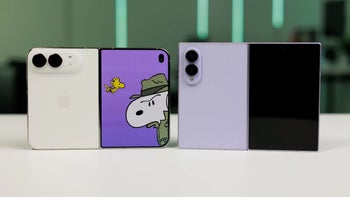
The iPhone Duo lock screen. | Image by PhoneArena
Google just redesigned Maps for the iPhone Duo. The app now adapts to the folding display without any unsightly black edges getting in the way. Before this update, the iPhone Duo Maps app was just a scaled-up version of the regular app. The new optimized version is already rolling out to iPhone Duo users.
Right off the bat, Maps now fills up the entirety of both displays, transitioning fluidly and seamlessly when you switch screens.
No more black borders everywhere
Right off the bat, Maps now fills up the entirety of both displays, transitioning fluidly and seamlessly when you switch screens.
The cover screen looks more or less the same, except for one obvious change: the black menu panel occupying the right edge of the cover display is gone.
Google Maps is now fully optimized for the iPhone Duo. Progress. https://t.co/K3ukZ8svYM
— Chris Welch (@chriswelch) November 3, 2026
The inner display gets a new interface entirely. When unfolded, the Duo now shows all the buttons, search box, and info box in one half of the display and map view gets the rest. In navigation mode too, the map view stretches corner to corner without black bars.
Poll
5 Votes
What do you think of unoptimized apps on the iPhone Duo?
The redesign looks stunning on the iPhone Duo
The Google Maps experience on the iPhone Duo reminds me of folding and unfolding a paper map. Apple’s iPhone Duo design sells that illusion fantastically now that the app is optimized. I browsed online forums to see if iPhone Duo owners agree, and their reactions are overwhelmingly positive.
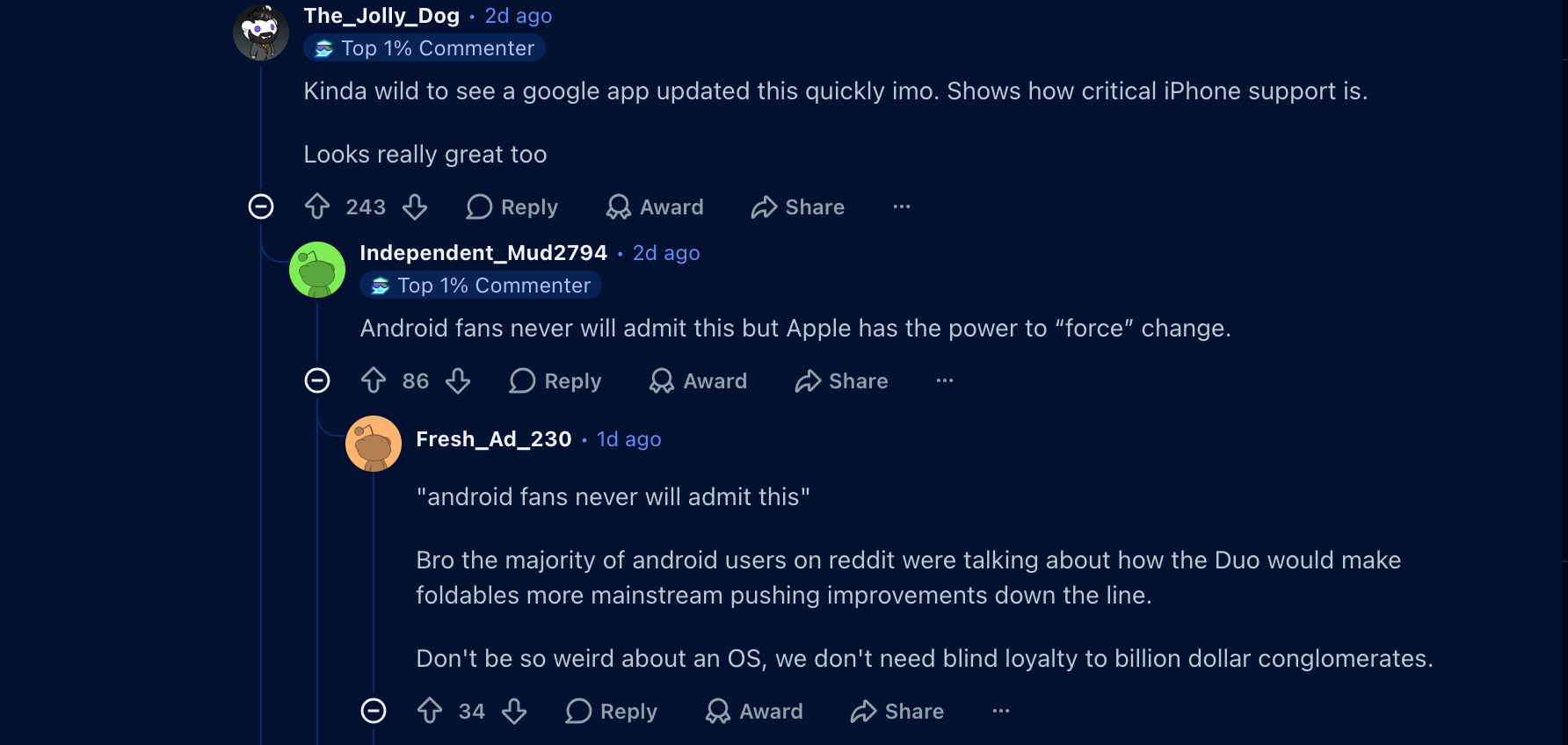
A discussion on r/iPhoneDuo | Image by Reddit
Some Android fans, including me, believe that Apple’s design might pressure Samsung and Motorola to refine Google Maps on their best foldables too. For instance, right now, Samsung Galaxy foldables briefly lag on a black screen when transitioning between displays. The lag breaks the illusion, but without it, the transition would become seamless.
Google is updating other iPhone Duo apps too
For iPhone Duo users, the update should have been automatically installed. However, if you’re still seeing the old interface for some reason, you can update it manually via the App Store.

Popular stories


Latest News


Things that are NOT allowed:
To help keep our community safe and free from spam, we apply temporary limits to newly created accounts: