Google has started rolling out the first firmware update for the Fitbit Air since the screenless tracker launched, and it arrives as a quiet bug-fix release rather than a feature drop. If you wear one of the best Android smartwatches or a Pixel Watch to track your workouts but have been eyeing a Fitbit Air to either complement or replace them, this update may be the one that informs your decision .
Google's first Fitbit Air update is quietly going out
According to a new report, the build is going out as version 20001.253.2 on iOS and 67.20001.253.2 on Android, the same package wearing a different number depending on which phone you have.
There was already a day-one firmware update baked into the setup, so this is the first one to arrive after launch. Google is keeping the notes short, telling the source it carries bug fixes and general improvements and nothing more.
As customary with Google rollouts, it is staged, so it is not widely available yet. Additionally, like every other Fitbit update before it, you should receive a notification within the Google Health app once it reaches your tracker.
How do you handle workout tracking across devices?
The aforementioned Google Health app update fixed incomplete data in TCX workout exports and patched how the app handles a live workout that loses connection. It is also believed that this firmware update will deliver on Google's promise to expand the range of exercises the Fitbit Air can detect automatically.
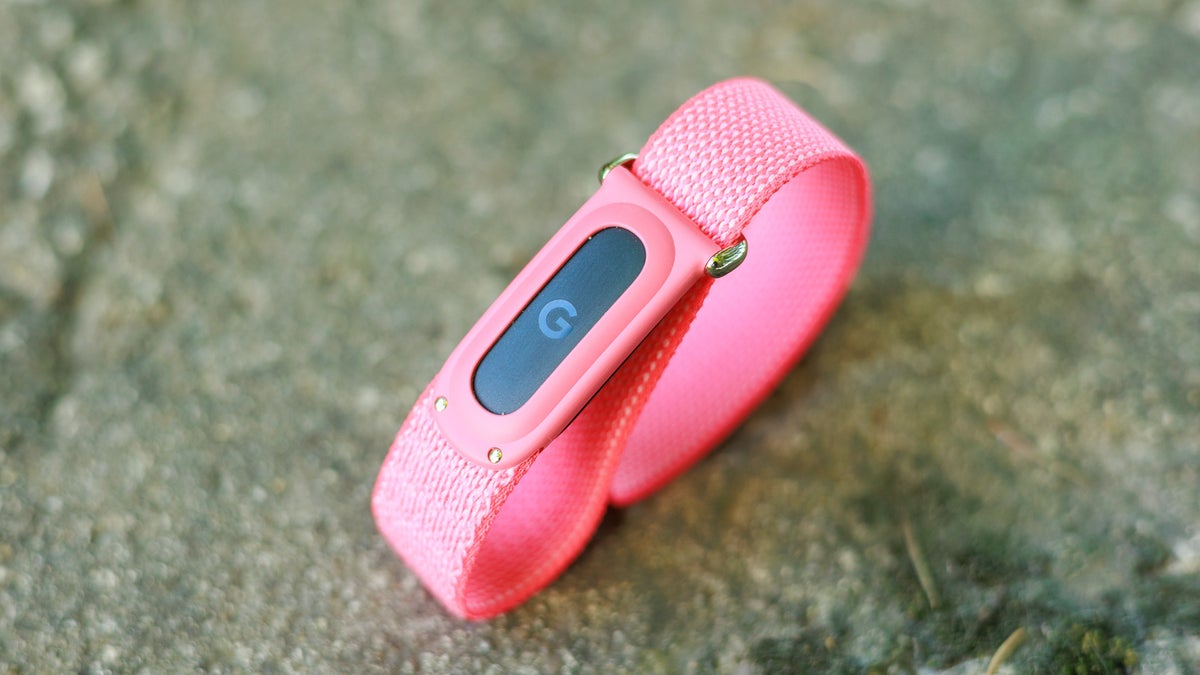
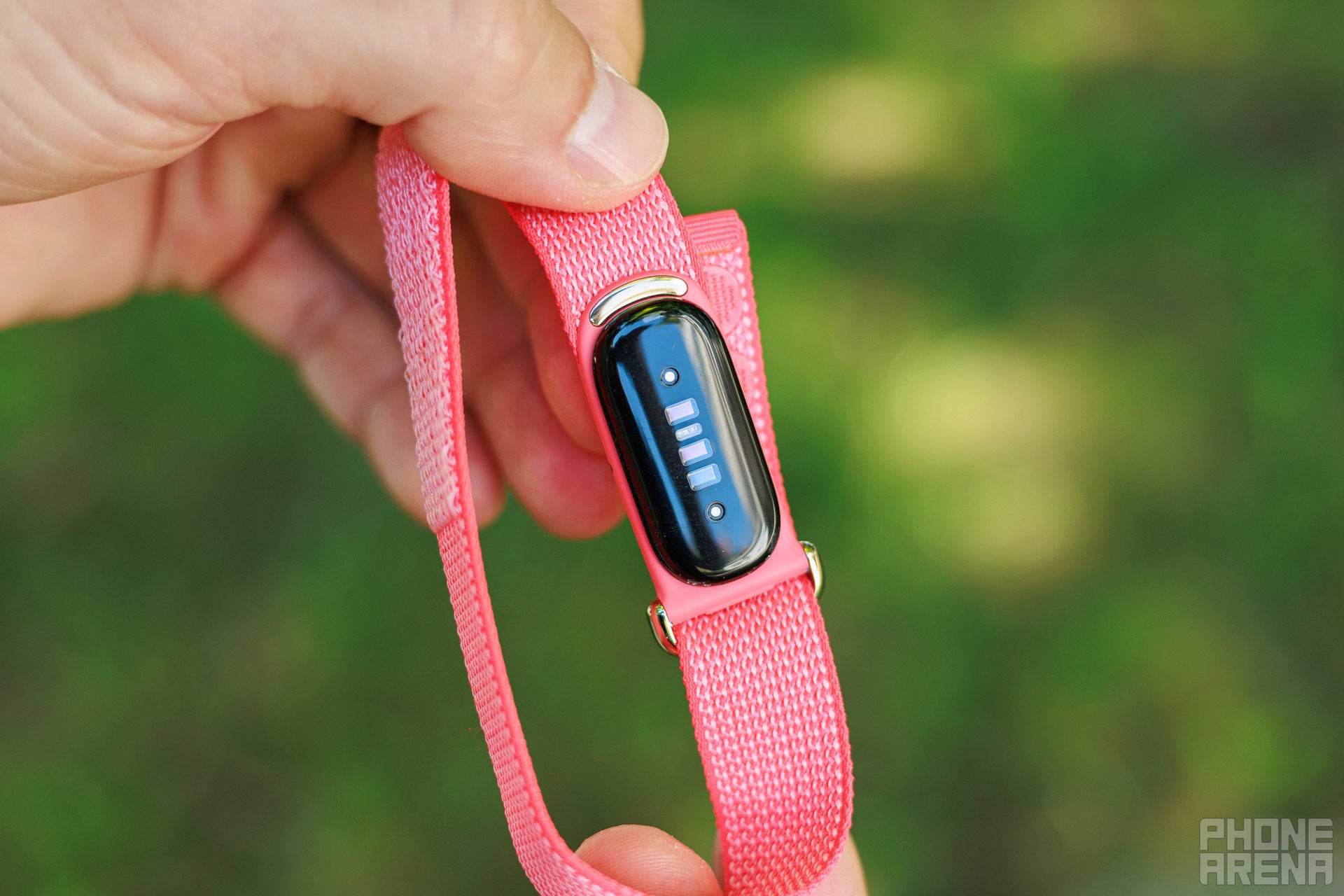
The Fitbit Air's screenless band leaves all the data wrangling to the Google Health app. | Image by PhoneArena
However, the catch is that the same roadmap still lists a lot more Fitbit Air work to come. So, for anyone eyeing an Oura Ring or a Whoop band instead, this small update doesn't necessarily give the Air much of an advantage over the others.
Who this update is really for
If you own the Fitbit Air, this is an update you should definitely keep an eye on. This is because the band has no screen and leans heavily on the Google Health app and any updates to it to improve the device's experience.
How to check for the Fitbit Air update
You cannot force the update, but you can see if your turn has come up by doing the following:
Open the Google Health app on your paired phone.
Go to the Fitbit Air's device page.
Tap the update card if one is waiting, then keep the band and phone close while it installs.
The fix I'm really waiting on
I'll take the bug fixes, but the update I keep watching for is a different one. During my time testing the Fitbit Air, I found that my Pixel Watch always took priority for auto-detecting walks and workouts. This basically left my Air feeling like it wasn't pulling its weight when I wore both devices at once.
At the time I flagged this issue to Google, and the company responded by telling me a priority toggle would be coming in a future update that would let me set the Air as my main workout detector. I'm still on the older 67.20001.245.19 firmware, so I cannot confirm if that specific toggle is live yet, though I'm hoping it turns up soon.
Get iPhone 18 Pro with Visible, get $480 off!
$719
/mo
$1199
$480 off (40%)
On the Visible+ Pro plan, you get access to 5G Ultra Wideband data on Verizon's fastest network. Along with unlimited roaming across Mexico and Canada, 2 days of Global Pass per month, 3x hotspot speeds, 4K streaming, and Smartwatch service.
Johanna Romero is a Senior News Writer at PhoneArena, covering mobile technology news across Android, iOS, wearables, and the Google ecosystem she knows best. Drawing on 15 years in IT and tech support from 2007 to 2022, she brings a user-friendly eye for the practical features and lesser-known tricks readers care about. Google named her an official #TeamPixel member in 2022, and she also reviews the latest devices on her YouTube channel, JoJo the Techie.
A discussion is a place, where people can voice their opinion, no matter if it
is positive, neutral or negative. However, when posting, one must stay true to the topic, and not just share some
random thoughts, which are not directly related to the matter.
Things that are NOT allowed:
Off-topic talk - you must stick to the subject of discussion
Offensive, hate speech - if you want to say something, say it politely
Spam/Advertisements - these posts are deleted
Multiple accounts - one person can have only one account
Impersonations and offensive nicknames - these accounts get banned
To help keep our community safe and free from spam, we apply temporary limits to newly created accounts:
New accounts created within the last 24 hours may experience restrictions on how frequently they can
post or comment.
These limits are in place as a precaution and will automatically lift.
Moderation is done by humans. We try to be as objective as possible and moderate with zero bias. If you think a
post should be moderated - please, report it.
Have a question about the rules or why you have been moderated/limited/banned? Please,
contact us.










Things that are NOT allowed:
To help keep our community safe and free from spam, we apply temporary limits to newly created accounts: