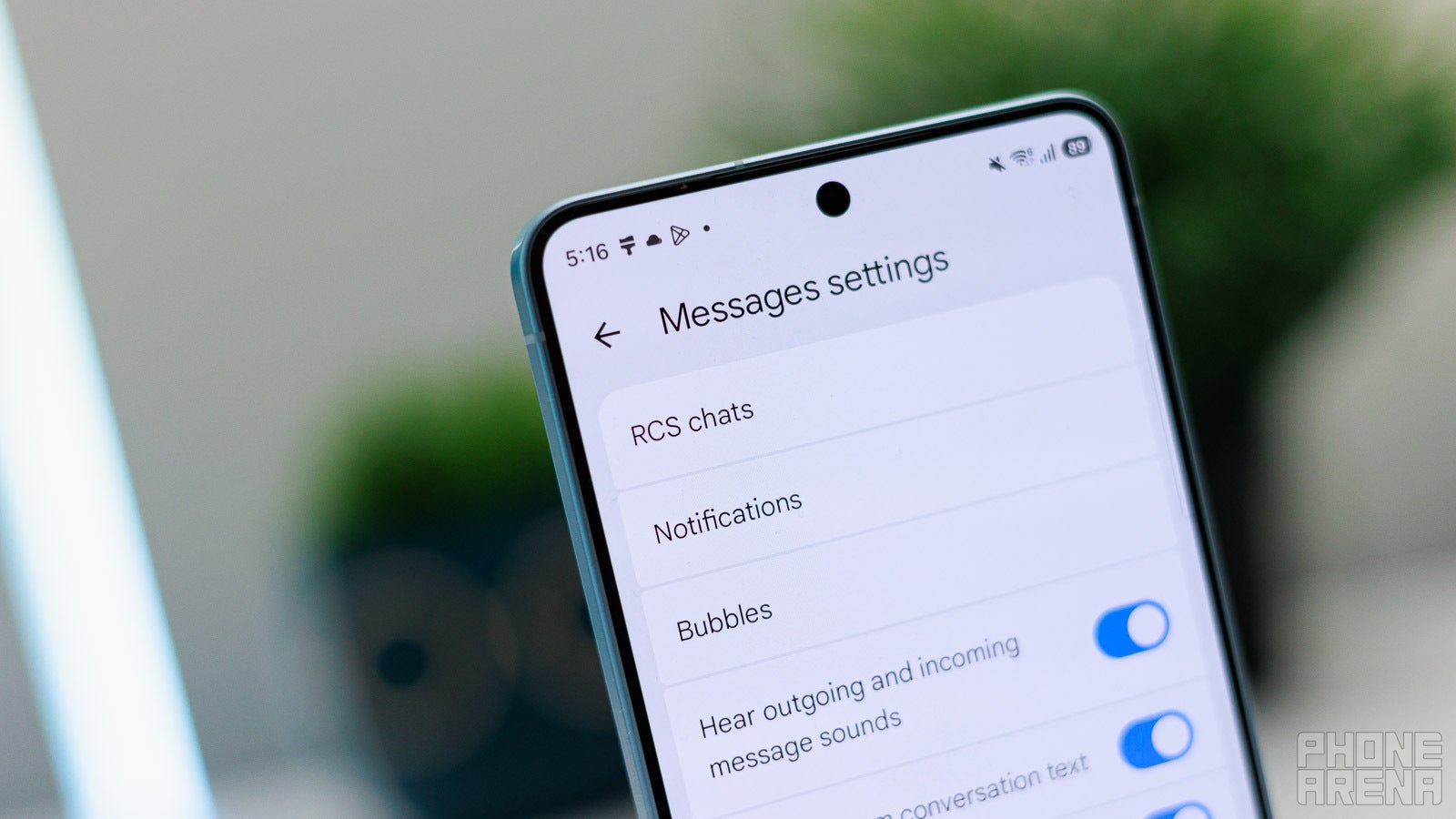
It looks like Google is locked in on making Google Messages look and feel better in every aspect, from the improved settings menu to the refreshed app icon. The next in the list of improvements appears to be a new option that should make editing photos and videos before sending them much easier.
Google Messages will soon allow editing videos and photos before sending them out
Google may add a new “Edit media” button in Google Messages, which will finally allow users to make changes to their images and videos before sending them out. Traces of the new tool were spotted inside the code of the latest beta release of the app, according to an Android Authority report.
The code mentions a new onboarding tooltip that will explain to users what new options they have for editing media before sending it. Aptly called “Edit before you send,” the tooltip comes with a text explaining that users can “Crop, trim, or adjust photos and videos in your phone’s default editing app.”
Poll
0 Votes
How do you prefer to edit images and videos before sending them to someone else?
An intelligent solution
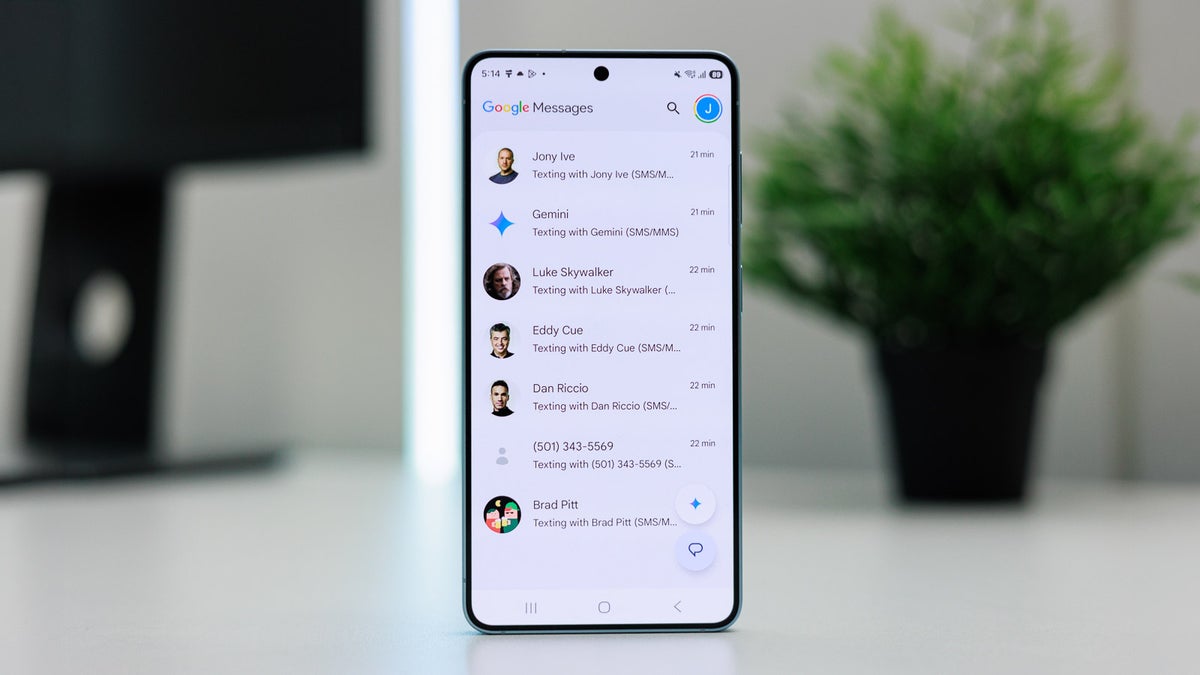
Google Messages is getting a lot of improvements lately. | Image by PhoneArena
Google Messages used to have editing tools inside the app, but those were removed with an earlier update. The app used to allow a rather basic set of edits, such as adding text and scribbling over a photo, but it still missed fundamental options such as cropping images or trimming videos.
Recommended For You
Google’s new solution won’t add a whole media editing app inside Google Messages. Instead, the new solution will come with a seamless intent-based system that will check your device for compatible editing apps, based on the file you’re giving it. Once this one is found, the system will hand off the file to the appropriate editor for you to do your magic.
When you hit the edit button, the system will create a separate output URI, which will allow you to return directly to Google Messages after editing, instead of switching between apps manually. With the new feature, you won’t need to save duplicate files, swipe between apps, and reattach images anymore.
In case you don’t have the necessary editing app installed, Google Messages will put you through the “Editing isn’t available” tooltip and prompt you to find and install an appropriate app.
It’s unclear when these features will be available even for beta users. As for the stable version of Google Messages, chances are it’ll get the new integration in at least several weeks or even months.
Google Messages is getting better by the day
I know that apps like Telegram have quite sophisticated image editing tools integrated within the app, but I prefer Google’s approach. I’m so used to Snapseed and Lightroom that facing other editing tools always makes me feel like I have no idea what I’m doing. Having the app bring me back to my chat after I’m done editing with my favorite tool is a great solution, and it may even make Google Messages a little better.
Check out more of the latest stories about Google:
Get a free Galaxy A17 with Straight Talk. To claim this deal, you need to pair the phone with activation on a Silver Unlimited Plan or higher. This tier costs $45 per month. Offer valid through 01/10/27 while supplies last online.
Ilia, a tech journalist at PhoneArena, has been covering the mobile industry since 2011, with experience at outlets like Forbes Bulgaria. Passionate about smartphones, tablets, and consumer tech, he blends deep industry knowledge with a personal fascination that began with his first Nokia and Sony Ericsson devices. Originally from Bulgaria and now based in Lima, Peru, Ilia balances his tech obsessions with walking his dog, training at the gym, and slowly mastering Spanish.
A discussion is a place, where people can voice their opinion, no matter if it
is positive, neutral or negative. However, when posting, one must stay true to the topic, and not just share some
random thoughts, which are not directly related to the matter.
Things that are NOT allowed:
Off-topic talk - you must stick to the subject of discussion
Offensive, hate speech - if you want to say something, say it politely
Spam/Advertisements - these posts are deleted
Multiple accounts - one person can have only one account
Impersonations and offensive nicknames - these accounts get banned
To help keep our community safe and free from spam, we apply temporary limits to newly created accounts:
New accounts created within the last 24 hours may experience restrictions on how frequently they can
post or comment.
These limits are in place as a precaution and will automatically lift.
Moderation is done by humans. We try to be as objective as possible and moderate with zero bias. If you think a
post should be moderated - please, report it.
Have a question about the rules or why you have been moderated/limited/banned? Please,
contact us.







Things that are NOT allowed:
To help keep our community safe and free from spam, we apply temporary limits to newly created accounts: