Whether you like it or not, changes are coming to the Pixel Weather app
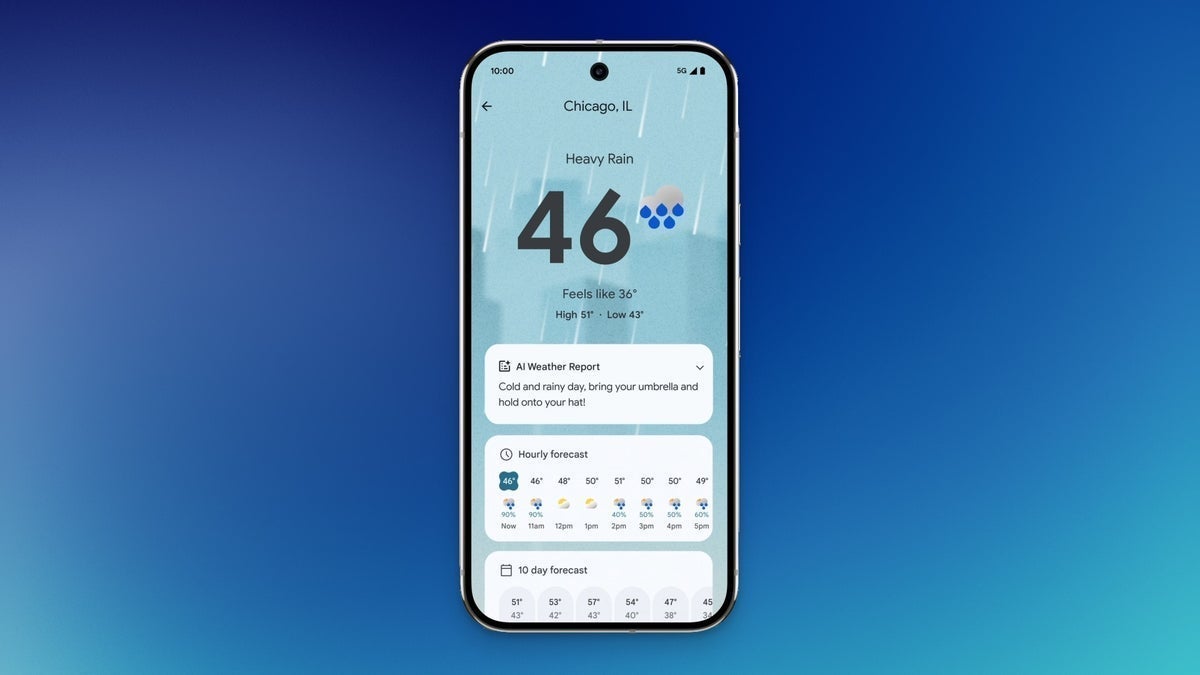
Remember the gold old days when you couldn't get the Google Weather app from the Play Store? Pixel users, like I was back then, had to search for "Weather" from the Google app. We would then choose the unit of measure we wanted to use (either Fahrenheit or Celsius), and add the icon to the homescreen. Best of all, the app's iconic weather frog named "Froggy" would always appear on the page, appropriately dressed for the correct weather condition.
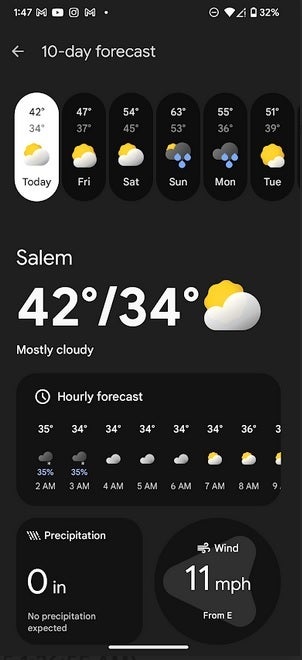
The Pixel Weather app. | Image credit-PhoneArena
With the release of the Pixel 9 series Google finally launched a legitimate Pixel Weather app that was located in the Play Store. A few quick changes were needed to make sure that the new Google Weather app is the best source of weather info on your Pixel. For those who are interested, the app is only available to those with the following Pixel models:
- Pixel 6
- Pixel 6 Pro
- Pixel 6a
- Pixel 7
- Pixel 7 Pro
- Pixel 7a
- Pixel 8
- Pixel 8 Pro
- Pixel 9
- Pixel 9 Pro
- Pixel 9 Pro XL
- Pixel Tablet
- Pixel Fold
- Pixel 9 Pro Fold
The new app features a 6-hour precipitation map and more customized data. But if you want to view the weather for a certain location away from home, you have to add that place to your Saved Locations list. This extra step might be getting ready to go away. A new "Save" button has been spotted in the top right corner of the Pixel Weather app version 1.0.20250127. The problem is that the "Save" button only adds the city that you're currently in to the Saved Locations list.
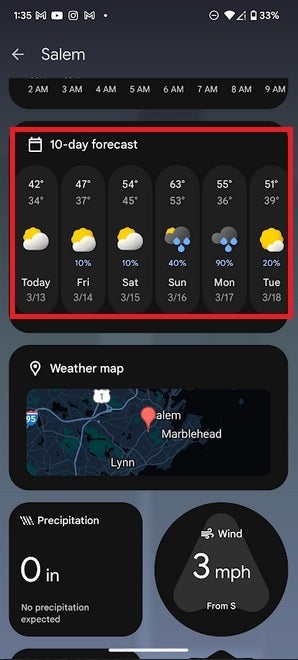
The 10-day forecast now includes the date along with the day. | Image credit-PhoneArena
Most of the time your current location is your home city. To check the weather in another location, you'll need to add it to your Saved Locations list. From the Pixel Weather app, tap the City on the upper left corner of the screen and you'll see the Weather list with the current location at top and the saved locations on the bottom. Press the "+" button on the bottom of the screen and type in the name of the city you want to add. If you do use this method to check the weather in another city, the Save button disappears.
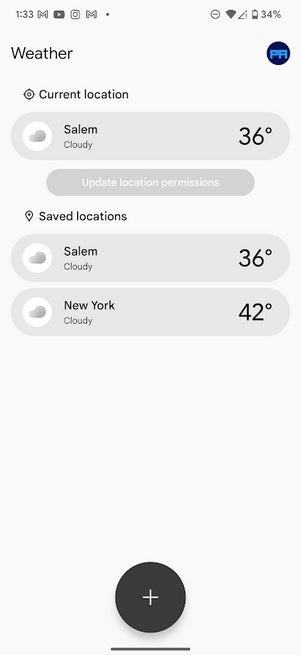
Adding another location to track requires that you add the city to your saved locations. | Image credit-PhoneArena
Another change coming to the Pixel Weather app adds the date to go along with the day of the week for each listing in the 1- day forecast. This makes sense since a 10-day forecast will have three listings for days that are repeated in the forecast. Having the date listed next to the day will prevent any confusion from taking place.


Popular stories






Latest News


Things that are NOT allowed:
To help keep our community safe and free from spam, we apply temporary limits to newly created accounts: