Some people may choose an iPhone 17 just to get access to iMessage, but Google Messages appears to be quickly becoming an even better chat app alternative. The latest improvement will make sharing a bit easier, adding to a bunch of really nice updates we’ve got recently.
Google Messages improves sharing to multiple contacts
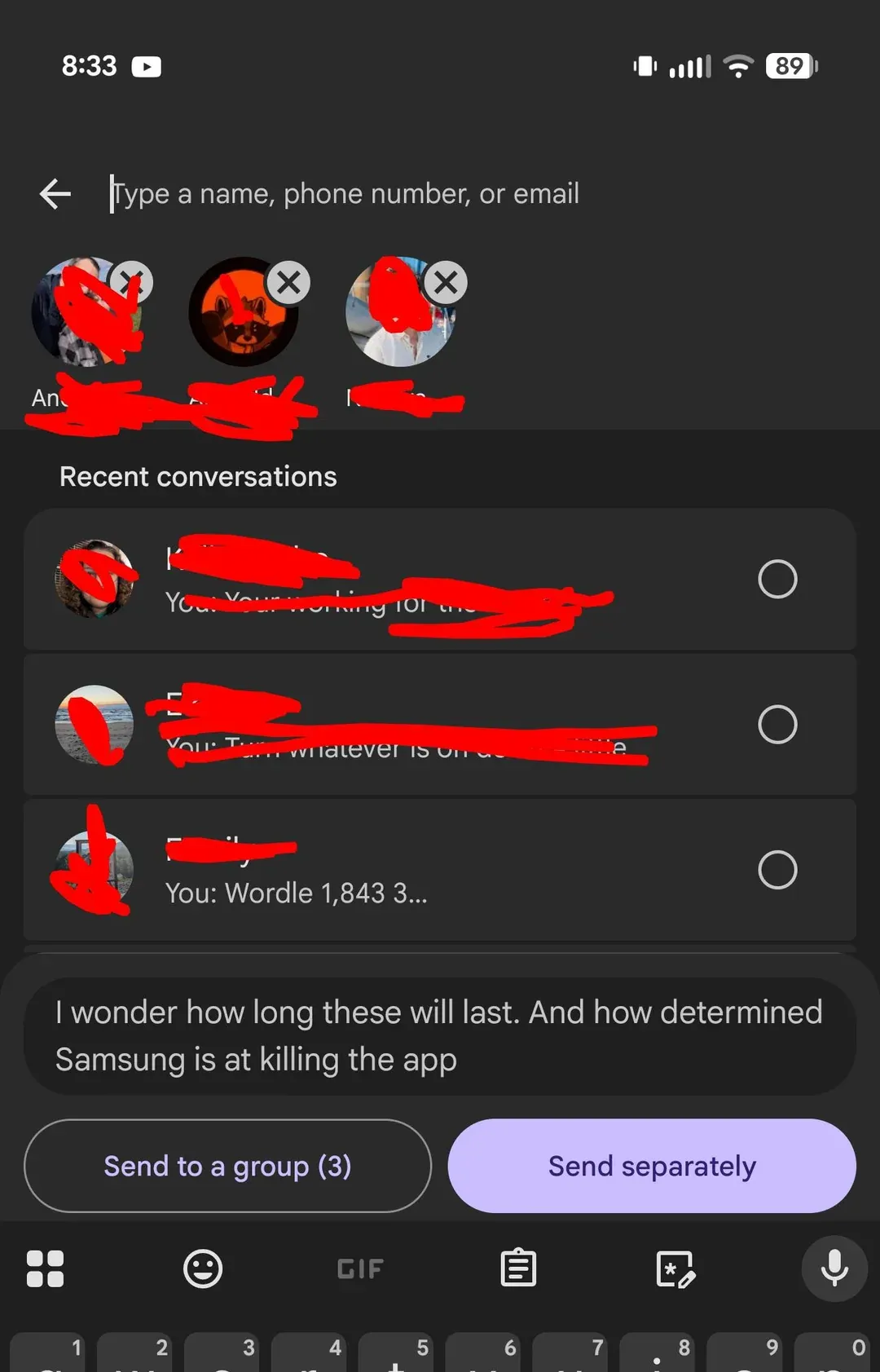
Sharing something with multiple contacts on Google Messages just got easier thanks to a new sharing menu, spotted by a user on Reddit. Shown in a screenshot from the app, the new flow now gives users two options when they select multiple contacts to share something with.
The new Google Messages sharing menu | Image by u/seeareeff on Reddit
The option that appears highlighted is Send separately, which shares the selected content with every contact in a private chat. The Send to a group option, unsurprisingly, creates a group chat with the selected contacts.
What is the messaging app you use the most?
59 Votes
Google Messages
61.02%
WhatsApp
8.47%
iMessage
20.34%
Facebook Messenger
5.08%
Snapchat
0%
Something else
5.08%
Smarter than it seems at first
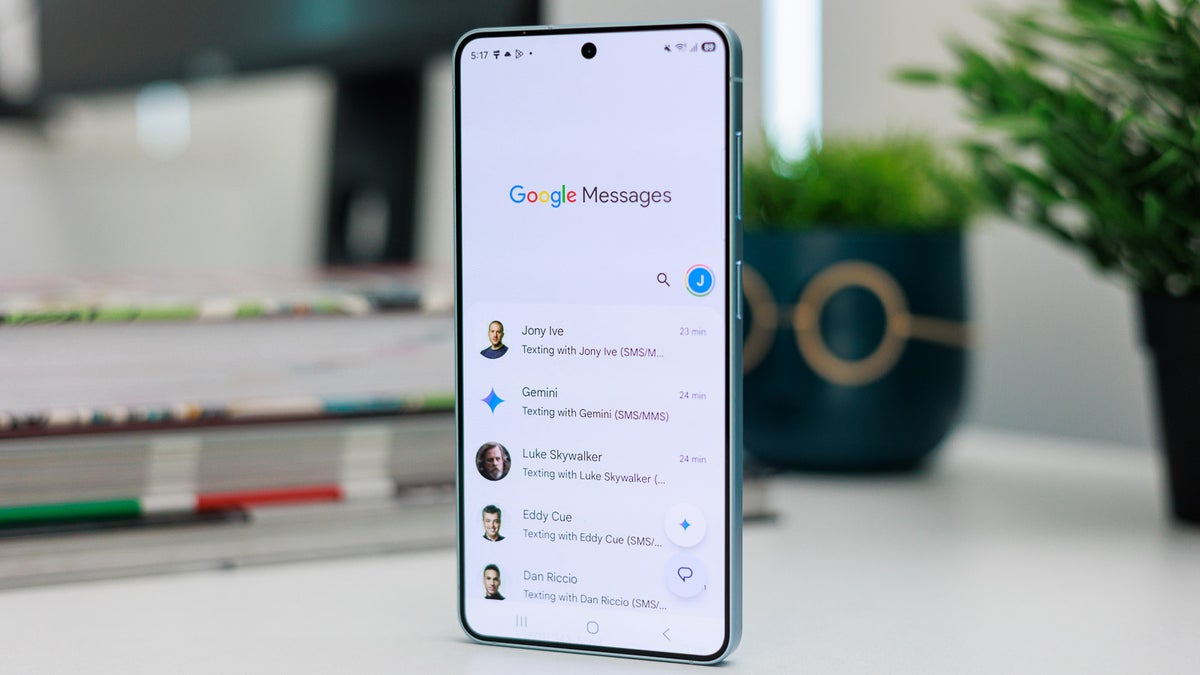
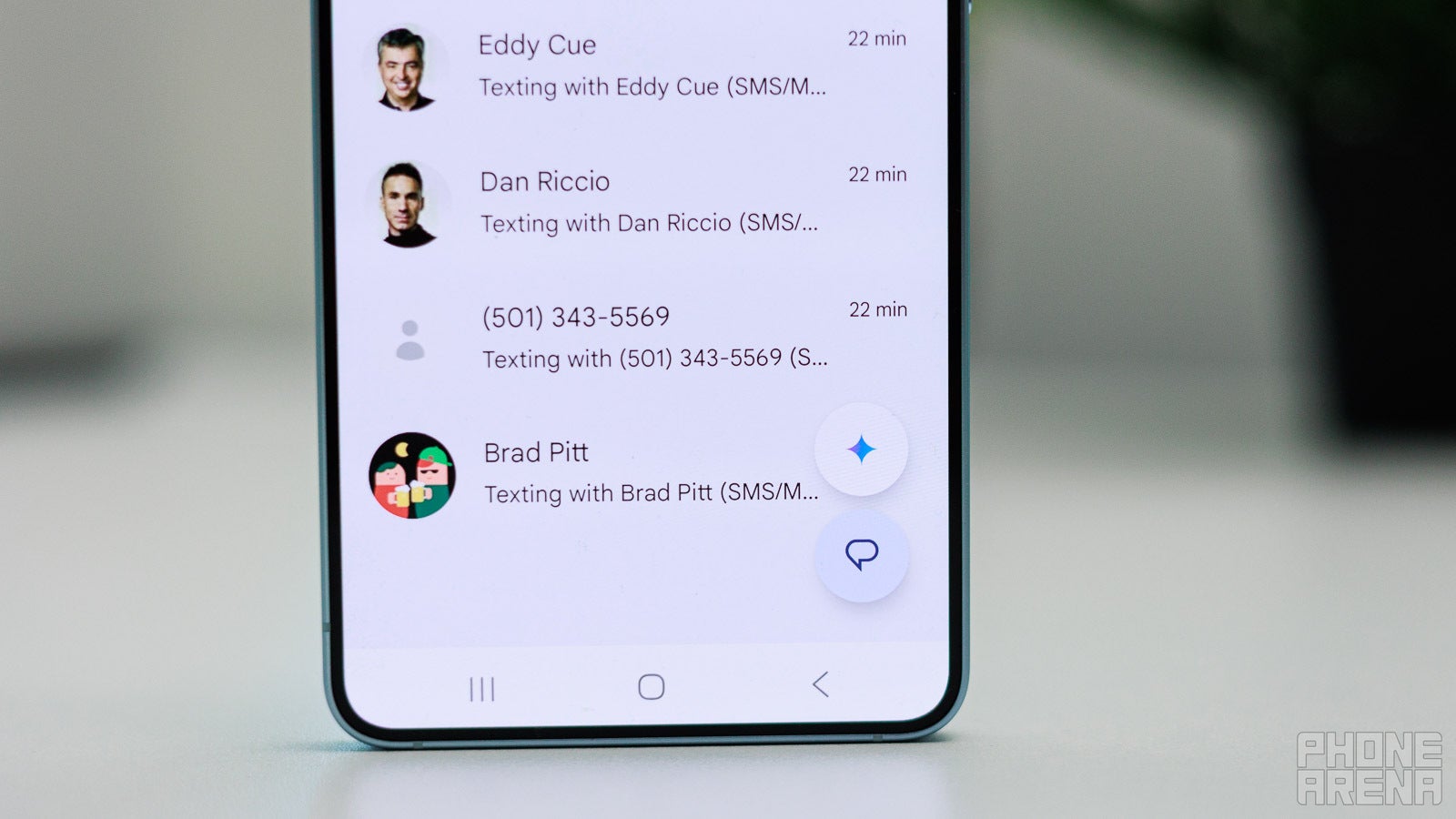
Google Messages is getting some truly nice updates lately. | Image by PhoneArena
One very useful part of the feature is that it can detect if the contacts you selected are already in an existing group. Instead of creating a duplicate chat, Google Messages will just use an existing conversation.
On a similar note, if you try creating a group with a mix of MMS and RCS contacts, the app won’t allow it. Instead, it would prompt you to remove the MMS numbers and try again.
Recommended For You
Google is not reinventing the wheel with this feature, as Instagram already offers something similar inside its app. If you try to share a reel or a post to multiple contacts, you’d get the option to create a group or share to each one of them individually. However, Instagram can’t match existing groups.
This is just one of a slew of new features that Google Messages has been getting in the last few months. Among the more useful ones was the new real-time location sharing option, similar to what WhatsApp offers.
When will you be able to use this new feature?
You may still not be able to see the new feature on your phone yet. This appears to be either a limited test, which could take some time before becoming official. It may also be a server-side rollout, which usually takes some time to reach all users.
Either way, updating the app is unlikely to give you access to the new option. Considering the nature of the update, it’s probably only a matter of time before it gets widely released.
Switching could still take time
I’ve never felt like I had much of a choice about the messaging apps I’m using, because it all depends on whom I’d like to talk to. However, if there’s something that could make people consider switching apps, it would be nice new features that make their lives easier.
Mint Mobile's 6-month plans now cost $10/mo
$10
/mo
$35
$25 off (71%)
Mint Mobile is celebrating its 10-year anniversary with a special offer on its six-month subscription plans. For a limited time, you can get your preferred tier (6GB, 17GB, 23GB or unlimited) for just $10/mo. That saves you between 50% and 71% on the carrier's mobile plans, making it way easier to recommend.
Ilia, a tech journalist at PhoneArena, has been covering the mobile industry since 2011, with experience at outlets like Forbes Bulgaria. Passionate about smartphones, tablets, and consumer tech, he blends deep industry knowledge with a personal fascination that began with his first Nokia and Sony Ericsson devices. Originally from Bulgaria and now based in Lima, Peru, Ilia balances his tech obsessions with walking his dog, training at the gym, and slowly mastering Spanish.
A discussion is a place, where people can voice their opinion, no matter if it
is positive, neutral or negative. However, when posting, one must stay true to the topic, and not just share some
random thoughts, which are not directly related to the matter.
Things that are NOT allowed:
Off-topic talk - you must stick to the subject of discussion
Offensive, hate speech - if you want to say something, say it politely
Spam/Advertisements - these posts are deleted
Multiple accounts - one person can have only one account
Impersonations and offensive nicknames - these accounts get banned
To help keep our community safe and free from spam, we apply temporary limits to newly created accounts:
New accounts created within the last 24 hours may experience restrictions on how frequently they can
post or comment.
These limits are in place as a precaution and will automatically lift.
Moderation is done by humans. We try to be as objective as possible and moderate with zero bias. If you think a
post should be moderated - please, report it.
Have a question about the rules or why you have been moderated/limited/banned? Please,
contact us.













Things that are NOT allowed:
To help keep our community safe and free from spam, we apply temporary limits to newly created accounts: