How to pre-order a OnePlus 5? You need this code
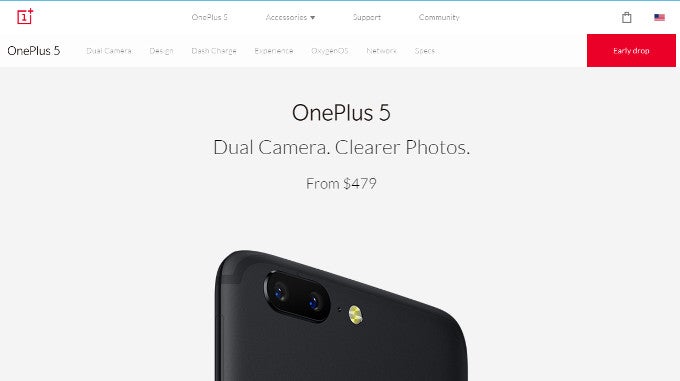
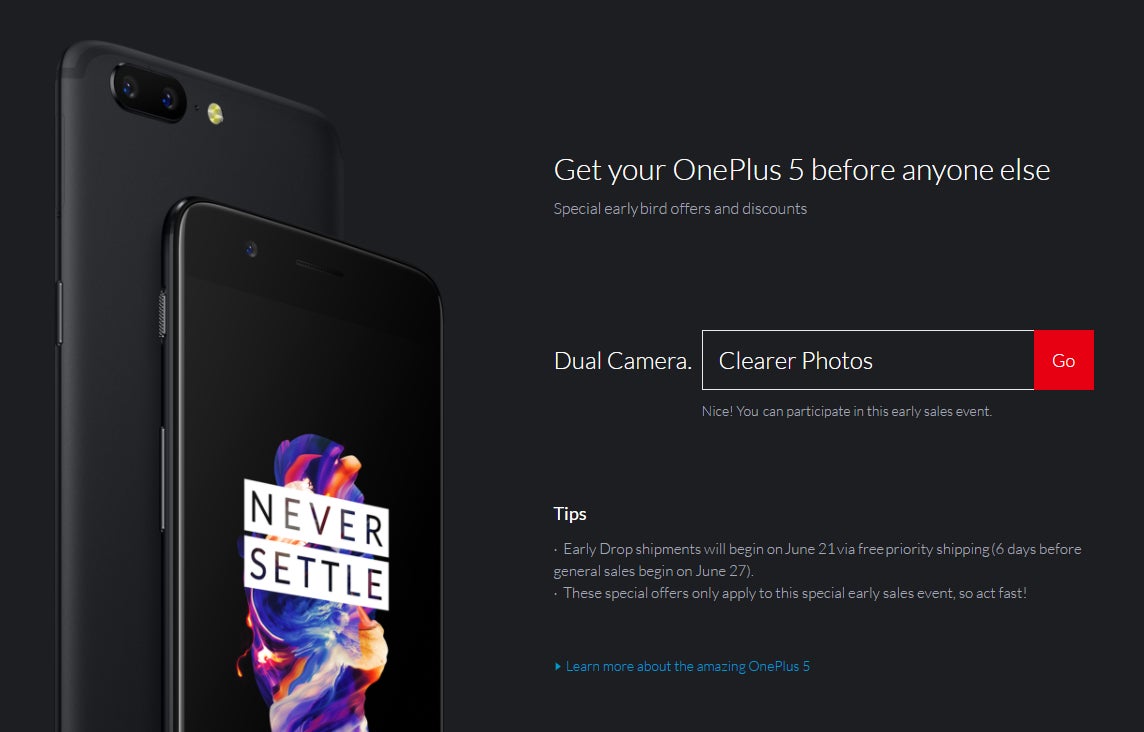
But how do you pre-order the phone? If you go to OnePlus.net and open the OnePlus 5 page, you will see an “Early drop” button at the top right. But clicking it won't land you a pre-order... you will just be taken to a page where you need to input a code. What's the code? OnePlus says “Watch the launch event and you will find out!”.
The code is “Clearer Photos”. Knock yourselves out! If you miss the pre-order, you will be able to buy the phone outright come June 27th.


Popular stories

![T-Mobile is down for many users across the nation right now [UPDATED]](https://m-cdn.phonearena.com/images/article/181747-wide-two_350/T-Mobile-is-down-for-many-users-across-the-nation-right-now-UPDATED.webp)

Latest News





Things that are NOT allowed:
To help keep our community safe and free from spam, we apply temporary limits to newly created accounts: