Google Photos is one of the apps that we can't live without and now, it gets even better.
Nothing is yet official, but early code findings for the next Google Photos version hint at a new, much-needed functionality: the ability to set your custom cloud backup options.
But doesn't it work fine already?
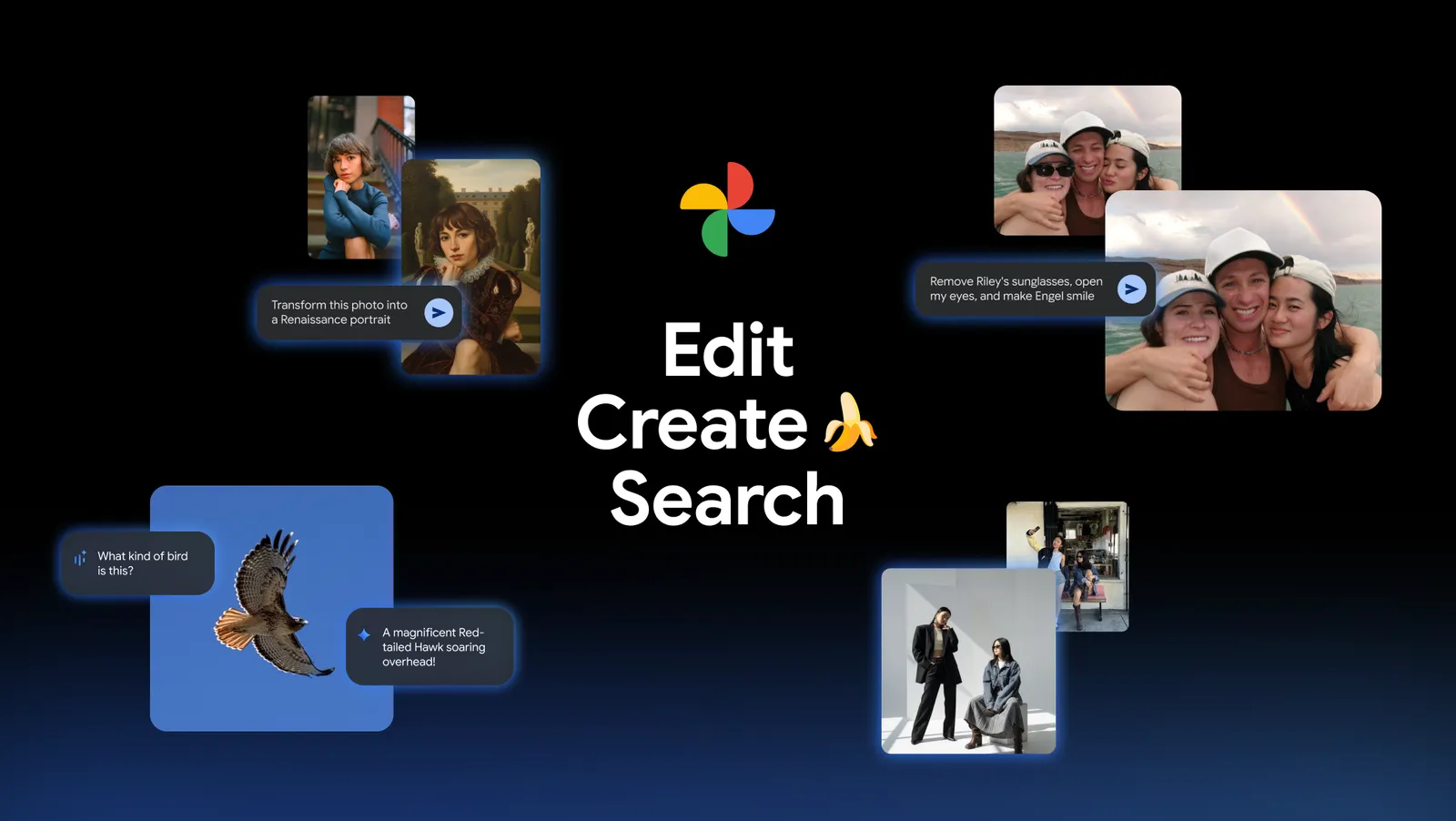
Not at all! | Image by Google
No, I can tell you from personal experience that the Google Photos app (for all its other shortcomings) isn't always obedient. Many times, while abroad, I've woken up in my hotel room to find out—to my great surprise and disdain—that Google Photos hasn't backed up all of my photos from the day before.
When you're on a schedule and you have to leave your room in, say, fifteen minutes, there's not a lot of photo upload that can happen. Add to that the fact that not all hotels have high-speed Wi-Fi. You have to roam the streets in the new day without proper backup.
What if you drop your phone from the town's bridge? Or someone, you know, points a pointy object at you and simply robs you? It's bad enough that you'll have to spend money on a new phone, but what about your precious photo and video memories? You can't turn back time.
How often do you back up your photos?
70 Votes
Always, even on mobile data.
38.57%
Always, but only on Wi-Fi.
40%
Once a week, maybe.
10%
Once a month.
2.86%
Never. Living on the edge!
8.57%
Finally!
So, the newest findings claim Google will finally address this problem. There could be an "Overnight backup" feature soon. As the name suggests, this one will allow uploads to run in the background while one sleeps.
Recommended For You
This will override the current Doze mode that limits overnight backups and doesn't drain your battery.
There are some code lines in the Google Photos v7.89.0.966319819 that hint at the upcoming Overnight backup feature.
Take this with a grain of salt, but when one turns the Overnight feature on, they would need to keep Google Photos open. Then, they'll have to plug in their device to charge and… not lock it. Google Photos would dim the phone's screen to avoid disturbing the user (sleep is better in the dark) and retain the app active to ensure the backup is actually proceeding.
As usual, you'll be able to select if you want your photo and video backup done on Wi-Fi or mobile data (just don't complain about roaming fees).
Will my phone get hot?
Almost certainly—yes. That's because the device will be using its processor at nearly full capacity, Wi-Fi or data modem for the uploads and, of course, charging makes your phone hot. Marry this to the fact that we're dealing with a sleeping person and it's easy to see how this could be problematic.
But Google will install built-in warnings and could, in fact, throttle or pause the upload for a bit until your phone cools down. As a general rule, NEVER put your phone in the bed while charging. Leave it on the ground, preferably away from the bed.
What'll happen when the backup is ready?
There aren't any clear indications about what happens when all of your photos and videos are backed up, but, most likely, Google Photos will turn off your screen and lock your device as usual.
Get iPhone 18 Pro with Visible, get $480 off!
$719
/mo
$1199
$480 off (40%)
On the Visible+ Pro plan, you get access to 5G Ultra Wideband data on Verizon's fastest network. Along with unlimited roaming across Mexico and Canada, 2 days of Global Pass per month, 3x hotspot speeds, 4K streaming, and Smartwatch service.
Sebastian is one of PhoneArena’s senior opinionators. A veteran news writer with almost 20 years of experience in media and technology, he not only covers all the hot news about Galaxies and iPhones, but often provides hot takes on industry trends. He’s fascinated with camera-focused flagships from the likes of Oppo and Vivo, as well as foldable phones.
A discussion is a place, where people can voice their opinion, no matter if it
is positive, neutral or negative. However, when posting, one must stay true to the topic, and not just share some
random thoughts, which are not directly related to the matter.
Things that are NOT allowed:
Off-topic talk - you must stick to the subject of discussion
Offensive, hate speech - if you want to say something, say it politely
Spam/Advertisements - these posts are deleted
Multiple accounts - one person can have only one account
Impersonations and offensive nicknames - these accounts get banned
To help keep our community safe and free from spam, we apply temporary limits to newly created accounts:
New accounts created within the last 24 hours may experience restrictions on how frequently they can
post or comment.
These limits are in place as a precaution and will automatically lift.
Moderation is done by humans. We try to be as objective as possible and moderate with zero bias. If you think a
post should be moderated - please, report it.
Have a question about the rules or why you have been moderated/limited/banned? Please,
contact us.










Things that are NOT allowed:
To help keep our community safe and free from spam, we apply temporary limits to newly created accounts: